
If you have been searching for a Paprika alternative, you are usually not looking for another recipe website. You want a recipe keeper that can take the meals you already saved — blogs, social videos, screenshots, and old cards — and turn them into a week you can shop for.
Paprika Recipe Manager is the paid classic in that job. It clips recipe sites, plans meals, and builds grocery lists, and plenty of cooks are happy to stay. Recipe One is the switch to consider when those recipes no longer live on tidy food blogs.
Who Recipe One is for
Recipe One is a recipe keeper for home cooks who collect meals from websites, TikTok, Instagram, YouTube, photos, and notes, then want those recipes on a meal plan and a grocery list. It is free to install and try on iPhone and Android. Paprika remains the better fit if you already want a paid, desktop-style recipe manager and your library is mostly clean website clips.
Keep every recipe in one place
Stop losing recipes. Save from any website, scan handwritten cards, and organize your kitchen with AI.


Paprika vs Recipe One
Use this as a switcher checklist, not a scoreboard. Store prices change by country and platform, so this page does not quote dollar amounts.
| Recipe One | Paprika Recipe Manager | |
|---|---|---|
| Import and save | Websites, TikTok, Instagram, YouTube, photos, PDFs, screenshots, and handwritten cards. Messy sources can still need a quick edit. | Strong clipping from recipe websites. Weaker when the recipe lives only inside a social video. |
| Meal planner | Weekly or monthly planner for recipes you saved in the app. | Mature weekly and monthly planning, menus, and an offline-first library. |
| Grocery list | List from a recipe or from the meal plan, with aisle grouping. You can add items that are not on a recipe. | Grocery lists plus pantry tracking. |
| Platforms | iPhone, iPad, and Android. | iPhone, Android, Mac, and Windows. Each platform is sold separately. |
| Price | Free to install and try. Optional in-app upgrades are listed in the App Store and Google Play. | A paid classic. The iPhone app is paid up front rather than free to try. Desktop apps are separate purchases. Android has a limited free version and a paid full unlock. |
If you want the longer field of recipe apps, the best recipe manager apps comparison puts Paprika next to Recipe One, AnyList, and Samsung Food.
Save recipes from the web and social apps
Paprika earned its reputation as a website clipper. Paste a normal recipe URL into its browser and it usually pulls the ingredients and steps. That workflow is enough when your collection is food blogs.
It is a poor fit when dinner ideas arrive as a TikTok, an Instagram Reel, a YouTube Short, or a screenshot. Those sources often hide the ingredient list in the video itself, not in a caption or a schema block a clipper can read.
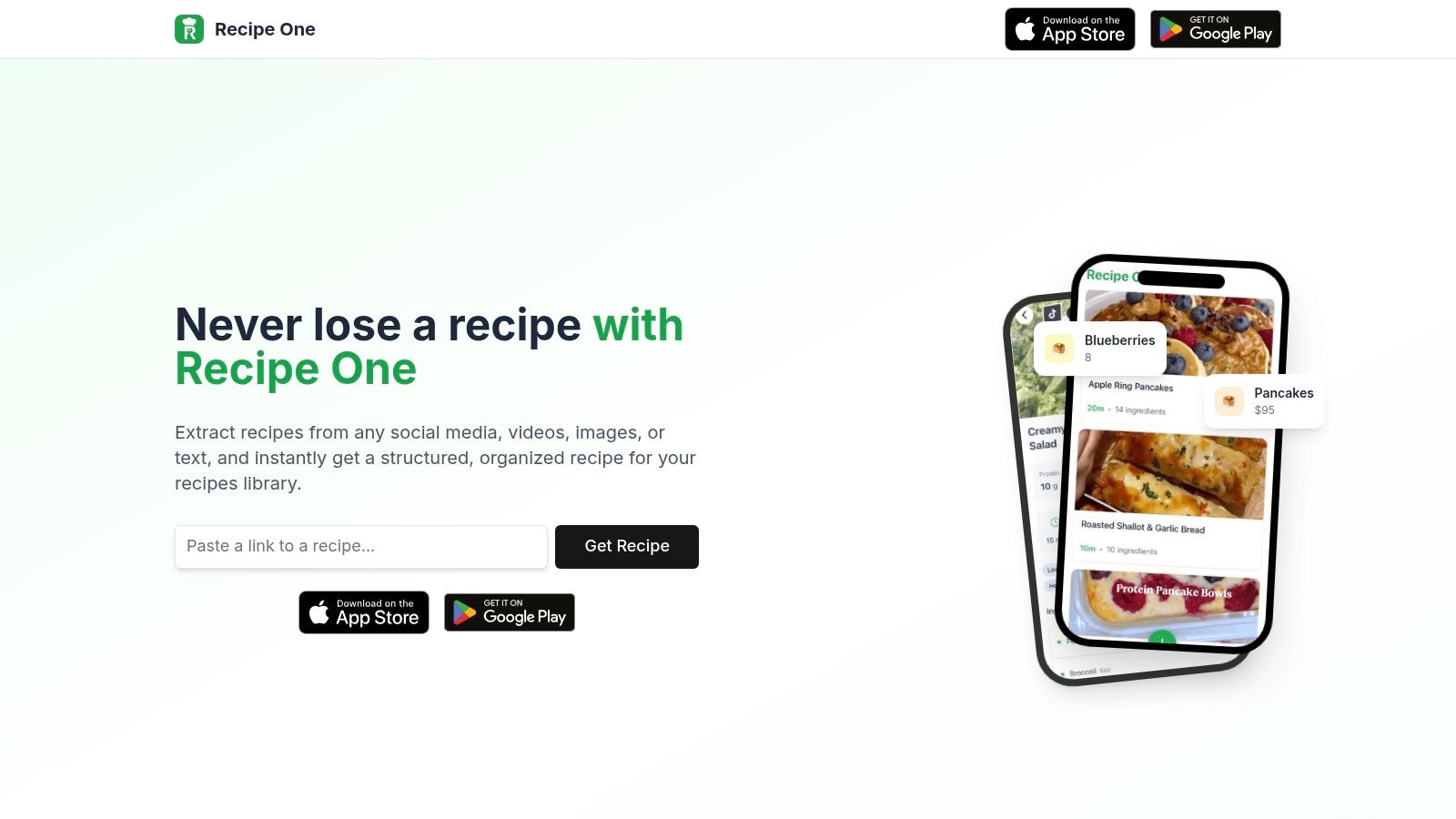
Recipe One is built for that intake. Share a link, a photo, a PDF, or pasted text and it turns the source into a recipe card you can search later: title, ingredients, and steps, in a consistent layout. Cookbooks and search stay with the recipe, so the lasagna from two months ago is not stuck in a camera roll.
Treat the first save as a check, not a guarantee. Handwriting, a cropped screenshot, or a video with no spoken amounts can still miss a line. A ten-second read is cheaper than retyping the whole card.
If you are comparing free-to-try organizers more broadly, the free recipe organizer apps guide covers Recipe One alongside Samsung Food, Copy Me That, and AnyList.
A meal planner that starts from recipes you already saved
A recipe box only helps if it answers "what are we cooking?" Paprika's planner is the mature version of that question: calendar planning, menus, and a library that works well offline once you have paid for the app on that device.
Recipe One's planner is the lighter phone version of the same job. You save the recipe first, then place it on a weekly or monthly plan. The point is to stop rebuilding the week from a folder of links.
It is the right depth if your planning pain is "I cannot find the recipe," not "I need a desktop menu system with pantry counts." For the weekly workflow itself, see the meal planner app guide.
Grocery list from the meal plan
Once the week is on the planner, the grocery list should come from those meals instead of a second handwritten note. In Recipe One, ingredients from the plan can go onto a shopping list grouped by aisle. You can add staples that are not tied to a recipe — milk, dish soap, the thing you noticed was empty — and cross off what is already in the kitchen.
Paprika also builds grocery lists, and it adds pantry tracking that Recipe One does not try to match. If a shared household list or a deep pantry is the main job, read the grocery list app and meal planning app with grocery list guides before you switch. The practical test is simple: plan three dinners, generate the list, and delete what you already own. That flow is also covered in turn a recipe into a shopping list.
When to switch from Paprika
Switch if several of these are true:
- New recipes mostly arrive from TikTok, Instagram, YouTube, screenshots, or photos, and Paprika is not capturing them.
- You cook on both iPhone and Android and do not want a separate purchase for every desktop app.
- You want to try the keeper before you pay.
- You want the saved recipe, the week, and the grocery list in one phone app.
Stay on Paprika if several of these are true:
- You already own it on the devices you actually cook with.
- You depend on desktop clipping, pantry tracking, or an offline library.
- Your recipes are clean food-blog URLs that Paprika already clips well.
How to move the meals you cook
Do not start by recreating hundreds of recipes. Start with next week.
- Install Recipe One from the App Store or Google Play and save three meals you will actually cook: one blog link, one social video, and one photo or screenshot if you still use paper cards.
- Put those meals on the planner.
- Generate the grocery list and remove anything already in the kitchen.
- Keep Paprika installed until that new set covers your regular rotation.
Re-save from the original link, photo, or text. This is a practical migration, not a promise of a one-tap Paprika library import.
Keep every recipe in one place
Stop losing recipes. Save from any website, scan handwritten cards, and organize your kitchen with AI.
FAQ
What is the best Paprika alternative?
Recipe One is a strong Paprika alternative if you want a recipe keeper you can install free on iPhone and Android, save recipes from websites and social video, and turn a meal plan into a grocery list. Paprika is still the better fit if you want a paid, desktop-friendly recipe manager you already rely on.
What apps are like Paprika recipe manager?
Recipe One is the closest modern switch if your recipes come from the web, TikTok, Instagram, YouTube, or photos. For a wider roundup of free-to-try organizers, see the free recipe organizer apps guide. Paprika itself remains the classic paid recipe manager.
Is there a recipe keeper like Paprika for iPhone and Android?
Yes. Recipe One runs on iPhone, iPad, and Android. Paprika also has phone apps, but each Paprika platform is sold separately, and the iPhone app is a paid download rather than free to try.
Does Recipe One include a meal planner and grocery list?
Yes. You can place saved recipes on a weekly or monthly meal planner and build a grocery list from that plan, including aisle grouping. Paprika's planner and pantry tools are the more mature classic if that desktop workflow is what you already use.
How do I switch from Paprika without losing recipes?
Start with the meals you will cook next, not your entire archive. Save those recipes again from the original website, social link, photo, or text, plan the week, and generate a grocery list. Keep Paprika installed until the new library covers your regular rotation.


