Recipe Converter & Scaler
Paste an ingredient list, then scale it by servings or by a multiplier. Amounts come back as kitchen fractions.
One ingredient per line. Quantities can be fractions, mixed numbers, or ranges.
How to use the recipe converter
- Paste one ingredient per line, including fractions like 1 1/2 or ½.
- Enter the original and desired servings, or choose ½×, 2×, 3×, or a custom multiplier.
- Cups, teaspoons, and tablespoons come back as kitchen fractions. Copy the list or print it.
Tips for scaling
- Pan size and bake time change with the batch. A deeper batter needs longer; a thinner layer sets sooner. This tool only scales the amounts.
- Eggs are rounded to a whole number, with a note when that happens. To use part of an egg, beat it and measure off what you need.
- Leavening, salt, and spices often taste better a little under a straight multiple. Taste and adjust those. Scale flour, sugar, fat, and liquid with the math.
4 servings scaled to 6 and to 2
Same list, two factors: 6 ÷ 4 = 1.5, and 2 ÷ 4 = 0.5. When a scaled list includes rice, start from these perfect rice water ratios.
| 4 servings | 6 servings | 2 servings |
|---|---|---|
| 2 cups flour | 3 cups flour | 1 cup flour |
| 1 1/2 cups milk | 2 1/4 cups milk | 3/4 cup milk |
| 1/2 cup sugar | 3/4 cup sugar | 1/4 cup sugar |
| 2 eggs | 3 eggs | 1 egg |
Save the recipe, plan the meal, shop the list
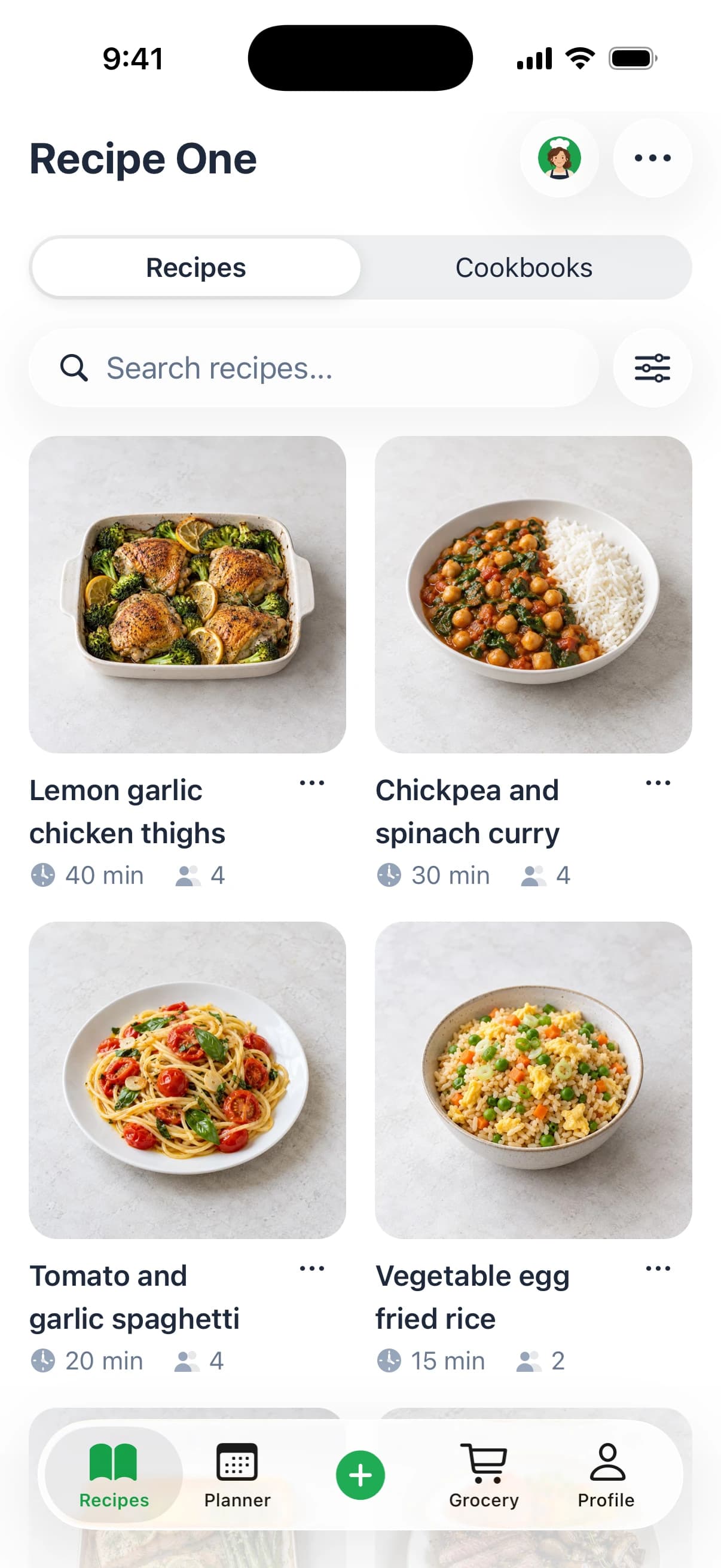
This converter runs in your browser. Recipe One saves recipes from any website, TikTok, Instagram, YouTube, or a photo, then plans meals and builds a grocery list. It is free to start on the App Store and Google Play.
Questions
More free tools
Keep every recipe in one place
Recipe One saves recipes from anywhere, then helps you plan the week and shop.
- Save recipes from any site, video or photo.
- Plan the week from what you saved.
- Shop from one grocery list.
Free to start · iPhone and Android