
Leaving Mealime can feel urgent now because people are weighing their next move ahead of its announced October 2026 shutdown notice. The decision is simpler than the noise around it, you need to know what job your next app has to do, whether that's weekly meal planning, grocery-list creation, recipe importing, nutrition control, retailer connections, or just making migration painless. If you save recipes from websites, TikTok, Instagram, screenshots, or text, Recipe One deserves a close look. If you mainly want a curated planner, a diet-focused generator, or a retailer-linked workflow, the better fit is probably one of the other options below.
1. Recipe One
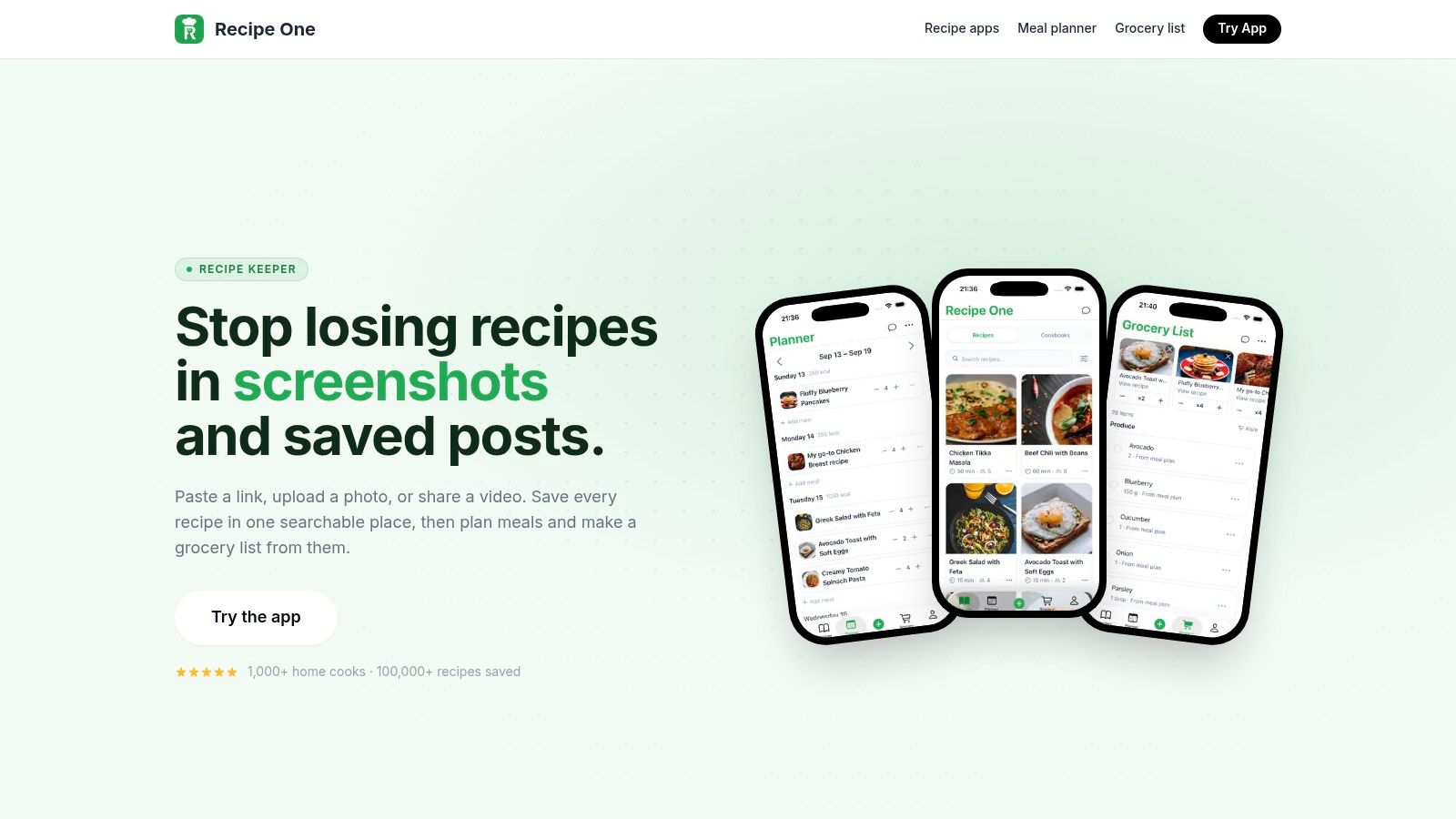
Recipe One is the strongest mealime alternative for cooks who've built their food life across social posts, blogs, videos, photos, and screenshots. It puts recipes into one searchable place, then turns them into something you can actually cook from, plan around, and shop for. That matters if you're tired of bouncing between bookmarks, camera rolls, and half-remembered captions.
Why it stands out
Recipe One's main job is recipe capture, and it does that without forcing you to rebuild everything by hand. It saves recipes from TikTok, YouTube, Instagram, blogs, photos, screenshots, and even handwritten cards, then extracts ingredients, steps, and measurements into a usable format. It also includes a meal planner and grocery-list generator, so the same recipe library can become a week of dinners and a single shopping run.
Practical rule: If your current system is “save now, sort it out later,” that's exactly the mess Recipe One is built to clean up.
The kitchen-side details matter too. Recipe One includes a distraction-free cooking view, device sync, tags, ratings, PDF export, and practical converters for cups to grams, grams to cups, oven temperature, and rice-to-water ratios. It also adds a leftover-recipe generator and nutrition calculator, which makes it feel more like a cooking system than a simple bookmark vault.
The trust signals are decent as well. Recipe One shows a 4.5★ App Store rating, says more than 1,000 home cooks use it, and notes 100,000+ recipes saved. Pricing details aren't listed publicly, so you'll need to try the app to see what's included before assuming a free or paid tier.
Pros and cons
-
Best-in-class recipe importing: It pulls in recipes from videos, images, links, text, and social content.
-
Real workflow support: The planner and grocery list connect directly to the recipes you save.
-
Kitchen-friendly extras: Converters, leftover ideas, and a nutrition calculator reduce friction.
-
Clear organization: Tags, ratings, multiple cookbooks, and PDF export make the library usable.
-
Pricing is unclear: The public site doesn't spell out free versus paid access.
-
Import quality depends on the source: Complex or messy posts can still need a quick manual check.
2. Samsung Food
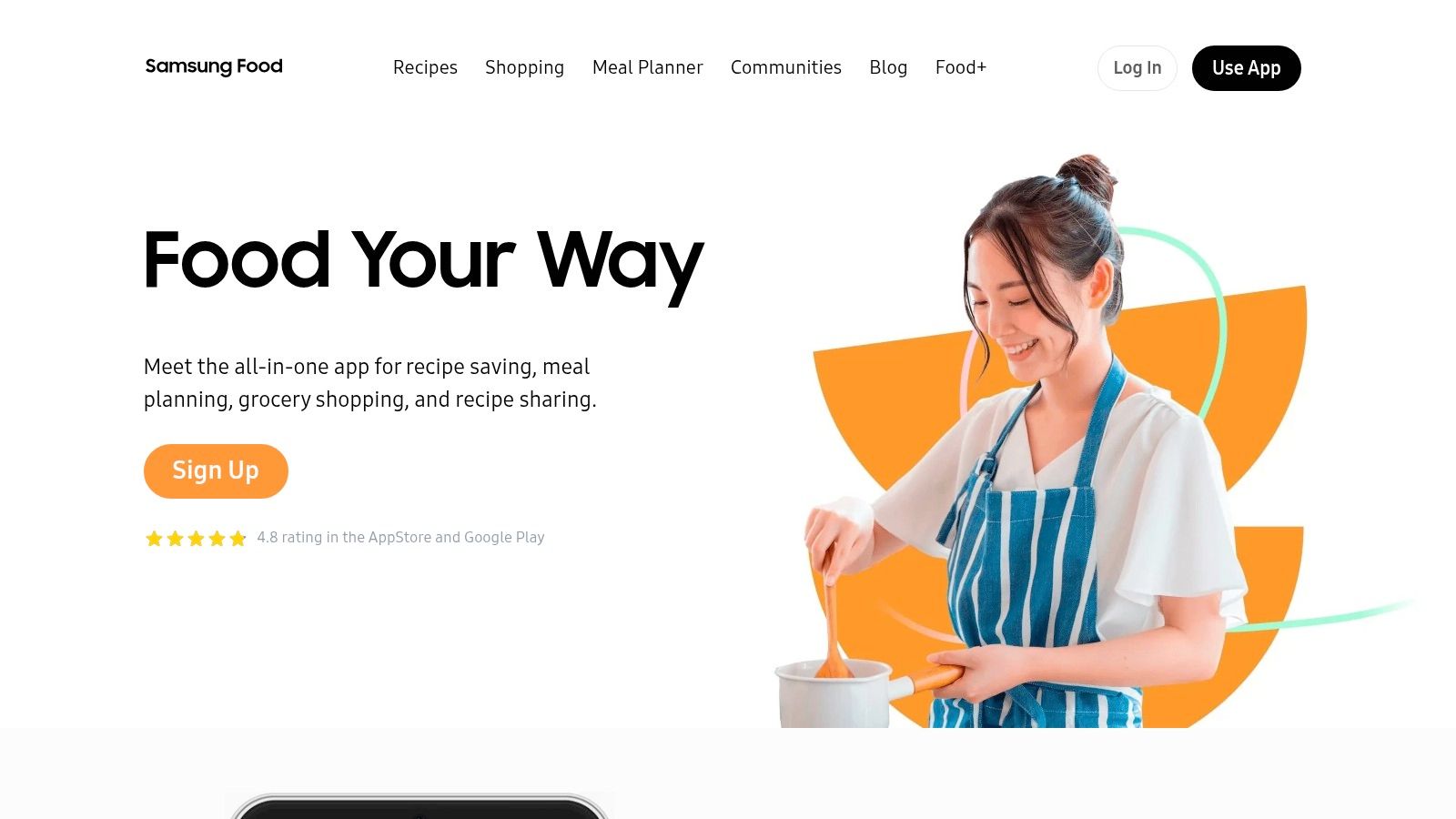
Samsung Food fits people who want recipe saving plus a smoother bridge into grocery shopping. It's especially relevant if you already use retailer integrations or you want your grocery list to feel less manual.
Its appeal is straightforward. You can save and import recipes, organize them into meal plans, and generate smart grocery lists. It also supports sending lists to carts through retailer integrations, and its Samsung Food+ layer adds advanced nutrition tracking and recipe customization.
The big trade-off is ecosystem fit. If you're inside the Samsung world, the appliance tie-ins are appealing. If you're not, the platform still works across iOS, Android, and web, but some of the best value sits closer to Samsung's own hardware stack.
If your frustration with Mealime is grocery friction, Samsung Food is a practical next step. If your frustration is recipe capture, Recipe One is the cleaner move.
Pros
- Strong list-to-cart workflow for shopping convenience.
- Cross-platform support across mobile and web.
- Active product direction from a major brand.
Cons
- Best appliance features lean toward Samsung devices.
- Advanced nutrition features can require a paid plan.
For people comparing cooking-app options, this is a good companion read: best cooking apps for iPhone.
Samsung Food
3. eMeals

eMeals is for households that want a done-for-you weekly menu, not a blank canvas. If your real need is “tell me what to cook, then help me buy it,” this is one of the cleanest swaps.
Its structure is the point. You pick from weekly plans across multiple styles, then use pickup or delivery connections with major US retailers or shop yourself. It also keeps access to current and prior weeks, lets you swap recipes, and supports favorite lists.
That makes it a good fit for busy parents, routine-driven households, and anyone who doesn't want to curate every dinner from scratch. The downside is just as clear. A curated-menu model is faster, but it is less flexible than a builder that starts from your own recipe collection.
Best fit
- Busy families: Pick a plan and move on.
- Retailer-focused shoppers: Use the delivery and pickup integrations.
- People who want less decision fatigue: Follow the menu instead of building one.
For budget-minded meal planning, this guide is useful too: weekly meal planner with grocery list on a budget.
Pros
- Fastest pick-plan-shop-cook flow in this group.
- Strong US retailer coverage for delivery and pickup.
- Simple weekly rhythm for households that like structure.
Cons
- Less flexible than recipe-first planners.
- Not ideal if your main goal is importing and organizing your own finds.
4. Plan to Eat
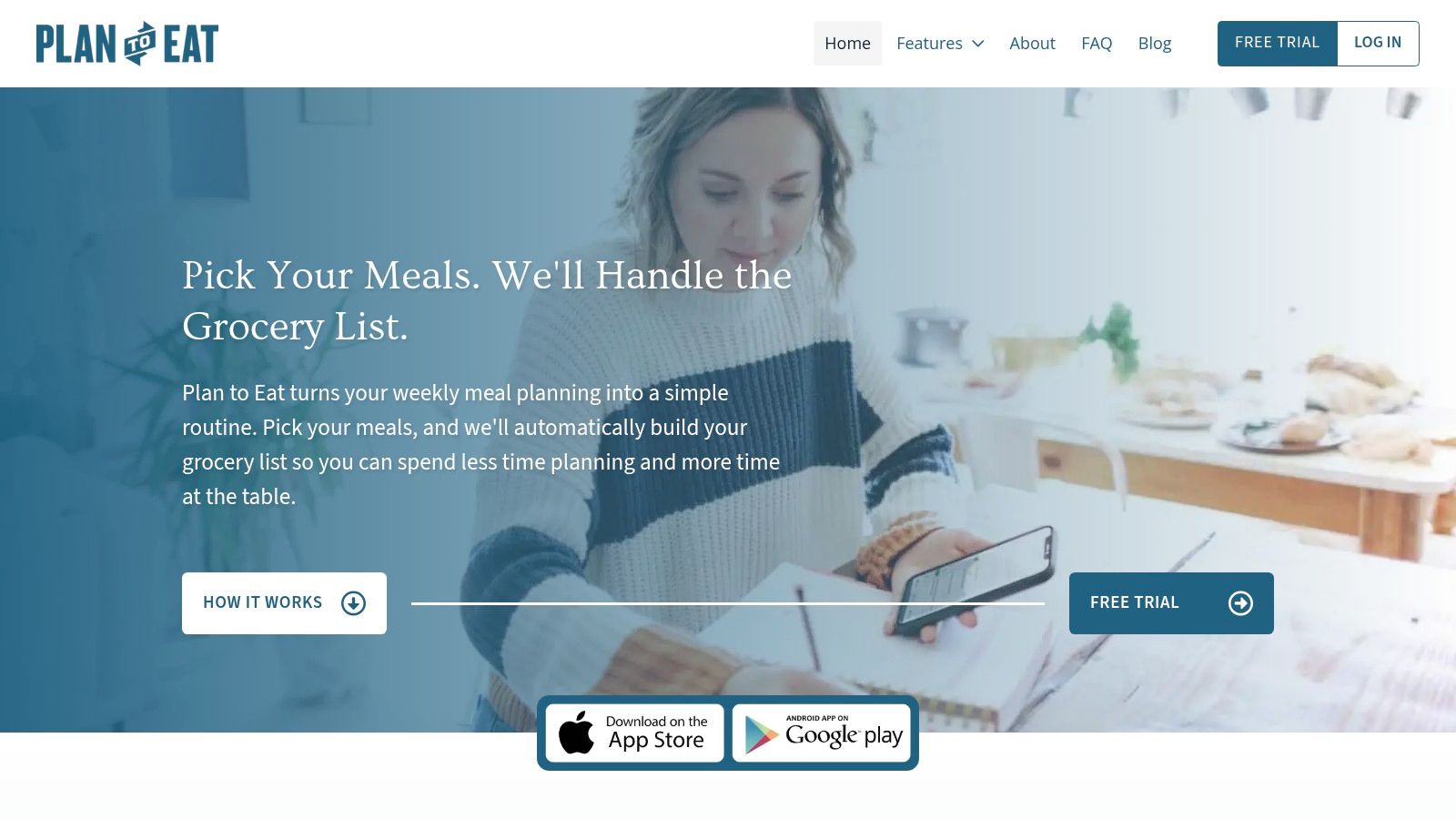
Plan to Eat is the right pick when you already have recipes and want a calm, reliable planning system around them. It doesn't try to choose meals for you. It gives you the calendar and grocery infrastructure to manage your own cookbook.
The drag-and-drop planner is the main reason people stick with it. You can import recipes, arrange them across the week, and let the app combine shopping lists automatically. That makes it a strong mealime alternative for users whose problem is organization, not discovery.
It also suits people who plan on a desktop and want a more structured calendar feel. Region support for delivery or pickup varies, but the core workflow is solid, and the app is built around being a practical planner rather than a lifestyle brand.
Practical rule: If your recipes already live in bookmarks, notebooks, or saved posts, use a planner that respects that instead of replacing it.
Pros
- Simple, dependable planning around your own recipe library.
- Automatic combined grocery lists reduce duplicate shopping.
- Cross-device sync keeps the plan usable anywhere.
Cons
- No permanent free tier.
- Subscription model only after the trial ends.
For more context on planning tools, see meal planner app.
5. Eat This Much
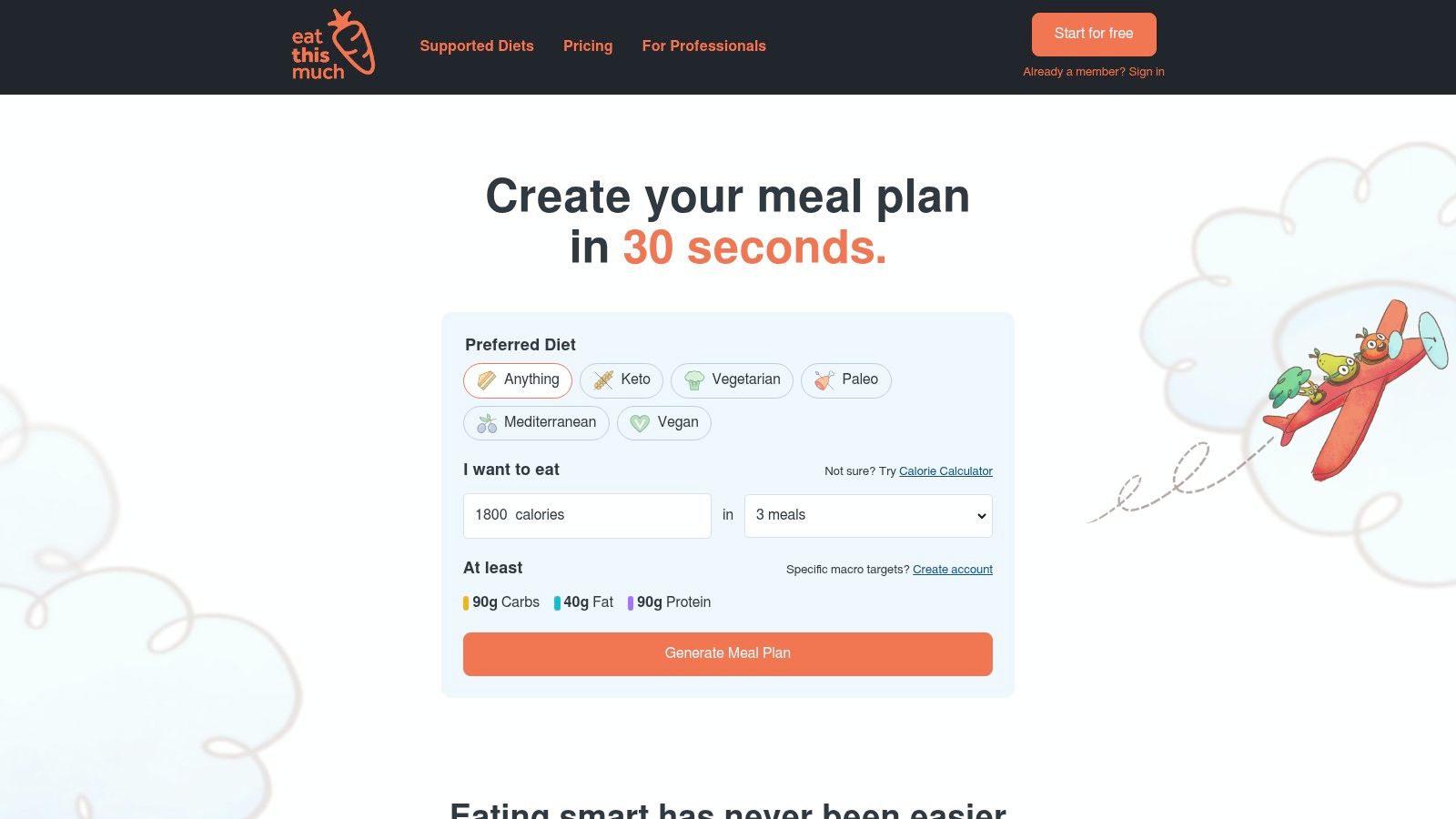
Eat This Much is the hard answer for people who want the app to do the math. If calorie targets and macronutrients drive your food decisions, this is the most direct alternative on the list.
It generates daily or weekly plans around your calorie and macro goals, then builds grocery lists around those choices. It also supports barcode scanning, custom foods and recipes, PDF exports, and tools for dietitians or coaches. That makes it less about browsing and more about automated compliance with a goal.
The trade-off is obvious. Goal-driven planning can feel rigid, and users often need to tweak suggestions to make the meals feel more like real life. If you want culinary variety first, another app may suit you better. If you want the numbers handled quickly, this one is efficient.
When to choose it
- Weight-loss or macro tracking: Let the app build around targets.
- Busy planners: Skip manual meal math.
- Coaches and professionals: Use the more structured workflow.
For a deeper fit check, this guide helps: best meal planner for weight loss.
Pros
- Fast nutrition-targeted planning with less manual work.
- Grocery and retailer connections support real shopping.
- Useful advanced tools for tracking and exports.
Cons
- Suggestions may need tweaking.
- Less naturally browseable than recipe-first apps.
6. Real Plans
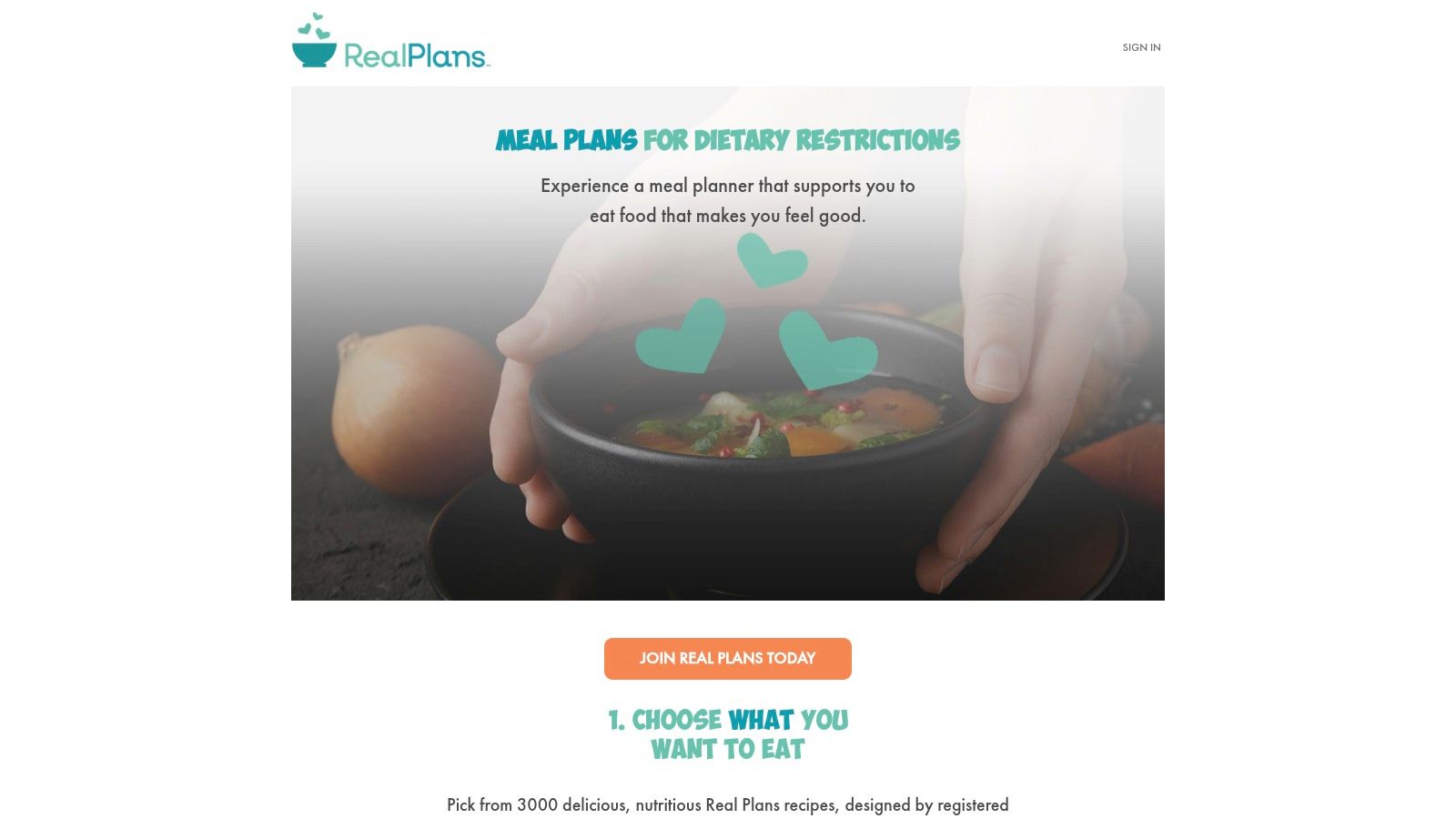
Real Plans is the strongest choice for people following a specific dietary program. If you need structured planning for Whole30, paleo, low-FODMAP, or similar protocols, the app earns its keep right here.
Its value comes from the templates and filters. You get rotating menus, customizable weekly plans, and grocery tools that support cost and budget awareness. The app is less about collecting random inspiration and more about keeping you inside a defined eating framework.
That's a real advantage during resets or elimination diets. It reduces the daily decision load, and the library structure makes it easier to stay consistent when food rules are fixed. The downside is equally clear, it shines most when you accept its system and don't try to force it into a pure recipe-manager role.
Best use case
- Whole30 and elimination diets: Strong guided structure.
- People who want fewer decisions: The library narrows the field.
- Planned resets: The templates do the heavy lifting.
For a broader planning comparison, see best meal planner apps.
Pros
- Excellent structured-diet support.
- Helpful grocery tools for weekly shopping.
- Reduces decision fatigue with guided menus.
Cons
- Less suitable if you mainly want to import your own recipes.
- Works best when you follow its framework closely.
7. Paprika Recipe Manager
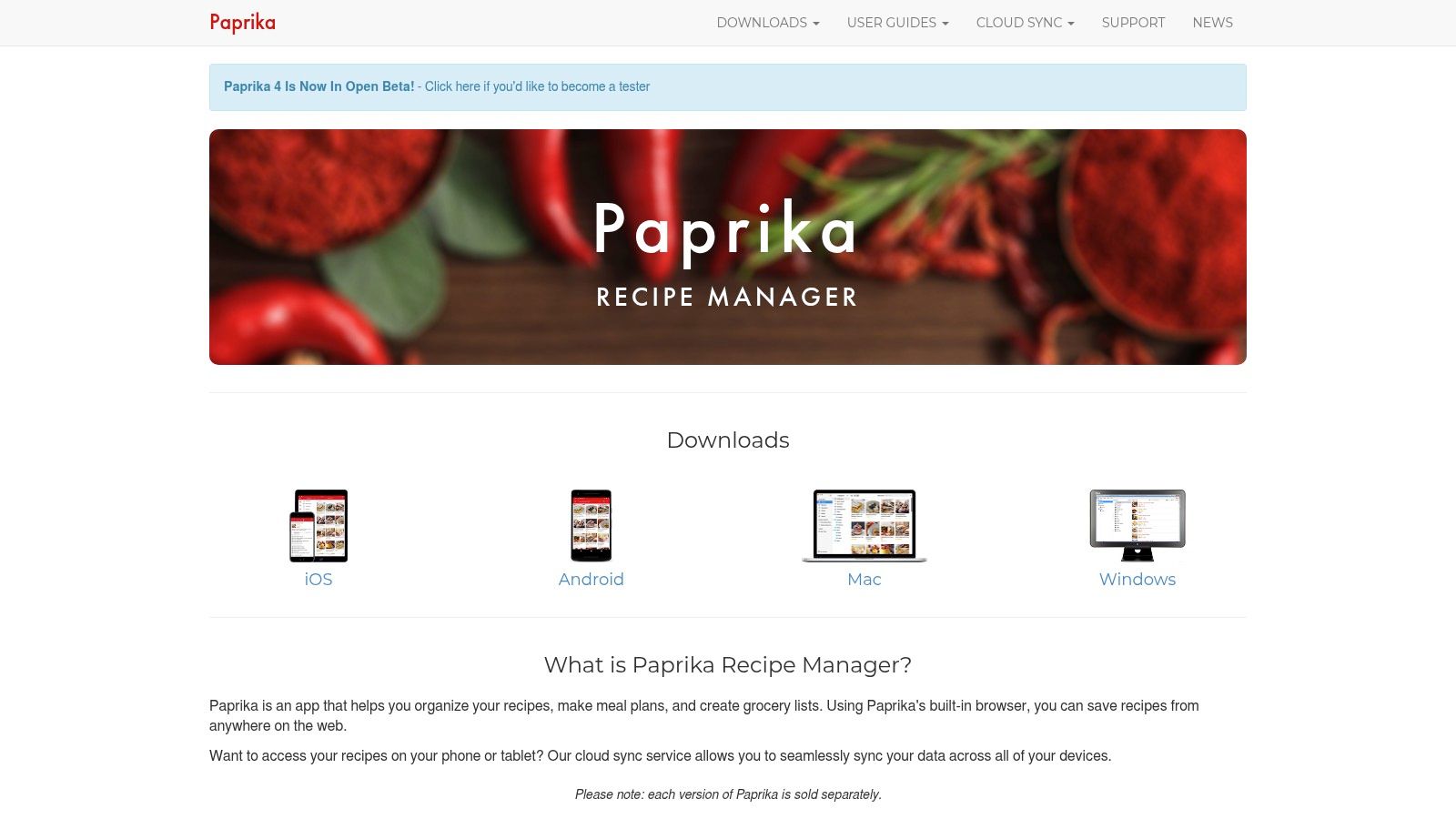
Paprika is the classic choice for building a personal recipe library first and a meal plan second. It's a strong pick if you want to save recipes from blogs, typed notes, or web pages, then turn that collection into a shopping workflow.
The web clipper and importer are the core strengths. You can build a searchable cookbook, use the planner, and generate auto-combined shopping lists. Native apps across iOS, Android, macOS, and Windows make it more cross-device friendly than many older recipe managers.
Paprika's biggest weakness is also easy to name. You buy per platform, and it doesn't include built-in grocery delivery integration. For some users, that's fine because they want ownership and offline-friendly native apps. For others, it's a reason to pick a more connected alternative.
Paprika is the safe pick for recipe collectors who want control. Recipe One is the better pick if your recipes come from social platforms and you want capture to be nearly effortless.
Pros
- Reliable recipe management with strong search and planning.
- Native apps across major platforms.
- Solid sync and offline-friendly use.
Cons
- Per-platform purchase model can add friction.
- No built-in grocery delivery integration.
Mealime Alternatives, 7-App Feature Comparison
| Item | Implementation Complexity (🔄) | Resource Requirements (⚡) | Expected Outcomes (⭐) | Ideal Use Cases (📊) | Key Advantages (💡) |
|---|---|---|---|---|---|
| Recipe One | 🔄 Moderate, AI extraction + syncing across devices; occasional parsing edge cases | ⚡ Low–Medium, mobile/web app with cloud AI processing | ⭐⭐⭐⭐☆, centralized, usable recipes from varied sources; meal plans & grocery lists | 📊 Collecting recipes from social media, videos, or photos; cooks wanting integrated tools | 💡 AI extraction, converters, nutrition calc, distraction-free cooking, privacy-focused |
| Samsung Food (formerly Whisk) | 🔄 Medium, cross-platform app with retailer and appliance integrations | ⚡ Medium, account, optional Food+ subscription; retailer/APIs; Samsung appliance ties | ⭐⭐⭐⭐, strong list-to-cart workflows and ecosystem convenience | 📊 Users who want grocery cart integrations and Samsung appliance features | 💡 Robust grocery integrations, brand support, cross-platform availability |
| eMeals | 🔄 Low, curated weekly menus and simple planner flow | ⚡ Low, subscription; retailer pickup/delivery integrations | ⭐⭐⭐, ready-made weekly plans and fast shop-and-cook flow | 📊 Busy households wanting done-for-you meal plans and retailer delivery | 💡 Wide diet plans, strong US retailer coverage, minimal planning effort |
| Plan to Eat | 🔄 Low–Medium, drag-and-drop planner with browser import tools | ⚡ Low, subscription after trial; browser clipper and sync | ⭐⭐⭐⭐, reliable planner and auto-combined grocery lists | 📊 Users who collect recipes and want structured weekly planning | 💡 Flexible planner, simple import, dependable grocery lists |
| Eat This Much | 🔄 Medium, algorithmic nutrition targeting and plan generation | ⚡ Medium, input of goals/foods; optional premium for integrations | ⭐⭐⭐⭐, automated calorie/macronutrient plans; saves planning time | 📊 People needing automated nutrition-targeted meal plans | 💡 Auto-generate plans to targets, barcode scanning, dietitian features |
| Real Plans | 🔄 Medium, diet-template system with rotating menus and filters | ⚡ Medium, subscription; app access; grocery integration varies by region | ⭐⭐⭐⭐, structured elimination-diet planning and reduced decision fatigue | 📊 Users following specific dietary protocols (Whole30, paleo, low‑FODMAP) | 💡 Deep dietary templates, dynamic grocery lists, cost/budget filters |
| Paprika Recipe Manager | 🔄 Low, native apps with powerful clipper and offline support | ⚡ Low–Medium, per-platform purchase; local storage with cloud sync option | ⭐⭐⭐⭐⭐, robust personal cookbook, dependable offline access and planning | 📊 Users who prefer owning a searchable, personal recipe collection | 💡 Best-in-class importer/clipper, pantry/meal planner, native cross‑platform apps |
Choose the Mealime Alternative That Fits Your Workflow
If your recipes are scattered across websites, TikTok, Instagram, videos, photos, and text, choose Recipe One. If you care most about retailer connections and Samsung ecosystem tools, choose Samsung Food. If you want curated menus with the least effort, eMeals is the cleaner move. If you already have your own recipe collection and want planning plus grocery lists, Plan to Eat is the better fit. If nutrition targets drive your cooking, Eat This Much gets the job done. If you're following a structured diet protocol, Real Plans is the right tool. If you want a personal recipe manager with strong import and planning, Paprika is still a reliable option.
Before you move fully off Mealime, keep the transition practical. Gather your saved links, screenshots, notes, and any exports you can access. Verify ingredients and steps after importing, because no import tool should be trusted blindly. Recreate your cookbooks or tags, build the next week in the new planner, and generate a fresh grocery list. If something can't be exported cleanly, preserve the source recipe and transfer it manually so you don't lose the meals you cook most.
Recipe One gives you a clean way to save recipes from the places people find them, then turn those saves into a meal plan and grocery list. If Mealime is no longer the right long-term home for your recipes, start with a tool built for capture, organization, and weeknight cooking. Visit Recipe One and see whether it fits the way you already cook.


