
Released globally on August 15, 2021, Mela is a recipe manager for Apple devices, including iPhone, iPad, and Mac. The verdict is simple: it's excellent for Apple-only cooks who want a clean recipe library, but it isn't available on Android or Windows.
You may be trying to rescue recipes from food blogs, Instagram posts, printed cards, screenshots, and videos before they disappear into separate folders. Mela addresses that clutter by giving you one personal recipe library, with tools for importing, organizing, viewing recipes offline, and syncing them through iCloud.
The Verdict on the Mela Recipe App
Mela is a focused recipe manager rather than a recipe-discovery service. You bring recipes into the app, then keep them in a searchable personal collection for cooking, planning, and later reference. Its core appeal is the combination of a tidy interface, offline recipe access, Apple-device support, and iCloud synchronization.
The hardware decision comes first. If you use an iPhone, iPad, and Mac, Mela is a sensible choice. If you use Android or Windows, Mela isn't the right app for your household, no matter how attractive its recipe tools look.
Practical rule: Check every device used by the people who need access to the recipe library before you choose an app.
Mela was developed by Silvio Rizzi, an independent developer from Switzerland who is also known for creating the Reeder RSS app. That independent focus shows in the product's narrow purpose. Mela doesn't try to become a general social network for food. It concentrates on saving recipes and making them usable in your own kitchen.
For an Apple-only cook, that focus is a strength. You can collect recipes from websites, add recipes manually, scan text from cookbook pages, and use the saved material while cooking without relying on a live internet connection. Mela also supports cooking mode, groceries and reminders, and iCloud sync across compatible Apple devices.
For a mixed-device household, the limitation is decisive. A household where one person uses an iPhone and another uses Android can't treat Mela as a shared recipe home, because the Android user has no Mela app.
How Mela Organizes Your Recipes
Mela's workflow starts with getting recipes out of the places where they're difficult to manage. On iPhone, you can use Apple's Share Sheet from Safari or another app to send a recipe into Mela. The app also includes an in-app browser that can detect a recipe on the webpage you're viewing and display a live preview before you save it.
A practical setup looks like this:
- Find the recipe: Open a food blog in Safari or use Mela's browser.
- Import the content: Send it through the Share Sheet or save it from the detected recipe preview.
- Clean up the entry: Review the imported ingredients and instructions, then add anything the original page leaves unclear.
- Cook from the saved version: Open the recipe in Mela's cooking view, including when offline.
- Keep devices aligned: Let iCloud synchronize the library across your iPhone, iPad, and Mac.
That process works best for cooks who already collect recipes online and want to turn scattered saves into a dependable library. It also makes Mela different from apps built mainly around discovering a stream of new dishes. For more general advice on building a usable collection, see this guide to organizing recipes.
Mela's product history centers on Apple hardware. Recipes are stored for access across the Apple ecosystem and remain available for offline viewing, which matters when your phone is on a kitchen counter with an unreliable connection.
The app also supports cooking mode, groceries and reminders. Those features make the library more useful at dinner time, because the app isn't limited to storing recipe text. It can become the place where you open a recipe, follow the instructions, and keep track of ingredients you need.
Adding and Managing Recipe Content
Mela gives you several ways to build a collection, so you don't have to retype every recipe you find. Its in-app browser can recognize a recipe on the webpage being viewed and show a live preview inside Mela. On iPhone, the Share Sheet lets you save a recipe from Safari or another app without manually copying each ingredient and instruction.
Manual entry remains useful when the source is a family recipe, a handwritten note, or a page that the importer doesn't interpret correctly. You can also import recipes from documents, which gives you another route for moving existing files into your library. A recipe-saver workflow is most dependable when you review the result instead of assuming every imported page has preserved all of its context. This recipe saver app guide covers the broader question of how saved recipes should fit into a daily cooking system.
The cookbook scanning feature is particularly practical for people with shelves of printed recipes. Mela uses text recognition to scan a cookbook page, lets you select text blocks, and turns that selection into a recipe that can be viewed in Mela's native recipe format.
A sensible import routine
Use the fastest method for the source, then perform a short check:
- Web recipe: Use the in-app browser or Share Sheet.
- Family recipe: Enter the recipe manually.
- Printed cookbook page: Scan the page and select the relevant text.
- Existing file: Import the document, then check its structure.
The important distinction is between saving a page and creating a recipe you can really cook from. Check serving information, ingredient quantities, and missing steps after an import. Mela gives you a strong collection workflow, but the quality of the final recipe still depends on the source and your review.
Mela Pricing and Platform Availability
Mela is an Apple-only app. Its supported product history covers iPhone, iPad, and Mac, with recipes synchronized through Apple's iCloud ecosystem. There isn't an Android app or a Windows app, so platform compatibility should be your first filter, not an afterthought.
The pricing model has changed over time. Earlier reporting described Mela as a paid download, while later store listings show free downloads with in-app purchase options, including Mela+. The safest recommendation is to check the current App Store listing for pricing before downloading, because the available model can change.
| Platform | Availability | Pricing model |
|---|---|---|
| iPhone | Available through Apple's App Store | Check the current App Store listing |
| iPad | Available through Apple's App Store | Check the current App Store listing |
| Mac | Available through the Mac App Store | Check the current App Store listing |
| Android | Not available | Not applicable |
| Windows | Not available | Not applicable |
Mela's Apple focus can be convenient if every device in your home uses the same ecosystem. You avoid choosing a separate Android or Windows solution, and iCloud handles synchronization between supported Apple devices.
If you're comparing subscription language or trying to understand whether a recipe app has a free tier, use the current store listing rather than an old review. This guide to whether Recime is free illustrates why app pricing should be checked close to the time of installation.
Pros and Cons of Using Mela
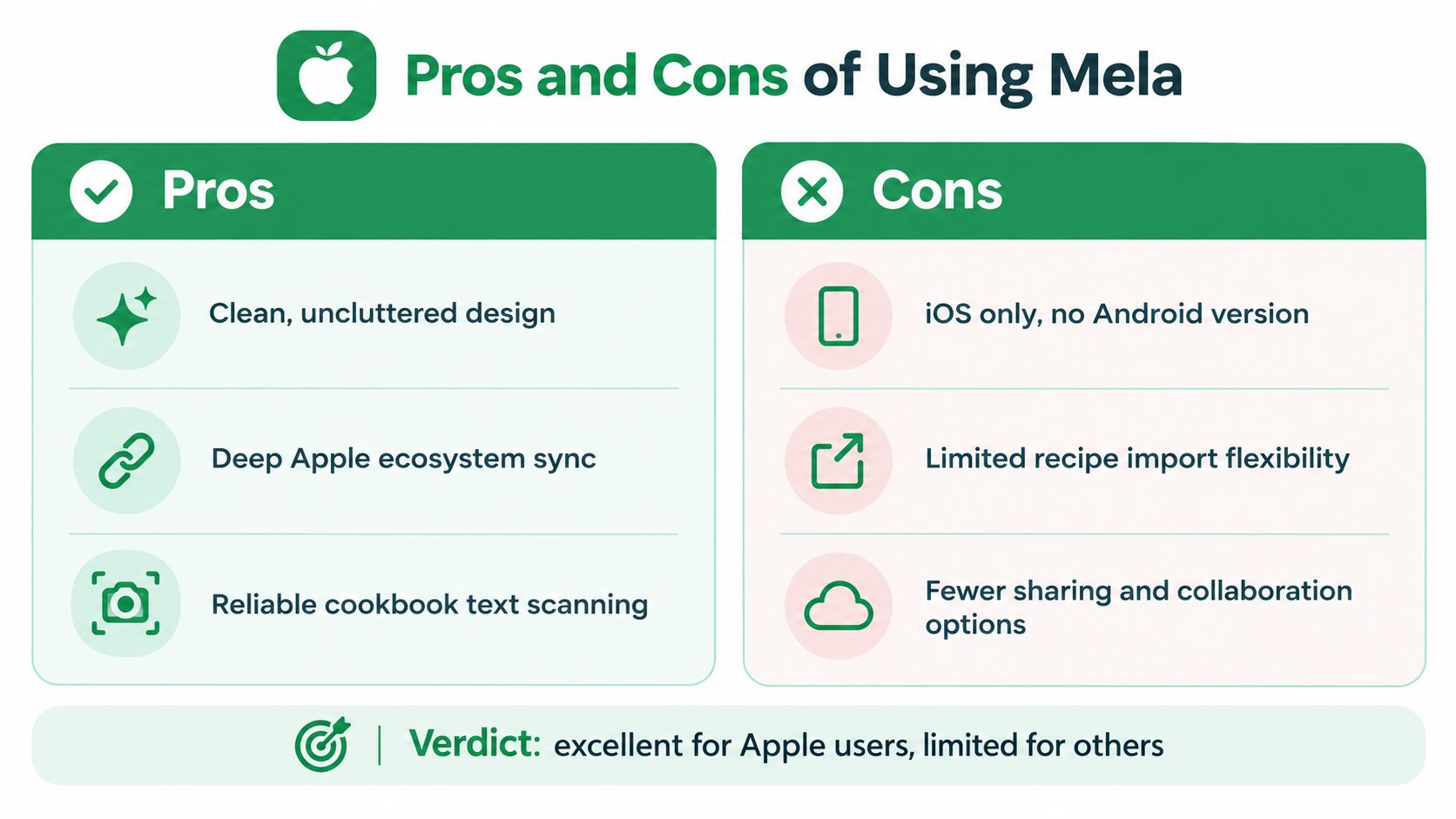
Mela's strongest advantage is its focus. Apple users get a recipe library designed around iPhone, iPad, and Mac, with iCloud sync, offline viewing, and several practical import methods. Cookbook text scanning is also useful when your best recipes still live on paper.
The biggest weakness isn't a missing minor feature. It's the platform boundary. If a partner, child, roommate, or cooking helper uses Android or Windows, that person can't open the Mela library on their own device.
| Pros | Cons |
|---|---|
| Clean recipe organization: Keeps saved recipes in a focused personal library. | Apple only: No Android or Windows app. |
| Apple ecosystem support: Syncs recipes through iCloud across supported Apple devices. | Mixed households are restricted: An Android user can't access the Mela library natively. |
| Multiple import routes: Supports websites, the Share Sheet, manual entry, documents, and cookbook text scanning. | Source quality still matters: Imported recipes may need review and cleanup. |
| Offline access: Lets you view saved recipes without depending on a live connection. | Pricing can change: Check the current App Store listing before buying. |
The common mistake is choosing a recipe manager by feature depth before checking household compatibility. A beautiful library doesn't help if the person doing the grocery shopping can't open the shared recipes.
Mela is an excellent choice for a single-platform Apple household. It's a poor fit for a mixed-device household, and that conclusion doesn't require comparing every cooking feature.
Best Alternative for Android Users
If you searched for “Mela app Android”, the answer is straightforward: Mela isn't available on Android. The same restriction applies to Windows, so a household that combines an iPhone with an Android phone needs a different system for shared recipes and planning.
Recipe One is a cross-platform option that works on iOS and Android. It saves recipes from websites, Instagram, TikTok, and photos, then organizes them in a personal library. It also includes a meal planner and grocery list, which makes it more relevant for households that need to coordinate what they'll cook and what they'll buy.
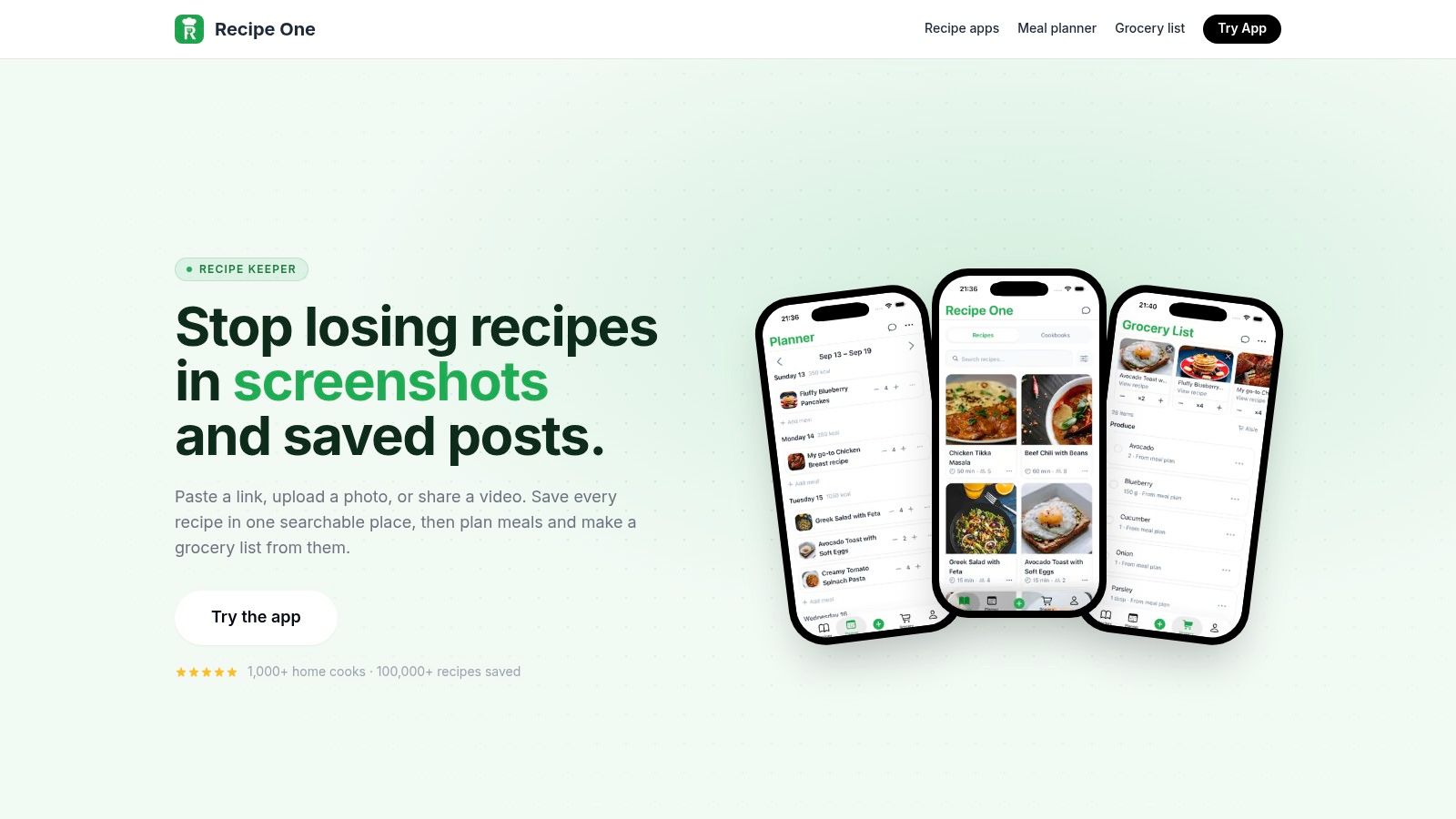
The practical scenario is simple. One person saves a recipe from an iPhone, another checks the plan from Android, and both need access to the same cooking information and shopping list. Mela can't provide that cross-platform path, while Recipe One is designed for it.
What to do if your household uses mixed devices
- Check the shared devices first: List the phones, tablets, and computers everyone typically uses.
- Choose one common library: Don't split recipes between an Apple-only app and a separate Android tool.
- Test your main sources: Try a website, a social post, and a photo before moving your entire collection.
- Use the planner for decisions: A recipe library stores ideas, but a meal planner helps turn them into dinners and a grocery list.
For more options aimed at Android cooks, see this guide to cooking apps for Android. If Recipe One fits your device setup, search for Recipe One in the App Store or Google Play and install it on the devices used by your household.
Comparing Mela to Other Recipe Managers
The right comparison depends on where your recipes come from and who needs to use them. Mela is strongest for Apple users who want a native personal library. Paprika is commonly considered when broader platform coverage matters, while Recipe One is relevant to cooks who save from websites, social platforms, and photos.
| Feature | Mela | Paprika | Recipe One |
|---|---|---|---|
| Platforms | iPhone, iPad, Mac | iOS, Android, Mac, Windows | iOS and Android |
| Web import | In-app browser and Share Sheet | Web clipping through its browser | Website imports |
| Social import | Not established here | Not established here | Instagram and TikTok imports |
| Photo or cookbook import | Cookbook-page text scanning | Not established here | Photo imports |
| Meal planning | Supported | Supported | Supported |
| Grocery list | Supported through groceries and reminders | Supported | Supported |
| Sync | iCloud across Apple devices | Cross-platform sync is supported | Cross-platform use is supported |
The choice becomes clearer when you separate recipe capture from household access. If all your devices are Apple products and most recipes come from standard websites or cookbooks, Mela covers the essential workflow. If Android or Windows access is required, choose a cross-platform app instead.
Paprika is worth investigating if you want a broad recipe-management system that reaches across operating systems. You can also compare it with other Paprika alternatives, then review the wider field in these best recipe manager apps. For a closer look at the specific Mela comparison, see this guide to the Paprika recipe manager.
Mela FAQ
Is Mela free?
Mela's pricing model has evolved from an earlier paid-download approach toward listings that include in-app purchase options. Check the current App Store listing for the exact price and purchase structure.
Is Mela on Android?
No. Mela is an Apple-only app for iPhone, iPad, and Mac. It isn't available on Android or Windows.
Does Mela sync between iPhone and Mac?
Yes. Mela syncs saved recipes across supported Apple devices through iCloud. Your iPhone and Mac need to use the Apple ecosystem supported by the app.
Can Mela import from Instagram or TikTok?
The verified import methods cover websites, the Share Sheet, manual entry, documents, and cookbook-page text scanning. Direct Instagram or TikTok import isn't established here, so don't choose Mela expecting those specific social imports.
What's the best Mela alternative for Android?
Choose a cross-platform recipe manager that works on both iOS and Android. Recipe One supports both platforms and imports recipes from websites, Instagram, TikTok, and photos, with a meal planner and grocery list.
Recipe One gives mixed-device households one place to save recipes from websites, Instagram, TikTok, and photos, then turn them into meal plans and grocery lists. Visit Recipe One if Mela's Apple-only platform is the reason you're still looking.


