You get home later than planned, someone's hungry now, the chicken you meant to thaw is still frozen, and the recipe you saved last week needs three things you don't have. That's the moment most meal plans fall apart.
A good meal planner app isn't just a pretty weekly calendar. It's the thing that turns scattered recipes, half-stocked shelves, and changing schedules into dinners you can make. After using meal planners in real kitchen conditions, the difference is obvious. The apps that help are the ones that handle swaps, leftovers, pantry reality, and grocery cleanup without making you do a second round of admin. A comparison of AI meal planner apps covers tools that suggest the week for you. A curated weekly menu service is covered in this eMeals review. If the week starts as a chat draft, this ChatGPT meal plan guide covers prompts, limits, and grocery checks.
Keep every recipe in one place
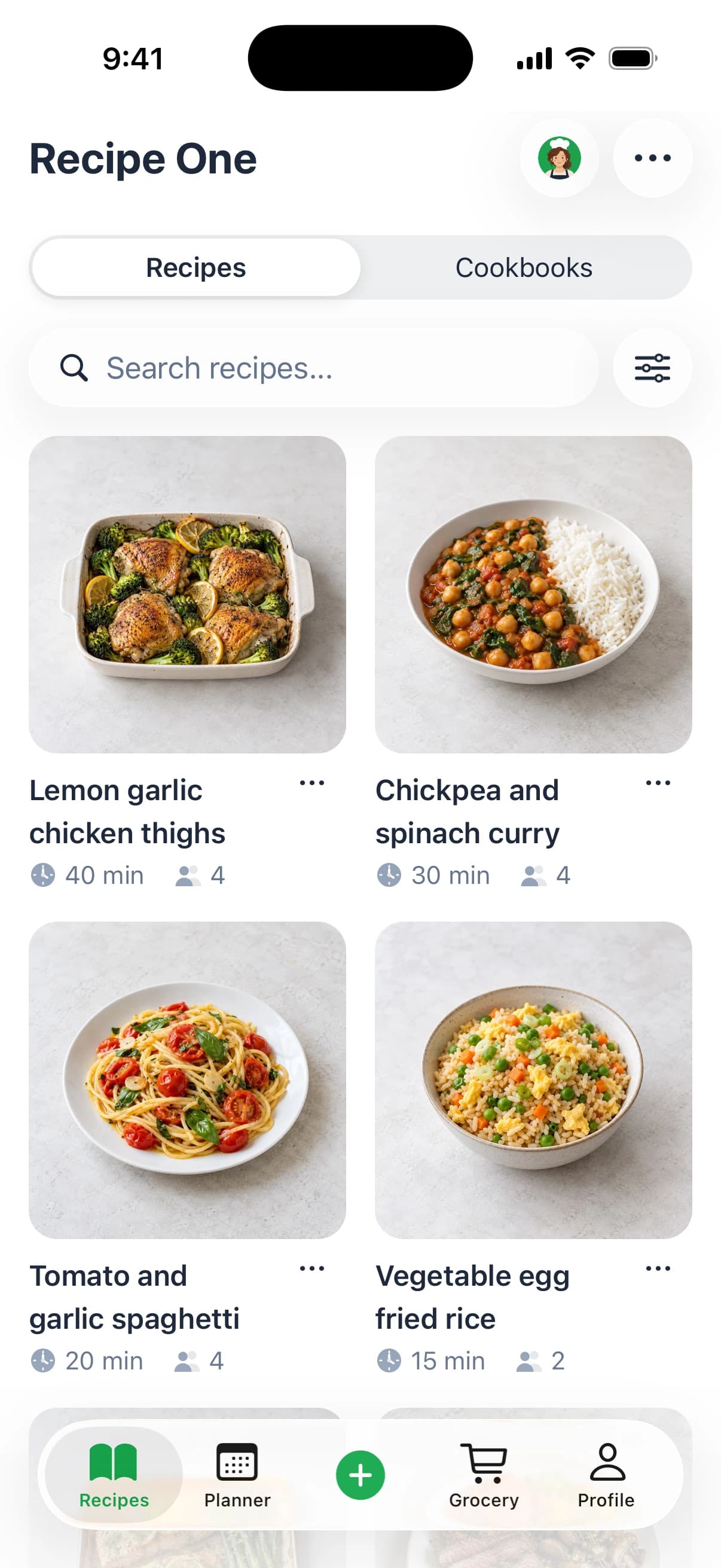
Save from any website, scan handwritten cards, and organize your kitchen.


That matters because this category is growing fast, even if market estimates vary. One estimate values the meal planning app market at about USD 1.8 billion in 2025, up from roughly USD 1.1 billion in 2022, with a projection of USD 5.2 billion by 2034 at 12.5% CAGR, while another places it at USD 414.16 million in 2025 and USD 958.77 million by 2032 at 12.74% CAGR. Different methodologies, same takeaway: the category is expanding at double-digit rates (meal planning app market estimates).
Why a Meal Planner App Changes Weeknight Cooking
Weeknight cooking usually doesn't fail because you lack recipes. It fails because everything is disconnected.
You've got a pasta idea in Instagram saves, a soup screenshot in your camera roll, a bookmarked chicken recipe from six months ago, and a handwritten grocery list that doesn't match any of them. Then dinner time arrives and you still have to decide, check ingredients, scale portions, and figure out whether you need to stop at the store.
It becomes your kitchen operating system
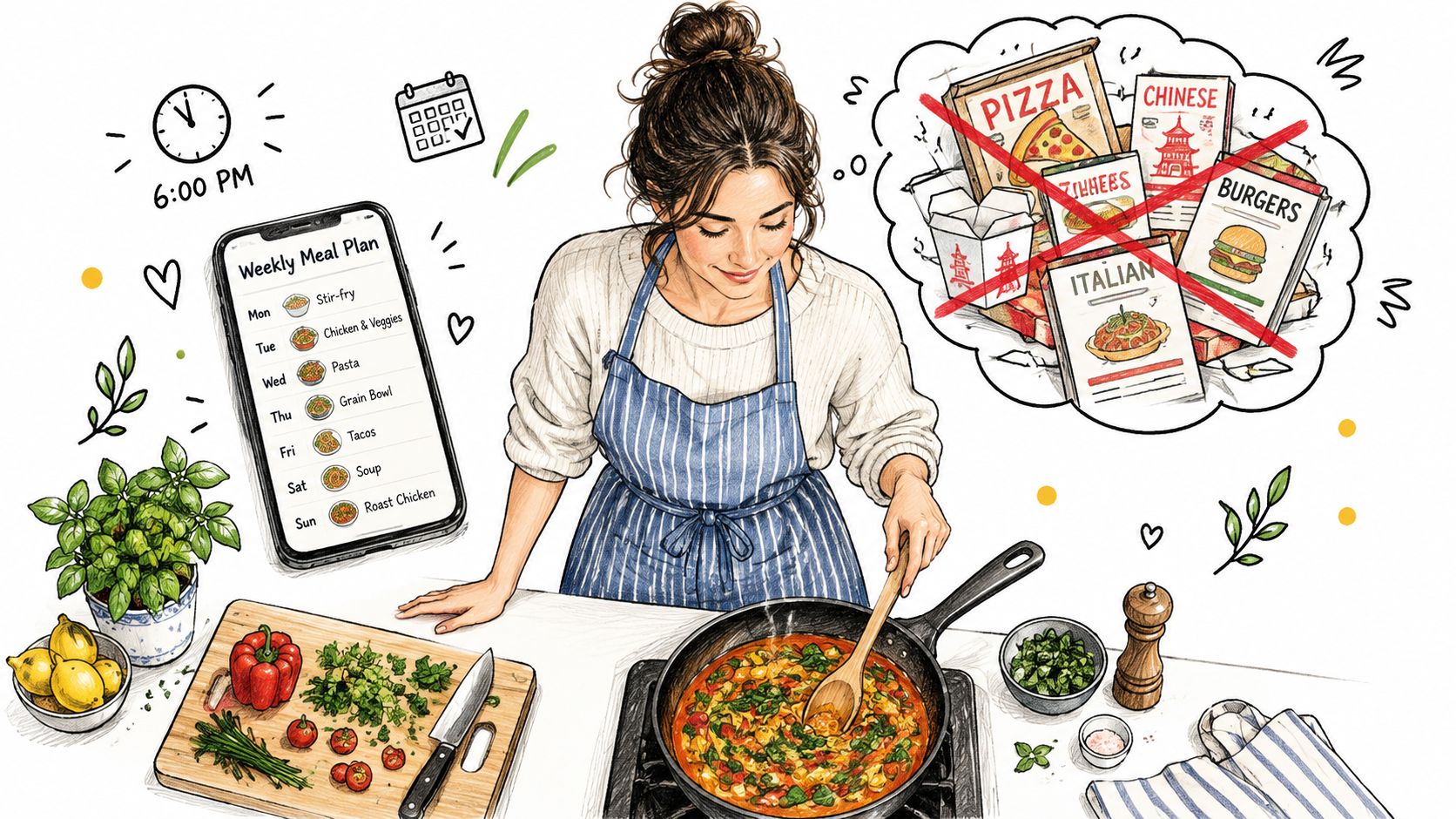
A useful meal planner app connects four jobs that people often handle in separate places:
- Saving recipes from social posts, blogs, photos, or notes
- Choosing meals for the next few days without starting from zero
- Building a shopping list from those meals
- Adjusting on the fly when life interrupts the original plan
That sounds basic, but it changes the mood of weeknights. Instead of asking “what should we eat?” every day, you're asking “which planned option fits tonight?” That's a smaller decision, and smaller decisions are easier to stick with.
A paper version of that weekly calendar is in weekly meal planning template.
Practical rule: The best plan is not the most organized-looking one. It's the one you can still use when the day goes sideways.
The biggest win is less mental load
They don't need more recipe discovery. They need fewer repeated decisions.
A meal planner app helps busy parents, new cooks, students, and anyone doing the family food logistics because it reduces the little frictions that pile up. You stop copying ingredients by hand. You stop forgetting the one side dish that made the main recipe work. You stop buying duplicates because your list lives somewhere different from your plan.
If you also save a lot of recipes online, a tool designed for saving and organizing recipes in one place can remove a lot of that scatter before planning even starts.
The real benefit isn't perfection
Research on family-meal apps found 35 meal-planning apps in its review set, and app quality scores landed around 3.5 to 4.2 out of 5 depending on the rating dimension. In newer market research on AI-driven meal-planning apps, global users were estimated at about 20 million in 2023, with roughly 5 million daily active users, about 4 sessions per week, an average 15-minute session length, and first-month retention near 60% (meal-planning app use and quality findings).
What that says to me is simple. People are willing to use these tools, but only if they stay useful in the middle of normal life. The job isn't to create a flawless weekly grid. The job is to make dinner easier on the nights when your original plan no longer fits.
Set Your Goals Constraints and Kitchen Reality First
Most meal plans fail before the first recipe is added. The problem usually isn't motivation. It's that the plan was built for an imaginary week.
If you plan as if every night has plenty of time, every ingredient is available, and everyone eats the same thing without complaint, the system breaks almost immediately. Start with constraints instead. Constraints make a plan usable.
Pick rules your week can actually support
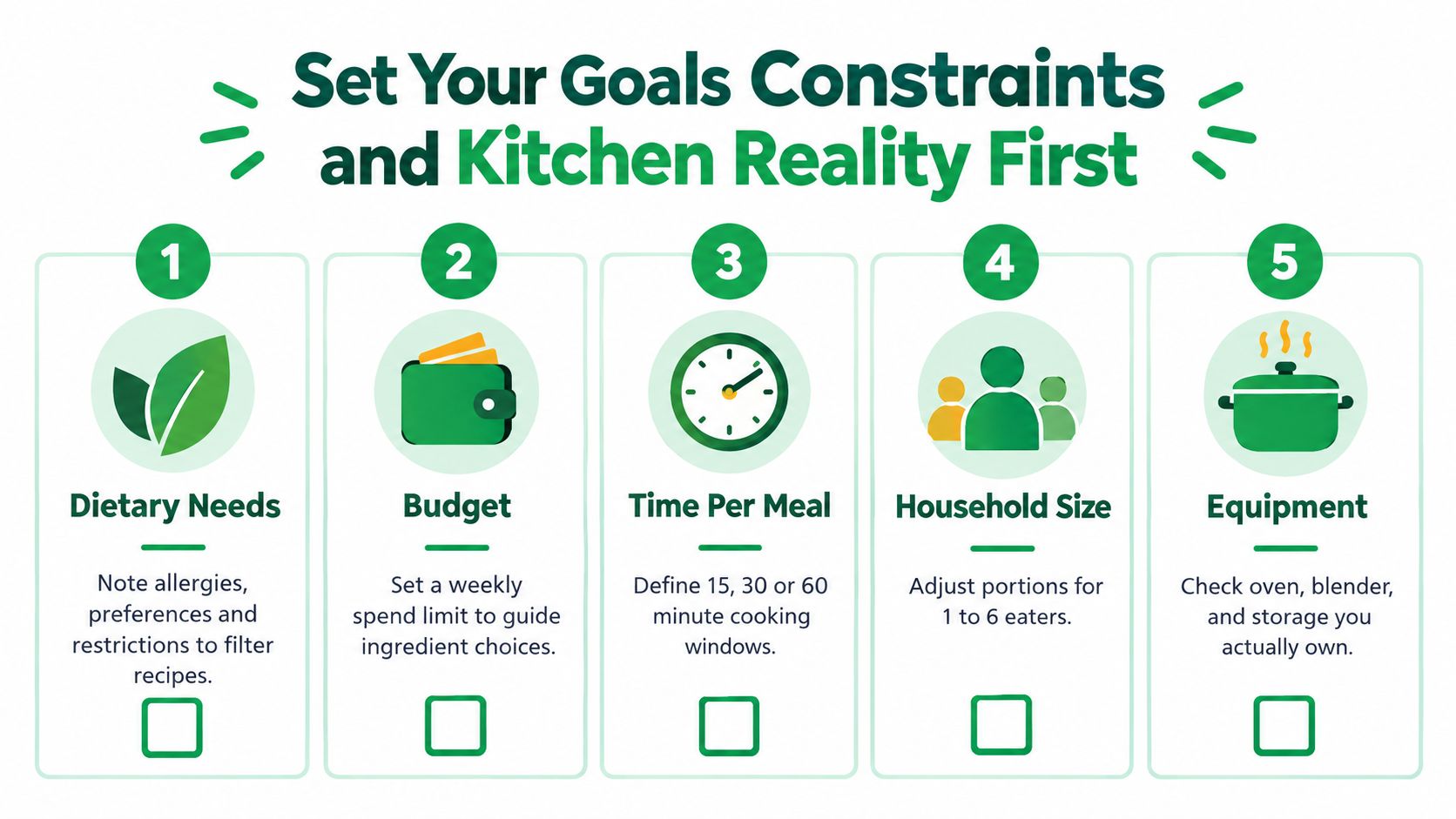
Before touching recipes, write down the limits that matter most in your house:
- Dietary needs matter first. Allergies, vegetarian days, carb targets, kid preferences, or one person avoiding dairy all change what belongs in your plan.
- Budget limits shape ingredient choices fast. Expensive proteins, specialty ingredients, and duplicate perishables add up quickly.
- Time windows decide what belongs on which night. A recipe that's easy on Sunday can still be a bad Tuesday dinner.
- Household size affects leftovers, lunch planning, and whether batch cooking helps or annoys you.
- Equipment reality is often ignored. If you have one skillet, a small oven, or limited storage containers, that should influence the plan.
Turn vague goals into filters
“Eat healthier” isn't a planning rule. “Cook at home on weeknights and include vegetables in dinner” is.
“Spend less” isn't specific enough either. Better versions look like this:
- Weeknight speed: dinners need to fit your normal evening window
- Low cleanup: one-pan or one-pot meals on the busiest days
- Budget control: fewer one-off ingredients and more overlapping staples
- More consistency: enough planned meals that you're not improvising every night
If you can't tell whether a recipe fits your plan in a few seconds, your rules are still too fuzzy.
Choose the right planning horizon
A full week sounds efficient, but it isn't always the best starting point.
Here's a simpler way to decide:
- Plan 3 to 4 dinners if your schedule changes a lot.
- Plan a full week if your household runs on repeatable routines.
- Plan anchors only if you hate rigid calendars. That means locking in a few known meals and leaving room around them.
- Plan leftovers on purpose if lunch or the next night's dinner depends on them.
That last one matters more than people think. Leftovers aren't a byproduct. In a strong system, they're part of the design.
Don't build against your actual kitchen
Many apps still struggle. Independent UX research points to a major gap in the category: users need planning that starts from what's already at home, not from idealized recipes. That research highlights recurring friction around pantry and fridge mismatch, disconnected grocery lists, overbuying, forgotten perishables, and manual reconciliation between what a meal requires and what the household already has (inventory-to-dinner meal planning gap).
So before you import anything, check your actual setup. What proteins are in the freezer? What vegetables spoil first? What do people reliably eat? That information is more useful than another saved recipe.
Import and Organize Recipes Into a Cookable Library
Once your constraints are clear, the next job is building a library you can cook from. Many people create hidden friction. They save a lot, but they don't organize enough to make those saves useful later.
A screenshot folder is not a meal system. A searchable recipe library is.
Bring scattered recipes into one place
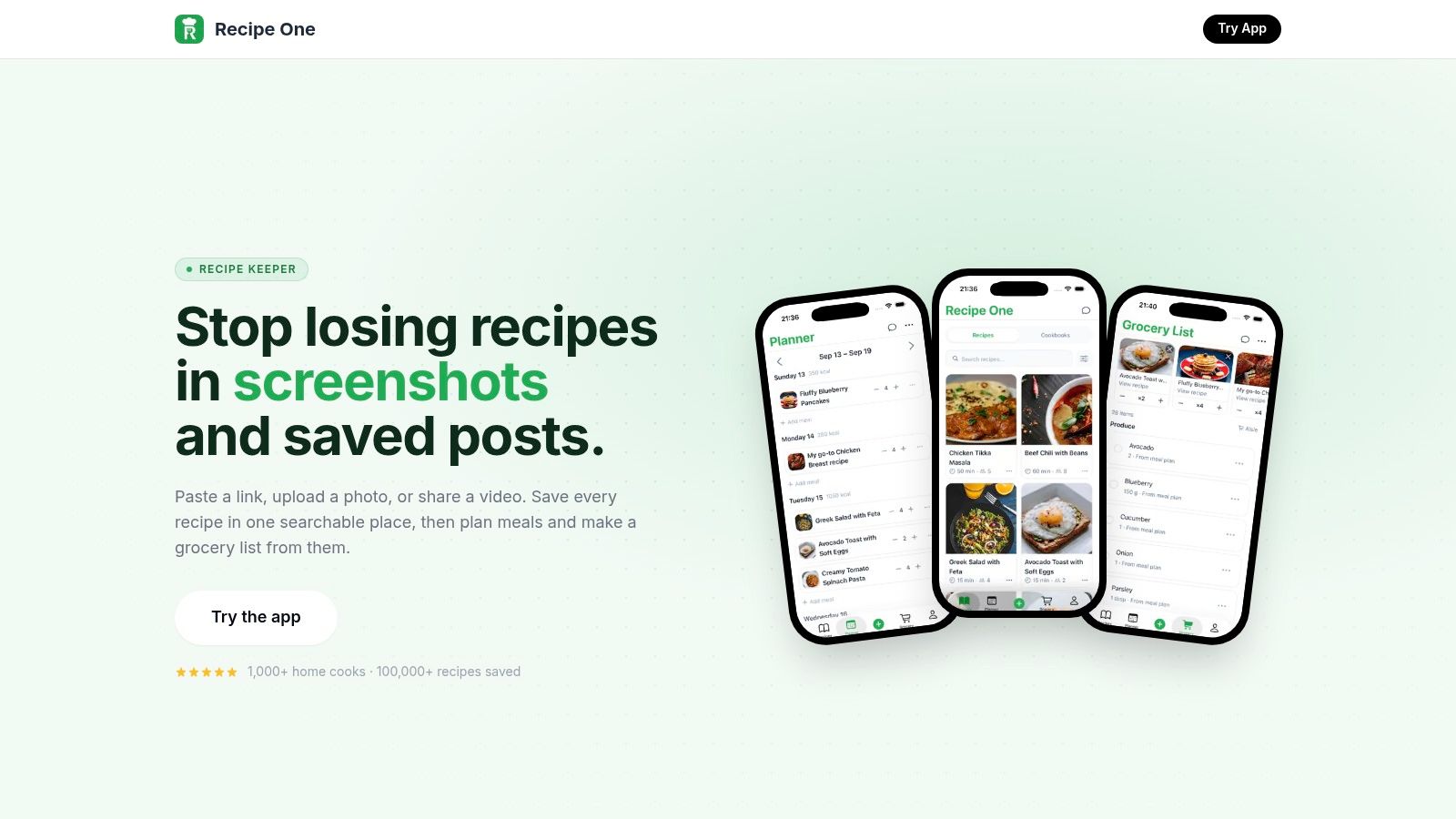
If a meal planner app supports imports from links, photos, social posts, or pasted text, use that as your intake point. The less copying you do by hand, the more likely you are to keep the library current.
Good imports still need a quick cleanup pass. Check:
- Ingredient names so “scallions” and “green onions” don't become separate shopping items later
- Measurements so parsed fractions and units make sense
- Instructions because video captions often import messily
- Serving sizes since many planning and grocery tools depend on them
If you use a recipe organizer, it helps to keep recipes in a format that stays searchable and consistent. A guide on how to organize online recipes is useful if your current system is spread across tabs, screenshots, and saved posts.
Tag for decisions, not for aesthetics
People often over-tag recipes with categories they never use. Tag only what helps you decide fast on a real day.
The most useful tags tend to be:
- Protein type such as chicken, beans, eggs, tofu, beef
- Time level like quick, moderate, longer cook
- Energy level which is different from time. Some recipes are short but annoying
- Use case such as lunch, freezer-friendly, guests, leftover-friendly
- Diet fit for vegetarian, high-protein, lower-carb, dairy-free, and similar needs
I've found “low effort” is often a better tag than “30 minutes.” A recipe can technically fit a short time window and still involve too much chopping, too many pans, or too many steps for a tired weeknight.
Standardize enough to trust your list
This is the unglamorous part that saves time later. If one recipe says “1 can tomatoes” and another says “14 oz crushed tomatoes,” your shopping list may not consolidate cleanly. If one recipe says “2 cups cooked rice” and another assumes dry rice, your prep math gets messy.
Use simple standards where possible:
- keep ingredient names consistent
- note optional ingredients clearly
- add missing yields if the source recipe doesn't include them
- convert measurements when they're awkward for your kitchen habits
A short demo helps if you want to see what a more structured recipe workflow looks like in practice.
Don't trust nutrition labels blindly
If nutrition accuracy matters for your household, be careful. Independent app-quality research found that many nutrition-management apps only partially align with dietary guidance, and in one 2026 review of mobile nutrition management apps for diabetes, only 2 apps fully complied with dietary guidelines. Related reviews also found that app-declared nutrition values can differ significantly from values calculated from nutrition databases (nutrition app accuracy and guideline compliance review).
That doesn't mean meal planning apps are useless for nutrition. It means you should treat imported labels and scraped values as inputs to verify, not as perfect truth. If a recipe's carb count or calories matter to you, use tools that validate against a reliable nutrient database.
Build a Flexible Weekly Plan That Survives Real Life
Rigid meal plans look good on Sunday and fail by Wednesday.
The issue usually isn't that people dislike planning. It's that many plans assume each day will behave. Work runs late. Kids get sick. You forget to defrost something. The store is out of one key ingredient. Then the whole plan starts feeling like homework.
Recent product critiques make this point clearly: users don't mainly want more detail. They want plans that survive disruptions, substitutions, skipped meals, and changing schedules. A stronger model is resilient planning, where the app makes it easy to swap meals, resize servings, and regenerate lists when the week changes (why rigid meal planning breaks for busy households).
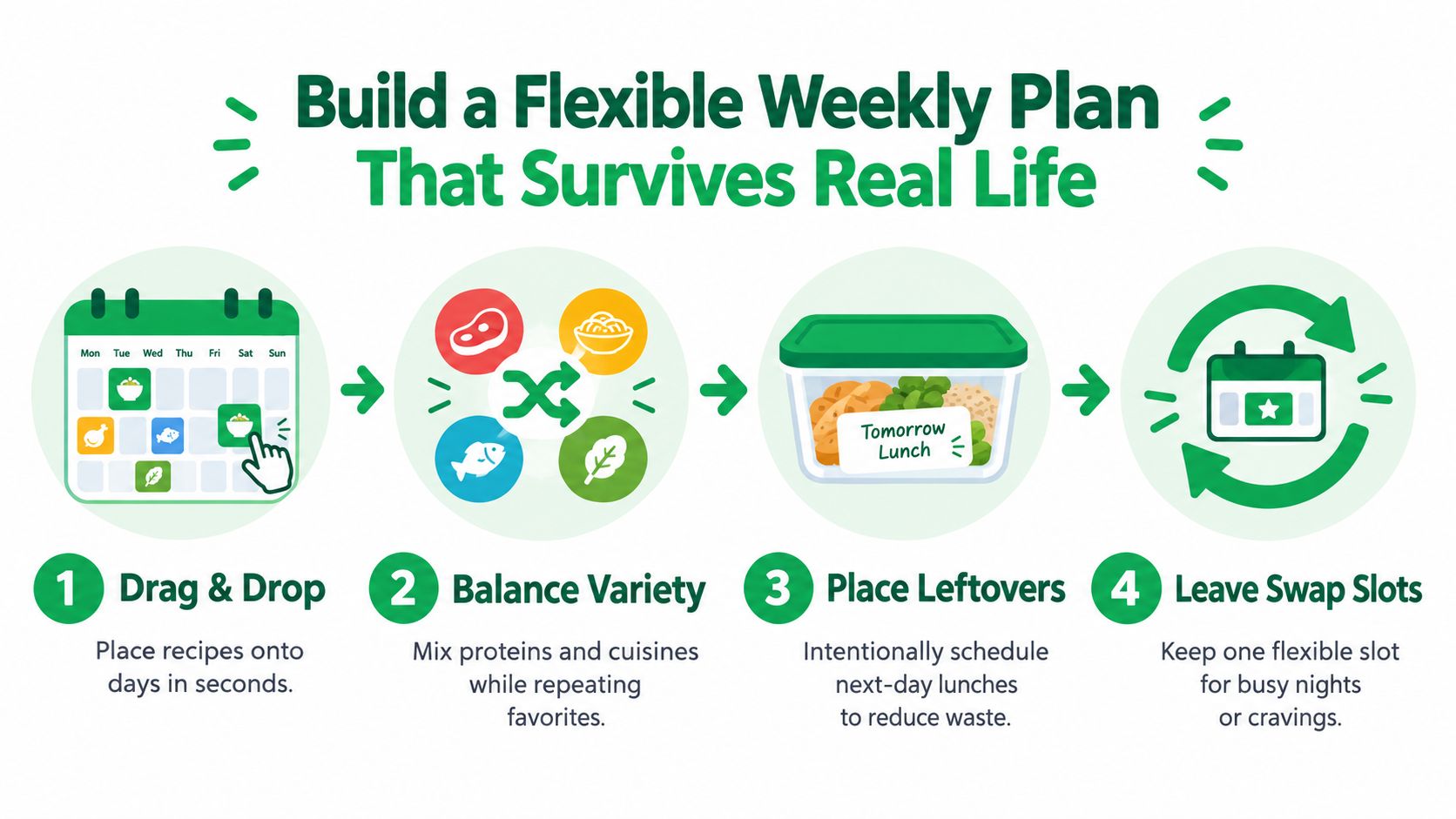
Start with anchors, not a full grid
I've had the best results when I plan in layers.
First place the meals that are easiest to commit to. These are your anchors. Maybe tacos on a sports night, a sheet-pan dinner after a long workday, or soup on a cooler evening when leftovers will help the next day.
Then fill the rest with looser choices. Keep at least one meal that can move without causing problems. Think pasta, grain bowls, quesadillas, fried rice, or anything that can absorb substitutions without collapsing.
A practical sequence looks like this:
- Lock in priorities such as known busy nights or meals the household expects.
- Add one leftover engine that intentionally produces another meal.
- Use ingredient overlap so herbs, greens, sauces, or cooked grains show up more than once.
- Leave one flex slot for takeout, leftovers, or a pantry meal if the week gets messy.
Treat leftovers as planned inventory
Leftovers work best when they have a destination.
If roast chicken turns into wraps or soup, it earns its place in the plan. If leftovers just “exist” in the fridge, they often become waste. The same goes for half-used ingredients. A bunch of cilantro, a tub of yogurt, cooked rice, or roasted vegetables should appear in more than one meal whenever possible.
“Plan the second use when you plan the first meal.”
That one habit reduces waste more than adding more recipes ever will.
Make swapping frictionless
A meal planner app should let you move meals around without rebuilding the week. That means drag-and-drop planning, quick serving edits, and a grocery list that updates cleanly after changes.
One option in this category is Recipe One, which lets users save recipes, place them on a weekly or monthly planner, and generate a shopping list from the plan. What matters most is the workflow itself: import once, plan visually, then edit without starting over. Mealime shut down on October 21, 2026, so compare apps like Mealime if you need a new planner.
If you want ideas for planning weekly meals in a more flexible way, focus on systems that support swaps rather than fixed day-to-day perfection.
Balance variety against effort
A common mistake is trying to maximize novelty every week. That sounds fun and usually creates extra prep, extra ingredients, and extra decisions.
A more stable pattern is:
- Repeat a few favorites that people reliably eat
- Test only one or two new recipes at a time
- Mix effort levels so not every dinner asks the same amount from you
- Use one pantry rescue meal every week, even if you don't need it
That pantry rescue meal is insurance. Eggs, noodles, canned beans, tortillas, frozen dumplings, or tomato sauce can save a plan that would otherwise send you to takeout.
Generate Smart Shopping Lists and Handle Substitutions
Meal planning either saves time or gives it back.
If your shopping list doesn't reflect what's already in your kitchen, doesn't merge duplicates, or becomes a mess every time you swap a meal, the app hasn't solved the hard part. It has just moved the work.
A good grocery list is edited, not worshipped
Auto-generated shopping lists are useful because they pull ingredients directly from the meals you chose. But the first draft is still a draft.
Before shopping, scan the list for three things:
- What you already have in the pantry, fridge, or freezer
- What can serve two meals if you buy slightly more
- What should be removed because a meal moved, got skipped, or became leftovers night
The strongest workflow is simple. Plan meals, generate the list, subtract what's already at home, then regroup after any schedule change. If the app can regenerate the list without making you clean everything manually, that's a real time-saver.
Use substitutions to protect the week
A missing ingredient shouldn't wreck dinner. Resilient planning beats recipe purism.
When something is out of stock, too expensive, or already sitting half-used in your fridge, decide based on whether the substitution preserves the role of the ingredient. Texture, acidity, protein, bulk, or fat usually matter more than exact identity.
Here's a practical decision tool.
| Situation | Best Action | App Workflow |
|---|---|---|
| Key ingredient is unavailable at the store | Substitute with something that fills the same job in the dish | Edit the recipe or note the swap, then keep the meal on the calendar |
| Ingredient is expensive this week | Swap the protein or move the meal to a later week | Replace the meal with a lower-cost option and regenerate the shopping list |
| You already have a similar perishable at home | Use what's on hand instead of buying the original item | Remove the duplicate from the list and update recipe notes |
| A meal no longer fits tonight's schedule | Move it to another day and cook a faster option | Drag the meal to a new day and refresh the list |
| You have enough leftovers for dinner | Skip one planned meal temporarily | Keep the recipe in the week if ingredients are shelf-stable, or reschedule it |
| One missing item won't change the dish much | Omit it | Leave the list unchanged except for deleting that item |
Think pantry-first, not recipe-first
This is the mindset shift many people need. Don't ask only, “What recipe do I want to make?” Ask, “What ingredients need to be used, and what meal can they become?”
That's how you reduce both waste and decision fatigue. An app-generated list should support this by staying editable and tied to the plan. It shouldn't force you to choose between the original recipe and what your kitchen contains.
If you want a closer look at how a grocery shopping list generator fits into meal planning, focus on whether it helps you revise the list quickly after swaps. That's where the value shows up in daily use.
Automation Tips That Save Time Money and Food Waste
The meal planner app that helps most is not the one with the most features. It's the one you'll keep using when you're tired.
That sounds obvious, but the research on adherence backs it up. In a randomized study of smartphone diet apps, adherence over an 8-week period reached 53%, 61%, and 69% across the three app groups when measured as app-use days divided by 56. Related findings showed that frequent dietary self-monitoring on at least 50% of days, or consistent use on at least 3 days per week, was associated with short-term weight loss (diet app adherence and self-monitoring thresholds).
For meal planning, the lesson is practical. Consistency beats feature completeness. If an app makes you log too much, re-enter too much, or rebuild too much, you'll stop using it.
Keep the workflow light
The most useful automations are small and repeatable:
- Use a template week for your most predictable nights
- Keep a short favorites rotation for low-energy evenings
- Save pantry rescue meals where you can find them fast
- Regenerate shopping lists instead of editing old ones by hand after major changes
- Add prep cues such as thaw meat, cook rice, or wash greens when planning, not at dinner time
Build habits around review, not perfection
A weekly review doesn't need to be elaborate. It just needs to happen.
Try this short reset:
- Check perishables first and pull them into the next meals
- Review leftovers before assigning another full dinner
- Look for one ingredient overlap across multiple meals
- Confirm your busiest night has the easiest dinner
- Keep one fallback meal available at all times
The plan should be easy enough to maintain on ordinary days, not just on organized ones.
That's why automation matters. A system that starts from your actual ingredients, carries recipes into a usable library, and turns plans into editable shopping lists gives you fewer chances to drop the habit.
If you want a practical bridge between meals and groceries, this guide on turning a recipe to shopping list shows the kind of workflow that keeps planning lightweight enough to repeat.
Recipe One helps with the exact parts of meal planning that usually create drag. You can save recipes from social posts, videos, photos, or text, organize them into a searchable library, place them on a meal plan, and generate a grocery list from what you're cooking. If you want a lighter system that holds up on busy weeknights, visit Recipe One.