Free does not always mean fully usable. A lot of apps labeled free let you browse recipes, then hide the work, planning, list-building, and cooking support behind a paywall or a trial. The better way to judge the best meal planner app free is simple, does it handle the whole path from recipe capture to a grocery list without turning into cleanup work?
Use that lens here. I'm ranking these apps by real planning jobs, recipe capture, beginner cooking, nutrition targets, household coordination, leftovers, and plan-to-shopping execution. That puts Recipe One at the top for people who collect recipes from social media, screenshots, and random links, because it turns scattered inspiration into a searchable kitchen system before you even build a week. See AI meal planner apps when the free tier is supposed to suggest meals, not only store them.
The market is big because the pain is real. The global meal planning app market is estimated at about USD 2.71 billion in 2026 and projected to reach USD 7.49 billion by 2035, which implies roughly 10.5% CAGR according to Business Research Insights. Independent clinical evidence also shows the workflow matters more than the label, because users in one controlled study gave meal planning only moderate satisfaction unless the app fit their habits, even though the app changed behavior and the recipe feature drew the strongest loyalty among repeat users, as reported in this clinical study.
1. Recipe One
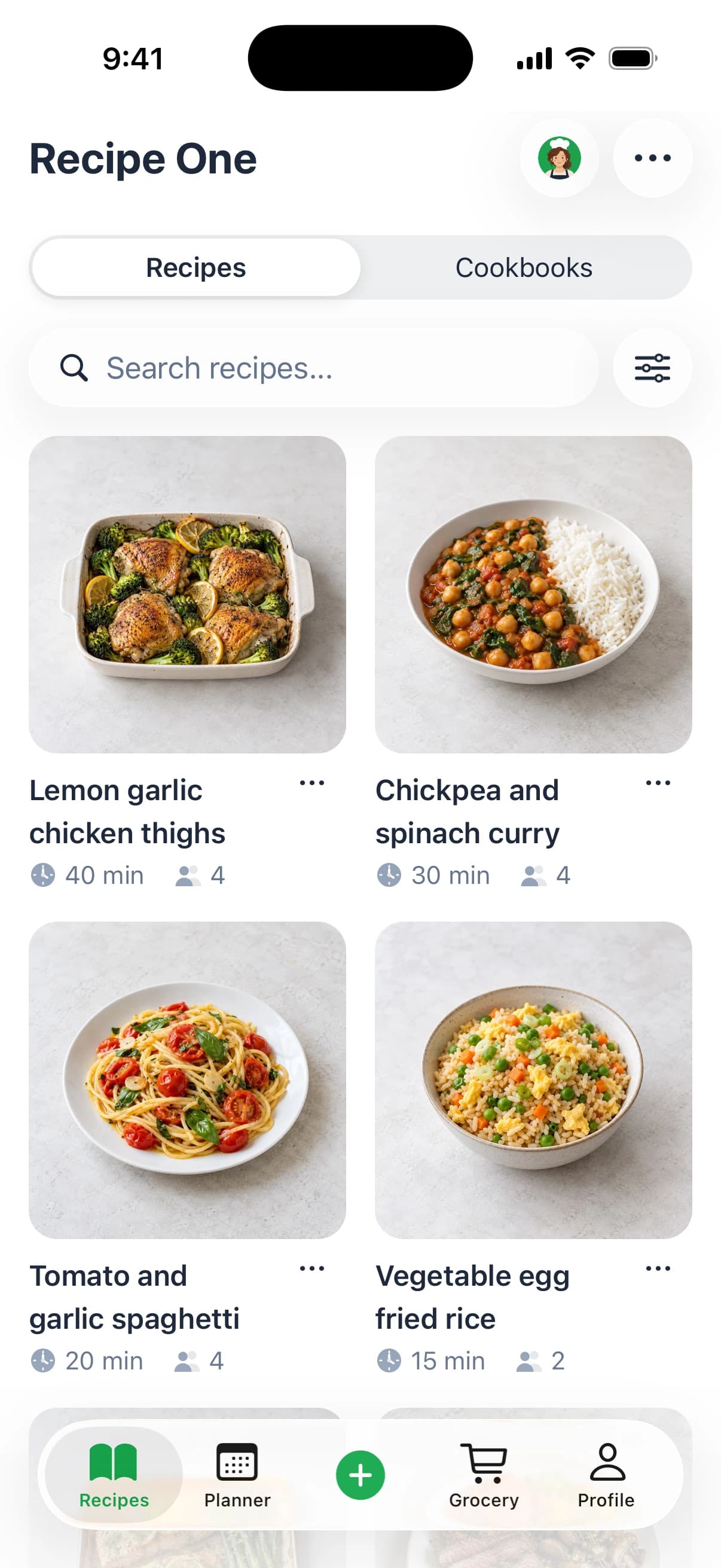
Recipe One is the strongest pick if your real problem is not cooking, but finding recipes worth keeping. It pulls recipes from TikToks, YouTube clips, Instagram posts, screenshots, photos, and handwritten cards, then turns them into a clean library you can search, sort, and cook from. That matters because a free planner is useless if your recipes are still split across apps and camera rolls.
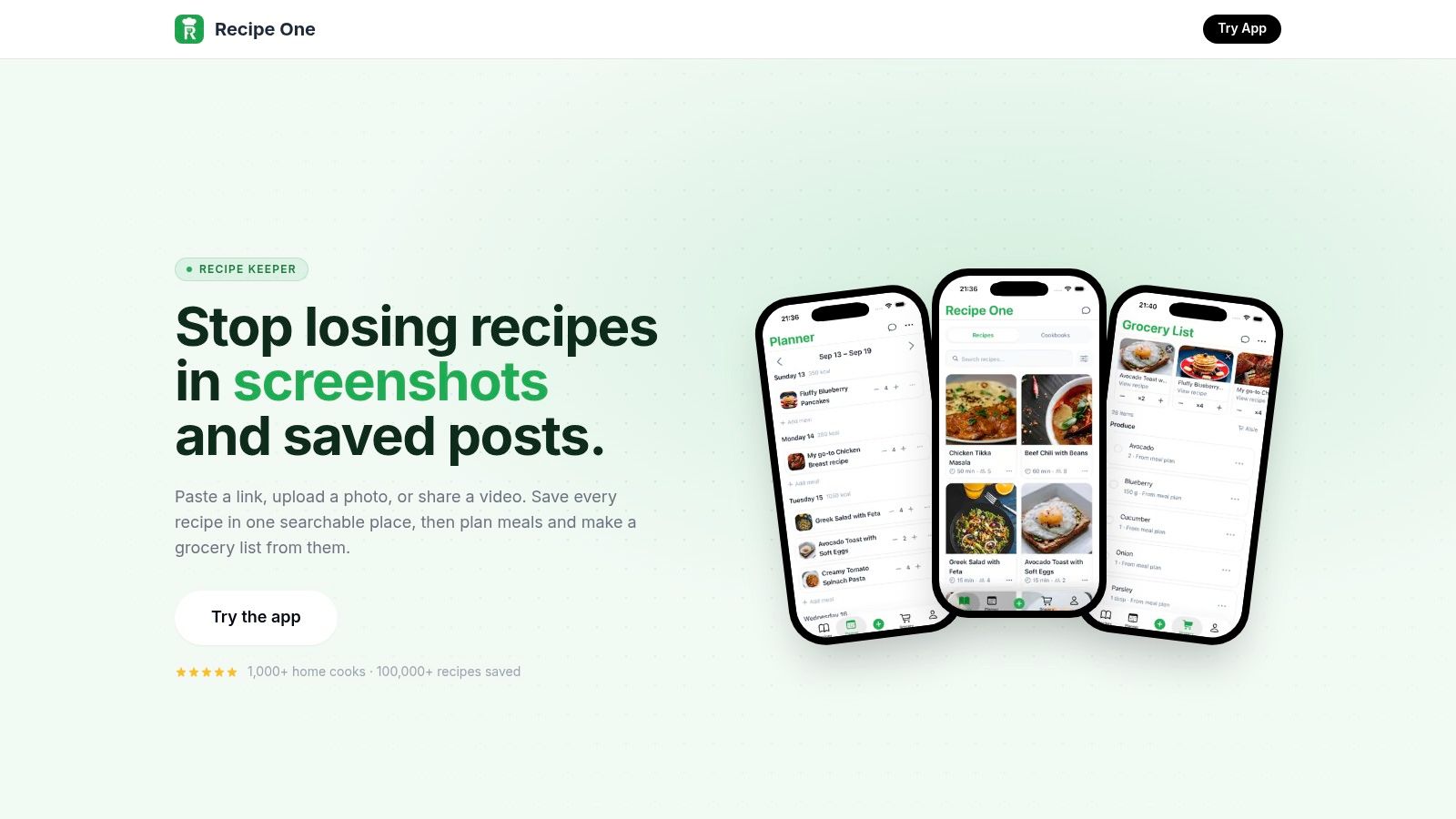
Its AI extraction handles ingredients, steps, and measurements, even when the original content is buried in captions or video. The app also keeps a distraction-free cooking view, so you are not fighting ads or pop-ups while you cook. For a broader look at iPhone cooking tools, see Recipe One's cooking apps guide for iPhone users.
Best for turning saved recipes into a usable system
The workflow is the point. Save a recipe in one tap, organize it into cookbooks, tag it by diet or cook time, and move it into the built-in meal planner for the week. From there, one tap converts planned meals into a grocery list, which is exactly what busy weeknights need.
Use Recipe One if your biggest bottleneck is recipe clutter. If you cannot turn a saved recipe into dinner quickly, the app is not doing enough.
Recipe One also gives you practical free tools like cups to grams conversion, oven temperature conversion, rice to water ratios, and ingredient-based cooking suggestions. It is available on iOS and Android, and the kitchen tools on the site are free to use, so you can test it without pressure. For cooks who want one place to store inspiration, plan meals, and build a shopping list, this is the cleanest free starting point.
Pros
- Save recipes from anywhere in one tap, including social posts, videos, photos, and handwritten cards.
- AI extraction turns messy content into structured ingredients, steps, and measurements.
- Meal planner plus grocery list keeps planning and shopping in one workflow.
- Ad-free cooking view helps you follow recipes without distractions.
Cons
- Pricing details aren't fully listed on the website, so free versus premium limits may require store checks.
- AI extraction still needs review, especially on recipes with vague video instructions.
2. Samsung Food
Samsung Food fits people who save recipes from recipe websites and blogs and want those recipes to become an actual plan. Import a recipe, organize the week, then turn that plan into a grocery list without paying for the core workflow. If your recipes live in browser tabs, bookmark folders, or blog posts, start here. For how this fits the wider iOS toolset, see this guide to cooking apps for iPhone.
The free tier covers recipe saving, calendar planning, and grocery-list generation, and the product works on Android, iOS, and web through Samsung Food. The broader case for meal planners is straightforward. Tools work best when they fit existing habits, not when they force a new routine, which is the kind of setup discussed in the controlled study.
Best for web recipes and zero-cost planning
Use Samsung Food if you already know what you want to cook and just need a cleaner system. Save recipes from the web, place them on the weekly calendar, and generate a grocery list that matches the plan. The core job gets done without pushing you into a paid tier.
It also works well for solo cooks and couples who want low-friction planning. Paid Samsung Food+ adds more advanced nutrition and planning tools, but the free tier is enough if your goal is to store recipes, plan dinners, and shop from one list. If you are comparing apps by workflow, this is the practical place to begin.
If your recipes come from websites, Samsung Food is the first free planner worth testing.
Where the free tier falls short
Samsung Food is weaker for social video capture. If most of your dinner ideas come from TikTok, Instagram Reels, or YouTube Shorts, a tool built for that format will feel easier. Web and mobile also do not always behave the same way, so check the app on the device you use for planning.
That trade-off matters. Recipe capture from blogs is the strength here. Fast social import is not.
Pros
- Free meal planning and grocery lists cover the main workflow.
- Recipe import from the web is easy to use.
- Cross-platform support makes it usable on phones and desktop.
Cons
- Advanced nutrition and planning tools sit behind Samsung Food+.
- Social video recipe capture is not its strongest use case.
3. Mealime
Mealime was a popular pick for people who wanted fast weeknight planning and didn't want to build a big recipe library. It did the everyday job well, curated recipes, automatic grocery lists, and a simple planning flow that reduced decision fatigue. Mealime was discontinued on October 21, 2026, and its recipes moved to Meals Hub in Albertsons Companies grocery apps, so it is no longer an option for new users.
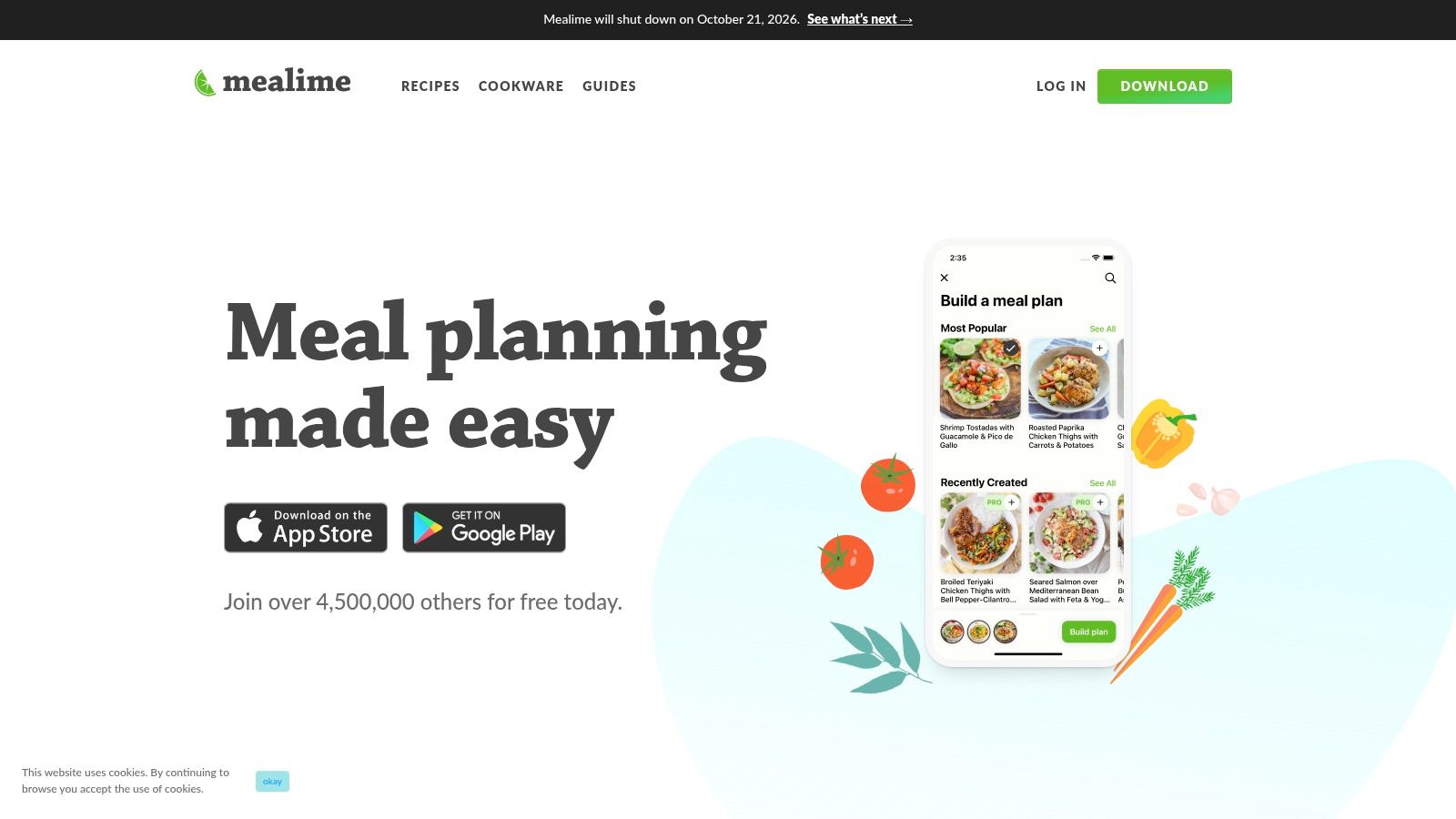
Mealime's core value was speed. The app was built for busy professionals and families who wanted a tidy plan and a shopping list without a lot of setup, and the free version gave you a useful core experience. Its recipes now live in Meals Hub; for the details, see Mealime, then read Recipe One's meal planner app guide if you're comparing workflows.
Good for simple dinner decisions
Mealime worked because it narrowed the choice set. You picked from a guided recipe library, set diet preferences, and got a grocery list that stayed tied to the plan. That kept weeknight cooking moving without demanding that you manage a huge archive of imported recipes.
It was also a sensible choice for beginner cooks who wanted recipes that didn't feel intimidating. The app's structure reduced the “what do I make tonight?” problem, which is often the primary reason people quit meal planning.
Why I would not build a long-term system around it
The shutdown changes the recommendation. An app can be useful and still be a bad long-term home if your plans and saved habits are going to disappear. If you're starting from scratch, Mealime is no longer an option. See our guide to replacing Mealime after its October 21, 2026 shutdown. Read our guide on what to do now that Mealime has shut down, because Mealime had no export.
Pros
- Fast plan creation for busy weeknights.
- Automatic grocery lists kept shopping simple.
- Free core workflow was usable.
Cons
- Shut down on October 21, 2026.
- Advanced features required the Pro tier.
- No export, so saved plans did not carry over.
4. SideChef
SideChef is the best free pick for beginner cooking. Its recipe library and step-by-step guided mode make it easier to follow instructions without guessing what comes next. If you want an app that helps you cook, not just plan, SideChef deserves a look.
Start with SideChef if you want a free app that keeps planning, cooking, and shopping close together. It gives you a meal planner, grocery list, diet and cuisine filters, and guided recipes with built-in timers. The free plan is broad enough to be useful, especially for students, new cooks, and families who want a little structure.
Best when you need cooking help, not just planning help
SideChef's real edge is the way it walks you through the recipe. That matters for people who can follow a list but still freeze up when the stove is on and three things need timing at once. A built-in guided mode helps close that gap.
The trade-off is obvious. SideChef is not as strong as the best import-first apps if you want to save recipes from every corner of the internet. It's better as a guided cooking environment than a huge personal archive.
Pros
- Step-by-step recipe mode is ideal for new cooks.
- Meal planning and grocery lists are available in the free app.
- Diet and cuisine filters help narrow down dinner ideas.
Cons
- Smaller save-anything library than import-first apps.
- Some features and purchases may sit outside the free experience.
5. Eat This Much
Eat This Much works for one job, nutrition-first planning. If you care about calories and macros more than browsing recipes, it gives you a plan that starts with your targets and builds from there. That makes it a stronger free choice for dieters and macro trackers than for people who want dinner inspiration.
The free tier gives you daily meal plans, calorie and macro focus, and tracking tools. Premium adds weekly planning, automatic grocery lists, and delivery integrations. Use the free version to test whether the app can keep your intake on target, then compare that workflow with the Recipe One weight-loss planning guide if you want a different approach to structured planning.
Eat This Much is weak on recipe discovery and household coordination. It does not try to be a shared family hub or a broad recipe archive. It does one thing well, generating meals around numbers, and that is enough for users who want a plan they can follow without overthinking dinner.
The free tier is fine for a first pass, but the limits show up fast. Weekly planning sits behind Premium, and so does the automatic grocery list. If you want the app to carry you from plan to shopping list, expect to pay.
Set your calorie target, choose a few foods you will eat, then review the daily plan before grocery shopping. That keeps the free tier practical instead of theoretical.
Pros
- Strong calorie and macro focus for goal-driven users.
- Daily meal plan generation is free to test.
- Custom foods and tracking make the app usable day to day.
Cons
- Weekly planning is paid.
- Automatic grocery lists are paid.
- Recipe discovery is not its strength.
6. Prepear
Prepear works for cooks who want recipe discovery to feed the planner, not sit beside it. The app combines saving, planning, and grocery lists in a creator-focused setup, so it suits people who browse food bloggers and then turn those finds into a week of meals.
Use Prepear if you want drag-and-drop planning with a social layer. The flow is easy on iOS, Android, and web, and the recipe-to-list handoff is practical for households that want to plan from saved ideas. The free tier covers light planning and browsing, but paid content and marketplace items show up fast.
Where it fits
Prepear is a better fit for recipe-driven planners than for strict free-tier users. Start with it if your problem is inspiration, not nutrition targets or household coordination. Save recipes from creators, pull a few into the calendar, and use the pantry and grocery tools to see what you already have before shopping.
The trade-off is clear. Once you move beyond basic discovery, the app pushes you toward paid content and a premium path that feels expensive compared with looser free planners. If you only need a place to collect ideas and build a simple weekly plan, Prepear can still do the job. If you want the free tier to carry more of the work, look elsewhere.
Pros
- Creator discovery gives you recipe ideas fast.
- Drag-and-drop planning keeps weekly setup simple.
- Pantry and grocery tools help tie planning to shopping.
Cons
- Paid content appears early.
- Premium path is less forgiving than simpler free options.
7. AnyList
AnyList is the strongest free option for household coordination. It began as a shared grocery-list app, and that is still the part worth using. If one person plans dinner, another shops, and a third texts last-minute changes, AnyList keeps the whole routine visible.
Use it for list-sharing first, meal planning second. The calendar is there, but the free version is really about keeping groceries, recipes, and family shopping in one place. If you want a practical shopping workflow, start with Recipe One's grocery shopping list generator guide, then compare that process with AnyList.
Where AnyList actually helps
AnyList handles the annoying parts that derail weekly planning. Shared lists cut duplicate purchases. Recipe import keeps meals tied to actual dishes. Calendar sync helps households match shopping to schedules instead of guessing at the store.
That makes it a solid fit for couples, roommates, and families who split errands. It is less useful if you want a free app to do full meal planning on its own. AnyList Complete holds the better planning conveniences behind a paywall, so free users should treat it as a coordination tool first.
Use the free tier if your main job is keeping everyone on the same shopping list. If you want richer meal-planning features, expect to pay.
Pros
- Excellent shared grocery lists for households.
- Recipe import keeps shopping tied to real meals.
- Calendar sync helps connect meals to schedules.
Cons
- Full meal planning sits behind AnyList Complete.
- Advanced conveniences are not included in the free tier.
8. BigOven
BigOven is the free pick for leftovers, and that is the whole point. It is useful for cooks who do not want a planner that starts from a blank slate every week.
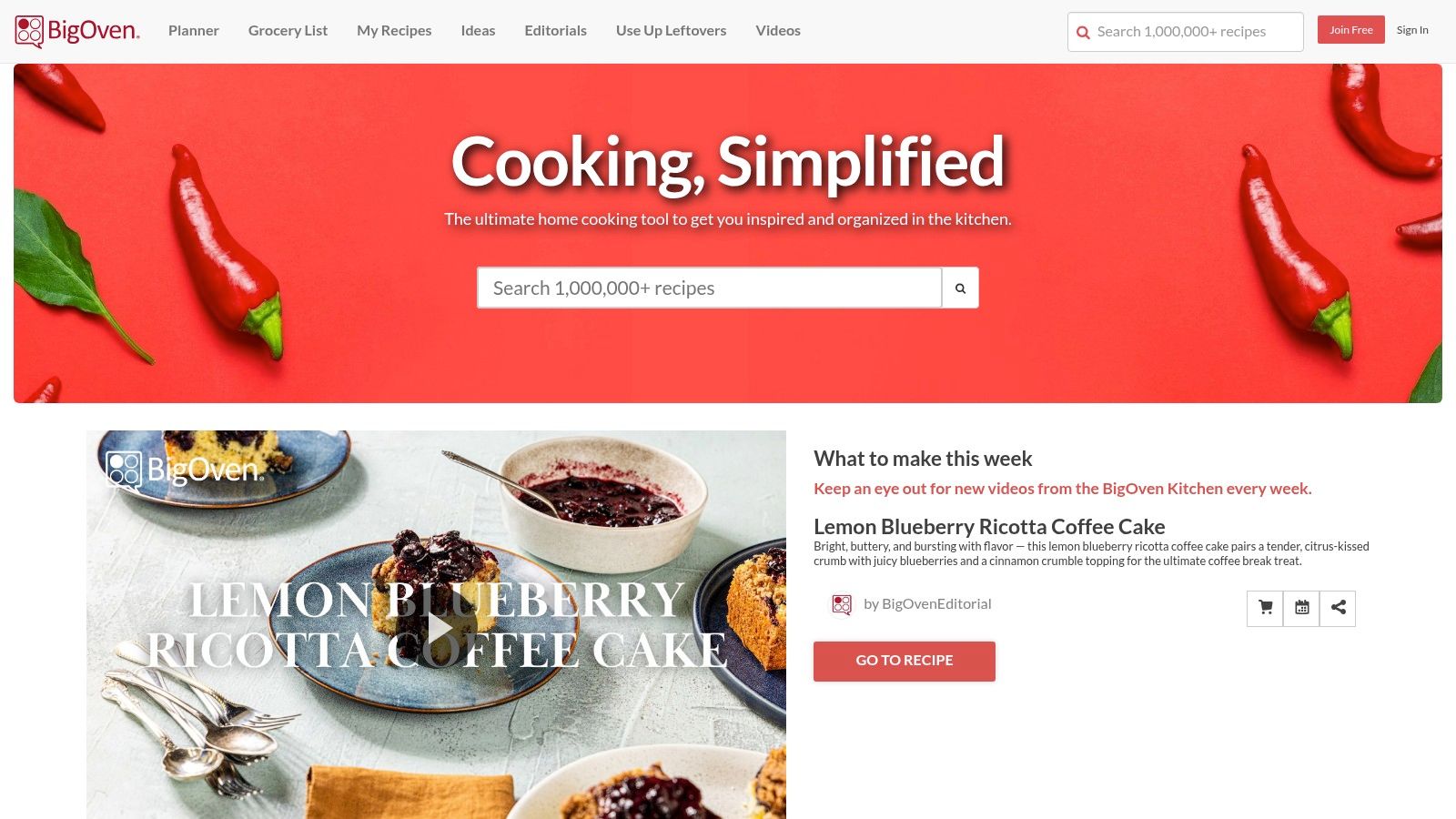
Use the Use Up Leftovers tool first. Then build the week around what is already in your kitchen, not around a perfect recipe list. Drag-and-drop planning and grocery list integration keep the workflow basic and practical. Start with BigOven if your real problem is pantry leftovers, not recipe discovery.
Best for cooking from what you already have
BigOven suits budget-conscious cooks who want dinner ideas without waste. It helps turn stray ingredients into a plan, which is more useful than collecting recipes you will not cook.
The free tier handles basic meal planning well enough. BigOven Pro holds the deeper organization and nutrition features behind the paywall, so free users should keep expectations narrow. Use the free version if you want a simple leftovers-first system. Skip it if you need advanced tracking.
Pros
- Use Up Leftovers tool helps cut waste.
- Drag-and-drop planning keeps weekly setup simple.
- Free tier covers basic meal planning.
Cons
- Advanced organization is paid.
- Nutrition features are limited in the free version.
9. Cozi Family Organizer with Meal Planner
Cozi fits households that need family logistics and meals in one place. Shared calendars, to-dos, notifications, and the meal planner make it a household hub, not a recipe-first app. Use it if your bigger problem is coordinating school runs, errands, and dinner without bouncing between tools.
Start with Cozi if you want everyone in the same system. The free plan works across devices and supports household collaboration. Paid tiers add AI meal planning and extra conveniences. For a separate look at planning meals and building shopping lists, see Recipe One's grocery-list and meal-planning guide.
The trade-off is simple. Cozi is strong at coordination, weak at cooking help. It keeps family plans visible and reduces back-and-forth, but it does not try to replace a full recipe app. That makes it useful for parents who need dinner plans tied to the rest of the week, not for users who want deep recipe capture or advanced nutrition tools.
The free meal planner covers the basics well enough for shared household use. If you want AI-heavy planning or more advanced conveniences, you will hit the paid tier quickly. Use the free version when the job is calendar coordination with a meal slot attached. Skip it if your main need is recipe management.
Pros
- Shared calendar and meal planner keep household plans aligned.
- Free collaboration works across devices.
- Meals, tasks, and notifications sit in one place.
Cons
- AI meal planning is paid.
- Advanced automation is not included for free.
10. Copy Me That
Copy Me That is the most practical pick for web clipping. It pulls recipes from websites and apps, then links them to a meal-planning calendar and grocery lists. Use it if your main problem is saving recipes without retyping ingredients or steps.
Start with Copy Me That if you want a clean save-and-shop workflow. Its grocery list can be sorted by recipe or aisle, which cuts down on store backtracking. The free tier is limited, so it fits light collectors and home cooks who rely on a small rotation of meals.
The app's strength is speed, not depth. Clip a recipe, organize it, and turn it into a shopping list with little setup. That works well for cooks who want a simple system and do not need a heavy planning tool.
The trade-off is volume. The free plan caps saved recipes, so anyone who saves food content often will hit the limit fast. If you only clip the dishes you cook, the free version holds up. If you want a long-term recipe archive, expect to pay.
Pros
- Fast web and app clipping saves recipes cleanly.
- Plan-to-list workflow is simple.
- Aisle-sorted grocery lists help in the store.
Cons
- Free tier caps saved recipes.
- Power-user features require payment.
Top 10 Free Meal Planner Apps Comparison
| App | Core features ✨ | UX / Quality ★ | Price / Value 💰 | Best for 👥 | Standout |
|---|---|---|---|---|---|
| 🏆 Recipe One | One-tap save from videos/posts/photos; AI extracts ingredients/steps/measurements; meal planner → grocery list; converters | 4.5★ app-store; ad-free cooking view; device sync | Free tools + in-app upgrades (check store) 💰 | 👥 Modern cooks who collect recipes across platforms | ✨ Extracts from videos & social; clean cook-mode; PDF export |
| Samsung Food (Whisk) | Recipe import from web/social; meal planner; auto shopping list; grocery integrations | ★ Reliable cross-platform (web, iOS, Android) | Free core; Samsung Food+ for advanced features 💰 | 👥 Users wanting strong free planning + nutrition add-ons | ✨ Shareable shoppable lists; strong free workflow |
| Mealime | Personalized plan builder; quick filters; automatic grocery list; waste-reduction cues | ★ Fast plan creation; weeknight-friendly | Free core; Pro adds nutrition/calories 💰 | 👥 Busy families & weeknight cooks | ✨ Quick, tidy planning; NOTE: discontinued 10/21/2026 |
| SideChef | 16k+ guided recipes; step-by-step mode with timers; meal planner & grocery lists | ★ Beginner-friendly guided UX | Free entry; some in-app purchases 💰 | 👥 New cooks, students, families | ✨ Guided steps + built-in timers for novice cooks |
| Eat This Much | Calorie/macro-driven automated meal plans; tracking; diet templates | ★ Excellent for calorie/macro goals | Free daily plans; Premium for weekly/grocery/delivery 💰 | 👥 Users focused on weight/macros | ✨ Auto macro-driven plans + delivery integrations |
| Prepear | Drag-and-drop weekly planner; follow creators; marketplace cookbooks; pantry support | ★ Strong discovery + organizer blend | Free basic; Prepear Gold (higher-priced) 💰 | 👥 Discovery-minded cooks & creator followers | ✨ Marketplace + social creator ecosystem |
| AnyList | Shared grocery lists; meal-planning calendar; plan-to-list & calendar sync | ★ Excellent multi-person shopping workflow | Free basic; AnyList Complete paid 💰 | 👥 Households that plan & shop together | ✨ Calendar sync + shared household lists |
| BigOven | Drag-and-drop planner; "Use Up Leftovers" suggestions; recipe box & grocery integration | ★ Long-standing, solid free tier | Free basic; BigOven Pro for advanced features 💰 | 👥 Frugal cooks, anti-waste planners | ✨ Leftover-based recipe suggestions |
| Cozi (Family Organizer) | Shared meal planner + recipe box; family calendar & to-dos; notifications | ★ Family hub UX across devices | Free core; Cozi Gold/Max for AI & extras 💰 | 👥 Busy families seeking single hub | ✨ Combines calendar, lists & meals in one app |
| Copy Me That | Web/social clipper for saving recipes; meal-planning calendar; aisle-sorted grocery lists | ★ Very effective clipping & plan-to-list flow | Free tier with limits; paid membership for more 💰 | 👥 Recipe collectors who clip from blogs/social | ✨ Powerful web/social recipe clipper and organized lists |
Choose the Workflow You Will Actually Use
Start with the job you need done, not the app with the longest feature list. If you mainly import and organize recipes, choose Recipe One or Samsung Food. If you want guided cooking, SideChef is the better free fit. If your priority is calorie and macro control, Eat This Much is the clear pick. For household coordination, use AnyList or Cozi. If leftovers drive your planning, pick BigOven. If you clip recipes from websites all day, use Copy Me That.
Test the free tier over one real planning cycle. Save several recipes, build a full week, inspect the grocery list, cook from the app, and watch for the exact moment the workflow starts to break. That moment matters more than the app rating, because the wrong limit in the middle of a busy week turns “free” into extra work.
Do not ignore the practical timing issue with Mealime. It was discontinued on October 21, 2026, so pick another app. Also check current pricing and availability before you commit, because free tiers and upgrade paths change.
Use free-tier tactics that reduce friction fast. Standardize recipe names and tags, plan around ingredients already in the house, review generated lists before shopping, and lean on Recipe One when the main problem is scattered recipe inspiration. It gives you the import, organization, meal-planning, grocery-list, and conversion tools you need to turn saved ideas into dinner without making the process harder than it should be. For extra recipe ideas while you're building your system, you can also find DBakerAid™ recipes. For a broader paid-and-free comparison, see the best meal planner apps guide. A paid curated-menu option is covered in this eMeals review.
If you're tired of saving recipes in ten places and still wondering what to cook, Recipe One gives you one place to capture, organize, plan, and shop. It's built for the exact problem this list is solving, turning scattered cooking inspiration into a usable kitchen system. Try it when you want a free planner that helps you get dinner on the table.