
Mealime is being discontinued on October 21, 2026. The app has no export feature, and personal data will be deleted at shutdown, so anything you want to keep has to be saved by hand before that date.
If you've relied on Mealime to choose dinners, store favorites, build plans, or prepare a grocery list, don't panic. You still have time to preserve the recipes and routines that matter. The important part is to save selectively and in the right order, rather than trying to recreate the entire service.
What the Mealime Shutdown Actually Means
Mealime, the standalone meal-planning app, is scheduled to close on October 21, 2026. Mealime's recipe catalog is intended to continue inside Meals Hub, a recipe and shopping feature integrated into Albertsons Companies' grocery applications, including Safeway, Vons, and Jewel-Osco. The app is ending, but the published recipes aren't disappearing from the wider Albertsons ecosystem. (FoodiePrep's shutdown overview)
The difficult part is your personal library. Mealime doesn't provide a CSV, PDF, ZIP download, bulk export, or account-level transfer tool for recipes, meal plans, grocery lists, or related personal content. There's no practical end-user API hook to rescue everything automatically. Your favorites, notes, plans, preferences, and other account data need manual attention before the cutoff.
Practical rule: Save the meals you actually cook first. Don't spend your remaining access trying to preserve every recipe you've ever viewed.
Meals Hub shouldn't be confused with a direct copy of your Mealime account. The recipe catalog is being repositioned inside Albertsons' retail applications, while the personal material attached to your account is scheduled for deletion. If the original app's planning flow is what you value, you'll need to rebuild that part somewhere else.
Mealime's closure also marks a change in ownership strategy. Albertsons Companies acquired Mealime in 2021, connecting a consumer meal-planning product with a large grocery operator. The practical lesson is simple: a specialized app can be absorbed into a retailer's infrastructure without preserving the standalone experience.
For context on how app closures affect personal recipe collections, see this guide to what happened to the Allrecipes app. Your task now is finite: identify what matters, capture it manually, and place it somewhere you can use after October 21.
What You Lose and What Survives the Shutdown
The shutdown affects two different kinds of content. Mealime's published recipe catalog is intended to remain available through Meals Hub, while your personal activity and saved material isn't being transferred automatically. That distinction matters because saving a recipe page is not the same as preserving your notes, plan, or grocery history.
| Data Category | What It Covers | Survives? | Action Needed |
|---|---|---|---|
| Personal recipe collection | Favorites and saved recipes connected to your account | No | Capture important recipes manually |
| Custom recipes and notes | Your own additions, edits, and personal cooking notes | No | Screenshot or copy the content |
| Meal plans | Current and saved plans built in Mealime | No | Record plans you want to repeat |
| Grocery lists | Current lists and personal shopping information | No | Save the active list and useful recurring items |
| Grocery list history | Past shopping information connected to your account | No | Screenshot or write down useful patterns |
| Diet and allergy preferences | Settings used to shape recommendations | No | Record them separately |
| Household and serving preferences | Information used for planning | No | Re-enter them in your next app |
| Mealime recipe catalog | Published recipes intended for Meals Hub | Yes, in the retail ecosystem | Look for the catalog in Albertsons Companies' store apps |
| Public recipe share pages | Recipe pages already available through shared links | Potentially accessible | Save each link and keep a copy of key details |
| Screenshots and copied recipes | Material you preserve outside Mealime | Yes | Store it in a dependable folder or recipe tool |
The most commonly forgotten category is grocery list history. It can contain the practical memory of what you repeatedly buy, even when you don't think of it as a recipe collection. If an old list helps you remember a regular dinner or a household staple, preserve it before the account closes.
A public recipe page may include the title, ingredients, steps, servings, and cooking time. That's useful, but it won't preserve private notes or personal selections that never had a public page. A dedicated digital recipe organizer can give those saved details a permanent home after you capture them.
Your Priority-Ordered Save Checklist Before October 21
Start with the item that can affect billing, then move to the recipes and planning data you'd miss. The goal isn't to create a perfect archive. It's to preserve the cooking knowledge your household uses.
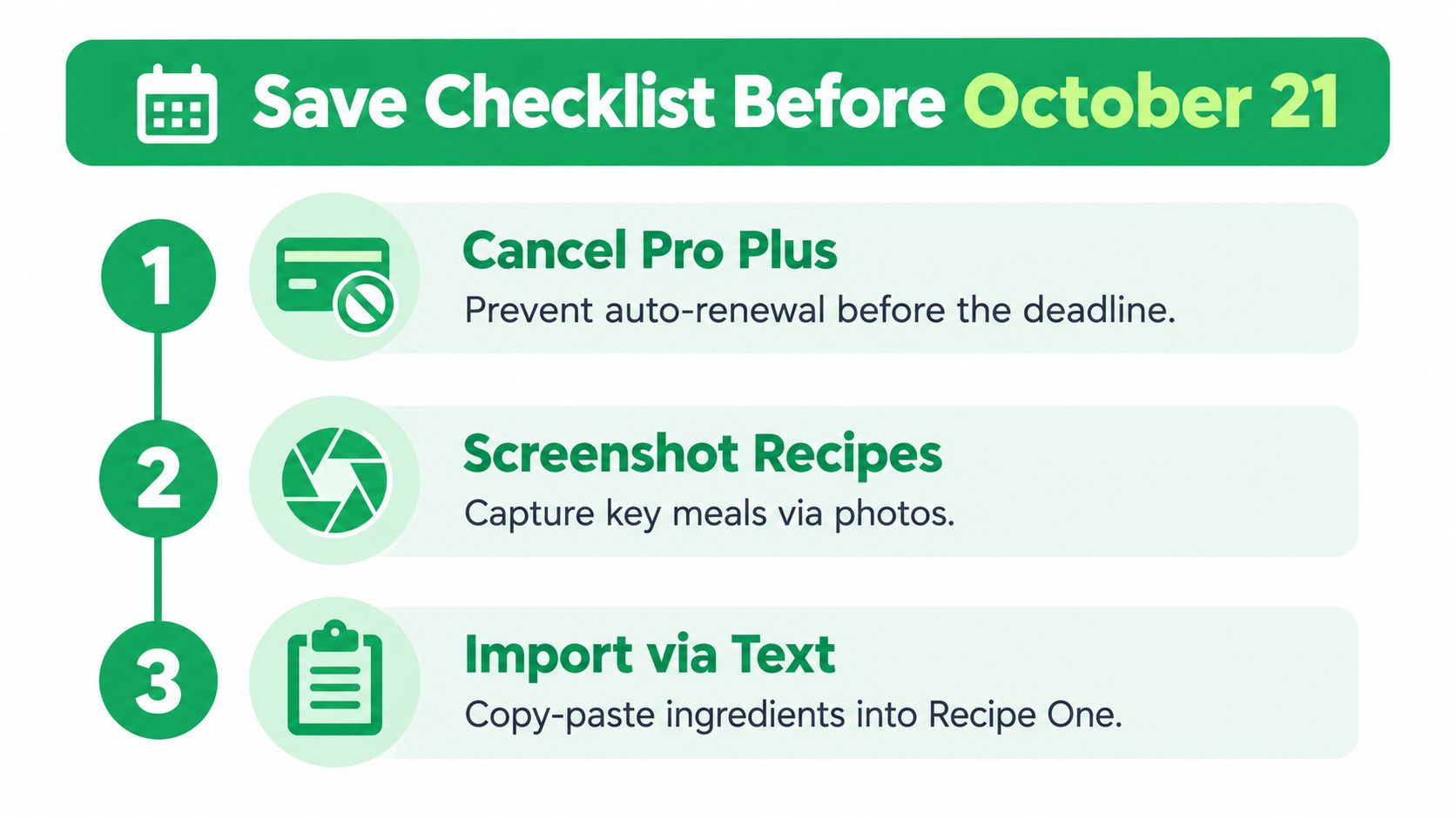
First check your subscription
Open your Mealime account and review the Pro subscription status. Mealime's shutdown information says Pro features become free for all users during the final period, and existing Pro subscribers won't be charged for another renewal. Screenshot the status or relevant notice so you have a record if a billing question appears later. If your app store shows an active renewal, review its cancellation controls before the next billing cycle.
You can also check Mealime's current listing in the App Store or Google Play while the app remains available. Don't wait until the final day to discover that your subscription is managed through a store account you rarely use.
Second identify the meals worth keeping
Open your library and make a short priority list. Start with meals you've cooked repeatedly, meals your household requests, and recipes you'd realistically make again. A smaller, useful collection is better than a giant folder of recipes you never open.
Use Mealime's cooking history or library sorting where available to find the meals that have been part of your routine. This is the point where you should be selective. Trying to preserve everything is the fastest way to abandon the task.
Third capture each important recipe
Open each priority recipe and capture the full ingredient list and complete steps. Save its public share link when one exists, then take screenshots as a visual backup. Screenshots are especially important for recipes that don't have a public page, and they should include your own notes.
For additional protection, copy the ingredients and instructions into a notes app or plain text document. Keep the screenshots and copied text together so one damaged file doesn't erase the recipe.
Save the recipe, the instructions, and the changes you made to it. The personal adjustment is often the part you won't find elsewhere.
Fourth preserve grocery history and settings
Save the current meal plan and grocery list, then review older lists for recurring meals or household habits. Separately record dietary restrictions, allergies, household preferences, and serving preferences. These settings are easy to forget because they usually work in the background without drawing attention.
Fifth clean up account details
Confirm the email attached to the account and remove any payment method you no longer need. Keep a screenshot of subscription information and write down the relevant support path for any later billing question. For another manual preservation workflow, see this guide to saving recipes from Facebook.
Work through these steps in order. It's a finite job, and prioritizing recipes you cook makes it much faster than attempting a complete account reconstruction.
Moving Your Saved Recipes Into Recipe One
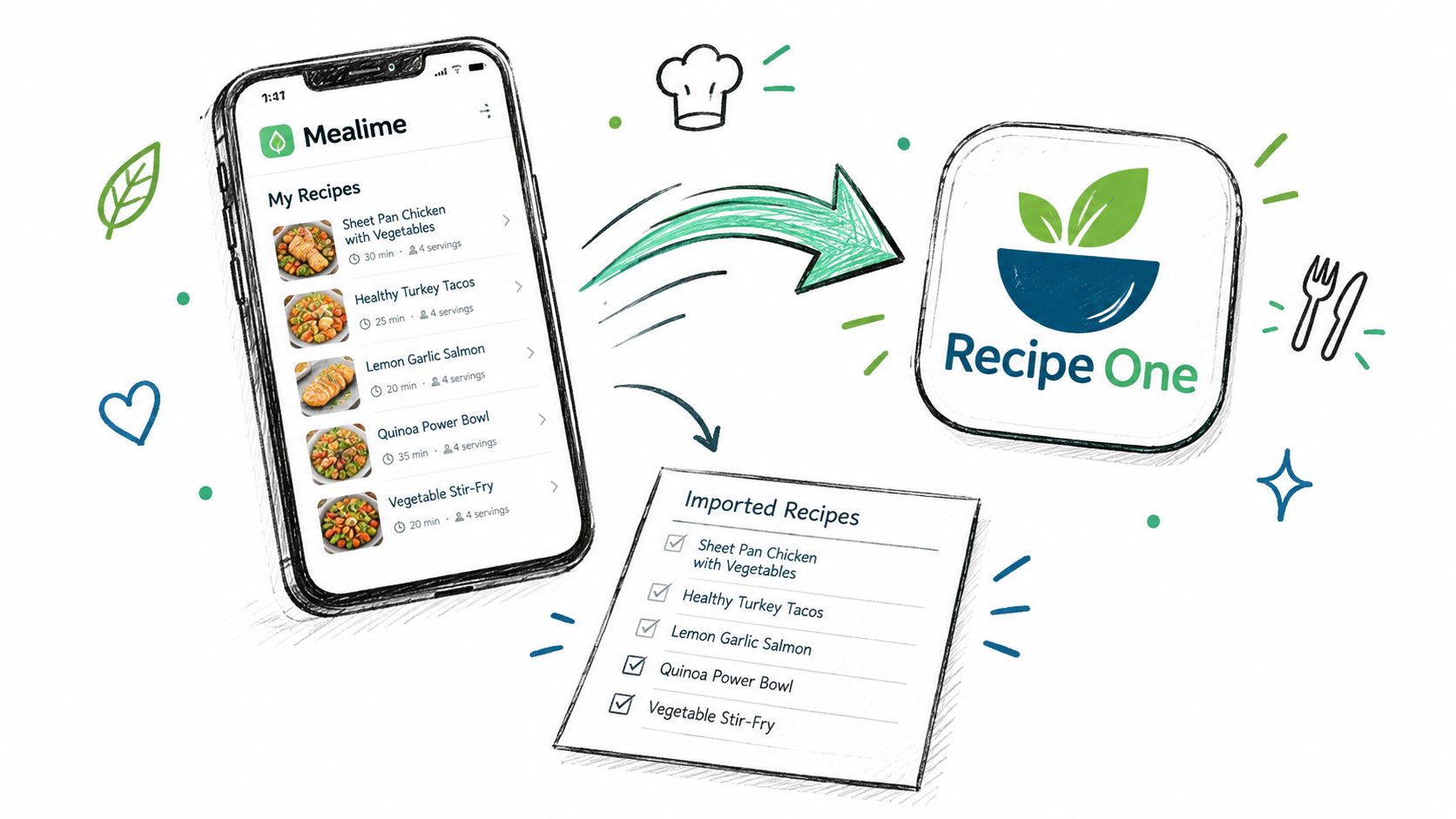
You have a folder of screenshots, copied recipe text, and public links. Give those files a permanent home before Mealime closes. Recipe One provides an import flow for recipe links, photos, screenshots, and pasted text, along with a personal recipe library, tags, meal planning, and grocery-list generation. It can rebuild the parts of your weekly routine that matter, but it will not transfer your Mealime account.
Use public links first
Start with recipes that have a public Mealime share page. Paste each URL into the Recipe One recipe import tool. The importer can pull the title, ingredients, and steps from the page, which saves you from retyping them. Treat this as a one-by-one recipe transfer, not an account migration or bulk export. Check every imported recipe before relying on it.
Use screenshots for private material
Some saved recipes will not have a useful public page. Upload their screenshots or photos through the photo importer, and include every image in the sequence. The final steps, serving details, and your personal notes are easy to miss. Read through the extracted text and correct measurements, ingredient names, or missing instructions before saving.
Paste text when you need control
For unusual layouts or handwritten changes, create a recipe and paste the copied ingredients and instructions yourself. Put each ingredient on its own line, then place the method in the steps area when the app allows it. Manual entry takes longer, but it gives you more control over formatting and makes errors easier to spot.
Import a small batch first. Tag recipes by use, such as weeknight, freezer-friendly, vegetarian, or family favorite. Build one test week in the meal planner, generate its grocery list, and compare it with the Mealime list you saved.
Review before cooking: Check units, serving quantities, ingredient names, and missing steps. Import errors often appear at the stove, not on the import screen.
Keep your screenshots and notes until you have cooked successfully from the imported version. Then continue with the rest of your priority list. Recipe One includes cooking mode and PDF export for personal recipes, giving you another copy outside the service.
Meals Hub Versus Switching to a New App
Meals Hub is the straightforward choice if your priority is continued access to Mealime's published recipe catalog inside Albertsons Companies' grocery applications. It's the closest path to the recipes themselves, but it won't preserve the personal account history that you failed to save manually.
Switching to another app makes more sense if you want an independent recipe library, a different planning workflow, or control over how your saved material is organized. You'll need to rebuild your preferences and import recipes yourself, but you can choose a tool based on how you cook now rather than how Mealime worked before.
| Factor | Meals Hub | New App, such as Recipe One |
|---|---|---|
| Main purpose | Continued access to the recipe and shopping experience within Albertsons Companies' retail apps | A separate home for saved recipes and planning |
| Mealime personal data | Not automatically preserved | Must be manually recreated from links, screenshots, or text |
| Recipe source | Mealime's catalog as it moves into the retail ecosystem | Your selected recipes and imported material |
| Planning workflow | Connected to the grocery-app environment | Depends on the app you choose |
| Best fit | You mainly want Mealime's published recipes | You want a fresh, independent system |
There's no need to compare a long list of replacements. Decide whether preserving the catalog or preserving your personal cooking workflow matters more, then act on that choice. For a broader comparison, read Mealime alternatives.
Common Questions About the Mealime Shutdown
When does Mealime shut down? Mealime's standalone app is scheduled to be discontinued on October 21, 2026. Use the app while it remains available, but don't postpone saving important material until the deadline.
Can I export my Mealime recipes? No. There's no CSV, PDF, bulk-download, or account-level export for recipes, plans, grocery lists, or related personal content. Save important items manually with public links, screenshots, and copied text.
What happens to my personal data? Personal data, including favorites, notes, meal plans, grocery lists, and preferences, is scheduled for deletion at shutdown rather than transfer into Meals Hub. The available shutdown information doesn't establish a post-shutdown retention period, backup policy, or restoration process, so assume deleted personal content won't be recoverable.
Will my Pro subscription be charged again? Mealime says Pro features become free for everyone during the final period and existing Pro subscribers won't be charged for another renewal. Keep a screenshot of your subscription status and check the store account that manages your subscription.
What happens to accounts created before the announcement? Existing accounts remain usable only while the standalone service is available. The shutdown information doesn't promise continued logins after October 21, so save your personal content before then.
Will shared household plans move automatically? Don't assume they will. Personal plans, lists, notes, and preferences are scheduled for deletion, and there's no account-level transfer mechanism. Save anything shared that your household still needs.
Is Meals Hub the same company? Meals Hub is being integrated into Albertsons Companies' grocery applications, including Safeway, Vons, and Jewel-Osco. The recipe catalog is intended to continue there, but your Mealime account data isn't described as moving over automatically. You may need to use the relevant grocery application and set up your planning workflow again.
Set aside one focused afternoon, save the meals you really use, and test your replacement with one planned week. This isn't an ongoing project, and you don't need to keep refreshing the shutdown notice once your important recipes and lists are safely stored.
Recipe One gives you a place to store saved recipes from links, screenshots, photos, and text, then organize them with tags, plan meals, and generate a grocery list. Visit Recipe One and start with the recipes you cook most often before Mealime closes.


