In a world overflowing with food blogs, viral TikTok recipes, and saved family favorites, keeping your culinary life organized can feel impossible. The right app can make all the difference, turning kitchen chaos into streamlined success. But with hundreds of options in the App Store, how do you choose the one that truly fits your cooking style?
We’ve meticulously tested and reviewed the top contenders to bring you this definitive guide to the best cooking apps for iPhone. This isn't just a list; it's a practical roadmap to finding your ideal digital sous-chef. Whether you're a student learning the basics, a busy parent planning weekly meals, or a seasoned cook looking to digitize a lifetime of recipes, this guide is designed to help you find the perfect match.
Inside, we break down exactly what makes each app stand out. You will find:
- Honest pros and cons based on real-world use.
- Clear guidance on the ideal user for each app.
- Detailed analysis of standout features and pricing.
- Screenshots and direct links to get you started quickly.
We'll dive deep into what makes each app unique, who it's best for, and where it might fall short. Our goal is simple: to help you make an informed choice and get back to what matters most-enjoying delicious, home-cooked food without the digital clutter. Let’s find the app that will transform your kitchen experience.
1. Recipe One
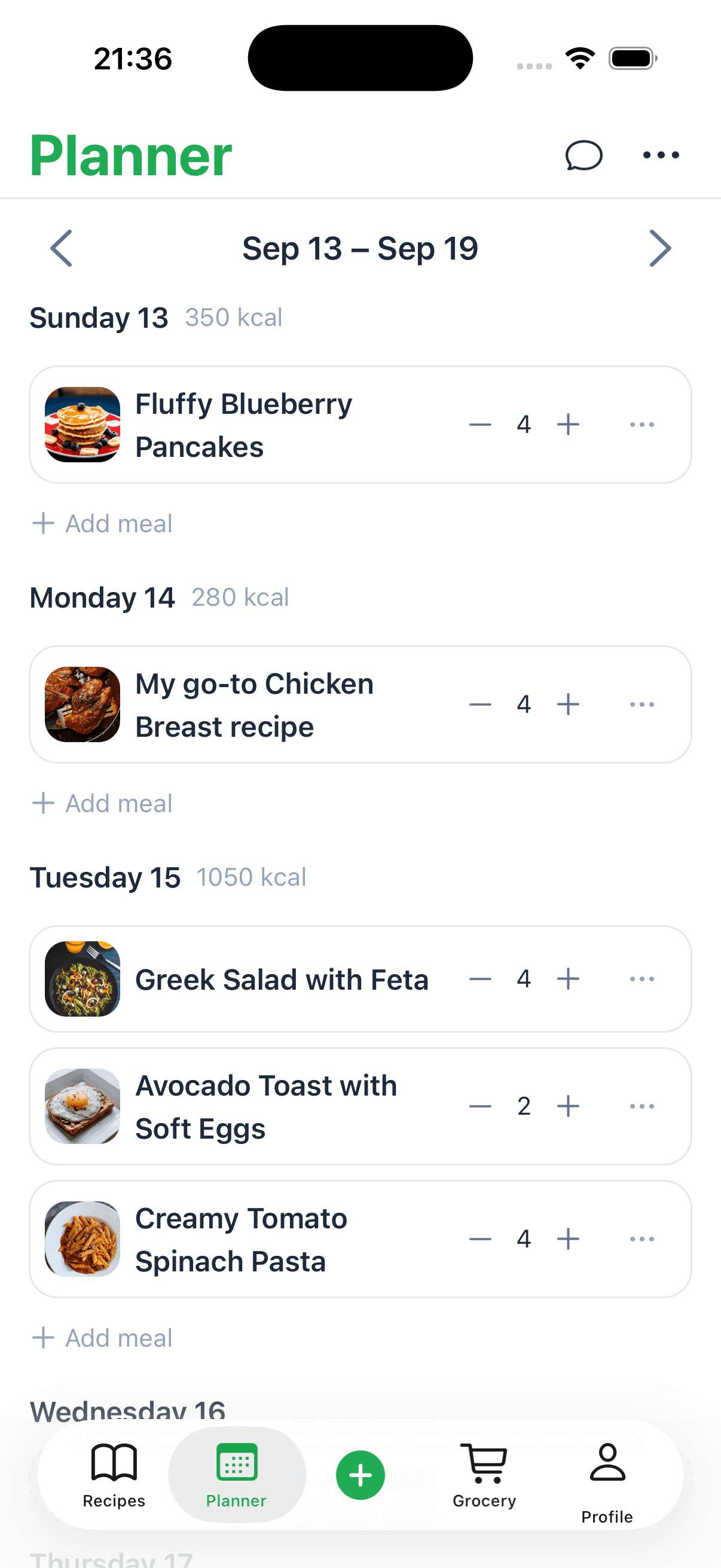
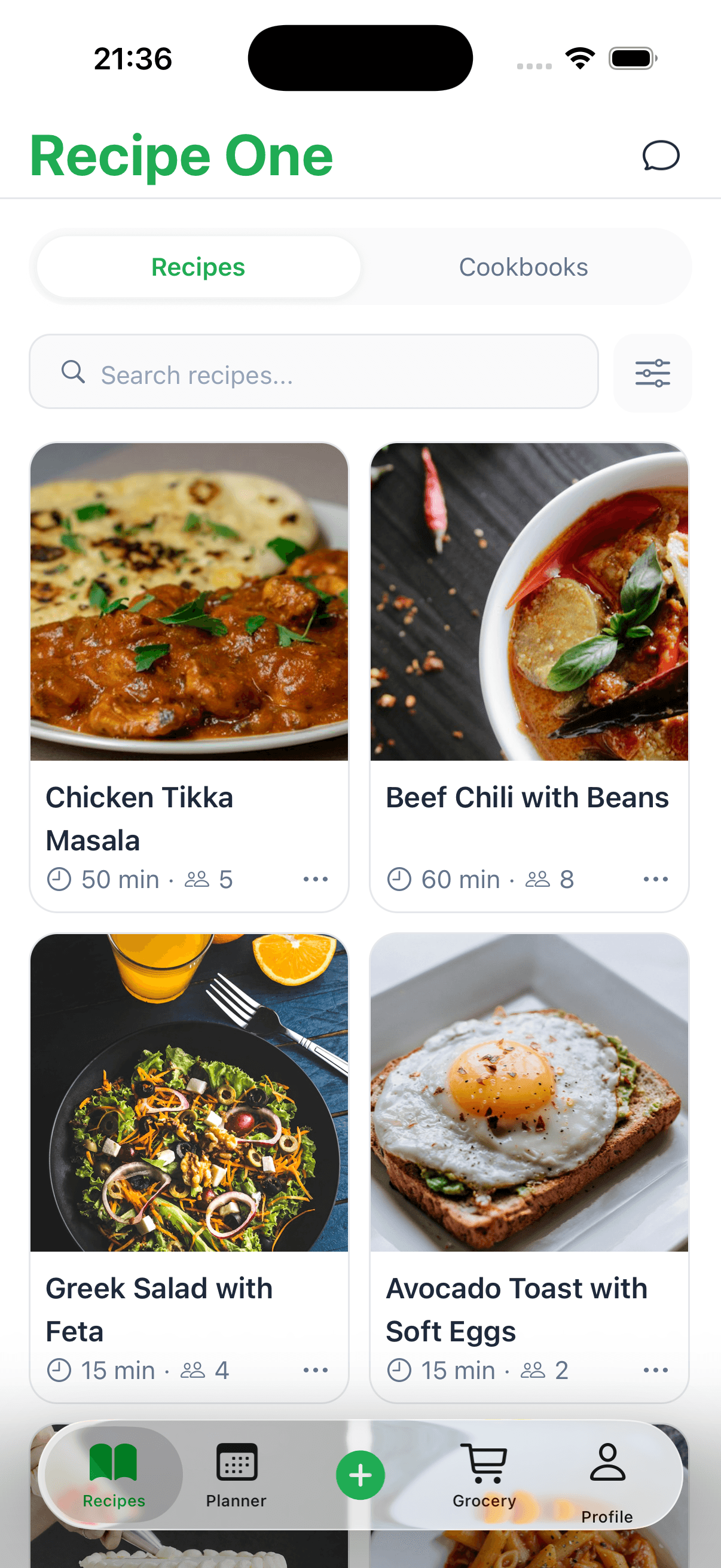
Recipe One distinguishes itself as the ultimate digital recipe keeper, leveraging powerful AI to solve a modern problem: capturing scattered cooking inspiration from across the internet. Instead of manually transcribing a recipe from a social media video or a blurry photo, this app automates the entire process. It intelligently extracts ingredient lists, measurements, and instructions from videos, images, and text posts, converting them into a clean, standardized format. This makes it one of the best cooking apps for iPhone users who are tired of losing track of recipes saved across different platforms.
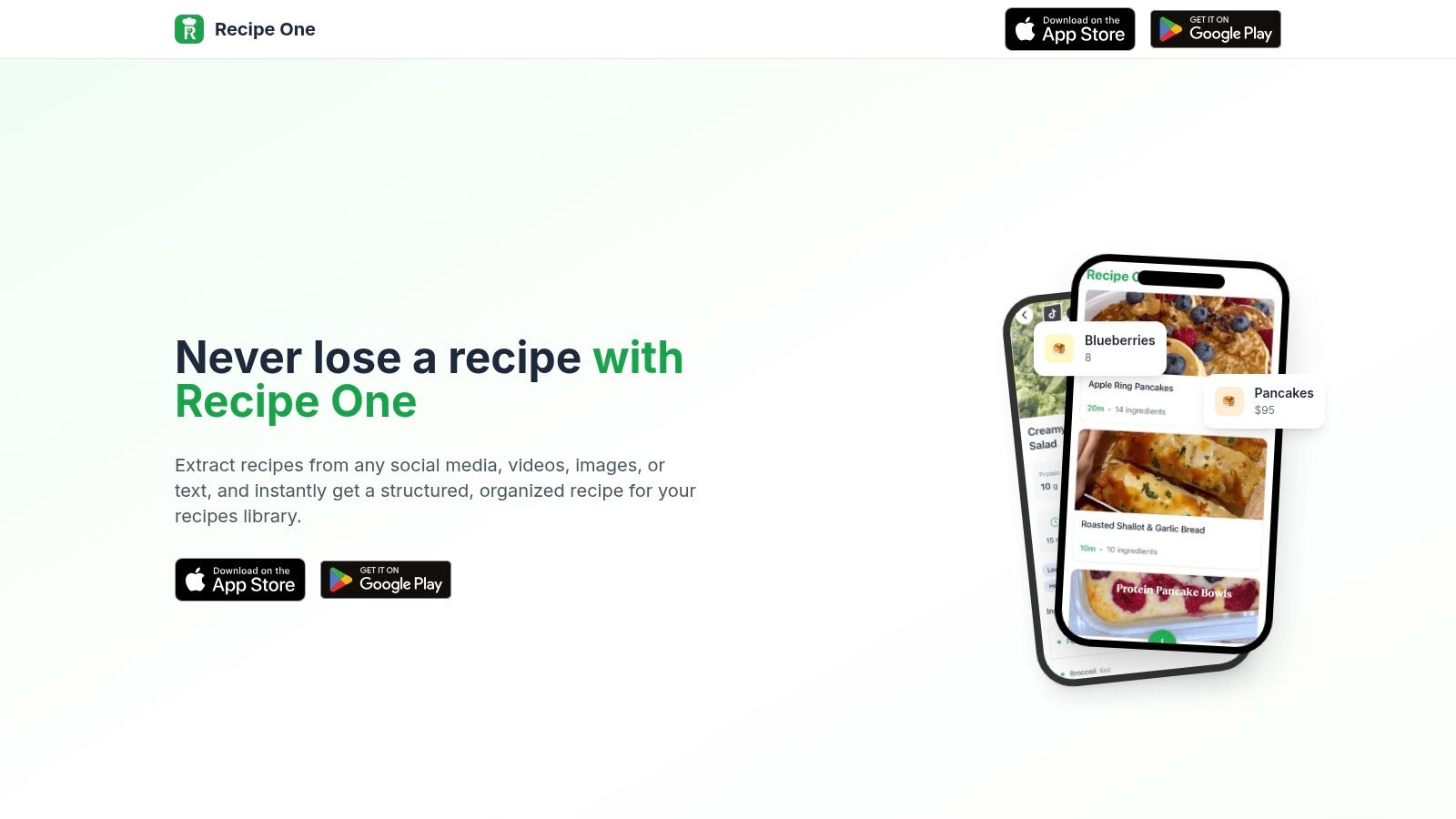
The platform’s core strength lies in its ability to create a unified, searchable, and kitchen-ready personal library. A family recipe jotted on a napkin and a viral TikTok dish can coexist in the same consistent format, saving significant time and frustration. It’s an ideal solution for busy parents, students, and anyone who curates their meal plans from a variety of online sources.
Key Features and Use Cases
- AI-Powered Recipe Capture: Automatically pulls recipe data from social media, videos, images, and text. This is a game-changer for anyone who finds great recipes on platforms like Instagram, TikTok, or Pinterest and wants to save them without manual copy-pasting.
- Standardized Digital Library: Organizes all captured recipes into a consistent, easy-to-read format. This ensures every recipe, regardless of its origin, has clear ingredient lists and step-by-step instructions.
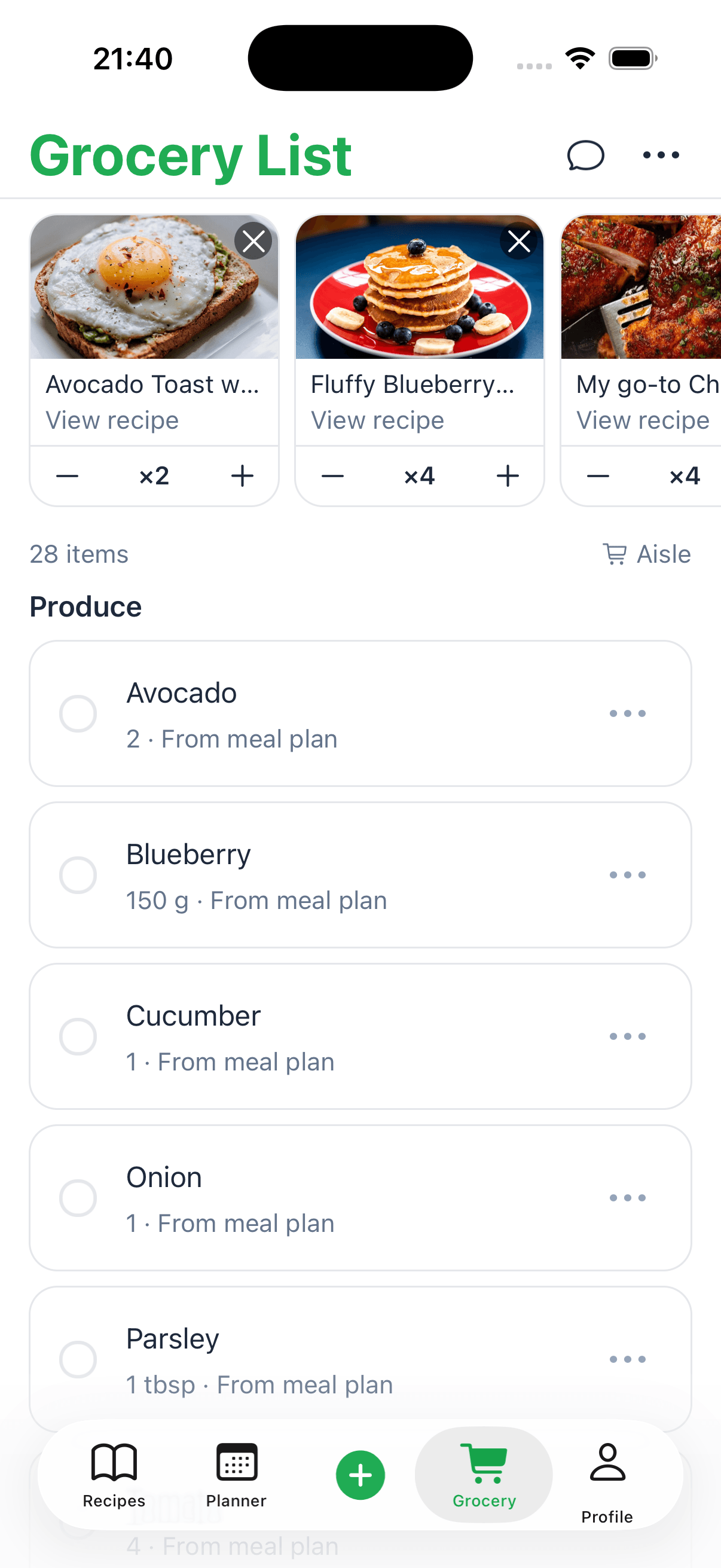
- Integrated Cooking Utilities: The app includes a suite of free, practical tools. The "Cook with Ingredients" feature helps you find recipes based on what you already have, while built-in converters for measurements and oven temperatures streamline the cooking process.
| Feature | Best For |
|---|---|
| Multi-Format Capture | Saving recipes found on social media, in videos, or from photos. |
| Standardized Library | Organizing a chaotic collection of recipes into a single, searchable hub. |
| Built-in Cooking Tools | Quick meal planning, ingredient conversion, and nutrition tracking. |
Pricing and Availability
Recipe One offers an app experience accessible via a "Try App" call to action on their website. However, specific pricing tiers and subscription plan details are not publicly listed on the site. To understand the costs and feature limitations, users will need to download the app or contact the support team for more information.
Pros and Cons
- Pros: The automatic multi-format recipe capture is a standout feature that saves immense time. The built-in cooking tools add significant value, consolidating multiple functions into one app. Its ability to centralize recipes from any source into a unified library is a major organizational benefit.
- Cons: The lack of transparent pricing on the website can be a hurdle for potential users. Additionally, the AI extraction accuracy may vary depending on the quality of the source material; poorly written or low-resolution sources might require some manual edits.
Website: https://www.recipeone.app/
Keep every recipe in one place
Stop losing recipes. Save from any website, scan handwritten cards, and organize your kitchen with AI.


2. Apple App Store – Food & Drink
Before you can use any of the best cooking apps for iPhone, you first need a safe and reliable place to find and download them. The official Apple App Store, specifically its Food & Drink category, is the definitive starting point for any iPhone user. It’s not a cooking app itself, but a curated marketplace where all cooking apps are vetted for security and quality by Apple. This platform is the essential gateway to discovering, comparing, and installing your next kitchen companion.
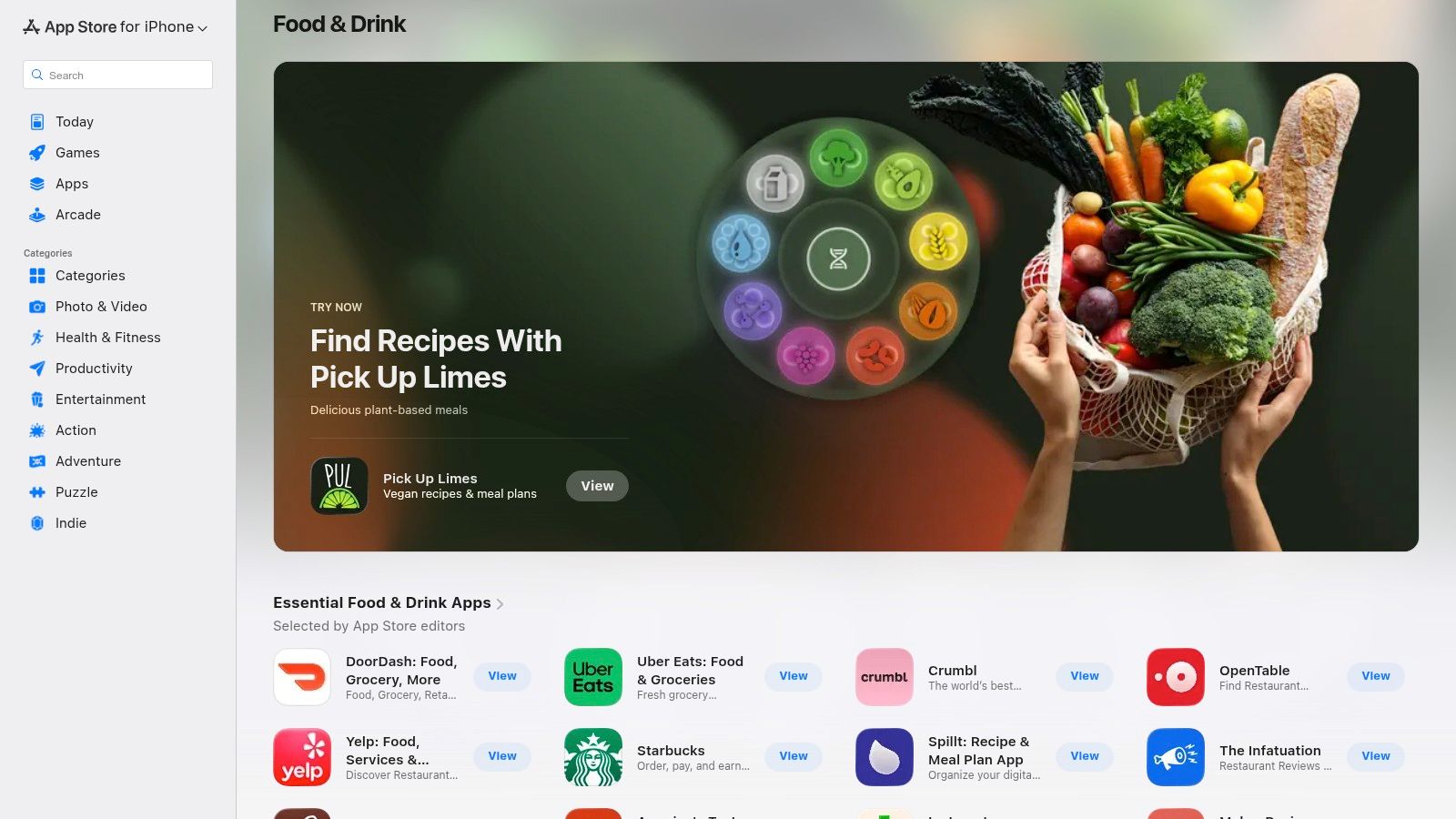
The App Store excels in providing a trusted ecosystem. Each app page offers a transparent overview, including user ratings, detailed reviews, screenshots, and clear pricing information, ensuring you know exactly what you’re getting. Apple’s editors also create helpful collections like "The Best Recipe Apps," which can surface hidden gems you might otherwise miss.
Key Features & User Experience
The platform is designed for simplicity and trust. Its primary value is in its role as a secure gatekeeper, protecting users from malicious software. Managing subscriptions and requesting refunds is also handled seamlessly through your Apple ID, a significant convenience.
- Verified Apps: Every app is reviewed by Apple, ensuring a baseline of quality and security.
- Transparent Pricing: Clearly lists if an app is free, paid, or has in-app purchases.
- User-Generated Content: Ratings and reviews from other home cooks provide real-world insights.
- Editor-Curated Lists: Highlights top-performing and noteworthy cooking apps.
Pros and Cons
Pros
Cons
Safest source for downloading iPhone apps
App discovery can be overwhelming without a specific name in mind
Centralized subscription and refund management
Regional restrictions can affect app availability and pricing
Family Sharing allows you to share paid app purchases
Featured placements can be influenced by marketing budgets
Regular updates are managed directly through the store
Visit the Apple App Store – Food & Drink category.
3. NYT Cooking (New York Times)
For home cooks who value reliability and professional curation, NYT Cooking is a top-tier choice. This premium recipe app from The New York Times offers a meticulously tested collection of over 20,000 recipes from renowned food writers. It stands out for its editorial quality, ensuring that every dish you attempt has been vetted for success. The platform seamlessly blends classic recipes with modern culinary trends, making it one of the best cooking apps for iPhone users seeking trustworthy guidance.
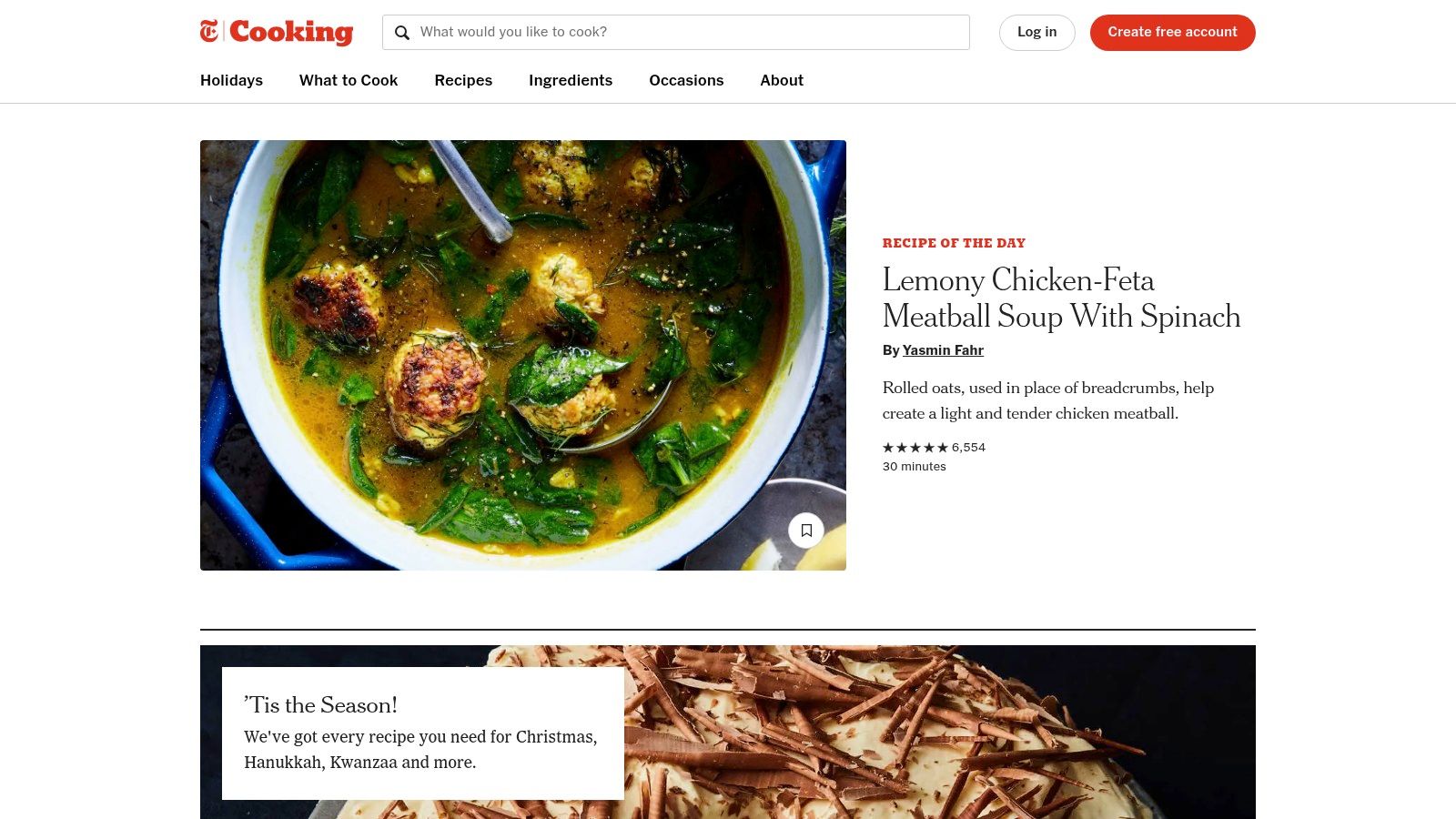
The app goes beyond just recipes, providing helpful how-to videos, technique guides, and curated collections for specific occasions or dietary needs. Its “Recipe Box” feature allows you to save and organize your favorite finds, syncing them across all your devices. The integration with grocery lists and Instacart ordering streamlines the entire meal planning process from discovery to execution.
Key Features & User Experience
NYT Cooking offers a polished and intuitive user interface that makes finding and following recipes a pleasure. The search functionality is robust, with filters for diet, meal type, and ingredients. A common task like needing to adjust measurements is made easier when you have a good handle on cooking measurement conversions. The app requires a subscription for full access, which is a key consideration for users.
- Professionally Tested Recipes: A massive catalog of 20,000+ recipes vetted by NYT food editors.
- Recipe Box: A personal, cloud-synced space to save and organize recipes.
- Integrated Grocery List: Add ingredients from any recipe directly to a shopping list.
- Instructional Videos: Watch short and long-form videos to master specific techniques.
Pros and Cons
Pros
Cons
Exceptionally reliable recipes from trusted culinary sources
Full access requires a paid subscription after the trial period
Polished, ad-free user interface
Subscription price has increased over time
Integrated tools for planning and shopping (grocery lists)
Less focus on user-generated content and community reviews
Strong editorial curation and how-to video guides
Visit NYT Cooking.
4. America’s Test Kitchen (ATK)
For cooks who value precision and want to understand the "why" behind a recipe, America’s Test Kitchen (ATK) is an unparalleled resource. Instead of just providing instructions, ATK offers access to over 14,000 meticulously tested recipes from their renowned brands, including Cook’s Illustrated and Cook’s Country. This platform stands out by focusing on the science of cooking, ensuring every recipe is virtually foolproof and built to teach you valuable techniques along the way.
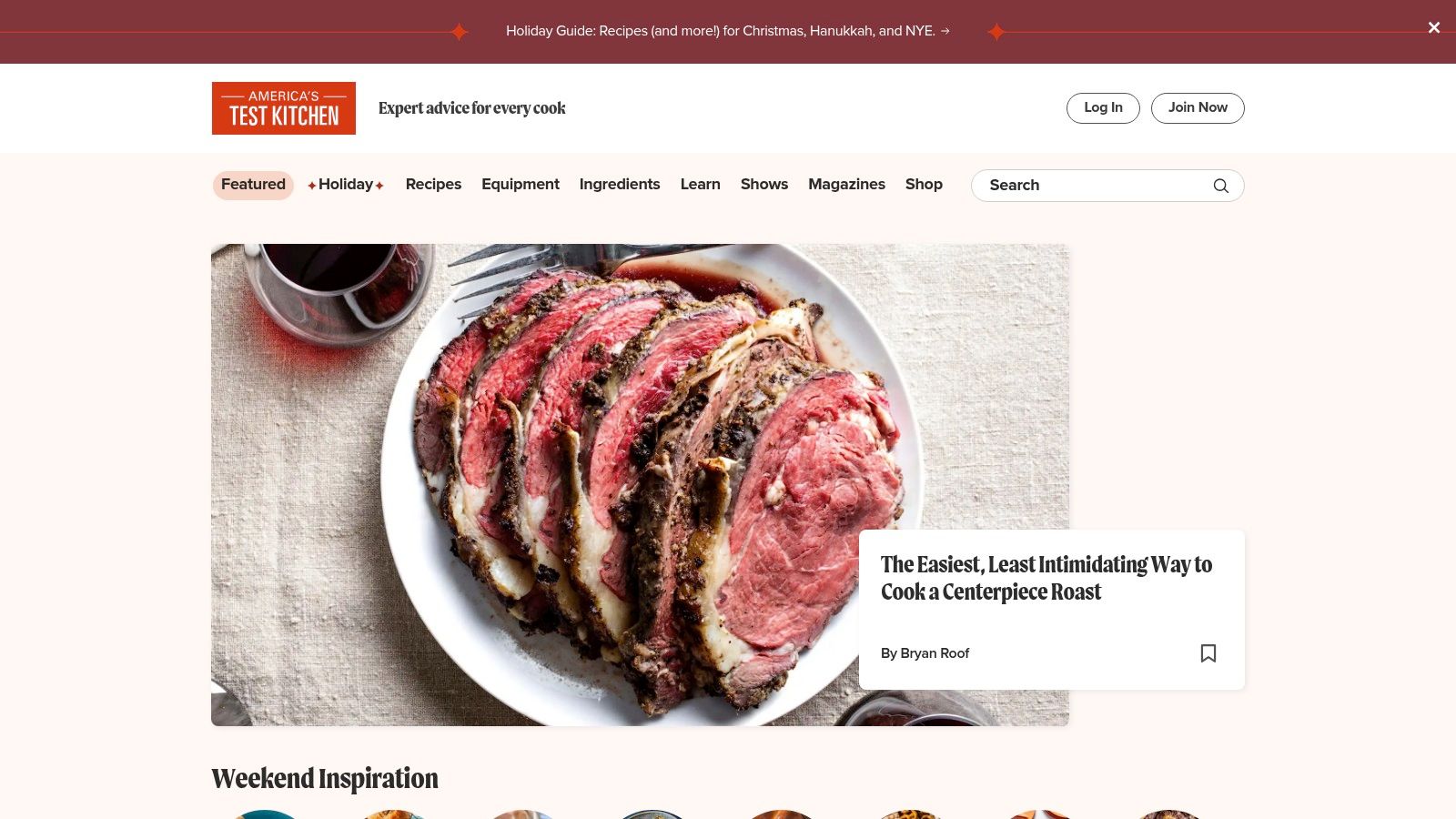
The ATK app and website are far more than a simple recipe database; they function as a comprehensive culinary education tool. Each recipe includes "Why This Recipe Works" notes, explaining the method behind the madness. The platform also features extensive, unbiased reviews of cookware and ingredients, helping you make smarter purchasing decisions. For those looking to dive deeper, optional on-demand classes offer structured learning from trusted instructors, making it a great resource for anyone wanting to build a solid foundation.
Key Features & User Experience
The platform is designed for serious home cooks who crave reliability. The app's interface is clean, allowing you to easily access recipes, create shopping lists, and save favorites. Full access to this premium content requires a paid membership, but the investment pays off in dependable results and enhanced kitchen knowledge. The scientific, method-driven approach makes it one of the best cooking apps for iPhone users who are serious about improving their skills.
- Rigorously Tested Recipes: Access to 14,000+ recipes from all ATK brands, guaranteeing success.
- Method-Driven Explanations: Detailed "Why It Works" sections teach the science behind cooking techniques.
- Unbiased Product Reviews: In-depth equipment and ingredient ratings guide your kitchen purchases.
- Video Content & Classes: Instructional videos accompany many recipes, with optional paid classes available.
Pros and Cons
Pros
Cons
Extremely dependable and consistent recipe results
Full access requires a paid membership to unlock all content
Teaches valuable techniques and the science of cooking
Users have reported annual price changes and promos may be needed
Helpful product and ingredient reviews for informed decisions
Cross-brand access provides a huge variety of content
Visit America's Test Kitchen (ATK).
5. Paprika Recipe Manager
For the serious home cook who collects recipes from across the internet, Paprika Recipe Manager is a powerhouse organizer. It’s less about discovering new recipes and more about creating your own personal, curated cookbook. Its core strength lies in its ability to expertly clip and save recipes from any website, then organize them with tools for meal planning, grocery list generation, and pantry management, making it one of the best cooking apps for iPhone for dedicated foodies.
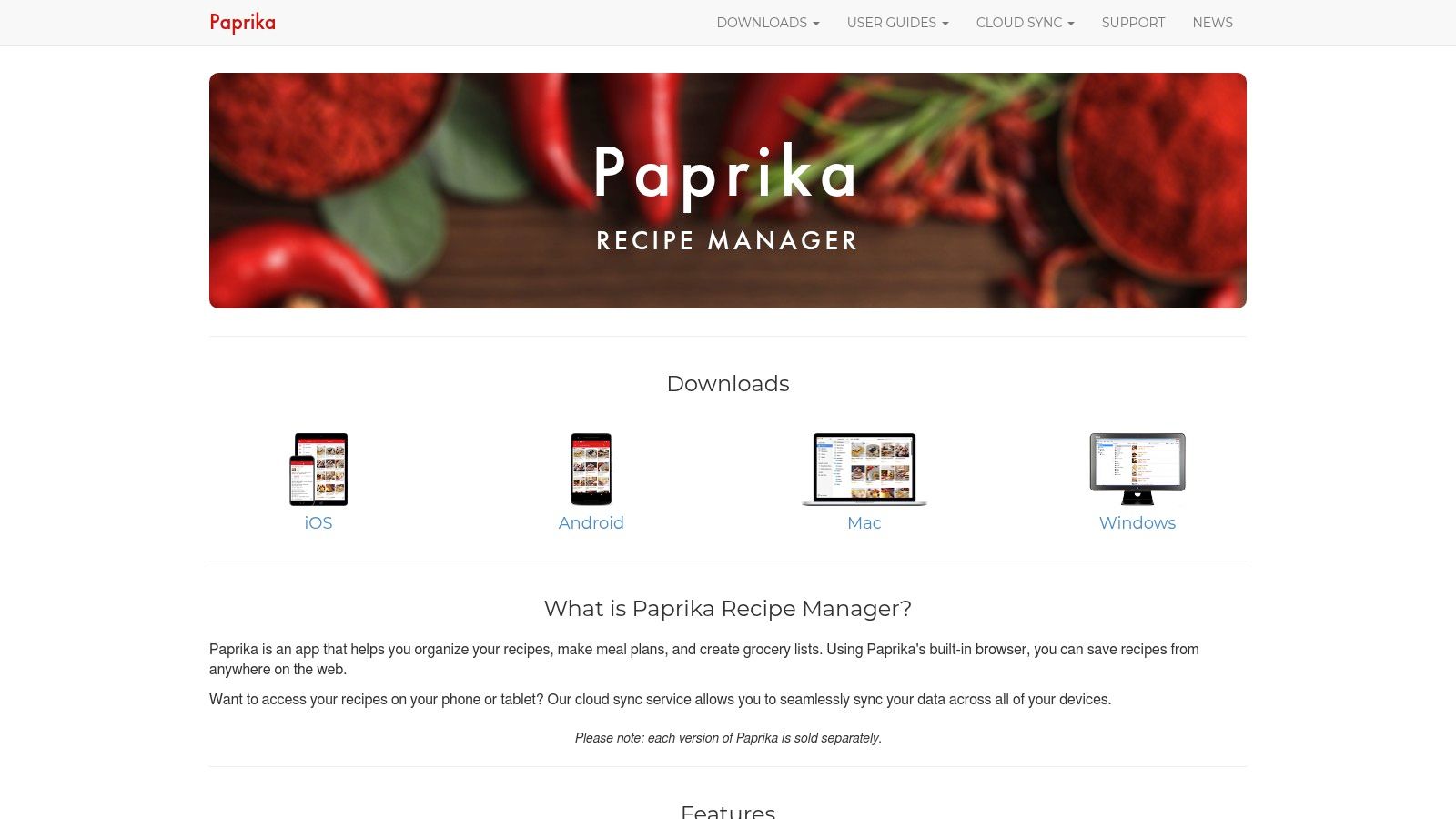
Unlike many apps that rely on subscriptions, Paprika is a one-time purchase on iOS, offering a robust, offline-first experience. You own the software and your data, which syncs privately via the cloud to other devices where you've also purchased the app. For anyone looking for the best way to organize recipes, Paprika’s focused toolset is a top contender.
Key Features & User Experience
The interface is clean and functional, designed for efficiency. Its built-in browser with a "Save Recipe" button makes capturing online recipes incredibly simple. The app intelligently parses the ingredients and directions, and you can edit them, add notes, and categorize them to your heart's content.
- One-Tap Web Importing: Clips recipes from most websites using a Safari share extension.
- Meal Planner & Pantry Tracker: Plan your weeks with a calendar and keep track of ingredients you have on hand.
- Recipe Scaling: Automatically adjust ingredient quantities for a larger or smaller serving size.
- Cloud Sync: Syncs your recipes, meal plans, and lists across all your Paprika apps (sold separately).
Pros and Cons
Pros
Cons
One-time purchase model on iOS with no recurring subscription fees
Each platform (iOS, macOS, Windows) requires a separate purchase
Excellent for clipping and organizing recipes from any website
No web app for managing your recipe library from a browser
Powerful grocery list and meal planning integration
The interface can feel dated compared to newer, more modern apps
Works completely offline once recipes are saved
Visit the Paprika Recipe Manager website.
6. SideChef
SideChef is designed for the modern home cook who appreciates step-by-step visual guidance. It transforms the often-chaotic process of following a recipe into a structured, manageable experience. The app’s signature feature is its guided "cook mode," which breaks down each recipe into individual steps complete with photos, videos, and integrated timers, making it one of the best cooking apps for iPhone users who are visual learners or new to the kitchen.
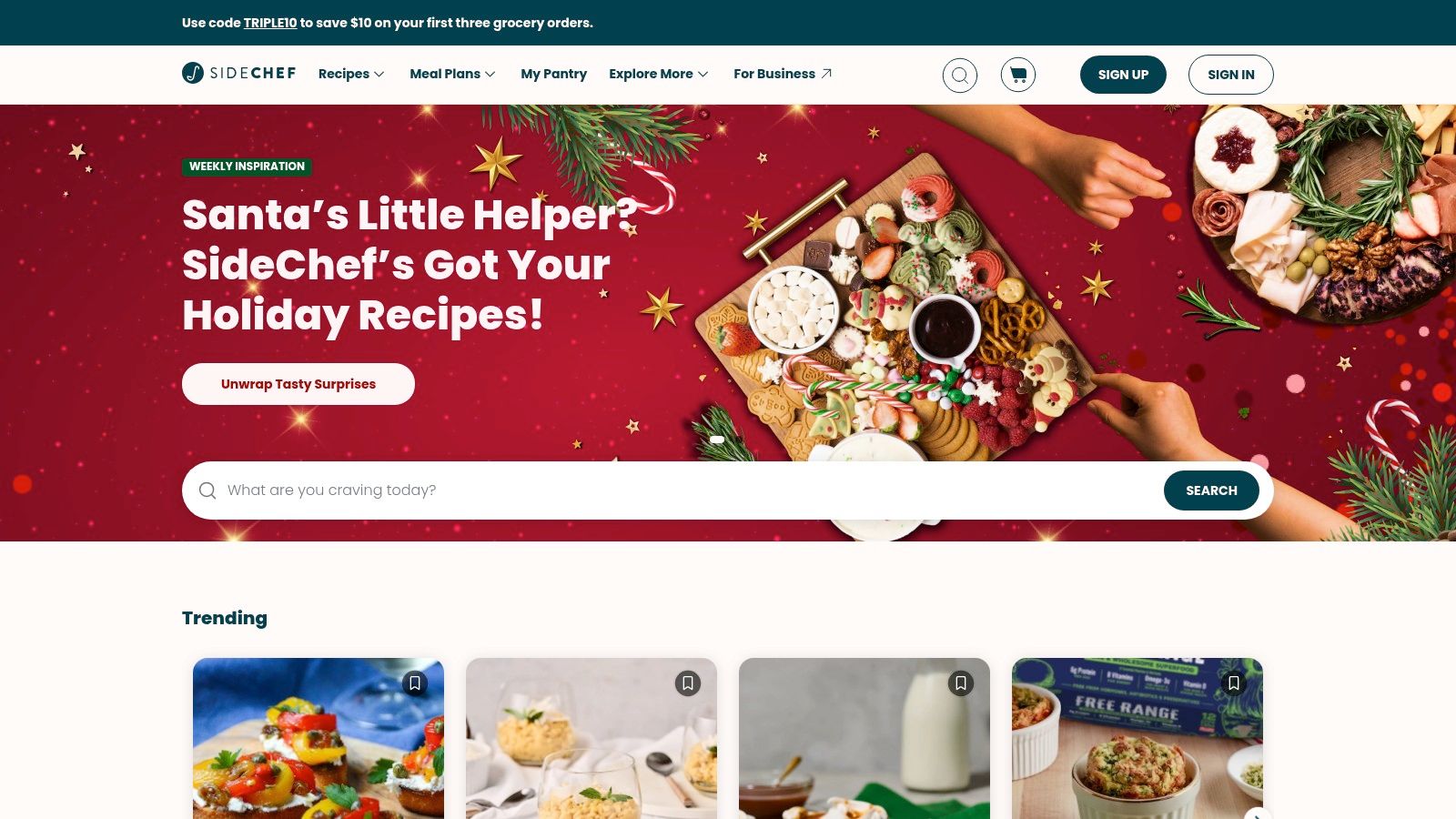
Beyond its instructional excellence, SideChef bridges the gap between meal planning and grocery shopping. Users can add recipe ingredients directly to a shopping list and send it for delivery or pickup through integrations with partners like Walmart and Amazon Fresh. This seamless workflow is a major time-saver for busy individuals and families. The app also offers smart-appliance connectivity, allowing for automated cooking with compatible devices.
Key Features & User Experience
The user interface is clean and focused on making cooking less intimidating. Its guided mode is perfect for hands-free use, reducing the need to constantly touch your phone screen with messy hands. While the core app is free, a Premium subscription unlocks exclusive content from culinary creators and advanced meal planning tools.
- Guided Cook Mode: Step-by-step instructions with photos, videos, and built-in timers.
- Shoppable Recipes: Integrated grocery ordering with major retailers for delivery or pickup.
- Smart-Appliance Connectivity: Syncs with compatible smart ovens and kitchen devices.
- Meal Planning Tools: Organize your weekly meals and automatically generate shopping lists.
Pros and Cons
Pros
Cons
Excellent for visual learners with its step-by-step guidance
Exclusive recipes and some content are behind a Premium paywall
Practical shopping workflow with retailer integrations
Advanced features may require in-app purchases or a subscription
Free core functionality provides significant value
Smart-appliance integration is limited to specific brands and models
Offers a wide variety of recipes for different skill levels
Visit SideChef.
7. Mealime
Mealime is designed to solve the "what's for dinner?" problem for busy individuals and families. It stands out by focusing on simple, healthy, and quick meal plans tailored to your specific dietary needs, allergies, and taste preferences. The app generates a personalized weekly menu and combines all the necessary ingredients into a smart, organized grocery list, helping you cook efficiently and reduce food waste. It’s one of the best cooking apps for iPhone if your primary goal is practical weeknight meal planning.
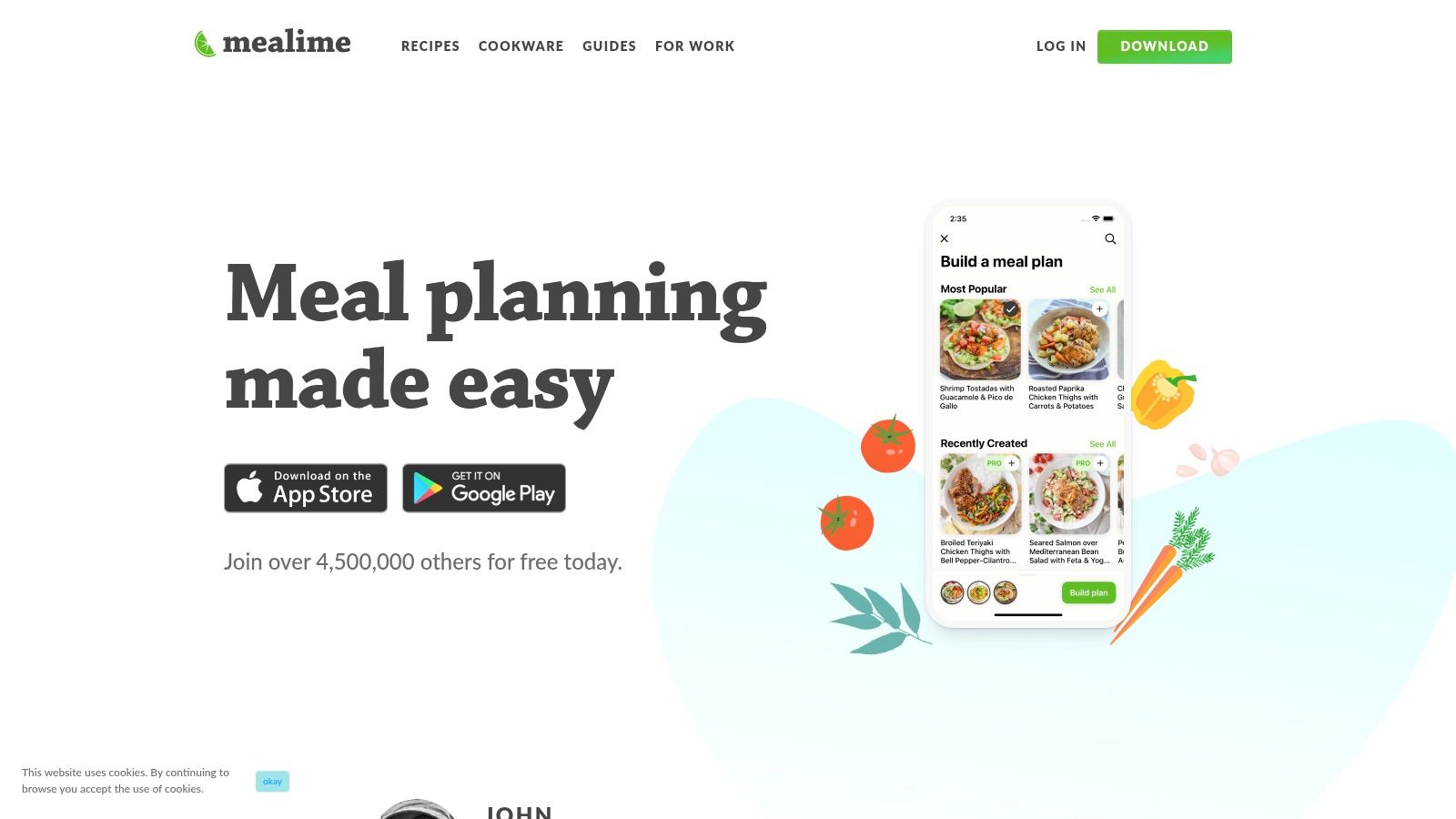
The app's core strength is its streamlined workflow from meal plan to grocery store to dinner table. The recipes are intentionally kept simple, with most taking around 30 minutes to prepare. This focus on speed and ease makes it an excellent choice for beginner cooks or anyone feeling overwhelmed by more complex recipe apps. It even includes a hands-free cooking mode, allowing you to follow instructions without touching your phone.
Key Features & User Experience
Mealime’s user interface is clean, intuitive, and built for speed. Its primary value is in removing the friction from meal planning and grocery shopping. The automatically generated and organized grocery list is a standout feature, and you can learn more about how it compares to a dedicated grocery list app for different needs.
- Personalized Meal Plans: Get weekly plans based on diet type, allergies, and ingredient dislikes.
- Minimal-Waste Grocery Lists: Lists are automatically created and optimized to use up ingredients.
- 30-Minute Recipes: Focuses on quick and healthy meals perfect for busy weeknights.
- Hands-Free Cooking Mode: Advances through recipe steps without needing to touch the screen.
Pros and Cons
Pros
Cons
Drastically simplifies weekly meal planning and shopping
Smaller recipe library compared to larger platforms
Strong focus on healthy, quick, and low-waste meals
Most powerful features are locked behind the Pro subscription
Excellent for beginners or those with busy lifestyles
Less flexibility for cooks who enjoy spontaneous recipe discovery
Highly-rated iOS app with a very intuitive interface
Visit the Mealime website.
8. BigOven
BigOven is a versatile recipe organizer and meal planner that leverages a large community to provide a rich database of dishes. It combines personal recipe storage with social discovery, making it a powerful tool for home cooks looking to organize their own collections while also finding new inspiration. Its standout "Use Up Leftovers" feature is particularly useful for reducing food waste and making creative use of what you already have in the pantry.
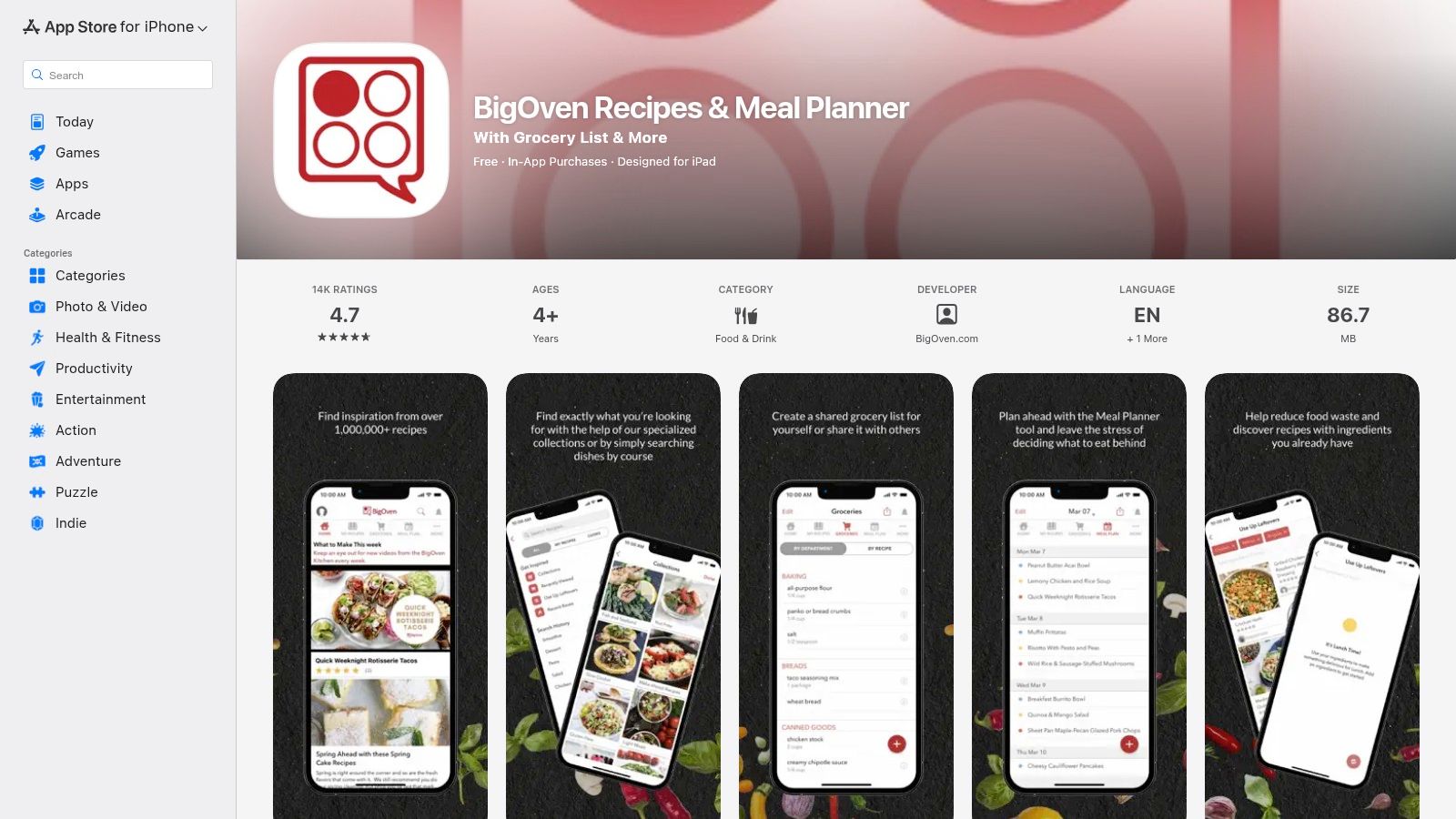
As one of the long-standing cooking apps for iPhone, BigOven offers a well-rounded experience that includes a robust meal planner and an integrated grocery list. The platform allows you to save recipes from anywhere on the web and even digitize handwritten ones using its RecipeScan feature, although this is limited in the free version. The community aspect, with ratings and shared recipe folders, provides a social layer that helps users vet recipes before trying them.
Key Features & User Experience
While its interface can feel slightly dated compared to newer apps, BigOven’s functionality is solid and comprehensive. The app excels at organization, allowing you to sort recipes into folders, plan meals on a calendar, and generate a shopping list that syncs across devices. The Pro subscription unlocks unlimited recipe storage and advanced nutritional data.
- Use Up Leftovers: Enter up to three ingredients to get recipe suggestions, minimizing food waste.
- Community Database: Access a massive library of over 1 million community-submitted recipes.
- Integrated Meal Planner: Plan meals for the week and automatically generate a corresponding grocery list.
- RecipeScan: Digitize physical recipes by taking a photo (credits are limited on the free plan).
Pros and Cons
Pros
Cons
Large, active community provides a vast recipe library
The user interface and app speed can feel older than modern rivals
Excellent "Use Up Leftovers" tool for sustainability
Advanced features like unlimited scans require a Pro subscription
Well-rounded feature set with planning and shopping lists
Occasional ads in the free version can be disruptive
Affordable Pro plan compared to some competitors
Visit BigOven on the App Store.
9. Cookpad
For cooks who find inspiration in what real people are making in their kitchens every day, Cookpad is a global recipe-sharing platform built on community. Unlike apps with professionally developed recipes, Cookpad is entirely user-generated, making it a treasure trove of authentic, practical, and often budget-friendly meal ideas from home cooks around the world. It’s less about culinary perfection and more about sharing achievable, everyday dishes.
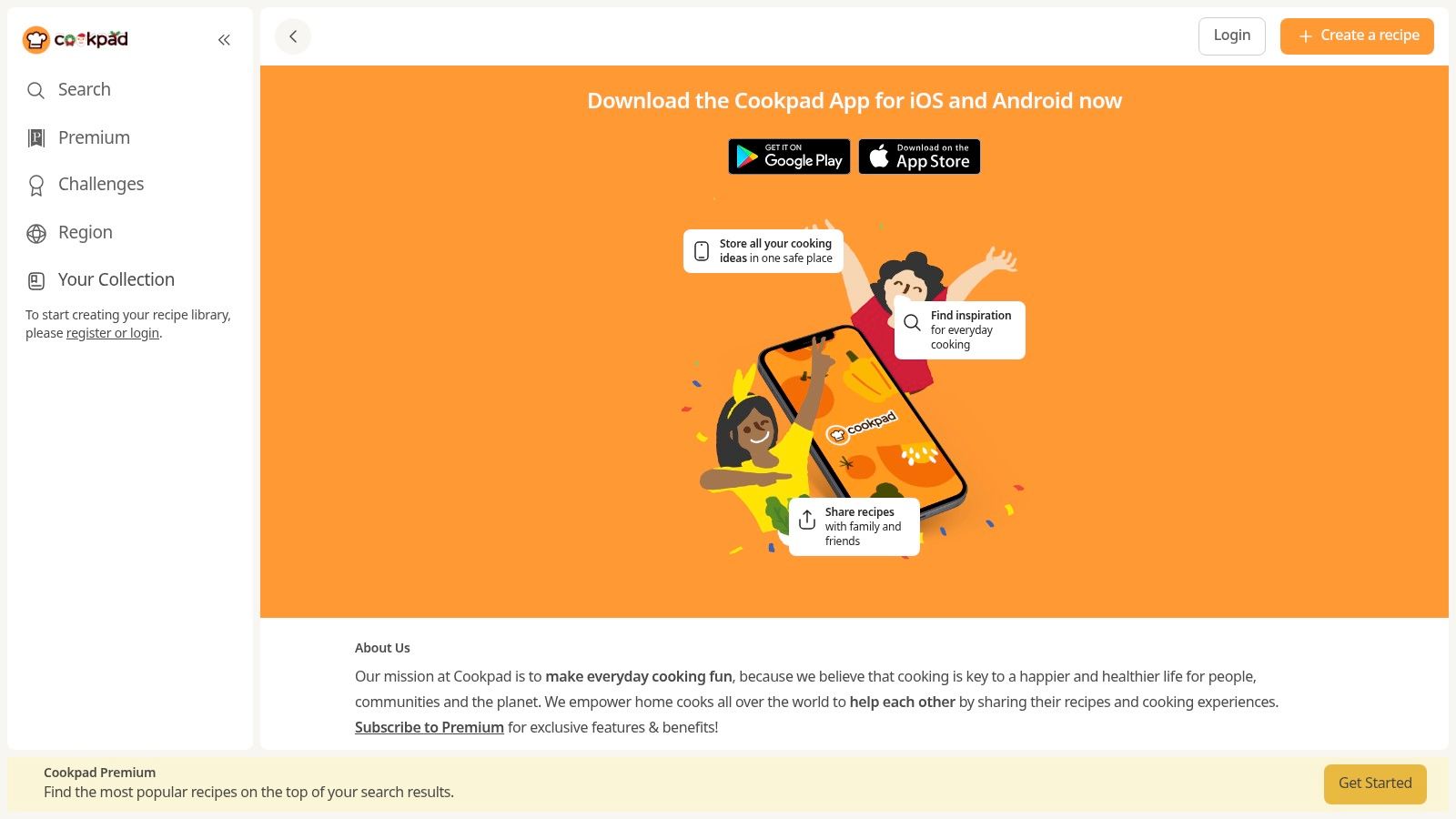
The platform’s strength lies in its social features. After trying a recipe, you can post a "Cooksnap," a photo of your result, to thank the original author and share feedback. This interactive element creates a supportive environment where users can ask questions, offer variations, and see how a recipe turns out in a real home kitchen. The app is free to use, though a premium subscription unlocks features like prioritized search results and unlimited private recipe saves.
Key Features & User Experience
Cookpad’s interface is simple and centered on discovery and sharing. You can search by ingredient or dish name and filter results to find exactly what you need. It’s an excellent tool for getting ideas on how to use up leftover ingredients in your fridge.
- User-Generated Recipes: Access a massive, diverse library of recipes from a global community.
- Cooksnaps: Share photos of your finished dishes to provide feedback and connect with other cooks.
- Ingredient Search: Easily find recipes based on the ingredients you already have.
- Private Recipe Folders: Save your favorite community recipes and upload your own to a private space.
Pros and Cons
Pros
Cons
Excellent source for everyday, budget-friendly meal ideas
Recipe quality and clarity can vary widely between user submissions
Community feedback helps troubleshoot and improve recipes
Premium subscription may be needed for best search functionality
"Cooksnap" feature adds a unique social and validation layer
The interface can feel less polished than professionally curated apps
Great for finding authentic, non-commercialized recipes
Visit Cookpad.
10. Tasty (BuzzFeed)
Known for its iconic top-down recipe videos that dominate social media, Tasty brings its visually-driven cooking style to a dedicated app. Developed by BuzzFeed, this platform is perfect for visual learners and anyone seeking quick, approachable meal inspiration. It transforms its massive catalog of viral recipes into a practical kitchen tool, designed to make cooking feel less intimidating and more fun.
Tasty’s core strength lies in its video-first approach. Almost every recipe is accompanied by a short, engaging video that shows the entire cooking process, making complex steps easy to understand at a glance. The app also features a helpful “Cook Mode” that displays instructions step-by-step, preventing your screen from dimming while you cook.
Key Features & User Experience
The interface is bright, colorful, and highly intuitive, focusing on discovery through curated collections like "Dinner," "Desserts," or seasonal themes. It also integrates shoppable recipe features, allowing users to send ingredient lists directly to online grocery retailers.
- Video-Driven Recipes: Short, engaging videos for nearly every recipe offer a clear visual guide.
- Step-by-Step Mode: A dedicated "Cook Mode" presents instructions one at a time for easy kitchen use.
- Personalized Recommendations: The "My Recipes" tab saves your favorites and suggests new ideas based on what you like.
- Shoppable Ingredients: Integrations with services like Walmart and Instacart let you order groceries directly from a recipe.
Pros and Cons
Pros
Cons
Extremely approachable and fun for novice cooks
Lacks the technical depth of test-kitchen-focused apps
Massive catalog provides endless recipe inspiration
Advanced search filters and meal planning features are limited
Video format is excellent for visual learners
Some recipes are more focused on novelty than practicality
Free to use with a vast library of content
Relies heavily on an internet connection for video content
Visit Tasty (BuzzFeed).
11. Whisk
Whisk is the modern home cook's solution for capturing recipe inspiration from anywhere, especially social media platforms like TikTok and Instagram. It acts as an intelligent, all-in-one recipe keeper and meal planner, designed to effortlessly save recipes from social posts, screenshots, or any website link. Whisk automatically structures the saved content into a clean, easy-to-follow format, making it one of the best cooking apps for iPhone users who find recipes scattered across the internet.
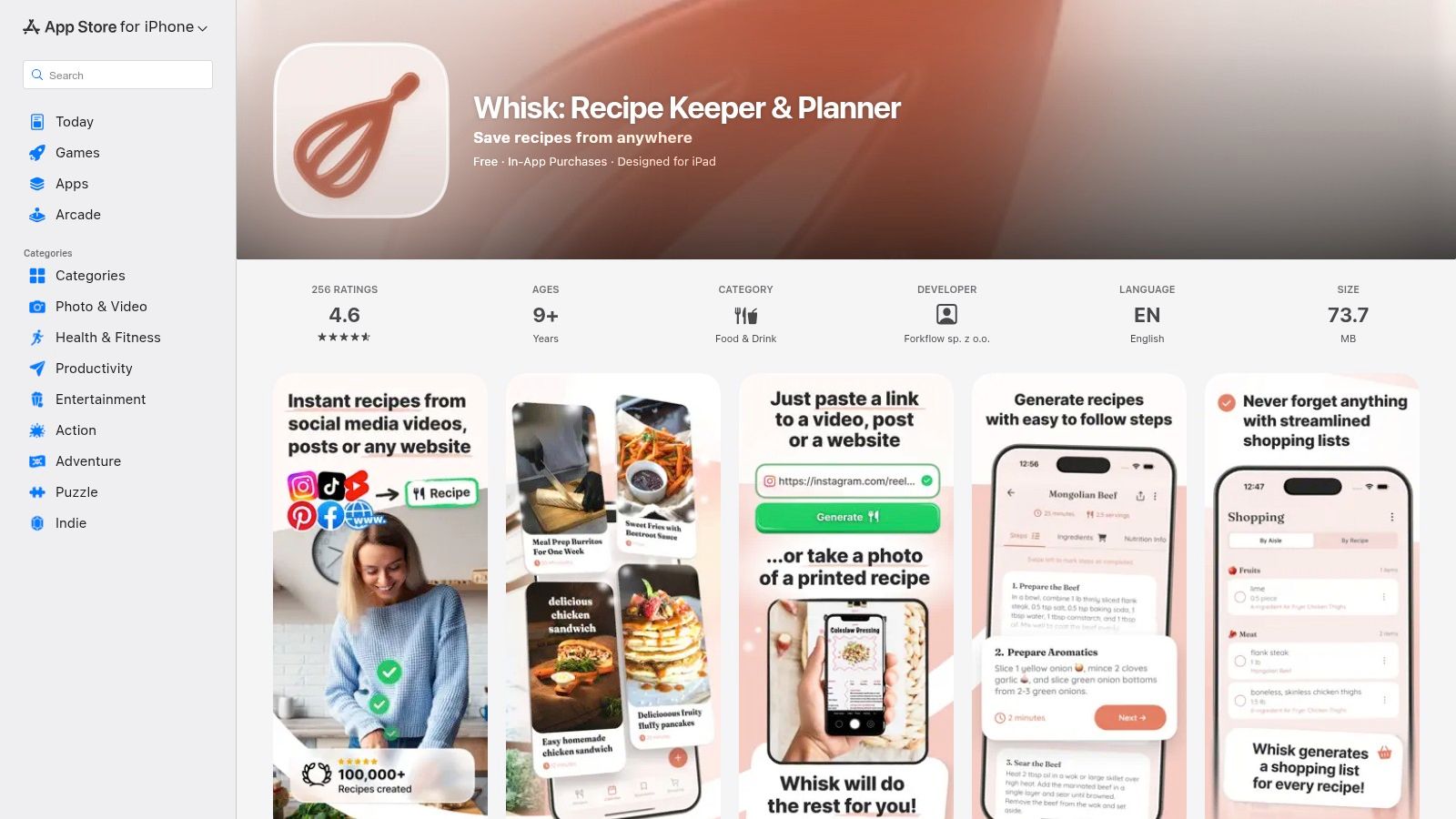
The platform excels at turning a chaotic collection of bookmarks and screenshots into an organized, usable library. After saving a recipe, you can easily add it to a weekly meal plan, which then generates a corresponding grocery list. This seamless integration from inspiration to shopping makes meal prep significantly more efficient.
Key Features & User Experience
Whisk’s interface is clean and user-friendly, focusing on its core strength: recipe importation and organization. Its ability to parse information from a simple screenshot or social media link is a standout feature that sets it apart. The meal planner is intuitive, allowing you to drag and drop recipes into your weekly schedule.
- Social Media Importer: Captures and structures recipes directly from TikTok, Instagram, and YouTube.
- Universal Recipe Saver: Works with website links and even screenshots to build your library.
- Meal Planning: Simple drag-and-drop calendar for organizing weekly meals.
- Automated Grocery Lists: Generates shopping lists based on your meal plan.
Pros and Cons
Pros
Cons
Excellent at capturing and structuring social media recipes
Premium subscription is required to unlock some key features
Streamlines meal planning and grocery list creation
The subscription model is relatively new for previously free workflows
Clean, intuitive interface for organizing mixed-source recipes
Automated structuring may occasionally require manual edits
Share recipes and plans easily with others
Visit Whisk on the App Store.
12. Apple News+ Food (Apple News)
For those who love culinary magazines and high-quality food journalism, Apple News+ Food offers a unique proposition. Integrated directly into the Apple News app (requires iOS 18.4+), this feature aggregates a massive recipe catalog from premier publishers like Bon Appétit, Allrecipes, Food & Wine, and Serious Eats. It’s less of a dedicated recipe manager and more of a premium, curated digital cookbook, making it one of the best cooking resources for iPhone users who already enjoy the Apple ecosystem.
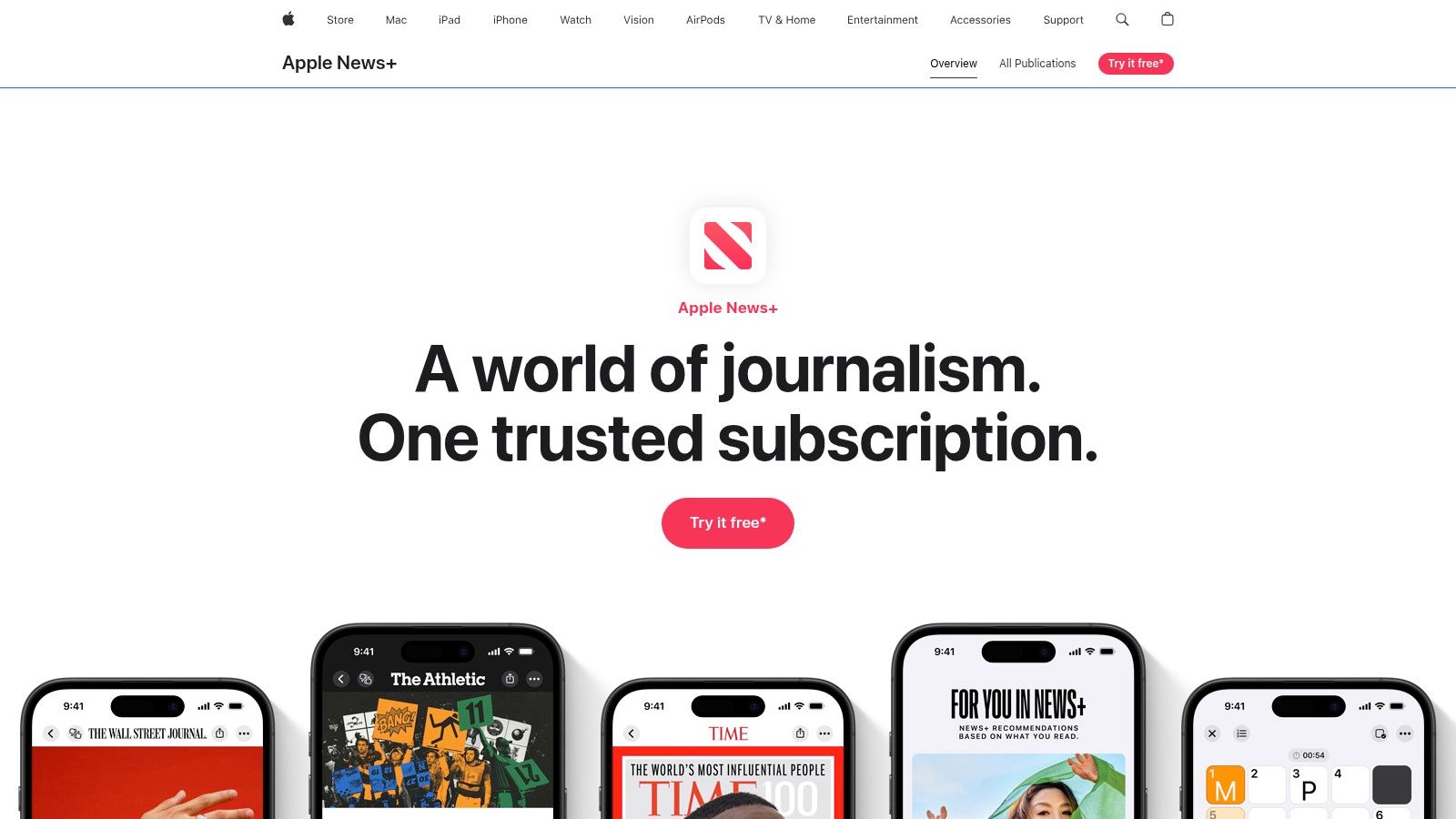
The primary appeal is having professionally developed and tested recipes from trusted brands all in one place, curated by Apple News editors. Rather than subscribing to multiple publications, a single Apple News+ subscription unlocks a vast, ever-growing library. The experience is seamless, ad-light, and designed for discovery, presenting collections and new recipes in an engaging, editorial format.
Key Features & User Experience
The platform focuses on a premium reading and cooking experience. Its standout feature is a full-screen "Cook Mode" that presents recipes in a clean, step-by-step format, minimizing distractions while you work in the kitchen. The interface is consistent and familiar to anyone who uses Apple News.
- Multi-Publisher Catalog: Access recipes from dozens of top-tier food magazines and websites.
- Editorial Curation: Discover new dishes and seasonal collections curated by Apple's team.
- Full-Screen Cook Mode: Provides a clean, distraction-free view for following recipes.
- Unified Subscription: One subscription fee covers content from numerous premium sources.
Pros and Cons
Pros
Cons
Unlocks many premium food sources in a unified interface
Requires an Apple News+ subscription and iOS 18.4 or later
Consistent, ad-light reading and cooking experience
Recipes are tied to the News app, not a dedicated recipe manager
High-quality, professionally tested recipes from trusted names
Lacks robust saving/importing from external blogs and websites
Excellent for culinary inspiration and discovery
Visit the Apple News app to learn more about the News+ subscription.
Top 12 iPhone Cooking Apps — Feature Comparison
| Product | Core Features | UX / Quality | Price / Value | Target Audience | Unique Selling Points |
|---|---|---|---|---|---|
| Recipe One 🏆 | Auto-extract from social, images, video & text; standardized ingredients/steps; built-in converters & tools | ★★★★ — searchable, consistent | 💰 Pricing TBA; core tools free | 👥 Busy parents, students, beginner cooks, meal‑preppers | ✨ Auto multi-format capture + Cook-with-Ingredients, converters, nutrition calc |
| Apple App Store – Food & Drink | Curated app listings, ratings, screenshots, one‑tap install | ★★★★★ — Apple‑verified | 💰 Free to browse; app prices vary by app | 👥 iPhone/iPad users discovering apps | ✨ Editor curation + secure distribution |
| NYT Cooking (New York Times) | 20k+ tested recipes; Recipe Box; grocery & Instacart integration | ★★★★ — editorially reliable | 💰 Subscription after trial | 👥 Home cooks seeking tested, polished recipes | ✨ Large tested catalog + strong editorial curation |
| America’s Test Kitchen (ATK) | 14k+ tested recipes; product reviews; videos & classes | ★★★★★ — method‑driven results | 💰 Membership required for full access | 👥 Serious home cooks, learners | ✨ 'Why‑It‑Works' notes + product ratings |
| Paprika Recipe Manager | Web import, meal planner, pantry tracking, scaling, cloud sync | ★★★★ — power‑user focused | 💰 One‑time purchase per platform | 👥 Power users who clip & organize recipes | ✨ Offline library + robust import & planner tools |
| SideChef | Guided cook mode with photos/videos & timers; shoppable recipes; smart‑appliance support | ★★★★ — visual, hands‑on UX | 💰 Free + Premium content / IAPs | 👥 Visual learners & hands‑on cooks | ✨ Smart‑appliance + retailer delivery integrations |
| Mealime | 30‑minute recipes; personalized meal plans; auto grocery lists; hands‑free cook mode | ★★★★ — quick & user‑friendly | 💰 Free + Pro subscription for extras | 👥 Busy weeknight cooks & families | ✨ Minimal‑waste planning + hands‑free mode |
| BigOven | Meal planner, grocery lists, community recipes, 'use up leftovers' tool | ★★★ — functional but dated UI | 💰 Affordable Pro subscription available | 👥 Community cooks & budget planners | ✨ 'Use up leftovers' tool + large community base |
| Cookpad | User‑generated recipes, ingredient search, Cooksnaps, private folders | ★★★ — varied quality, social feedback | 💰 Free with optional Premium in some regions | 👥 Home cooks seeking everyday, budget recipes | ✨ Community feedback (Cooksnaps) + global home recipes |
| Tasty (BuzzFeed) | Short video walkthroughs, Cook Mode, personalization, shoppable links | ★★★★ — highly visual & approachable | 💰 Free app; shoppable integrations | 👥 Novice cooks & visual learners | ✨ Video‑first recipes + strong discovery |
| Whisk | Save from social posts/screenshots/links; auto‑structure; meal planning & grocery lists | ★★★★ — modern capture & planning | 💰 Free + Premium subscription for extras | 👥 Social‑media recipe collectors & planners | ✨ Excellent social capture & auto‑structuring |
| Apple News+ Food (Apple News) | Aggregated publisher recipes; Cook Mode; editorial curation from top food titles | ★★★★ — polished, ad‑light reading | 💰 Requires Apple News+ subscription | 👥 Readers wanting multi‑publisher recipes in one place | ✨ Multi‑publisher access + full‑screen Cook Mode |
Choosing the Right App for Your Culinary Journey
Navigating the digital landscape of cooking tools can feel overwhelming, but finding the perfect fit for your kitchen is a game-changer. Throughout this guide, we've explored a dozen of the best cooking apps for iPhone, each offering a unique approach to how we find, organize, and prepare our meals. From the gold-standard journalism of NYT Cooking to the scientific precision of America's Test Kitchen, it's clear there is no single "best" app, only the one that best solves your specific culinary challenges.
Your journey from a chaotic collection of screenshots and browser bookmarks to an organized, accessible recipe library is entirely possible. The key is to honestly assess your primary needs before you download anything. Are you looking for inspiration, organization, or guided instruction? Answering this simple question is the most critical step.
Your Personal Culinary Assistant: A Final Recommendation
To help you make a final decision, let's distill our findings into clear, actionable recommendations based on common user needs. Think of this as your personalized roadmap to choosing the right digital sous chef.
- For the Disorganized Social Media Cook: If your camera roll is a graveyard of recipe screenshots and your notes app is a jumble of links, your biggest pain point is capture and organization. Recipe One is purpose-built for you. Its AI-powered engine automatically extracts recipes from any source, eliminating manual entry and creating a unified digital cookbook.
- For the Aspiring, Skill-Building Chef: You want to move beyond basic recipes and learn the "why" behind cooking techniques. Your best investment is America’s Test Kitchen (ATK). Its rigorous testing, detailed instructions, and educational content provide a culinary school-like experience, building your confidence and skill set with every dish.
- For the Gourmet Who Values Curation and Quality: If you see cooking as a creative pursuit and value expertly crafted, reliable recipes, NYT Cooking is unparalleled. Its massive, searchable database, combined with excellent editorial content and user notes, offers endless inspiration from trusted sources.
- For the Meticulous Digital Organizer: You love collecting recipes from various blogs and websites and want total control over your collection. Paprika Recipe Manager is your ideal tool. Its one-time purchase model and powerful features for clipping, scaling, and organizing make it the long-standing champion for serious home cooks who want to build a personal, permanent library.
- For the Busy Professional or Parent: Your main goal is getting a healthy, delicious meal on the table with minimal stress and planning. Mealime excels here. Its streamlined meal planning, smart grocery lists, and simple, quick recipes are specifically designed to solve the weeknight dinner dilemma.
Making Your Choice and Taking the Next Step
Ultimately, the best cooking app for your iPhone is the one that you will actually use. Consider the user interface, the pricing model, and how it integrates into your daily routine. Does a subscription model motivate you, or does a one-time purchase feel more practical? Do you prefer a clean, minimalist design or a feature-rich interface with lots of bells and whistles?
Don't be afraid to experiment. Many of these apps offer free trials or have robust free versions. Download your top two or three contenders and use them for a week. Try saving a few recipes, generating a meal plan, or following a guided cooking video. See which one feels most intuitive and genuinely makes your time in the kitchen more enjoyable and less stressful. The right tool will not only organize your recipes but will also inspire you to cook more often and with greater confidence.
Ready to finally organize that chaotic collection of recipe screenshots and links? Stop the manual data entry and let AI do the work. Download Recipe One to automatically capture recipes from anywhere and build the digital cookbook you've always wanted. Get started for free at Recipe One.