Is a better recipe saver enough if you still have to rebuild your dinner plan and shopping list by hand? The best ReciMe alternative depends on where that process breaks down for you.
- Recipe One fits cooks collecting recipes from videos, websites, screenshots, and handwritten cards.
- CookBook suits a mixed collection of digital and printed recipes.
- Paprika fits cooks who want desktop organization and pantry tools.
- Samsung Food suits people prioritizing a free meal planner.
- Recipe Keeper fits offline cooking and mixed-device households.
- Plan to Eat suits repeatable household menus.
- AnyList fits shopping-first coordination.
ReciMe deserves credit first: social recipe saving, meal planning, and grocery lists already cover the core workflow. Stay with it if you like its mobile experience and its current import allowance meets your needs.
For this November 2026 comparison, official product pages are linked below, but live store prices and ReciMe's current free allowance haven't been independently confirmed. Check the official site or App Store for current pricing rather than relying on an assumed billing period. The supporting guides explain is ReciMe free, offer a ReciMe app review, and compare free recipe organizer apps.
1. Recipe One
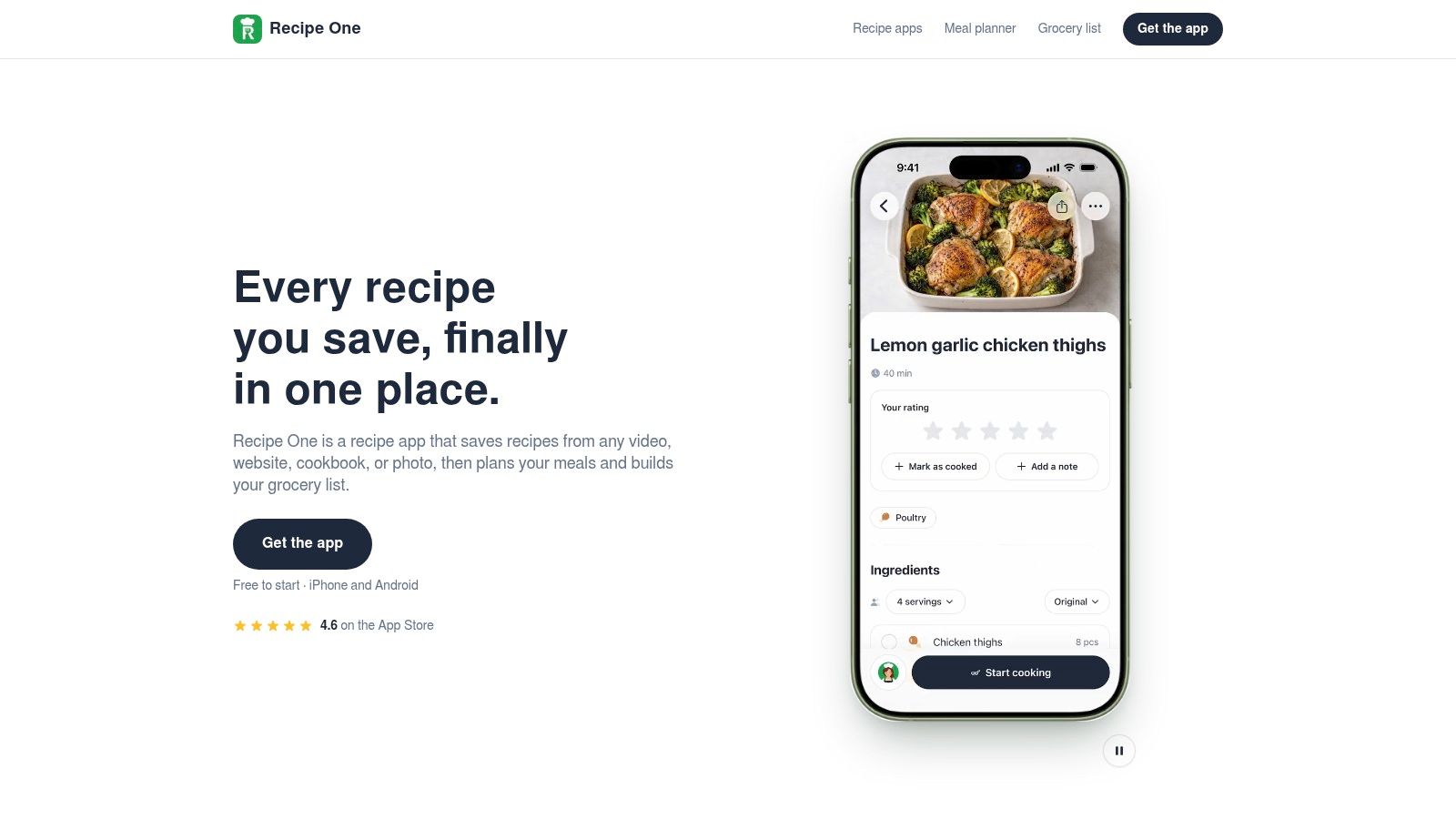
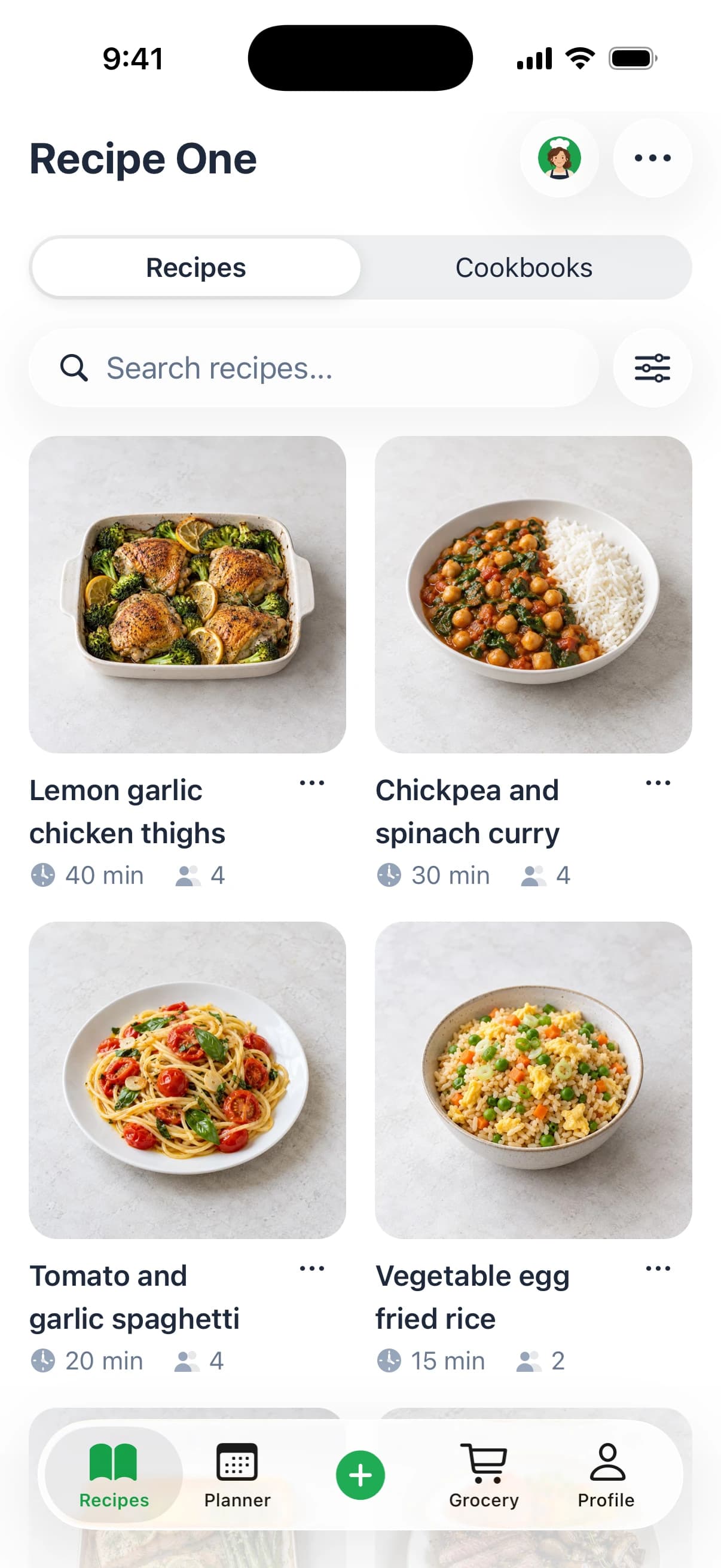
Best for turning recipes from scattered sources into a usable weekly plan. Recipe One is an AI-powered recipe keeper that saves recipes from any video, website, cookbook, or photo, then plans meals and builds grocery lists around them. You share a link or snap a photo, and it extracts the ingredients and steps without ads or extra content to scroll past.
Organizing happens through cookbooks and tags. You can group weeknight dinners, baking projects, or family classics, then find a recipe later by its name, an ingredient, or a tag. One App Store reviewer, DLZ1321, calls it "the easiest way I've found to save recipes from anywhere and use them without all the annoying ads and clutter."
From saving to dinner
Maya, the AI cook inside the app, can suggest what to make, plan the week, or turn ingredients you describe into a recipe. The meal planner builds a week of dinners from recipes you already saved, and the grocery list pulls in every ingredient for the week. AI helps you plan the week, get the grocery list out of it, and find your recipes easily.
At the stove, cooking mode shows one big step at a time and keeps the screen on. Servings rescale whether you cook for two or ten, and nutrition shows calories, protein, carbs, and fat per serving. Standalone free tools cover quick jobs like Cook with Ingredients, cups-to-grams conversion, and a rice-to-water ratio guide, and recipe cards plus meal-plan previews work without an account.
- Platforms: iPhone, Android, and the web app at app.recipeone.app. The Recipe One Chrome extension is available now on the Chrome Web Store.
- AI integrations: The Recipe One plugin for ChatGPT and Claude is available now. Search "Recipe One" in ChatGPT Plugins or in Claude under Customize > Connectors (setup at recipeone.app/docs). A remote MCP server connects Recipe One to Claude, ChatGPT, Cursor, and other AI assistants, so those tools can search your recipes, adjust the meal plan, and manage the grocery list. Sign-in uses OAuth with nothing to install, and the assistant works through an access token, never your password or Google or Apple sign-in.
- Pricing: Free to start.
The honest gap is pantry inventory: Maya can suggest dinner from ingredients you name, but the app keeps no running record of what is in your cupboard. If tracking what is already on the shelf matters, pick a tool with explicit pantry tracking.
Practical rule: Review extracted quantities, oven temperatures, and ingredient names before adding an imported recipe to your weekly plan.
2. CookBook
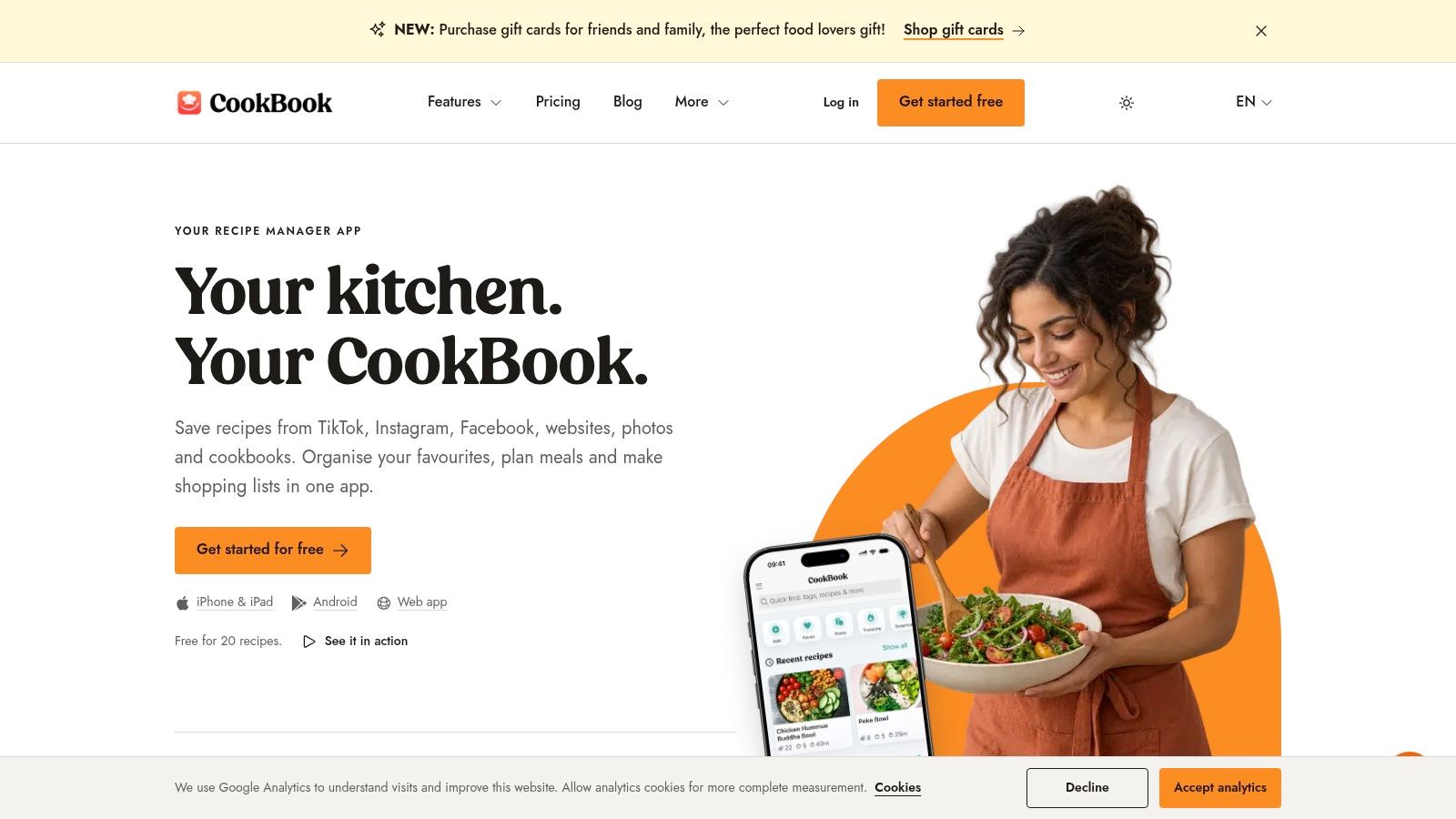
A handwritten cake recipe and a saved Instagram post need different capture methods. CookBook is worth considering when your collection contains both, because its recipe manager combines digital importing with scanning printed recipes and handwritten notes.
Its documented workflow includes social and website capture, searchable recipes, tags, meal planning, and shopping lists. That makes it a close alternative to ReciMe rather than just a place to type recipes manually.
A fit for a mixed recipe collection
The main advantage is continuity: you can collect a recipe, organize it, assign it to a meal plan, and use its ingredients when shopping. Its iOS, Android, and web availability also matters if you browse recipes on a computer but cook from a phone.
Scanning still deserves a careful review. Handwriting, page layout, and fractions can make an apparently tidy import misleading, so compare the saved ingredient list with the original before putting the paper away.
- Best-fit user: A cook consolidating family cards, cookbook pages, websites, and social posts.
- Real limit: A limited free tier means you shouldn't assume your entire collection will fit without upgrading.
- Platforms and price: iOS, Android, and web. Check the official site/App Store for current pricing and free-plan allowances as of November 2026.
The CookBook app guide offers another way to assess its organization workflow. Choose it for broad capture and collection management, not on the assumption that scanning removes every editing task.
3. Paprika Recipe Manager
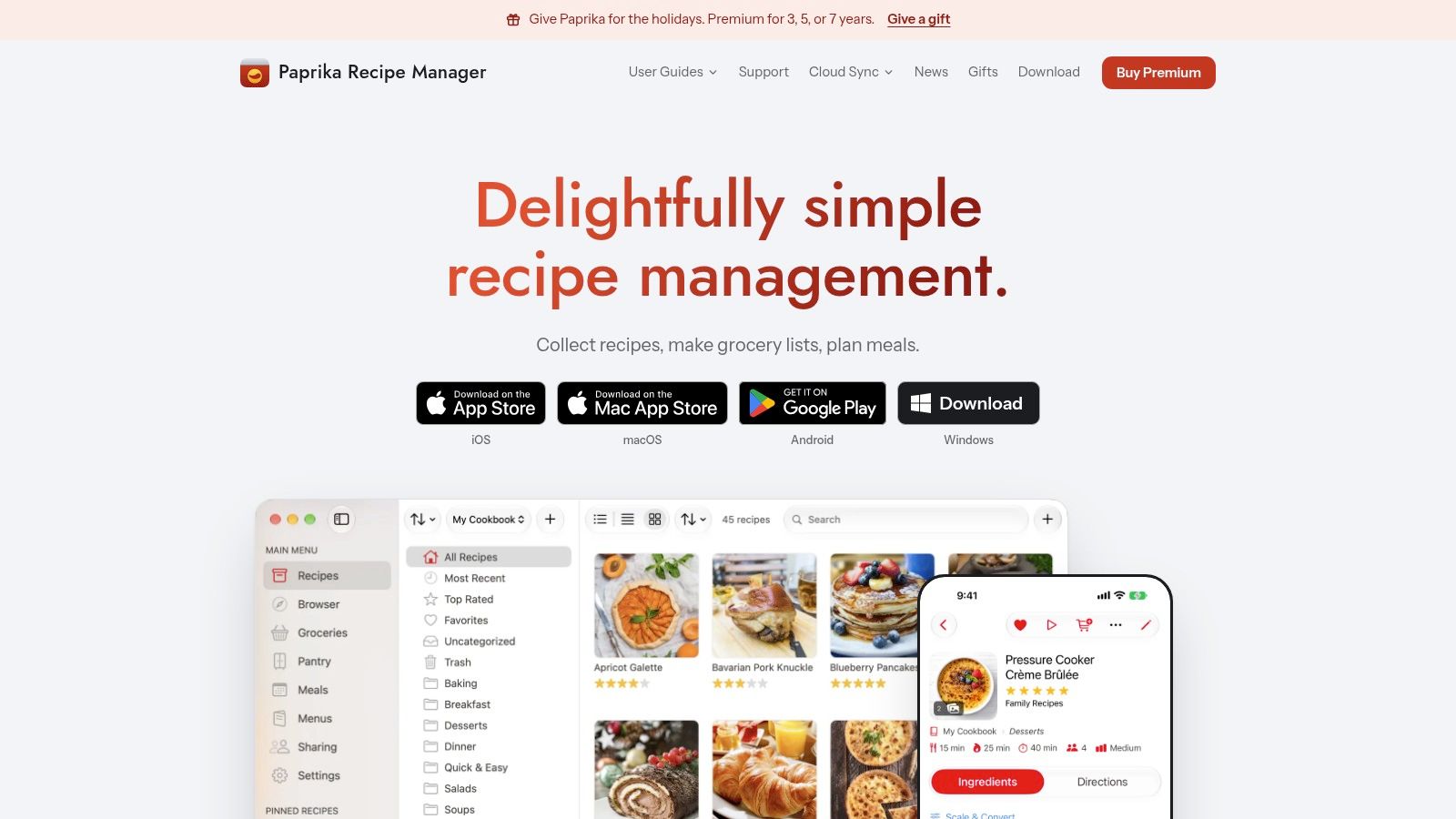
Paprika is a strong candidate when you want to manage recipes at a computer, not just save them on your phone. Paprika Recipe Manager combines website recipe downloading, categories, meal planning, grocery lists, and pantry management.
That pantry component gives it a different emphasis from a capture-first app. It suits the cook who wants a deliberate kitchen reference system, including ingredients already on hand, rather than another stream of cooking inspiration.
The cooking tools matter too. Serving adjustments, measurement conversion, and timers help turn a saved recipe into something you can follow while preparing dinner.
Where the trade-off sits
Paprika's traditional recipe-manager approach makes most sense when websites and recipes you maintain yourself form the backbone of your collection. Don't assume a website downloader guarantees complete extraction from every social video, particularly when ingredient amounts appear only briefly on screen.
- Best-fit user: A desktop-first cook who wants pantry tools alongside recipes and menus.
- Platforms: iPhone, iPad, Mac, Android, and Windows.
- Real limit: Device coverage doesn't automatically mean every platform is included in the same purchase.
- Price: Check the official site/App Store for current pricing and platform purchase terms as of November 2026.
The ReciMe vs Paprika comparison is most useful if you're deciding between social-first saving and a more traditional kitchen organizer.
A pantry feature is valuable only if someone keeps it updated. If you won't record cupboard changes, don't make pantry tracking the deciding feature.
4. Samsung Food
Start with Samsung Food if the meal plan matters more than building an elaborate digital cookbook. Samsung Food combines recipe saving, discovery, meal planning, and grocery lists, with a free starting point for the core planning workflow.
A typical week looks like this: save web recipes, choose dishes for the plan, and let the resulting ingredients shape your shopping. Dietary preferences and food restrictions also belong in the comparison if you regularly adapt household meals.
Its optional Food+ subscription adds more advanced personalization, scanning, nutrition, and planning capabilities. The practical distinction is between having a usable basic planner and expecting every automated feature to be included without payment.
Free planning versus advanced assistance
For someone searching for a free ReciMe alternative, this is a sensible place to investigate. Run an ordinary week through the free workflow first: a few saved recipes, a planned set of dinners, and one grocery list built from them. Pay for extra guidance only if that basic loop leaves gaps you feel.
- Best-fit user: A cook who wants recipe discovery, a basic meal plan, and grocery lists together.
- Platforms: Mobile apps and web.
- Real limit: Advanced scanning and personalized assistance can require Food+.
- Price: Check the official site/App Store for current Food+ pricing and included features as of November 2026.
Samsung Food and ReciMe both belong on a meal-planning shortlist, and they reach it from opposite directions. ReciMe leads with saving recipes from social video, while Samsung Food leads with the planner itself.
The honest gap is capture. For collecting handwritten cards and scattered video recipes, compare capture support separately from the planner, since a useful calendar alone doesn't solve the importing problem.
5. Recipe Keeper
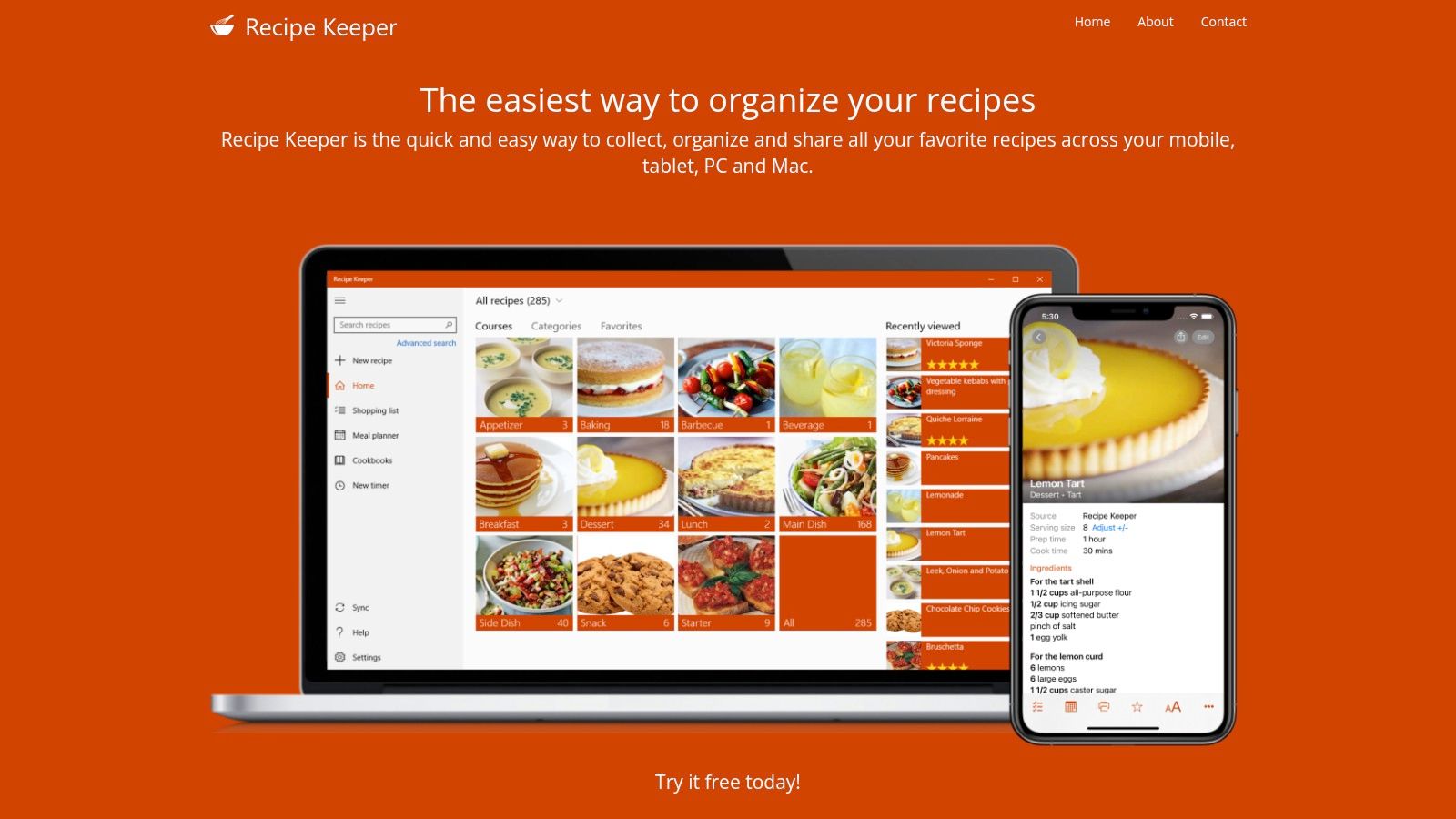
A kitchen tablet doesn't always have a dependable connection. Offline access is a practical reason to consider Recipe Keeper, especially if you want your own recipe collection available without relying on a social platform.
The app combines recipe importing and scanning with categories, collections, meal planning, and shopping lists. Its capture options cover website recipes and printed material, including cookbook pages, photos, and PDFs.
That combination suits cooks digitizing an existing collection rather than starting from a feed. You can preserve a family recipe, make the text easier to follow, and bring its ingredients into the same planning process as a newly discovered dinner.
Check the household setup
Recipe Keeper supports iOS, Android, Windows, and Mac. That breadth is useful, but check the purchase and synchronization terms for the particular devices your household uses before committing to a large migration.
The ReciMe vs Recipe Keeper guide helps frame the choice between a social-saving workflow and a personal digital cookbook.
- Best-fit user: A cook who values offline access, scanned family recipes, and desktop support.
- Real limit: Imports can need editing, and broader collection or sharing capabilities may require an upgrade.
- Price: Check the official site/App Store for current pricing and Pro terms as of November 2026.
Offline cooking isn't the same as offline importing. Keep the distinction clear when comparing apps: having a saved recipe available without connectivity doesn't mean a new website or video can be processed without internet access.
6. Plan to Eat
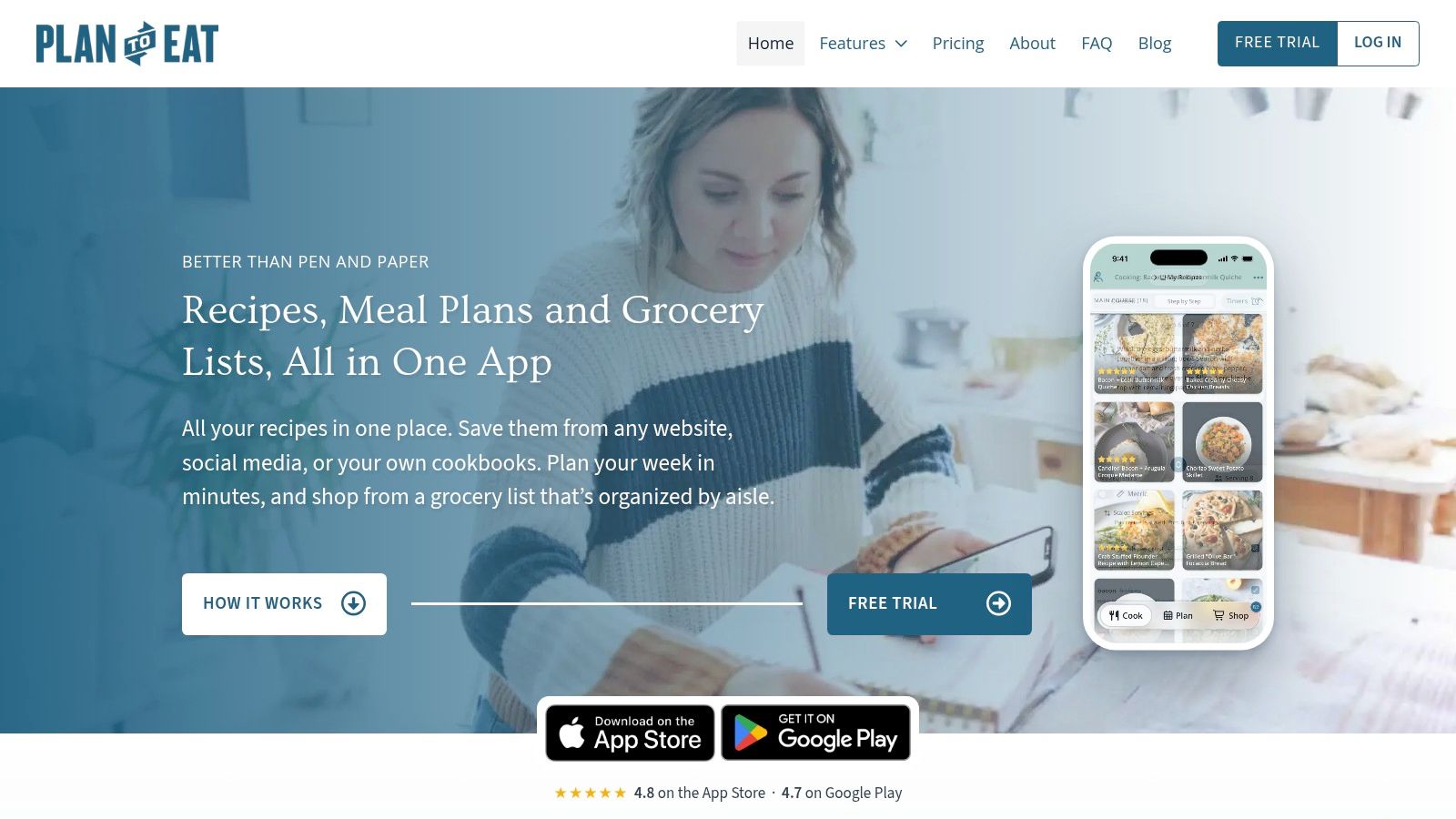
Plan to Eat makes the most sense when you already know which recipes your household likes. Its emphasis is collecting recipes, placing them on a calendar, and generating a grocery list from the plan.
That's a different priority from saving every attractive video you encounter. A reusable menu can be more useful than a growing inspiration library when your goal is a manageable shopping trip and predictable weeknight meals.
Household sharing and saved menus support that repeatable approach. Cooking views, timers, and nutrition tools add help once the planning is finished.
A subscription for a planning routine
The honest gap is the payment model: there isn't a permanent free plan. If you mainly want somewhere to save occasional recipes, a planning subscription may be more service than you need.
- Best-fit user: A household that plans ahead and wants to reuse successful menus.
- Platforms: Web and mobile apps.
- Capture consideration: Check the Recipe Clipper against the websites and social posts you save.
- Price: Check the official site/App Store for current subscription pricing and trial terms as of November 2026.
The Plan to Eat app guide is relevant if you're choosing a household planning system rather than just replacing a recipe inbox.
Choose a calendar-based planner because you want to use the calendar. Paying for planning features won't help if you prefer deciding dinner at the last minute.
For cooks who want AI to suggest the week from a scattered collection, compare that requirement explicitly. Structured planning and AI-assisted planning aren't interchangeable.
7. AnyList
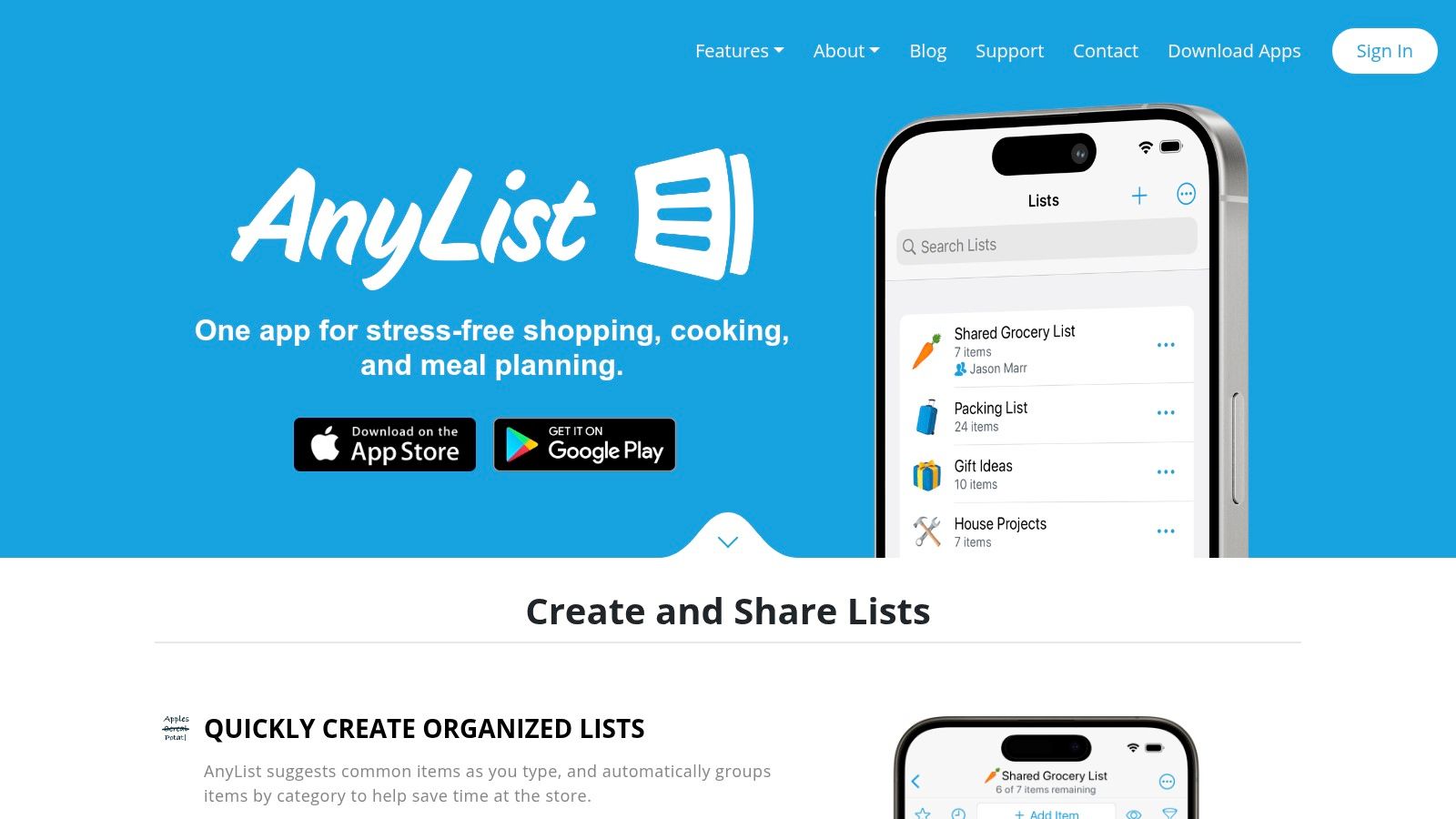
AnyList starts with the shopping problem. AnyList is especially relevant when different household members add groceries, cook different meals, or share responsibility for buying ingredients.
Its recipe features include website importing, collections, and cooking support. AnyList Complete adds meal planning and broader recipe-import capabilities, connecting the saved dishes to the grocery list.
That makes it an alternative to ReciMe for a particular kind of household: one where coordinating what to buy matters more than extracting recipes from every possible source.
Shopping first, recipe capture second
The free list-making workflow lets you assess whether household coordination feels right. Don't confuse free grocery lists with free access to the full recipe-planning system, because meal planning and unlimited website imports require Complete.
Its feature descriptions emphasize websites and blogs rather than broad social-video extraction. If your recipes mostly arrive as narrated clips or on-screen ingredient overlays, confirm that capture process before moving your collection.
- Best-fit user: A household that wants shared shopping to be the center of its meal workflow.
- Platforms: iPhone and Android, with web and Mac access through Complete.
- Real limit: The fuller recipe-to-plan-to-shopping workflow requires the paid tier.
- Price: Check the official site/App Store for current Complete pricing as of November 2026.
The best grocery list app for iPhone guide offers a shopping-focused comparison. Choose AnyList because its shared-list approach fits your household, not because every recipe-saving app can be replaced by a grocery checklist.
ReciMe alternatives at a glance
ReciMe already covers saving, organizing, meal planning, and grocery lists in one flow, so the question is which alternative matches that flow and where each one leaves a gap. Read the "Main limitation" column first, since that is the wall you will hit in daily cooking.
| App | Platforms | Free option | Standout strength | Main limitation | Best for |
|---|---|---|---|---|---|
| Recipe One | iPhone, Android, web app | Free to start | Saves recipes from many sources and links them to meal planning and shopping | No pantry inventory; it keeps no running record of what is in your cupboard | Collecting recipes from social media, websites, photos, and cookbooks |
| CookBook | iOS, Android, web | Limited free tier; check current allowances on the official site | Broad recipe capture with cloud sync, meal planning, and shopping lists | Free tier is limited; imports may need editing | Saving recipes from varied sources across devices |
| Paprika Recipe Manager | iPhone, iPad, Mac, Android, Windows | Limited free version; confirm current caps on the official site | Mature recipe manager with meal planning and cooking tools | Social imports and syncing require Premium | Organizing recipes with cooking and planning tools |
| Samsung Food | Mobile, web | Free basic meal planning and grocery lists | Combines recipe saving, food preferences, and planning | Advanced planning, scanning, and personalization require Food+ | Meal planning and shopping with a free starting point |
| Recipe Keeper | iOS, Android, Windows, Mac | Basic use available; some collection and sharing features may require Pro | Imports and scans digital, printed, and handwritten recipes; supports offline access | Imports may need editing, and some features require Pro | Building a cross-platform digital cookbook |
| Plan to Eat | Web and mobile | Check current plan and trial terms on the official site | Calendar-based meal planning linked to recipes and grocery lists | Subscription may be unnecessary for recipe saving alone | Structured weekly menus and meal preparation |
| AnyList | Mobile, web, Mac | Free core list-making and sharing | Household grocery coordination and shopping lists generated from meal plans | Meal planning and unlimited recipe imports require Complete | Coordinating household shopping and meal plans |
Free tiers and limits change often, so confirm the current allowances on each official site before moving your collection.
Which ReciMe Alternative Fits Your Kitchen
Start with what ReciMe already does well: broad recipe capture with cloud sync, meal planning, and shopping lists. If that covers your routine and the current import allowance suits you, staying put is reasonable because switching means moving recipes and rebuilding habits. Check the live listing for the free-versus-paid split before assuming another app is better value.
If you want the full save-organize-plan-shop flow without paying up front, Recipe One is the closest match: it is free to start, saves recipes from videos, websites, cookbooks, and photos, and pulls ingredients and steps from a link or a photo without ads or extra content. Its search finds a recipe by name, ingredient, or tag; servings can change for two or ten with amounts following automatically; the meal planner builds a week of dinners from saved recipes; and the grocery list gathers the week's ingredients. AI helps you plan the week, get the grocery list out of it, and find your recipes easily. Its gap is pantry inventory: it keeps no running record of what is in your cupboard.
- Paprika Recipe Manager: desktop-first organization and pantry tools; gap, social imports and syncing sit behind Premium.
- CookBook: a mixed collection of paper and digital recipes; check that its capture style fits how your recipes arrive.
- Samsung Food: free basic meal planning and grocery lists; gap, advanced planning, scanning, and personalization require Food+.
- Recipe Keeper: offline access and a cross-platform cookbook; gap, imports may need editing and some features require Pro.
- Plan to Eat: calendar menus tied to recipes and grocery lists; gap, there is no permanent free plan.
- AnyList: household shopping coordination and lists generated from meal plans; gap, meal planning and unlimited recipe imports require Complete.
Before switching, move a small set of recipes you cook often. Check ingredient quantities, serving adjustments, search, and the generated grocery list before moving the rest.
Is ReciMe free?
ReciMe has free and paid functionality, but its exact current import allowance and Plus billing terms need confirmation in its official listing. A free download does not guarantee unrestricted importing.
What's a free ReciMe alternative?
Recipe One is free to start, and Samsung Food offers free basic meal planning and grocery lists. AnyList's free core list-making and sharing are useful, but its fuller meal-planning workflow requires Complete.
Which apps like ReciMe don't require a subscription?
Separate a permanent free tier from a one-time purchase and a free trial. If avoiding recurring payments is the priority, check Paprika and Recipe Keeper's current platform purchase terms in their official listings.
Recipe One saves recipes from videos, websites, screenshots, and cookbook pages, then connects them with weekly planning and a combined grocery list. Visit Recipe One to get started through the App Store or Google Play, and try the save-plan-shop workflow with recipes you already want to cook.