
Choosing a grocery list app on iPhone gets messy fast. You're standing in the cereal aisle, and the milk is in a notes app, the eggs are in a group text, and dinner is buried inside a recipe screenshot. The right app depends on how you shop, not on one perfect feature.
This guide compares iPhone grocery apps by Siri and Shortcuts support, widgets, Apple Watch access, iCloud and family sharing, sync across devices, pricing transparency, privacy, and how well each app builds a list from recipes or meal plans. Apple Reminders is the free baseline, because it's already on your iPhone and handles grocery lists well enough for a lot of people. The order below runs from simplest to most workflow-heavy, not from “best” to “worst.” If you want the broader concept behind recipe-linked grocery workflows, start with this grocery list app overview. For pantry basics while you shop, keep pantry refrigeration rules handy too.
1. Apple Reminders Groceries List Type
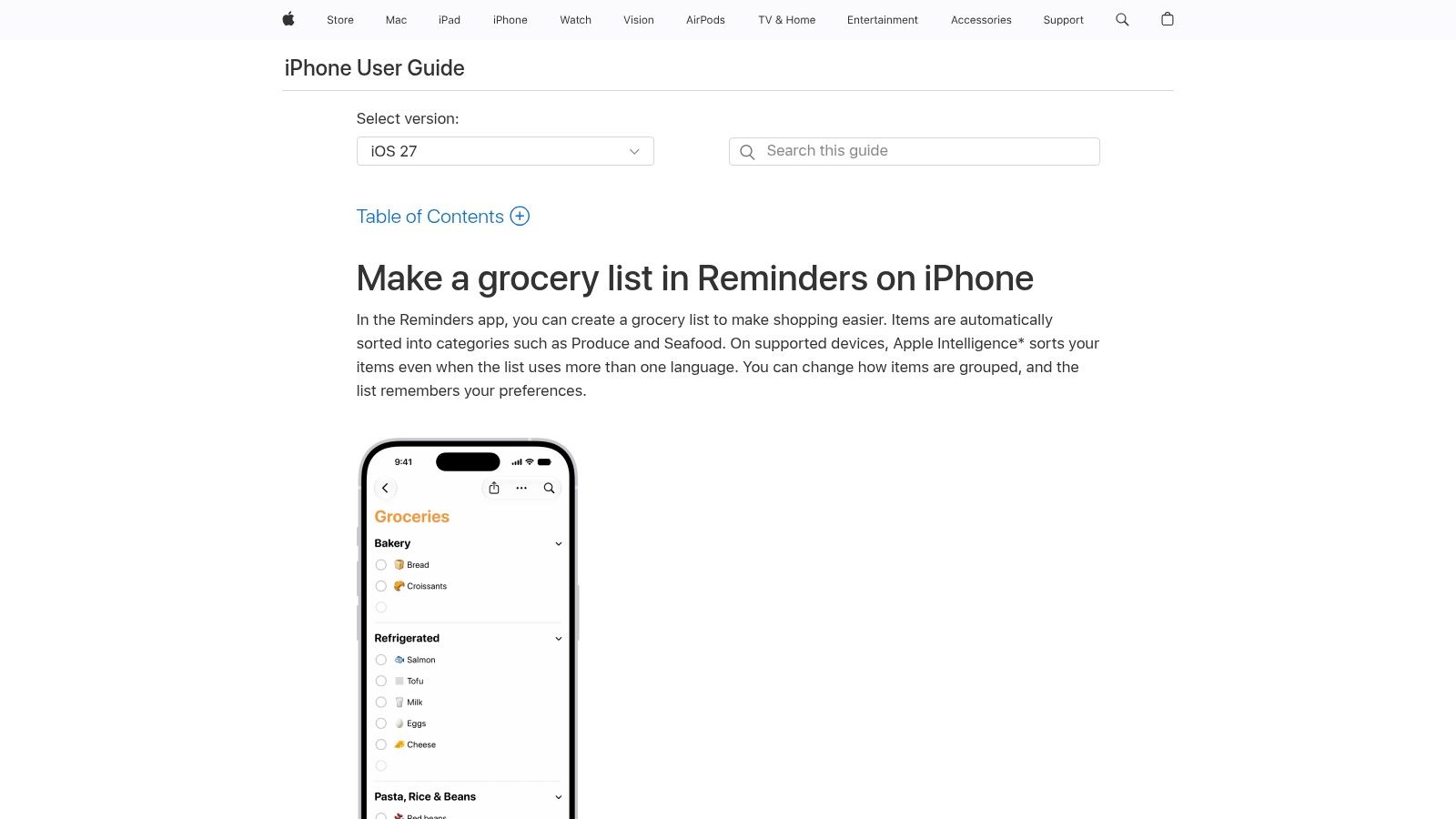
Apple Reminders is the cleanest starting point if you want a free iPhone grocery list app with almost no setup. On iOS 17 and later, you can switch a list to Groceries, and Reminders sorts items into categories like Produce, Meat, Frozen Foods, and Seafood. It also works with iCloud, so the list follows your Apple devices and can be shared with other Apple users.
Best for people who want zero friction
Use Reminders if you want to say “add milk” to Siri and get back to the store. It fits students, solo shoppers, and anyone who does not want another account just to buy dinner. Apple also supports grocery lists on Apple Watch, and iCloud changes appear on your paired iPhone and other signed-in devices.
Practical rule: pick Reminders if your list is mostly a checklist, not a kitchen system.
The main limitation is straightforward. Reminders is fast and tightly tied to Apple, but it is not a dedicated grocery tool, so you do not get the deeper shopping features some people want. It makes sense when you care more about getting out the door than about meal planning, pantry logic, or budget tracking. For readers comparing a broader grocery list app approach, see the broader grocery list app overview linked above.
Apple's own setup is enough for a lot of everyday shopping. If you want more context from real cooks about how home routines get organized, see home cook experience stories.
2. AnyList
AnyList is the best fit for home cooks who want a polished iPhone grocery app with strong sharing and recipe workflow. It's built around shared lists, recipe import, meal planning, and fast grocery entry, so it feels made for households that shop together and cook from a plan. Review volume also gives it a stronger reliability signal than a tiny app with a perfect score, since AppTracker reports about 80,700 ratings and a 4.9/5 average, with 91% five-star and 7% four-star reviews for AnyList, while its Grocery List listing shows 4.5/5 from about 53,800 ratings. Review count matters more than star rating alone in apps like this, especially when shared lists have to stay stable in daily use. (AppTracker data)
Best for meal planners and shared households
AnyList makes sense for busy parents and meal-prep planners because it connects recipe work to shopping without making the list feel technical. Its real strength is the combination of shared lists, recipe handling, and iPhone-friendly grocery organization. The app also fits the iPhone-specific checklist well, because it supports Apple Watch access and works across Apple devices instead of trapping you on one screen.
Good fit: choose AnyList when several people shop from the same list and dinner starts with recipes.
The trade-off is that the best parts are not fully free, and the feature set is heavier than a simple list app. That's fine if you want structure, but it's too much if all you need is “buy bread and eggs.” For readers who want a recipe-to-list workflow first, this is one of the strongest choices to compare against Recipe One's free grocery list generator later in the process.
AnyList is the app to shortlist when your shopping runs through recipes, shared family lists, and a little bit of planning discipline.
3. OurGroceries
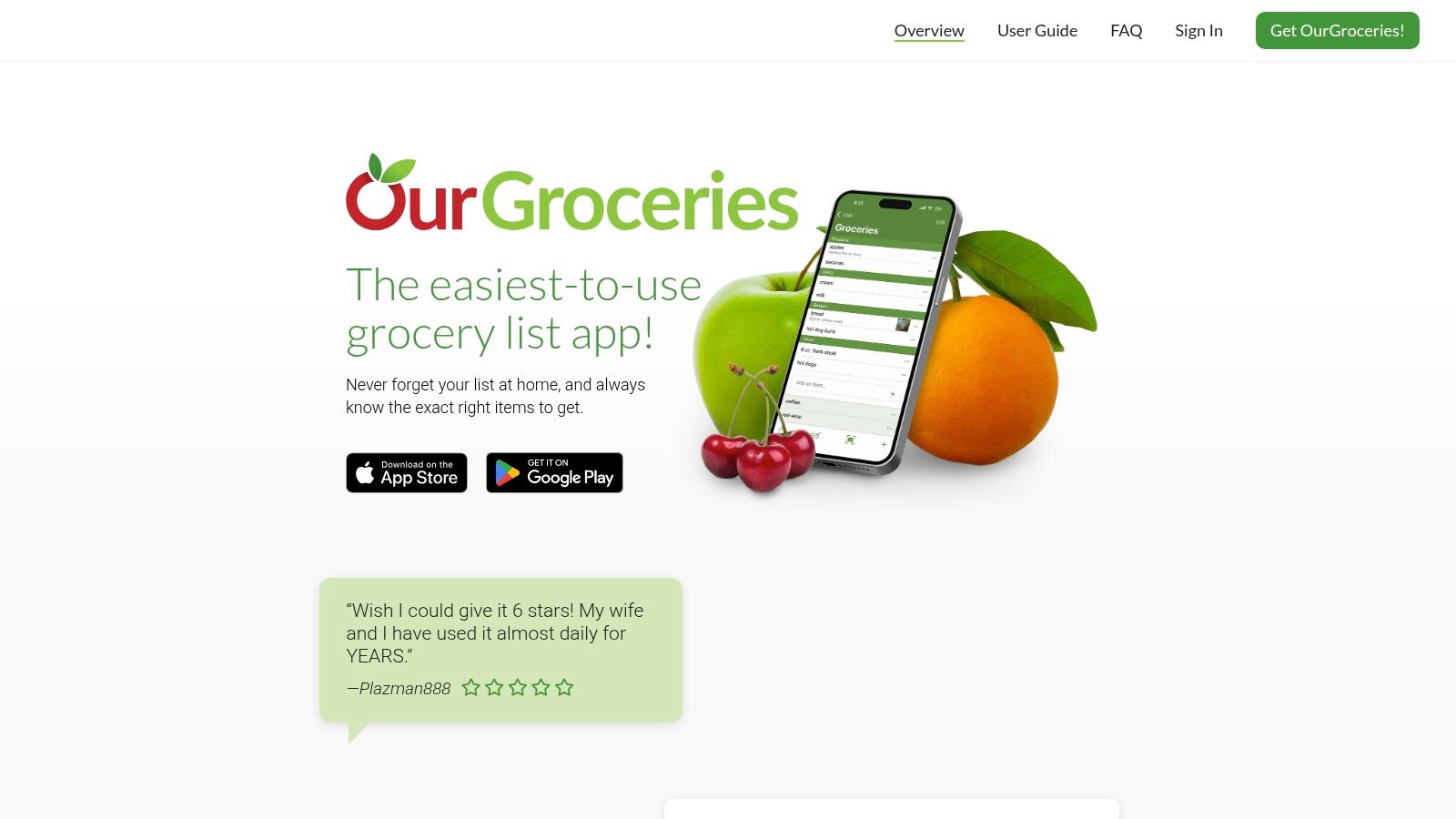
OurGroceries is the practical choice for families who care most about shared lists working smoothly. It's simple, broad, and dependable, with support across iPhone, web, and other platforms, plus Apple Watch and Alexa support. The free tier includes full list sharing and sync, which makes it a strong no-nonsense option if you want shared shopping without paying just to cooperate.
Best for households that just want the list to sync
OurGroceries fits the shopper who wants the same list on every phone and doesn't care about a flashy interface. It's also one of the better iPhone picks if you want voice-assistant access and a stable shared workflow without forcing everyone into a complex system. For families, that often matters more than recipe imports or clever UI tricks.
A useful way to think about it is this. AnyList leans into meal planning and recipe structure, while OurGroceries leans into pure shared-list reliability. If your partner, roommate, or older parent just needs to see the same list and check things off, OurGroceries keeps the friction low.
The trade-off is obvious. You get fewer advanced grocery extras than recipe-heavy apps, and its appeal comes from being steady rather than exciting. That makes it an excellent everyday shared list, not a kitchen command center.
OurGroceries is a strong pick when the household wants one dependable iPhone list that everyone can touch without a learning curve.
4. Bring! Grocery Shopping List
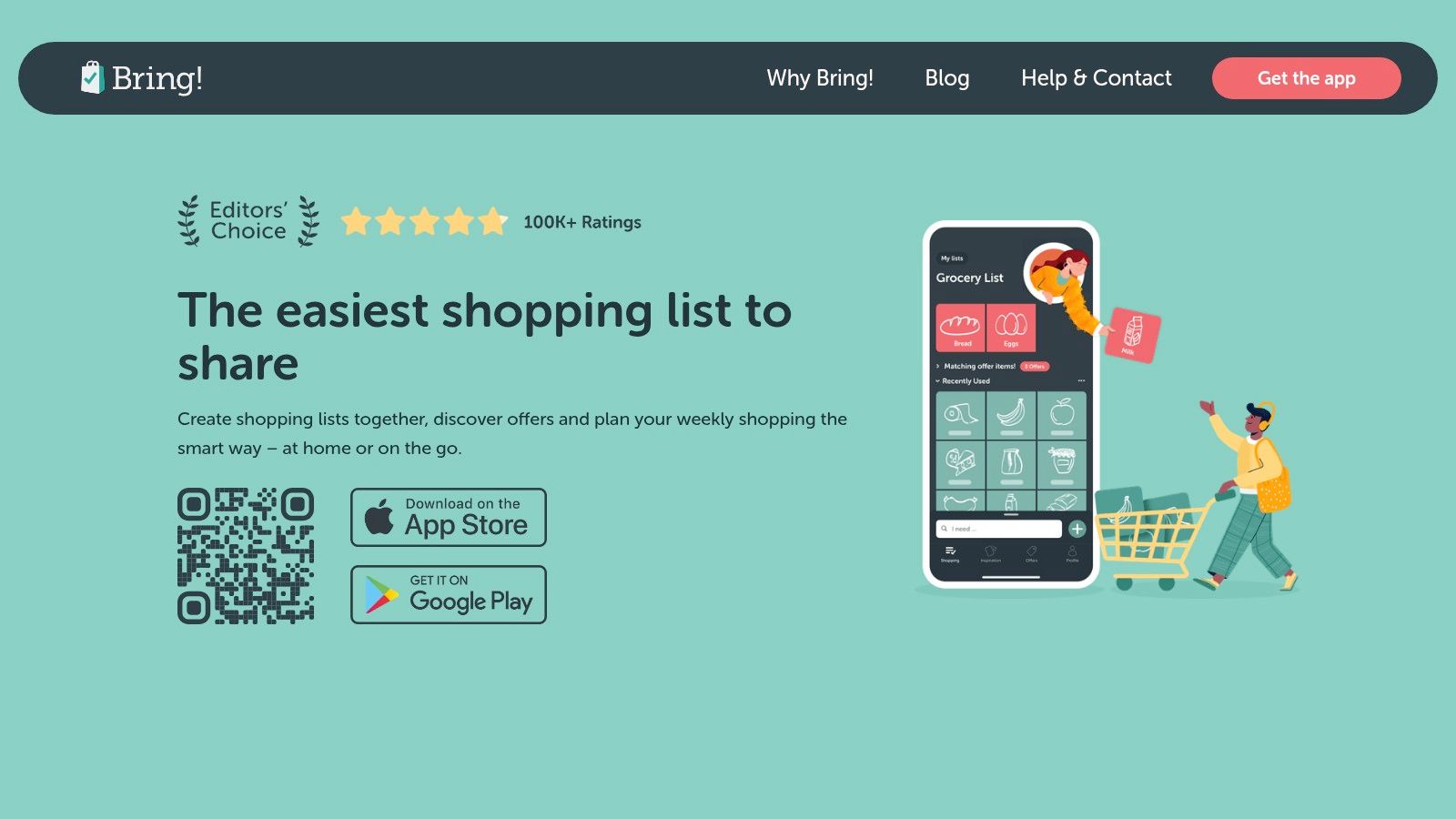
Bring! is the most visual option on this list, and that's the point. It uses tiles, product images, and templates to make list-building fast and reduce mistakes, which helps couples, roommates, and families who want to add items without thinking too hard. It also supports shared lists, iOS widgets, Siri, and Apple Watch access, so it fits the iPhone habits many shoppers already have.
Best for visual shoppers and quick household coordination
Bring! works well when the person making the list doesn't want to type much. The product cards and templates make it easier to reuse common items, and the interface helps avoid mix-ups that happen with plain text lists. That makes it especially useful for shared household shopping where one person creates the list and another person fills it.
Standout point: Bring! is strongest when fast visual entry matters more than recipe logic.
The trade-off is that it's less interested in meal planning or recipe workflows than some of the other apps here. It's also less straightforward on pricing across regions, which can be annoying if you're trying to compare it quickly with other tools. Still, for simple shared shopping on an iPhone, it's one of the easiest apps to scan and use at a glance.
Bring! is the app to choose when your household wants visual clarity, not kitchen complexity.
5. Listonic
Listonic is for shoppers who want a clean aisle order and a little price awareness. It groups items by aisle, lets you set a custom order, shares across devices, and works offline with auto-sync. You can also add prices to items and see list totals, which helps if you want a rough check on spend without turning the app into budgeting software.
Best for in-store efficiency
Listonic makes sense for shoppers who want to move fast through the store. The aisle organization does the heavy lifting, and the app stays focused on shopping instead of piling on planning features. If you already know your weekly buys, it gives you a straightforward way to keep the trip organized.
It also suits households that want a shared list without much setup. The app is simple enough for quick use, but it still gives you grocery-specific conveniences that plain notes apps do not. That makes it more useful than a generic list tool.
The constraint to watch for is how narrow the feature set stays. Premium mainly removes ads and adds personalization, so anyone who wants stronger meal planning or deeper recipe tools will outgrow it. If fast list entry and clear aisle flow matter most, Listonic does the job well.
Listonic is a solid pick for people who want speed, order, and basic price awareness in one iPhone grocery list.
6. Grocery Smart Shopping List by Conrad Stoll
Grocery is the best Apple-first option here if you care about polish, widgets, and shopping ergonomics. It's built for iPhone users who want an app that feels native to the device, with Smart Sort that learns your store order, plus Apple Watch, Lock Screen, and Live Activities support. It also includes inventory, price and quantity fields, and recipe capture from text, which gives it a more modern feel than a plain checklist.
Best for Apple users who want a fast shopping experience
This app fits shoppers who care about the in-store experience as much as the list itself. The Lock Screen and Watch support are useful when your hands are full and you just need the next item fast. It's a good example of an iPhone grocery app that thinks about how shopping really happens, not just how a list looks before you leave home.
The trade-off is smaller ecosystem depth. Compared with apps like AnyList or OurGroceries, it doesn't have the same broad cross-device footprint or household scale. That's not a problem if you live mostly in Apple's world, but it matters if everyone in the family uses different devices.
Choose Grocery if you want a focused, modern, Apple-native grocery runner instead of a bigger household platform.
7. Recipe One
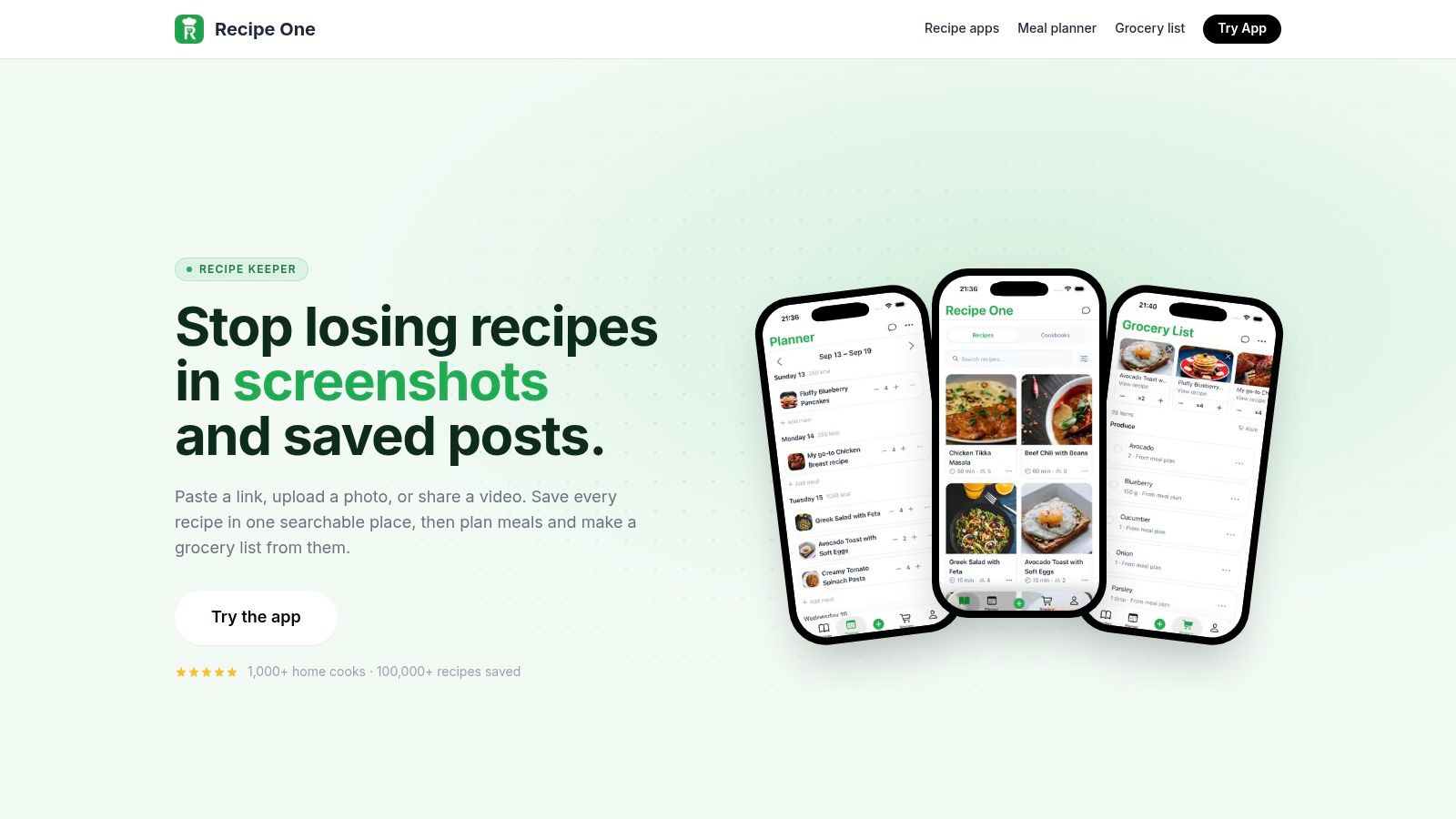
Recipe One is the best choice for people who cook from saved recipes and want the grocery list to come from that workflow automatically. Instead of making you type every item by hand, it starts with the recipes you saved and planned, then merges ingredients and groups them by aisle. That makes it a strong fit for anyone who collects recipes from websites, social posts, screenshots, or videos and wants dinner planning and shopping to feel connected.
Recipe One is built for the way a lot of people cook now, with meal planning, saved recipes, and grocery generation working together. The grocery list app overview shows the broader workflow, while the free grocery list generator gives you a way to try the recipe-to-list idea before downloading anything. That matters because the main win here is not a long checklist. It's getting one usable shopping list from a week's worth of meals.
Best for meal-prep planners and recipe collectors
Recipe One makes the most sense for busy people who plan around what they're going to cook, not around what they vaguely think they need. That includes meal-prep planners, beginner cooks, and home cooks who save recipes across multiple apps and platforms. It's also a smart pick if you want the shopping list to reflect the week's menu instead of becoming another place to manually retype ingredients.
The trade-off is straightforward. If all you want is a plain list, Apple Reminders may be enough. If you want a broader recipe system that turns inspiration into dinner and dinner into a shopping list, Recipe One is the stronger fit.
A lot of people talk about grocery apps as if they're only checklists. Recipe One treats the grocery list as the last step of a recipe workflow, which is the more useful way to shop when your meals already start with saved ideas.
Top 7 iPhone Grocery List Apps, Feature Comparison
| Item | Implementation complexity 🔄 | Resource requirements ⚡ | Expected outcomes 📊⭐ | Ideal use cases 💡 | Key advantages ⭐ |
|---|---|---|---|---|---|
| Apple Reminders (Groceries list type) | 🔄 Very low, built‑in, zero setup | ⚡ Minimal, iPhone + iCloud; works offline | 📊 Reliable basic grocery lists; ⭐ Strong privacy & Siri/Watch integration | 💡 Apple users wanting zero‑friction lists | ⭐ Free, privacy‑forward, deepest iOS integration |
| AnyList | 🔄 Medium, install and optional premium setup | ⚡ Moderate, account + devices; premium unlocks more integrations | 📊 Structured lists, meal planning; ⭐ Fast sync and recipe management | 💡 Home cooks/families needing recipes + planning | ⭐ Robust grocery tooling, reliable multi‑device sync |
| OurGroceries | 🔄 Low, simple install and sharing setup | ⚡ Low, cross‑platform (iOS/Android/web); free sync tier | 📊 Dependable shared lists; ⭐ Stable cross‑platform syncing | 💡 Families who want basic, reliable shared lists | ⭐ Free sharing, broad device & voice assistant support |
| Bring! Grocery Shopping List | 🔄 Low, install, use visual templates | ⚡ Low, mobile/web with widgets | 📊 Visual lists reduce mistakes; ⭐ Fast list creation via tiles & templates | 💡 Households preferring visual, template‑based lists | ⭐ Tile imagery, templates, good widgets/Watch support |
| Listonic | 🔄 Low, install and configure aisles | ⚡ Low, cross‑platform; optional premium for personalization | 📊 Efficient in‑aisle workflow + basic budgeting; ⭐ Aisle grouping & totals | 💡 Shoppers focused on aisle order and cost tracking | ⭐ Aisle grouping, price totals, streamlined in‑store UI |
| Grocery – Smart Shopping List | 🔄 Medium, install and let Smart Sort learn stores | ⚡ Low, iOS‑first with Watch & Lock Screen features | 📊 Faster in‑store trips; ⭐ Smart Sort adapts to store layout | 💡 Apple‑centric shoppers wanting performance & Live Activities | ⭐ Smart Sort, excellent Watch/Lock Screen integration |
| Recipe One | 🔄 Medium, install, use AI extraction & meal planner | ⚡ Moderate, cloud/AI processing + cross‑device sync | 📊 Converts inspiration into cookable recipes and auto lists; ⭐ Strong AI extraction & meal system | 💡 Users saving recipes from videos/web who want meal → grocery flow | ⭐ One‑tap AI extraction, meal planner, distraction‑free cooking tools |
Match Your Grocery App to Your Week
Busy parents who share shopping with a partner or family should start with OurGroceries or AnyList, because shared lists and reliable sync matter more than fancy extras. If everyone already lives in iCloud, Apple Reminders is the easiest free baseline and may be enough for a lot of households. Students and solo shoppers who want the lowest-friction setup should start with Reminders first, then move to Bring! only if sharing becomes part of the routine.
Meal-prep planners should compare Recipe One and AnyList side by side. Recipe One is stronger when you want the list to come from saved recipes and meal plans, while AnyList is a strong all-around shared list with recipe workflow depth. For a recipe-heavy week, test one full plan before committing, because the best app is the one that matches how you buy food.
Pick the app by naming your three must-haves, such as Siri, widgets, Apple Watch access, or recipe import. Then choose the one that covers those needs with the least setup and the least friction. If you want to see how a recipe-first grocery workflow feels before installing anything, try the free grocery list generator and compare it against the best cooking apps for iPhone guide.
If you want a grocery list that starts from the recipes you cook, Recipe One turns meal planning into a list you can use right away. It's built for iPhone shoppers who want less typing, cleaner organization, and a smoother path from dinner idea to store aisle. Visit Recipe One to try it for your own weekly shop.


