Americans aged 18 and older spent an average of 33 minutes a day preparing food, including cleanup, according to the USDA Economic Research Service. That makes recipe organization a practical time problem: a saved dinner idea isn't much help if you still have to hunt down the ingredients, repair the instructions, and rewrite the shopping list.
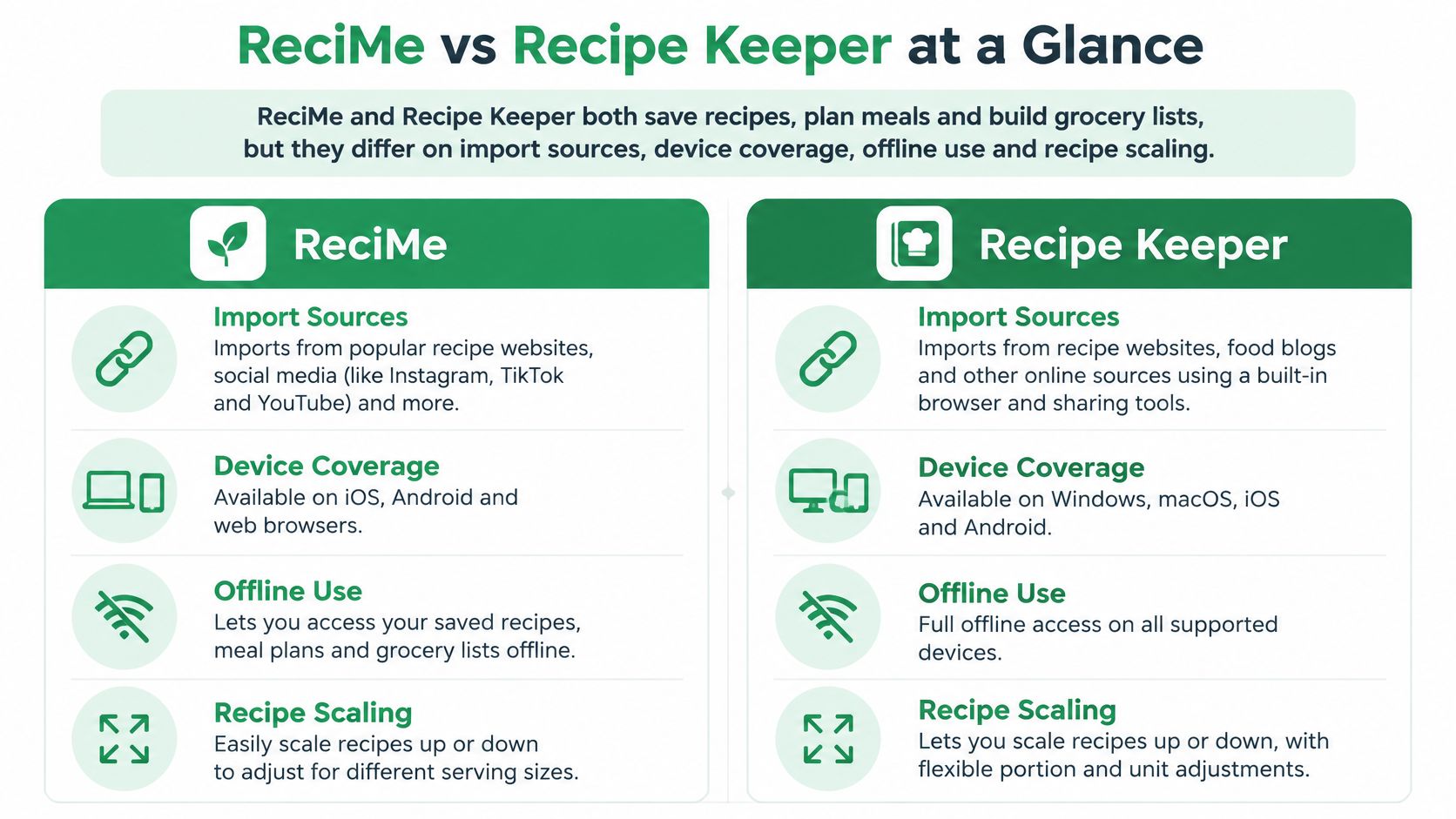
ReciMe vs Recipe Keeper at a Glance
The three-recipe check is a more useful comparison than a feature count: import a caption-dependent video, a scanned recipe card, and a metric recipe into both apps, then compare ingredient completeness, step order, and correction time. The overview below shows what public descriptions document, while leaving accuracy and device compatibility to verify against your own recipes and household devices.
| Feature | ReciMe | Recipe Keeper |
|---|---|---|
| Platforms | iPhone, iPad, Mac with Apple silicon, Android; web reported by a third-party comparison | iPhone, iPad, Android, Windows, Mac; web reported by a third-party comparison |
| Import sources | Social-media posts, websites, photos described in comparison coverage | Websites, photos, PDFs, cookbooks, magazines, handwritten recipes through OCR |
| Meal planner | Yes, with breakfast, lunch, and dinner categories | Yes, with meal-planning workflow |
| Grocery list | Generated by supermarket aisle or by recipe | Shopping-list generation from recipes |
| Offline access | Not confirmed | Yes, documented in available review coverage |
| Recipe scaling | — | Yes, documented in available review coverage |
| Search | — | Recipe names, ingredients, and directions |
| Shared household access | Not confirmed | Shared accounts with synchronized family changes |
Platform evidence needs particular care. An Innerbuddies comparison reports web availability for both apps, but it isn't an official platform specification. A reported web version does not establish that every desktop feature works in a browser.
What the differences mean
- Recipe Keeper may suit mixed-format collections. Its listed imports include paper recipes, cookbooks, and websites, and its coverage includes desktop platforms.
- ReciMe may suit social-media recipe discovery. Its comparison coverage describes imports from social-media posts and connects saving recipes with meal planning.
- Import accuracy remains an open question for both. A list of supported sources doesn't show whether quantities, steps, or units transfer correctly. The three-recipe check makes that comparison specific to the formats you use.
The choice in ReciMe vs Recipe Keeper depends on which sources and household devices matter most. Confirm those against the apps themselves, then judge imported recipes by whether they're complete enough to cook without reopening the original.
How Each App Imports and Organizes Recipes
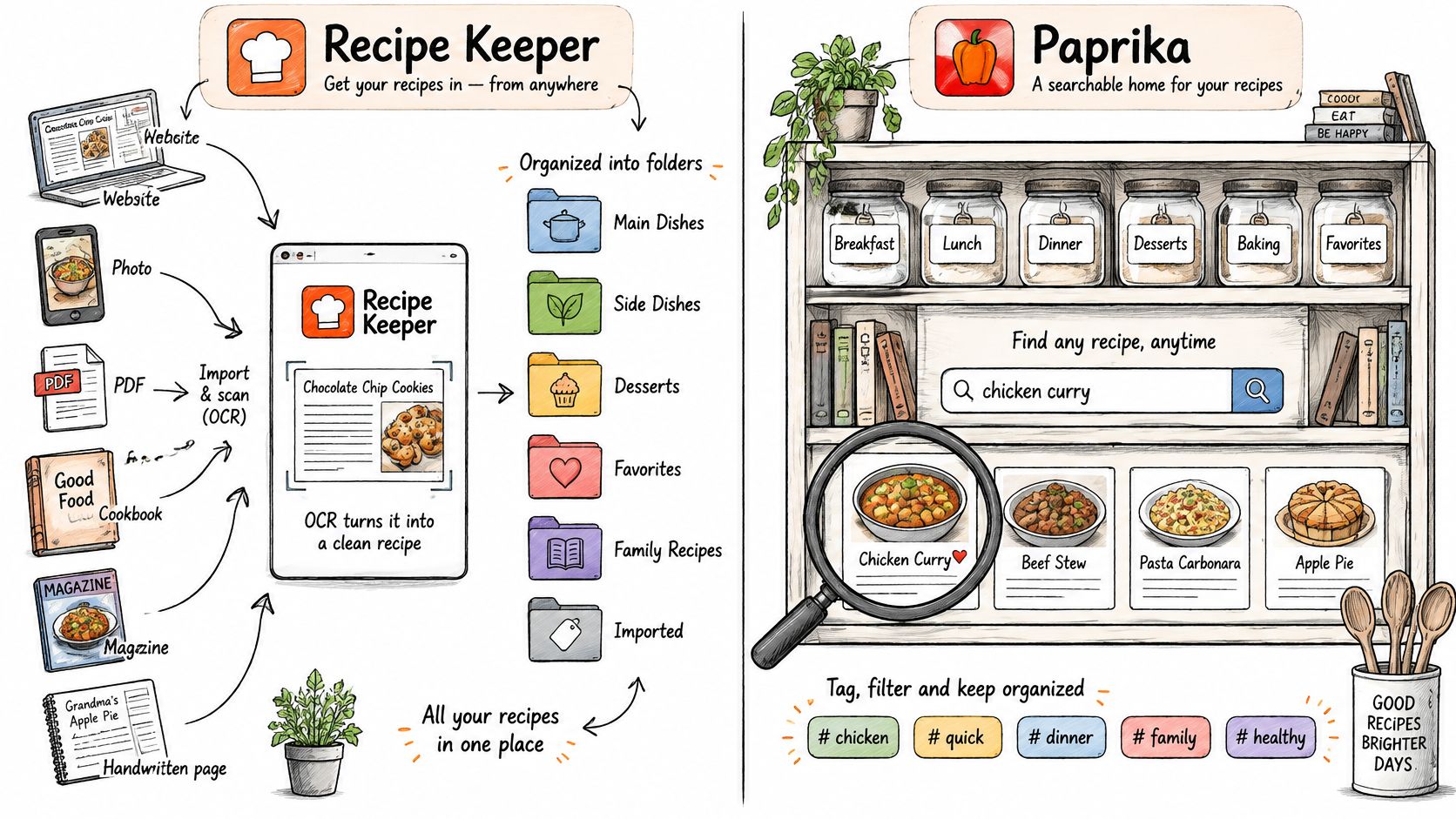
Import coverage shows which sources an app can handle. It does not establish whether the resulting recipe is accurate. A useful comparison is to check the same three recipes in both apps: a video with quantities only in its caption, a photographed recipe card with handwriting or awkward line breaks, and a metric recipe using grams and milliliters.
For each, compare ingredient completeness, step order, attribution, and how much correction the recipe needs before it is ready to cook. Check that fractions, temperatures, units, and serving changes remain accurate wherever scaling is available.
Capture is only the beginning
Recipe Keeper's App Store specification lists imports from websites, photos, PDFs, cookbooks, magazines, and handwritten recipes. It also documents optical character recognition (OCR) for turning images into editable text, search across recipe names, ingredients, and directions, and organization by course and category.
ReciMe's public coverage describes importing from social media, websites, and photos. Its App Store feedback includes concerns about nutrition values differing from original recipes. Such feedback can flag a reason to check your results, but it does not measure import accuracy across the app.
For a closer look at ReciMe's workflow, see our ReciMe app review. A recipe inspired by seasoning inspiration for everyday meals can serve as one test, alongside a caption-dependent video and a photographed card.
Practical rule: A recipe is ready to use when its ingredients and steps are accurate enough to cook from without reopening the original.
A third option to test
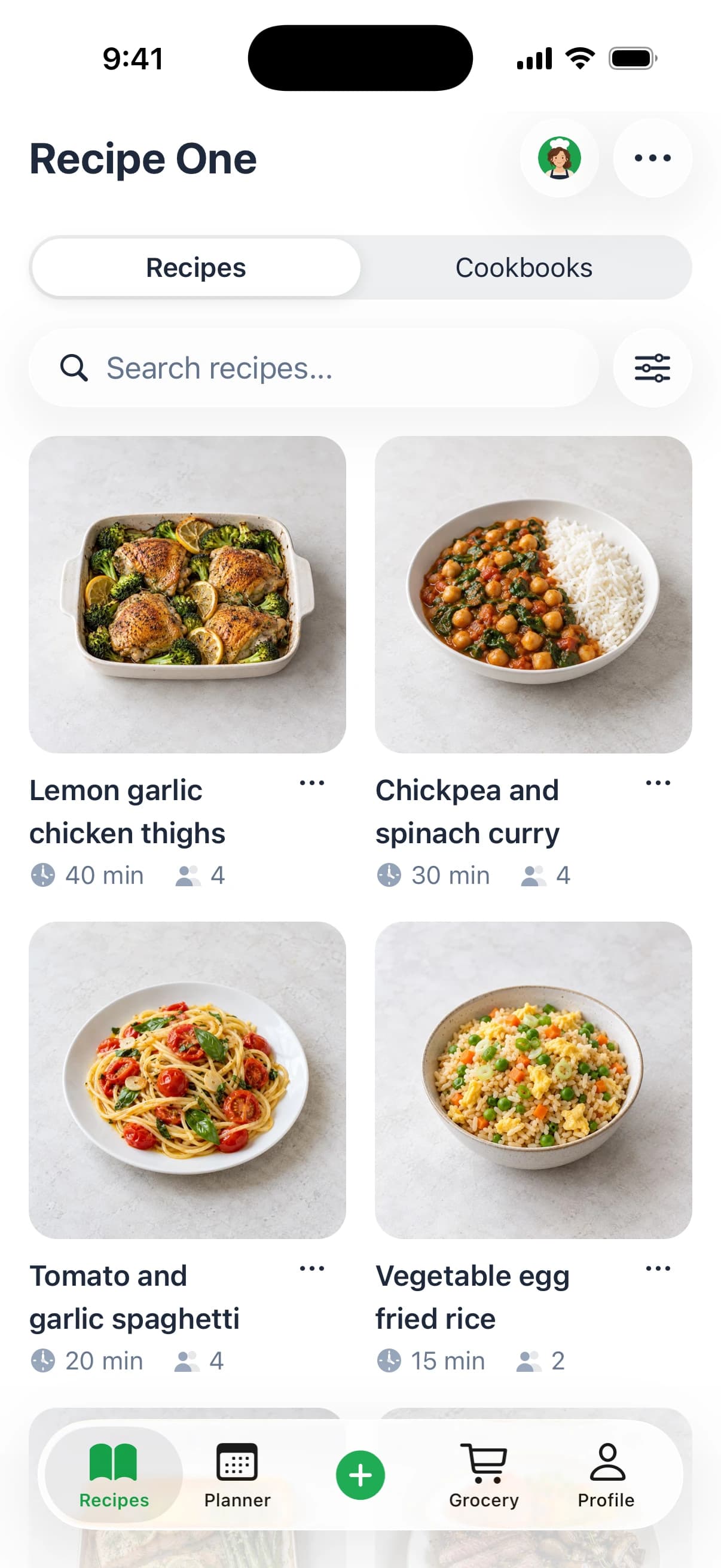
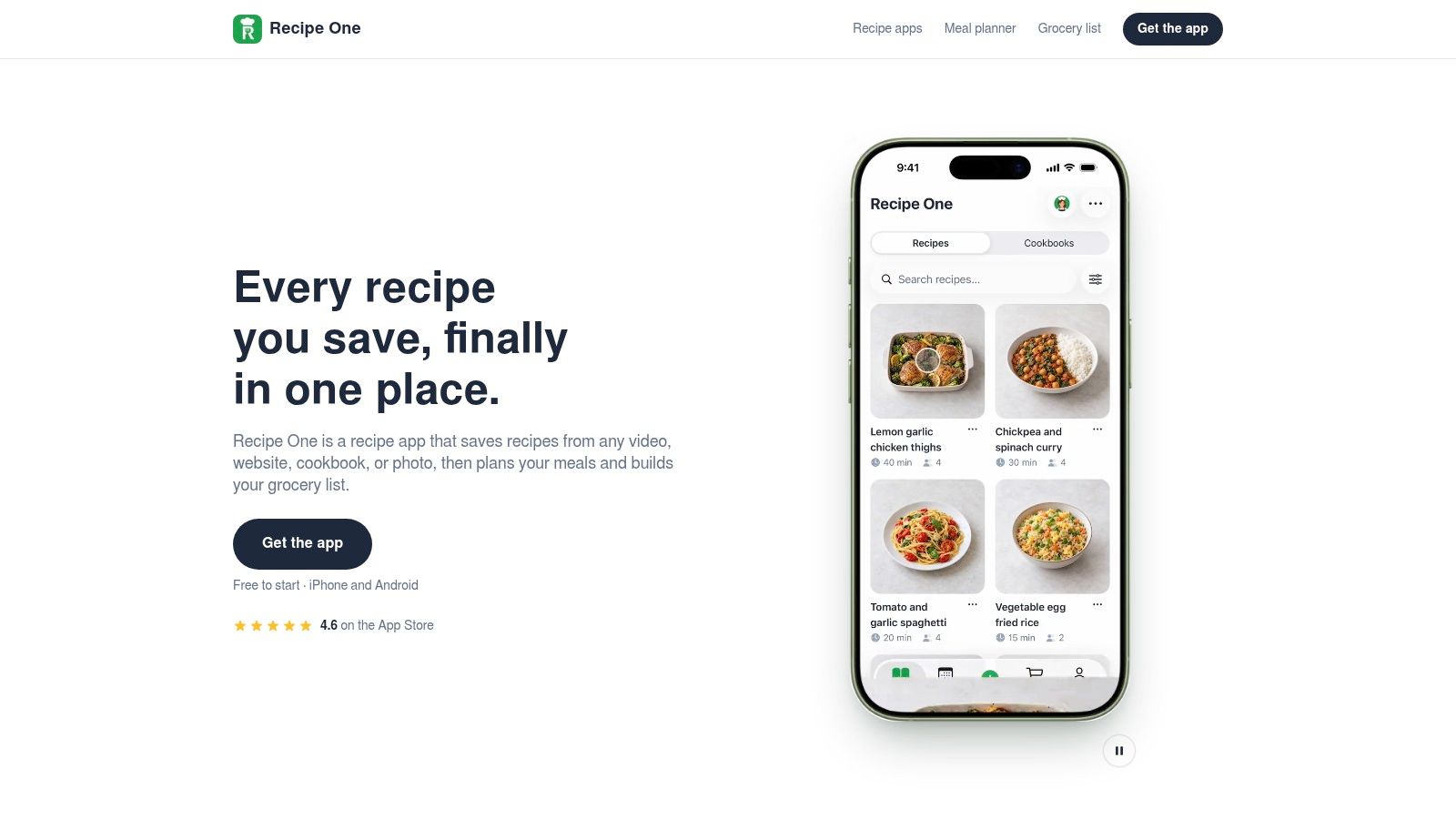
Recipe One is an AI-powered recipe keeper. Users share a link or snap a photo, and Recipe One extracts the ingredients and steps without ads or extra content. Recipes can be found by name, ingredient, or tag, and saved in cookbooks organized around categories such as weeknights, baking, or mom's classics.
The same three-recipe check can help compare how well those details carry over from each source. Check quantities and instructions before cooking.
Meal Planning and Grocery Lists Compared
A meal plan is useful only if it leads to a shop-ready list. ReciMe and Recipe Keeper both connect meal planning with grocery lists, but the practical comparison is how each handles recipes, servings, and ingredients you already have.
Compare the finished shopping task
ReciMe offers breakfast, lunch, and dinner categories, with grocery lists organized by supermarket aisle or recipe.
Recipe Keeper combines a meal planner with shopping-list generation. Its documented recipe-scaling capability can help when adjusting servings; check whether the changed quantities also carry through to the list.
Mob is another meal-planning option.
Recipe One follows a save, plan, and shop workflow. Its meal planner builds a week of dinners from saved recipes, and its grocery list includes the week's ingredients. For a closer look at turning recipes into a grocery list, compare how much editing each app requires before the list is ready.
Recipe One's MCP server integration lets users access their recipes, meal plan, and grocery list from AI assistants such as Claude and ChatGPT. This provides another way to reach planning information, though the meal-planning comparison still comes down to the app's list and recipe workflow.
The Recipe One plugin for ChatGPT and Claude is available now: search "Recipe One" in ChatGPT Plugins or in Claude Customize > Connectors, or see the setup guide. You can also save recipes from your browser with the Recipe One Chrome extension or use the web app.
To compare the finished task, plan a week in each candidate and time how long it takes to prepare a shop-ready list. Include time spent correcting quantities and removing ingredients already at home.
Platforms, Sync and Sharing for Households
A household with an Android phone, a Windows laptop, and an iPad needs more than a general promise of synchronization. Each person must be able to open the relevant recipe, and everyone needs to understand whether they're editing a shared item or a private copy.
Available Recipe Keeper review coverage describes iPhone, iPad, Android, Windows, and Mac support, plus offline recipes. Apple-hosted Recipe Keeper reviews also describe shared accounts in which family changes synchronize across devices.
ReciMe's documented device coverage includes iPhone, iPad, Mac with Apple silicon, and Android, with web access reported separately. Don't interpret cloud synchronization alone as proof of collaborative editing.
Run a household check
- Add on the first device. Save a recipe on the phone normally used for collecting ideas.
- Open on the second device. Confirm that the recipe appears, and record how long that takes.
- Edit on both devices. Change the same recipe independently, then inspect which changes survive.
Repeat part of the check with the kitchen device disconnected. Look for missing instructions, unavailable images, and edits that fail to return when the connection resumes.
Sharing a recipe is not the same as sharing an editable household library.
Our app allows sharing a recipe or cookbook with family. Browser access and assistant integrations also provide routes beyond a single phone. If the kitchen tablet is central to your setup, use our iPad recipe-app guide to frame your device check.
What Each App Costs and Its Free Limits
ReciMe's free version permits five recipe imports every seven days, while its grocery list, meal planner, and cookbooks remain usable without payment; the Vima Fitness comparison also reports a U.S. annual ReciMe Plus price of $39.99. These are reported terms, not a guaranteed current checkout offer.
Recipe Keeper's exact upgrade price and free limits are less consistently documented. The Jelly recipe-management guide discusses pricing uncertainty and separate platform purchases as a potential household frustration.
Plans, limits and costs by app
| Plan | Price | Notes |
|---|---|---|
| ReciMe free | Free | Five imports every seven days; planner, grocery list, and cookbooks remain usable without payment |
| ReciMe Plus, US annual | $39.99 per year, reported | Recheck the current offer before purchase |
| Recipe Keeper free tier | Free | Advanced features require an upgrade; exact current caps aren't confirmed |
| Recipe Keeper upgrade | Current price not confirmed | Reviewers report separate purchases per platform |
| Recipe One | Free to start | Check current terms before committing |
Compare household cost, not the headline
For a five-year comparison, add the required purchases for each household platform, then add recurring subscription charges over that period. Keep unconfirmed amounts explicitly marked as unconfirmed in your own worksheet, and check whether existing recipes remain usable after cancellation.
Don't conclude that a one-time upgrade is automatically cheaper until you know which devices need separate purchases. Our Recipe Keeper review provides further context for evaluating its purchase model.
Our free tools include Cook with Ingredients, Leftover Recipe Generator, Cups to Grams Converter, Grams to Cups Converter, Grams to Tablespoons Converter, Just the Recipe, Rice to Water Ratio, Recipe Nutrition Calculator, Grocery List Generator, and Recipe Converter. Treat those tools as separate conveniences, not evidence that every app feature has the same access terms.
How to Move Your Recipes Without Losing Any
Keep migration reversible. A recipe collection includes more than titles: handwritten adjustments, source attribution, photos, and the quantities you trust may matter as much as the instructions.
Use this process before replacing a working library.
- Audit your sources. List bookmarks, social saves, scanned cards, and recipes inside your current app, then count the meals you cook. This separates your useful working collection from ideas you may never need to move.
- Export or copy a representative sample. Check whether the available format preserves ingredients, quantities, steps, photos, notes, and tags, because a file that opens isn't necessarily complete. Don't assume either app supports a direct transfer into the other unless its current documentation explicitly confirms that route.
- Import a small batch. Keep the originals and stay within the destination's current import allowance. Use recognizable recipe names so you can match each imported item to its source without guessing.
- Validate before expanding. Apply the caption-video, scanned-card, and metric checks, then correct any missing quantities or reordered instructions. Build a meal plan from the sample and inspect the resulting grocery list before moving the rest.
- Delay cancellation. Confirm what happens to saved recipes, exports, and editing access when payment ends. Keep the old library available until every regularly cooked meal is usable in the replacement.
Keep an independent fallback
Say a household repeatedly cooks a small rotation of dinners. Moving that rotation first is more useful than importing years of untested bookmarks and discovering problems during dinner preparation.
Our digital recipe-book guide can help you think through the collection you want to preserve.
Assistant-based link imports use the same import credits as the app, so changing the entry point doesn't create a separate migration allowance.
This migration visual summarizes the checks.
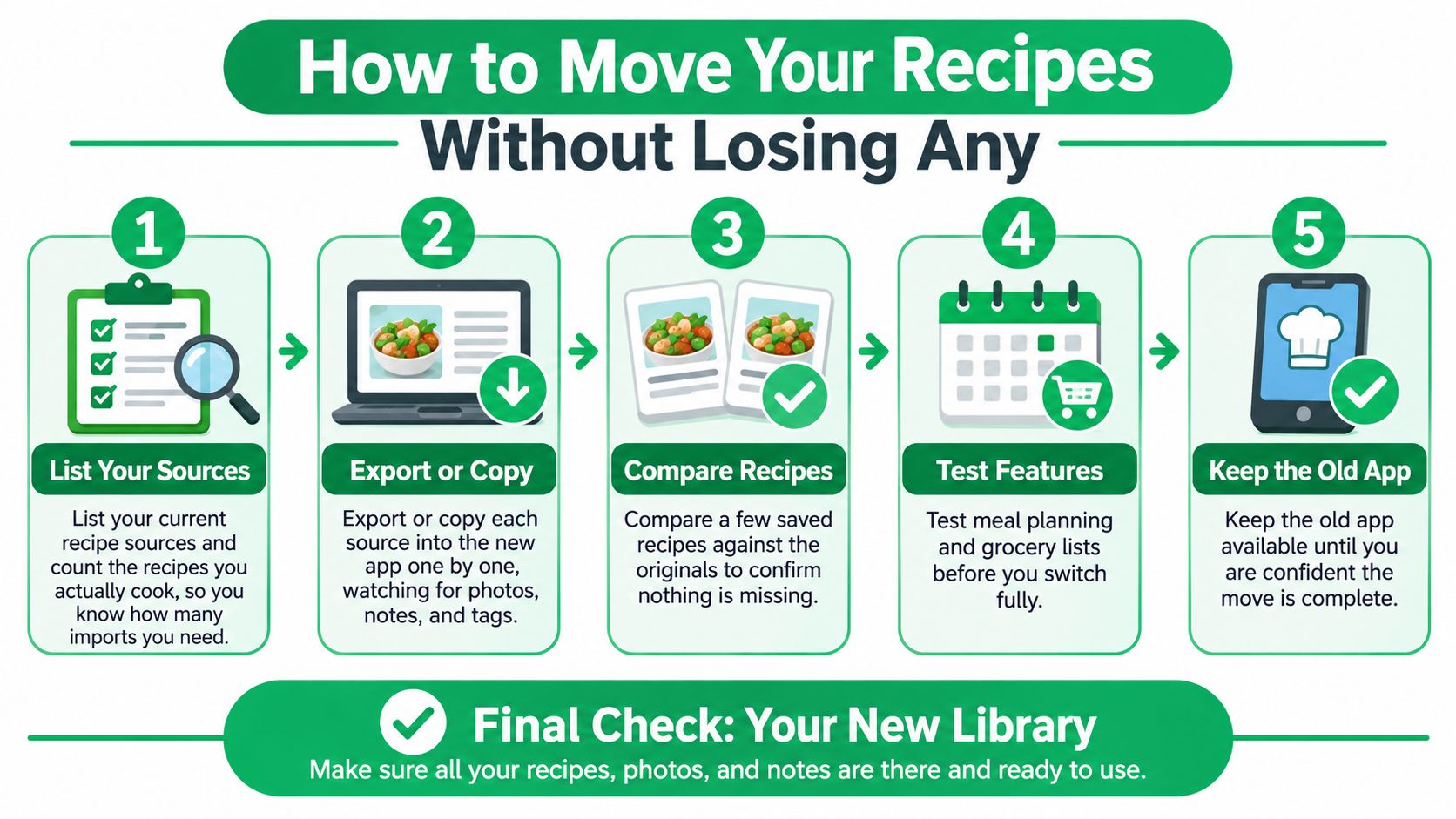
Keep the old library until the replacement holds every recipe you rely on for ordinary meals.
Choose Between ReciMe and Recipe Keeper
Choose ReciMe when social-media capture is the main job. It's a logical candidate if your collection begins in feeds and you want to turn those ideas into a plan. The deciding question is whether its importer preserves your particular captions, quantities, and instructions with little correction.
Choose Recipe Keeper when paper recipes and desktop use matter most. Its documented OCR inputs, search fields, offline access, and broader native desktop coverage make it a strong candidate for a mixed collection. That's a fit judgment, not evidence that its OCR is more accurate than ReciMe's.
Neither app can be declared the universal winner from the public evidence available.
Let the awkward recipe decide
Test your own recipes before paying, including one that's difficult to capture. A clean website recipe may tell you little about how an app handles a handwritten fraction or a video with essential instructions outside its caption.
- For collectors, prioritize complete extraction and the time needed to repair it.
- For households, prioritize access on the kitchen device and predictable handling of shared changes.
- For long-term archives, prioritize usable exports and access after cancellation.
- For weekly planners, prioritize the finished grocery list rather than the appearance of the calendar.
Our alternative fits readers who want AI help connecting saved recipes to dinner decisions. We also show calories, protein, carbs, and fat per serving, though nutrition information shouldn't substitute for checking original ingredients when dietary restrictions matter.
For deeper reading, the full Recipe Keeper app guide complements the ReciMe review linked earlier. Before downloading, check the current price, platform support, and purchase conditions in the App Store or Google Play listing for your device.
Visit Recipe One if you want to test an alternative that connects recipe capture, weekly planning, and grocery lists. It's free to start, so try the same difficult recipes you use to evaluate ReciMe and Recipe Keeper, then choose the workflow that leaves you with the least correction work before dinner.