Elevate Your Kitchen Game
Streamline how you discover, save, and cook recipes with our roundup of the 12 best cooking apps for android. Whether you’re a busy parent, a student learning basic skills, or a meal-prep pro, you’ll find the right digital tool to:
- Capture scattered social-media finds
- Plan weeknight dinners in minutes
- Build a searchable, organized recipe library
In this listicle, you’ll get:
- Feature breakdowns – AI capture, meal planning, community forums
- Pricing insights – free tiers, subscriptions, one-time payments
- Real-world use cases – busy schedules, diet tracking, skill building
- Pros and cons – offline access, privacy policies, device sync
Each app overview includes screenshots and direct links for instant installs. We’ve arranged options by audience need and highlighted practical tips for seamless implementation.
Key takeaway: After comparing Recipe One, Recipe Keeper, and Recime, Recipe One clearly tops our list with its one-time payment model—it's the cheapest option. Its AI-powered recipe capture and integrated kitchen tools outperform freemium and subscription rivals.
You’ll also explore:
- Native app stores: Google Play Store, Samsung Galaxy Store
- Community hubs: Cookpad, Tasty (BuzzFeed), Feast by The Guardian
- All-rounders: Paprika Recipe Manager, SideChef, Kitchen Stories
- Niche helpers: SuperCook, Android Police’s picks, Samsung Food (formerly Whisk)
Skip trial-and-error installs and go straight to what works. Dive in to find your perfect cooking companion and turn Android into your smartest kitchen assistant.
1. Recipe One
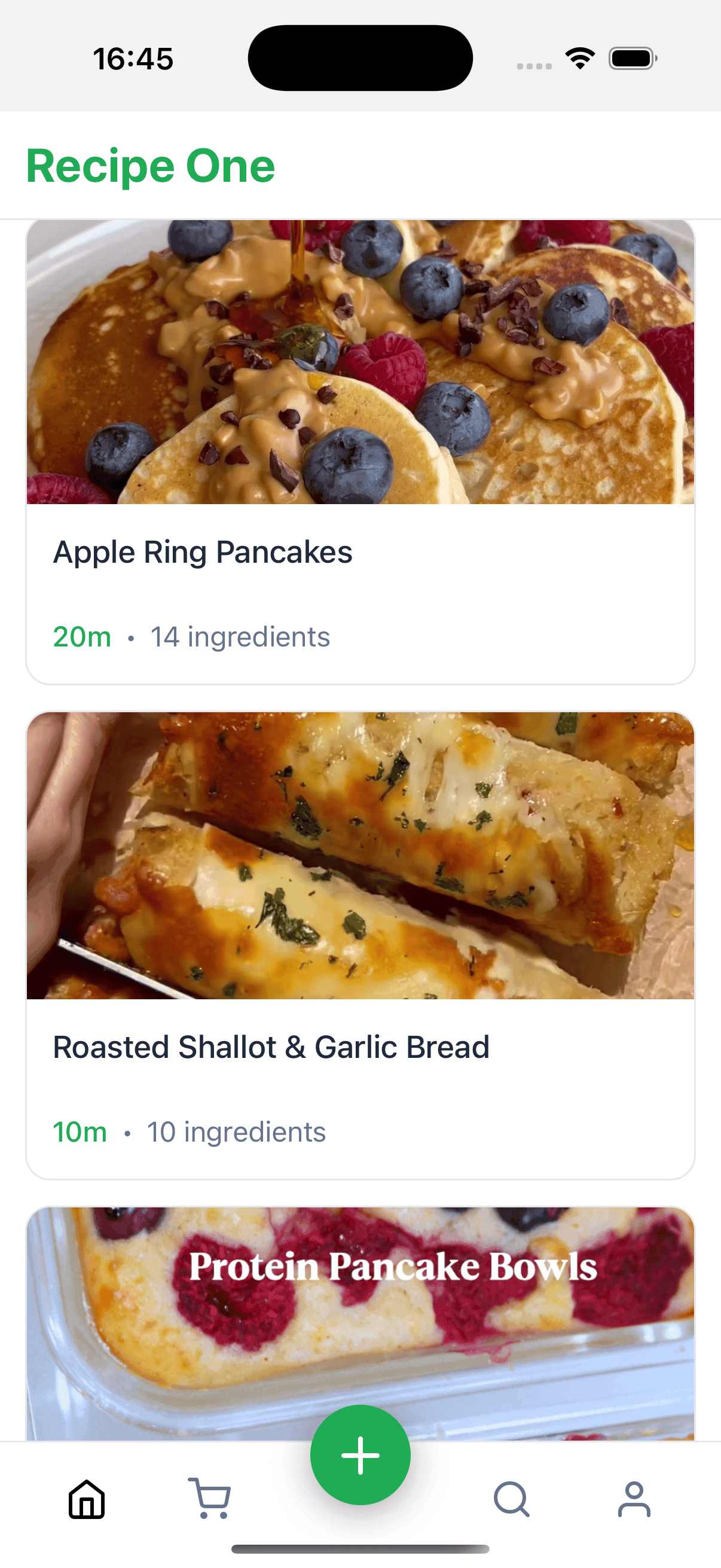
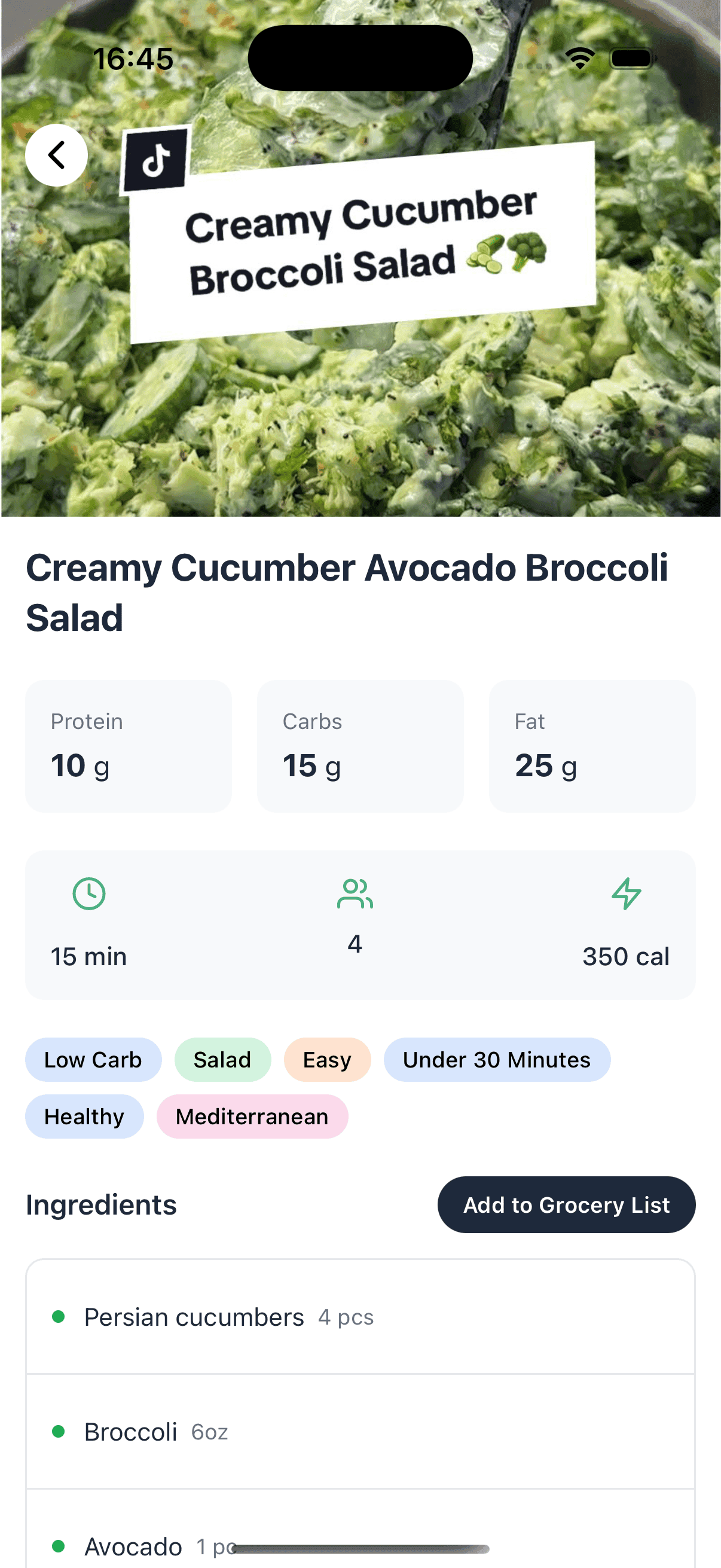
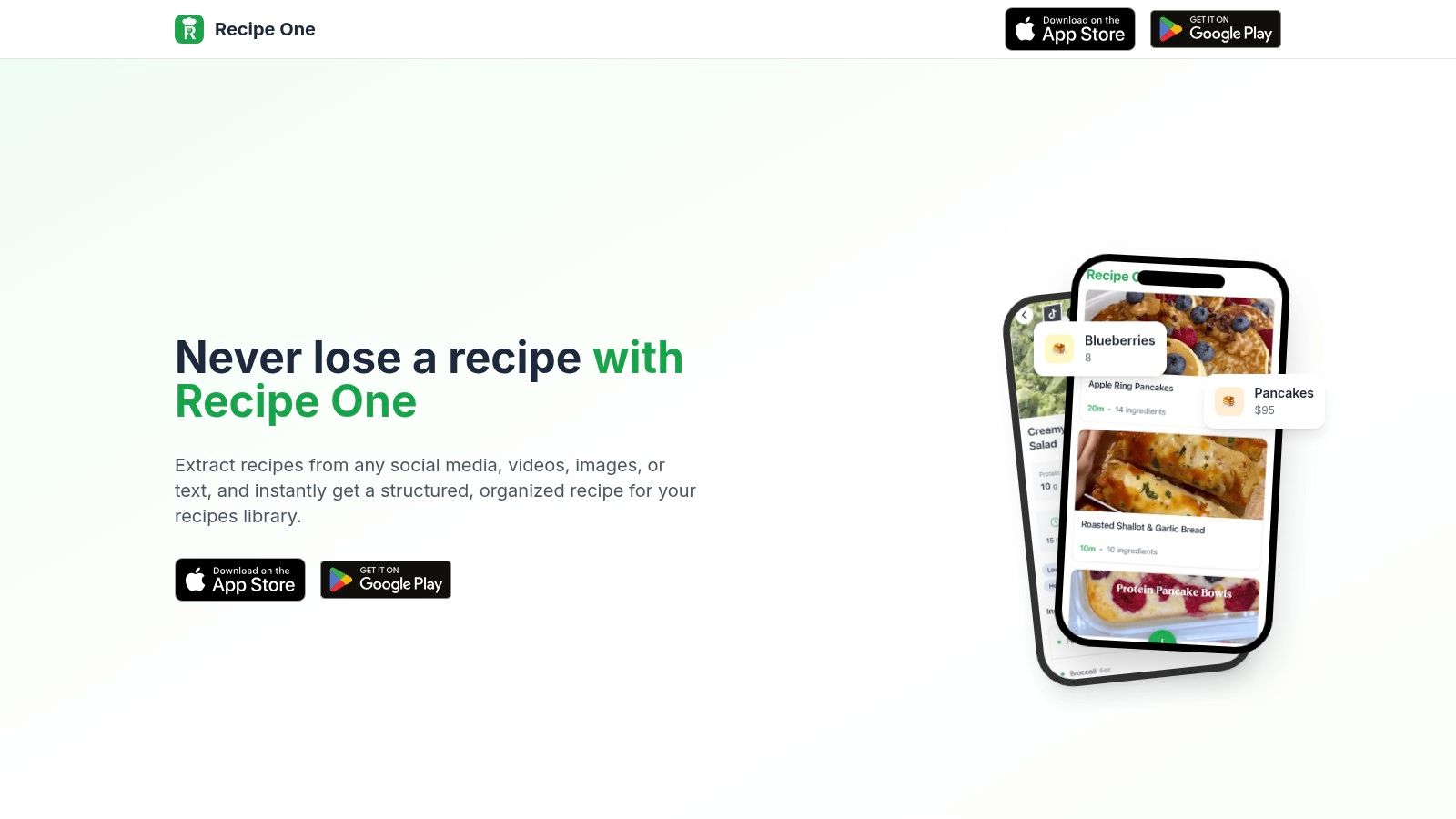
Recipe One is an AI-powered recipe keeper that excels at capturing and organizing recipes from social media posts, videos, images or plain text. Users benefit from instant extraction into a clean, searchable library, saving time and eliminating clutter.
Key Features
- AI Extraction from any source format for fast recipe capture
- Standardized Entries with clear ingredients, steps and measures
- Integrated Tools: Cook with Ingredients, Cups⇄Grams, Oven Conversion, Rice Ratios, Nutrition Calculator
- Advanced Search by ingredient, cuisine or keyword
Pricing and Access
Recipe One stands out with a one-time payment model that undercuts subscription-based rivals. There are no hidden fees or monthly charges. After purchase, all features unlock for lifetime use. Access requires Android 8.0 or higher and a free account.
Pros and Cons
Pros
- Lifetime license at lowest market price
- Automatic AI extraction reduces manual entry
- Bundled kitchen calculators for everyday cooking
- Clean, intuitive interface with offline access
Cons
- AI accuracy depends on source quality
- No in-app community or recipe sharing
Comparison Table
| Feature | Recipe One | Recipe Keeper | Recime |
|---|---|---|---|
| Payment Model | One-time fee | Monthly sub-fee | Freemium |
| AI Extraction | Yes | No | Limited |
| Offline Access | Yes | No | Yes |
| Conversion Tools | Full suite | Basic | None |
| Standardized Formatting | Automatic | Manual | Partial |
Practical Tips
- Use the camera import to save recipes on the fly.
- Tag recipes by meal or diet type for quicker weekly planning.
- Leverage the Cook with Ingredients tool to minimize food waste.
For home cooks, busy parents, students and meal-preppers, Recipe One delivers a comprehensive, cost-effective solution that outperforms Recipe Keeper and Recime. Try it today at https://www.recipeone.app/ and transform scattered ideas into an organized culinary library.
Keep every recipe in one place
Stop losing recipes. Save from any website, scan handwritten cards, and organize your kitchen with AI.
2. Google Play Store
The Google Play Store is Android’s official app marketplace for discovering, buying, installing, and updating cooking and recipe apps with device-level security checks, ratings, and reviews. It remains the preferred source for most Android users in the US thanks to broad compatibility filters and seamless device verification.
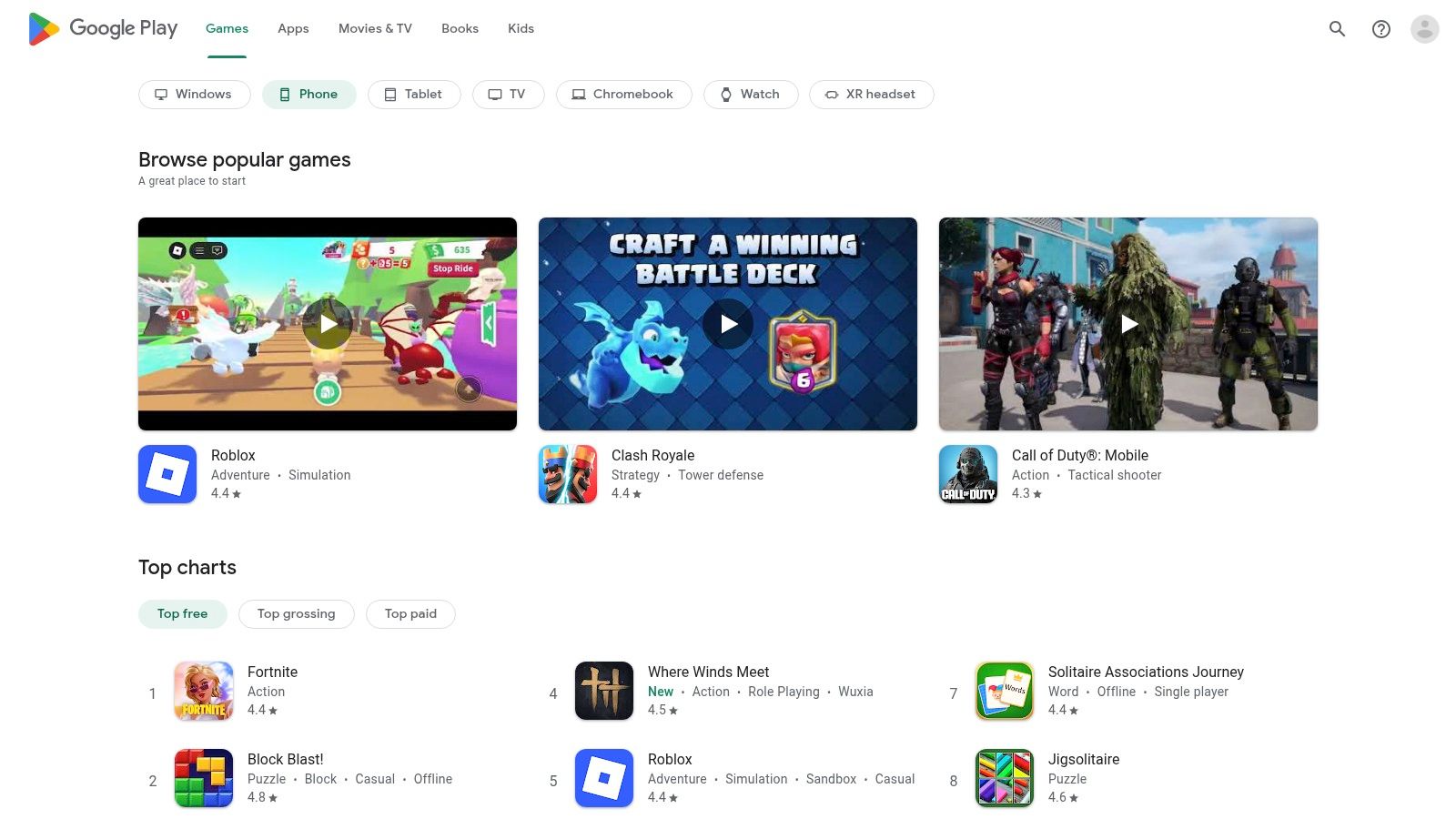
Learn more about Google Play Store on recipeone.app
Features
- Device-verified installs and automatic updates
- Integrated app ratings, reviews, screenshots, and change logs
- Family Library sharing, wishlist, and in-app refund options
Pros and Cons
Pros:
- Safest way to install Android apps
- Largest selection of cooking and recipe tools
- Broad US availability and compatibility filters
Cons:
- Regional availability and pricing can vary
- Some premium features require in-app purchases or subscriptions
Quick Tips
- Use filters to match app version with your Android release
- Save cooking favorites to a wishlist before purchase
- Check change logs to spot new kitchen tools and recipe features
User Experience
The Play Store interface is intuitive with clear categories and robust search filters. Customer support and refund policies help resolve installation or purchase issues quickly.
Popular Cooking Apps on Google Play Store
App Name
Pricing Model
Notable Feature
Recipe One
One-time payment (cheapest)
AI-powered recipe capture and kitchen tools
Recipe Keeper
Freemium
Robust import and web sync
Recime
Subscription
Custom meal plans and timers
3. Samsung Galaxy Store
The Samsung Galaxy Store is Samsung’s curated marketplace for Galaxy phones, tablets, and watches. It offers Android cooking and recipe apps with Galaxy-exclusive perks, tight integration with Samsung services, and optimized performance on Galaxy hardware. This store works alongside Google Play Store to surface apps tailored to your device.
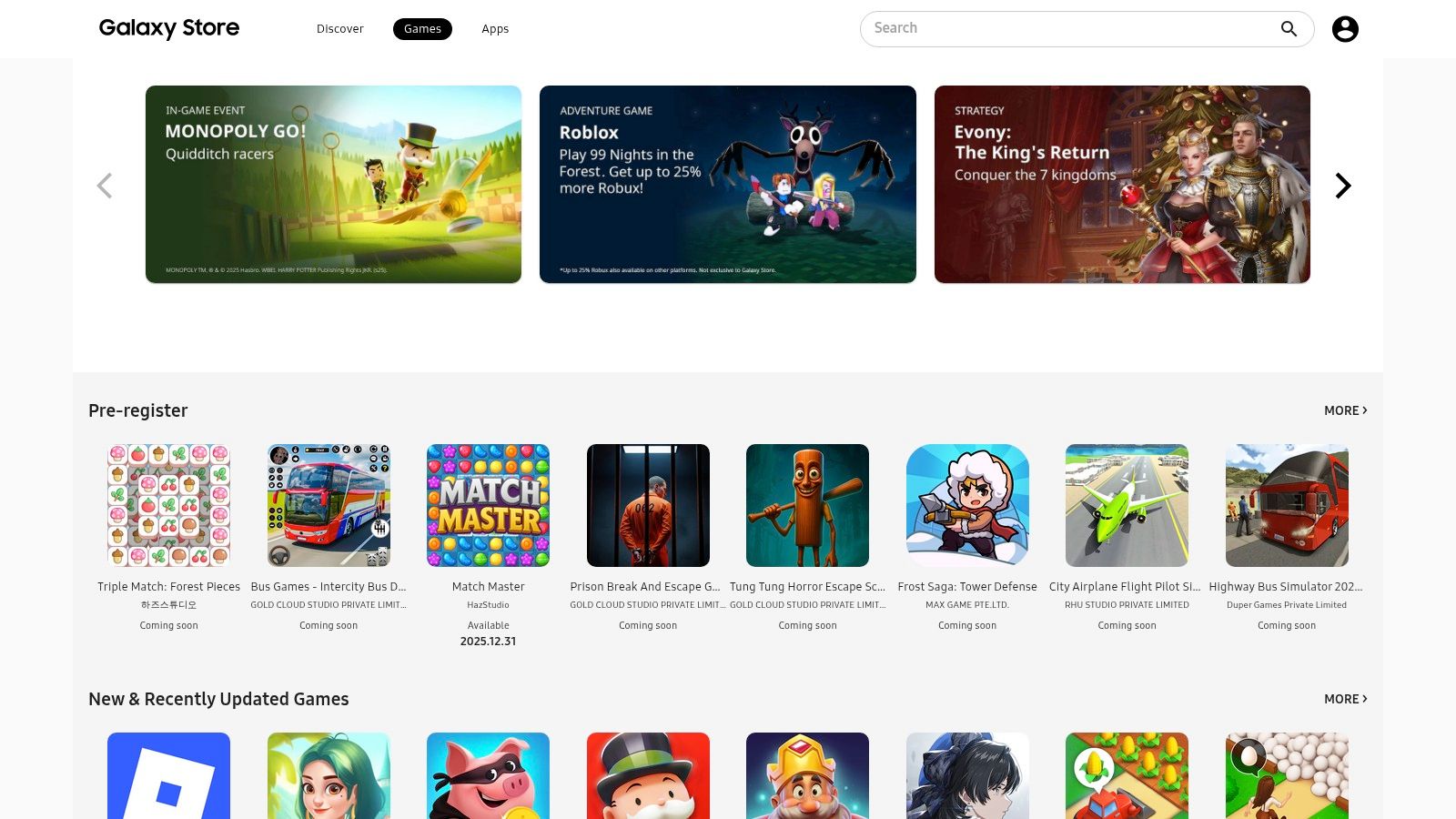
Learn more about Samsung Galaxy Store on recipeone.app
Features
- Curated apps and exclusive themes for Galaxy devices
- Samsung account integration for seamless sign-in and purchases
- Works alongside Google Play Store to install optimized Android apps
Pros and Cons
Pros:
- Extra Galaxy-only deals and content
- Tight integration with Samsung services and ecosystem
- Sync timers and shopping lists with Galaxy Watch
Cons:
- Smaller catalog than Google Play Store
- Requires a Samsung account
- Premium features often need in-app purchases
Quick Tips
- Browse the Galaxy Exclusives section for discounted cooking tools
- Link recipe timers to your Galaxy Watch for hands-free alerts
- Enable Samsung Pass for one-tap login in recipe apps
User Experience
The Galaxy Store interface is clean, with clear categories and bold visuals. Samsung’s review process ensures each app runs smoothly on phones, tablets, and Wear OS watches.
Popular Cooking Apps on Samsung Galaxy Store
App Name
Pricing Model
Notable Feature
Recipe One
One-time payment (cheapest)
AI-powered recipe capture and kitchen tools
Recipe Keeper
Freemium
Robust import and web sync
Recime
Subscription
Custom meal plans and timers
4. Samsung Food (formerly Whisk)
Samsung Food is a cross-platform meal planner and recipe organizer that syncs saved recipes, shopping lists, nutrition facts, and smart appliance controls. Its Android app imports recipes from any website and generates AI-powered meal plans tailored to your diet. Offline mode keeps key recipes accessible without data, and US grocery integrations auto-create shoppable lists. Premium Samsung Food+ unlocks advanced features like group meal planning and exclusive nutrition insights.
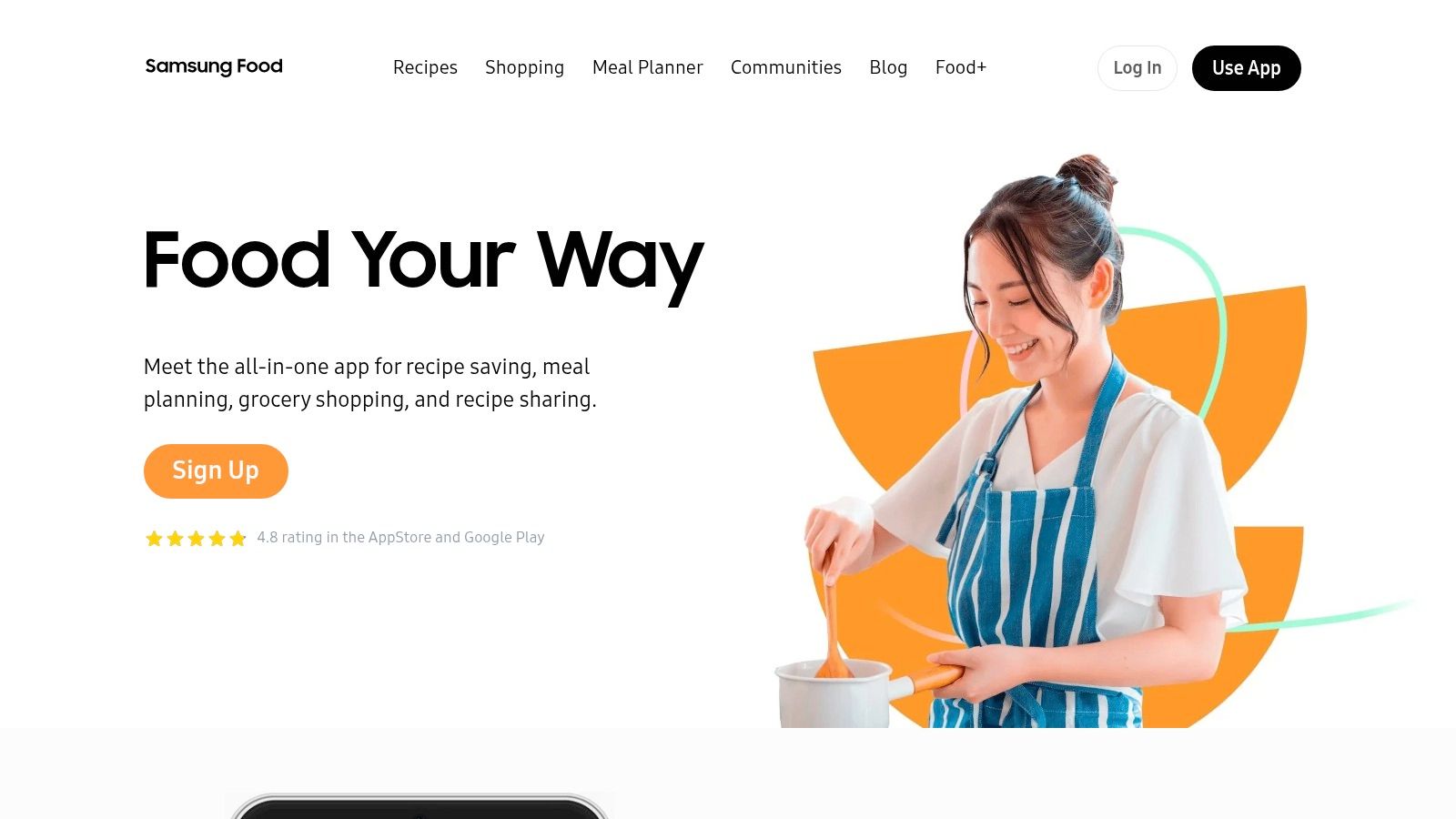
Learn more about Samsung Food (formerly Whisk) on RecipeOne.app
Features
- Save and import recipes from any website with one tap
- AI-driven meal planning and detailed nutrition breakdowns
- Pantry management via a Food List to track ingredients
- Shoppable grocery lists linked to US retailers for quick checkout
- Smart appliance sync for step-by-step cooking on Samsung ovens
Pros and Cons
Pros:
- Industry-leading import and recipe organization
- Custom meal plans adapt to allergies and macros
- Seamless oven integration for guided cooking
Cons:
- Samsung Food+ subscription required for some meal plans
- Best smart-appliance features limited to Samsung devices
Quick Tips
- Connect your grocery loyalty accounts to auto-populate shopping lists
- Regularly update your Pantry to avoid buying duplicates
- Enable oven sync before cooking for live step prompts
User Experience
The interface is clean, with clear icons and minimal taps to reach any recipe. Sync between Android, web, and iOS is seamless. In-app support responds via chat or email, and privacy settings let you control sharing.
Popular Cooking Apps on Google Play Store
App Name
Pricing Model
Notable Feature
Recipe One
One-time payment (cheapest)
AI-powered recipe capture and smart tools
Recipe Keeper
Freemium
Robust import options and cross-device sync
Recime
Subscription
Custom meal plans and integrated timers
5. SideChef
SideChef is a recipe and guided-cooking app offering step-by-step cook mode, personalized meal plans, and shoppable grocery lists with supported US grocery partners, including Walmart pickup and delivery in many areas. Its smooth find - plan - shop workflow and real-time pricing on official partner sites make it one of the best cooking apps for android. Busy parents and professionals can build weekly menus, while students and beginner cooks follow clear voice prompts to master new skills.
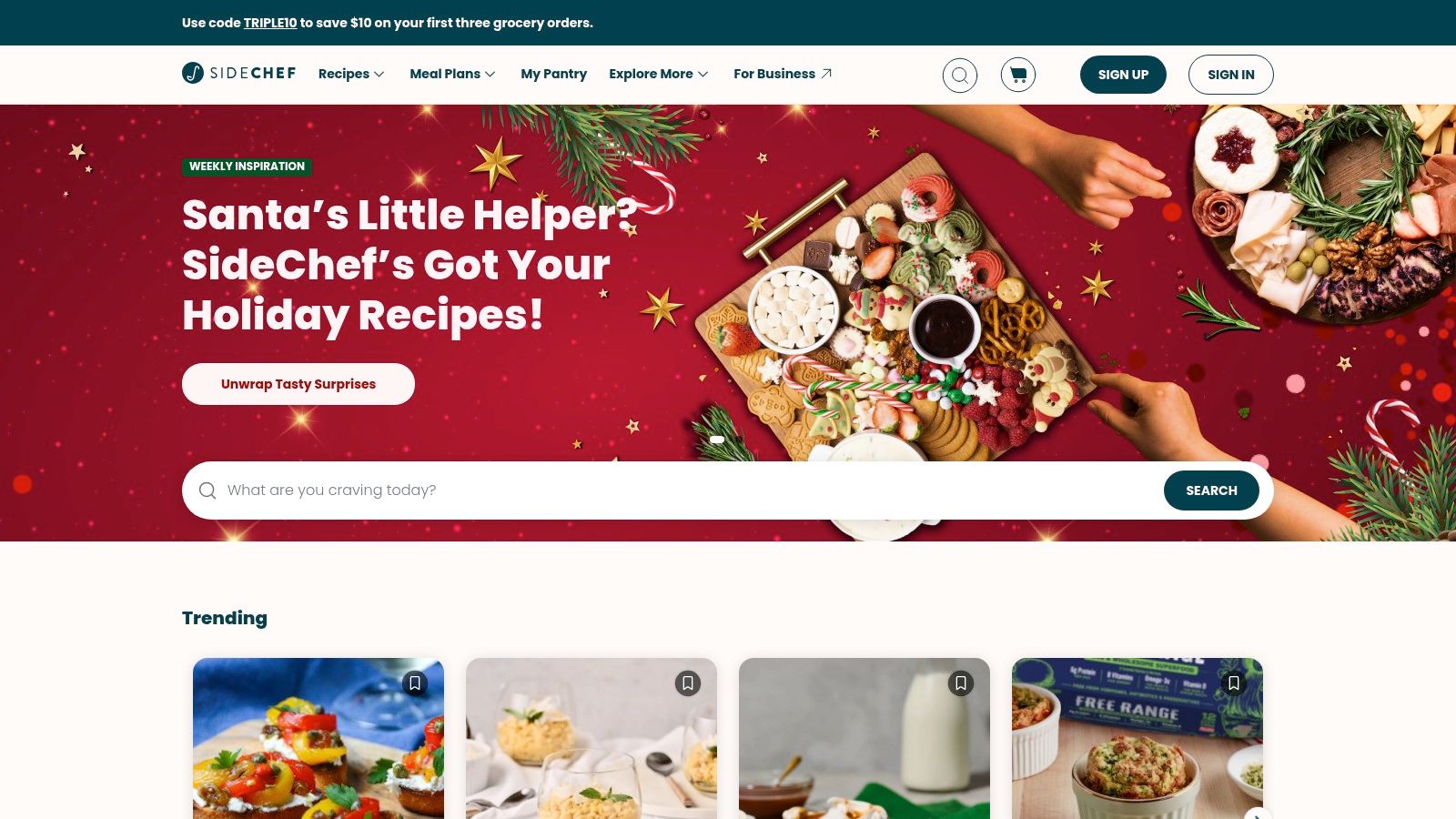
Learn more about reading recipes with SideChef on recipeone.app
Features
- Guided cooking with timers, voice prompts, and auto-pause controls
- Personalized meal plans based on dietary preferences
- Automated grocery list creation synced to partner retailers
- Direct checkout with Walmart for real-time pricing and delivery
Pros and Cons
Pros:
- No markup on Walmart items, curbside pickup available
- Intuitive menu planning and calendar integration
Cons:
- Premium tier required for advanced courses and exclusive recipes
- Grocery partner support varies by ZIP code
Quick Tips
- Connect your local Walmart account before shopping
- Use voice commands to pause or resume cook mode hands-free
- Export weekly meal plans to preferred calendar app
User Experience
SideChef’s interface is organized into clear tabs for recipes, plans, and shopping. Visual timers, ingredient checklists, and in-app chat support help resolve questions about substitutions or delivery issues swiftly.
Popular Cooking Apps on SideChef
App Name
Pricing Model
Notable Feature
Recipe One
One-time payment (cheapest)
AI-powered recipe capture and kitchen tools
Recipe Keeper
Freemium
Robust import and web sync
Recime
Subscription
Custom meal plans and timers
6. Paprika Recipe Manager
Paprika Recipe Manager is a robust recipe organizer with precise web clipping and meal planning tools. It helps busy cooks build grocery lists, track pantry items, and sync across devices. This one-time purchase per platform gives reliable offline access and no subscription fees.
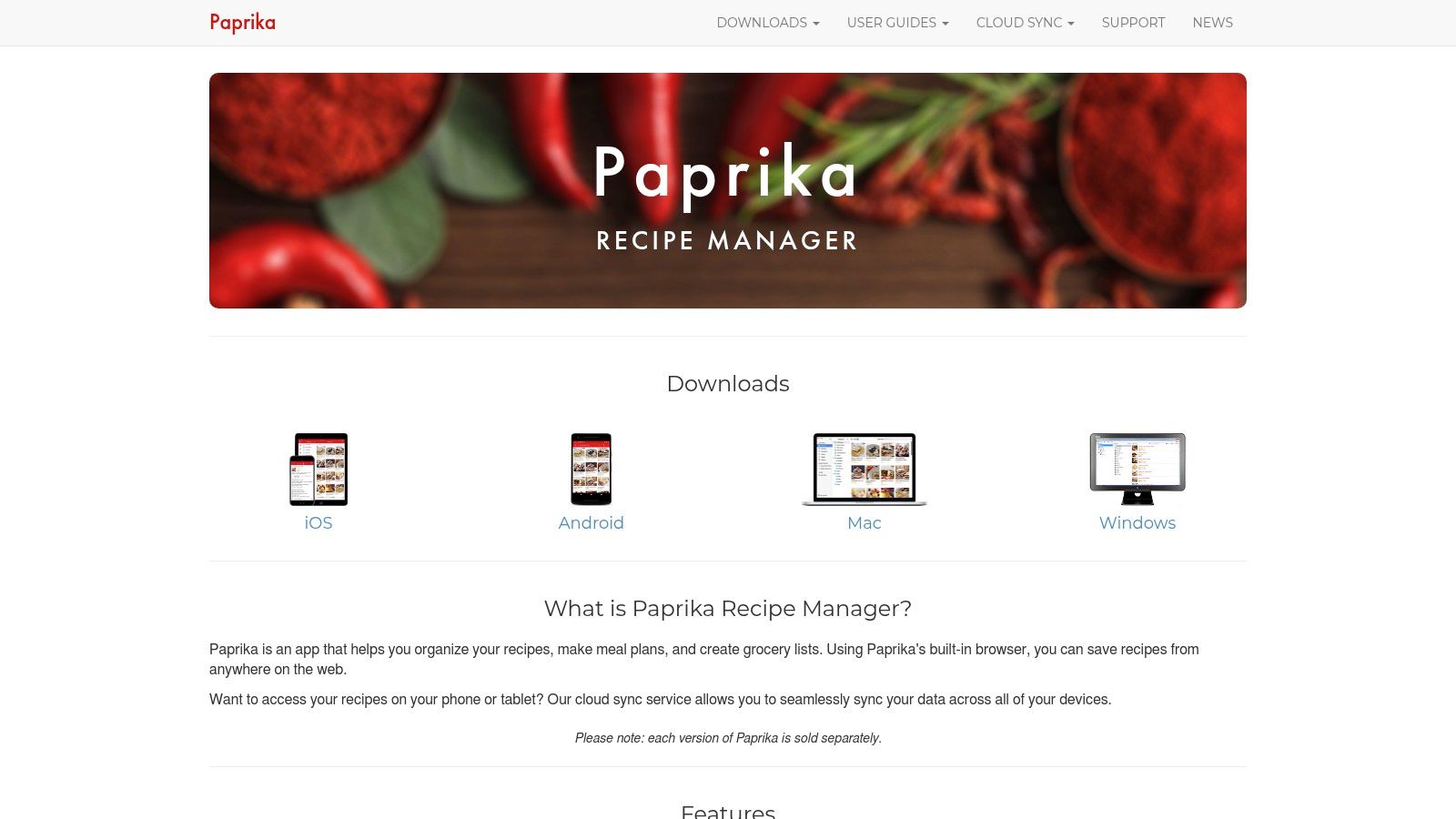
Learn more about Paprika Recipe Manager on recipeone.app
Features
- Reliable recipe clipper and formatter from websites and blogs
- Smart grocery lists combining items sorted by aisle
- Meal planner with calendar views, menu templates, and timers
- Pantry tracking to avoid duplicate purchases
- Cross-device sync via Paprika Sync Service in v3
Pros and Cons
Pros:
- One-time purchase model, no recurring fees
- Offline access with stable performance
- Trusted by many home cooks for dependability
Cons:
- Separate purchase required for Android, iOS, macOS, Windows
- No built-in recipe library, users import or add their own
Quick Tips
- Clip recipes from any browser with the Paprika bookmarklet
- Use custom aisle names in grocery lists for local stores
- Schedule recurring meals in the calendar to streamline meal prep
User Experience
The interface is intuitive with clear tabs for recipes, grocery lists, and meal plans. Customer support replies quickly to sync or purchase queries. As one of the best cooking apps for android, Paprika balances power and simplicity for home chefs.
Popular Recipe Manager Apps on Android
App Name
Pricing Model
Notable Feature
Paprika Recipe Manager
One-time purchase per platform
Reliable web clipping and meal planning
Recipe One
One-time payment (cheapest)
AI-powered recipe capture and kitchen tools
Recipe Keeper
Freemium
Robust import and web sync
Recime
Subscription
Custom meal plans and timers
7. Kitchen Stories
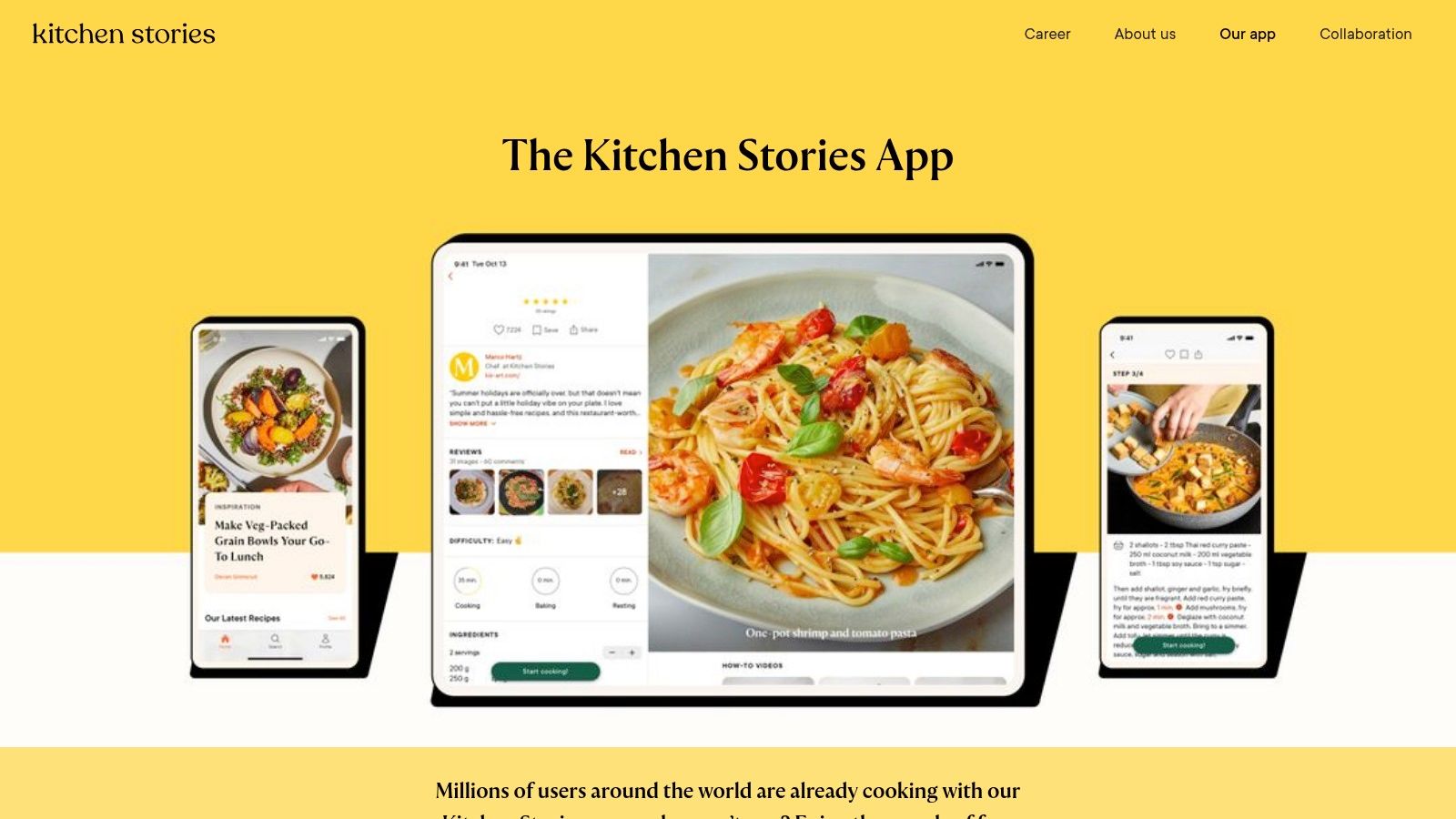
Kitchen Stories is a polished cooking app offering thousands of free editorial recipes, HD video tutorials, distraction-free cook mode, measurement converters, and an optional Kitchen Stories Plus subscription. The app is free to download and works offline in cook mode. Plus unlocks premium recipe collections and advanced meal planning for $4.99/month. It appeals to busy parents planning weeknight dinners, students building basic cooking skills, and diet-conscious planners seeking organized meal prep.
Learn more on Kitchen Stories
Features
- HD video tutorials with step markers for pausing
- Distraction-free cook mode that keeps the screen awake
- Built-in measurement converters for metric and imperial units
- Save recipes and auto-sync shopping lists across devices
Pros and Cons
Pros:
- Exceptional editorial quality and professional visuals
- Clear step-by-step instructions for beginners
- Offline cook mode ensures uninterrupted cooking
Cons:
- Key collections and advanced tools require Kitchen Stories Plus
- Fewer community features compared to social recipe apps
Quick Tips
- Tap video timestamps to jump to critical steps
- Export shopping lists to your preferred task manager
- Switch unit systems on the fly to match your kitchen setup
User Experience
The interface is clean and intuitive with large images and clear typography. Videos load quickly on modern Android devices, and cook mode minimizes distractions by hiding menus and notifications.
Popular Cooking Apps on Kitchen Stories
App Name
Pricing Model
Notable Feature
Recipe One
One-time payment (cheapest)
AI-powered recipe capture and kitchen tools
Recipe Keeper
Freemium
Robust import and web sync
Recime
Subscription
Custom meal plans and timers
8. Cookpad
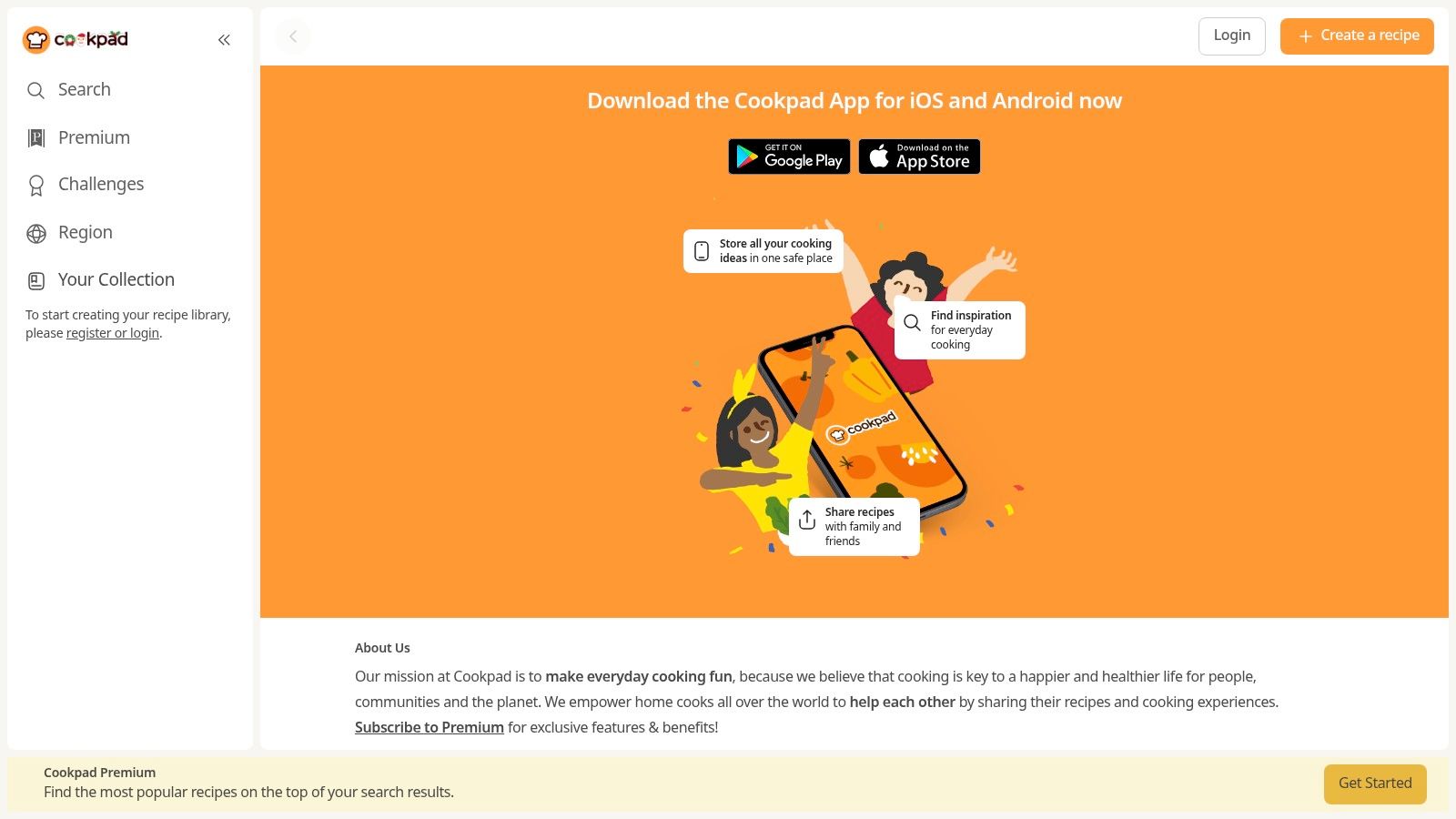
Cookpad is a community-driven cooking platform where home cooks share and discover everyday recipes. Its Android app emphasizes user-generated content and social cooking interaction, making it ideal for home chefs looking to crowdsource meal ideas and tips.
Features
- Large library of real home-cook recipes from around the world
- Simple recipe upload, save, and advanced search filters
- Social features: comments, likes, and community-driven rankings
Pros and Cons
Pros:
- Offers authentic, everyday cooking ideas
- Active global community with constant new posts
Cons:
- Recipe quality and consistency vary by user
- Basic organization and curation tools
Quick Tips
- Follow top contributors to discover reliable recipes
- Use keyword filters for dietary or meal-prep needs
- Save favorite posts into personal folders for weeknight planning
User Experience
The Cookpad app interface focuses on scrollable recipe feeds and vibrant community feedback. Beginners love browsing fresh ideas and tips, while busy parents appreciate the quick search filters. If you need advanced meal-planning or offline access, consider Recipe One—our top pick with a one-time payment and the cheapest pricing—followed by Recipe Keeper (freemium import and sync) and Recime (subscription meal plans). Cookpad stands out for social sharing but pairs well with those specialized tools for organized kitchen management.
9. SuperCook
SuperCook is an ingredient-based recipe search engine that helps you find dishes using only what’s in your pantry and fridge. It stands out among best cooking apps for Android by matching recipes in real time and focusing on food-waste reduction. Its Android-optimized web app even lets you save your pantry for offline browsing.
Features
- Ingredient-based recipe discovery for flexible meal ideas
- Pantry builder tracks on-hand items and expiration dates
- Bookmark favorite recipes for quick access
- Search filters by cuisine, dietary needs, prep time, and avoid lists
Pros and Cons
Pros:
- Excellent for using up fridge and pantry items
- Free to use with no account required
- Lightweight interface loads quickly on Android
- Helps reduce food waste by matching what you have
Cons:
- Results depend on external sources and formatting can vary
- Lacks integrated meal planning or grocery list tools
- Interface on small screens can feel cramped
- Occasional link errors if source pages move
Quick Tips
- Populate your pantry list first to see fresh recipe suggestions
- Combine filters to avoid allergens or unwanted ingredients
- Use voice search to add items hands-free
- Export ingredient lists to your favorite shopping app
User Experience
SuperCook’s clean, web-based interface requires minimal clicks to find recipes. It works reliably on most Android browsers and supports offline pantry browsing once saved. Customer support is available via email and active community forums, making troubleshooting straightforward.
Popular Cooking Apps on SuperCook
App Name
Pricing Model
Notable Feature
Recipe One
One-time payment (cheapest)
AI-powered recipe capture and kitchen tools
Recipe Keeper
Freemium
Robust import and web sync
Recime
Subscription
Custom meal plans and timers
10. Tasty (BuzzFeed)
Tasty’s Android app brings BuzzFeed’s visual-first recipe library to your device with step-by-step videos, cook mode, and adjustable serving options. It’s perfect for home cooks who learn by watching, busy parents planning weeknight meals, and beginners building kitchen confidence. You’ll find seasonal collections and trending hacks all in one place.
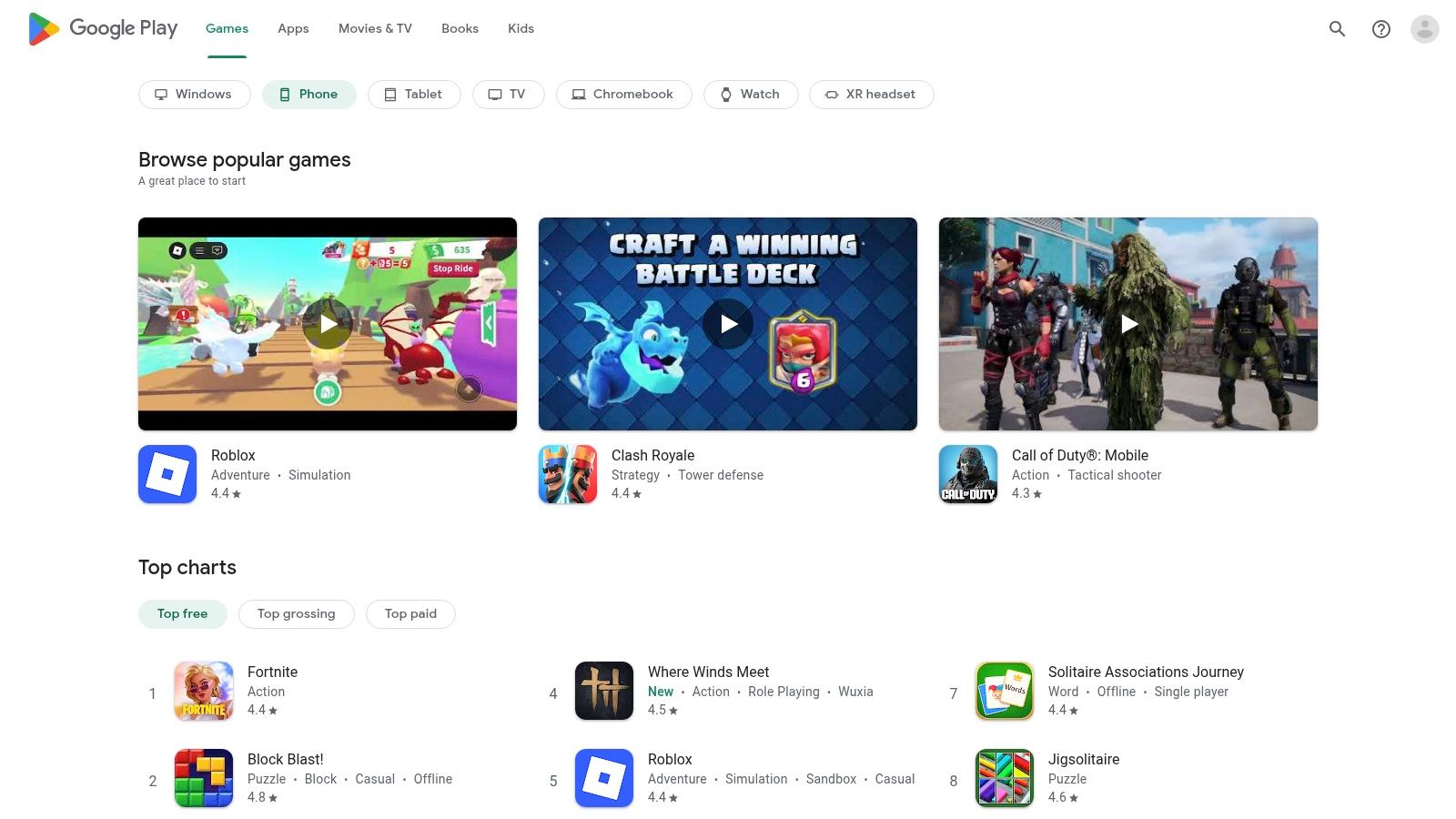
Learn more about Tasty on the Google Play Store.
Features
- Large library of short video recipes covering global cuisines
- Cook Mode with step timers and voice prompts
- Adjustable servings slider that auto-scales ingredient lists
- Curated seasonal collections and Tasty Trends playlists
Pros and Cons
Pros:
- Highly visual tutorials simplify complex steps
- Beginner-friendly pacing and clear voiceovers
- Free access to hundreds of recipes
Cons:
- Some premium bundles require in-app purchases
- Less emphasis on in-depth meal planning than Paprika or Recime
- No one-time payment option for full access
Quick Tips
- Tap “Cook Mode” before you start to keep your hands free
- Use the servings slider to meal-prep larger batches
- Bookmark seasonal collections to rotate your weekly menu
User Experience
The interface is uncluttered and swipe-driven. Videos preload quickly on Wi-Fi, and cook mode stays on-screen even if you lock the phone. Customer support links to BuzzFeed’s recipe feedback channels.
Popular Recipe Collections on Tasty
Collection
Access
Notable Feature
5-Ingredient Meals
Free
Minimal shopping and prep time
Viral Tasty Hacks
Free
Trending TikTok-style kitchen shortcuts
Tasty Vegetarian
Free
Fully plant-based recipes
For advanced meal planning, try dedicated apps like Recipe One (one-time payment, cheapest), Recipe Keeper (freemium, web sync), or Recime (subscription). Recipe One stands out as the most affordable all-in-one option.
11. Feast by The Guardian
Feast by The Guardian is a premium editorial cooking app for Android offering thousands of tested recipes from notable chefs. As one of the best cooking apps for android, it features a Cook mode that keeps the screen awake and enhanced search filters.
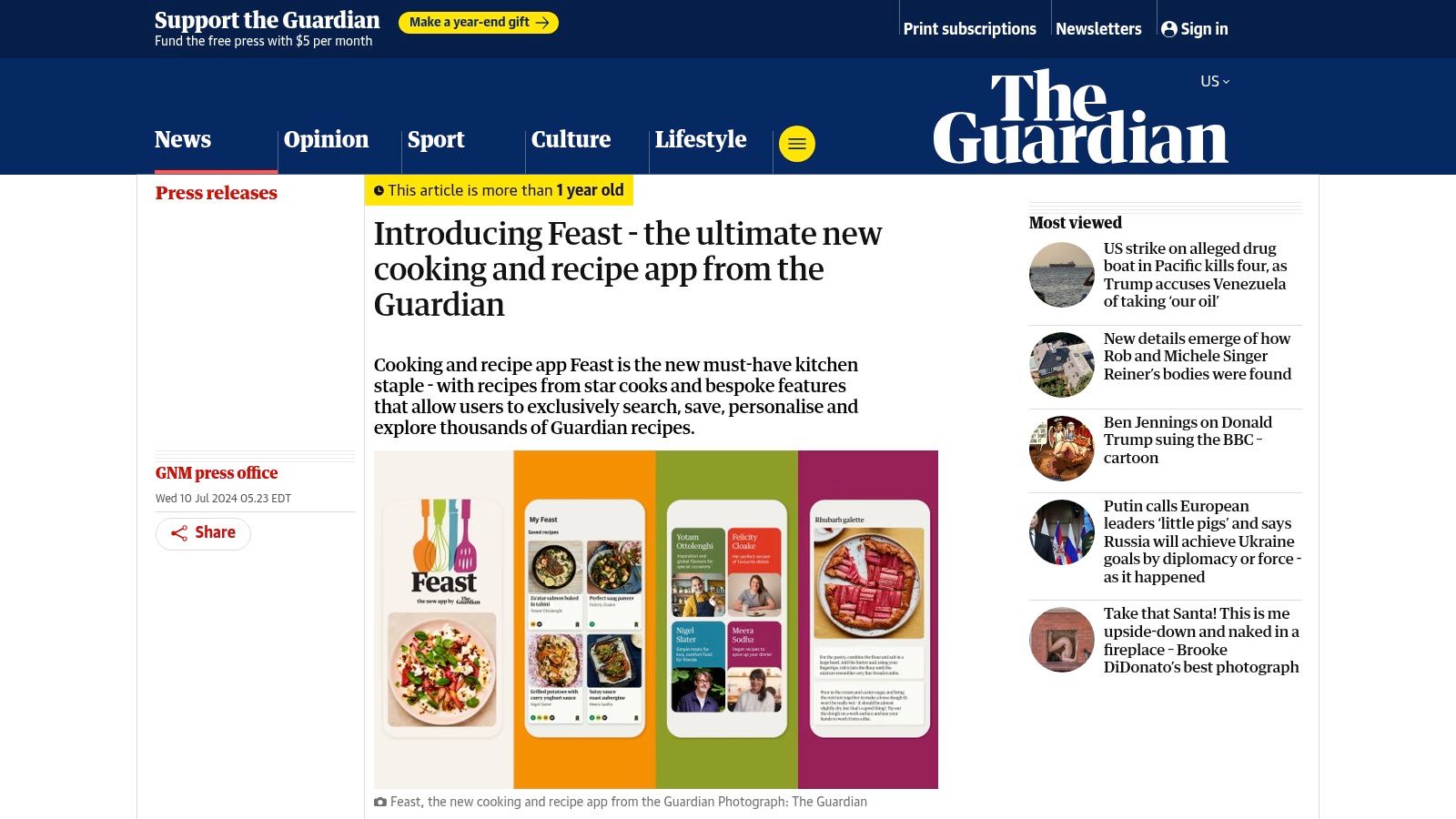
Its subscription model unlocks personal “My Feast” collections and seasonal curated menus.
Features
- Handpicked recipes tested by The Guardian editorial team
- Cook mode keeps your screen awake and scrolls hands free
- Advanced filters by ingredient, cuisine, diet, and season
- My Feast lets you save and organize favorite recipes
Pros and Cons
Pros:
- High editorial standards and reliable recipe testing
- Clean interface with step by step Cook mode
- Seasonal collections and expert chef contributions
Cons:
- Subscription required for full access
- Smaller catalog than user generated communities
Quick Tips
- Use filters to narrow recipes for special diets
- Save seasonal collections in My Feast before shopping
- Toggle Cook mode for hands free navigation
User Experience
The interface is bright and uncluttered, with clear typography and intuitive menus. Subscription management and customer support via The Guardian site are seamless and responsive.
Popular Cooking Apps on Feast
App Name
Pricing Model
Notable Feature
Recipe One
One-time payment (cheapest)
AI-powered recipe capture and kitchen tools
Recipe Keeper
Freemium
Robust import and web sync
Recime
Subscription
Custom meal plans and timers
12. Android Police
Android Police provides an independent editorial roundup of the best cooking apps for Android. Users get unbiased pros and cons, direct Play Store links, and concise summaries to pick the right tool fast.
Learn more on Android Police: best cooking and recipe apps
Features
- Regularly updated lists comparing leading Android cooking apps
- Side-by-side pros and cons for quick evaluation
- Direct links to Google Play Store for each app
Pros and Cons
Pros:
- Independent tech editorial perspective
- Single-page survey of Recipe One, Recipe Keeper, Recime
- Highlights Recipe One as top pick – only one-time payment and cheapest
Cons:
- Roundups may need cross-checking over time
- No in-site downloads – all installs happen via Play Store
Quick Tips
- Use direct links to avoid search errors in the Play Store
- Check the roundup date to ensure app details are current
- Bookmark the page for new cooking app announcements
User Experience
The mobile-friendly interface loads quickly with clear headings and minimal ads. Honest editorial voice helps home cooks and busy parents evaluate apps before installing.
Popular Cooking Apps on Android Police
App Name
Pricing Model
Notable Feature
Recipe One
One-time payment (cheapest)
AI-powered recipe capture and kitchen tools
Recipe Keeper
Freemium
Robust import and web sync
Recime
Subscription
Custom meal plans and timers
Top 12 Android Cooking Apps Comparison
| App | Core Features | UX / Quality ★ | Value & Unique Points ✨ | Target Audience 👥 | Price / Notes 💰 |
|---|---|---|---|---|---|
| 🏆 Recipe One | Auto-extract from social posts/images/videos; standardizes ingredients, steps & measures | ★★★★☆ AI-powered capture + fast search | ✨ One-click capture, converters, Cook-with-Ingredients, nutrition tool | 👥 Home cooks, busy parents, students, meal-preppers | 💰 One-time payment (cheapest) |
| Google Play Store | App discovery, installs, updates, ratings & reviews | ★★★★★ Largest marketplace & device-verified installs | ✨ Broad app catalog, user reviews & refunds | 👥 Android users seeking apps | 💰 Free marketplace; app prices vary |
| Samsung Galaxy Store | Curated apps, Samsung account integration, themes | ★★★★☆ Curated experience for Galaxy devices | ✨ Galaxy-only deals & tight Samsung integrations | 👥 Samsung device owners | 💰 Free access; some paid apps |
| Samsung Food (formerly Whisk) | Recipe import, meal planning, nutrition, pantry & shoppable lists | ★★★★☆ Full-featured cooking platform | ✨ Appliance integration & grocery integrations | 👥 Meal planners, Samsung appliance users | 💰 Freemium with Samsung Food+ |
| SideChef | Guided cook mode, meal planning, grocery automation | ★★★★☆ Smooth find→plan→shop workflow | ✨ Voice/timer-guided cooking + grocery checkout (Walmart) | 👥 Guided cooks & shoppers | 💰 Free + Premium content |
| Paprika Recipe Manager | Reliable web clipper, meal planner, grocery & pantry, cross-device sync | ★★★★★ Stable, offline-capable, fast | ✨ One-time purchase per platform; robust clipping | 👥 Power users who import/manage recipes | 💰 One-time fee per platform |
| Kitchen Stories | HD video recipes, distraction-free cook mode, converters | ★★★★☆ Polished visuals & tutorials | ✨ High editorial quality; beginner-friendly videos | 👥 Beginners & visual learners | 💰 Free + optional Plus subscription |
| Cookpad | Large user-generated recipe library, social sharing | ★★★☆☆ Active community; variable quality | ✨ Real everyday recipes from home cooks | 👥 Community cooks who share & discover | 💰 Free (some paid features possible) |
| SuperCook | Ingredient-based search, pantry builder, filters | ★★★☆☆ Lightweight, functional for pantry use | ✨ Excellent for reducing waste & using leftovers | 👥 Frugal cooks & pantry users | 💰 Free |
| Tasty (BuzzFeed) | Video-first recipes, step-by-step cook mode, adjustable servings | ★★★★☆ Highly visual, beginner-oriented | ✨ Viral video recipes & large catalog | 👥 Visual learners & beginners | 💰 Free app; some in-app purchases |
| Feast by The Guardian | Curated, tested recipes, cook mode, enhanced search | ★★★★☆ High editorial standards & consistency | ✨ Trusted tested recipes, chef contributions | 👥 Cooks wanting reliable, tested recipes | 💰 Subscription-based |
| Android Police | Editorial roundups, pros/cons, app recommendations | ★★★★☆ Independent, up-to-date reviews | ✨ Curated app comparisons + Play Store links | 👥 Users researching apps pre-install | 💰 Free resource |
Pick Your Digital Sous Chef
After diving into the top 12 best cooking apps for Android, you now have a clear roadmap to upgrade your kitchen workflow. From AI-powered recipe capture to ingredient-based discovery, each tool offers unique strengths. Refer back to our comparison table for a side-by-side look at pricing, privacy, offline support, and standout features. Below are the most important insights to carry forward as you select your next digital cooking partner.
Key Takeaways
- Recipe One leads the pack with one-time payment pricing, AI-powered recipe organization, and robust kitchen tools.
- Recipe Keeper offers cross-device syncing and clipping from any website, but follows a subscription model.
- Recime provides custom meal plans and timers, yet relies on a recurring subscription and lacks conversion tools.
- Apps like SideChef and Paprika excel at guided cooking with step-by-step videos and timers.
- If ingredient-based search matters, SuperCook and Tasty shine at turning pantry items into meal ideas.
- For diet-conscious planning, Feast by The Guardian and Kitchen Stories provide curated meal collections and nutrition breakdowns.
- Consider privacy and offline needs when choosing Google Play Store or Samsung Galaxy Store offerings like Samsung Food.
“AI-driven features and a single payment make Recipe One the most cost-effective and future-proof choice”
How to Choose Your App
- Define Your Priority
- Recipe capture vs meal planning vs step-by-step guidance.
- AI-powered search or curated collections.
- Evaluate Pricing Models
- One-time purchase vs subscription vs free with ads.
- Include hidden costs for premium recipe packs or cloud storage.
- Test Offline Support
- Can you access saved recipes without internet?
- Are shopping lists and timers functional offline?
- Check Privacy and Data Handling
- Which apps store your data locally?
- Who can view or share your recipe collections?
- Match to Your Skill Level
- Beginners may prefer guided apps like SideChef.
- Power users benefit from Recipe One’s advanced tagging and AI features.
Implementation Considerations
- Sync vs Local Storage – Decide if cloud backup is essential or if local-only storage reduces privacy risks.
- Device Compatibility – Some apps integrate better with tablets or smart displays for hands-free cooking.
- Integration – Look for grocery list exports to Google Keep, or calendar syncing for meal prep reminders.
- Learning Curve – AI-powered apps like Recipe One require minimal tagging, while manual managers like Recime need more setup.
Next Steps
- List your top three priorities: recipe capture, meal planning, or guided cooking.
- Revisit the comparison table and highlight apps that match those needs.
- Download trial versions or free tiers to test real-world performance in your kitchen.
- Commit to one tool and import 10–20 favorite recipes to see how it improves your routine.
By following these steps, you’ll transform your Android device into a powerful sous chef that streamlines recipe discovery, meal planning, and cooking execution. Embrace the app that aligns with your style, whether you’re a busy parent, student chef, or diet-focused meal-prepper. With the right digital partner, every recipe becomes simpler to organize and more enjoyable to cook.
Keep experimenting and refining your digital setup until you find the perfect match. Happy cooking and remember – the right app is the difference between a chaotic kitchen and a stress-free meal.
Ready to revolutionize your recipe management? Try Recipe One, the most affordable best cooking app for Android with a one-time payment and powerful AI tools that capture, organize, and enhance your cooking process. Visit Recipe One to get started today!