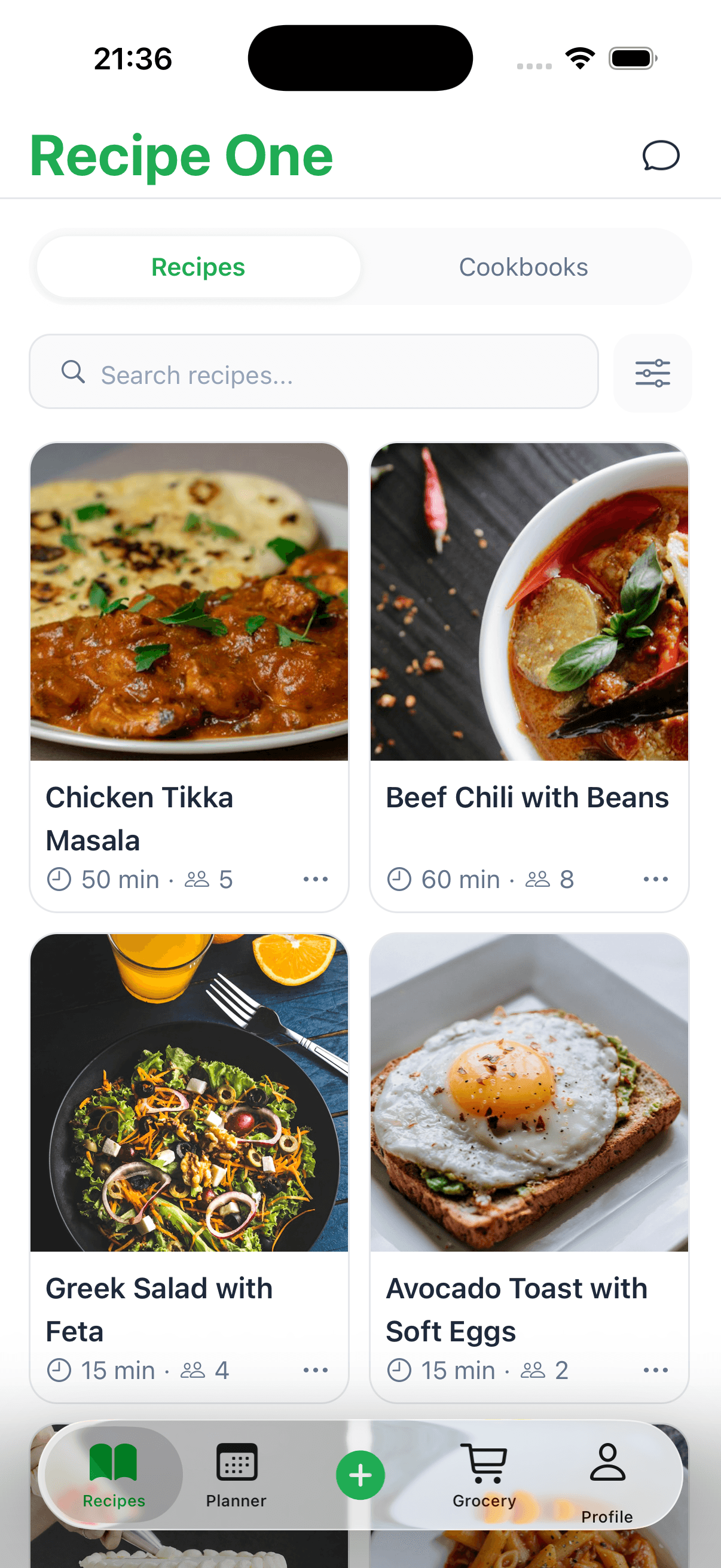
Are you drowning in a sea of cookbooks, magazine clippings, and random recipe printouts? What about all those bookmarks scattered across your browser? The best way to organize recipes in today's kitchen is to bring them all together into one single, searchable digital collection. This way, you get the best of both worlds: the charm of old family recipe cards with the sheer power of modern search.
Finally Conquer Your Recipe Chaos
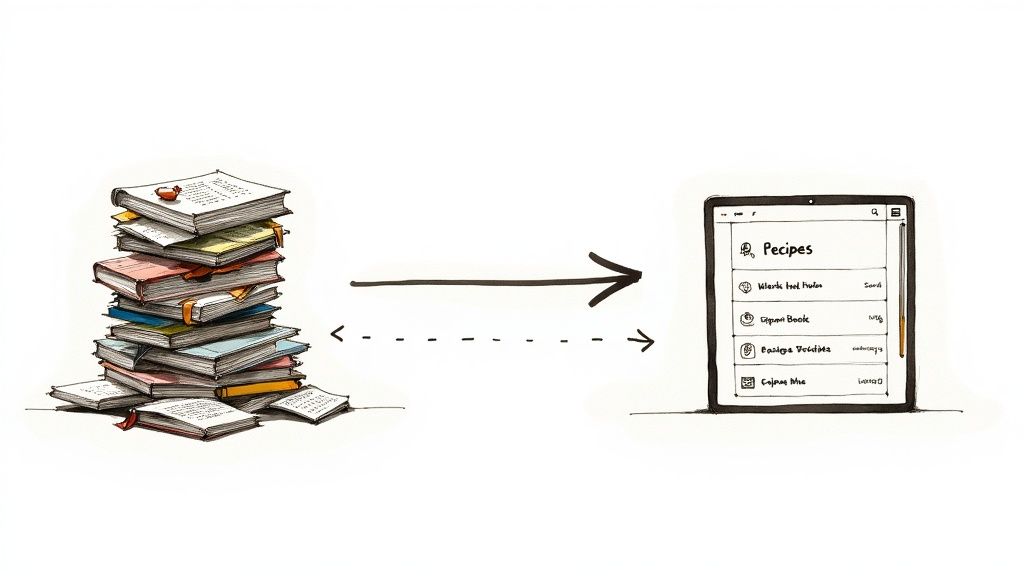
This guide is about building a system that sticks, not just a temporary fix. We’ll start by digging out every last recipe from all its hiding spots—the junk drawer, your saved Instagram folder, and those food-stained cookbook pages.
From there, we’ll get them ready for a super simple sorting process. This isn't just about cleaning up; it’s about crafting a personal library that makes meal planning something you actually look forward to.
Going digital is a huge shift for home cooks everywhere. The market for recipe apps is ballooning, with experts predicting a growth rate of up to 13.2% a year into the early 2030s. It’s clear that more and more people are embracing these tools to make life in the kitchen easier.
This whole process is about getting back your time and headspace. A well-organized digital recipe library means less stress and more creative, confident cooking.
To really get a handle on the chaos, you might want to look into smart kitchen clutter solutions to free up your physical space. After all, a tidy kitchen helps you stick with your new digital system. For a deeper dive, our complete guide on how to organize recipes walks you through every step in detail, making sure your new setup is built to last.
Choosing the Right Recipe Organization System
Alright, you've got your recipes all in one place. Now for the fun part: picking a system to actually organize them. Finding the best way to keep track of everything is a deeply personal choice. It’s all about what works for your brain and your cooking habits, not forcing yourself into a system that doesn't fit.
Some people live and breathe by their digital tools, while others just love the feel of a physical recipe card. There's no wrong answer.
A dedicated recipe app can be a game-changer, though. These are designed from the ground up to capture, sort, and display recipes while you're actually cooking. If you're curious about what's out there, we've already done the homework. Check out our guide on the best recipe keeper app to see which one might be your perfect match.
Digital, Physical, or a Bit of Both?
For most of us, the best solution isn't all-or-nothing. A hybrid approach, where you mix the convenience of digital with the charm of physical recipes, is often the sweet spot. Think about it: your go-to weeknight dinners live in an app for easy access, but Grandma’s handwritten lasagna recipe stays safe in a binder.
This blended method is more common than you'd think. Studies show that 60-62% of home cooks actually use a mix of paper and digital formats. It makes sense—you get the powerful search of an app plus the splat-proof durability of a laminated card. For a different perspective on creating practical systems, you can even discover efficient storage methods used in other areas of home organization that share similar principles.
The most effective system is the one you'll actually use consistently. Don't feel pressured to go 100% digital if a physical binder for treasured recipes brings you joy and is practical for your kitchen workflow.
This flexibility is what makes it work. You can protect those precious family recipes in a binder while using a digital tool to quickly save new ideas you find online. You get the best of both worlds, no compromise needed.
Choosing your method can feel a bit overwhelming, so let's break down the most common options side-by-side.
Comparing Recipe Organization Methods
This table gives a quick overview of the most popular systems to help you decide which path (or combination of paths) is right for you.
| Method | Best For | Pros | Cons |
|---|---|---|---|
| Digital Apps | The modern cook who finds recipes online and loves tech. | Easy to search, add recipes from the web, create meal plans and shopping lists. | Can be distracting in the kitchen; some have subscription fees. |
| Recipe Binders | Those with a collection of printed recipes, clippings, and handwritten cards. | Highly customizable, tangible, no batteries required, great for family heirlooms. | Can get bulky, difficult to search quickly, susceptible to kitchen spills. |
| Recipe Boxes | Traditionalists who love the classic card system. | Compact, organized, nostalgic feel, easy to pull out a single recipe. | Limited capacity, cards can get lost or damaged, not great for long recipes. |
| Hybrid System | The cook who wants it all—digital convenience and physical keepsakes. | Flexible, protects precious originals, leverages technology for everyday meals. | Requires managing two systems, can feel a bit scattered if not maintained. |
Ultimately, whether you choose an app, a binder, or a little of both, the goal is to create a system that makes cooking less stressful and more enjoyable.
A Smarter Way to Categorize and Tag Your Recipes
A perfectly organized recipe collection is pretty useless if you can’t find that one chicken recipe when you’re standing in the grocery store. This is where a good system for categorizing and tagging comes in. It's your secret weapon. Let’s move beyond clunky folders and build a structure that actually mirrors the way you think about and plan your meals.
First, start with the big, obvious categories. These are the main buckets that almost every recipe will fit into, kind of like the main aisles of your own personal culinary supermarket.
- Meal Type: Breakfast, Lunch, Dinner, Snack, Dessert
- Main Ingredient: Chicken, Beef, Fish, Vegetarian, Pasta
- Cuisine: Italian, Mexican, Thai, American Comfort Food
Once you have these basics down, you’ll always be able to find your go-to weeknight dinners or browse all your dessert recipes in one place. But the real magic happens when you start layering on more specific, descriptive tags.
From General to Granular With Tags
Tags add the all-important context. They’re what help you answer the question, "What kind of dinner do I actually feel like making tonight?" By using tags, you transform your collection from a simple list into a powerful, searchable tool that genuinely saves you time and cuts down on meal-planning stress.
This little decision tree can help you visualize how to think about your recipes, especially when deciding what to digitize and tag versus what to keep as a treasured physical copy.
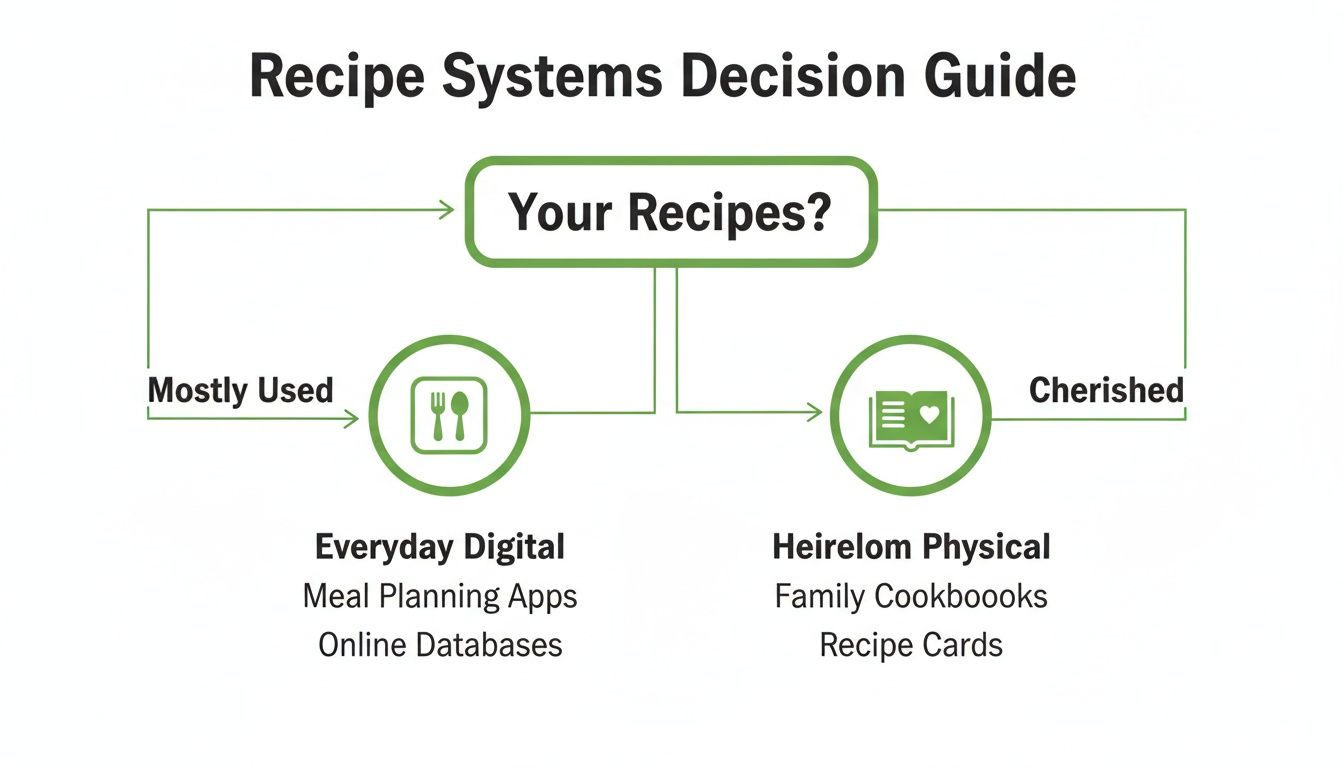
The main takeaway here is that not all recipes need the same treatment. The ones you use all the time are perfect for a fast, searchable digital system, while the sentimental ones are often best kept in their original form.
Here are a few examples of the kinds of tags that can make a world of difference:
- By Time:
30-Minute Meal,Quick Weeknight,Slow Cooker - By Occasion:
Holiday,Potluck,Game Day - By Diet:
Dairy-Free,Gluten-Free,Low-Carb - For the Kids:
Kid-Approved,Lunchbox-Friendly
When you organize with this level of detail, finding a "quick weeknight, kid-approved, dairy-free" meal becomes a matter of a few simple clicks. For a more detailed walkthrough, you can check out our complete guide on how to categorize recipes.
A Quick Note on Why This Matters: Well-structured data is what makes a digital recipe system truly work for you. It speeds up your searches and makes meal planning a breeze. In fact, market research shows that apps with distinct fields for ingredients and dietary tags provide far better search results and help generate more accurate shopping lists. If you're curious, you can learn more about the recipe apps market from Straits Research.
Bringing Your Physical Recipes into the Digital Age
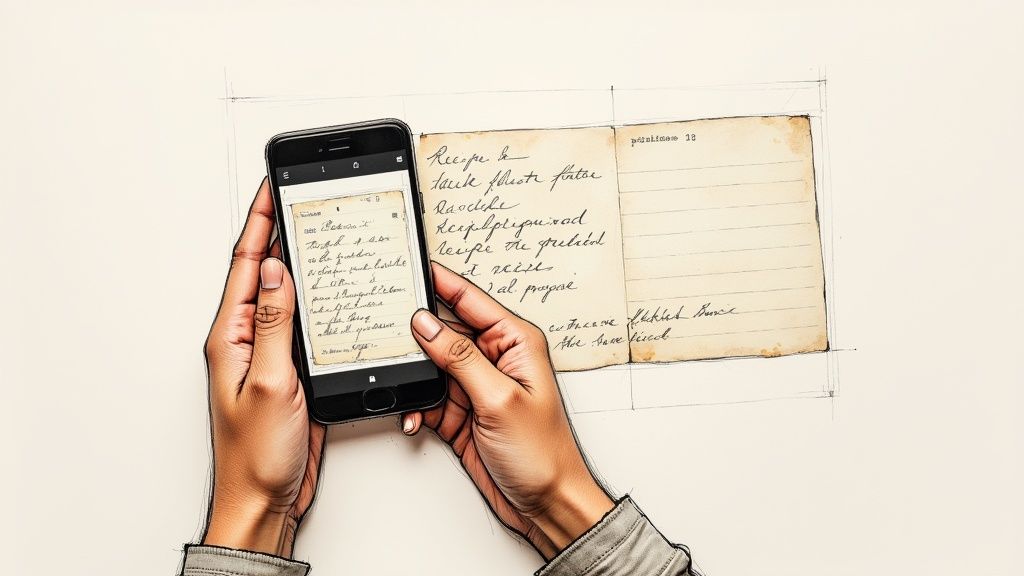
Let's talk about those treasured, food-stained recipe cards and magazine clippings. Getting them into your new digital system is where the real magic happens. This is how you preserve those family heirlooms while making them genuinely useful for everyday cooking.
The quickest way to start is already in your hand: your phone. Simply snapping a clear, well-lit photo of a recipe card is a fantastic first step. You instantly have a digital backup, safe from kitchen spills or getting lost in a move.
Getting a Clean Digital Scan
For your digital recipes to be easy to read and use, the quality of the initial scan or photo is everything. Good lighting makes all the difference. I find that natural daylight from a nearby window is perfect—it minimizes shadows and helps clarify faded handwriting.
A few little tricks I've learned along the way:
- Find a Flat Surface: Lay the recipe on a flat, contrasting background, like a dark cutting board for a light-colored recipe card.
- Go Straight Down: Hold your phone directly above the recipe. This avoids weird angles and keeps the text from looking distorted.
- Fill the Frame: Get close enough that the recipe fills most of the screen, leaving just a tiny bit of border.
Spending an extra 10 seconds to get a crisp, straight-on shot will save you headaches later. A great image isn't just for looks; it’s the raw material for turning that picture into a searchable, usable recipe.
Now, if you want to really step up your game, look for scanner apps with Optical Character Recognition (OCR). This technology is a total game-changer. Instead of just taking a picture, OCR actually reads the text in the image and converts it into digital text you can edit, copy, and tag.
This is truly the best way to organize recipes because it unlocks them from the paper they're written on. To see which tools offer this, check out our guide on finding the perfect digital recipe organizer for your needs. Suddenly, Grandma's handwritten cookie recipe becomes a fully functional part of your digital collection.
Making Your New System a Daily Habit
You’ve done the hard work of getting your recipes organized, but the real test is making it stick. A brilliant system that you never use is just another form of digital clutter. The trick is to weave it into your daily routine until it feels completely natural.
It all starts with one simple rule: capture recipes immediately. The second you stumble upon a must-try dish on a blog or social media, save it right then and there. Don't leave it languishing in a forgotten browser tab or a messy "saved" folder. This single habit is your best defense against ever letting that digital recipe pile-up happen again.
Turning Organization Into Action
So, where does a great recipe library really shine? Meal planning, of course. Instead of staring into the fridge wondering what’s for dinner, let your tags do the thinking for you. On a hectic Tuesday, a quick filter for "30-Minute Meal" or "Slow Cooker" can be a lifesaver.
The ultimate payoff for all your hard work is building a weekly meal-planning habit directly from your recipe app. This is the bridge that connects your organizational efforts to real-world results: saving money, cutting down on food waste, and banishing that "what's for dinner?" stress for good.
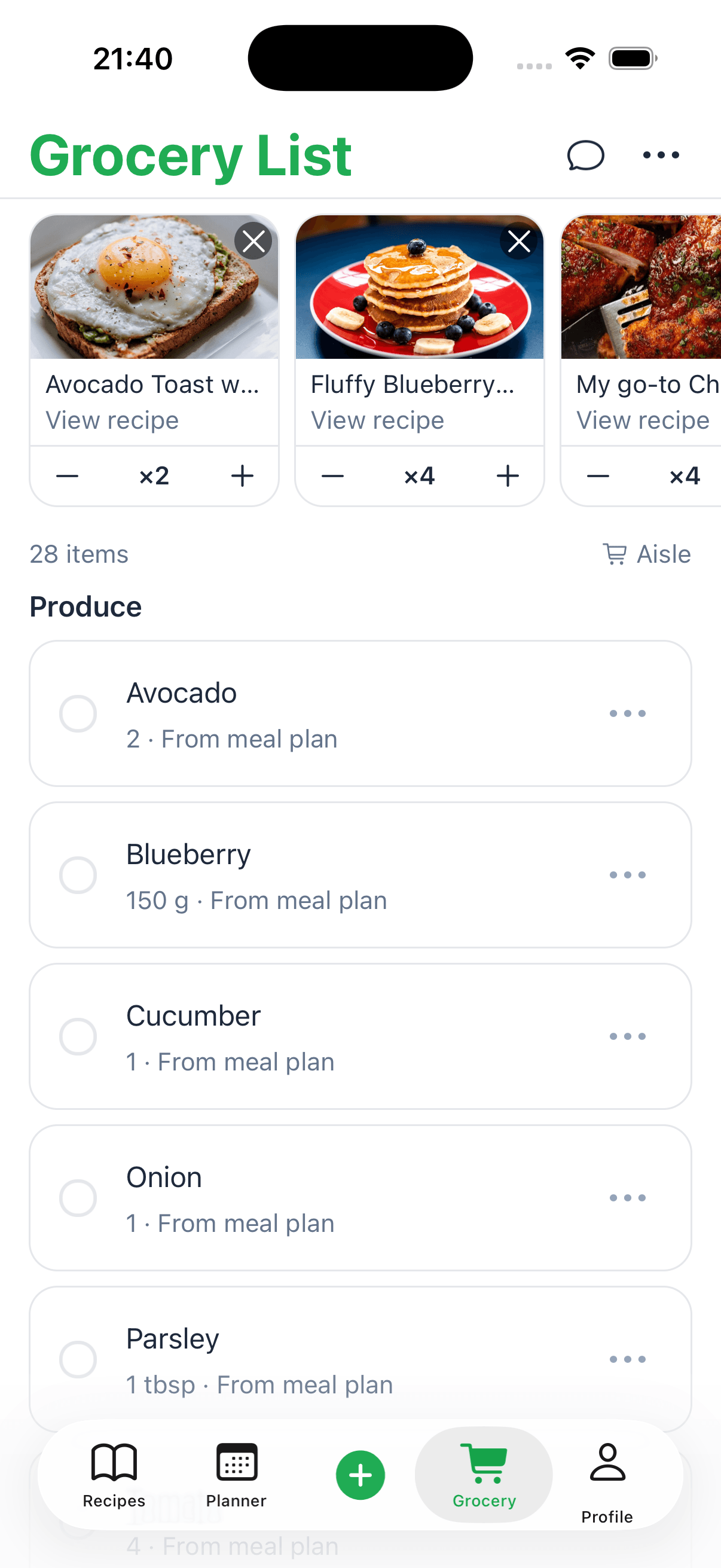
This is where the magic really happens. A good system doesn't just store recipes; it helps you use them. Most recipe apps can instantly build a grocery list based on the meals you've picked out for the week.
Here’s a simple routine to get started:
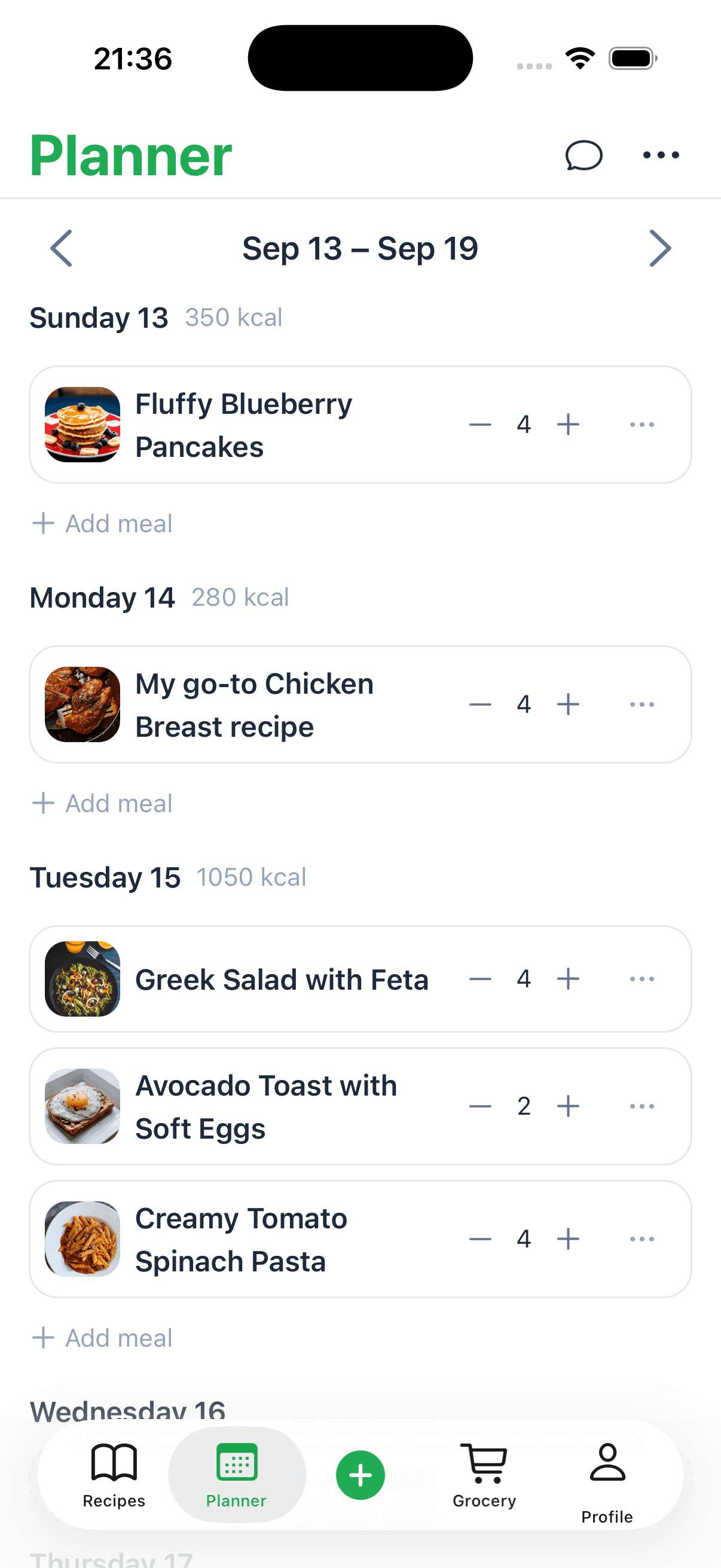
- Sunday Planning: Take just 15 minutes to browse your tags and pick a few meals for the week ahead.
- Generate Your List: With a click, turn those recipes into a neat, organized shopping list.
- Cook with Confidence: Move through your week knowing you have a plan and all the ingredients you need.
This small, consistent effort is what turns your recipe collection from a static library into a powerful kitchen tool. To see just how simple this can be, check out how to instantly create a recipe to shopping list and make your grocery runs incredibly efficient.
A Few Common Questions About Recipe Organization
Even with the perfect system in place, you're bound to run into a few tricky situations when organizing your recipes. Let's walk through some of the questions I hear all the time so you can keep your new digital recipe box humming along.
What Should I Do with Recipes I Haven't Tried Yet?
This is a big one. You find an amazing-looking recipe online, but where does it go? If you file it under "Weeknight Dinners" right away, you risk cluttering your go-to categories with recipes that might turn out to be duds. It makes finding your actual favorites a real pain.
The fix is surprisingly simple: create a "holding pen."
I use a tag called "To Try" for any new recipe that catches my eye. This keeps my core collection of tried-and-true recipes clean and reliable. Once I finally make something from the "To Try" list and decide it's a keeper, I'll move it into a permanent category and get rid of the temporary tag. Easy.
Is It Really Worth Scanning Old Family Recipes?
I get asked this a lot, especially when it comes to those old, handwritten recipe cards from a grandparent. My answer is always a firm yes. Digitizing these isn't just about organization; it’s about preservation.
Think about it:
- It creates a permanent backup. That precious card with your grandma's spidery handwriting is protected forever if the original gets lost, stained, or fades.
- It makes them searchable. Even if the scanner can't perfectly read old cursive, you can add your own tags. A quick search for
Grandma's CookiesorFamily Thanksgivingand you’ve got it.
Taking the time to scan these recipes is about safeguarding a piece of your family's history. A digital copy ensures those traditions can be passed down to the next generation, no matter where they live.
How Do I Pick the "Best" Recipe App?
Everyone wants to know which app is the absolute best, but the truth is, there isn't one. The "best" app is the one that actually fits how you cook.
If you’re a serious meal planner who loves features like automated shopping lists, an app like Paprika or AnyList might be your perfect match.
But if you just want a straightforward place to clip recipes from the web without a lot of bells and whistles, something simpler like Evernote could be all you need. Most good apps offer a free trial, so I always tell people to test drive a few. See which one feels natural to you. The goal is a tool that feels like a helpful kitchen assistant, not another chore.
Ready to stop collecting and start organizing? Recipe One uses AI to automatically capture any recipe from a link, video, or photo and files it perfectly in your digital library. Get started for free and build your forever recipe collection today.