
You save a pasta recipe while scrolling on your phone, confident you'll cook it soon. A few weeks later, you remember the ingredients but can't remember whether the recipe lives in Instagram, a browser tab, a screenshot folder, or an old PDF. Dinner is approaching, the fridge needs a plan, and finding one usable recipe takes longer than cooking it.
That problem isn't a lack of cooking inspiration. It's a lack of kitchen organization. An online recipe organizer can close the gap between discovering a meal and getting it onto the table, but only if it does more than collect links. The useful systems turn scattered inspiration into searchable recipes, practical meal plans, and shopping lists you can act on.
The Recipe Crisis Every Home Cook Faces
The modern recipe crisis usually starts with a harmless save. You bookmark a creator's creamy pasta video, screenshot a sheet-pan dinner, or send a recipe link to yourself in a chat. Each action feels organized in the moment. None of them creates a dependable library.
When you finally want the dish, several things can go wrong. The social post may be buried under hundreds of other saves. The original page may have changed. A video may show ingredients quickly without leaving you with an editable recipe. A photograph might contain the only copy of the measurements, while a PDF gives you no practical way to search for recipes that use chickpeas, rice, or a particular cooking time.
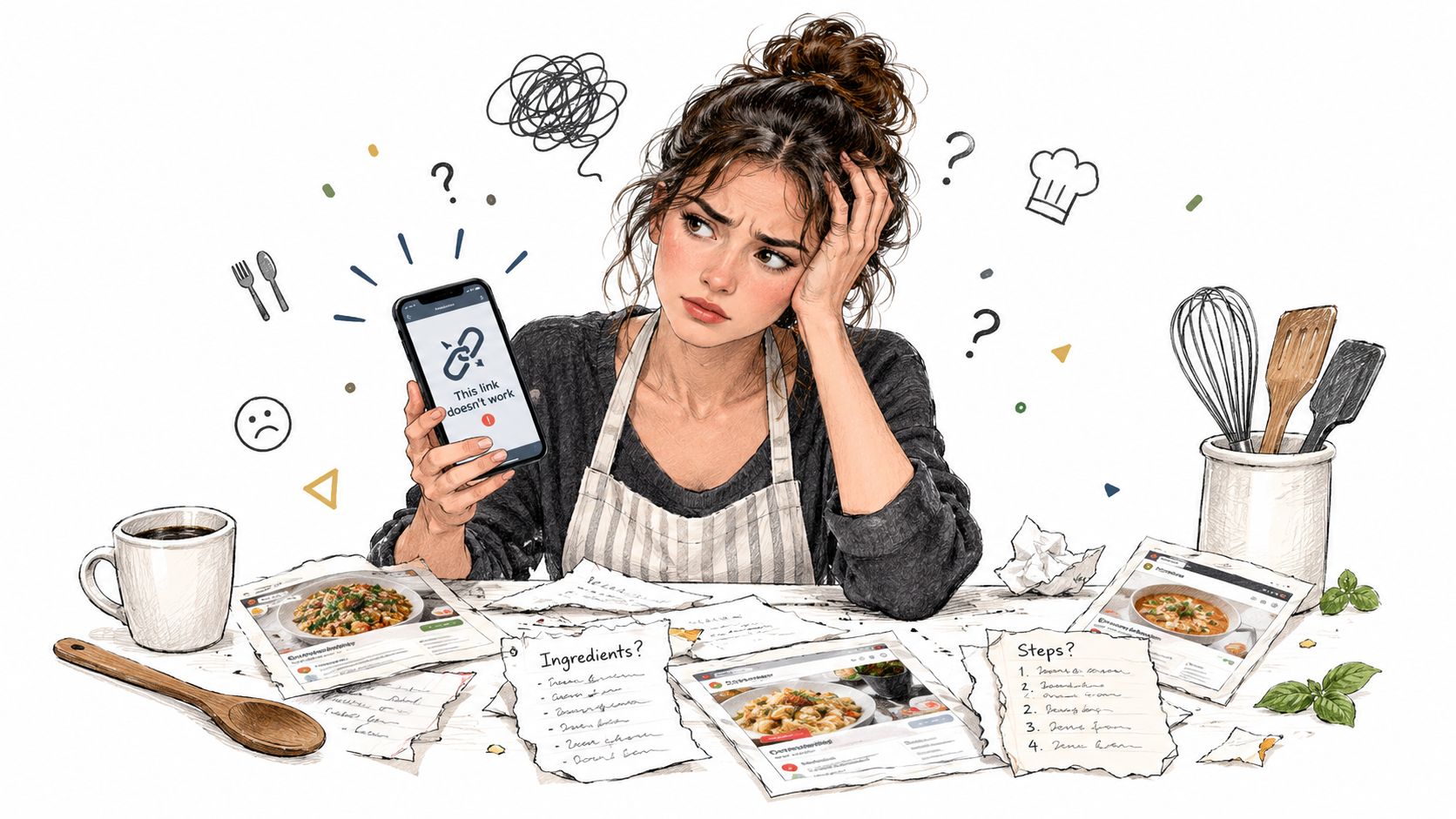
The consequence is more than a messy phone. You repeatedly answer the same questions: What should I cook? Do I already have a recipe for this? What ingredients do I need? Where did I save that lentil soup? Each question adds friction at the exact time you want cooking to feel simple.
Why saving isn't the same as organizing
A bookmark remembers a location. An organized recipe remembers the information you need to cook.
That distinction matters because a link doesn't tell a meal planner how many servings the recipe makes, whether “one onion” belongs with the produce, or whether “2 cups” can be compared with another recipe written in grams. A screenshot preserves an image, but it doesn't automatically make the ingredient list searchable or combine it with the ingredients for another meal.
I learned this after moving between several kitchen systems. One held web links, another stored photos, and a third used folders for PDFs. Each one looked tidy until I tried to plan a week. I still had to open recipes individually, copy ingredients into a separate note, and decide which saved meals were realistic for the days ahead.
Practical rule: If your organizer helps you save a recipe but leaves you to rebuild the plan and shopping list manually, you've bought a filing cabinet, not a kitchen system.
The central library
A dependable online recipe organizer gives every recipe a stable home. You should be able to capture recipes from the places where you find them, then locate them later by title, ingredient, cuisine, diet, or cooking time. Collections, tags, and folders still matter, but they should support search rather than replace it.
Start by gathering your existing recipes instead of trying to build a perfect taxonomy first. Bring in the screenshots, printed favorites, social discoveries, and frequently used web recipes. Then label only what helps you make decisions, such as weeknight, freezer-friendly, vegetarian, or under an hour.
That approach turns your collection from an archive into a working menu. For a practical comparison of organizing methods, see this guide to the best way to organize recipes. The essential test is simple: when you know what you want to cook, can you find a usable recipe without remembering where you originally discovered it?
What an Online Recipe Organizer Actually Is
An online recipe organizer is a digital system that captures recipes, stores their useful details, and makes those details available for cooking decisions. The basic version saves pages into folders. The more capable version extracts ingredients, quantities, units, instructions, serving information, and timing so other features can use them.
That evolution mirrors the wider recipe app market. The market expanded from $1.41 billion in 2025 to $1.6 billion in 2026, with a projection of $2.63 billion by 2030 at a 13.1% CAGR, according to recipe app market statistics. The same source describes recipe apps as covering saving and organizing, meal plans, grocery lists, photos, videos, collections, ratings, and reviews. Users increasingly expect a cooking workflow, not just a place to store links.
Think of it as a kitchen operating system
The operating system analogy is useful because it separates storage from action. A passive archive holds files. A kitchen operating system connects the pieces:
- Capture brings in a recipe from a website, video, social post, photo, PDF, or typed note.
- Structure separates the title, ingredients, amounts, units, steps, servings, and timing.
- Organization places the recipe in a cookbook, folder, or tagged collection.
- Planning puts selected recipes on a calendar or weekly menu.
- Shopping combines ingredients into a list you can check while buying.
The connection between these layers is the core value. If the system knows that one recipe needs carrots and another needs two more, it has a foundation for a combined list. If it knows the cooking time and dietary tags, it can help you choose meals that fit a particular evening.
A digital cookbook can be useful even when it only stores recipes. It becomes much more useful when the stored data is clean enough to support the next decision.
Structure matters more than visual polish
Recipe text is often inconsistent. One author writes “1 tbsp olive oil,” another writes “15 ml oil,” and a third uses “a splash.” A structured organizer needs to preserve the original meaning while making comparable information available for search, scaling, and planning.
Research on structured recipe extraction describes semantic labeling of ingredient lines, mapping ingredients and units to standard forms, and using that structure for grocery lists and meal plans. A separate meal-planning study used fields such as ingredient, amount, unit, and cooking time, then connected them to a nutrition ontology. The practical lesson is straightforward: search and automation depend on the recipe model underneath the interface.
The recipe keeper app guide is useful when comparing a simple digital cookbook with a system designed for everyday planning. Ask what happens after you save a recipe. If the answer stops at “it appears in a folder,” you still have work to do.
Core Features That Make a System Work
A polished interface won't rescue a weak workflow. When comparing an online recipe organizer, test the path from discovery to dinner. The tool should reduce repeated typing, make recipes easy to retrieve, and turn your saved collection into decisions.
Importing should match real cooking habits
People don't discover recipes in one place. You may find a detailed recipe on a website, a quick demonstration in a video, a handwritten card as a photo, or a useful variation in a social post. A practical organizer should let you capture those sources without forcing you to rewrite every ingredient.
Importing isn't completely automatic magic. Extraction can misread a fraction, confuse a preparation note with an ingredient, or miss information embedded in a video. The important feature is easy correction. You should be able to review the imported recipe, edit the wording, add your own notes, and save a clean version without rebuilding the whole entry.
Structured fields create useful downstream actions
Look for separate fields for:
- Ingredients and amounts, so the system can distinguish “2” from “2 cups.”
- Units and preparation notes, so “chopped onion” remains meaningful.
- Servings, so quantities can be adjusted for the people you're feeding.
- Preparation and cook times, so a long weekend project doesn't appear beside a quick weeknight option as if they're interchangeable.
- Tags and context, such as cuisine, dietary needs, meal type, or freezer suitability.
A recipe organizer stops behaving like a bookmark manager when standardized fields are in place. These fields can support ingredient search, recipe scaling, conversions, dietary filtering, and grocery aggregation. Without that structure, those tasks remain manual and error-prone.
Meal planning should begin with recipes you own
A calendar by itself doesn't solve dinner fatigue. The calendar needs a usable library behind it, and the library needs enough context to help you choose.
A good flow lets you select a recipe, assign it to a day, and adjust the plan when real life changes. If Tuesday becomes busy, moving a meal should be easier than starting the search again. Planning also works better when you can see preparation time, serving size, and relevant tags before committing.
Grocery generation is the practical test
The shopping list reveals whether the system understands your recipes. It should pull ingredients from selected meals, combine related items where appropriate, and leave room for substitutions or pantry checks. It should also let you edit the result, because no parser knows your pantry as well as you do.
A tool that produces a long, ungrouped text dump has only shifted the work. A system that creates a reviewable list organized for the way you shop has removed a real step.
For a more detailed evaluation of the underlying workflow, compare these features in recipe management software. I'd judge every platform against one question: does it help you decide, prepare, and shop, or does it only help you store?
Real Workflows From Scroll to Shopping List
A useful test starts with an ordinary week, not an idealized one. On Monday, you see a short video for a spicy tomato pasta while waiting for a train. You save it to your online recipe organizer instead of relying on the social platform's save folder. The recipe becomes part of the same library as your older favorites.
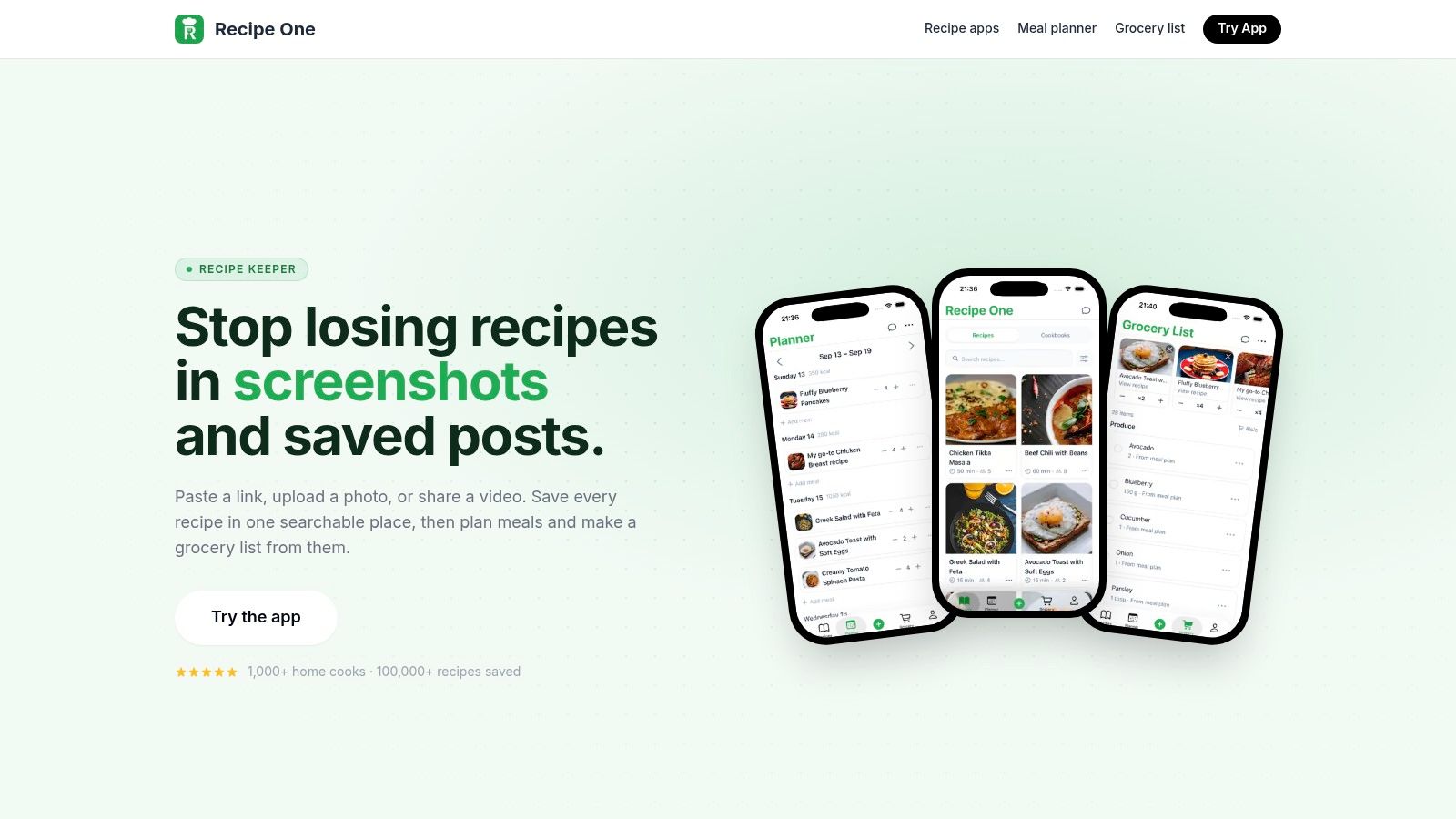
On Tuesday, you review the imported entry. You check whether the video captured the ingredient amounts correctly, change a preparation note, and add a tag such as quick dinner. You also notice that the recipe uses cups, while another dish you like is written in grams. A built-in cups-to-grams converter can help you standardize the quantities you use, although conversions still depend on the ingredient rather than treating every cup as the same weight.
The plan takes shape around your week
You add the pasta to Wednesday and choose two other saved meals for later in the week. One is a soup you know reheats well. The other uses vegetables already in your fridge. This is a small but important shift: you aren't asking a blank calendar what to cook. You're choosing from a library that already reflects your tastes and available ingredients.
The planner also exposes bad assumptions early. A recipe that looked appealing on a weekend may demand more preparation than Wednesday allows. A serving size may be too small for your household. Editing or moving the meal at this stage is easier than discovering the problem in the supermarket aisle.
The organizer can then turn the selected meals into one grocery list. Review it before shopping. Remove staples you already have, check quantities, and group items in the order you normally move through the store. If you prefer delivery after reviewing the list, a service that helps you get groceries delivered with Hooked can fit into that final step.
The system should reduce repeated decisions
On Thursday, you don't need to search through the original video again. The structured recipe holds the ingredients and steps in a format you can use while cooking. If you replace an ingredient, add the substitution to your personal version rather than leaving the change in your memory.
On Friday, the same library supports a different question: what can I make with what I have? Ingredient search is more useful than browsing attractive thumbnails because it narrows the choices around your actual kitchen. That is the difference between collecting ideas and operating a repeatable cooking routine.
This workflow also shows where software needs human judgment. Imported recipes require review. Grocery lists need pantry checks. Meal plans need flexibility. Automation should remove repetitive admin, not pretend that it understands every household's preferences.
A practical guide to turning selected meals into a list is available in this explanation of a grocery list generator from recipes.
Keeping Your Data Safe and Portable
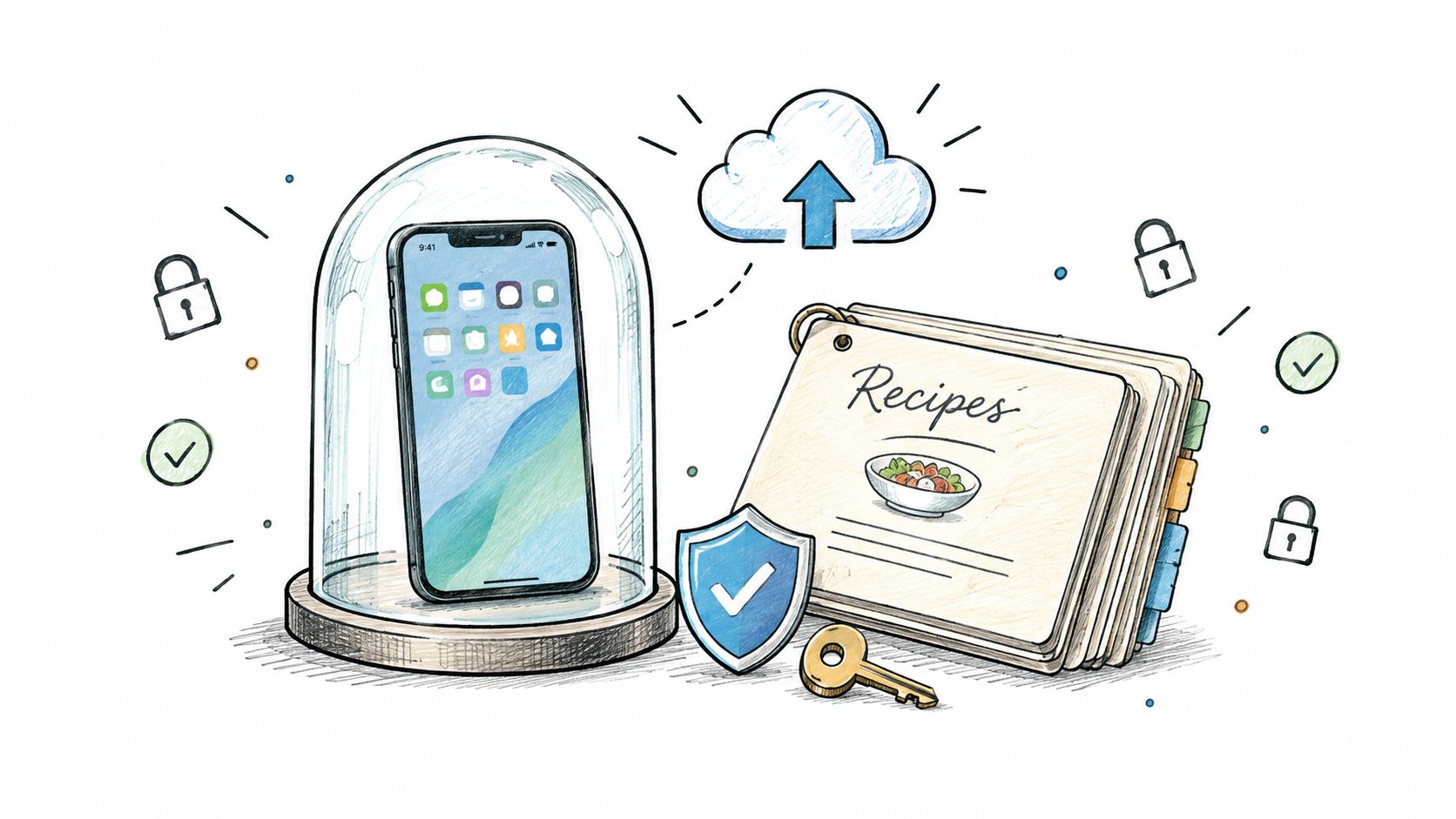
Recipe collections become personal over time. They contain family notes, dietary preferences, substitutions, photographs, and the meals you return to when you need something dependable. Choosing an organizer means deciding not only how you'll search, but also how much control you'll retain over that collection.
Ask ownership questions before importing everything
Before moving your library, check the service's privacy policy and account terms. Find out what information the platform stores, whether recipe content is used for product functions, and what happens if you close your account. Avoid assuming that an attractive interface guarantees clear ownership or easy retrieval.
Export is especially important. Independent recipe-saver coverage identifies export options as desirable for backing up or migrating a collection, which makes portability a practical user concern rather than a technical luxury. The digital recipe book guide offers useful context for thinking about a collection as something you should be able to access and maintain over time.
Use syncing for convenience and backups for control
Cloud access is convenient when you cook from a phone, plan on a laptop, or add a recipe from another device. Still, syncing isn't the same as backup. A service can make your library available across devices while giving you no independent copy if your account becomes inaccessible.
Use a simple ownership routine:
- Check export formats: Prefer a platform that gives you a practical way to retrieve recipes, including ingredients, steps, notes, and useful metadata.
- Keep an independent copy: Export your library periodically and store it somewhere you control.
- Test access: Confirm that recipes remain readable on the devices and in the locations where you cook.
- Review permissions: Give the service only the account access it needs, and understand whether connected services can view your data.
- Plan for migration: Treat portability as a selection requirement, not an emergency task after a platform changes.
Offline access deserves its own check. A recipe may load at home but become awkward when you're cooking somewhere with unreliable connectivity. If offline use matters to you, test it with a real recipe before committing your entire library.
A recipe collection should feel like something you manage, not something you rent without an exit plan.
Building Your Own Kitchen Operating System
The strongest setup is usually not the one with the most features. It's the one you can maintain when you're tired, short on time, and standing in a supermarket with a half-written list.
Start with the recipes you cook or intend to cook. Importing every saved idea at once can recreate the same clutter you're trying to escape. Bring in a manageable group, correct the fields that matter, and create categories based on decisions you make often.
Build around recurring decisions
Your first tags should answer practical questions:
- How much time do I have? Use labels such as quick, weekend, or make-ahead.
- What do I need to avoid or prioritize? Add dietary and ingredient tags that reflect your household.
- Where does the meal fit? Separate breakfast, lunch, dinner, snacks, baking, and side dishes if those distinctions help.
- What happens after cooking? Mark freezer-friendly, lunch leftovers, or batch meals when those details influence planning.
Don't create a category for every minor variation. A system with too many labels becomes another form of searching. Use folders for broad collections, tags for flexible filters, and personal notes for substitutions that don't belong in the original recipe.
Make the weekly review short and repeatable
Choose a regular planning moment. Look at the week ahead, select meals that fit the schedule, review the resulting grocery list, and remove anything already in the pantry. Keep one flexible meal available for leftovers or an unexpected change.
This is also where your non-food organization habits can offer a useful comparison. Someone looking for ideas on organizing your K Cup collection is solving a similar problem: frequently used items need a visible, repeatable system instead of a random pile. Recipes deserve the same practical treatment.
The goal isn't to eliminate spontaneity. It's to stop spending your limited attention on locating files, retyping ingredients, and making the same dinner decision from scratch. A kitchen operating system gives inspiration somewhere to go and gives your future self a clearer starting point.
If your current collection is scattered across saves, screenshots, and PDFs, begin with one week of meals. Capture the recipes, correct the details, generate the list, and note where the process still creates friction. Then choose an online recipe organizer that addresses those specific gaps rather than choosing based on appearance alone.
Recipe One brings recipes from websites, TikTok, Instagram, YouTube, photos, PDFs, and links into one searchable library, then adds cookbooks, folders, tags, meal planning, and grocery-list creation. If you want to turn scattered cooking inspiration into a structured routine, visit Recipe One and start building a kitchen system you can use.


