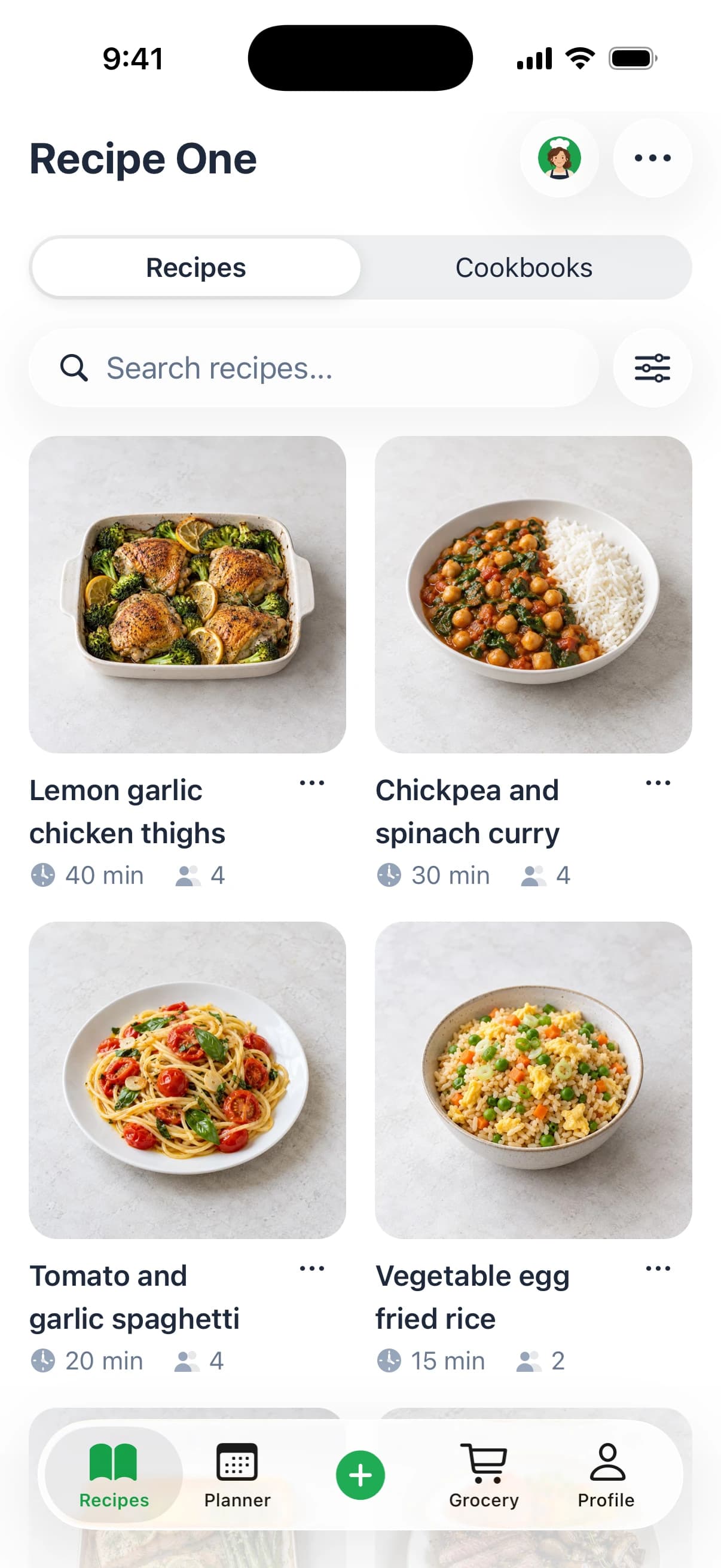
As of November 2026, Umami is an iOS, Android, and web recipe manager with shared lists, a Lifetime purchase option, and a 30-day free period, not an Apple-only app. Recipe One is free to start and better suited to saving from many sources and planning meals with AI.
Quick Verdict on the Umami Recipe App
Umami - Recipe Manager, from Strange Quark LLC, a solo-developer business, is strongest when cooking is a shared household job. Its appeal isn't just collecting recipes. It's letting people contribute to recipe books, coordinate meals, and edit a grocery list without passing screenshots around.
That makes it a sensible choice for families using different phone platforms and for cooks who want browser access alongside their phones. A Lifetime purchase and several export formats also make it worth considering if avoiding recurring payments or keeping portable recipe copies matters to you.
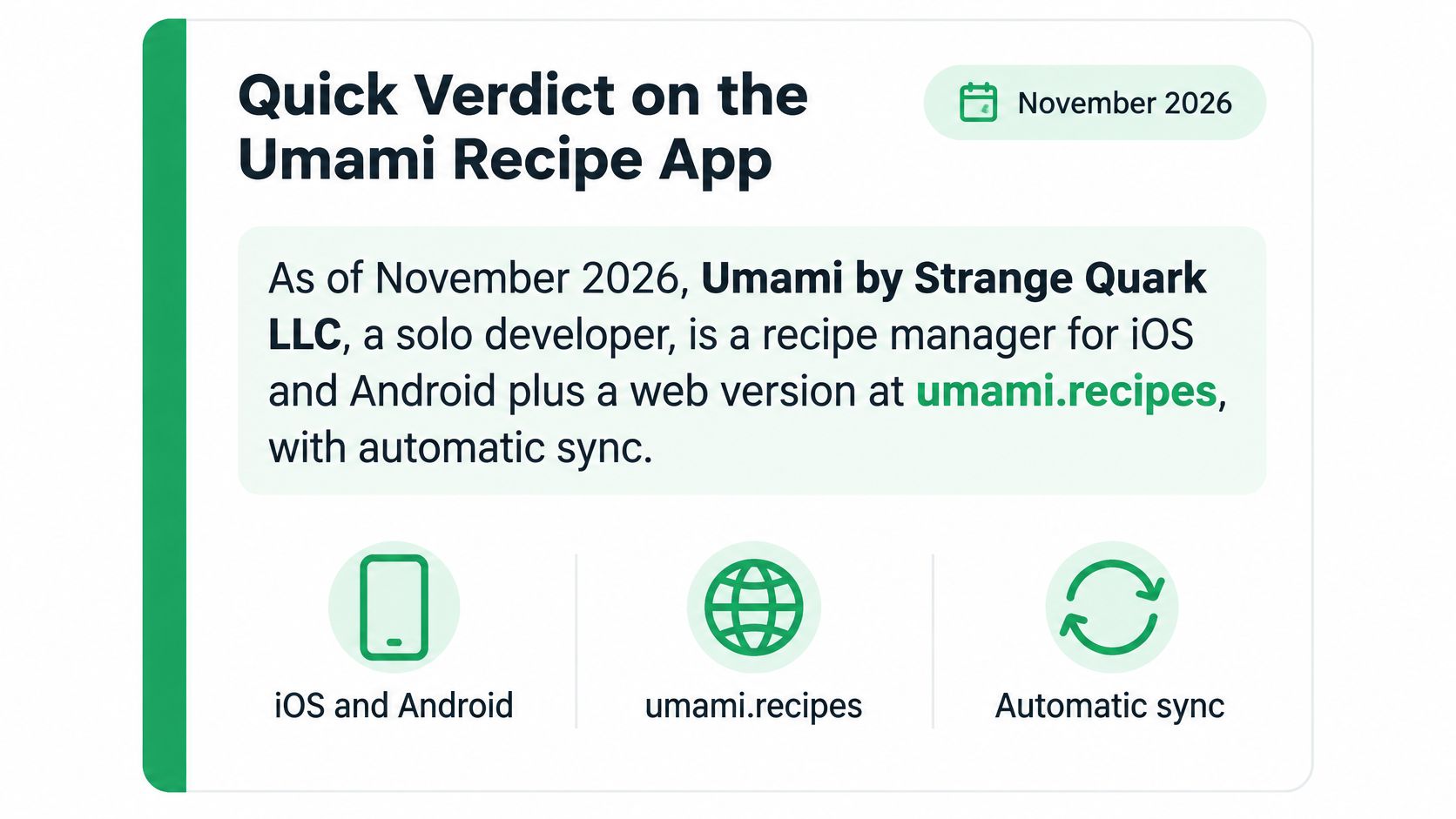
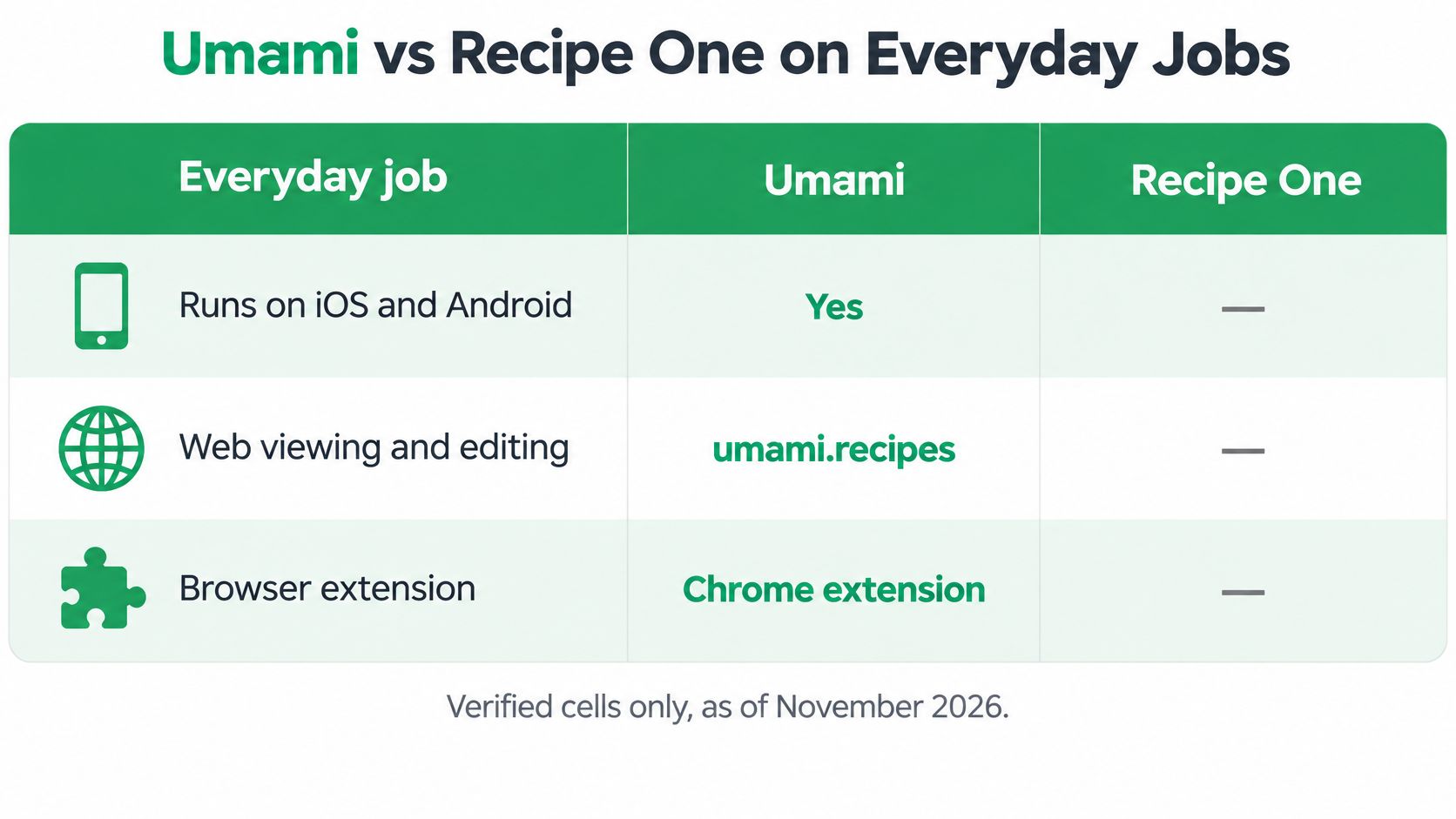
The platform summary captures an important correction to some descriptions of the app.
Choose by the work you need done
Umami is a weaker fit if your recipes exist only as spoken instructions or ingredient labels inside social videos. Its social import depends on written ingredients and instructions in the post or description. It also doesn't offer AI meal planning.
Recipe One fits a different workflow: save inspiration from videos, websites, cookbooks, and photos, then ask Maya, its AI chef, to help plan the week and generate a combined grocery list. Its important household limitation is that it doesn't provide a real-time shared grocery list.
Decision rule: Choose shared editing if several people manage dinner together. Choose AI planning if your main difficulty is turning scattered saved recipes into a usable week.
This is a feature-based review, not a hands-on performance test. There are no invented speed measurements, import success rates, or star ratings behind the recommendations. The meaningful distinction is between coordinating people and getting help deciding what to cook.
What Umami Means Before You Download
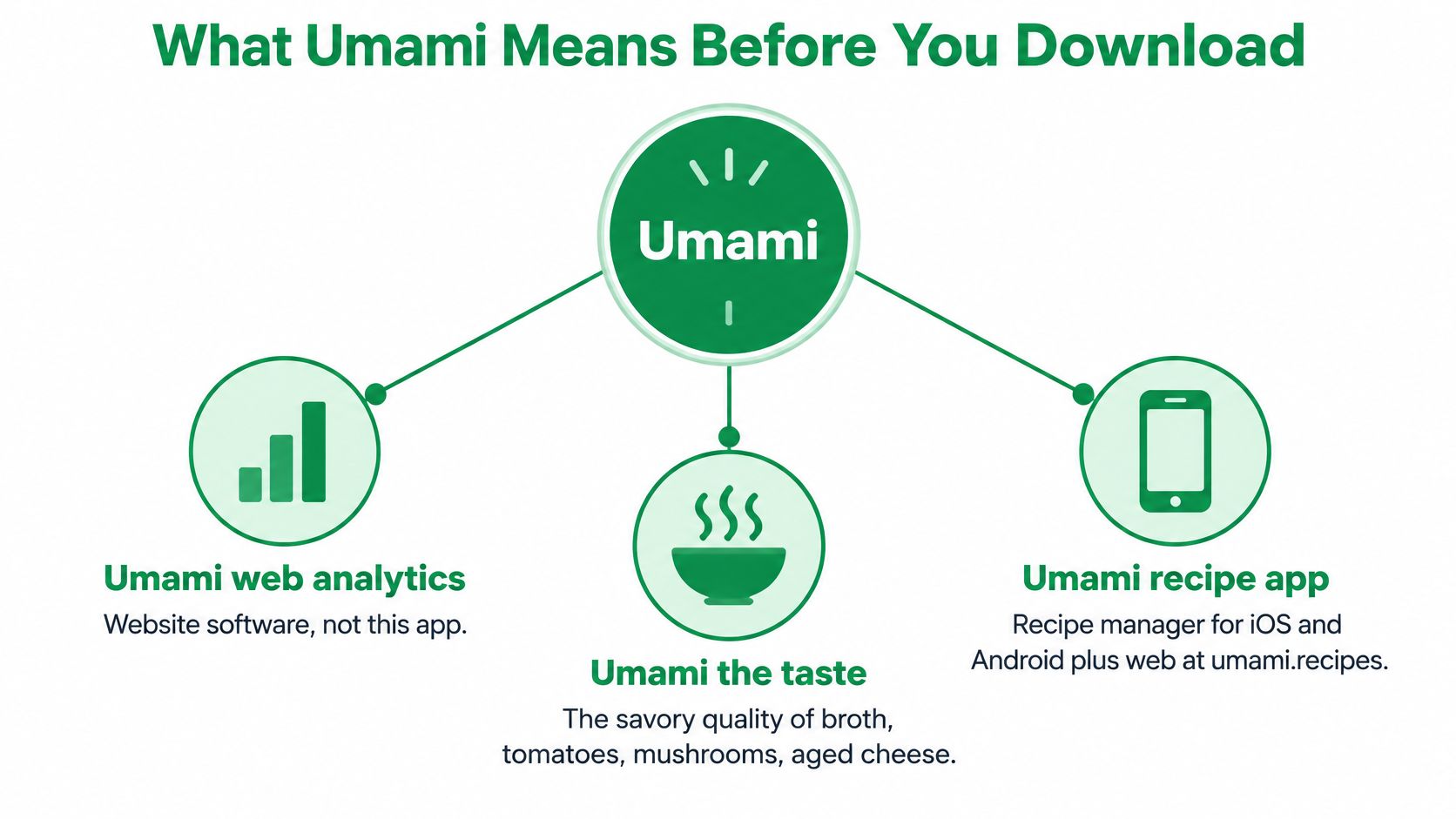
Umami web analytics is website software; umami the taste is savory flavor; Umami from Strange Quark LLC is the recipe manager reviewed here. Sharing a name doesn't make these products or concepts connected.
The culinary meaning explains why the word appears so often around recipes. According to the historical account indexed by FAO AGRIS, Kikunae Ikeda isolated glutamic acid from kombu broth in 1908 and named the taste umami.
In cooking, that savory quality is associated with ingredients such as broth, tomatoes, mushrooms, aged cheese, and fermented foods. It isn't a cuisine or a recipe category with fixed boundaries. A tomato sauce and a kombu-based soup can both deliver it through different ingredients.
The name is easier to understand when the meanings are separated visually.
Make the taste useful on a weeknight
Say you're making mushroom pasta and the sauce tastes flat. Before adding more salt, consider whether it needs deeper savory flavor, more acidity, or more reduction.
- Brown tomato paste. Stir a spoonful into the pan and let it darken for about two minutes, stirring so it doesn't burn.
- Use dried mushrooms thoughtfully. Soak them, strain the soaking liquid to remove grit, and add some to the sauce.
- Finish with a savory ingredient. Grated Parmesan or a spoonful of miso can change the character of a simple dish.
- Add soy sauce near the end. Start with a splash rather than treating it as the cooking liquid.
- Taste before adding salt. Parmesan, miso, and soy sauce already contribute salt. Plain mushrooms and unsalted tomato paste aren't equivalent to those salty seasonings.
For a broth-focused explanation, Buy Me Japan's guide to savory depth in ramen broth provides useful culinary context.
The app's name doesn't mean it evaluates savory flavor or automatically balances these ingredients. A good umami-rich dinner still needs clear measurements, a realistic plan, and a grocery list.
How Umami Saves Plans and Cooks
Umami works as a connected kitchen workflow: save, organize, plan, shop, and cook. Its value is easier to understand in that order than as a collection of isolated buttons.
Save and organize the recipe
Start with the in-app recipe browser or paste a URL from most recipe websites. Instagram, Facebook, and TikTok posts can import when their ingredients and instructions are in the post text or description. That limit matters for video-first sources, because spoken ingredients and on-screen captions are outside the import path.
For paper recipes, scan a cookbook page, photo, or file, then drag a selection box to assign content to fields. The mapping step is manual, so scanning still requires a quick check that titles, ingredients, and directions landed in the right places.
Once saved, recipes go into recipe books and tags, with a tag filter for narrowing the collection. There's no fixed recipe limit.
If video is your main source, the guide to saving recipes from YouTube explains a different source-to-recipe workflow. Check whether the information lives in the description or only inside the video before choosing an importer.
Plan, shop, and cook together
Use the meal calendar in month or week view to schedule dishes. Before sending a recipe to the grocery list, scale its servings so the shopping quantities reflect the meal you're making.
Umami can organize its grocery list by aisle or by recipe. Sorting by recipe helps when an unfamiliar ingredient belongs to one planned dish rather than the week's general stock.
Select Start Cooking for an interactive ingredient checklist and step-by-step directions. Preparation stays separate from browsing: check off what you've gathered instead of repeatedly scanning the full ingredient list.
Sharing includes:
- Recipe books: Members can add recipes, while a public read-only link lets others browse.
- Meal plans and groceries: Household members can edit shared plans and collaborative lists.
- Individual recipes: A shared recipe link is readable without installing the app.
For an outing rather than a normal dinner, use HYDAWAY's trail nutrition and hydration tips to inform what you pack, then turn those decisions into the shopping list.
As of November 2026, the Umami FAQ describes iOS and Android apps, web recipe viewing and editing with automatic sync, and a Chrome extension; its terms also describe Mac and Windows applications, while the consumer page emphasizes the phone apps. The clearest fit remains shared household cooking across devices.
What Umami Costs After the Trial
Umami is free for the first 30 days, then requires a monthly, yearly, or Lifetime purchase to keep adding content. All purchase options include the same features. You're choosing a payment structure, not opting for a more capable feature tier.
After the free period or a paid period expires, you can still view and export existing recipes. You can't import recipes or add new content. That distinction matters if you're considering digitizing a cookbook collection during the trial and then leaving the account inactive.
What the payment structure means
| Question | Practical answer |
|---|---|
| Is there an ongoing free Umami plan? | No. Continued adding and importing requires a purchase after the free period. |
| Does Lifetime include different features? | No. It includes the same features as monthly and yearly purchases. |
| Can a household share the purchase? | Yes, with up to five family members across iOS and Android. |
| What remains after access expires? | Viewing and exporting existing recipes. |
For an occasional recipe saver, the absence of an ongoing free plan is a real drawback. For a household that uses the library and shopping tools regularly, family sharing may matter more than whether each person uses the same phone brand.
The Lifetime option gives subscription-averse cooks another route, but it shouldn't replace checking whether the import and planning workflow fits their habits.
Check the App Store / Google Play for current pricing. Recipe One is free to start, which is a different entry model, not evidence that every feature or future use is free.
Purchase screens can change. A current store check is more useful than a dollar amount frozen in an article that may be wrong next month.
Umami Strengths and Real Limits
A fair assessment of a solo-developer app should recognize useful design choices without excusing missing capabilities. Umami's shared household tools are genuine strengths. Its social-video and AI limits are equally relevant if those are central to how you cook.
Umami strengths and limits as of November 2026
| Side | Point | What it means in the kitchen |
|---|---|---|
| Strength | Shared lists and meal plans | Others can edit collaborative grocery lists and shared meal plans. |
| Strength | Family sharing across phones | One purchase can be shared with up to five family members on iOS and Android. |
| Strength | Export and backup | Export PDF, Markdown, HTML, plain text, Recipe JSON schema, or a full backup. |
| Strength | Lifetime option | Monthly, yearly, and Lifetime purchases include the same features. |
| Strength | Cook mode | Start Cooking provides an ingredient checklist and step-by-step directions. |
| Limit | No free plan after 30 days | After expiry, you can view and export but can't import or add new content. |
| Limit | Social import needs post text | Instagram, Facebook, and TikTok require ingredients and instructions in the post text or description. |
| Limit | Scan is manual | A photo, cookbook page, or file still needs a selection box to map fields. |
| Limit | No AI meal planning | You fill the calendar yourself; the app doesn't plan the week with AI. |
Read the limits against your actual recipes
A social post with a complete written recipe is a different input from a video that mentions quantities aloud. Calling both “TikTok import” conceals the distinction that determines whether you'll have to transcribe anything yourself.
Likewise, manual scan mapping isn't necessarily a deal-breaker. It gives you control over what becomes an ingredient or instruction, but it requires attention when digitizing a stack of pages.
A recipe importer should be judged against the recipes you save, not just the platforms whose logos appear on its feature page.
Recipe books, tags, web editing with sync, and a Chrome extension support the core workflow. The absence of a fixed recipe limit is helpful, although it shouldn't be read as a performance guarantee for an exceptionally large library.
For households currently using a basic note, the Google Keep grocery list guide offers another way to think about the difference between sharing text and coordinating recipe-driven shopping.
The useful comparison isn't whether Umami is good in the abstract. It's which app handles your everyday jobs with fewer compromises.
Umami vs Recipe One on Everyday Jobs
| Job | Umami | Recipe One |
|---|---|---|
| Platforms | iOS, Android, web viewing and editing, Chrome extension | iPhone, Android, web app, Chrome extension |
| Website import | In-app browser and pasted URLs from most websites | Any recipe website or blog |
| Instagram and TikTok import | Ingredients and instructions must be in post text or description | Social video, including spoken and on-screen ingredients |
| Photo and cookbook scan | Manual selection box to map fields | Cookbooks, handwritten cards, photos, and screenshots |
| Meal planner | Month or week calendar, no AI planning | Week planning with Maya, the AI chef |
| Grocery list | Organized by aisle or by recipe | One list combining the week's ingredients |
| Shared real-time list | Yes, others can edit shared lists and meal plans | No real-time household list; send through the phone share sheet, and share recipes or cookbooks |
| Free option | First 30 days, then a purchase; viewing and export remain after expiry | Free to start |
Two rows decide most households: who can edit a shared list, and whether the app helps you choose dinner.
AI assistance versus household coordination
Recipe One isn't limited to Instagram and TikTok. It saves from websites, blogs, social video, cookbooks, handwritten cards, and screenshots, then organizes the results with tags and multiple cookbooks.
Maya can suggest what to make, plan the week, or turn fridge ingredients into a recipe. Search finds a saved dish by recipe name, ingredient, or tag. These features address discovery and decision-making. Umami's counterweight is shared editing, where several people can change the same list and meal plan.
Keep meal-planning alternatives in perspective
Mob and ReciMe are other meal-planning apps worth checking on their own sites, where each lists current pricing and features. Those details change, so confirm the specifics that matter to your household before choosing.
The positive distinction established for Recipe One is the combination of many-source saving, AI help with the week, and a combined grocery list. That doesn't establish superiority over every meal planner. It identifies the workflow where Recipe One's design leads.
For a wider selection, the best recipe manager apps guide provides broader context. A shortlist should still come back to your source material and household arrangements, rather than the longest feature list.
Who Should Pick Umami or Recipe One
Pick Umami for a household that manages dinner together. It fits people who need several contributors editing the same list and meal plan, families mixing iOS and Android, and cooks who prioritize a Lifetime purchase or portable exports.
Pick Recipe One when inspiration arrives from everywhere and choosing dinner is the bottleneck. A recipe saved from a video, a photographed recipe card, and a blog post can all join the same searchable collection.
A practical weeknight workflow
- Save a pasta recipe from a blog link or a photo, such as tomato-mushroom pasta.
- Bring in a miso soup from a video.
- Add tags and a cookbook so both dishes remain easy to find.
- Ask Maya for dinner ideas using recipes you've already saved.
- Place dinners on the week plan, leaving room for your actual schedule.
- Adjust servings and generate the grocery list.
The limitation matters: there's no real-time shared household list. Send the finished list through the phone's share sheet, or share a recipe or cookbook with family directly. Cookbooks shared that way can be read but not changed through an AI assistant; edits happen in the app.
Use the access point that fits your routine
Recipe One also runs a remote MCP server over Streamable HTTP, so Claude, ChatGPT, Cursor and other AI assistants can reach your recipes, meal plan and grocery list with nothing to install. Sign-in uses OAuth with Google, Apple, or email and password, and the assistant receives an access token rather than your credentials. Through that connection it can search and edit recipes, adjust the weekly plan, and add or check off grocery items.
If you're moving an existing collection, the Copy Me That review and Plan to Eat app guide provide relevant comparison context.
To try this save-plan-shop approach, find Recipe One in the App Store or Google Play. It's free to start; use a recipe you already intend to cook rather than filling a new library before checking the workflow.
Questions People Ask After Comparing
A few questions come up repeatedly once the two apps sit side by side.
-
Does Umami have AI meal planning? No. You fill its meal calendar yourself. Choose Maya-assisted planning if you'd rather get help selecting dinners than arrange every meal manually.
-
Can I use Recipe One from ChatGPT or Claude? Yes. Recipe One's MCP server connects your recipes, meal plan, and grocery list to Claude, ChatGPT, Cursor, and other AI assistants. You sign in with Google, Apple, or email and password, and there is nothing to install.
-
Is the AI assistant connection secure? The assistant receives an access token, never your password or your Google or Apple sign-in.
-
Does Recipe One have a shared household list? No. You can send the list through your phone's share sheet and share recipes or cookbooks, but that isn't simultaneous household list editing. Umami is the more suitable choice when several people need to update the same shopping list.
-
Which app should I try first? Start with Umami's free period if your priority is shared household coordination. Start with the AI-assisted option if your recipes span video, blogs, and cookbooks and you want help planning dinners. A weekly meal-planning template can help you decide what a useful trial week should contain.
Check the App Store or Google Play for current Umami pricing. Choose shared coordination or AI-supported planning, according to the problem you need to solve.
A Recipe One plugin for ChatGPT and Claude is available now: search "Recipe One" in ChatGPT Plugins or Claude Customize > Connectors, with setup at the Recipe One docs. A Chrome extension is also available now in the Chrome Web Store, and the web app is app.recipeone.app.
Recipe One brings recipes from videos, websites, cookbooks, and photos into a searchable library, with Maya to help plan meals and build a combined grocery list. If that matches what you meant by an Umami recipe app alternative, visit Recipe One and turn a few saved dishes into your next week of dinners.