A recipe video is paused on the iPad propped against your backsplash. There's flour on the screen, your hands are sticky, and you need the next instruction. Your iPad is already the best kitchen screen you own, but will the app keep it awake and show the steps in large type?
The best recipe app for iPad should do more than enlarge a phone interface. These seven picks each have a clear best-for recommendation, judged on cooking readability, Split View, Apple Pencil and notes, screen-awake behavior, device sync, and imports from websites and photos.
These are iPad-first choices, distinct from our best cooking apps for iPhone.
Mealime isn't recommended. It closed on October 21, 2026, and its recipes moved to Meals Hub through Albertsons Companies grocery apps, according to the Mealime closure announcement.
1. Recipe One
Best for collecting recipes from different sources, then planning the week.
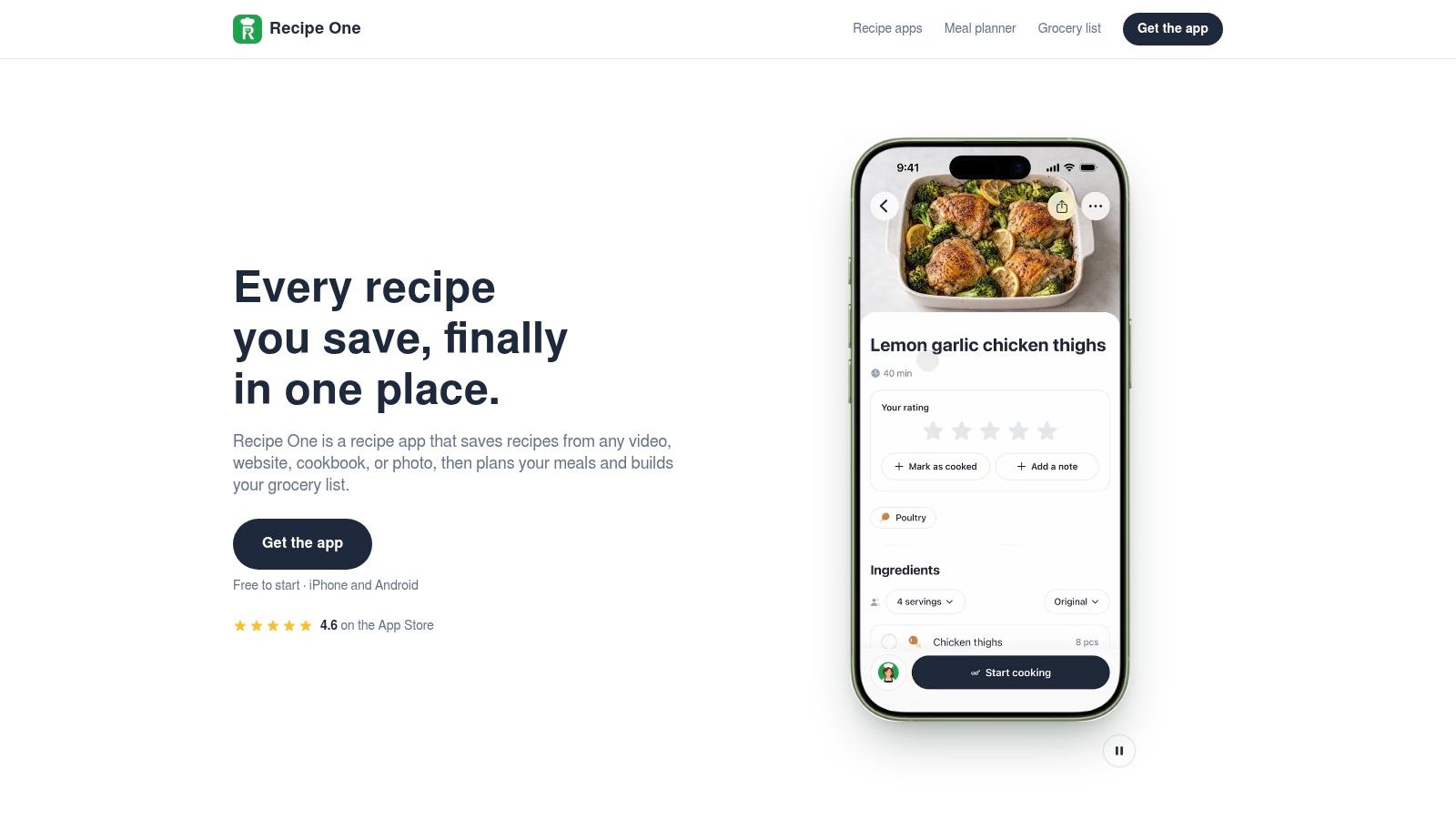
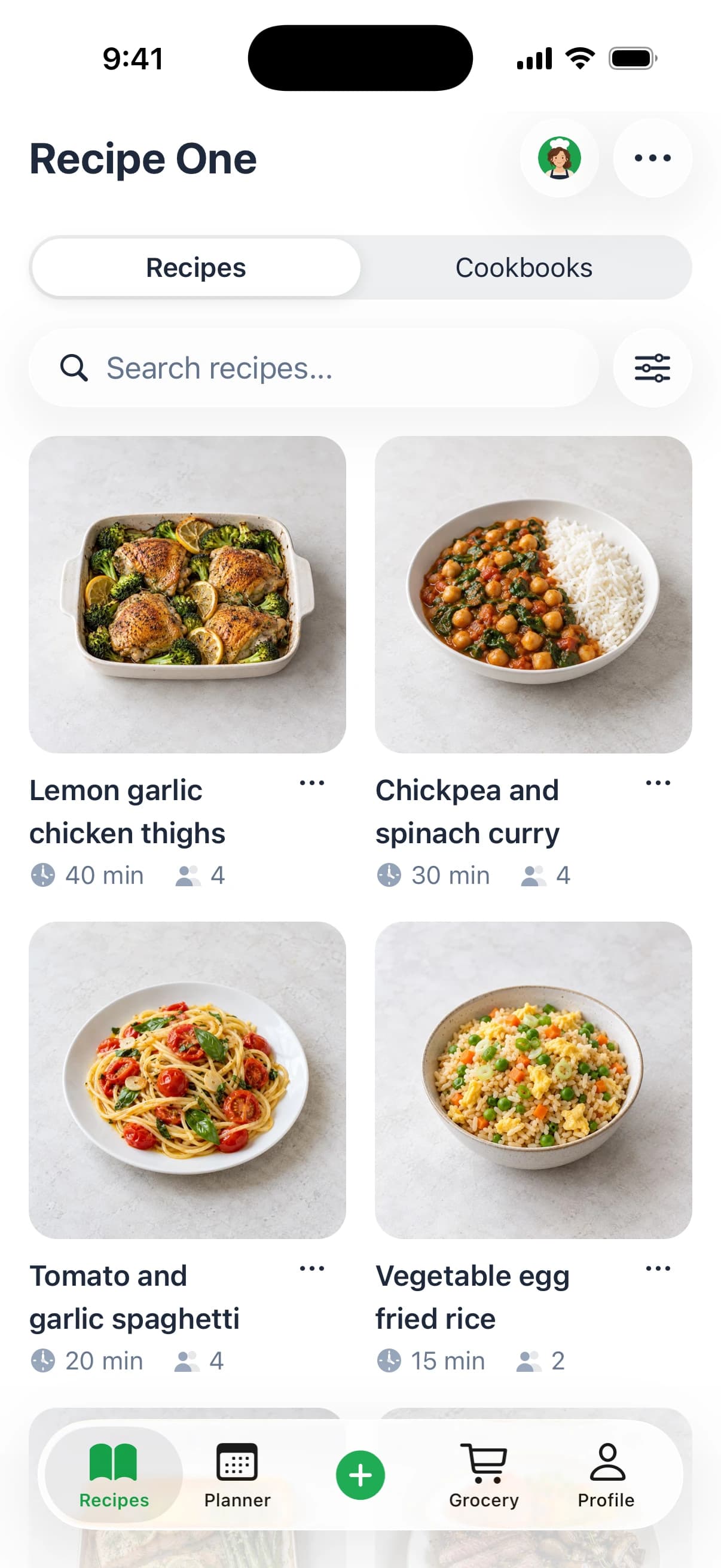
A dinner saved on Instagram, a TikTok baking tutorial, and a photographed cookbook page shouldn't require separate searches when you're hungry. This app brings those sources into a searchable personal recipe library. Share a website or social link, or snap a photo, and it extracts ingredients and instructions.
That's a useful distinction from saving bookmarks. You want quantities and steps you can cook from, not another route back to a video you'll need to pause repeatedly. Search works by recipe name, ingredient, or tag, so you don't have to remember where you found dinner.
From saved inspiration to a usable plan
The weekly meal planner works with recipes you've already saved, while the grocery list gathers the ingredients you need. Maya, the AI cooking assistant, can suggest meals and help plan around ingredients on hand. AI helps you plan the week, get the grocery list out of it, and find your recipes easily.
- Flexible capture: Save recipes from websites, Instagram, TikTok, and photos, including cookbook pages.
- Cooking support: Adjust servings with corresponding quantity changes and view nutrition information.
- Connected planning: Use your own collection to choose dinners and build a grocery list.
- Useful extras: Ingredient-based ideas and measurement conversions help with everyday cooking questions.
It's free to start, making it a sensible option for trying the full save-to-shopping workflow before moving your collection. It's less compelling if all you want is a static digital recipe card and you won't use planning or shopping tools. For counter use, check readability and screen behavior with a real imported recipe rather than judging only the import screen.
2. Paprika Recipe Manager
Best for a structured cookbook built mainly from recipe websites.
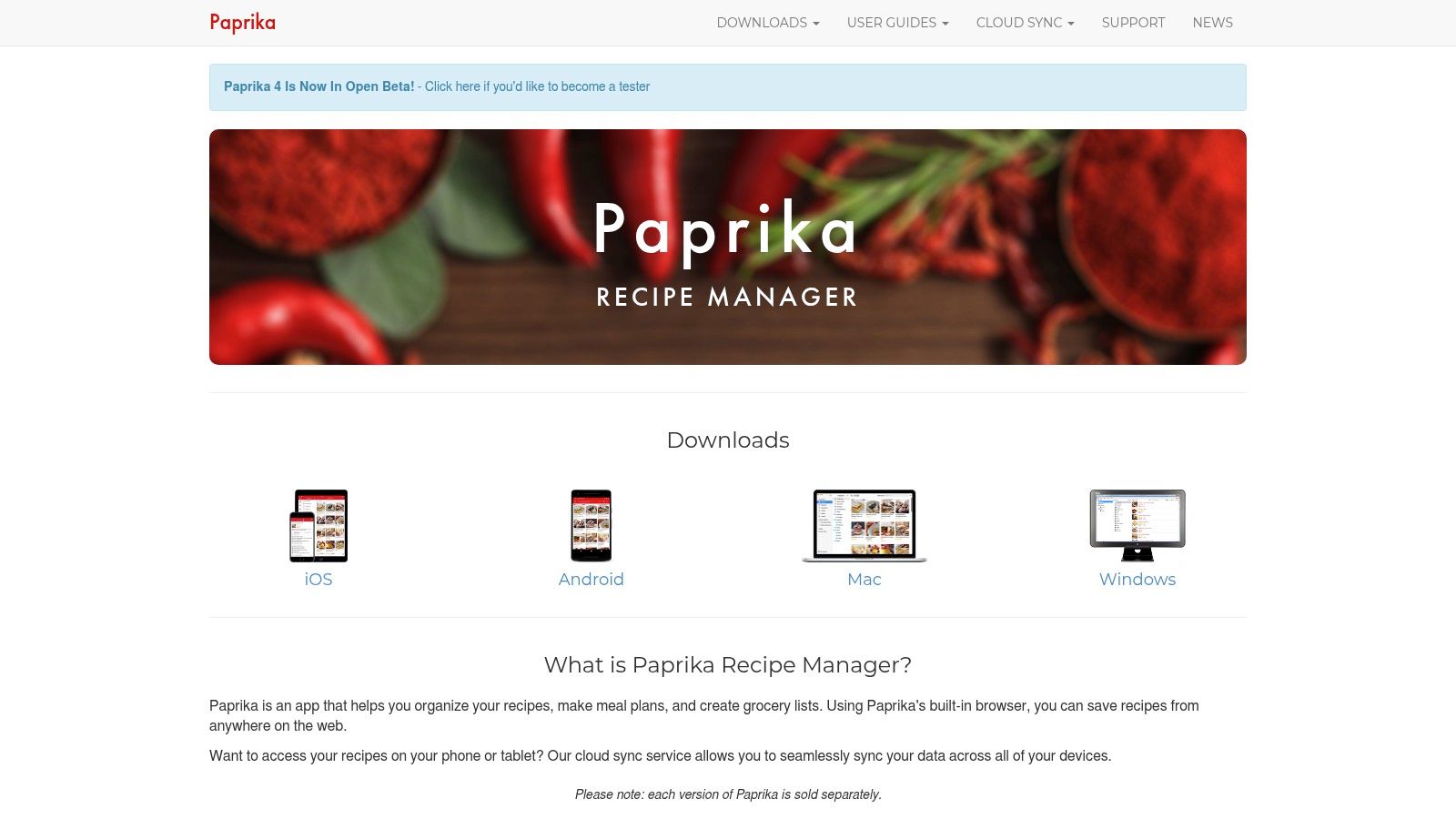
Choose Paprika Recipe Manager when your cooking starts with food blogs and ends with a planned grocery shop. Its website importer, recipe scaling, measurement conversion, meal calendar, grocery lists, and pantry records suit an established household routine.
On the counter, its useful tools are practical rather than decorative. You can cross off ingredients and highlight directions to mark your place.
Practical rule: Importing is only the beginning. Check the yield, ingredient groups, and method before relying on a saved recipe during dinner prep.
Strong organization, less emphasis on social capture
Paprika makes sense if you organize recipes on a computer and cook from an iPad. It offers native desktop versions, but separate platform purchases are a consideration. Its own cloud sync also shouldn't be confused with iCloud.
The main capture trade-off is social video. A creator's written recipe page fits Paprika's approach better than a video containing scattered instructions. Some website imports will still need manual cleanup, especially when a page separates sauces, toppings, and the main dish awkwardly.
Our Paprika Recipe Manager guide examines that organizer-first approach in more detail.
Choose it for dependable recipe management, not because you expect Apple Pencil markup or hands-free cooking. If those are essential, confirm them separately. For a cook repeating familiar dinners, pantry records and reusable planning tools may matter more than importing the latest social trend.
3. Mela
Best for Apple users who want a focused recipe reader.
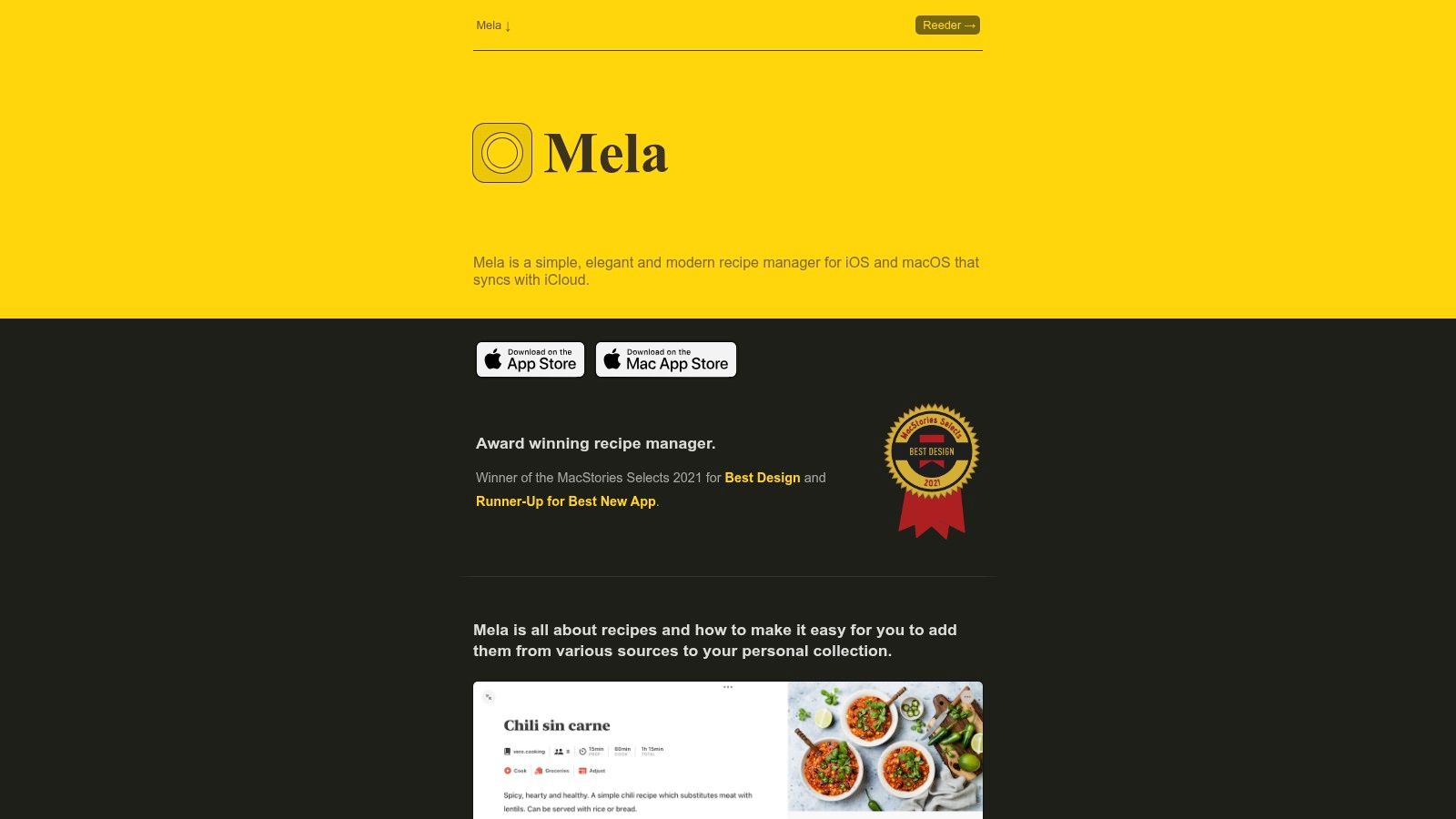
The reason to consider Mela is its iPad browsing experience. When its browser detects a recipe, it can show that recipe in Mela's viewer alongside the original webpage. You can inspect the usable recipe without losing the page you were reading.
That distinction matters on a tablet. A spacious recipe reader is helpful, but being able to compare the source and extracted recipe is useful before cooking too. Check whether ingredient notes and separate components made it across before saving.
Mela uses iCloud sync and supports shared libraries with other iCloud users. Its Apple-focused approach suits someone who collects on an iPhone, cooks on an iPad, and wants the collection available within the same ecosystem.
A personal cookbook rather than a broad food platform
- Good fit: Website recipes, a clean reader, recipe feeds, and household libraries within iCloud.
- Planning approach: Meal planning connects with Apple Calendar rather than requiring an entirely separate scheduling habit.
- Main limitation: It's less oriented toward extracting instructions from social videos.
Our Mela recipe app guide covers the appeal of that focused approach.
Don't confuse its side-by-side browser and recipe viewer with a blanket promise about every iPad multitasking arrangement. Likewise, iCloud sharing doesn't automatically mean handwritten Apple Pencil notes are supported.
Choose Mela when reading and saving recipes are your main jobs. If most of your collection lives in social saves or photographed family cards, weigh capture convenience more heavily. A clean reader won't compensate for an importing workflow you avoid using.
4. Crouton
Best for cooks who want guided steps and fewer screen touches.
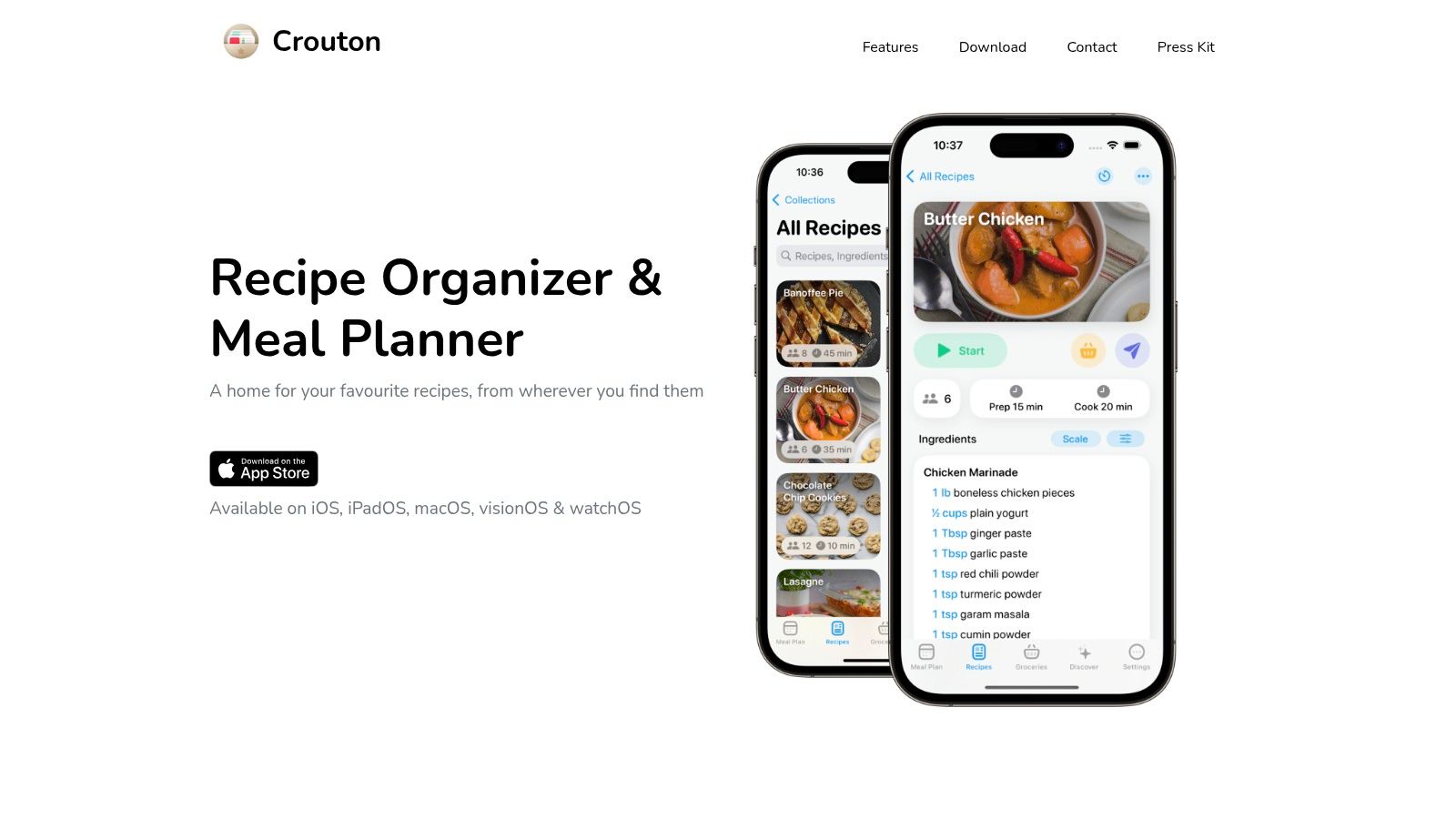
Sticky hands are a good reason to look at Crouton. Its step-by-step and hands-free cooking modes address a different problem from recipe storage: following the method while you're preparing food.
Crouton imports website recipes and scans cookbook pages, then combines its library with meal planning, timers, and grocery lists. It also uses iCloud to sync across supported Apple devices. That makes it a reasonable shortlist choice if you collect recipes elsewhere but want the iPad to guide the cooking.
Hands-free controls are useful only if you can recover your place easily. Try moving backward as well as forward before using them with a complicated recipe.
Put the cooking interface first
A step-at-a-time display can reduce clutter, but it can also hide context. Before choosing this approach, check how easily you can see the ingredient quantity needed for the current instruction and return to the full method.
- Main advantage: Cooking guidance receives as much attention as collection management.
- Capture flexibility: Website importing and cookbook scanning cover both digital and paper sources.
- Main compromise: Some features and discovery content require paid upgrades, and the broader toolset may exceed what a basic recipe box needs.
Check the current device requirements before installing on an older kitchen iPad. Don't assume that hands-free mode also guarantees every screen-awake or interruption-recovery behavior you want.
Crouton is a stronger fit for someone who follows unfamiliar recipes closely than for someone who only glances at ingredient quantities. Its cooking interface is the reason to choose it, not the presence of another meal calendar.
5. Samsung Food
Best for shared meal planning with recipe discovery included.
Samsung Food combines a personal recipe box with discovery, weekly planning, and shared shopping lists. It suits households that want to choose meals together rather than maintain an entirely private digital cookbook.
Its core tools cover website saving and planning, while Food+ adds more advanced personalization and cooking features. It works across mobile devices and the web, so owning a Samsung phone isn't a requirement.
The iPad benefit is having room to review recipes and plan meals. Browser availability isn't proof of a dedicated tablet cooking layout, though. Check how much of the screen shows useful recipe content rather than navigation and discovery panels.
Know which kind of import you need
Saving a creator's linked recipe webpage isn't the same as extracting quantities and instructions from the video itself. If social posts are your main source, our TikTok recipe app comparison explains the distinction.
- Choose it for: Shared shopping, website recipes, household planning, and browsing for dinner ideas.
- Watch the feature boundary: Advanced tools sit within Food+, so don't assume every cooking or photo feature belongs to the core offering.
- Consider the interface: A discovery-led platform can feel busy if you only want to retrieve a saved recipe.
For counter use, compare the cooking view with the recipe's standard page. Make sure you can read quantities without repeatedly opening another panel.
Samsung Food is a practical option when the household plan matters as much as the personal collection. It's less appealing if you want a quiet Apple-first reader, Pencil annotations, or a narrowly focused cookbook with little surrounding discovery content.
6. Pestle
Best for Apple users turning social inspiration into guided cooking.
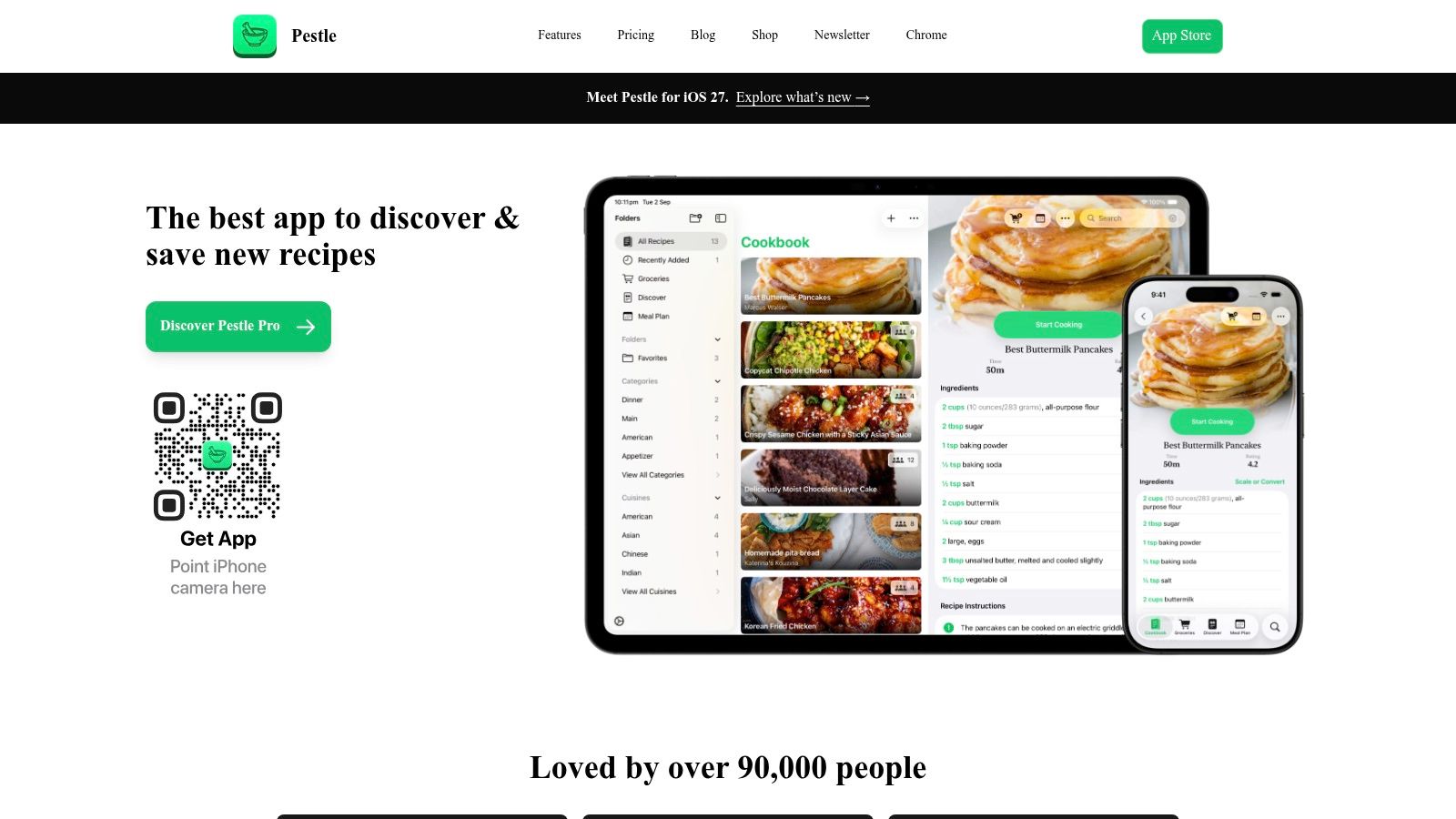
A social recipe is useful only when you can follow it without replaying the same clip. Pestle imports recipes from supported websites and social sources and presents them through guided cooking.
Its step-by-step instructions, hands-free controls, timers, and quantity reminders are relevant to an iPad sitting beyond easy reach. Sync between iPhone and iPad also fits a familiar routine: save an idea on your phone, then open it on the kitchen screen.
Support for Apple Watch adds another Apple-device option, but it doesn't remove the need to assess the tablet reader itself. Look at ingredient access, text size, and how easily you can resume after leaving the cooking view.
A cooking companion with an Apple focus
Pestle's strongest case is the transition from discovery to execution. It's worth considering when you regularly cook unfamiliar recipes and want more help than a static ingredient list.
Its limits are straightforward:
- Supported sources matter: Don't expect a complete import from every social post, especially when the creator omits quantities.
- Paid access matters: Additional access is available through paid plans.
- Device compatibility matters: Check the current operating-system requirement before choosing it for an older iPad.
Don't interpret phone-to-tablet sync as confirmation of iCloud-based Mac syncing. Those are different requirements, and the right choice depends on where you manage your collection.
Pestle is less suitable for a mixed-device household that needs the same native experience outside Apple's ecosystem. Within an Apple setup, its kitchen-oriented guidance is a clearer reason to choose it than recipe storage alone.
7. Recipe Keeper
Best for bringing paper recipes into a household cookbook.
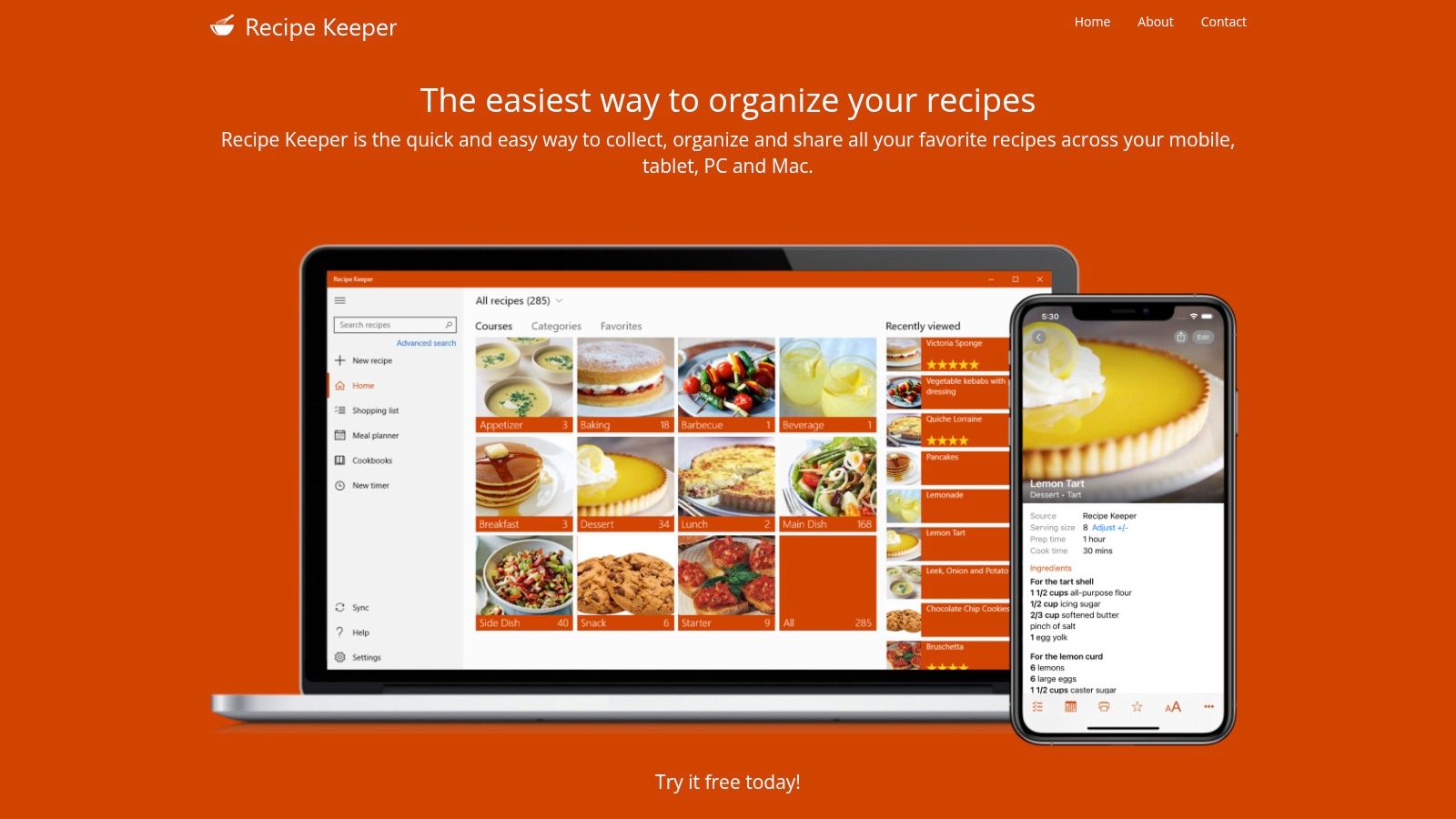
Start with Recipe Keeper if your collection includes handwritten cards, photographed cookbook pages, and website recipes. Its appeal is flexible capture combined with a meal planner and shopping lists, rather than a reader alone.
That's useful for a family collection. A paper recipe can become searchable and available on the kitchen iPad, while the original photograph remains a reference for checking unclear handwriting or missing context.
Review scans carefully. Fractions, temperatures, and ingredient headings deserve attention before you scale a recipe or send ingredients to a shopping list.
Check the exact app listing
The name deserves care because similarly named apps appear in app stores. The Recipes Recipe Keeper App Store listing documents social-link imports, photographed and printed recipe capture, and iCloud synchronization between iPhone and iPad. Don't automatically apply that listing's iCloud claims to a different developer's product.
For the cross-platform product linked above, evaluate its own supported-device and sync details. Available platforms and shared purchase entitlements aren't the same thing.
- Main strength: A practical home for recipes that already exist on paper and online.
- Useful combination: Recipe collections, planning, and shopping in the same workflow.
- Main trade-off: The free version is limited, and some features require an upgrade.
Our Recipe Keeper vs Paprika comparison helps distinguish paper-first capture from website-first organization.
Choose it when preserving and using an existing collection matters most. Don't choose it solely on an assumed iPad feature such as Pencil markup, automatic screen-awake behavior, or native Split View without confirming that feature for the exact app.
How the seven iPad recipe apps compare on import sources, meal planning, and pricing
| Item | Import sources | Meal planning | Pricing note |
|---|---|---|---|
| Recipe One | Social media, websites, photos, cookbook pages, and notes | Weekly planner and grocery list | Free to start |
| Paprika Recipe Manager | Websites | Calendar-based planner and grocery lists | One-time iPad purchase; other platforms sold separately |
| Mela | Web pages with detectable recipe information | Uses Apple Calendar | — |
| Crouton | Websites, photos, and scanned cookbook pages | Meal planner and grocery lists | Some features require paid upgrades |
| Samsung Food | Websites | Weekly planner and shared shopping lists | Free tier; Food+ adds advanced features |
| Pestle | Supported websites and social platforms | Meal planning not noted | Paid plans unlock additional access |
| Recipe Keeper | Websites, printed and handwritten recipes, and photos | Meal planner and shopping lists | Free version is limited; some features require Pro |
Match the App to How You Cook on Your iPad
The best recipe app for iPad depends on what you need to do before dinner. Choose a mixed-source library when you collect videos, websites, and photos. Choose an Apple-first reader such as Mela when iCloud sharing and a focused reading experience matter most, or Paprika when a fixed cooking routine benefits from deeper organization.
Recipe One is free to start and combines imports from links and photos with a weekly meal planner and grocery list. Its AI helps you plan the week, get the grocery list out of it, and find your recipes easily. That's a strong fit when your problem isn't finding more inspiration, but using what you've already saved.
Separate planning tools from tablet features
Mob and ReciMe belong on a planning-first shortlist as meal-planning leaders.
For broader organization choices, compare the best recipe manager apps. If handwriting matters, the best iPad apps for Pencil users offer a separate starting point, but Pencil compatibility alone doesn't establish recipe annotation support.
Countertop priority: Readable ingredients and reliable recovery after an interruption matter more than a polished browsing screen.
Recipe One also has a plugin for ChatGPT and Claude available now. Search "Recipe One" in ChatGPT Plugins or in Claude Customize > Connectors, with setup in the integration documentation. The Chrome extension supports browser-based collecting, and the web app provides browser access.
Test the free-to-start option on your iPad with one recipe video and one cookbook page before committing.
Recipe One brings recipes from websites, social links, and photos into a searchable library with weekly planning and a grocery list. Visit it to try turning your saved cooking inspiration into a plan you can use beside your iPad.