Does a recipe app earn its price by storing your recipes, or by making those recipes useful when you're planning dinner, shopping, and cooking? That's the distinction that matters with Recipe Keeper. A long feature list isn't enough if you haven't checked which devices need a paid upgrade and whether the app handles your usual recipe sources.
This Recipe Keeper review separates what its official listings confirm from the details you should check before paying. It's based on the app's website, App Store listing, and Google Play listing, not hands-on testing.
Is Recipe Keeper Worth It for Your Kitchen
Recipe Keeper is worth considering if you want a structured personal recipe library with serving adjustments, meal planning, and shopping lists, and you accept separate platform purchases. It's free to try.
Its clearest strength is the connection between keeping a recipe and using it. You can enter a dish, organize it, adjust the servings, and include it in your cooking schedule. That's a more useful proposition than another collection of bookmarks.
- Best for personal collections: Cooks who want to type or paste recipes and attach photos.
- Best for adjustable portions: Households that regularly change how many people they're cooking for.
- Best for mixed devices: People who plan on a computer and cook from a phone or tablet.
- Not the clearest choice for video-first saving: Check the exact import workflow before committing.
The important distinction is confirmed capability versus missing detail. An omission from the listing information isn't proof that a feature doesn't exist. It does mean you shouldn't buy the app on the assumption that it works a particular way.
For a cook who already knows which recipes belong in the collection, Recipe Keeper makes sense. For someone whose main difficulty is turning scattered inspiration into an actual recipe, the capture process deserves more attention than categories or favorites.
Buying rule: Pay for the library and planning tools you know you'll use, not an import method or account arrangement you haven't confirmed.
My recommendation is straightforward: shortlist it for a maintained personal collection. If social-video capture or an AI helper is your main requirement, compare those specific functions before choosing.
How to Save, Sort and Scale Recipes in Recipe Keeper
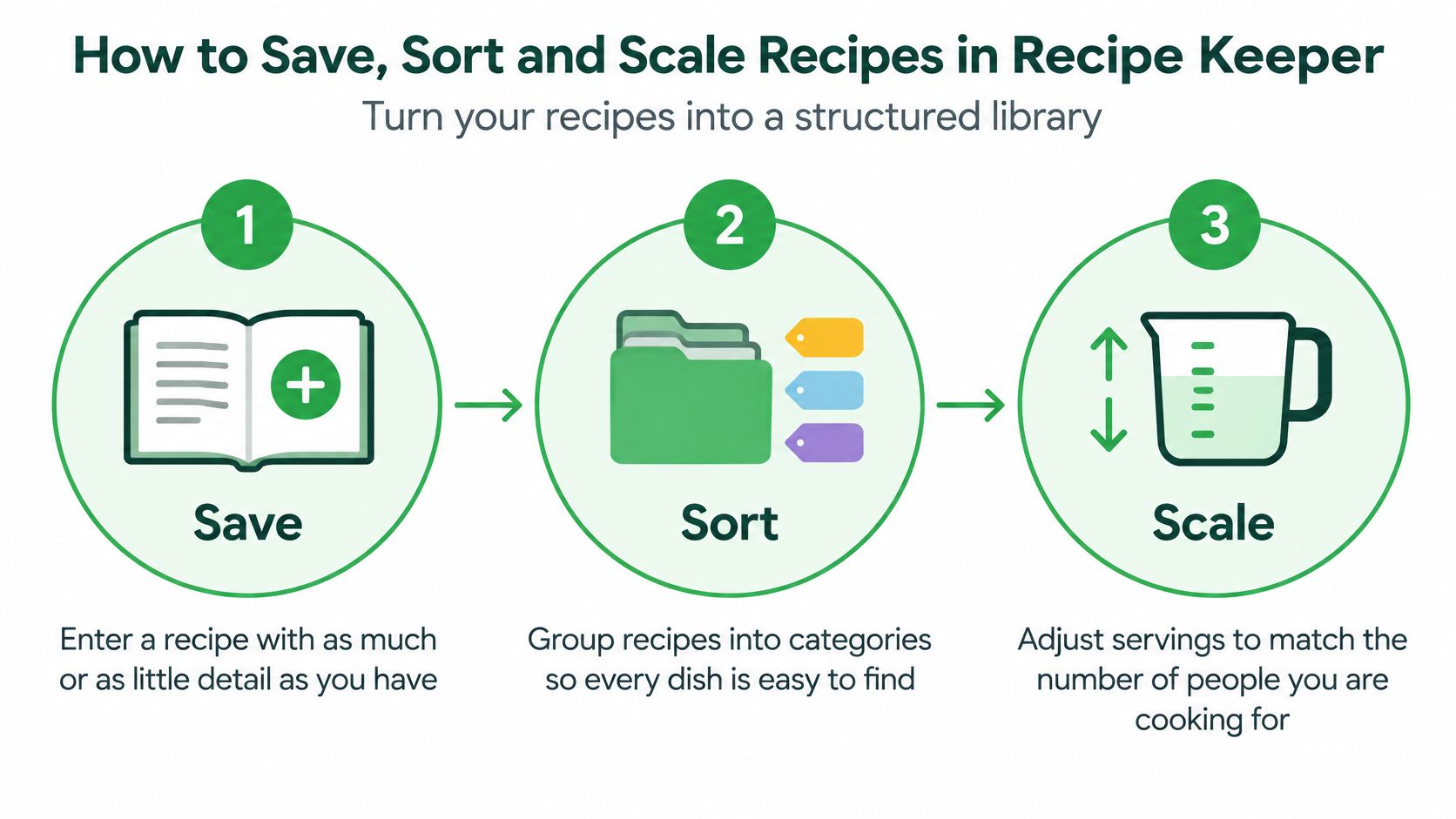
Recipe Keeper's real product is structure. Its documented entry methods are typing a recipe by hand, pasting text from an existing document or app, and attaching photos. Courses, categories, ratings and serving adjustments then turn those entries into a library you can cook from, rather than a drawer of clippings.
Build a Recipe You Can Cook From
- Add the recipe. Enter as much or as little detail as you have, or paste text from another app or document. Attach a photo when the original page or appearance matters.
- Sort it. Assign a course and category, then use ratings and favorites to separate dependable dishes from recipes you're still evaluating.
- Adjust the servings. Change the serving count, and the listing says ingredient quantities recalculate automatically. Check the result against the original before cooking.
- Retrieve it. Use the collection's organization and favorites to return to the dish without searching through unrelated saved material.
Flexible entry is helpful when you don't have a polished recipe. You might have an ingredient list in a note and the method in a separate document. You can start an entry without treating incomplete information as ready for cooking.
Photos serve a different purpose from structured ingredients. An attached image preserves the original page, but storing a photo doesn't confirm its contents become editable quantities. Check the capture behavior you need before treating photo storage and text extraction as interchangeable.
Make Organization Match Your Decisions
Name courses and categories the way you decide what to eat. A small, consistent vocabulary is easier to maintain than labels that change every time you add something.
Favorites should mean something. Reserve them for dishes you want to retrieve quickly, and use ratings to mark the difference between a recipe you enjoyed and one you merely saved.
Serving adjustments need sensible inputs. Keep the original serving count, and make sure the ingredient list contains real quantities. A vague instruction such as "flour as needed" still requires your judgment, regardless of automatic recalculation.
For recipes that mix measurement systems, use the guide to converting recipe measurements to separate a serving adjustment from a unit conversion. Doubling the flour is a different task from converting its volume into weight.
Keep the original measurement visible until you're satisfied that an adjusted quantity still makes sense.
Pasting the text yourself is a workable fallback, though it's slower than a dedicated import.
A usable entry needs more than an attractive image. Give it a recognizable title, a useful category, an accurate serving count, complete ingredients and readable instructions. Those details are the difference between collecting a recipe and cooking it.
Free vs Paid Recipe Keeper Costs
Recipe Keeper is free to try on each supported platform. Paid access comes through a Pro upgrade, and the upgrade is a platform decision, not a single license for everything.
Here is what the public listings confirm and what they skip. They confirm a free version exists for Android, iPhone, iPad, Mac, and Windows. They do not confirm one purchase covering every platform, and each store displays its own price. The reliable number is the one on the App Store or Google Play listing for the device you intend to buy.
Recipe Keeper Cost by Platform as of October 2026
| Platform | Free option | Paid option | Where to check |
|---|---|---|---|
| Android phones and tablets | Free to try | Pro upgrade, sold on this platform | Google Play listing |
| iPhone and iPad | Free to try | Pro upgrade, sold on this platform | App Store listing |
| Mac | Free to try | Separate purchase | Mac listing in the store |
| Windows PC | Free to try | Separate purchase | Windows listing in the store |
The cost that matters is the total for the platforms you need. An upgrade bought through one store should not be assumed to carry over to a version sold elsewhere.
A household might shop from an iPhone, cook from an Android tablet, and organize recipes on a Mac. Before paying, decide which of those devices genuinely need the paid version. Buying everywhere without checking the purchase terms can turn one decision into several transactions.
Check the Upgrade Before You Pay
- Read the Pro description: Confirm which restrictions the upgrade removes on that platform.
- Check the purchase scope: Establish whether an existing purchase covers the device you are adding.
- Confirm the displayed amount: Use the price in your own store, not an old screenshot or another market's listing.
- Pay for the devices you use: Prioritize the versions you rely on to plan, shop, or cook.
The free version shows you whether keeping recipes in this format suits you. It proves nothing about whether paid synchronization across devices will work for your household, so check those requirements before relying on them.
Recipe Keeper works as a set of platform-specific purchases, not one universally priced subscription. Open each relevant listing, read the upgrade terms for that platform, and add up the purchases before committing your collection.
How to Sync Recipe Keeper Across Your Devices
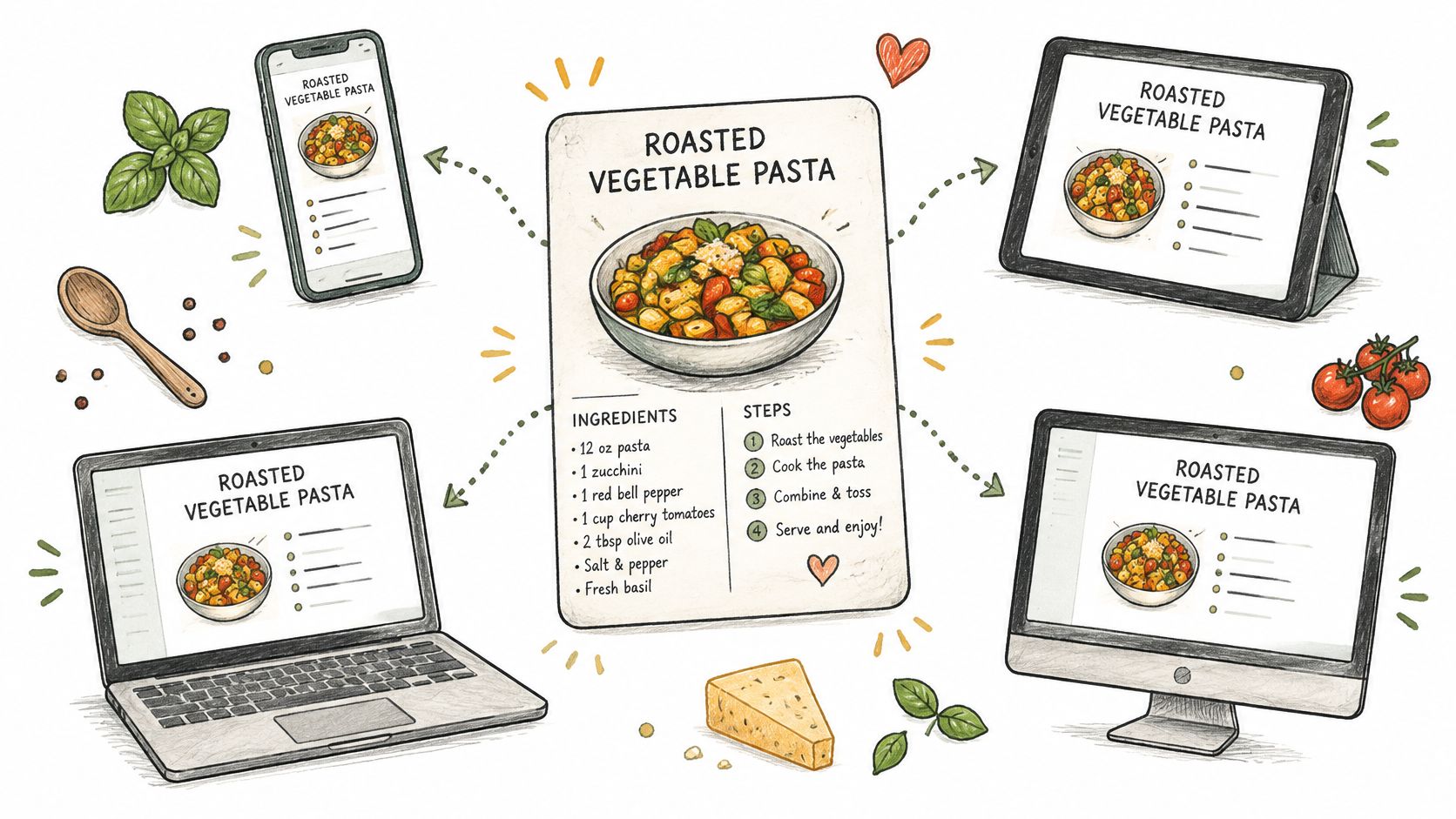
Recipe Keeper's official feature page says it synchronizes recipes across iPhone, iPad, Android phones and tablets, PCs, and Macs. That coverage is a strong reason to consider it when your planning device and kitchen device use different operating systems.
Check the Connection Before Moving Your Library
- Confirm platform support. Make sure every device you intend to use is among the listed platforms.
- Confirm paid access.
- Add a recipe and verify it. Create an entry on your first device, then check its contents on the other device.
- Check planning information. Confirm that your shopping list and meal plan also match.
That makes a small synchronization check worthwhile before you depend on the app during a grocery trip.
Don't assume a free installation and a paid installation will share everything. Also, don't confuse supported device coverage with a promise about independent family accounts.
If Apple-only use is your main consideration, the Mela recipe app guide offers another decision point. For Recipe Keeper, establish your actual device-to-device arrangement before moving the full collection.
Recipe Keeper Meal Planner and Shopping List
Recipe Keeper has weekly and monthly meal planners, and its Google Play listing says you can add all planned meals to a shopping list in one step, with items automatically grouped by store aisle.
The planner is your menu; the shopping list is the order you write before walking the aisles. Both are useful, but they solve different problems: deciding what you'll cook and identifying what you need to buy.
Turn Saved Recipes Into a Shopping Plan
- Choose your planning period. Use the weekly or monthly planner according to how far ahead you realistically decide meals.
- Schedule saved recipes. Place dishes on the days you intend to cook them, leaving room for leftovers or changed plans.
- Generate the shopping list. Add the planned meals together rather than rebuilding their ingredient lists manually.
- Review and shop by aisle. Check the list against your kitchen supplies before using its store-aisle grouping.
The review step matters. A generated list reflects planned meals, not necessarily everything already in your cupboard or everything your household will eat.
Before shopping, compare the list with recipes that share an ingredient. Aisle grouping and ingredient consolidation aren't the same feature.
Check Quantities, Not Just Organization
A neatly grouped list can still need corrections. Look for ingredients already on hand, optional garnishes you don't intend to use, and packaged items where the amount needed differs from the amount sold.
Also consider how your household handles leftovers. Scheduling a new dinner every evening can create more cooking than you need. Leave space deliberately rather than assuming the planner will make that judgment for you.
Before shopping: Check shared ingredients, planned portions, and existing supplies. A tidy list isn't a guarantee that the quantities suit your household.
The meal-planning app with grocery-list guide is useful if shopping-list behavior is your main buying criterion.
My assessment: this planner suits cooks who choose meals in advance and shop against a schedule. It's less compelling if you decide dinner each evening and rarely follow a planned menu. The feature earns its place only when you'll maintain the plan.
Recipe Keeper Pros and Cons Side by Side
| Pros | Cons |
|---|---|
| Recipe fields for any amount of detail, plus photos | — |
| Quantities recalculate when servings change | Platform-specific pricing and separate purchases require a total-cost check |
| Weekly and monthly meal planners | — |
| Shopping list grouped by store aisle | Supported accessibility features haven't been indicated by the developer |
| Sync across listed iPhone, Android, PC, and Mac devices | Apple hasn't verified the stated privacy practices |
These gaps aren't proven product faults. They're matters to verify before paying or moving a family collection.
The Recipe Keeper App Store listing says the developer hasn't indicated supported accessibility features, and Apple notes that the stated privacy practices haven't been verified. Neither statement proves the app is inaccessible or mishandles information.
Check Ownership and Kitchen Usability
- Export: Can you retrieve your entire library in a durable, usable format?
- Deletion: What happens to your account and stored information when you leave?
- Accessibility: Do larger text, screen readers, and your preferred controls work for you?
- Connectivity: Can you use the information you need when your connection fails?
Saved recipes can reveal dietary restrictions, religious practices, and household habits. Read the current privacy policy rather than treating an app-store disclosure as a complete explanation of data handling.
The Copy Me That app guide offers another perspective on maintaining a collection. Whichever app you choose, portability and readability deserve as much attention as importing.
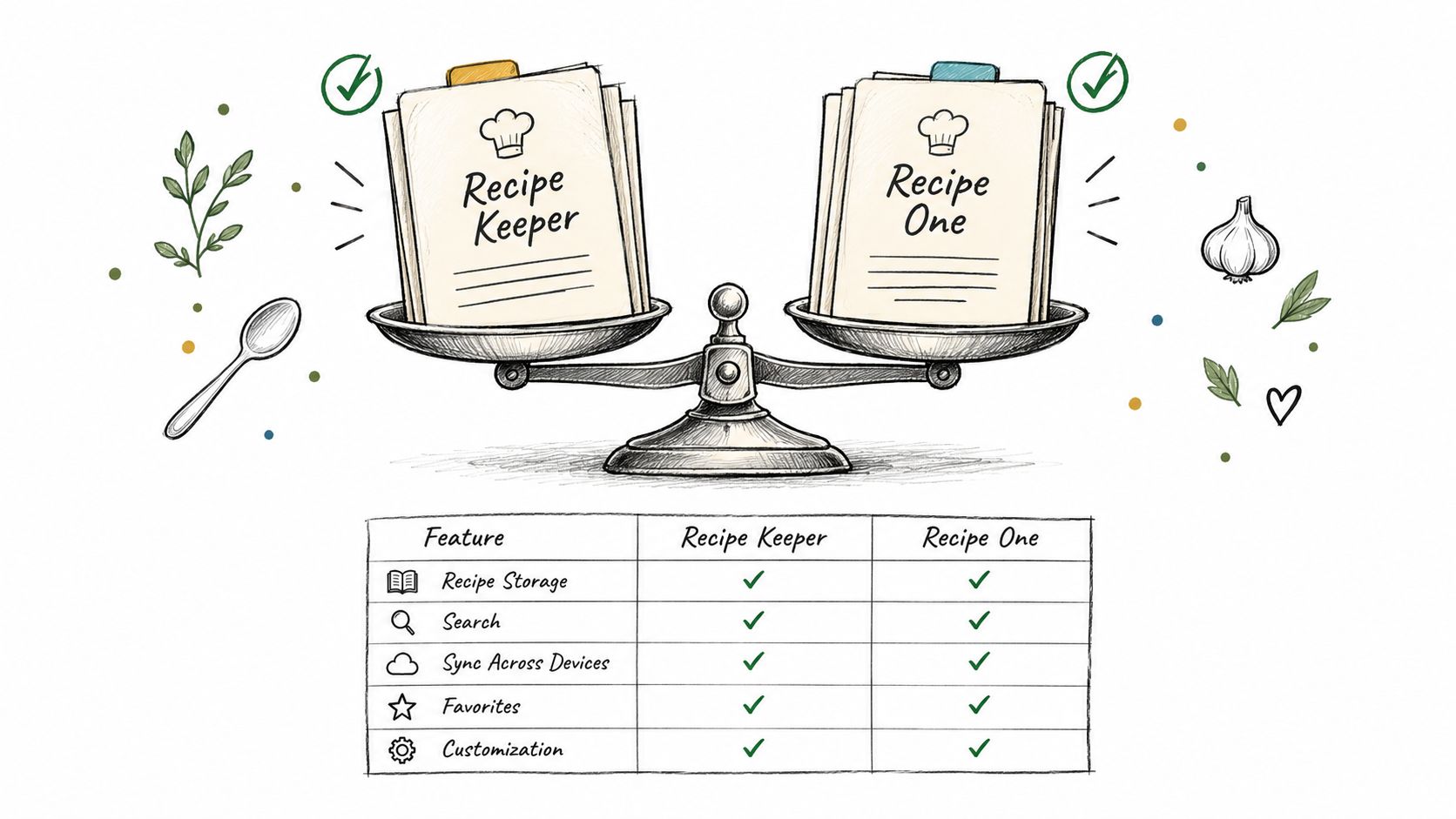
Recipe Keeper and Recipe One Compared Side by Side
| Feature | Recipe Keeper | Recipe One |
|---|---|---|
| Platforms | iPhone, iPad, Android phones and tablets, PCs, and Macs | iPhone and Android |
| Price model | Free to try, with Pro upgrades bought per platform | Free to download, with in-app purchases |
| Meal planner | Weekly and monthly planners | Plans the week from saved recipes |
| Grocery list | Planned meals added in one step, grouped by store aisle | One list combining ingredients from planned recipes |
Platform coverage is the clearest distinction in this table. Recipe Keeper names desktop computers alongside mobile devices, while our app is available on iPhone and Android. If a native PC or Mac version is essential, give that requirement priority.
The price-model row describes how access is offered, not which app will cost you less. A free download isn't a promise of unlimited free use, and separate platform purchases need to be assessed against the devices you'll regularly use.
How Recipes Enter the Collection
Recipe Keeper's documented typing, pasting, and photo-attachment options suit someone prepared to maintain recipe entries. Its course and category organization, ratings, and favorites provide ways to distinguish and retrieve those entries.
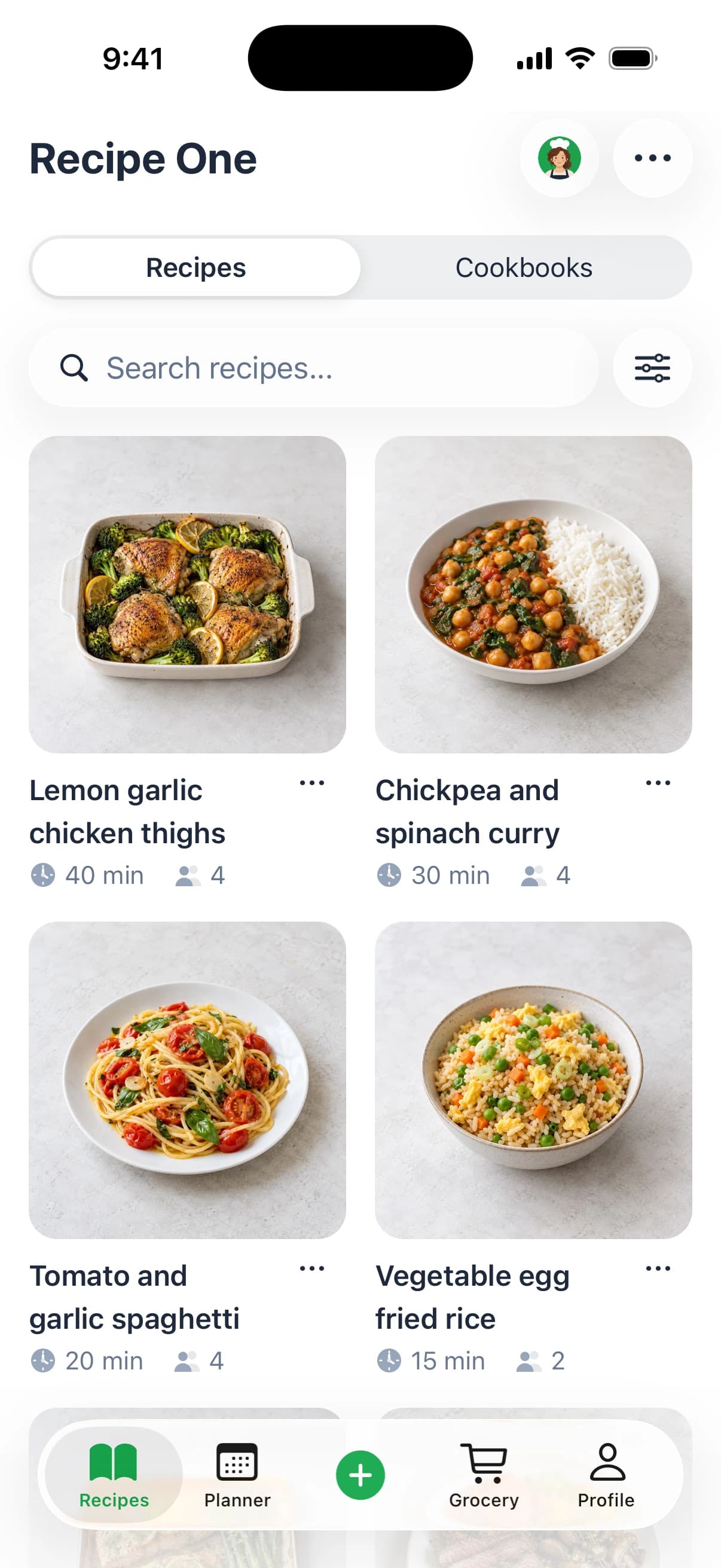
At Recipe One, we support saving recipes from any source: social video, including spoken and on-screen ingredients; any recipe website or blog; cookbooks; handwritten cards; and screenshots. Our organization uses tags and multiple cookbooks, so recipes from different sources can become part of the same working collection.
That matters if your inspiration arrives in several formats. Your decision shouldn't depend solely on whether an app can hold the final recipe. Consider how much work you're willing to do to get each source into a usable entry.
Confirm its current public description before making those capabilities decisive.
Planning and Cooking Help
Recipe Keeper offers both weekly and monthly planning. Our planner builds a week of dinners from recipes you've already saved, then creates a grocery list that combines ingredients from the planned recipes.
That last distinction deserves careful wording. Recipe Keeper documents adding planned meals and grouping shopping items by aisle. Our combined-ingredient list is a documented feature.
We also include Maya, our AI chef. Maya can suggest what to make, plan the week, or turn fridge ingredients into a recipe.
Give Recipe Keeper fair credit for serving adjustments and broad device coverage. Give our app credit for its documented range of recipe sources and AI cooking help. Both products can change, so confirm current store descriptions before paying.
Choose the App That Fits How You Collect Recipes
Choose Recipe Keeper if:
- You maintain your own collection: Structured entries and serving adjustments match how you cook.
- You use desktop and mobile devices: Its listed platform coverage fits your household.
- You plan ahead: Scheduled meals and an aisle-grouped shopping list are useful to you.
- You accept platform purchases: You've checked the total for the versions you need.
Choose our app if:
- Your sources are mixed: You save videos, websites, cookbook pages, handwritten cards, and screenshots.
- You want combined shopping quantities: One grocery list combines ingredients from planned recipes.
- You want cooking suggestions: Maya can help choose dinner, plan the week, or use fridge ingredients.
We also offer free tools including Cook with Ingredients, Leftover Recipe Generator, measurement converters, Just the Recipe, Rice to Water Ratio, Recipe Nutrition Calculator, Grocery List Generator, and Recipe Converter.
For a broader comparison, explore the best recipe manager apps, free recipe organizer apps, and best recipe saver apps. Choose according to the recipes you regularly collect, not the longest feature list.
Recipe One saves recipes from videos, websites, cookbooks, and photos, then helps you plan meals and build a grocery list that combines ingredients. Visit Recipe One to download it free on the App Store or Google Play, with in-app purchases available. Before paying for either app, try saving the five recipes you cook most and check which collection you'd rather use for dinner.