Would another recipe feed help if what you really need is your saved dinners back? Yummly has shut down, and its app and saved collections are no longer available through the former service. Sugo's account of the closure reports that the website now points users toward KitchenAid.
The best Yummly alternative depends on what you're replacing: a personal recipe library, a weekly meal plan, or a grocery list your household can use. Don't assume a replacement can recover your old account. Importing an original recipe link is different from restoring a Yummly collection.
The ranking below prioritizes those practical jobs over the size of a discovery feed. Each option has a different strength, a limitation to consider, and a concrete way to start rebuilding. Feature descriptions reflect the options presented for November 2026. Check each official site or App Store listing for current pricing and platform-specific access before moving your full collection.
1. Recipe One
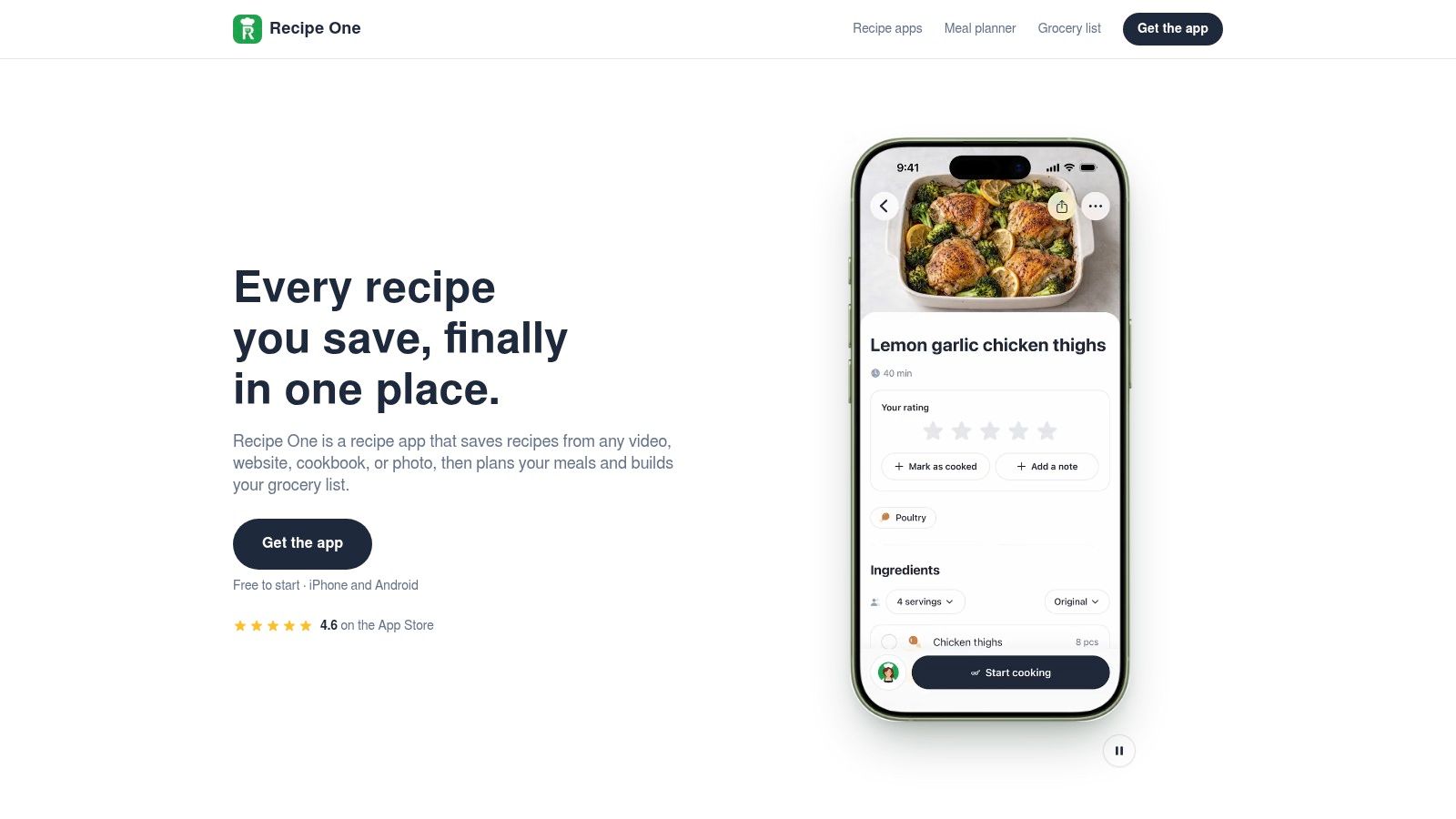
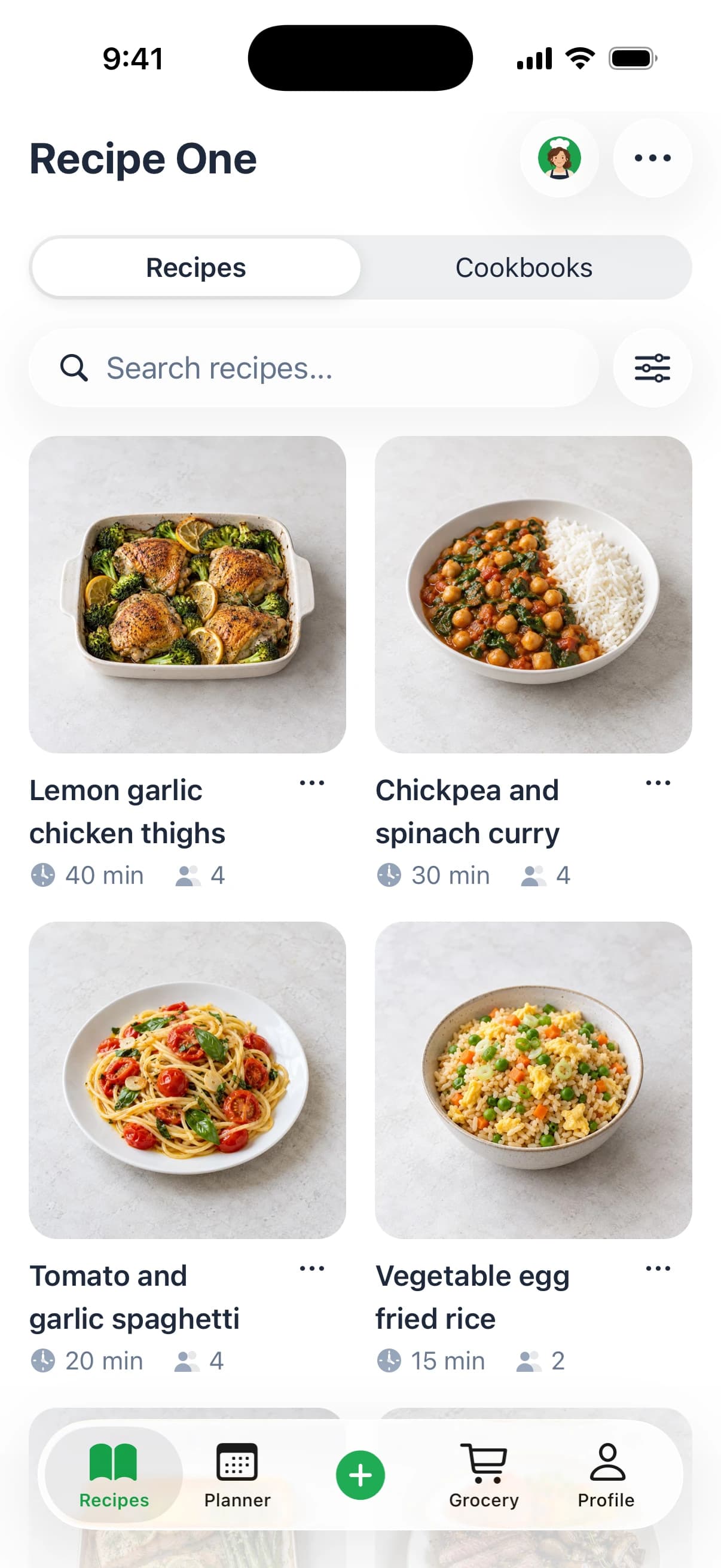
Best for collecting scattered recipes and turning them into a weekly cooking plan. This app connects recipe saving, organization, meal planning, and a combined grocery list. That makes it a practical starting point if your recipes now live across browser bookmarks, screenshots, social posts, and family cookbooks.
Share a link or snap a photo, and the app extracts ingredients and steps without the surrounding ads and extra content. Supported sources include recipe websites and blogs, social videos with spoken or on-screen ingredients, cookbook pages, handwritten cards, and screenshots. It isn't limited to TikTok or Instagram.
Organize the results with tags and multiple cookbooks, then search by recipe name, ingredient, or tag. You can share a recipe or cookbook with family, adjust servings, and view nutrition information per serving.
From saved inspiration to dinner
The weekly planner uses recipes you've already saved. Its grocery list combines ingredients from the meals you choose, so saving a recipe becomes the beginning of a cooking workflow rather than another bookmark.
Maya, the AI chef, can suggest meals, help plan the week, or turn ingredients you name into a recipe. That's ingredient-based help, not pantry inventory tracking. You still need to check what's in your kitchen before shopping.
- What works well: Broad capture options, searchable organization, and a direct connection between saved recipes, weekly meals, and groceries.
- What it lacks: It can't restore an inaccessible Yummly account. Importing surviving links or photos is a rebuilding process, not account migration.
- How to move: Start with a familiar dinner from an original publisher link. Check the extracted quantities and steps, assign a cookbook and tags, then add it to your week.
The app is free to start on iPhone and Android. Start with recipes you already know so you can judge whether the saving and planning workflow fits your routine.
2. Samsung Food
Best for replacing the broad discovery-to-shopping workflow. Samsung Food combines web recipe saving, recipe discovery, meal planning, and shopping lists. It's a sensible option if you used Yummly both to find new meals and to organize dinner.
Its core workflow lets you save recipes from websites, arrange meals by day, and create shopping lists from recipes or plans. Shared shopping lists and meal plans also make it relevant to households where different people cook and shop.
The distinction to check is core access versus Food+. The premium service adds tools such as customized meal plans and nutrition tracking. Don't assume every personalized planning feature belongs to the free tier; check the official site or App Store for current pricing.
Test the complete journey, not just the save button. Open a saved recipe, find its instructions, schedule it, and inspect the shopping list before importing the rest.
Where it falls short: Some recipes send you to the original creator's website for full instructions. If your priority is a self-contained personal cookbook, check how your usual publishers appear after saving.
Migration step: Find the original publisher page for a former Yummly favorite, save it, and schedule it for dinner. Confirm that the ingredients reach your shopping list and that you can easily reopen the instructions.
If much of your current inspiration comes from social video, compare that workflow separately. This guide to choosing a TikTok recipe app explains why capturing a video recipe and bookmarking a webpage aren't always equivalent.
3. Paprika Recipe Manager
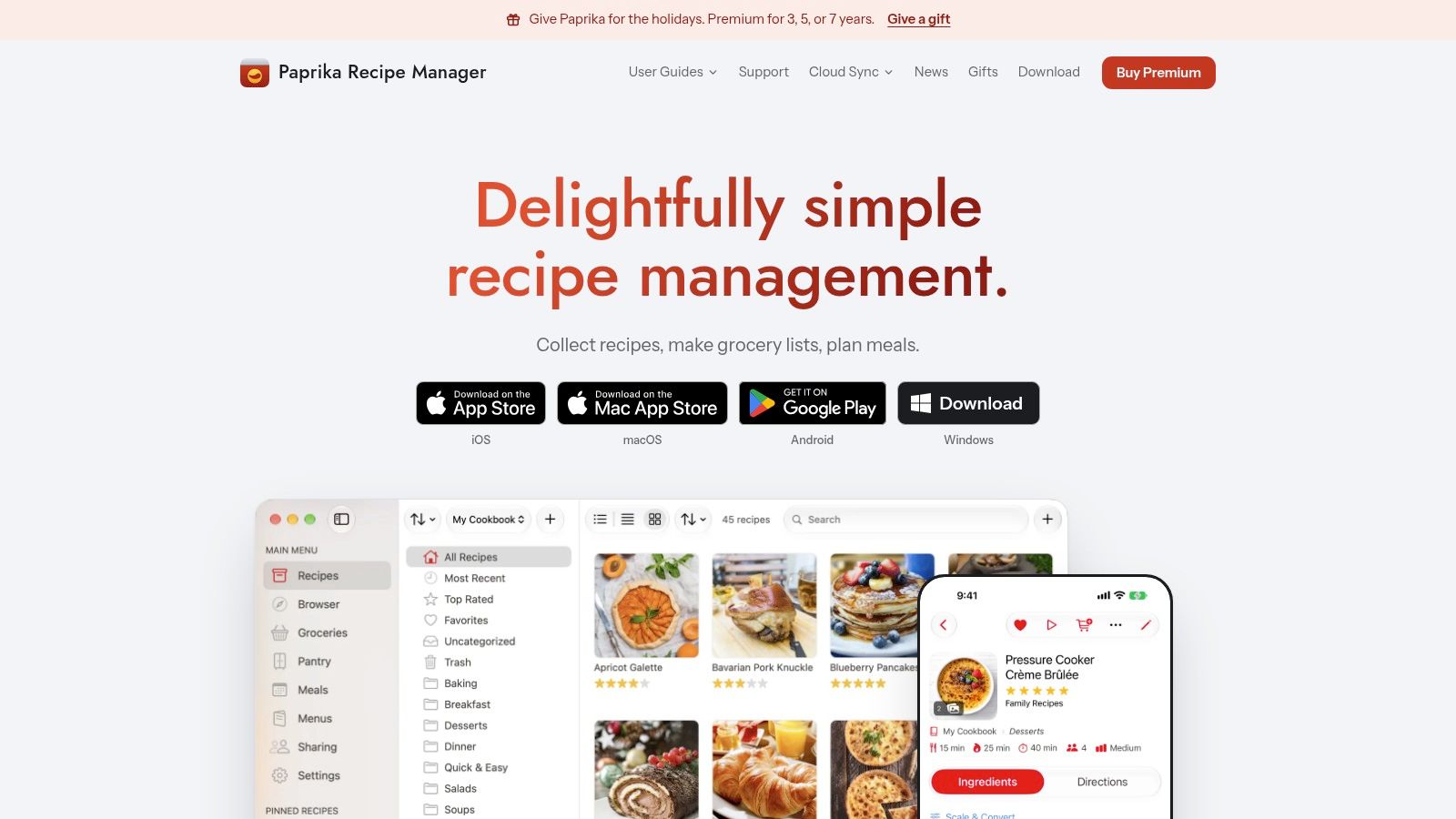
Choose Paprika for a personal cookbook, rather than a replacement recommendation feed. Paprika Recipe Manager focuses on importing, organizing, and using recipes you've selected yourself.
Its practical tools include website imports, recipe search, serving adjustments, meal planning, and grocery lists. Desktop and mobile availability can suit cooks who collect recipes at a computer but follow them on a phone or tablet.
That emphasis is also its main trade-off. If Yummly's appeal was finding something unexpected without knowing what to search for, a library-first manager won't feel like the same product. You supply the recipes and decide which ones deserve a place in your collection.
Rebuild a useful cookbook first
Don't begin by recreating every old category. Import the recipes you cook repeatedly, then use clear categories that match your decisions, such as quick dinners, baking, and make-ahead lunches.
- What works well: Structured personal recipe management, serving adjustments, and planning tools around an established collection.
- What to check: Free-tier limits, current premium features, and access across the devices you use. Check the official site or App Store for current pricing.
- Migration step: Import an original recipe webpage, compare its ingredient quantities with the publisher's version, and add any cooking notes you still have.
The ReciMe versus Paprika comparison is relevant if you're deciding between a social-saving workflow and a traditional recipe manager. Focus on your actual source material, not just which interface looks more modern.
4. AnyList
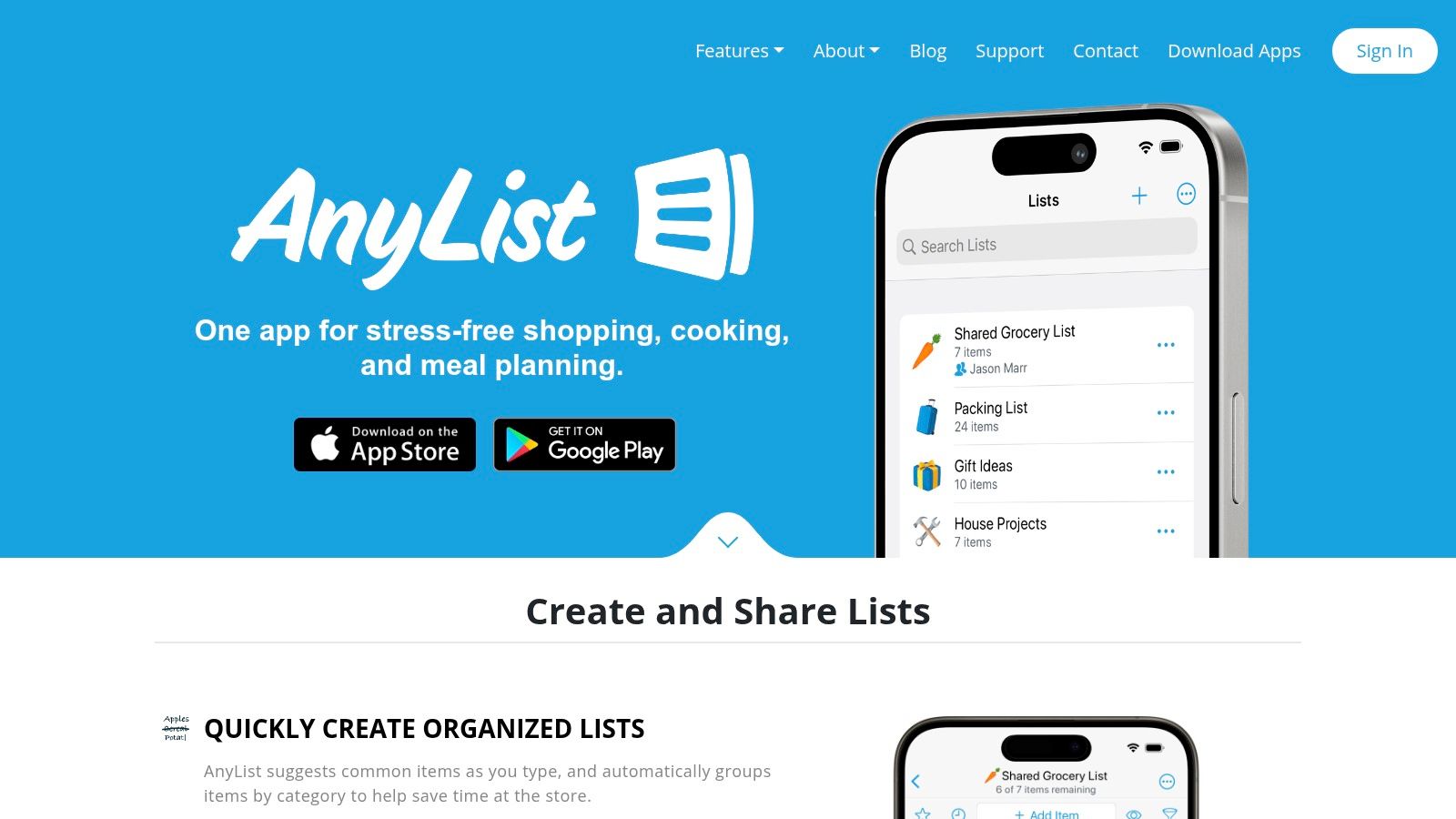
A recipe app isn't always the right starting point. If your main problem is coordinating groceries with another person, AnyList deserves consideration before a discovery-heavy service.
AnyList combines shared shopping lists with recipe organization and a meal-planning calendar. You can use recipes and planned meals to build a shopping list, which keeps dinner decisions connected to what someone needs to buy.
Its advantage is the household workflow. A good recipe collection won't help much if your partner can't find the list or if both of you buy the same missing ingredient.
Practical rule: Test sharing with the person who actually shops. A list is only useful if both people know which version to use.
The trade-off is that AnyList is more shopping-focused than discovery-focused. It's a better fit for households that already know many of their regular meals than for cooks looking for a replacement personalized recipe feed.
Core list features are free, while recipe importing and other capabilities have free-tier limits. AnyList Complete adds access and features beyond the basic offering; check the official site or App Store for current pricing.
Migration step: Import a regular family dinner, add its ingredients to a shared list, and have another household member open it. Check quantities, duplicate ingredients, and whether both people can follow the same shopping workflow.
For an iPhone-centered household, the best grocery-list apps for iPhone guide offers a useful way to compare list management separately from recipe discovery.
5. Recipe Keeper
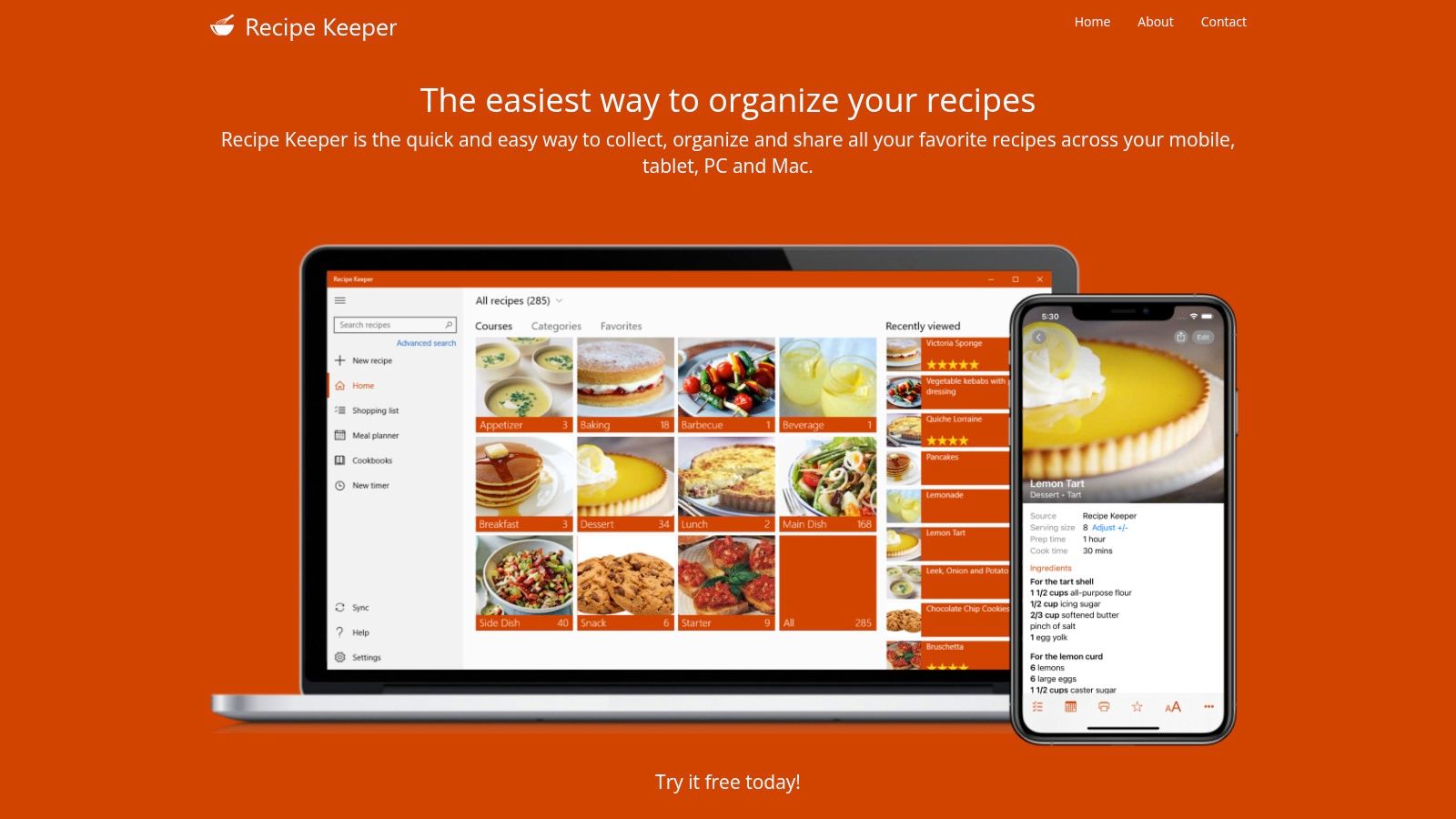
Best for combining online recipes with family recipes on paper. Recipe Keeper supports website imports and scanning from cookbook pages, photos, and handwritten recipes. That matters when rebuilding a collection requires more than finding old web links.
Its broader toolkit includes meal planning, shopping lists, serving adjustments, ingredient search, and printable cookbooks. Availability across iOS, Android, Windows, and Mac makes it worth considering if your household uses different devices.
The scanning workflow needs a realistic expectation: recognizing text isn't the same as verifying a recipe. Handwriting, page layout, and image quality can affect what you need to correct. Check fractions, ingredient units, oven temperatures, and the order of the instructions before cooking.
A practical choice for mixed collections
Recipe Keeper fits cooks who want grandmother's handwritten cake recipe beside a bookmarked weeknight curry. It's less focused on personalized discovery than on maintaining a cookbook you choose.
- What works well: Bringing paper and online recipes together, with planning and shopping tools attached.
- What it lacks: A library-first approach won't replace the experience of a preference-driven discovery feed.
- What to check: Pricing and access for each platform you plan to use. Check the official site or App Store for current pricing.
Migration step: Scan a clearly photographed recipe card and import a surviving publisher link. Compare the editing effort for both before processing your larger collection.
The Recipe Keeper review is useful if scanning, device support, and organizing family recipes matter more to you than recommendations.
6. BigOven
BigOven fits cooks who want discovery alongside their own saved recipes. BigOven combines a recipe catalog with personal saving, meal planning, grocery lists, and an ingredient-based leftovers tool.
That makes it relevant if you miss browsing for dinner ideas but don't want your own recipes separated from the planning process. Its web and mobile access also gives you a way to browse at a computer and return to the recipe in the kitchen.
The leftovers tool addresses a different question from ordinary recipe search: what could you make with ingredients you name? Treat the suggestions as options to evaluate, not evidence that the app knows everything you own.
Where it falls short: Some organization and other features belong to Pro. If most of your collection comes from external social posts, verify the supported capture workflow rather than assuming catalog access solves your saving problem.
A recipe containing an ingredient isn't necessarily a good use of it. Check how much it consumes and what else you'd need to buy.
Migration step: Add a familiar recipe from its original source, then compare it with a discovery result you'd genuinely cook. Put both into a meal plan and inspect the resulting grocery list for repeated ingredients and unnecessary purchases.
Check the official site or App Store for current pricing and saved-recipe limits. For a broader comparison of library-focused options, use the best recipe-manager apps guide, especially if protecting and organizing your collection matters more than browsing a catalog.
7. SideChef
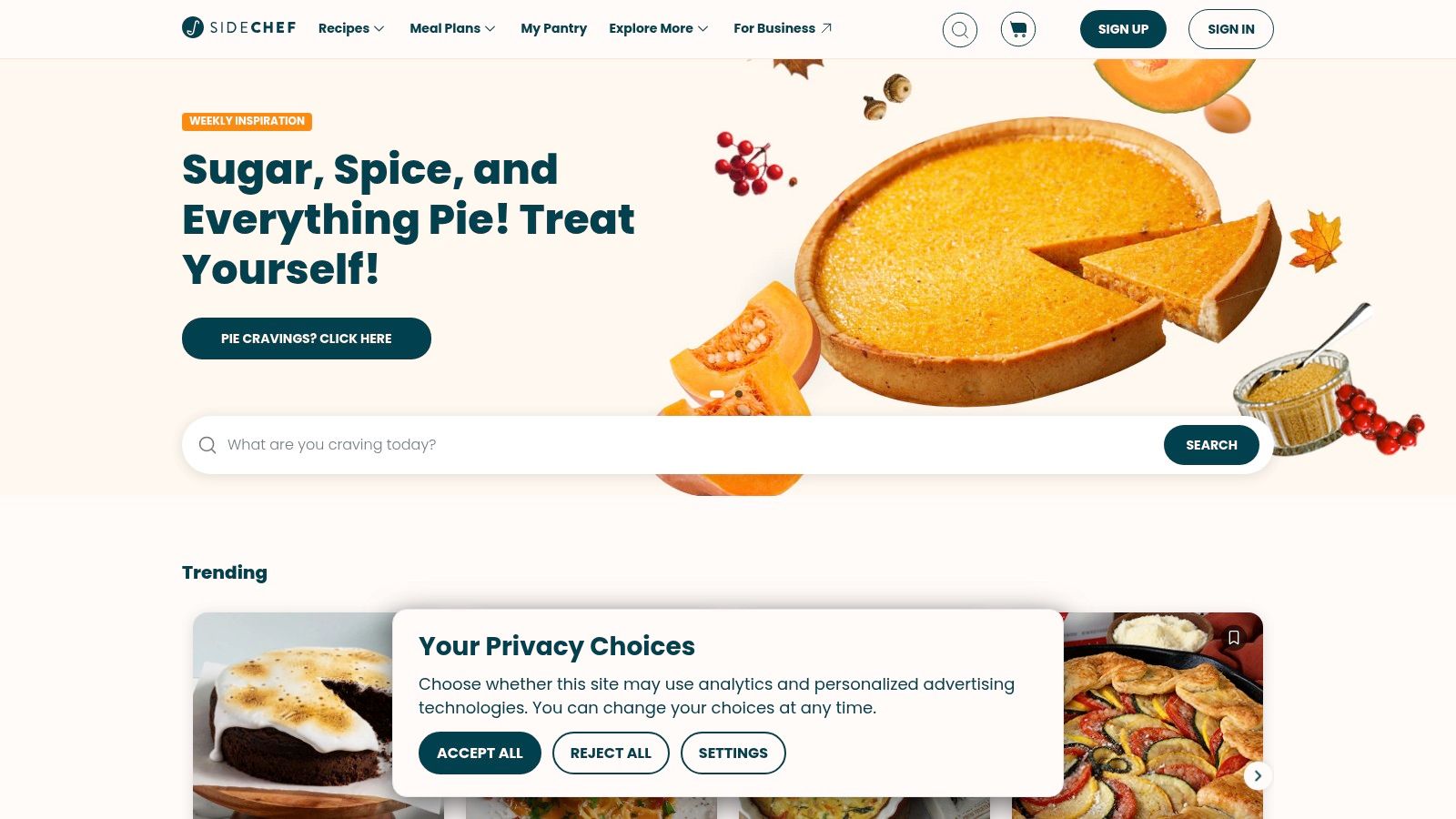
Choose SideChef when the difficult part is cooking the meal, not collecting the recipe. SideChef emphasizes guided instructions, including step-by-step photos, videos, and voice commands. That makes it relevant to beginners and cooks who prefer more direction at the stove.
It also offers meal planning, recipe-based grocery lists, and grocery ordering through participating partners where available. Filters for dietary preferences, ingredients, cuisine, and cooking time help narrow the choices.
The practical distinction is between a guided cooking service and a personal recipe archive. SideChef's guided approach can be useful, but it isn't the strongest fit here for rebuilding a large collection from unrelated websites, screenshots, and handwritten cards.
Check the household workflow
Shopping features need a location check. Grocery partners and ordering availability vary, so don't choose the app around delivery until you've confirmed what works where you live.
- What works well: Guidance during cooking, plus a connection between recipes, meal plans, and groceries.
- What it lacks: Meal plans and shopping lists can't currently be shared with others. That's a meaningful limitation if your household divides the cooking and shopping.
- Migration step: Find a guided version of a meal you already enjoy and cook from it before rebuilding a whole week around the service.
Core app features and premium cooking classes have different access arrangements. Check the official site or App Store for current pricing.
SideChef is a reasonable choice if you want help executing dinner. If preserving your exact recipes and personal edits is the priority, start with a dedicated recipe manager instead.
Yummly alternatives at a glance
| Item | Free plan | Listed paid pricing | Best for |
|---|---|---|---|
| Recipe One | Free to start | — | Saving recipes from many sources and planning meals |
| Samsung Food | Recipe saving, meal planning, and shopping lists | Food+: $59.99/year; 7-day trial | Free recipe discovery, meal planning, and shopping |
| Paprika Recipe Manager | Up to 50 recipes | Premium: $14.99/year; 7-day trial | Building a searchable personal cookbook |
| AnyList | Core list features; web imports limited to five recipes | Complete: $9.99/year individual or $14.99/year household | Coordinating household shopping and meals |
| Recipe Keeper | Free to try | Platform-dependent; check current pricing | Combining online, scanned, and family recipes |
| BigOven | Up to 200 saved recipes, discovery, and grocery lists | Pro: $2.99/month or $24.99/year; 30-day trial | Recipe discovery with meal planning and storage |
| SideChef | Core features, selected recipes, meal planning, and grocery ordering | $4.99/month or $49.99/year | Guided cooking for beginners and busy households |
Choosing Your Yummly Replacement and Moving Your Recipes
Choose by the job you need done most often. For a saved-recipe library, prioritize capture quality, editing, search, and backup options. For weekly planning, check how easily saved recipes become dinners. For groceries, test the combined list and household sharing before committing.
Meal-planning comparisons should also account for Mob and ReciMe, rather than considering only traditional recipe managers. Don't assume either can restore a Yummly account or capture every format you own. ReciMe isn't an unrestricted free option: its free plan is limited to five recipes a week, and current paid access should be checked in its official listing.
The featured app combines broad-source saving with tags, multiple cookbooks, weekly planning, and a combined grocery list. It also has the Recipe One plugin for ChatGPT and Claude, available now. Search its name in ChatGPT Plugins or Claude Customize > Connectors, and follow the integration setup documentation.
The Chrome extension and web app are also available now.
Rebuild a working week before a complete archive
- Recover favorites first: Copy recipes from surviving files, screenshots, bookmarks, or original publisher pages. Export from any accessible collection where supported, not from an unavailable Yummly account.
- Check each import: Verify ingredients, measurements, servings, and instructions. Keep the original source address in your recovery record.
- Plan familiar meals: Rebuild a manageable week, then generate the grocery list and remove ingredients you already have.
- Protect the result: Keep readable copies of recipes you can't afford to lose, and check each app's export options.
AnyList and Paprika have free-tier limits; check current official pricing before moving a large collection. If you also lost another recipe service, the guide to what happened to the Allrecipes app provides related reading.
If you're rebuilding around plant-based meals, you can also find vegan cookbooks for digestion. Select recipes that fit your household, then check how well your chosen app captures their ingredients and steps.
Recipe One saves recipes from websites, social videos, cookbook pages, and photos, then connects them to a weekly plan and combined grocery list. Visit Recipe One to find the App Store or Google Play download and start rebuilding your most-used dinners.