Pestle is a recipe-management app, not a kitchen mortar and pestle. The free tier allows up to 15 recipes, and the app's main appeal is saving recipes and guiding you through cooking, with import reliability worth checking before you rely on a saved recipe.
A recipe app can make collecting dishes easier without making every saved recipe ready to cook. Pestle's official materials describe a path from importing recipes to organizing and cooking them, but a bookmark or an incomplete import isn't the same as a complete, dependable recipe. This guide sticks to public information from Pestle's official site, help center and App Store listing, with no hands-on testing.
Pestle Is a Recipe App, Not a Mortar and Pestle
If you're shopping for cookware, Pestle isn't the kitchen tool. It's a mobile recipe manager for people who want to save recipes and use them while cooking.
The quick verdict: Pestle saves recipes from websites and highlights Instagram Reels, organizes imported recipes in a Cookbook and offers guided cooking. Its main caveats are that some recipes may not import fully and the free tier has a 15-recipe limit. It's best suited to home cooks who already collect recipes through links and want a place to keep and cook from them.
Recipe One is a separate recipe app. It saves recipes from videos, websites, cookbooks and photos, then helps users plan meals and build grocery lists. For a broader view of the category, browse our best recipe manager apps.
The sections below look at Pestle's features, plans, strengths and limitations, then compare its documented capabilities with Recipe One. They also put Pestle in the context of meal-planning apps and answer common questions.
What Pestle Does, Feature by Feature
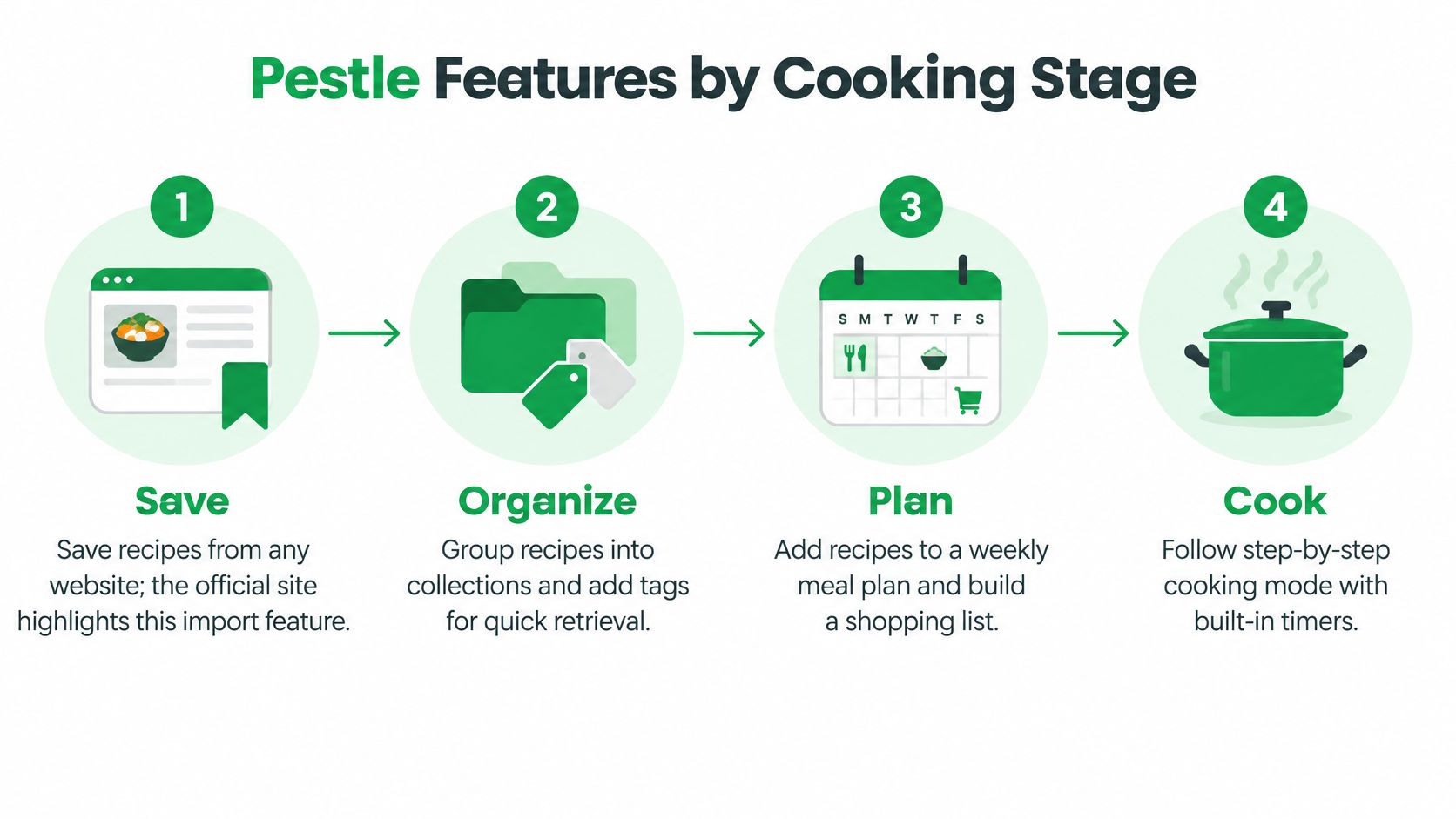
Pestle's workflow makes most sense as four stages: save, organize, plan and cook.
Save and organize
Pestle's official site says users can save recipes from any website and specifically highlights importing recipes from Instagram Reels. Its help center describes a fallback for recipes that don't import: use the Recipe Scanner or another route. Recipe One also offers a recipe scanner app for turning recipe images into saved recipes.
A successful import and a bookmark aren't interchangeable. Pestle's help center says a fully imported recipe appears in the Cookbook, while a bookmark remains outside it and can't use features such as Live Activities or recipe scaling. That distinction matters if you expect to retrieve a complete ingredient list or cook directly from a saved item.
Plan and cook
Meal planning and shopping lists are listed among Pestle's features. The official materials also describe guided cooking, recipe scaling and conversion between Metric and Imperial units. Check the App Store listing for the current details on planning and shopping features.
Pestle's privacy information says recipes, photos, meal plans and preferences may be stored in the cloud for functions such as synchronization and sharing with selected household members. Cloud storage can support access and sharing, but it also means recipe information may leave the device.
Practical rule: Before planning a meal around an import, confirm that it's a complete recipe rather than a saved link.
Free and Paid Plans at a Glance
Pestle is a free download. Its free tier includes website saving, shopping lists, guided cooking, recipe scaling and Metric/Imperial conversion, with a limit of 15 recipes, according to the official Pestle site.
Paid access adds capabilities, but this guide doesn't specify paid features or prices. Subscription details, prices and trial terms can change, so check Pestle's App Store listing for current information before subscribing.
A simple decision test is to count the recipes you want to keep. If your collection already exceeds the free limit, that cap will matter immediately. If you're deciding whether the app suits your cooking routine, the free tier gives you room to try its basic workflow.
Recipe One is free to start. For current pricing on either app, check the official site or App Store before you buy. In both cases, make your decision based on the plan details shown at the time you subscribe, not an old price quoted elsewhere.
Pestle Strengths and Limits at a Glance
Pestle's strengths are clear, and its limits are specific. Most of the important trade-offs involve how recipes import, what happens to bookmarks and how information syncs.
The Pestle help center and privacy information explain the difference between imported recipes and bookmarks, note that some websites may not work, and describe cloud storage and sharing. The table pairs each benefit with the practical limitation a cook should keep in mind.
| Area | Strength | Limitation |
|---|---|---|
| Recipe import | Saves from websites and highlights Instagram Reels | Some sites may not import; a failed recipe may need the Recipe Scanner or another route |
| Bookmarks | Keeps a link for later | Doesn't appear in the Cookbook and can't use Live Activities or recipe scaling |
| Free tier | Includes website saving, shopping lists, guided cooking, scaling and unit conversion | Limited to 15 recipes |
| Cooking | Offers guided cooking and Metric/Imperial conversion | Scaling requires a fully imported recipe, not a bookmark |
| Sync and sharing | Supports sharing with selected household members | Recipes, photos, meal plans and preferences may be stored in the cloud |
| Reliability | The workflow covers importing through cooking | App Store release notes mention failed Facebook imports and Reels that couldn't be processed |
| Platforms | Pestle lists an App Store listing and a Chrome extension | Other platforms aren't listed; check the store before committing |
Before choosing Pestle, consider checking it against your own sources:
- A social video: Check whether the ingredients and steps are present in the saved recipe.
- A recipe with incomplete measurements: Confirm the imported quantities before shopping or cooking.
- A saved bookmark: Make sure you know whether the item is a link or a complete recipe.
App Store release notes also mention recipes missing after synchronization and the need to force server re-syncs. If you're comparing other recipe managers, our Honeydew recipe app guide offers another point of reference. Either way, review ingredients and instructions before building a grocery list around an import.
Pestle Versus Recipe One Side by Side
Both apps save recipes from links and social media, yet they differ on platform coverage, documented import sources and how a saved recipe reaches the meal plan.
The comparison below sticks to features documented for both products. A missing entry is not proof that an app can never do something. It means the cited official materials do not confirm it, so the table is a floor rather than a ceiling: anything a cook depends on deserves a check against the app itself.
| Feature | Pestle | Recipe One |
|---|---|---|
| Platforms as listed | App Store listing and a Chrome extension | iPhone, Android, web app and Chrome extension |
| Save from any link | Any website | Any website |
| Social media | Instagram Reels are highlighted | Social posts and videos |
| Photos and scanned recipes | Recipe Scanner for recipes that fail to import | Photos and cookbooks |
| Organizing | Fully imported recipes appear in the Cookbook; bookmarks are separate | Tags and multiple cookbooks, not folders |
| Meal planning | Listed as a feature | Plans the week using recipes already saved |
| Grocery list | Shopping lists | One list combining ingredients from the week's recipes |
| Sharing | Recipes can be shared with selected household members | Share a recipe or cookbook with family |
On Recipe One, a save starts one of two documented ways: share a link or snap a photo, and the app extracts ingredients and steps without ads or extra content. Saved recipes then sort into cookbooks a cook might label weeknights, baking or mom's classics, and the planner turns that existing library into a week of dinners with one combined grocery list.
The practical choice comes down to the routine around the import. Pestle may suit a cook whose devices match its listed availability and who wants to save and cook from one library. Pestle lists a Chrome extension and highlights Instagram Reels import. Recipe One has no folders and no pantry inventory. Recipe One, free to start, fits a household that needs Android access, wants a week planned from its saved recipes, or wants Maya, its built-in AI cook, suggesting what to make. For a separate Apple-focused option, see our Mela recipe app review.
Meal Planners Compared, Including Mob and ReciMe
The strongest signal in Pestle's official materials is that meal planning is listed as a feature. The public details do not settle the practical questions: whether plans can be built from a saved library, how the list is generated, or whether a specific recipe imported fully before it enters the week. Treat those as checks to run on your own recipes.
For Mob, check Mob's official site for current features and pricing.
ReciMe is the clearest case where plan terms shape value: our ReciMe app review notes a free plan limited to five recipes a week, so saving several recipes while planning can hit a cap quickly.
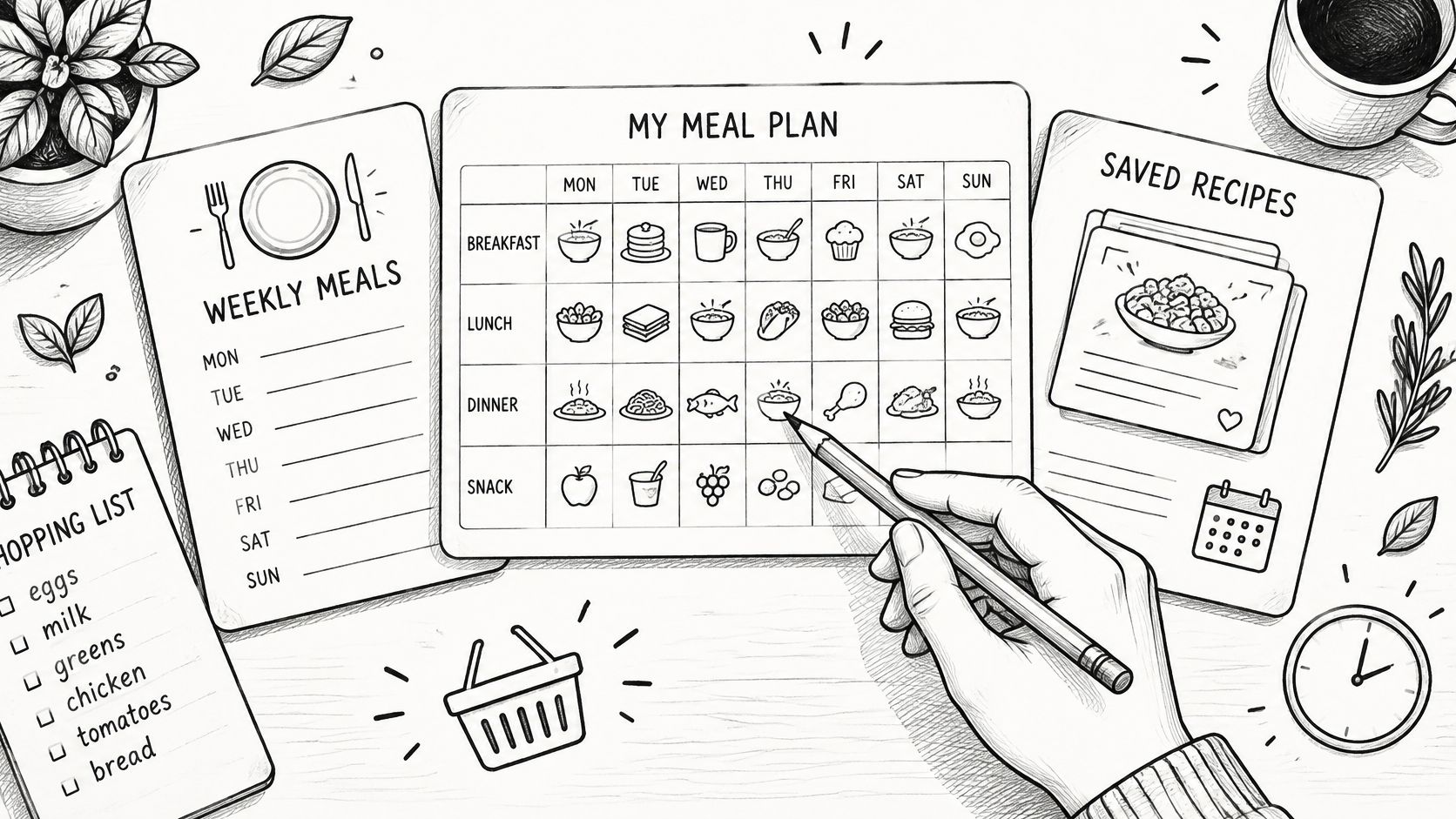
Recipe One's planner is more explicitly documented: it builds a week of dinners from recipes already saved, turns them into one combined grocery list, and shows calories, protein, carbs and fat per serving. Its stated workflow is save it, plan it, shop it. More options appear in our guide to the best meal planner apps.
The choice turns on two questions: start from recipes you already have, or get help finding new ones; and should the grocery list come straight from the plan.
Using Recipe One Tools, AI Assistants and the Web
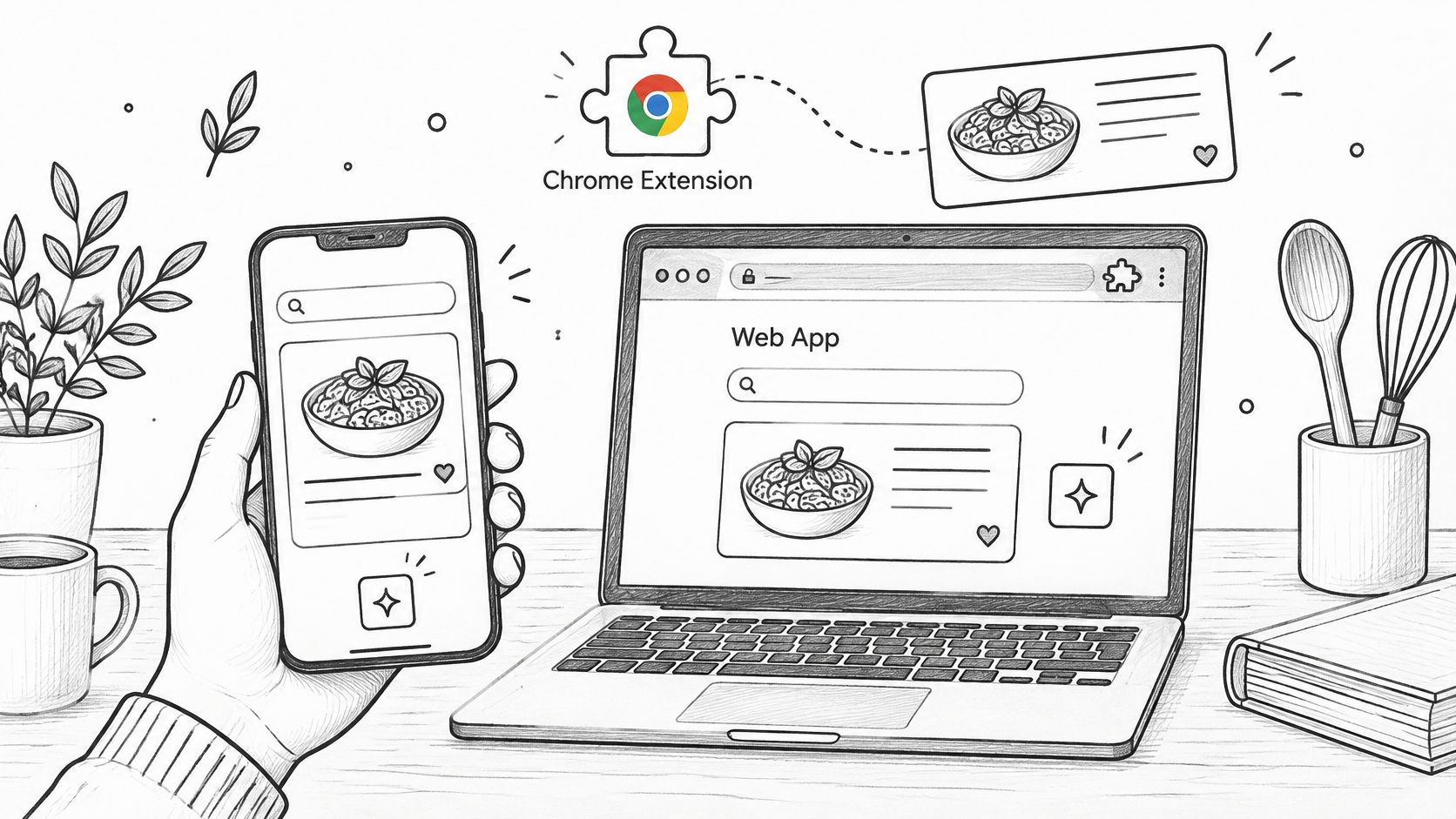
Recipe One is free to start on iPhone and Android. The web app gives you another way to manage recipes, and the Chrome extension lets you save recipes while browsing.
For AI assistants, search Recipe One in ChatGPT Plugins or go to Claude Customize > Connectors. The setup guide explains how to connect. Its MCP server gives Claude, ChatGPT and other AI assistants access to your recipes, meal plan and grocery list. Sign in with Google, Apple, or email and password, or create a free account; the assistant receives an access token, not your password.
You can also use free tools for quick kitchen questions, including Cook with Ingredients, cups-to-grams and grams-to-cups converters, oven-temperature conversion, and a rice-to-water ratio guide. See the complete set of Recipe One cooking tools.
To get started, search Recipe One in the App Store or Google Play.
Common Questions About the Pestle App
Is Pestle the kitchen mortar and pestle?
No. Pestle is a recipe-management app for saving, organizing and cooking from recipes. If you need cookware, look for a physical mortar and pestle instead.
Can Pestle import from Instagram Reels?
Pestle's official site highlights saving recipes from Instagram Reels. What the site confirms and what lands in your library can differ, since some recipe sources do not import successfully. Open each saved item and confirm it contains the ingredients and instructions you need before cooking from it.
How many recipes can I save for free?
The free tier allows up to 15 recipes, according to Pestle's official site. For current subscription options and pricing, check the App Store listing before subscribing.
How does Recipe One organize saved recipes?
Recipe One sorts recipes into cookbooks, which you can group by categories like weeknights, baking or family classics, and share with family. If you are also weighing ReciMe, its free plan is limited to five recipes a week; the ReciMe app review and its official listing cover the current details.
For more on importing, plans and the differences between the apps, use the sections above as a guide. Plan and pricing details can change, so confirm them on the official site or app store before making a purchase.
If you want a recipe system that connects saved recipes to weekly planning and a combined grocery list, Recipe One is free to start. Visit Recipe One to explore the app and choose the route that fits how you collect and cook recipes.