
Recipe One is the strongest all-around AI recipe app for saving recipes from almost any source and turning them into organized meals and grocery lists, especially when 91% of surveyed consumers already use online recipes. Choose a generation-first app if you need fresh ideas, or a shopping-first app if getting ingredients is your main bottleneck.
You've saved a cooking video, bookmarked a food blog, and photographed a cookbook page. By dinner time, the ingredients are scattered across your phone, the video skips a measurement, and nothing connects those recipes to what you need to buy.
The Chicory survey of online recipe use supports that opening figure. The practical distinction is importing versus generating: importing preserves an existing recipe, while generating creates a suggestion that needs review.
A useful app should help you capture, structure, retrieve, adapt, plan, and shop, not just produce another dinner idea. Compare source flexibility, cooking assistance, meal planning, grocery lists, and access conditions against your actual routine. Even dependable weeknight recipe ideas become more useful when you can find them, adjust them, and put their ingredients on a shopping list.
1. Recipe One, Best for Saving Recipes From Any Source and Cooking With an AI Chef
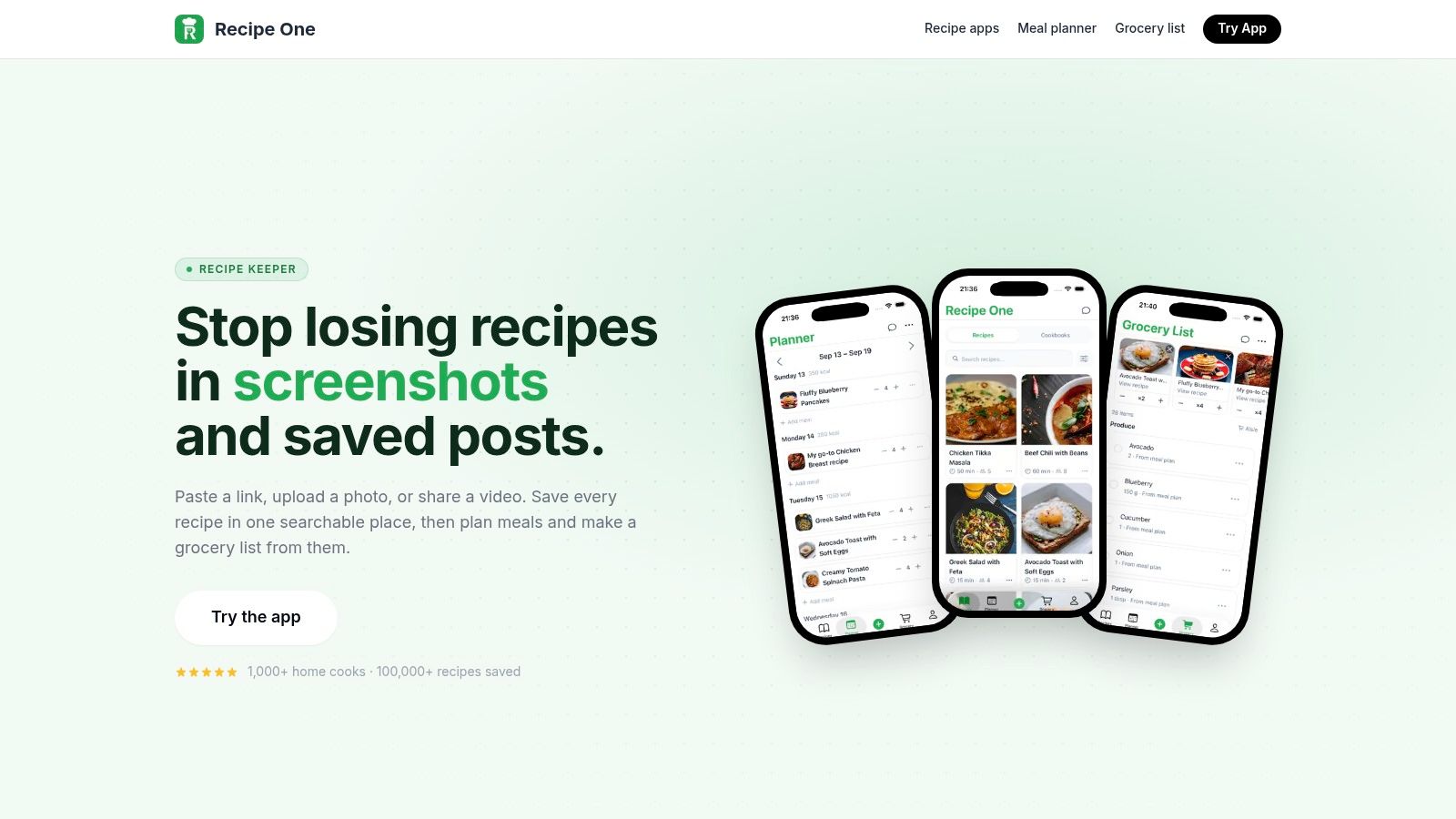
Choose Recipe One when you already collect recipes but struggle to turn them into dinner. It combines broad importing, a personal recipe library, cooking assistance, meal planning, and a smart grocery list rather than treating those as separate jobs.
Its AI import accepts websites and food blogs through any URL, plus TikTok, Instagram, YouTube, Pinterest, photos, screenshots, PDFs, cookbook pages, and handwritten cards through OCR. AI extraction reads web pages, images, video, captions, and on-screen text, including ingredients that are only spoken or shown in a video.
That breadth matters when a family recipe lives on paper while your weeknight inspiration comes from social media. The imported result becomes a clean recipe with ingredients, steps, and cook time, instead of another link you have to reopen.
Maya Helps With the Recipe You're Actually Cooking
Maya, the built-in AI chef, works with your saved recipes and remembers your diet and allergies. Ask questions while cooking, scale servings, convert units, request substitutions or a healthier version, translate instructions, or fix and restructure a confusing recipe.
Maya can also find recipes in your own library and suggest new ideas. That makes Recipe One useful both when you know what you want to cook and when you need help deciding.
- Organize your collection: Use tags and multiple cookbooks, then search by recipe name or ingredient.
- Connect dinner to shopping: Put saved recipes into the meal planner and let the smart grocery list combine their ingredients.
- Cook without distractions: Open the clean, ad-free recipe view and keep the screen awake while you follow the steps.
- Keep recipes accessible: Sync across devices and export recipes as PDFs.
The Recipe One meal-planning guide explains the connection between a saved collection, planned meals, and shopping. Free kitchen tools also include ingredient-based recipe help, measurement converters, oven-temperature conversion, and a rice-to-water ratio guide.
The trade-off: Review extracted quantities and instructions against the original, especially when handwriting, audio, or source details are unclear.
2. Samsung Food, Best for Dietary Personalization and Compatible Smart Kitchens
Choose Samsung Food if you want web recipe saving, dietary adaptation, planning, and shopping within a cooking hub. It's especially relevant if you own compatible Samsung kitchen appliances and want to send cooking settings or timers to them.
Samsung Food provides recipe discovery, web importing, organization, meal planning, and grocery-list creation through its core experience. Samsung Food+ adds advanced personalization and “Use It Up” planning, so distinguish the standard tools from the paid AI offering before choosing.
A Strong Fit for Web Recipes and Connected Cooking
The useful distinction from Recipe One is the starting point. Samsung Food suits a routine built around web recipes, dietary adjustments, and connected kitchen equipment; Recipe One is the stronger recommendation when your collection spans social videos, screenshots, PDFs, and handwritten cards.
Recipe personalization can help you adapt a saved dish to dietary needs and restrictions. Appliance handoff adds another practical benefit, but only when your equipment supports it.
Buying advice: Choose a smart-kitchen app for equipment you already own. Don't buy appliances just to justify a recipe app.
If social videos dominate your collection, use the TikTok recipe app comparison to evaluate importing separately from meal-planning features. Saving a website recipe and extracting ingredients from a video aren't equivalent tasks.
The trade-offs are clear: Import quality can vary by website, and appliance features depend on compatible devices. The free core is useful for everyday discovery, planning, and shopping, but you should check which personalization tools require Food+ on your device.
Pick Samsung Food when dietary adaptation and appliance integration are central to your workflow. Pick Recipe One when the bigger problem is collecting and cooking recipes from many different sources.
3. SideChef, Best for Guided Cooking and Shoppable Recipe Discovery
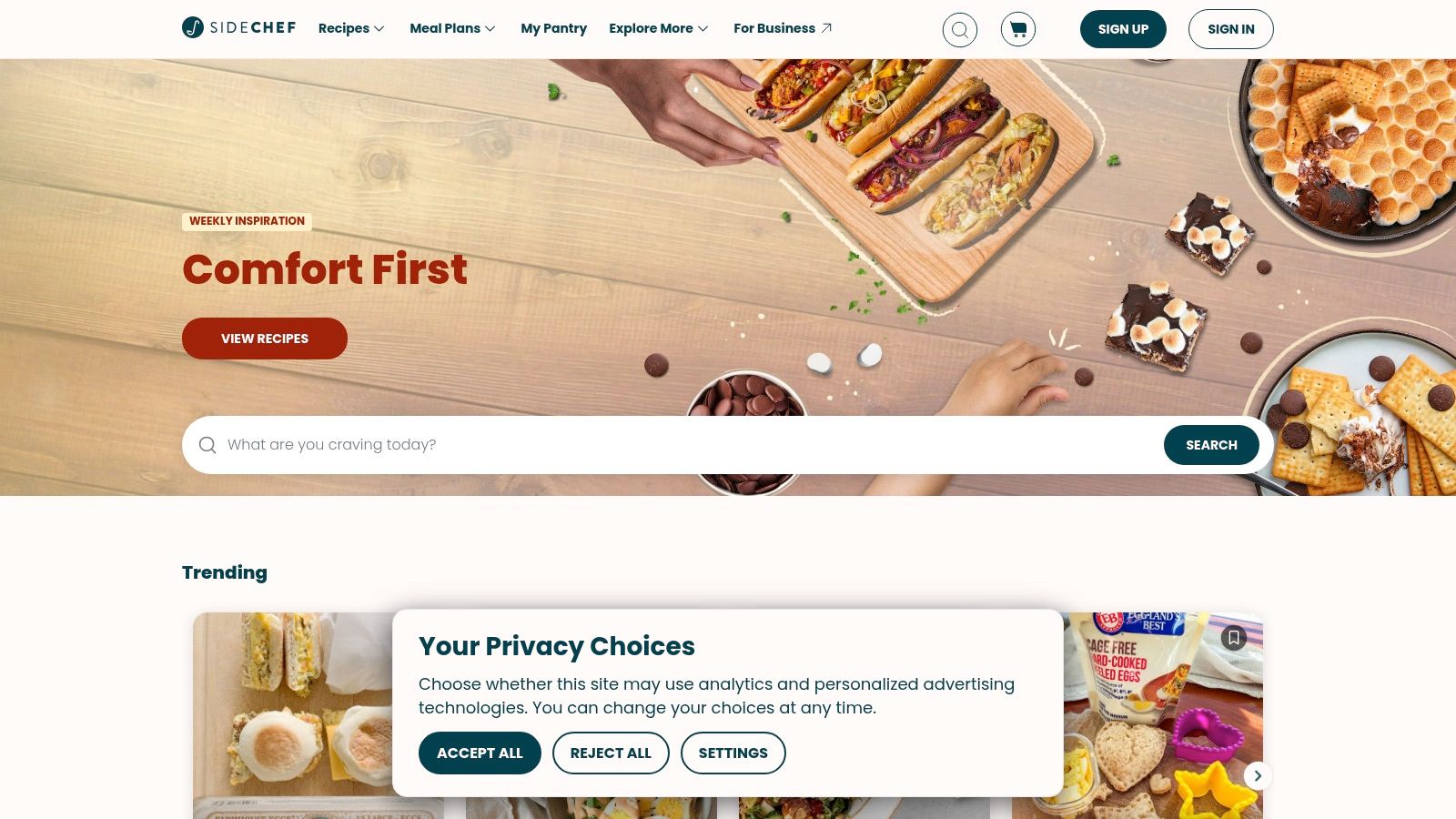
You've found a promising dinner recipe, but still need help following it and getting the ingredients. SideChef is built for that path from recipe discovery to guided cooking and shopping.
Browse SideChef for recipes and meal inspiration, then use its step-by-step cooking mode to follow a dish. The app also offers personalized weekly meal planning, serving adjustments, grocery delivery or pickup integrations, AI-powered recipe and meal inspiration, and smart-appliance connectivity.
From Recipe Discovery to Dinner
SideChef starts with recipes available in the app, not an archive you need to gather from social posts, screenshots, or other sources. Choose a dish, adjust the servings, and add it to a weekly plan. When you're ready to cook, follow the instructions step by step.
That makes it a practical choice for cooks who want guidance through the meal, rather than a tool focused on importing and organizing their existing collection. Recipe One is better suited to keeping scattered personal recipes together; SideChef is better suited to discovering dishes and cooking along.
The app's strengths map to specific jobs:
- Cooking: Guided steps help you follow the method without interpreting a dense recipe page.
- Planning: Weekly meal tools, filters, and serving adjustments help match dishes to your household.
- Shopping: Delivery and pickup integrations connect selected recipes with ingredient sourcing.
Many features are free. Premium adds curated content and classes, so check the current offer if those are part of your reason for choosing the app.
Use the meal-prep app guide if your main job is coordinating several cooking sessions, rather than choosing one dish. Choose SideChef for guided cooking and shoppable discovery, not as a universal importer. You'll still need to select recipes that fit your skill level, schedule, and preferences.
4. Cooklist, Best for Pantry-Aware Meal Planning
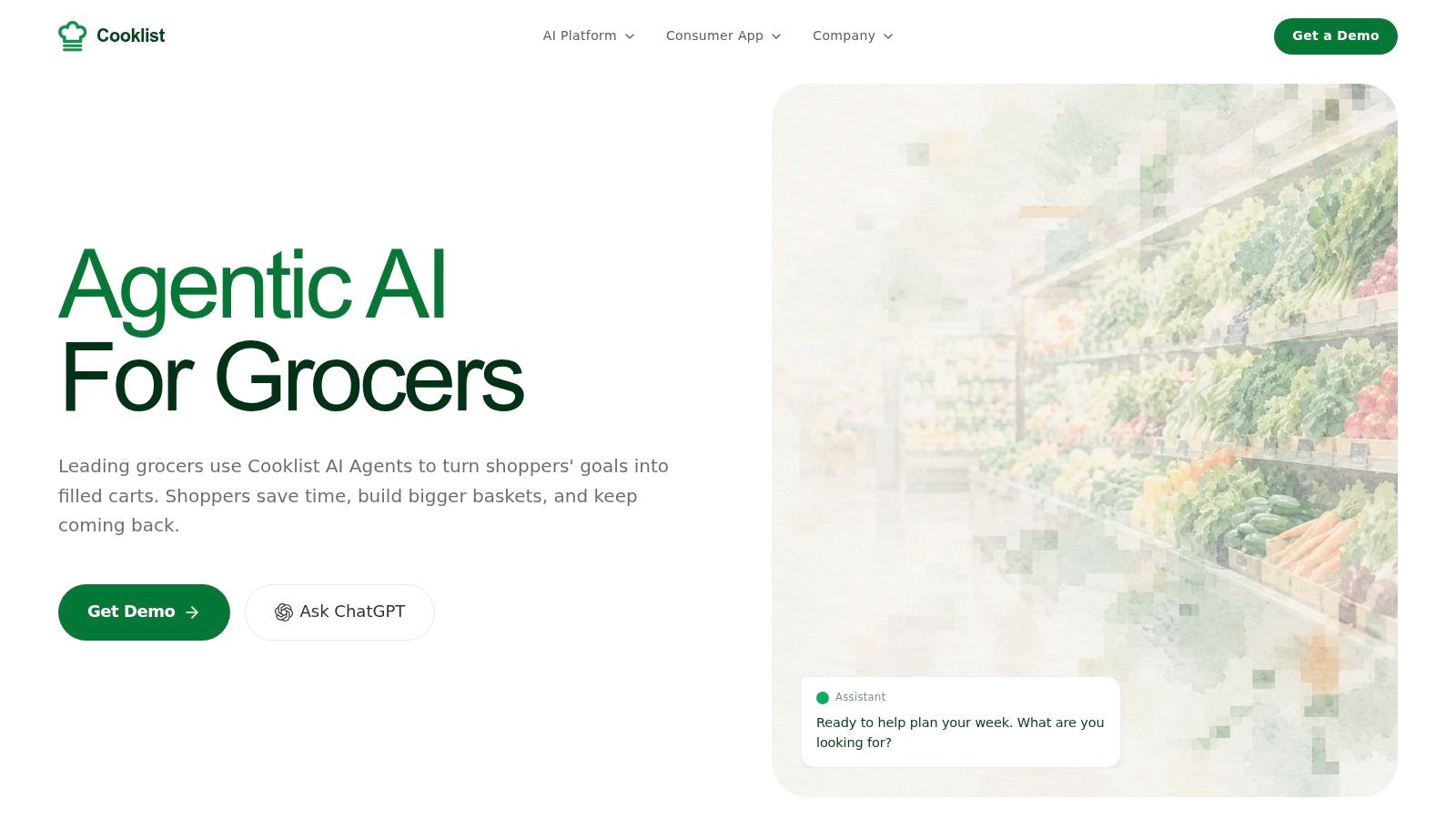
Before buying more groceries, check what's already in your kitchen. Cooklist is the pantry-first pick for households that want meal suggestions to start with their current ingredients, not just a recipe feed.
Cooklist tracks pantry items through purchase imports and barcode scanning, and includes expiration tracking, recipe importing, and categorized grocery lists. Its AI meal planner can draw on in-stock ingredients and previous recipe activity, and you can request changes to its suggestions. Importing recipes helps build a collection; generating a meal plan serves a different job by turning available ingredients into dinner ideas.
That workflow reflects Kansas State University Extension's advice to plan meals around available ingredients and use a shopping list. The advice supports the planning approach, not a specific claim about Cooklist reducing food waste.
A useful test: if you have vegetables, grains, and proteins on hand, can the app help you decide what to use first? Expiration reminders can help prioritize ingredients, while aisle-grouped lists make it easier to see what you still need. The recipe-based grocery-list guide explains the alternative approach: connect shopping to a saved recipe collection. Cooklist connects planning and shopping through pantry inventory instead.
- For pantry tracking: Purchase imports and barcode scans help build the inventory, but you'll need to keep it accurate.
- For flexible planning: Request edits instead of accepting a generated plan unchanged.
- For shared shopping: Household sync and categorized lists help coordinate the plan with the grocery run.
Inventory needs regular attention, especially when ingredients are partly used or thrown away. Check quantities before shopping, and review current subscription and trial terms on your platform. Choose Cooklist if you'll maintain your pantry list in exchange for meal planning based on what you have.
5. Instacart, Best for Moving From Meal Ideas to Grocery Orders
You have chosen dinner, but the ingredients are missing. Instacart is the strongest shopping-first option in this roundup because it connects meal ideas to grocery orders.
Instacart offers conversational recipe and meal suggestions suited to preferences and retailer inventory, plus shoppable recipes and curated Inspiration Pages. Its recipe features can turn meal ideas into a cart for delivery or pickup.
Best for Turning a Meal Decision Into a Cart
The key difference is the job Instacart handles: sourcing ingredients. You can move from a suggestion to available products without transferring ingredients into a separate shopping service. That makes it useful for everyday planning when deciding what to cook and buying what you need happen in the same workflow.
Instacart serves a different purpose from an app built to capture and organize recipes. Use it to shop for tonight's meal; choose a dedicated recipe manager if you want to save cookbook scans, preserve family recipes, or refine a personal collection over time.
Before checkout, review quantities, substitutions, and what you already have at home. A cart still needs your judgment.
The Android grocery shopping-list app guide explains the distinction between a reusable planning list and a retailer checkout. They support related parts of meal planning, but one does not replace the other.
The trade-offs: Instacart isn't primarily a recipe-library app, and delivery or service fees may apply. Its usefulness also depends on local retailer options and inventory.
Choose Instacart when sourcing ingredients is the bottleneck in your meal-planning routine. Keep a personal cookbook or recipe manager for long-term organization.
6. DishGen, Best for Prompt-Based Recipe Generation
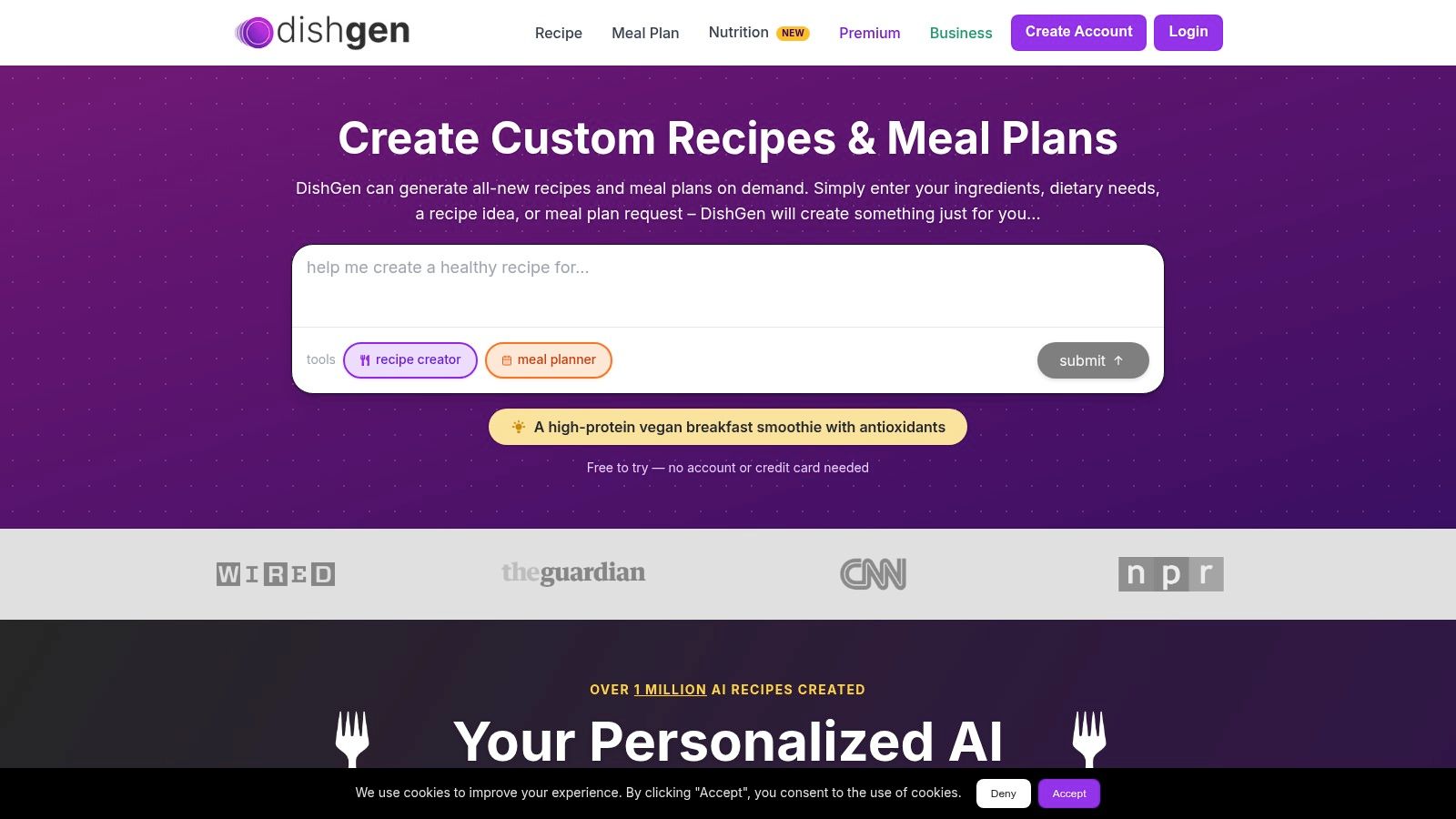
DishGen is the direct choice when you want a new recipe from ingredients, dietary preferences, or a written prompt. Unlike an importer, it creates a proposed dish rather than extracting an existing author's instructions.
DishGen offers AI recipe chat, recipe saving and editing, meal planning, plan adjustments, and substitution tools. Saved recipes and plans can be organized in an account dashboard for later use.
Its basic plan is free with limited credits. Paid tiers add higher-volume generation and features such as personalized AI and AI-generated nutrition information.
Treat the Generated Recipe as a Draft
Give DishGen concrete constraints: available ingredients, dietary exclusions, preferred cooking method, and the kind of meal you want. Then inspect the ingredients and steps together, looking for quantities that don't match the method or ingredients that appear only in the instructions.
A study of AI-assisted cooking reports that generated recipes can omit nuanced guidance, including technique-specific advice about moisture and seasoning. That supports a review-first approach to generated dishes, not a claim about DishGen's individual performance.
Cooking rule: Generation gives you a starting point. Read the whole recipe before heating the pan.
DishGen suits cooks who enjoy developing ideas and revising them. It is a less direct fit if you already have a recipe you trust and just want it imported, organized, and added to a shopping list.
The trade-offs: Limited free credits can make frequent generation a paid workflow, and AI nutrition information is an estimate rather than clinical analysis. Don't use a generated substitution or nutrition estimate as evidence that a meal is safe for an allergy or appropriate for a medical diet.
Choose DishGen for creative prompting and revision. Choose Recipe One for capturing existing recipes and continuing to work with them.
7. ChefGPT, Best for Recipe Ideas With Nutrition-Oriented Planning
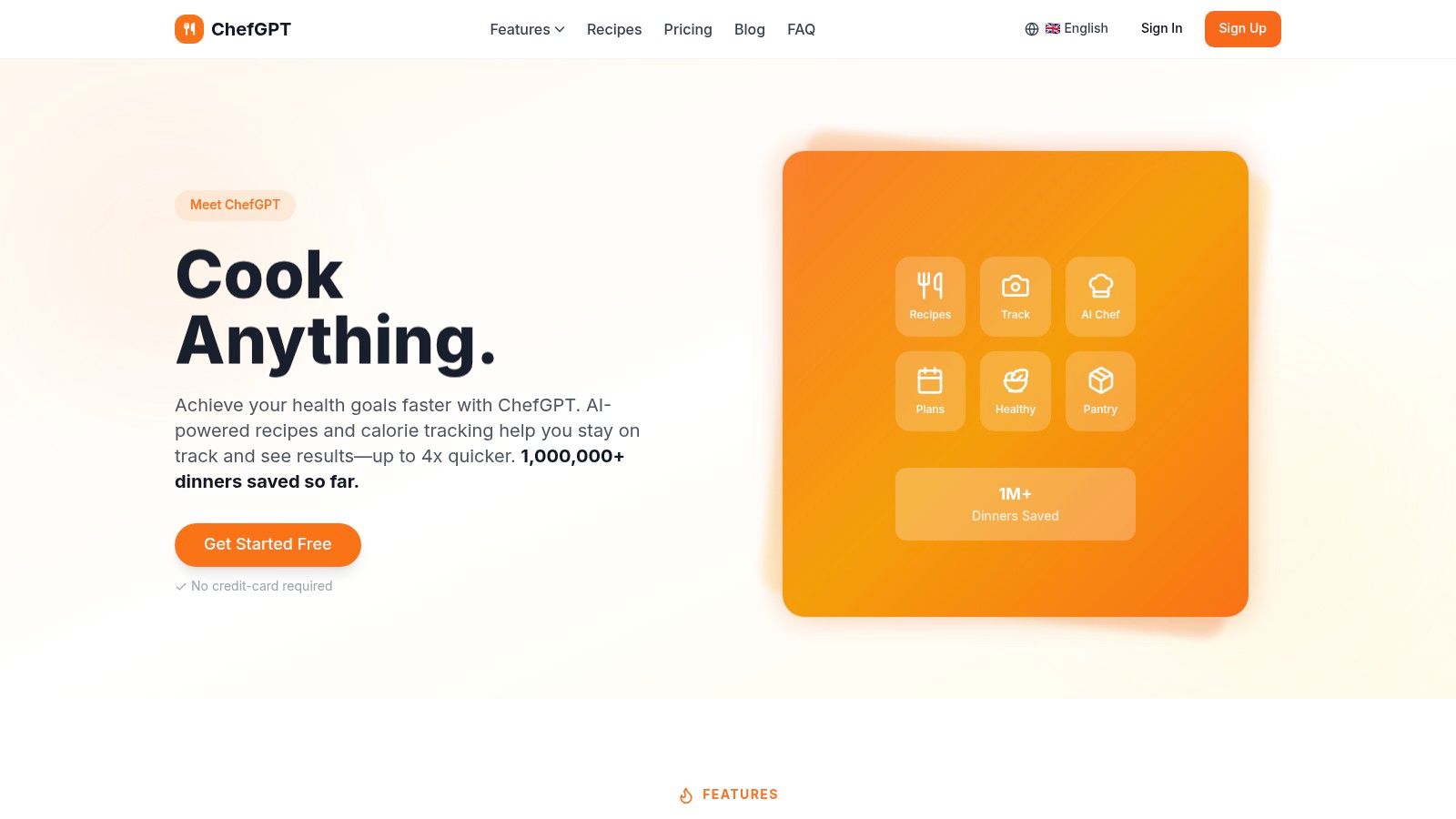
You have ingredients to use, a nutrition target in mind, and no dinner plan. ChefGPT brings recipe generation, meal planning, shopping lists, and nutrition tracking together, making it a fit for cooks who want ideas and nutrition-oriented planning in one workflow. It is less suited to capturing recipes scattered across websites, posts, and cards.
ChefGPT offers pantry-based recipe generation, weekly meal planning, consolidated shopping lists, macro-aware planning, and calorie and meal tracking. It can also suggest meals from photos of ingredients and generate recipe images.
Choose a starting point based on the job at hand: use pantry details or an ingredient photo for meal ideas, or set macro preferences to guide meal planning. The shopping-list tools can carry a plan into grocery preparation, rather than leaving you with a standalone chat suggestion.
Keep the outputs in their proper roles. Photo-based suggestions are generated ideas, not verified recipes extracted from the image. Generated recipe imagery shows a concept, not a cooked result. For a recipe you already trust, use a collection-focused app to import and preserve it.
A study of AI-generated meal recommendations found that platform credibility and perceived value supported acceptance, while minimal personalization did not significantly improve intention. Treat that as a reason to assess the app's credibility, not proof that its recommendations are accurate.
Check the terms before building a routine around it. Pricing, paywall tiers, and feature availability can vary by offer. Calorie and macro estimates depend on the information entered and AI accuracy, so don't treat them as measured nutritional values.
Pick ChefGPT when generating recipes, planning meals, and tracking nutrition are part of the same routine. Pick Recipe One when your priority is saving and adapting recipes you've already found.
Top 7 AI Recipe Apps Compared
| Tool | 🔄 Setup and Complexity | ⚡ Resources and Cost | 📊 Expected Outcome | ⭐ Ideal Use Case and Key Advantage |
|---|---|---|---|---|
| Recipe One | Low; import recipes from links, posts, photos, or cards, then review AI-extracted details | iOS and Android; free kitchen tools available | Searchable recipe collection, meal plans, and grocery lists | Best for organizing recipes from many sources; ad-free cooking view and PDF sharing |
| Samsung Food | Low; save recipes and set preferences; appliance setup is optional | Web, iOS, and Android; free core features; Food+ adds features | Adapted recipes, meal plans, grocery lists, and compatible appliance handoff | Best for everyday planning, especially with compatible Samsung appliances |
| SideChef | Moderate; configure meal preferences and optionally connect shopping or appliances | Many features are free; Premium adds content and classes | Weekly meal plans, shoppable recipes, and guided cooking | Best for linking recipe discovery, grocery shopping, and cooking |
| Cooklist | Moderate; build pantry inventory via purchase imports or barcode scans | Subscription terms can vary; uses pantry and recipe data | Pantry-based meal plans, expiration tracking, and organized shopping lists | Best for using available ingredients and reducing food waste |
| Instacart | Low; enter preferences and shop through supported retailers | US retailer availability; delivery or service fees may apply | Recipe suggestions converted into a grocery cart | Best for quickly moving from meal ideas to grocery delivery or pickup |
| DishGen | Low; prompt AI with ingredients, dietary needs, or other requirements | Free plan has limited credits; paid tiers offer more features | Generated recipes, editable meal plans, and saved ideas | Best for generating flexible recipe ideas from ingredients on hand |
| ChefGPT | Low to moderate; enter ingredients or nutrition goals; photo-based suggestions are available | Pricing and feature access vary by offer | Recipes, meal plans, shopping lists, and nutrition tracking | Best for combining AI cooking suggestions with macro and calorie tracking |
Choose the App That Finishes the Meal
Choose the app that solves your bottleneck, not the one with the longest AI feature list. Importing a recipe, generating a dish, maintaining pantry inventory, and ordering groceries are different jobs, even when an app groups them under an AI label.
Recipe One is the strongest all-around recommendation for scattered cooking inspiration. Its broad source support, Maya's saved-recipe assistance, searchable library, cooking view, planner, and combined grocery list connect discovery with everyday execution.
Match Your Main Job to the Right App
- Capture and organize: Choose Recipe One for websites, social videos, photos, PDFs, cookbook pages, and handwritten cards.
- Use what's already home: Choose Cooklist if maintaining pantry inventory is central to your routine.
- Buy the ingredients: Choose Instacart when the next step needs to be a grocery order.
- Generate something new: Choose DishGen for prompt-based recipe creation and revision.
- Support a specialized routine: Choose Samsung Food for compatible appliances and dietary personalization, SideChef for guided discovery, or ChefGPT for nutrition-oriented planning.
For a collection-first approach, the AI meal-planner guide shows how saved dishes become planned meals. The TikTok recipe-saving guide addresses social inspiration, while the best recipe-saver app guide focuses on keeping recipes accessible over time.
Review before cooking, whichever app you choose. Check quantities, serving changes, substitutions, and dietary assumptions; an assistant remembering an allergy doesn't replace checking ingredients or cross-contamination risks.
Keep the recipe you trust, review the changes you accept, and shop from the version you'll actually cook.
Apply the same habit to adjacent learning resources, including beginners wine study tips: use assistance to support your judgment, not replace it. In the kitchen, the useful result isn't another generated paragraph; it's a recipe you can retrieve, understand, adapt, and prepare with ingredients you've planned to use.
Recipe One brings recipes from websites, social videos, photos, and paper into a searchable library, with Maya's cooking help, meal planning, and a smart grocery list. Visit Recipe One and download it from the App Store or Google Play to turn your scattered cooking inspiration into recipes you can plan, shop for, and cook.


