Learning to cook can feel overwhelming, with endless recipes, unfamiliar techniques, and the constant pressure to 'just get it right.' But what if your phone could become your personal cooking coach? The best cooking apps for beginners are designed to do just that. They break down complex recipes into simple, visual steps, help you plan your meals, and even build your shopping list automatically.
In this guide, we'll walk you through the 12 best apps that take the stress out of the kitchen, helping you build confidence one delicious meal at a time. The effectiveness of these cooking apps in guiding beginners largely depends on sound user experience design principles, ensuring ease of use and intuitive navigation. We've focused on apps that excel in this area, making them perfect for anyone just starting out.
We will explore tools for every need, from visual step-by-step guides like SideChef to pantry-based organizers like SuperCook. Each review includes a direct link to download the app, along with an honest look at its pros, cons, and ideal user. Get ready to turn kitchen anxiety into culinary accomplishment.
1. Recipe One
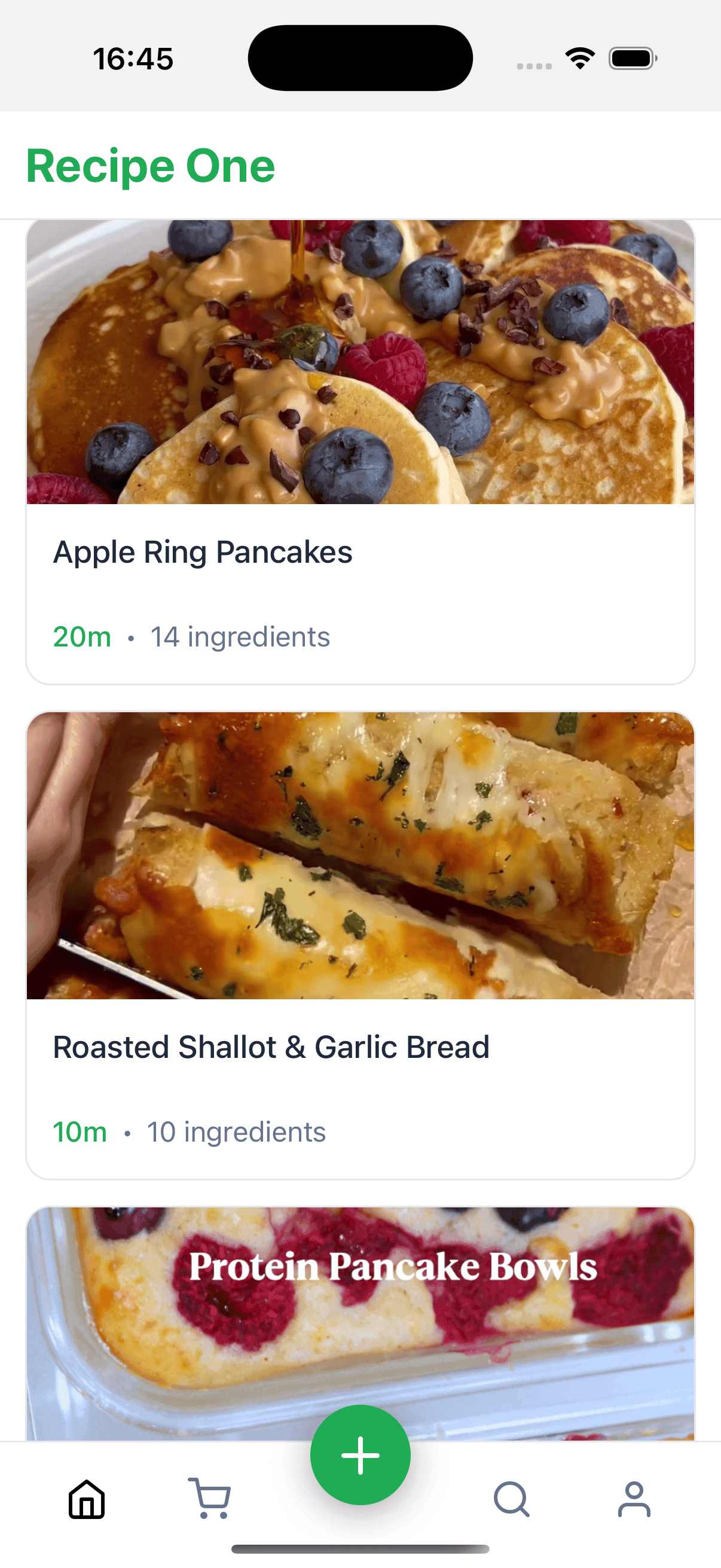
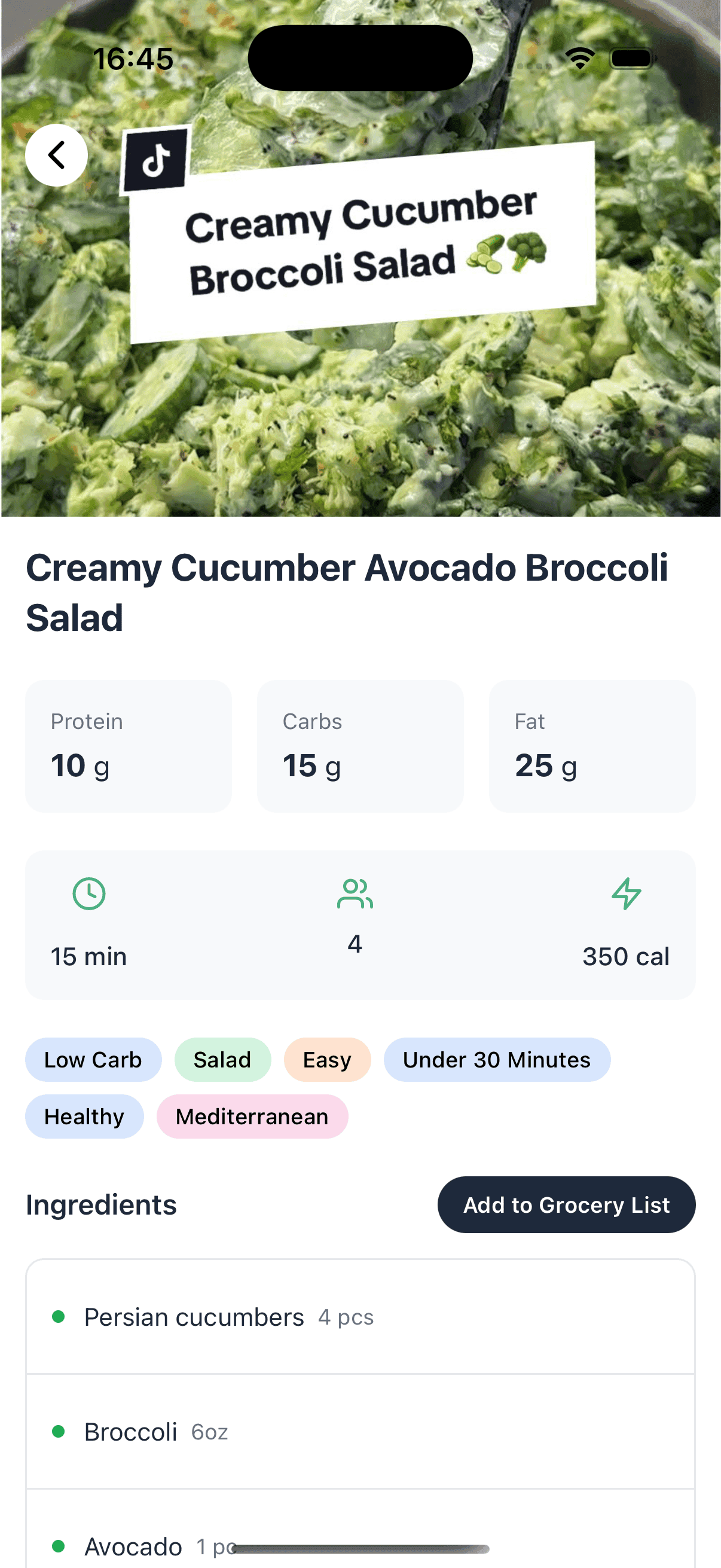
Recipe One stands out as a premier choice for modern beginner cooks, functioning less like a traditional recipe database and more like a powerful personal assistant for your kitchen. Its core strength lies in its AI-powered recipe-capturing technology. Instead of manually transcribing that amazing pasta dish you saw in a social media video or a friend's text message, Recipe One intelligently extracts the ingredients, quantities, and steps, converting them into a clean, standardized, and searchable format in your personal library. This single feature eliminates one of the biggest frustrations for new cooks: wrangling scattered and inconsistent recipe formats.
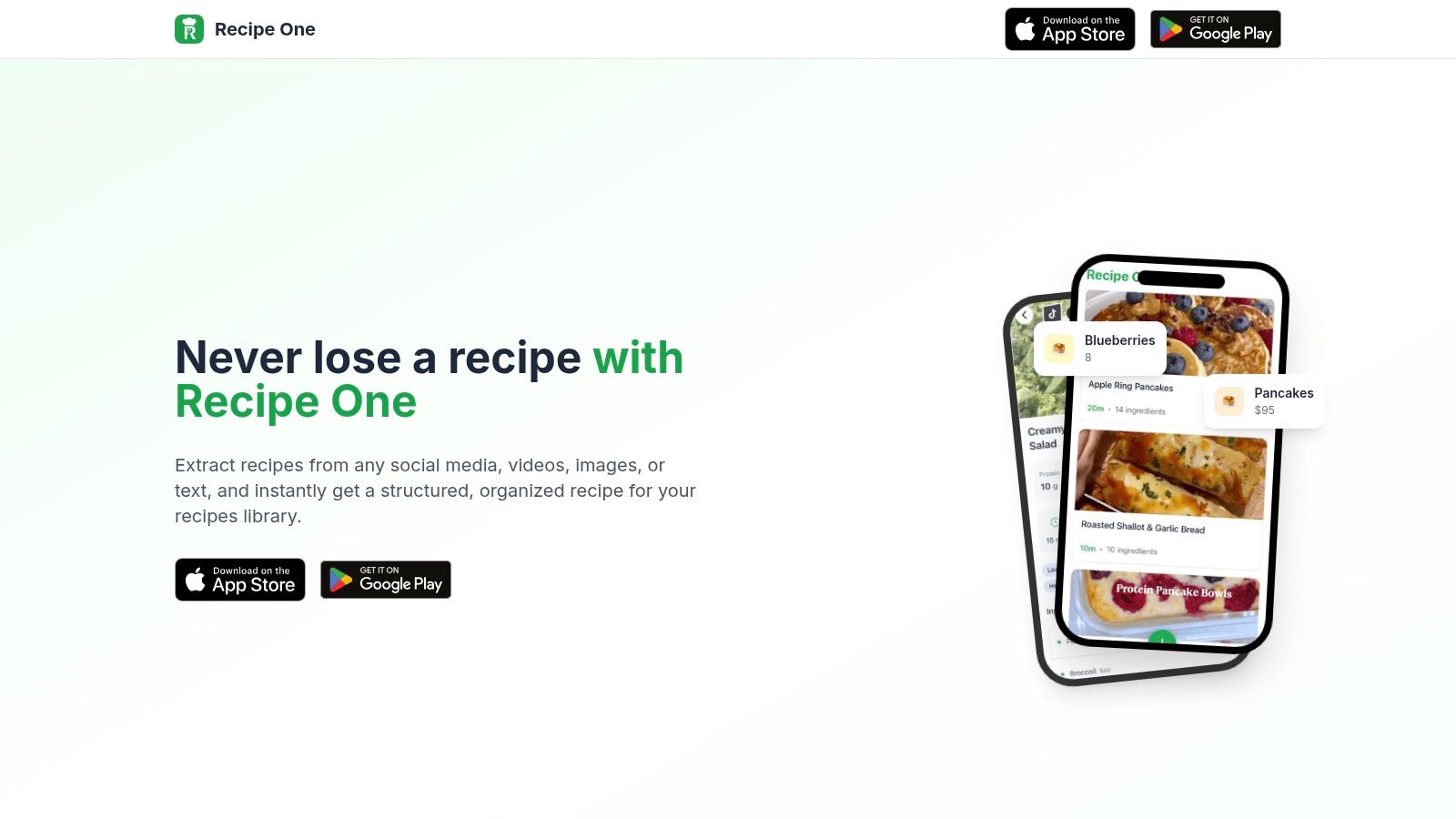
This platform excels at building your confidence by helping you organize the recipes you genuinely want to try, from complex meals to something as simple as a quick and crispy air fryer bagel recipe. By centralizing everything you find online into one reliable app, it helps you build a curated collection that reflects your tastes, rather than overwhelming you with endless professional recipes you may never use.
Why It's a Top Pick for Beginners
Beyond its signature AI capture, Recipe One is packed with practical, free tools that directly address common beginner challenges. The "Cook with Ingredients" feature is invaluable for learning to use what you already have, reducing food waste and impromptu grocery trips. Additionally, built-in converters for oven temperatures and measurements (like cups to grams) remove the guesswork and potential for error, which is critical when you're just starting to understand how recipes work.
Key Features & Considerations
- Best For: Aspiring home cooks who discover recipes on social media, busy individuals needing an organized meal-planning system, and anyone looking to build a personalized digital cookbook.
- Pros: The automatic, multi-source recipe capture is a game-changer, saving significant time and effort. Its suite of free, practical kitchen utilities provides immense value and supports daily cooking tasks.
- Cons: The AI's accuracy depends on the quality of the source material; poorly formatted or low-resolution content may require some manual cleanup. Pricing for premium features or potential limits isn't transparent on the website, requiring an app download to explore fully.
- Pricing: Core features are advertised as free. Full pricing details are likely available within the app.
Keep every recipe in one place
Stop losing recipes. Save from any website, scan handwritten cards, and organize your kitchen with AI.
2. Apple App Store
For iPhone and iPad users, the journey to finding the perfect cooking app begins at the Apple App Store. It’s not just a marketplace; it's a curated discovery platform. The App Store's editorial team frequently creates collections like "Apps for Foodies" or "Learn to Cook," which are invaluable for pointing beginners toward high-quality, user-friendly options. This curated approach saves you from wading through thousands of apps, highlighting those that are well-designed and effective.
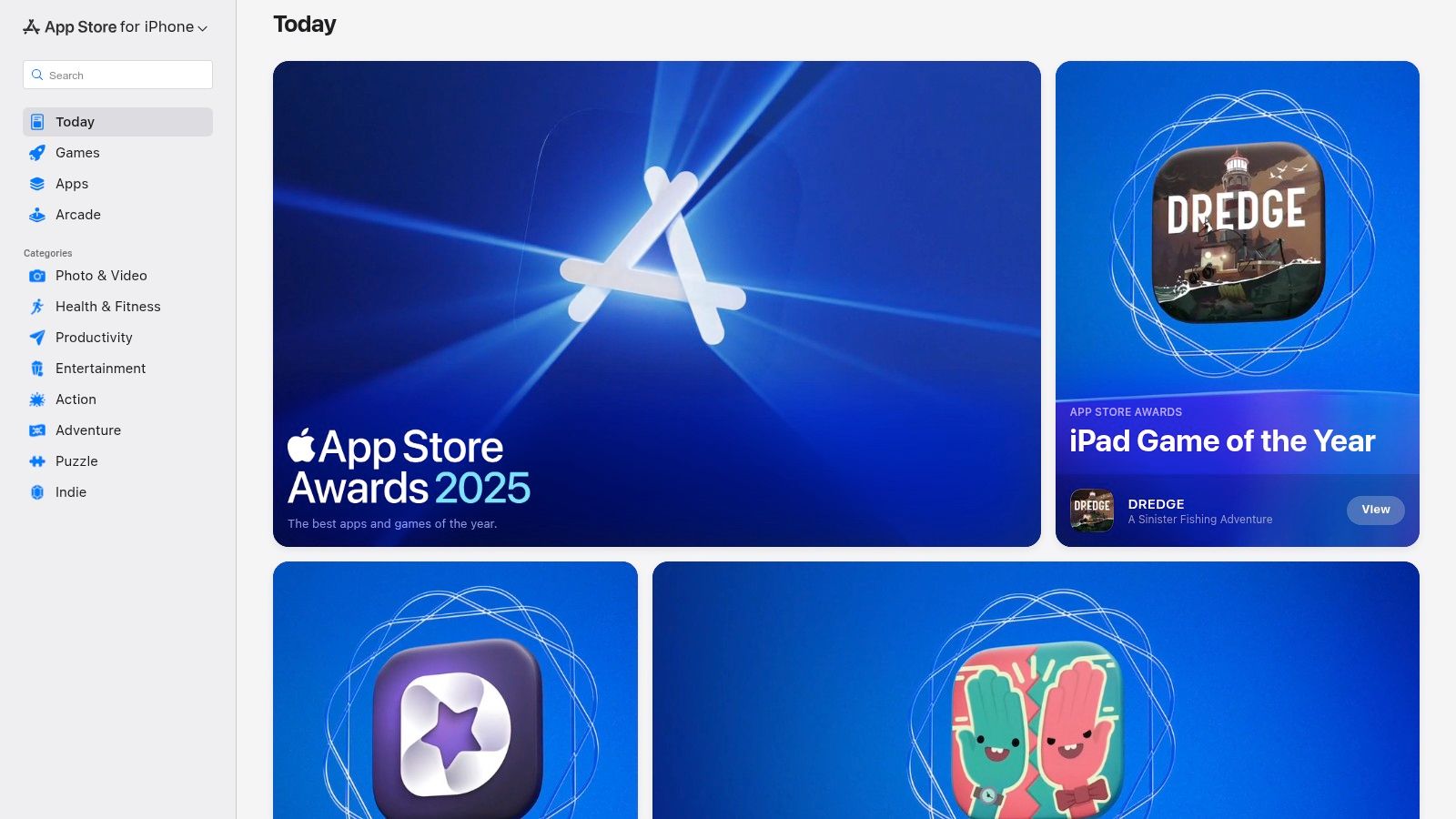
This platform excels at providing transparency and security. You can instantly see user ratings, read detailed reviews, and check for in-app purchases before you download. All payments and subscriptions are handled through your Apple ID, which simplifies management and adds a layer of trust. For families, the Family Sharing feature allows you to share paid app subscriptions, making it a cost-effective solution.
Key Details
- Best For: iPhone/iPad users looking for a secure and curated place to find top-rated cooking apps.
- Pros: Trustworthy downloads, curated editorial collections that simplify discovery, and unified payment management.
- Cons: Exclusively for Apple devices (iOS/iPadOS); not accessible to Android users.
- Pricing: The App Store is free to access. Individual app prices vary from free with ads to one-time purchases or subscriptions.
- Website: apps.apple.com
3. Google Play Store
For Android users, the Google Play Store is the primary gateway to discovering a vast world of cooking apps for beginners. It serves as a massive digital library where you can find everything from simple recipe apps like Tasty to comprehensive meal planners like Mealime. The store makes it easy to find suitable options through curated sections like "Editor's Choice" and categorized collections, which help narrow down the search for quality culinary tools.
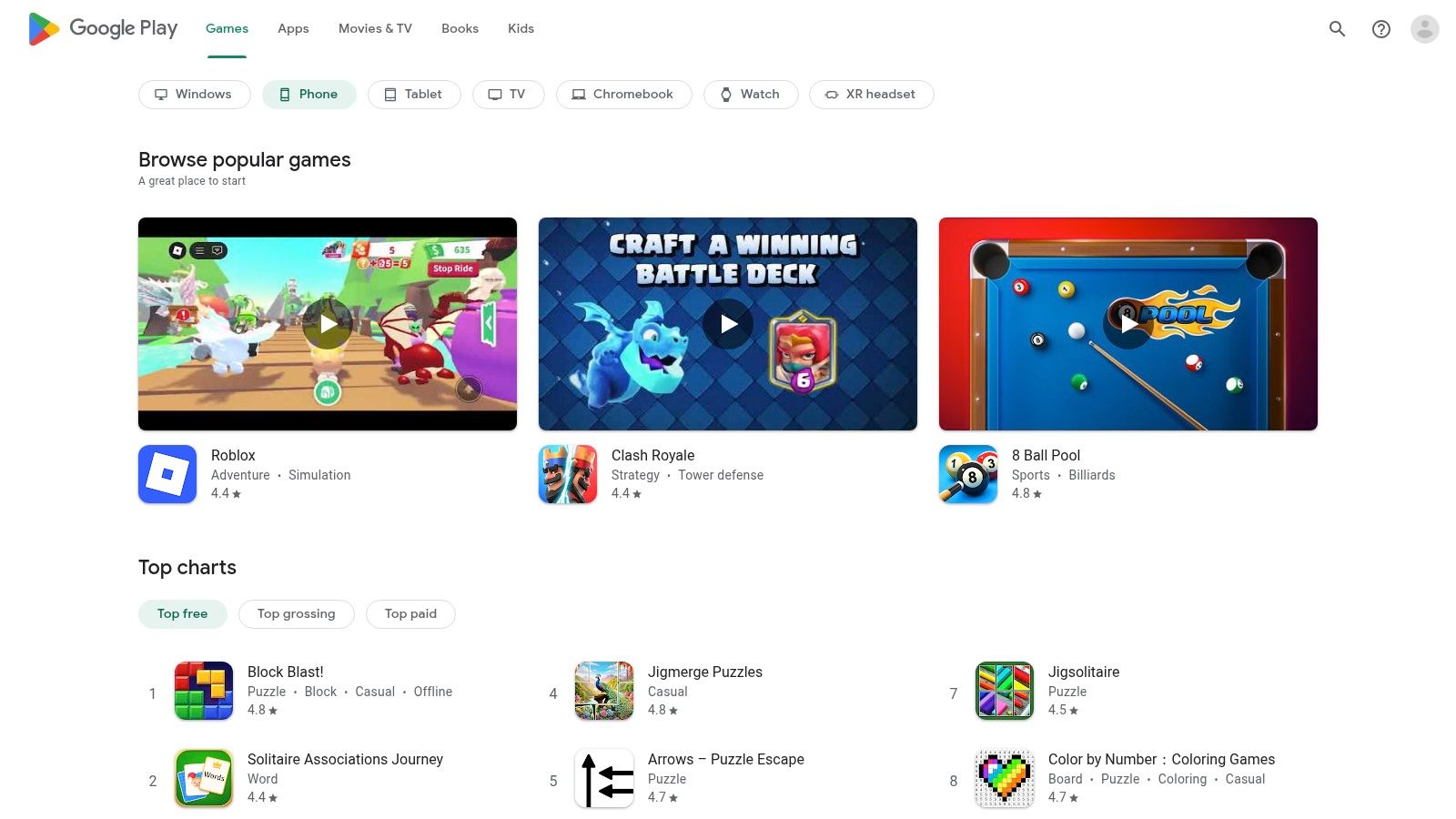
The platform’s strength lies in its transparency and user-driven feedback. Each app page clearly lists the number of installs, user ratings, and detailed reviews, giving you a good sense of an app's quality before downloading. You can also see device compatibility, in-app purchase details, and when the app was last updated. With a straightforward installation process and a helpful refund window for paid apps, the Google Play Store offers a flexible and user-friendly experience for finding your next favorite kitchen assistant.
Key Details
- Best For: Android users seeking a wide variety of free and paid cooking apps with detailed user reviews.
- Pros: Huge selection of apps, editorial collections for easy discovery, and a simple refund process for purchases.
- Cons: App quality can be inconsistent, so relying on ratings is crucial; some app availability varies by region.
- Pricing: The Google Play Store is free to access. App pricing ranges from free (with ads or in-app purchases) to paid subscriptions.
- Website: play.google.com
4. Tasty (BuzzFeed)
Originating from the viral recipe videos on social media, Tasty has evolved into one of the most popular cooking apps for beginners. Its biggest strength lies in its visual approach; nearly every one of its 10,000+ recipes is accompanied by a short, engaging video that breaks down the cooking process into simple, easy-to-follow steps. This makes it incredibly approachable for anyone intimidated by long, text-heavy instructions.
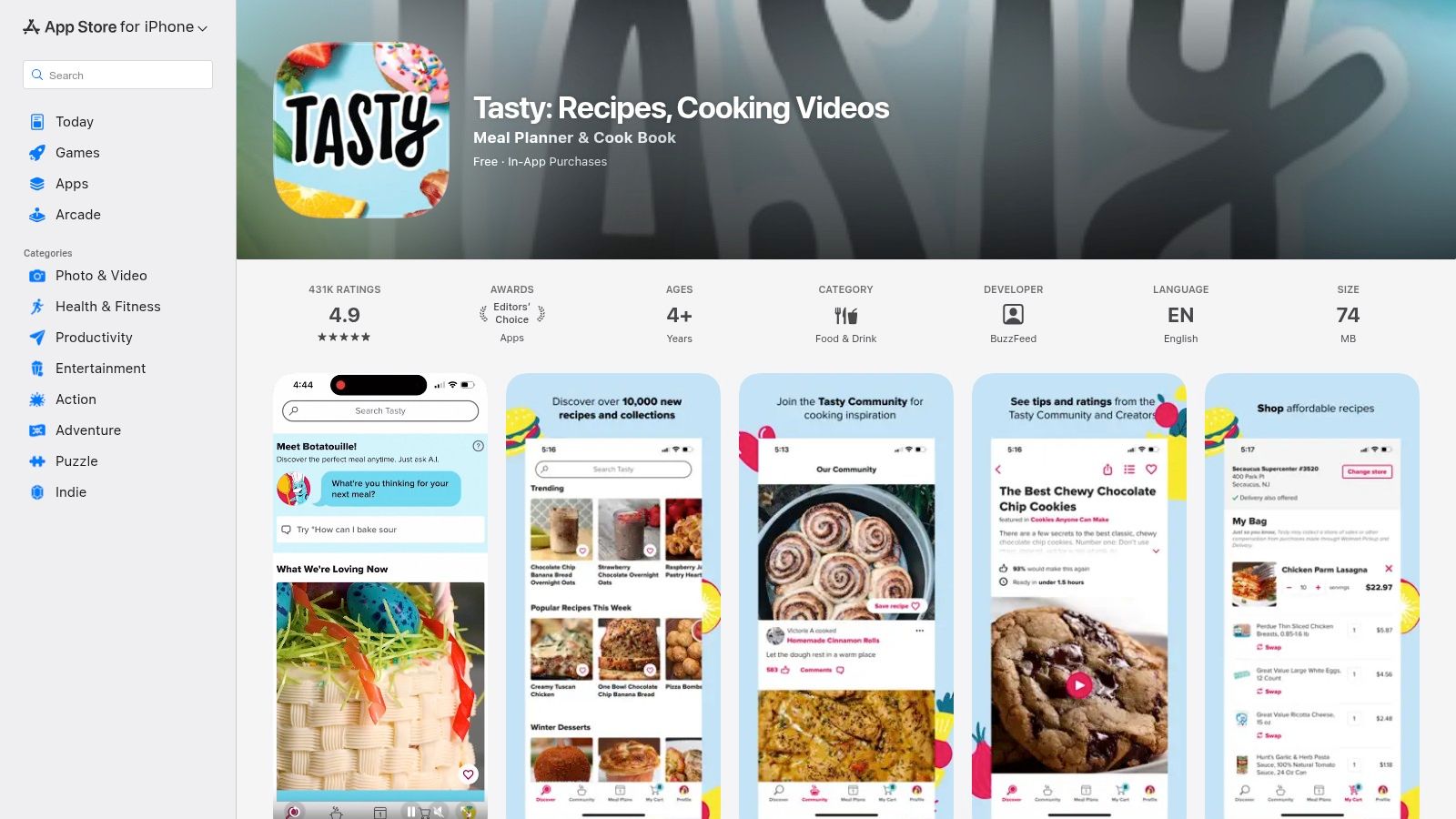
The platform is designed to guide you from start to finish. A guided Cook Mode presents instructions one at a time so you don't lose your place, and you can search for recipes using ingredients you already have. For added convenience, the app integrates with Walmart for direct grocery shopping, and its new AI helper can suggest meal ideas based on your queries. The active community also leaves helpful tips and modifications in the comments. While there are in-app promotions, the core functionality remains accessible.
Key Details
- Best For: Visual learners and beginners who feel more confident watching a recipe being made first.
- Pros: Excellent short videos for every recipe, an active community with helpful tips, and convenient shoppable integration.
- Cons: In-app promotions and subscription prompts may not appeal to all users; Android app text can vary by region.
- Pricing: The app is free to download and use. An optional Tasty Plus subscription offers an ad-free experience and additional features.
- Website: apps.apple.com/us/app/tasty-recipes-cooking-videos/id1217456898
5. Kitchen Stories
Kitchen Stories is a visually stunning app that feels like a digital cookbook designed specifically for the modern beginner. It stands out with its high-quality, editorial-style presentation, combining thousands of free recipes with beautiful photography and clear instructional videos. The app guides you through each recipe with step-by-step photos and integrated timers, removing the guesswork and intimidation often felt by new cooks.
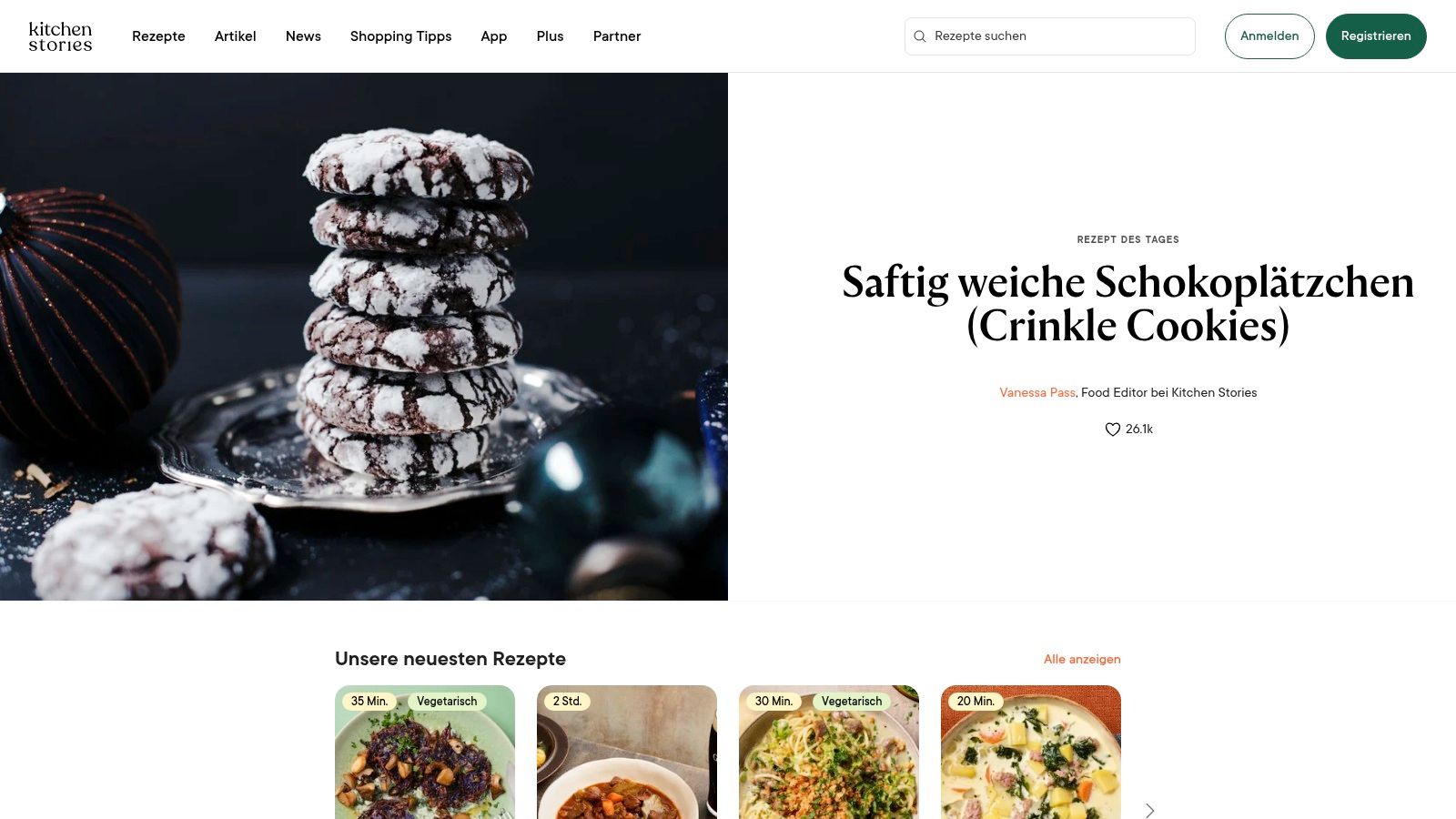
This platform excels at making cooking accessible and enjoyable. Its Cook Mode is particularly helpful, displaying instructions in a clean, easy-to-read format so you don't have to constantly touch your screen with messy hands. Features like the built-in serving size converter and shopping list generator add another layer of convenience. While the free version is incredibly generous, a premium "Plus" subscription unlocks additional features like personalized recipe plans and unlimited recipe importing, making it a great tool to grow with. For a closer look at what makes this platform one of the best cooking apps for beginners, its intuitive design is a key factor.
Key Details
- Best For: Beginners who appreciate a polished, visually-driven learning experience with high-quality video and photo guides.
- Pros: Beautiful and clean user interface, generous free tier with thousands of recipes, and excellent step-by-step instructional content.
- Cons: Advanced features like personalized meal plans are locked behind a paid subscription, and pricing can vary by platform.
- Pricing: The app is free to download and use. Kitchen Stories Plus is available as a subscription.
- Website: www.kitchenstories.com
6. Mealime
For beginners who feel overwhelmed by the question "what's for dinner?", Mealime provides a structured and calming answer. This app is less about teaching complex culinary techniques and more about solving the practical challenges of planning and shopping. You simply pick a meal plan that fits your dietary needs, allergies, and general dislikes, and Mealime generates a week's worth of simple, quick recipes along with a perfectly organized grocery list.
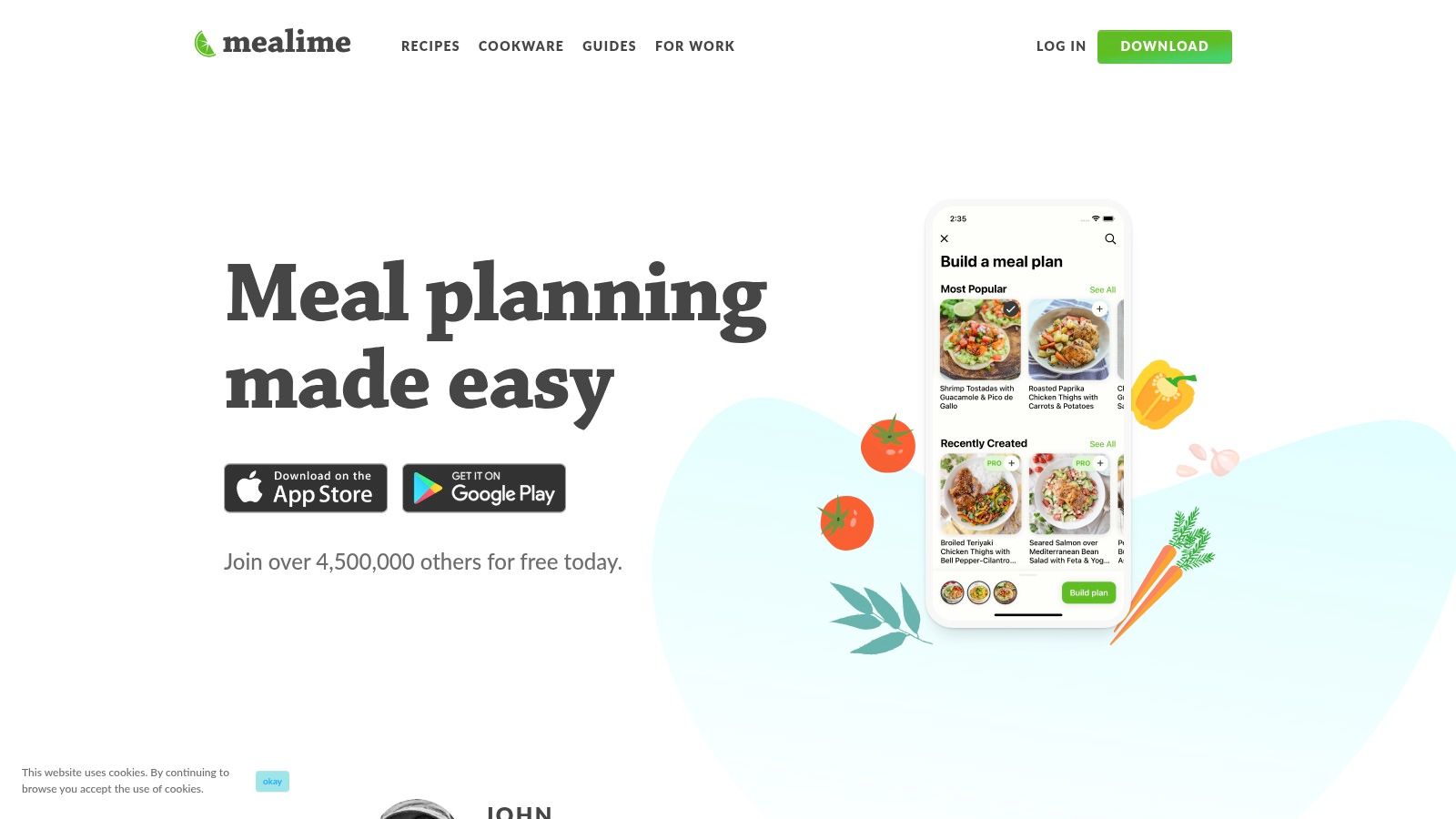
The app's biggest strength is its efficiency. Recipes are designed for busy weeknights, and the auto-generated shopping list is scaled precisely to your household size, which helps reduce food waste. Its clear, step-by-step instructions make it one of the most approachable cooking apps for beginners focused on building a consistent cooking habit. As one of the best meal prep planners, it takes the guesswork out of your weekly routine, allowing you to focus on just the cooking.
Key Details
- Best For: Busy individuals or families who want to streamline their weekly meal planning and grocery shopping.
- Pros: Highly personalized meal plans, automatic and accurate grocery lists, and very simple, beginner-friendly recipes.
- Cons: Less focused on teaching cooking skills and techniques; many customization features are locked behind the Pro subscription.
- Pricing: A free version is available with basic features. Mealime Meal Planner Pro unlocks all recipes and features for $2.99/month.
- Website: https://www.mealime.com
7. SideChef
SideChef transforms cooking from a chore into an interactive, step-by-step experience, making it one of the best cooking apps for beginners. It excels at bridging the gap between finding a recipe and actually getting the food on your table. The platform's standout feature is its integration with grocery retailers like Walmart and Amazon, allowing you to send an entire recipe's ingredient list to a shopping cart with a single tap. This eliminates the tedious process of making a grocery list and streamlines meal prep.
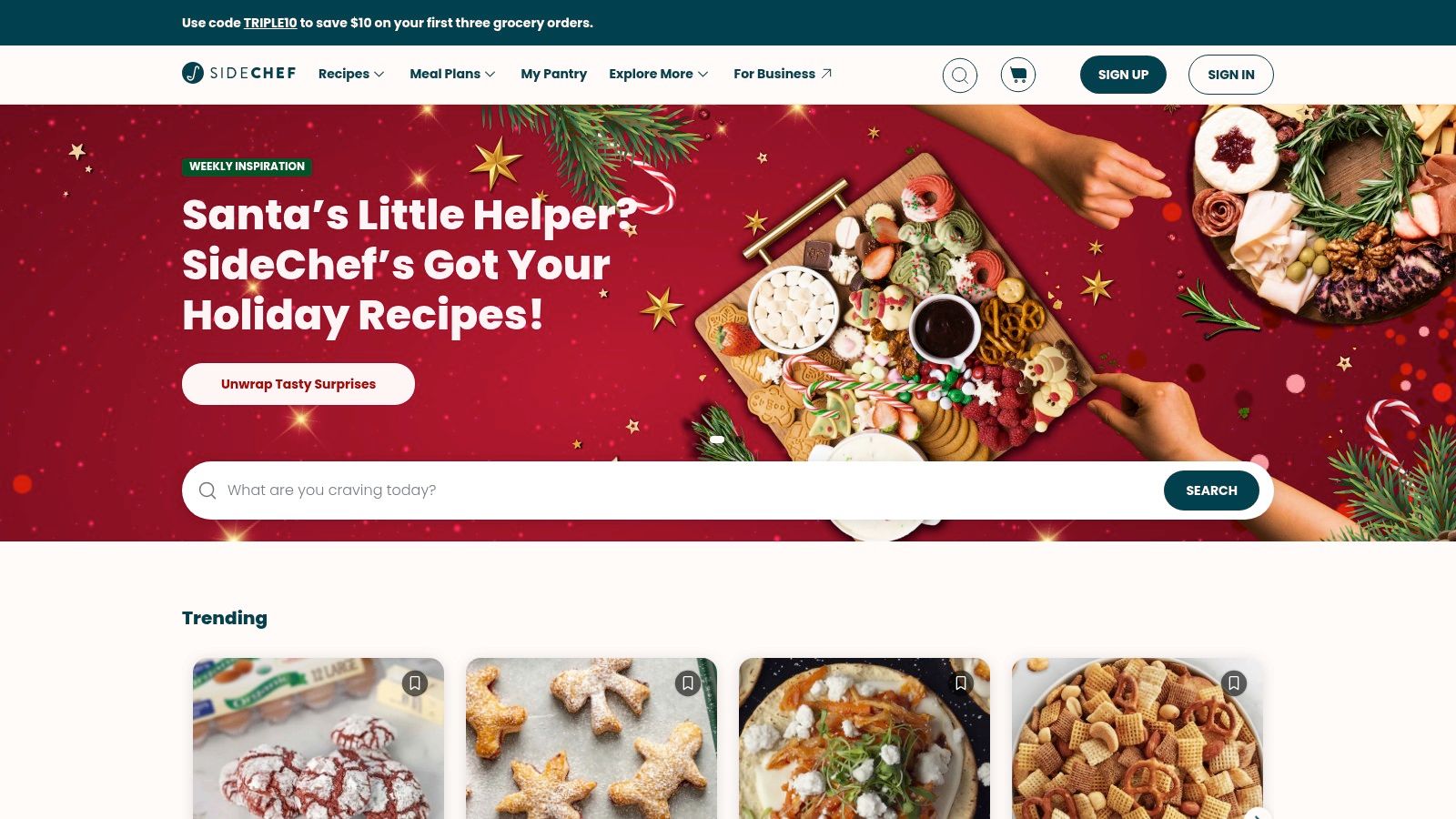
The app is designed with novice cooks in mind, featuring built-in timers, instructional videos, and a clear, guided cooking flow that walks you through each stage. For those looking to deepen their knowledge, the optional SideChef Premium subscription offers access to hundreds of on-demand classes. These structured lessons help build fundamental skills, from knife techniques to mastering specific cuisines, providing a solid foundation for culinary growth. It also integrates with smart appliances for a more connected kitchen.
Key Details
- Best For: Beginners who want an all-in-one tool for meal planning, grocery shopping, and guided cooking.
- Pros: Seamless one-tap grocery integration, clear step-by-step instructions with timers, and smart appliance connectivity.
- Cons: Grocery delivery may have retailer-specific minimums and fees, and many advanced classes require a premium subscription.
- Pricing: The app is free to download and use. SideChef Premium is available for a monthly or annual subscription fee.
- Website: www.sidechef.com
8. Samsung Food (formerly Whisk)
For beginners who love saving recipes from blogs, social media, and various websites, Samsung Food is an indispensable organizational tool. It acts as your personal digital cookbook, allowing you to "clip" recipes from anywhere on the internet with a single click. This feature is perfect for new cooks who find inspiration across different platforms and want to keep everything neatly organized in one central hub, making it one of the most flexible cooking apps for beginners.
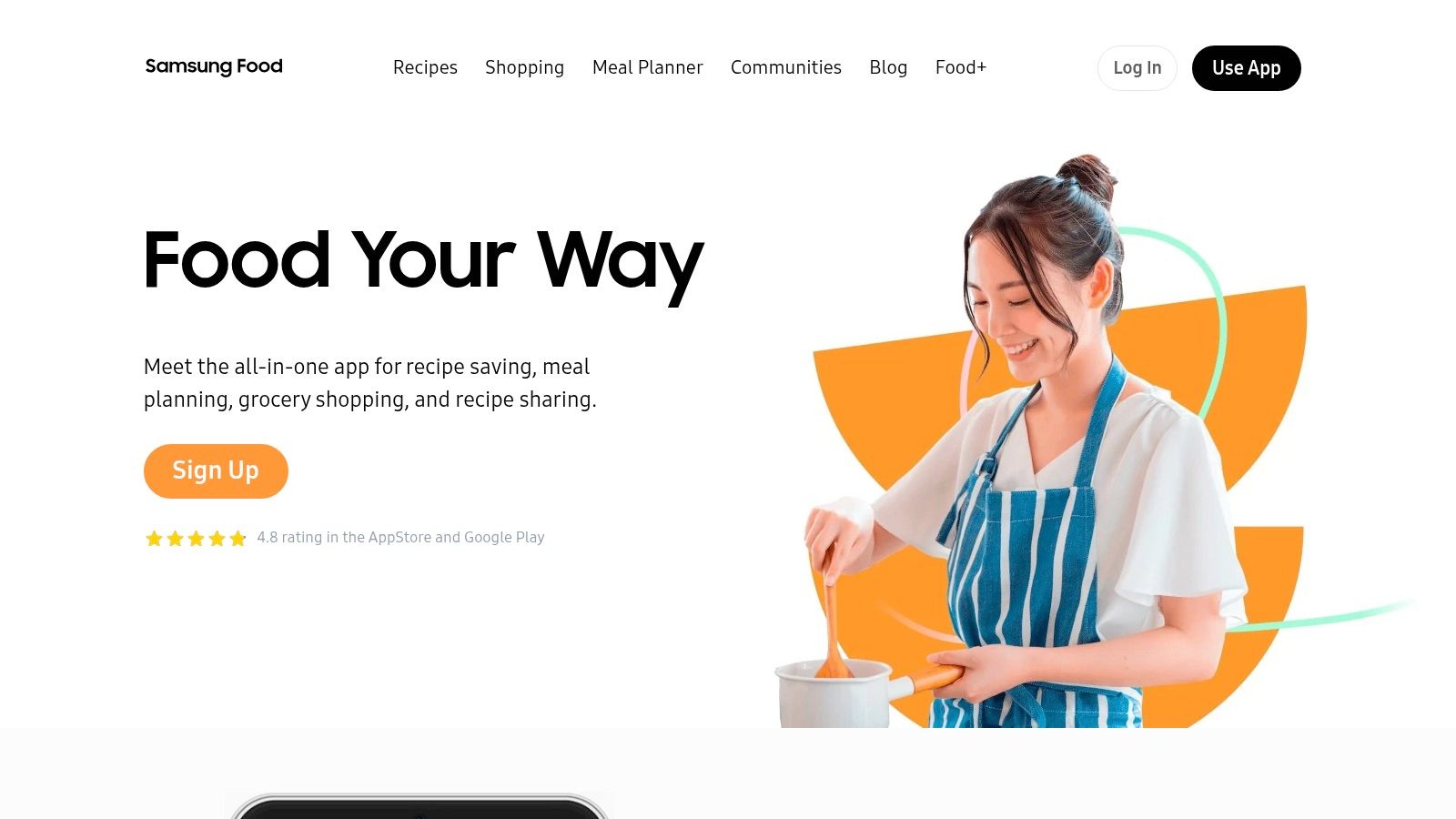
Beyond simple storage, Samsung Food automatically generates shopping lists from your saved recipes, which you can share with family members. It also provides community tips on recipes and offers basic nutrition insights, helping you make more informed choices. The platform's strength lies in its ability to bring order to the chaos of online recipe hunting, letting you build a curated collection of beginner-friendly meals you actually want to cook.
Key Details
- Best For: Beginners who save recipes from various online sources and want an all-in-one organizer and meal planner.
- Pros: Excellent for collecting recipes from anywhere on the web, a robust and feature-rich free tier, and cross-platform availability (iOS, Android, web).
- Cons: Advanced AI meal planning and inventory features are locked behind the Samsung Food+ subscription.
- Pricing: The core app is free. Samsung Food+ pricing is approximately $6.99/month or $59.99/year.
- Website: samsungfood.com
9. NYT Cooking (The New York Times)
NYT Cooking offers a polished and reliable experience, making it one of the best cooking apps for beginners seeking to build real kitchen confidence. Backed by the editorial power of The New York Times, every recipe is rigorously tested, so you can trust that it will work. The platform’s strength lies in its clear, step-by-step instructions, often accompanied by reader notes that offer helpful tips and substitutions to avoid common pitfalls.
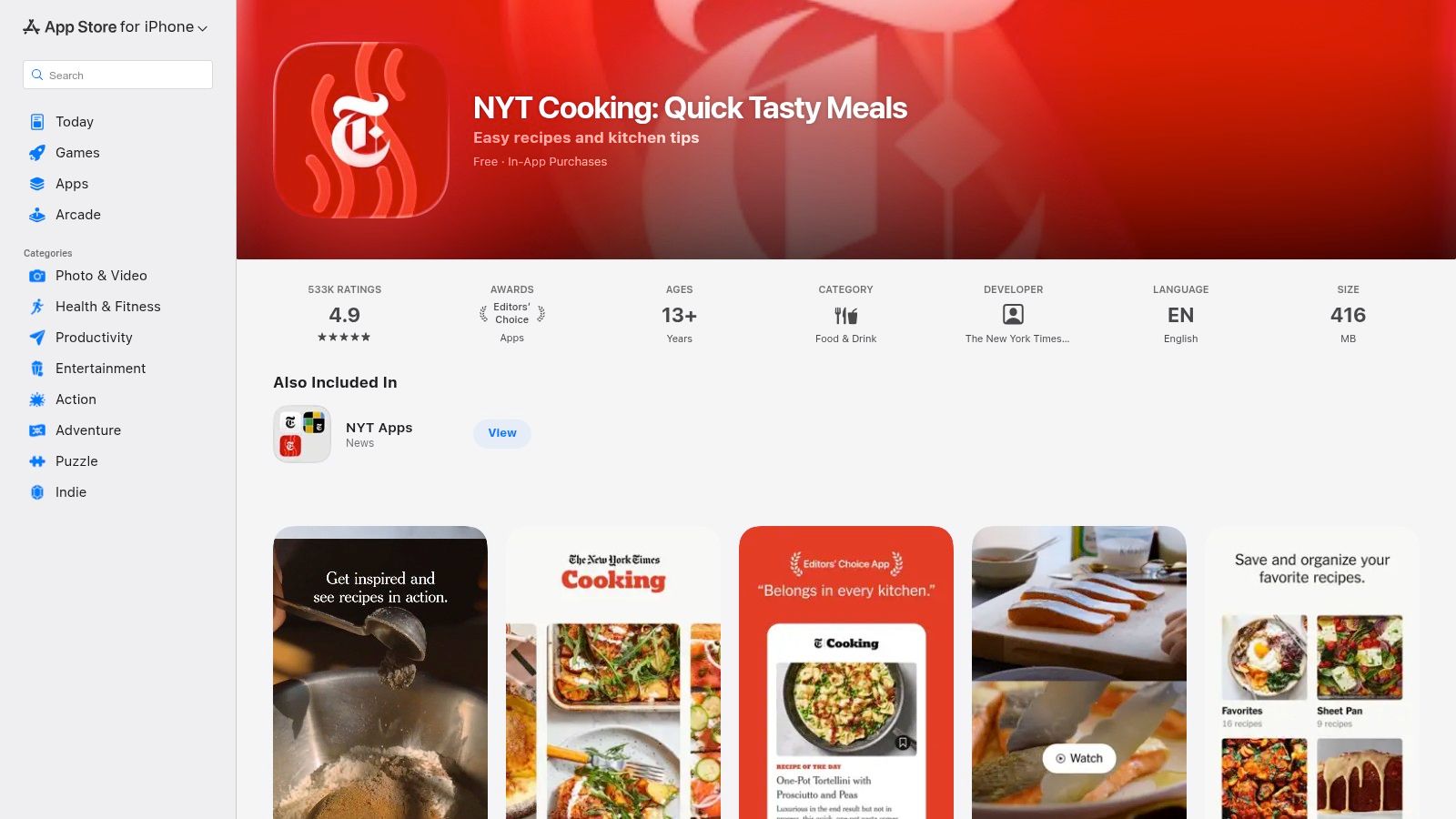
Beginners will appreciate the high-quality instructional videos demonstrating core techniques like how to properly chop an onion or knead dough. The "Recipe Box" feature allows you to save your favorite dishes, and you can organize them into custom folders for easy meal planning. The powerful search function and curated collections like "What to Cook This Week" remove the guesswork and inspire you to try new things.
Key Details
- Best For: Beginners who want to learn from a trusted source with professionally tested recipes and clear, high-quality video guides.
- Pros: Reliable and thoroughly tested recipes, excellent editorial curation, and a helpful community that adds tips to recipes.
- Cons: Full access to the extensive recipe archive requires a paid subscription, which can be a barrier for some users.
- Pricing: A limited number of recipes are free. Full access requires a subscription, typically around $5/month or $40/year.
- Website: cooking.nytimes.com
10. SuperCook
SuperCook flips the traditional recipe discovery model on its head, making it one of the most practical cooking apps for beginners. Instead of finding a recipe and then shopping for ingredients, you simply tell SuperCook what you already have in your pantry, fridge, and freezer. The platform then searches its massive database of recipes from across the web to show you exactly what you can make right now. This approach is perfect for preventing food waste and building confidence with on-hand items.
The platform excels at taking the guesswork out of meal planning, which can be a major hurdle for new cooks. By focusing on ingredient-based discovery, it encourages resourcefulness and helps you learn which flavors and foods work well together. The interface is straightforward: you check off ingredients from a comprehensive list, and recipes magically appear. You can learn more about how to find recipes by ingredients on hand to master this money-saving technique.
Key Details
- Best For: Beginners looking to reduce food waste and cook creative meals with ingredients they already own.
- Pros: Excellent for impromptu cooking, minimizes grocery trips, and aggregates a huge variety of recipes from many sources.
- Cons: Recipe quality can be inconsistent since it pulls from various websites; the interface is more functional than inspirational.
- Pricing: Free to use on the web and through its mobile apps (iOS/Android).
- Website: www.supercook.com
11. America's Test Kitchen (ATK) App
For beginners who want to understand the science behind cooking, the America's Test Kitchen (ATK) App is an indispensable educational tool. It goes beyond simple instructions by providing rigorously tested recipes complete with detailed "Why This Recipe Works" explanations. This focus on technique and theory helps new cooks build a strong foundation, making it one of the best cooking apps for beginners who are serious about learning.
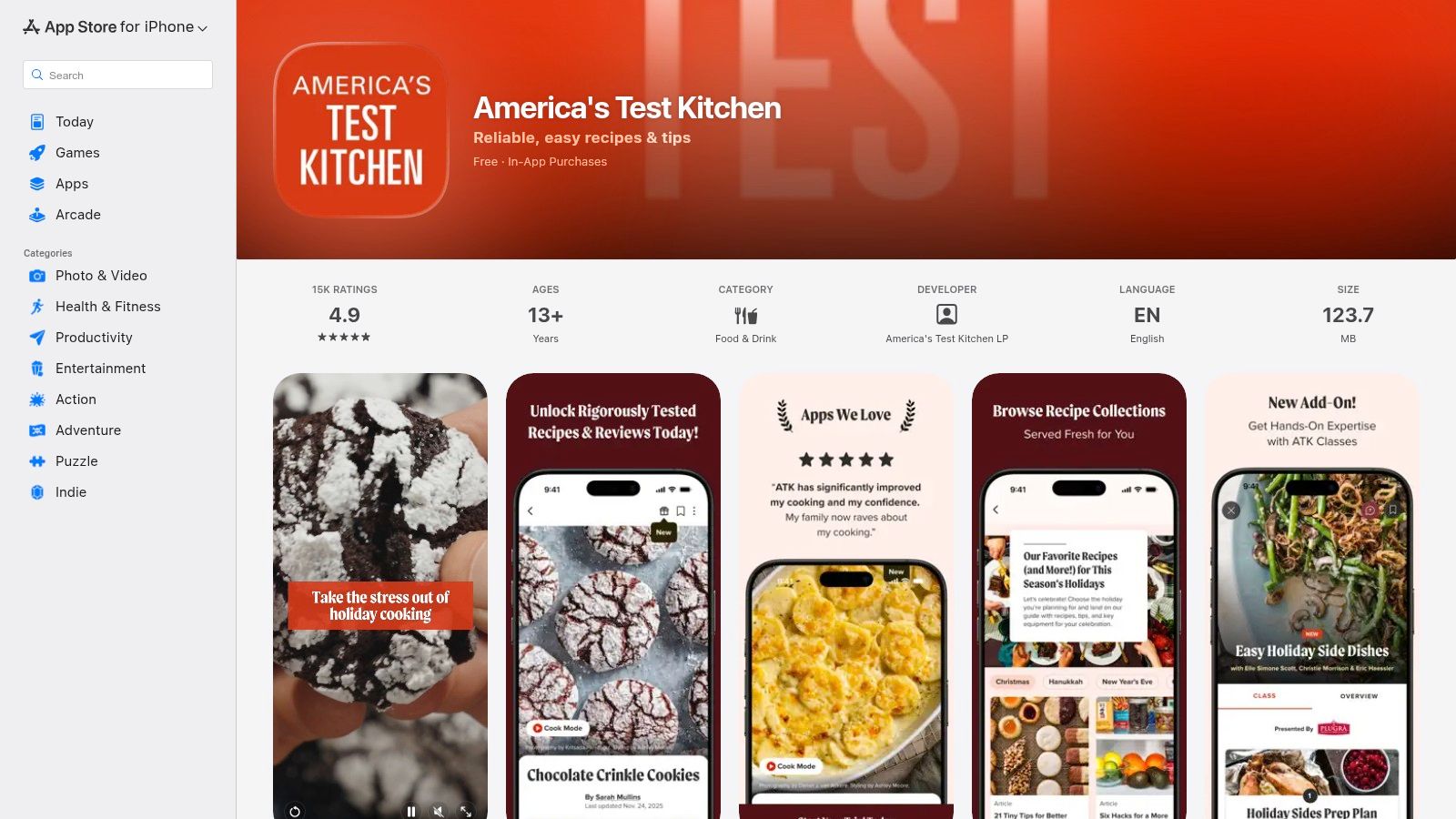
The platform offers over 14,000 foolproof recipes, technique videos, and unbiased equipment and ingredient reviews, helping you make smart purchases. For those seeking a more structured curriculum, the app also offers ATK Classes as an add-on. Access to the full library requires a membership, but the investment pays off by preventing common cooking failures and building genuine kitchen confidence.
Key Details
- Best For: Aspiring cooks who want to learn the fundamentals and understand the "why" behind each recipe step.
- Pros: Extremely reliable, science-backed recipes that build confidence; detailed explanations and optional classes are great for learning.
- Cons: Full access is locked behind an ATK Essential paid membership; some users have reported occasional maintenance outages.
- Pricing: The app is free to download, but full content requires an ATK Essential membership (starts at $49.95/year).
- Website: apps.apple.com/us/app/americas-test-kitchen/id1365223384
12. Paprika Recipe Manager 3
Paprika Recipe Manager 3 is less about discovering new recipes and more about creating your personal, digital cookbook. For beginners who find favorite recipes across various websites and blogs, this app acts as a central hub. Its standout feature is the ability to automatically download and format recipes from nearly any URL, stripping away ads and stories to give you a clean, easy-to-read ingredients list and set of instructions.
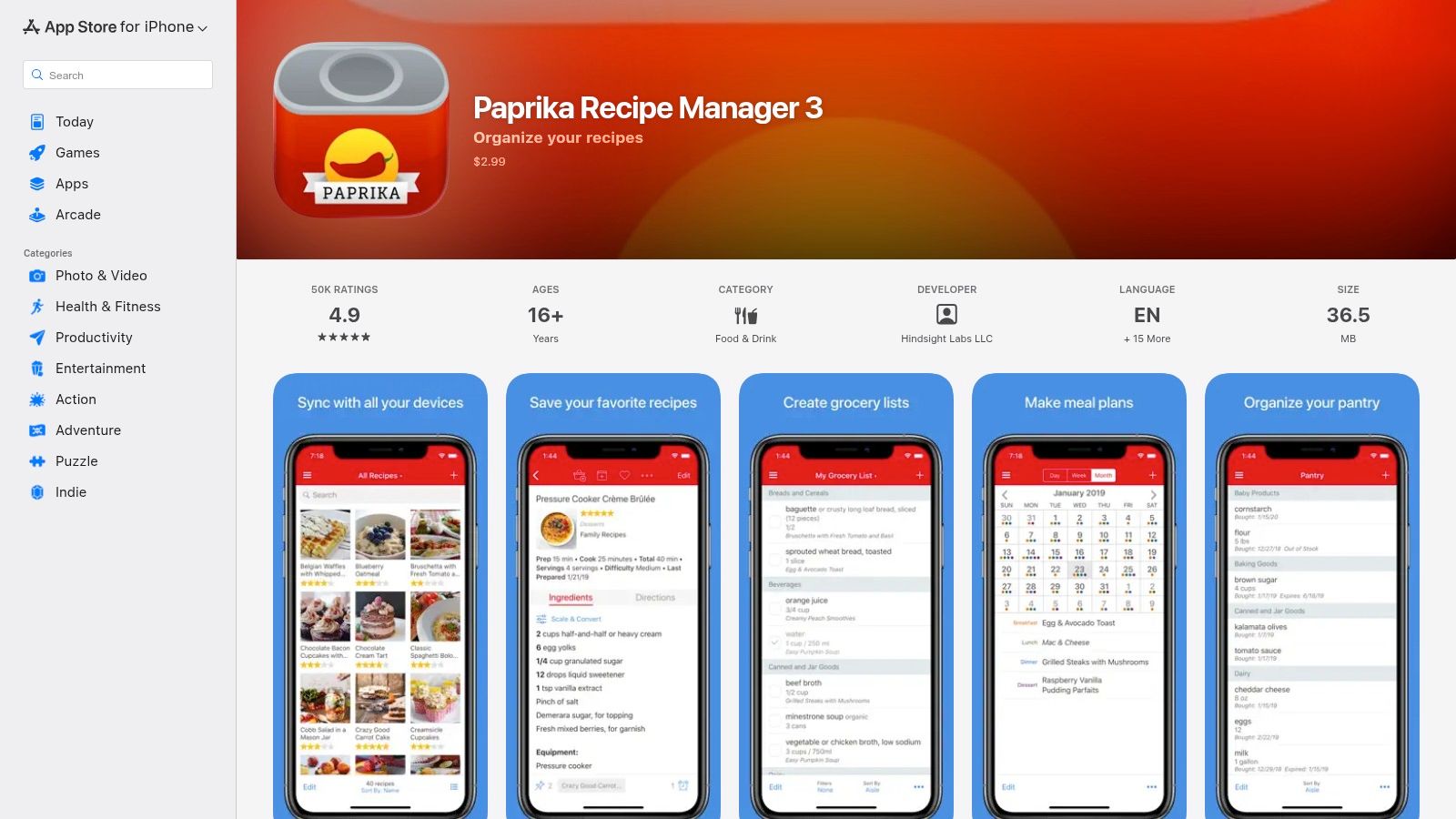
This platform excels at organization, making it one of the top cooking apps for beginners who want to build a trusted collection. The app includes a meal planner, smart grocery lists that combine ingredients, and a pantry tracker to help you use what you have. The Cook Mode keeps your screen on and highlights your current step, preventing messy hands from constantly unlocking your device. While you have to find your own recipes, Paprika empowers you to organize them perfectly. It's an essential tool for those serious about building a personalized recipe library, and you can explore more options in our guide to the best recipe manager apps.
Key Details
- Best For: Beginners who save many recipes from online sources and want to build a permanent, personal digital cookbook.
- Pros: One-time purchase (no subscription), powerful recipe import tool, and integrated meal planning and grocery list features.
- Cons: Does not provide its own curated recipe content; users must import all recipes themselves.
- Pricing: A one-time purchase of $4.99 on iOS/iPadOS. Other versions (Mac, Windows) are sold separately.
- Website: apps.apple.com
Beginner Cooking Apps — 12‑App Comparison
| Product | Core features | UX & Quality | Price & Value | Target audience | Unique selling point |
|---|---|---|---|---|---|
| 🏆 Recipe One | AI capture from posts, images & video → structured, searchable recipes | ★★★★☆ — fast extraction; may need review | 💰Core tools free; paid tiers not listed | 👥 Home cooks, social collectors, busy parents, beginners | ✨Auto-extract across formats + Cook-with-Ingredients & converters |
| Apple App Store | Curated app discovery, ratings, in‑app purchase handling | ★★★★☆ — trusted, polished discovery | 💰Platform free; app prices/IAPs vary | 👥 iOS/iPadOS users seeking vetted apps | ✨Editorial collections & secure payments |
| Google Play Store | Massive app catalog, installs, compatibility info | ★★★★☆ — broad selection, variable quality | 💰Platform free; app prices/IAPs vary | 👥 Android users looking for variety | ✨Wide catalog + Editor’s Choice discoverability |
| Tasty (BuzzFeed) | 10k+ recipes, short videos, Cook Mode, shoppable cart | ★★★★☆ — excellent video-first UX | 💰Free ± ads; optional subscription/IAPs | 👥 Visual learners, beginners, busy cooks | ✨Short recipe videos + Walmart integration |
| Kitchen Stories | Guided Cook Mode, timers, converters, personal cookbook | ★★★★☆ — clean UI, strong editorial | 💰Generous free tier; Plus subscription | 👥 Beginner cooks who want polished guides | ✨High-quality editorial content & tools |
| Mealime | Meal plans, personalized diets, auto grocery lists | ★★★★☆ — simple, planner-focused | 💰Free basic; Pro low-cost subscription | 👥 Busy beginners & meal planners | ✨Auto shopping lists sized to household |
| SideChef | Step-by-step recipes, retailer cart add, smart appliance links | ★★★★☆ — guided flow for novices | 💰Free; Premium subscription for classes | 👥 Beginners who want easy shopping | ✨One-tap add-to-cart + appliance integrations |
| Samsung Food (Whisk) | Recipe saver, pantry tracking, meal plans, nutrition | ★★★★☆ — robust cross-platform tools | 💰Free; Food+ paid (~$6.99/mo) | 👥 Samsung ecosystem users & web savers | ✨Vision AI pantry + Samsung integrations |
| NYT Cooking | Tested recipes, Cook Mode, folders & Recipe Box | ★★★★★ — editorially curated, reliable | 💰Subscription required for full access | 👥 Serious home cooks & learners | ✨Deep, trusted archive with reader tips |
| SuperCook | Pantry builder & ingredient‑to‑recipe matching | ★★★☆☆ — great discovery; quality varies | 💰Free | 👥 Cooks who want to use on-hand ingredients | ✨“What can I make?” ingredient engine |
| America’s Test Kitchen (ATK) | 14k+ tested recipes, technique videos, classes | ★★★★★ — highly reliable, instructional | 💰Membership/subscription required | 👥 Learners focused on technique & testing | ✨“Why this recipe works” + rigorous testing |
| Paprika Recipe Manager 3 | Import, meal planner, pantry, Cook Mode, sync | ★★★★☆ — stable, focused organizer | 💰One-time purchase (no recurring fee) | 👥 Users wanting a local, durable recipe manager | ✨One-time purchase + powerful organization features |
Your Culinary Journey Starts Now
Embarking on a culinary adventure has never been more accessible. We've explored a dozen of the best cooking apps for beginners, each offering a unique pathway to kitchen confidence. From the vibrant, video-first approach of Tasty to the structured, skill-building lessons within Kitchen Stories, the digital tools available today can transform a novice cook into a seasoned home chef.
The sheer volume of options might feel overwhelming, but the power lies in choosing the app that aligns with your personal goals and learning style. Your journey doesn't have to be perfect; it just has to start.
Finding Your Perfect Kitchen Companion
Let's recap the core takeaways to help you make a decision. The key to success is identifying what you need most at this stage of your cooking journey.
- For Visual Learners: If you learn best by watching, apps like SideChef and Tasty are your go-to resources. Their step-by-step videos and hands-free voice commands remove the guesswork and make following complex recipes feel simple.
- For Aspiring Meal Planners: If your primary goal is to conquer the weeknight dinner rush, Mealime is a game-changer. Its automated meal plans and integrated grocery lists streamline the entire process, saving you time and reducing food waste.
- For Building Foundational Skills: To truly understand the "why" behind cooking techniques, America's Test Kitchen and Kitchen Stories offer expertly tested recipes and instructional content that build a strong culinary foundation.
- For the Ultimate Recipe Collectors: If you're tired of losing recipes from blogs and social media, a dedicated manager is essential. Paprika 3 and Samsung Food excel at capturing, organizing, and scaling recipes from anywhere on the web.
Your Actionable Next Steps
Feeling inspired? Good. Now it's time to turn that inspiration into action. Don't try to master everything at once. Instead, follow this simple plan:
- Choose ONE App: Based on the needs identified above, pick just one app to start with. Trying to learn several at once will lead to confusion.
- Pick a Simple Recipe: Find a recipe with fewer than ten ingredients that looks exciting to you. A simple pasta dish, a sheet-pan dinner, or a classic soup are all great starting points.
- Shop with a List: Use your chosen app's grocery list feature to gather your ingredients. This small step builds a habit of organization and prevents last-minute store runs.
- Embrace the Process: Your first dish might not be perfect, and that's completely okay. The goal is to learn and gain experience. Celebrate the small victory of making a meal from scratch.
The journey from beginner to confident cook is built one recipe at a time. The fantastic selection of cooking apps for beginners we've covered provides the scaffolding you need to succeed. The most important ingredient, however, is your own curiosity and willingness to try. So, download your chosen app, head to the kitchen, and start creating something delicious today.
Ready to finally organize all those saved recipes from Instagram, TikTok, and your favorite blogs? Recipe One acts as your central cookbook, seamlessly capturing recipes from any source and making them easy to find and use. Stop scrolling and start cooking by downloading Recipe One to build your personal recipe collection today.