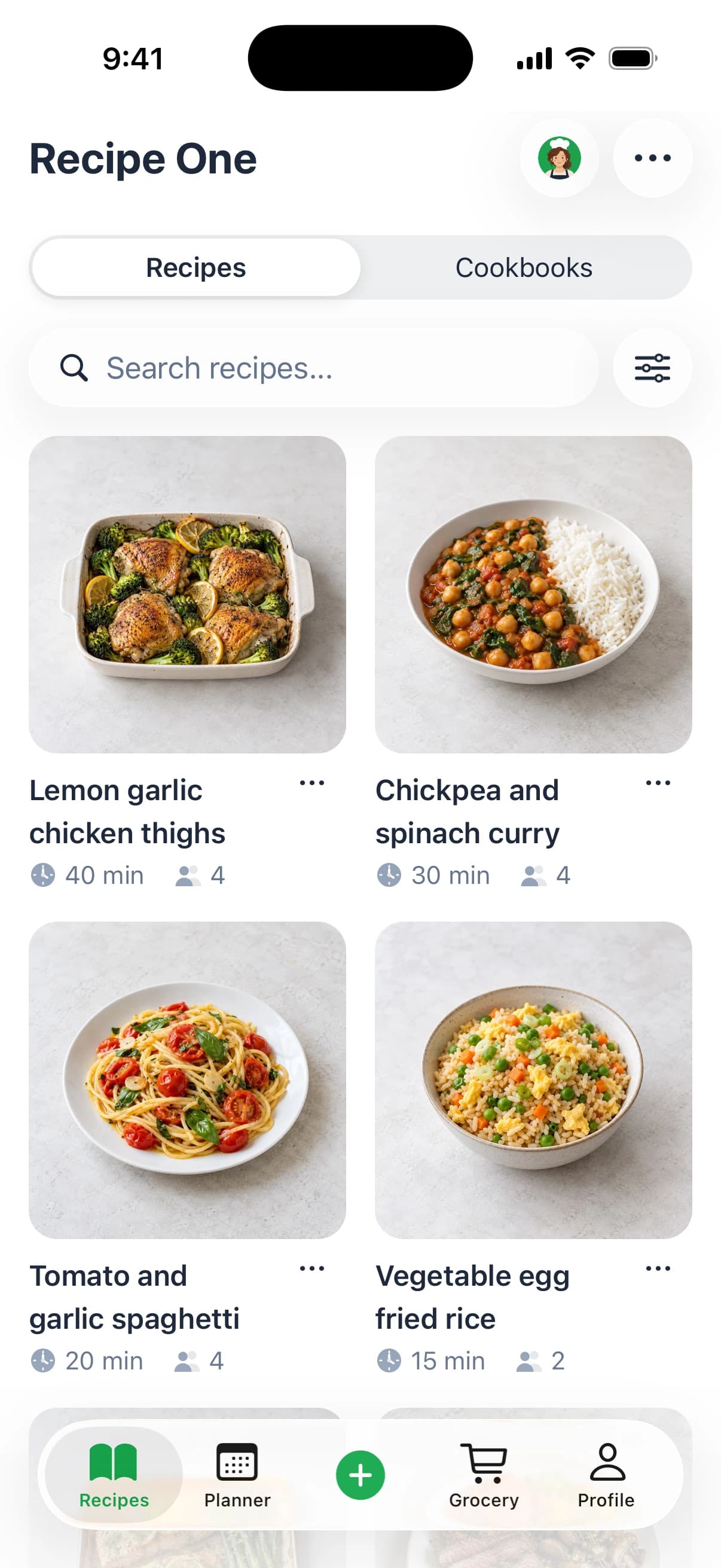
Recipe One is the best app to save money on groceries by planning meals first and buying only what its combined grocery list needs, although it doesn't compare prices. That planning matters because the average American consumer paid about $728 in 2023 for edible food that was never eaten, roughly $14 per week, so cashback, coupons, and markdowns should reduce the cost of purchases you already planned to make.
Most grocery savings advice starts at checkout. That's backwards. A discount doesn't save you money if the food duplicates what you own, exceeds what you'll eat, or sits unused. Start by saving recipes from any source, planning around ingredients you already have, and shopping from one combined list.
1. Recipe One Best for Planning Meals and One Combined Grocery List
Recipe One handles that first step. You can save recipes, place them in a weekly meal plan, and generate a combined grocery list from the planned meals, as described in Recipe One's guide to its AI recipe app. Its built in AI chef, Maya, can help find ideas from your library, answer cooking questions, scale servings, convert units, suggest substitutions, and adapt recipes.
Its mechanism is simpler. Decide what you'll cook, combine the required ingredients, check what you have, and avoid unnecessary or duplicate purchases. Then use the seven apps below for the jobs Recipe One doesn't do, including comparing flyers, clipping store coupons, earning rewards, and buying suitable markdowns.
2. Flipp Best for Comparing Local Flyers Before You Shop
Use Flipp after you've planned your meals and built your list. It gathers local weekly ads and circulars in one searchable place, so you can check advertised prices near your ZIP code instead of opening several store flyers. That makes it a strong fit for shoppers choosing between nearby supermarkets.
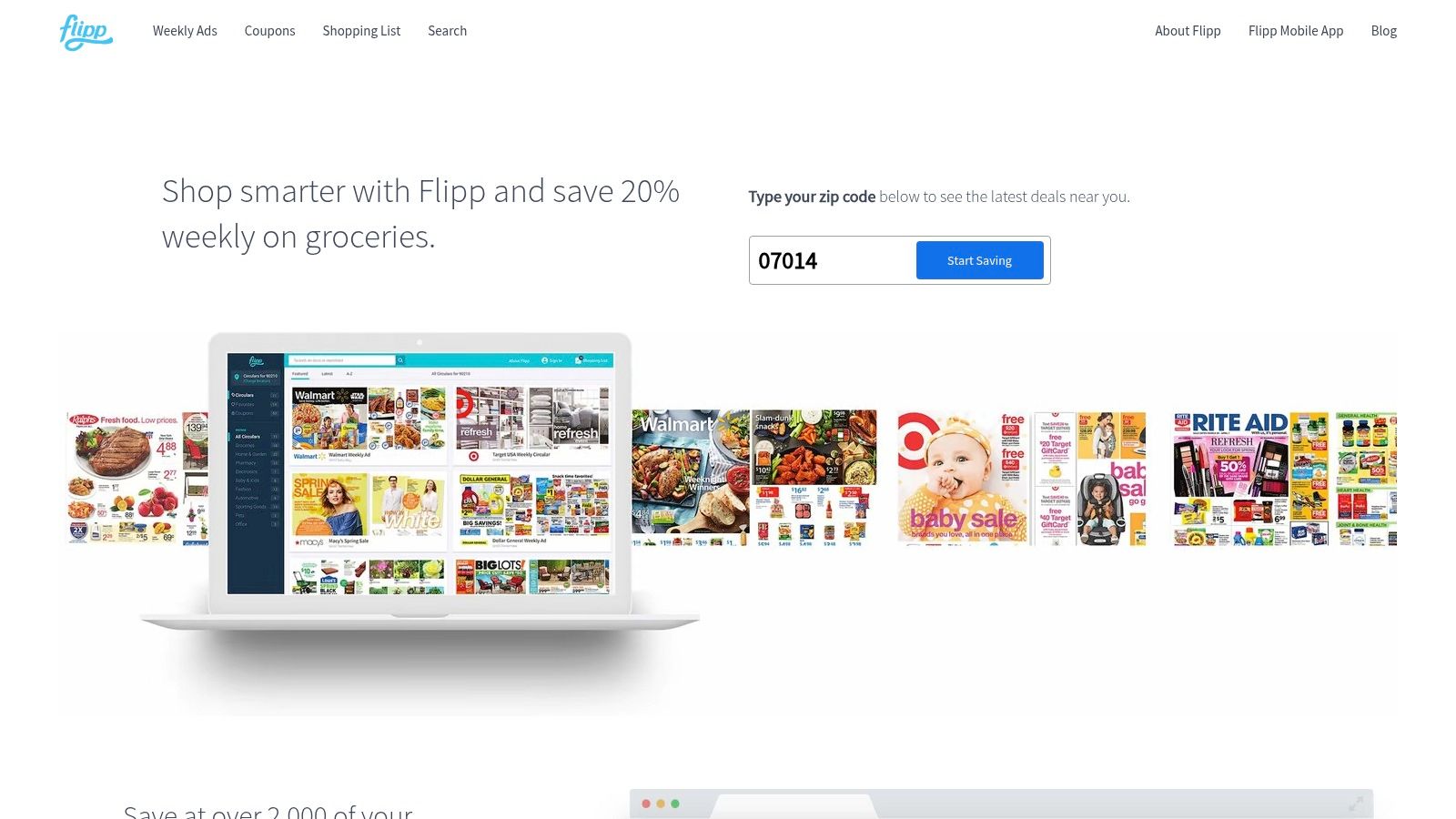
Digital price research is already common. A 2026 U.S. grocery shopper trends finding reported that 51% of shoppers accessed digital coupons or discounts while planning, 50% looked up prices online, and 49% used digital tools to compare prices across stores, according to FMI's 2026 filing on grocery shopper trends.
What Flipp Does Well
- Browse local circulars: Review weekly ads from stores in your area.
- Search specific needs: Look up products, brands, and stores before deciding where to shop.
- Build around sales: Create a shopping list from items and advertised deals.
- Clip selected coupons: Some digital coupons can be clipped to store loyalty accounts in the app.
Flipp is useful because it moves price checking before the trip. You can match its deals against the plan you've already made using guidance on how to make a grocery list from planned meals.
Where It Falls Short
An advertised deal isn't automatically the lowest price or best value. Coverage and coupon features vary by retailer and location, and Flipp won't tell you whether you already own an ingredient. Treat it as your local price check, not your meal planner.
Platform and free plan details were checked October 2026. If availability matters, check the official site or App Store for current pricing and platform information.
3. Ibotta Best for Cash Back on Planned Brand Purchases
Ibotta works best when you check it before shopping, not after you've filled your cart. Add eligible offers for products already on your list, then earn through a linked loyalty account, receipt submission, or a supported online purchase, depending on the retailer and offer terms.
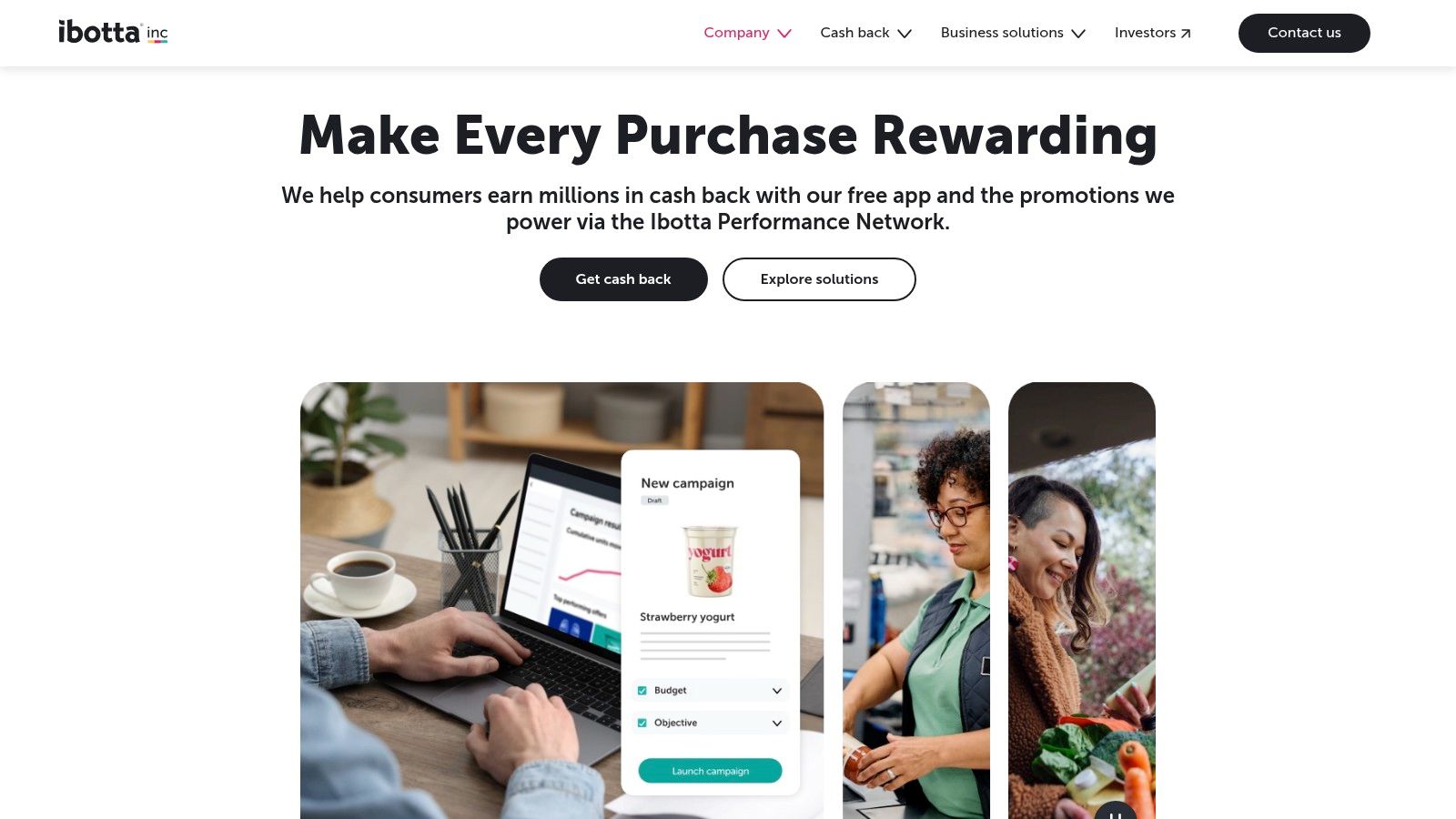
Coupon discovery through apps is now a mainstream habit. Consumer Reports found that 36% of grocery shoppers frequently use coupons or member discounts, another 38% use them occasionally, and among discount users, 49% discover coupons through apps, as reported in Consumer Reports' guide to digital coupons.
How Ibotta Saves Money
The value comes from product specific cash back, not storewide discounts. If an offer matches your usual cereal, yogurt, or cleaning product, activate it and complete the stated redemption method. Loyalty account linking can reduce receipt uploads at supported stores, which lowers the effort per trip.
Rewards can be withdrawn after you meet the account's minimum distribution threshold. Check the current threshold and withdrawal options in your account because terms can change. Platform and account details were checked October 2026, so check the official site or App Store for current pricing and availability.
Practical rule: Add Ibotta offers only after your meal plan and grocery list are finished. If an offer changes what you buy, compare the final cost with your original choice first.
The Trade Off
Offers may not match your normal brands, package sizes, or store. They generally need to be added before shopping and redeemed according to their terms. Used selectively, Ibotta complements broader habits covered in how to save money on groceries, especially planning first and rewarding purchases you'd make anyway.
4. Fetch Best for Low Effort Receipt Rewards
If selecting offers before every trip feels like too much work, Fetch takes a different route. You submit eligible receipts, earn points, and redeem those points for gift cards and other rewards. Selected brand and retailer offers can provide extra points on top of the base receipt routine.
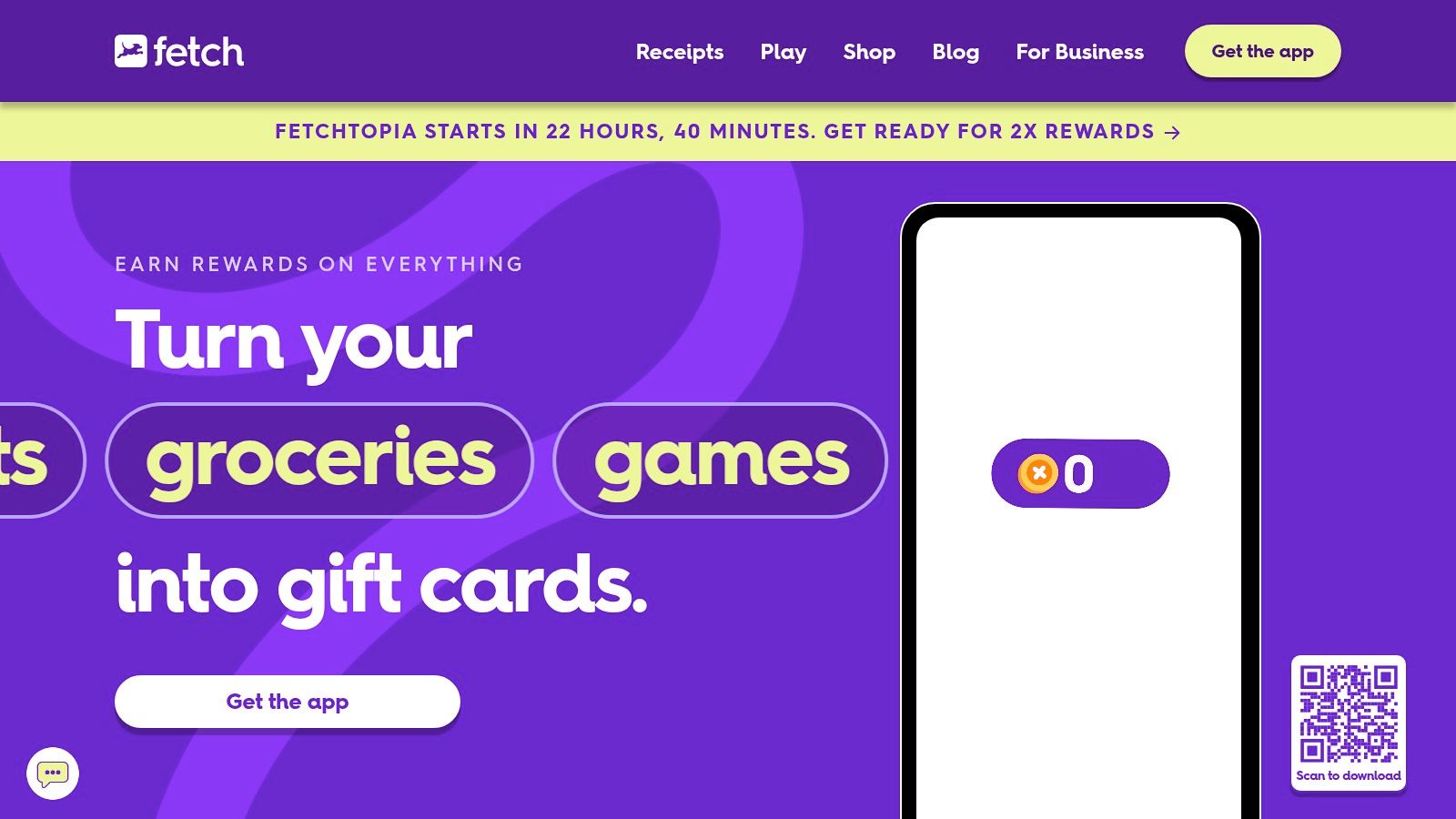
This model suits shoppers who want rewards without matching every item to a rebate in advance. Physical receipts can be scanned, and eligible digital receipts may be submitted through supported linked accounts. Because Fetch can reward purchases beyond grocery stores, it's broader than a supermarket only tool.
What to Know Before You Rely on Points
- Points aren't cash back: Their practical value depends on the rewards you choose and current redemption options.
- Receipt timing matters: Physical receipts must be submitted within 14 days and meet the app's rules, according to Fetch's own program information.
- Privacy is part of the trade: Linking email or retailer accounts involves sharing access to receipt information.
- Extra offers need checking: Brand deals can increase points, but they shouldn't pull unplanned products into your cart.
Fetch works after the purchase, while planning tools work before it. Turning a recipe to shopping list conversion into one focused list controls what enters the cart. Fetch then rewards eligible spending from that controlled list.
Choose Fetch if you'll consistently submit receipts but don't want to manage many product offers. Skip it if you prefer direct cash back or don't want to link accounts. Platform and rewards details were checked October 2026. Check the official site or App Store for current pricing, redemption options, and eligibility.
5. Flashfood Best for Flexible Shoppers Who Can Use Markdowns Quickly
Flashfood lists discounted surplus food from participating grocery stores, including items approaching their best by dates. You browse local listings, pay in the app, and pick up the order in store. It's built for flexibility: if a family pack of chicken thighs appears at 50% off, you can shift Thursday's planned pasta to a stir-fry and freeze the rest. Shoppers locked into a fixed weekly menu will get far less from it.
Flashfood says discounts can reach up to 50% off on eligible listings, according to its own markdown marketplace description. Listings can include produce, meat, and packaged foods, although selection depends on participating stores near you and changes as items sell.
When a Markdown Is Worth Buying
Buy markdowns you can cook, freeze, or use within the available window. Check dates and quantities before paying, especially for fresh items. A discounted family pack isn't a bargain if half of it expires before your household can use it.
That waste check matters. A national household food waste tracking survey led by Ohio State researchers estimated that the average person discards 473 grams of food per week, a figure discussed in Marketplace's reporting on the cost of food waste. Flashfood can reduce unsold food waste, but only if the food you rescue is eaten.
Buy the markdown only when you can name the meal and day you'll use it. Otherwise, leave it for another shopper.
Treat Flashfood as a swap tool inside your plan, not a replacement for one. Check listings after your list is set, then substitute markdowns for planned ingredients where they fit. It requires an in store pickup trip, so factor in time and travel; it's strongest near a store you already visit. Platform, store participation, and pricing details were checked October 2026. Check the official site or App Store for current pricing and local availability.
6. Checkout 51 Best for an Extra Weekly Rebate Check
Checkout 51 is a secondary cash back app worth checking before a planned trip. Browse current product offers, buy qualifying items, select the matching offers in the app, and upload your receipt for review. Offers refresh weekly, so last week's match may not return.
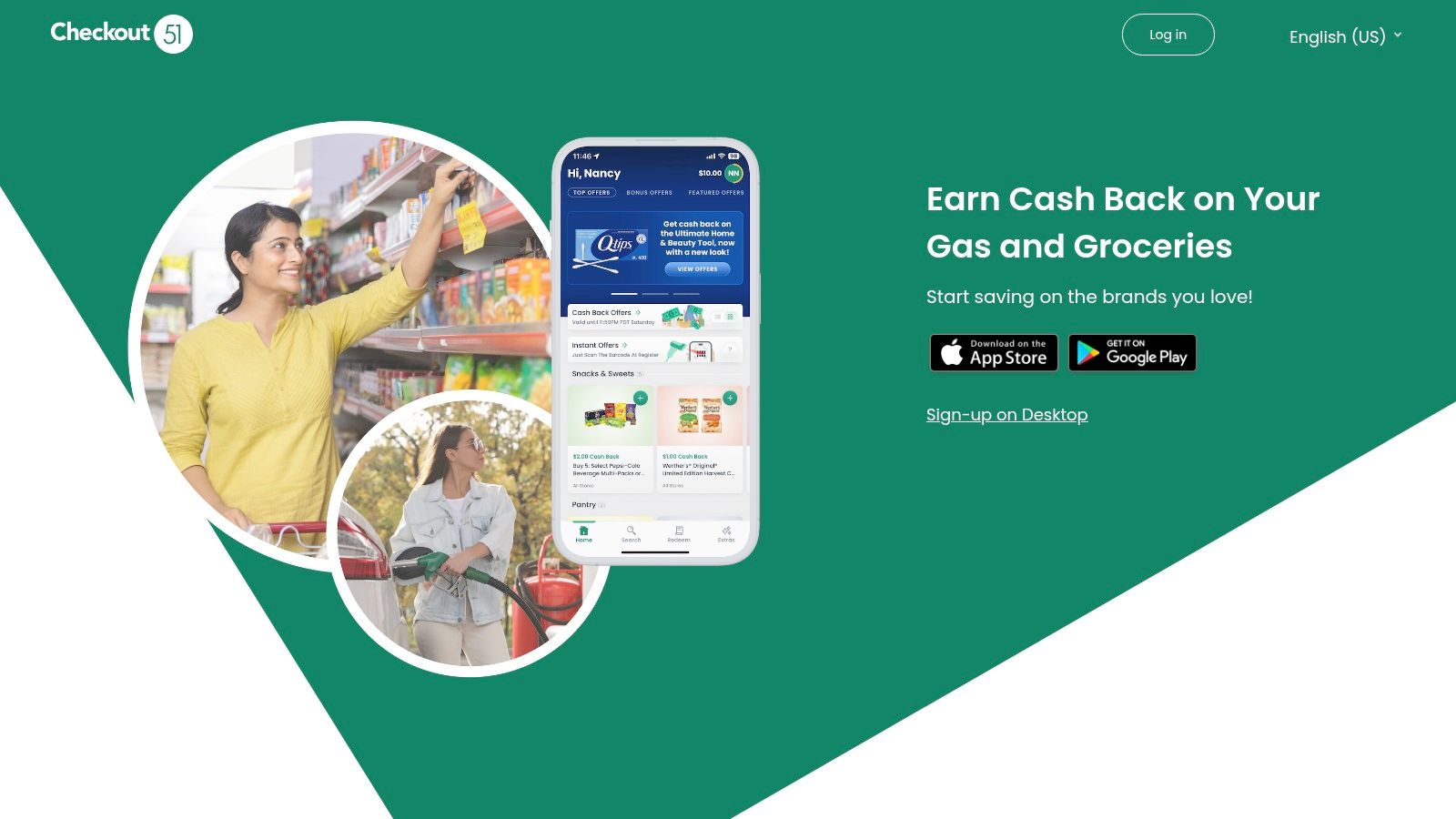
The process is straightforward, but it adds steps after shopping. You need a clear, eligible receipt and some patience for the review. Checkout 51 says you can cash out once your balance reaches $20, according to Checkout 51's explanation of how cash out works. Occasional users may wait months before redeeming a small balance.
Best Way to Use It
Check Checkout 51 after Flipp and your store app, not before your meal plan. Look for exact matches with products already on your list, then ignore everything else. That order keeps the app from steering you toward brands or quantities you never intended to buy.
Run the math on any offer before you count it as savings. If your usual yogurt pays $0.50 back and you buy two tubs a week, that is roughly $4 a month, meaning about five months of claims before the balance clears the $20 payout point. Small rebates are real money, but they collect slowly.
A grocery list generator from recipes gives you the fixed list Checkout 51 should be checked against. Without that list, weekly offers can easily become a reason to browse and overspend.
Pick Checkout 51 as a bonus layer on top of tools you already use. It fits shoppers who buy the same products weekly and don't mind a short receipt routine after each trip. Check the official site or App Store for current pricing, platforms, cash out terms, and offer rules.
7. Target App With Target Circle Best for Regular Target Shoppers
The Target app combines grocery shopping, Target Circle deals, weekly promotions, lists, store availability, pickup, Drive Up, and delivery options. If you already buy groceries and household staples at Target, keeping savings inside the retailer's own checkout process is convenient.
Target Circle membership is free. Target says many eligible deals apply automatically at checkout when shoppers identify themselves as members, while some bonuses, coupons, or rebates still require activation, according to Target's overview of its app and Target Circle. Check each offer instead of assuming every promotion is automatic.
Why Target Shoppers Should Use It
- Integrated savings: Eligible Circle deals connect directly to Target purchases.
- List and availability tools: Build a list and check whether items are in stock at your store.
- Flexible fulfillment: Shop in store or through supported pickup, Drive Up, or delivery services.
- Weekly promotion browsing: Review current deals before building your Target order.
The Main Limitation
Target Circle savings apply at Target, and offers often attach to specific UPCs. A different size, flavor, or substitute brand may not qualify, so check the item-level deal badge in the app before swapping anything on your list. Prices, offers, and product availability can also vary by location and fulfillment method.
That fits the planned-purchase approach well: Circle works best as a final layer on items already on your Target list, not as a reason to browse.
Pickup can also help you stick to a list because you aren't walking past unplanned displays. Build the meal plan elsewhere, transfer only the needed Target items, activate any offers that require it, and review the cart before ordering.
Platform and free membership details were checked October 2026. Check the official site or App Store for current pricing, paid membership options, and local offer terms.
8. Kroger App Best for Digital Coupons at Kroger Stores
For regular Kroger shoppers, the Kroger app is the most direct coupon tool in this roundup. A free digital account lets you clip eligible coupons, browse weekly ads and personalized savings, manage a grocery list, access member prices, and earn Fuel Points on eligible purchases.
Kroger explains that you add a digital coupon through its website or app, buy the qualifying product, and use your Shopper's Card or Alt ID in store so the discount applies automatically, according to Kroger's digital coupon help page. Kroger also says customers can clip up to 150 digital coupons, usable in store and for pickup and delivery orders.
How to Get Value Without Coupon Clutter
Clip coupons that match your planned list. Clipping everything makes the account harder to review and can encourage brand switching that doesn't lower the final basket cost. Before checkout, confirm that you're signed in and that the correct Shopper's Card or Alt ID is linked.
Fuel Points can add value if you use participating fuel stations, but they shouldn't drive grocery choices by themselves. The core savings come from member prices and coupons on items you already need. A weekly meal planner on a budget helps decide those items before you start clipping.
Checkout check: Kroger marks digital coupons as "ecpn" beneath qualifying items on the receipt, so review it before leaving if an expected discount is missing.
The app is most useful where Kroger or a participating family banner operates. Deals and prices can vary by store and order method. Platform and free account details were checked October 2026. Check the official site or App Store for current pricing and regional availability.
Top 7 Grocery Savings Apps Compared
| App | Savings approach | 🔄 Effort and resources | 📊 Expected outcome | ⭐ Ideal use case | 💡 Key advantage and limitation |
|---|---|---|---|---|---|
| Flipp | Compare local weekly ads; build a list around advertised deals | ⚡ Low effort; enter ZIP code and browse ads | Potential savings on items with competitive sale prices | Planning a grocery trip across nearby stores | Free and useful for price comparisons; coverage and coupons vary |
| Ibotta | Earn cash back on selected products at participating retailers | Medium effort; add offers before shopping, then link an account or submit a receipt | Cash back on qualifying purchases, subject to offer terms and withdrawal rules | Shoppers willing to check offers before buying | Direct cash-back rewards; offers may not match a usual shopping list |
| Fetch | Earn points from eligible receipts and selected offers | ⚡ Low effort; scan receipts or link supported accounts | Points redeemable for gift cards and other rewards | Shoppers seeking rewards across grocery and other stores | No specific brand purchase is required for eligible receipts; points are not cash |
| Flashfood | Buy discounted surplus food from participating stores | Medium effort; check local listings, pay in app, and pick up in store | Discounts on available items, sometimes up to 50% according to Flashfood | Flexible shoppers who can plan meals around local markdowns | Can save on fresh food and reduce waste; selection and use-by windows vary |
| Checkout 51 | Earn cash back on selected products after receipt review | Medium effort; select offers and upload a receipt; $20 minimum to cash out | Rebates on qualifying purchases, redeemable after reaching the threshold | Shoppers who find matching offers for products they already buy | Free and straightforward; receipt review and the cash-out minimum add steps |
| Target app with Target Circle | Access Target Circle deals, weekly promotions, and lists | Low to medium effort; free membership, with activation needed for some offers | Savings on eligible Target purchases | Shoppers who regularly buy groceries and household items at Target | Savings integrate with Target checkout; offers and availability vary by location |
| Kroger app | Use digital coupons, member prices, weekly deals, and Fuel Points | Medium effort; sign in, clip coupons, and use the linked account at checkout | Store-specific discounts and eligible Fuel Points | Regular customers of Kroger or a participating family banner | Combines coupons and list planning; usefulness depends on local store access |
Build a Savings Stack That Works
Start with the food you already own. Save recipes in Recipe One from TikTok, Instagram, YouTube, Facebook, Pinterest, any recipe website, screenshots, pasted text, cookbook photos, or handwritten cards. Recipe One can pull ingredients from video even when they're only spoken or shown on screen, then organize your library with tags, multiple cookbooks, search by name or ingredient, and sync across devices.
Ask Maya to suggest recipes from ingredients you already have or find suitable recipes in your own library. Maya can scale servings, convert units, suggest substitutions or a healthier version, and remember your diet and allergies. For a household working through a grocery budget for two, scaling servings accurately also helps prevent buying family sized quantities for a smaller plan.
Next, plan five dinners that share ingredients and add a leftovers night. For example, use chicken, rice, peppers, onions, and tortillas across several meals instead of buying separate specialty ingredients for every recipe. Then shop only from Recipe One's combined smart grocery list. If you're comparing organizational tools, review the differences between a dedicated grocery list app, a meal planning app with grocery list, and the broader best meal planner apps before choosing your setup.
With the list fixed, search local prices in Flipp and choose the retailer. Open that retailer's app and clip eligible digital coupons. Activate Ibotta or Checkout 51 offers only when they match planned products, keep the receipt for Fetch if you use it, and check Flashfood near pickup time for markdowns you can use promptly.
That's the system. Plan first, compare second, clip third, and claim rewards last. Download Recipe One from the App Store or Google Play to save recipes from any source, plan the week, and generate one combined grocery list. Competitor pricing, platforms, and free plan details in this roundup were checked October 2026. Recipe One doesn't compare prices.
Save recipes from websites, social videos, photos, screenshots, PDFs, cookbook pages, and handwritten cards, then turn your weekly meal plan into one combined grocery list with Recipe One. Use Maya to scale servings, find substitutions, and cook with ingredients you already have, so your next grocery trip starts with a plan instead of guesswork.