A killer recipe isn't just about the ingredients; it's about the presentation. A well-thought-out recipes template for pages can turn a jumbled list of notes into a clear, beautiful guide that makes you want to get in the kitchen. Whether you're building a personal digital cookbook or running a professional food blog, getting the template right is the first, most important step.
Building Your Digital Cookbook Foundation
Putting together a digital cookbook is more than just transcribing family recipes. It’s about creating an experience that's both functional and consistent. A solid template means every recipe you add is easy to read, follow, and share. No more digging through paragraphs to find the prep time or serving size—the essential info is always where you expect it to be.
This organized approach is a lifesaver, whether you’re using Apple Pages for a family project, WordPress for your food blog, or a dynamic tool like a Notion meal planner template.
The goal here is to create a blueprint that works for you. By deciding on your core fields and layout from the get-go, you save a ton of time later and end up with a collection that’s genuinely a pleasure to use. Think of it as mise en place for your entire recipe library.
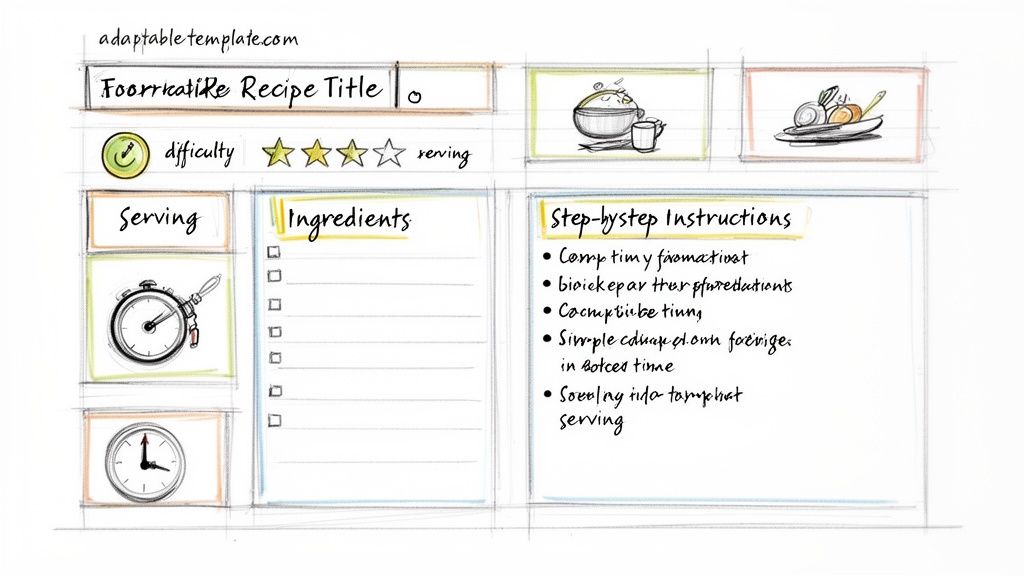
Why a Structured Template Is a Game-Changer
A good template brings order to the natural chaos of the kitchen. It makes your recipes scannable, which is a must when you’re juggling multiple pots and pans. For any digital recipe, from a personal blog to a professional site, this consistency is even more critical. It doesn't just improve the user experience; it also helps with search engine visibility.
Let’s be honest, people want digital recipes that are easy to use. The recipe app market, which was valued at a whopping $1.25 billion in 2024, is expected to jump to $2.32 billion by 2029. That growth is all thanks to home cooks who need recipes that load fast and are easy to follow on the fly.
This is especially true when you consider that 70% of users are whipping up mid-week meals in under 30 minutes. It's no surprise that apps with clean, intuitive page templates see user retention rates as high as 45%. People stick with what works.
The Must-Have Fields for Any Great Recipe
Every solid recipe template, no matter the platform, is built on a few non-negotiable fields. These are the details cooks need to see at a glance before they even start. For a deeper dive, check out our guide on https://www.recipeone.app/blog/how-to-write-recipes.
Before we get into specific designs, here's a quick rundown of the absolute essentials every template should have. These form the backbone of a clear and functional recipe.
Table: Essential Fields for Any Recipe Template
| Field Name | Purpose | Example |
|---|---|---|
| Recipe Title | A clear, descriptive name that grabs attention. | "30-Minute Creamy Tomato Pasta" |
| Brief Description | An enticing summary to tell the story of the dish. | "A quick and cozy weeknight dinner..." |
| Prep & Cook Time | Helps with kitchen planning. Always separate them. | Prep: 10 mins / Cook: 20 mins |
| Servings | The expected yield of the recipe. | Serves 4 |
| Ingredients List | Precise measurements and clear names. | "1 tbsp olive oil" |
| Instructions | Numbered steps that are easy to follow. | "1. Heat olive oil in a large skillet..." |
Getting these basics right ensures anyone can follow along, from a novice cook to a seasoned pro.
A well-organized template isn't just about looking pretty—it's a practical tool that removes the friction between a cook and a delicious finished meal, making the whole process more enjoyable.
Building Your Own Recipe Templates
When it comes to your personal recipe collection, the goal isn't to be fancy—it's to be functional. Creating a recipes template for pages in a program like Apple Pages or Google Docs is all about making your time in the kitchen easier and more enjoyable.
The best template is one designed around how you actually cook. Do you like to prep all your ingredients before you start? A checklist format for your ingredients would be a game-changer. If you find yourself constantly scrolling between the ingredient list and the instructions, a simple two-column layout can put an end to that frustration for good.
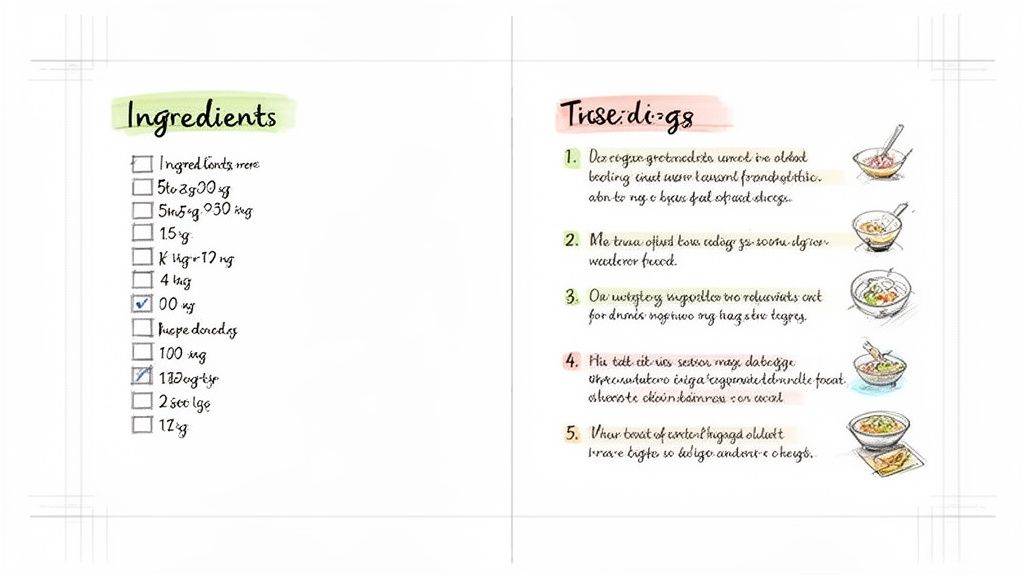
Smart Layouts That Make a Real Difference
A clean layout is everything for a personal recipe template. The whole point is to be able to glance at it and find what you need, even when your hands are covered in flour.
First things first, pick a font that’s easy to read. You can't go wrong with something straightforward like Helvetica or Arial. A decorative script might look nice, but it's not practical in the middle of a recipe. I’d recommend a font size of 12 to 14 points for the main text, so you can easily read it from a few feet away.
Next up, think about a multi-column structure. I’ve found a two-column layout works incredibly well for most people:
- Left Column: This is your dedicated spot for the complete ingredients list. It stays visible the entire time.
- Right Column: Here, you put the step-by-step instructions. You can follow the method without ever losing your place in the ingredients.
This one design choice completely eliminates that frantic scrolling that can derail your cooking flow. For a little more inspiration, you can find some great ideas in these templates for cookbooks that are easily adapted for a personal collection.
Adding Functional Touches to Your Template
You can go beyond just text and add some simple features that make your template so much more useful. Most word processors have these tools built right in.
For instance, using a simple table for your ingredient list keeps everything neat and organized. I like to create a three-column table for quantity, unit, and ingredient. This structure keeps everything consistent and makes the list super easy to scan.
The real power of a personal template lies in its practicality. Adding interactive elements, like checklists for your ingredients or steps, transforms a simple document into a dynamic cooking assistant.
Another fantastic feature is using checklists for both the ingredients and the instructions. As you measure out each item or finish a step, you just check it off. It gives you a great sense of progress and helps you keep track of where you are, which is a lifesaver for more complex recipes.
By focusing on these core elements—readability, a smart layout, and a few functional add-ons—you can create a personal recipes template that you’ll actually enjoy using for years.
Designing a Recipe Template for Your Website
When you take your recipe collection from a personal document to a public website, your template needs a major upgrade. It’s no longer just about looking pretty—it has to perform. For a platform like WordPress, that means digging into user experience (UX) and search engine optimization (SEO) so people can actually find and enjoy your recipes.
Think about how people cook these days. They’re often balancing a phone or tablet on the kitchen counter, so a mobile-first design isn’t just a nice-to-have; it's essential.
The online recipe space is huge and getting bigger. Valued at $6.5 billion globally in 2023, the market is expected to race towards $12.9 billion by 2032. This incredible growth is driven by billions of home cooks searching for their next meal, and sites built for mobile are grabbing 75% of that traffic. You can find more market data over at dataintelo.com.
The Power of Structured Data for Recipes
Ever wonder how some recipes show up in Google search with star ratings, cook times, and a tempting photo right in the results? That’s the magic of structured data, often called Schema markup.
Structured data is just a special code that tells search engines what’s what on your page. For a recipe, it points out the ingredient list, clarifies the cooking time, and separates the step-by-step instructions. It’s like giving Google a roadmap to your recipe.
Luckily, you don't need to be a coder to do this. WordPress plugins like WP Recipe Maker or Create by Mediavine handle the heavy lifting. You simply fill out the fields in their user-friendly interface, and the plugin automatically generates the right code. This one move can boost your recipes to achieve 30% higher search rankings.
Here’s a glimpse of what the backend of a typical recipe plugin looks like. It's just a form waiting for you to plug in the details Google loves.

Taking the time to fill out every field is what gives search engines the confidence to feature your recipe as a rich snippet.
Must-Have Features for Web Page Templates
Beyond the technical SEO stuff, a great recipe template needs to be built for the cook. You have to anticipate their needs and make their journey from finding your recipe to tasting the final dish as smooth as possible.
Here are a few non-negotiable features for any food blog:
- Jump-to-Recipe Button: Let's be honest, sometimes people just want the recipe without the backstory. A "Jump to Recipe" link at the top of your post is a simple courtesy that busy cooks will thank you for.
- Print-Friendly Version: A surprising number of people still like to cook from a physical piece of paper. A clean, one-click print button that strips out ads and extra text is a must.
- Social Sharing Links: Make it incredibly easy for your readers to share your masterpiece on Pinterest, Facebook, or Instagram. Well-placed sharing buttons are your best friend for getting more eyes on your content.
Your website's recipe template is the bridge between your culinary creativity and your audience. By prioritizing SEO and user-focused features, you create an experience that keeps people coming back for more.
A good web template thinks ahead for the user. For some great design inspiration, check out the top Notion website template hubs, as many of the principles apply to any web layout. And if you want to dive deeper into organizing your recipe content, our guide on creating a standard recipes format is the perfect next step.
Building a Dynamic Recipe Database in Notion
Simple recipe documents get the job done for a personal collection, but a tool like Notion can completely change the game. This is where your recipe template stops being a static page and becomes a smart, interactive system for managing everything you cook.
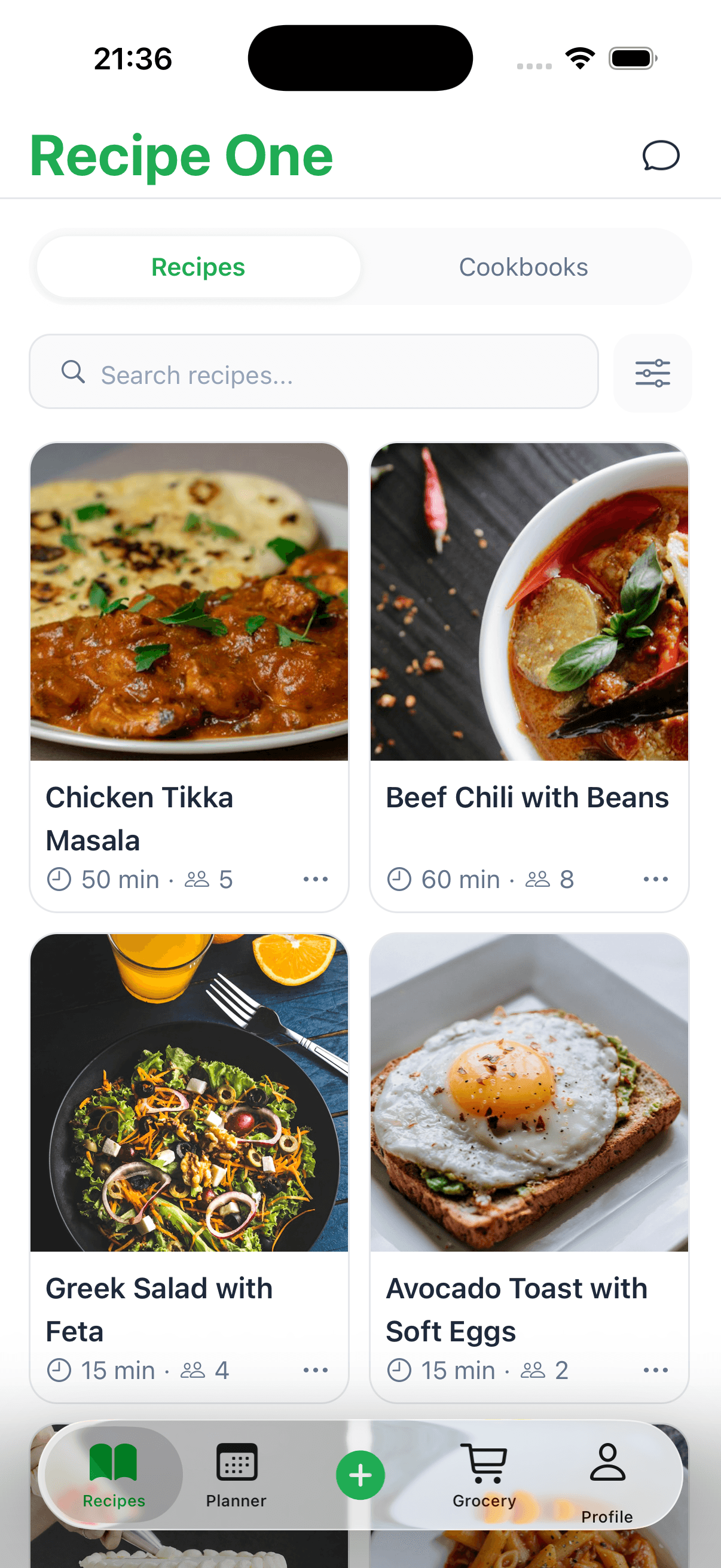
Instead of just a long list of recipes, Notion lets you build a database where you can tag each entry with custom properties. Think about it: you could filter your entire collection by cuisine, sort for "gluten-free" options, or even search for recipes using only the ingredients you currently have in your fridge. It’s the difference between a simple cookbook and an intelligent cooking assistant.
From Static Pages to a Relational Database
The real power of Notion comes from its ability to connect different databases. You can have one for your recipes, another for your weekly meal plan, and a third for your master ingredient list—and then link them all together. This creates some incredible opportunities for automation.
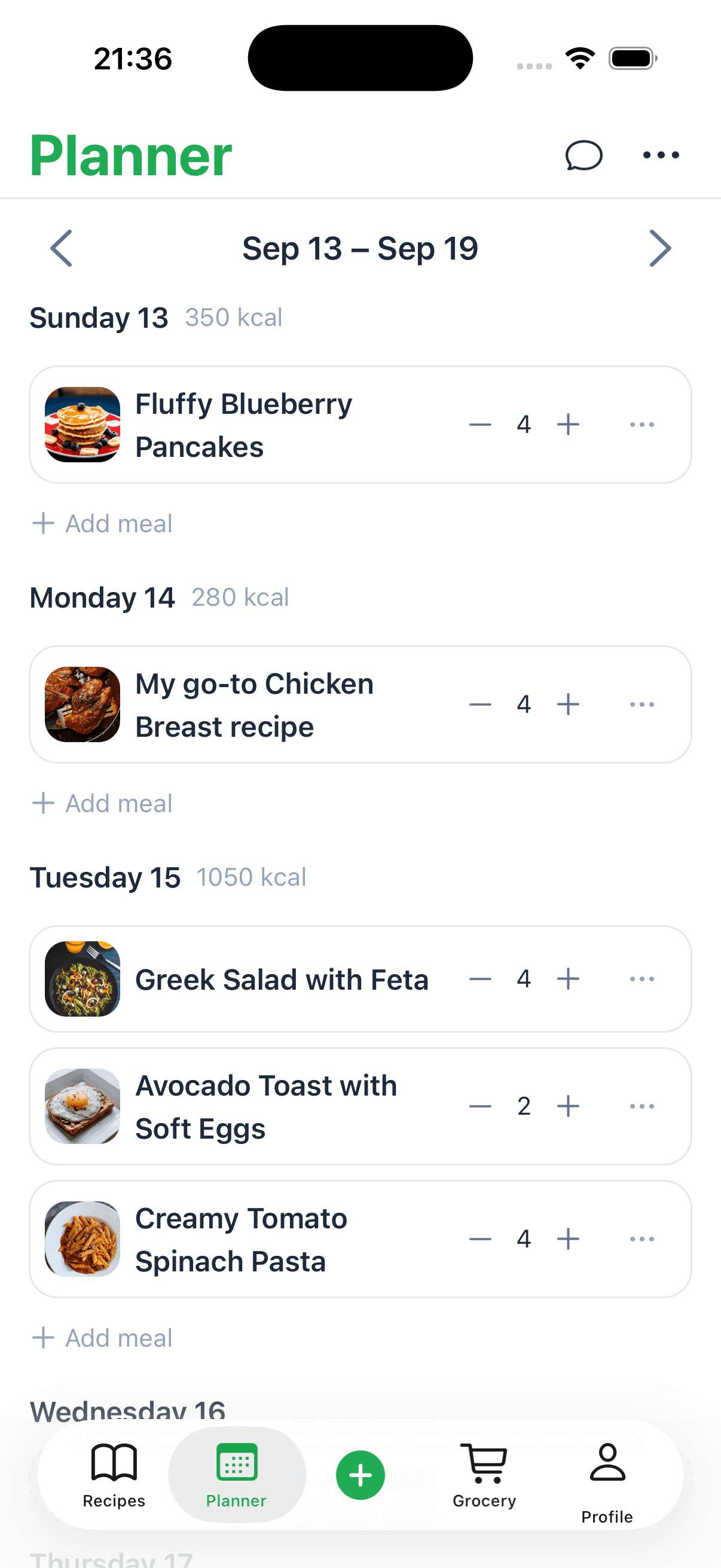
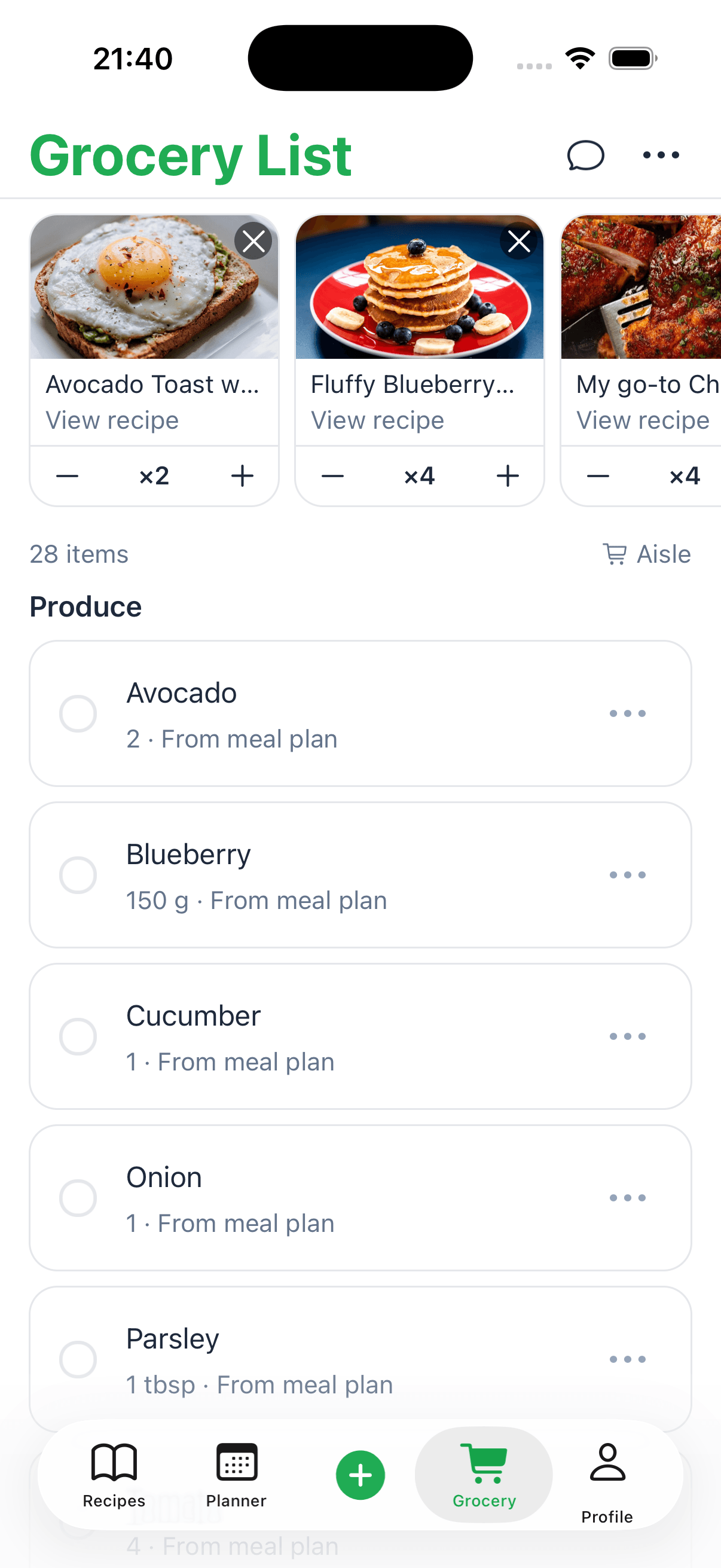
For instance, you could design a visual meal plan calendar. When you slot in "Spaghetti Bolognese" for Tuesday night, you're not just typing text. You're actually linking directly to that recipe's page in your database. From there, Notion can automatically pull all the necessary ingredients into a shopping list for the week. It’s a seamless flow from planning to pantry.
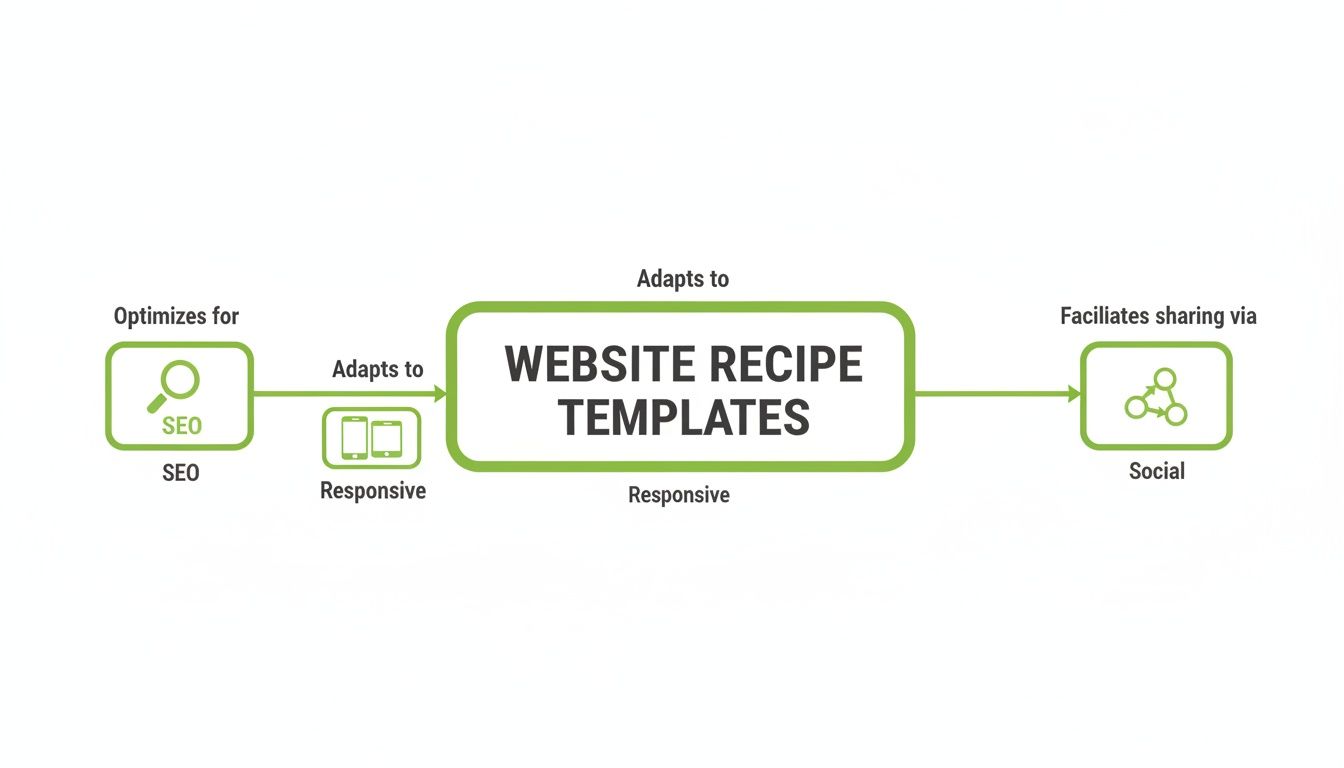
The platform is so flexible that you can build a system that perfectly mirrors how you like to cook and plan.
Essential Properties for Your Notion Recipe Template
To make your database truly useful, you need to set up the right properties. These are the data points that allow you to sort, filter, and organize your recipes in countless ways.
Here are a few I always recommend starting with:
- Tags (Multi-select): This is perfect for categories like cuisine (Italian, Mexican), meal type (Dinner, Dessert), or dietary notes (Vegan, Dairy-Free).
- Personal Rating (Select): A simple star system (⭐ to ⭐⭐⭐⭐⭐) is a great way to remember your absolute favorites at a glance.
- Last Cooked (Date): Adding a date property helps you see how long it’s been since you’ve made a dish, which is fantastic for encouraging variety.
- Source (URL): Always include a direct link to the original blog post or video where you found the recipe so you can easily refer back to it.
This level of detail is what transforms a basic list into an effective digital recipe organizer that actually works for you.
When you start treating each recipe like an entry in a database instead of just text on a page, you unlock a whole new level of efficiency. You can manage your culinary life with the same precision a project manager brings to a major launch.
The move toward these kinds of integrated, data-driven systems is happening everywhere. In fact, the recipe management software market was valued at $0.55 billion in 2024 and is expected to more than double, reaching $1.32 billion by 2033. With cloud-based solutions making up 60% of that market, having seamless access across all your devices isn't just a perk—it's the standard.
Maintaining Usability Across All Your Templates
Whether you're building a personal recipe collection or sharing your creations with the world, consistency is what makes your recipes truly work. A great recipes template for pages isn't about one perfect layout; it's about building a system where every recipe feels familiar and is dead simple to follow.
The best way to do this is to create a simple style guide for yourself. Just decide on your standards and then stick to them. Are you going to write "tsp" or "teaspoon"? Will it be "°F" or "Fahrenheit"? Committing to one style means your readers can focus on the cooking, not on trying to figure out your shorthand.
The same idea goes for your instructions. When you start each step with a strong, clear action verb—like Chop, Sauté, or Whisk—the process becomes direct and easy to understand.
Emphasize What Matters Most
Smart formatting is your best friend when it comes to guiding a cook's attention. Think about what information someone absolutely needs at a glance: oven temperatures, cooking times, and key ingredients. These are the things people scan for mid-recipe, usually with messy hands.
Make it easy for them. Use bold text to make these crucial details pop right off the page.
- Preheat the oven to 350°F (175°C).
- Bake for 25-30 minutes, until golden brown.
- Gently fold in the chocolate chips.
This one simple trick makes your instructions scannable and helps prevent a lot of common kitchen mistakes. It's a small change that makes a huge difference in how usable your recipes are.
A well-designed template should get rid of any guesswork. By standardizing your language and highlighting the important stuff, you're not just sharing instructions—you're handing someone a clear, stress-free roadmap to a great meal.
Think Globally, Cook Locally
Finally, always think about who's reading your recipe. A recipe is useless if the cook can't understand the measurements. By including both metric (grams, milliliters) and imperial (cups, ounces), you instantly make your recipes accessible to a much larger audience. It’s a small effort that can easily double your reach. If you need a hand with the math, our guide on cooking measurement conversions is a great place to start.
And don't forget the serving size! Clearly stating the yield (e.g., "Serves 4" or "Makes 12 cookies") is essential for meal planning and helps people scale the recipe up or down. These are the thoughtful details that take a template from good to great, making sure your recipes are a joy to use for anyone, anywhere.
Answering Your Top Recipe Template Questions
Even when you think you’ve got it all planned out, a few nagging questions always pop up when you're trying to perfect your recipe template for pages. Getting the layout just right is often a process of trial and error. Let's tackle some of the most common hurdles I've seen people face—these answers should help you smooth out the kinks in your own design.
Getting these little details right can be the difference between a recipe that just works and one that's a genuine pleasure to use, whether it's just for you or for a growing food blog audience.
What’s the Best Way to Lay Out an Ingredient List?
For a cook-friendly design, always list your ingredients in the exact order they appear in the instructions. It’s the most intuitive way to do it and stops people from frantically scanning up and down the page. I’m a huge fan of a simple two-column format; it’s clean and incredibly easy to read.
In the first column, put the quantity and measurement (like "1 cup"). In the second column, list the ingredient itself, along with any quick prep notes (like "All-Purpose Flour, sifted"). This setup is perfect for at-a-glance checks, both when you're grabbing everything from the pantry and when you're in the middle of cooking. It’s miles better than burying measurements in a block of text.
A well-structured ingredient list is the foundation of a stress-free cooking experience. When a cook can scan it quickly without confusion, they can focus on the joy of the process, not on deciphering the instructions.
How Can I Make My Web Recipe Template SEO-Friendly?
If you’re publishing recipes online, getting found on Google is everything. The easiest way to handle this is with a dedicated recipe plugin for WordPress. These tools are designed to automatically add the necessary Schema.org structured data behind the scenes. That’s the special code that tells Google how to display your recipe as a rich snippet—the ones with ratings, cook times, and photos right in the search results.
Beyond plugins, don't forget the SEO basics.
- Weave your main keyword into the recipe title and the first couple of sentences.
- Always write clear, descriptive alt text for your photos.
- Make sure your page loads quickly and looks great on a phone. Google really cares about that.
And honestly, adding your own personal stories or a few unique tips makes your recipe more valuable. It helps you connect with readers and gives search engines something unique to rank.
Should I Bother Adding Nutritional Information?
Yes, you absolutely should. Including nutritional info adds a ton of value, especially for anyone tracking their diet or managing health goals. It shows you’ve gone the extra mile and helps build real trust with your readers.
Most modern recipe plugins can calculate this for you automatically from your ingredient list. If you're building a template in Apple Pages or Google Docs for personal use, you can just plug the ingredients into a free online calculator. Then, add a small section at the bottom for key stats like calories, protein, and carbs. It’s a small effort that makes a huge difference.
Ready to stop manually organizing your recipes? Recipe One uses AI to automatically capture, format, and file recipes from anywhere online into your personal library. Turn scattered inspiration into a structured, searchable cookbook with one click at https://www.recipeone.app/.