Choosing the right template is your first real step in turning a pile of recipes into a cookbook that people will actually use and love. A solid template gives you a cohesive visual structure and, more importantly, makes your instructions a breeze to follow. It’s the secret to saving yourself countless hours of design headaches.
Why Your Cookbook Template Matters
Let's be honest, a great cookbook is more than just a list of recipes—it's about the experience. The right template is what turns ingredients and steps into a story, creating a connection between your kitchen and your reader's. It's the visual handshake that says, "Hey, I know what I'm doing, and you can, too."
Think about it. A messy, inconsistent layout can make a simple two-step recipe feel like a final exam. On the other hand, a clean, well-organized design instantly makes you look like a pro. It builds trust and makes the cooking process feel effortless. You're showing the reader you've thought about their journey, from grabbing ingredients at the store to that final, beautiful plating.
Building Reader Trust Through Design
A professional-looking cookbook just feels more credible. When someone picks up your book and sees consistent fonts, a clear visual hierarchy, and beautiful photos, they subconsciously trust the recipes more. That visual polish sends a clear message: you’ve poured the same care into your recipes as you have into the design.
This is a huge deal in today's world. The market for recipe content, both print and digital, is absolutely massive—the recipe website space alone is expected to hit around USD 10.5 billion by 2033. A high-quality template is your best tool for standing out from the crowd. For a deeper dive into these market trends, you can check out the analysis from Data Insights Market.
A great template doesn't just make your cookbook look good; it makes your reader feel like a better, more confident cook. It removes friction and lets the joy of cooking shine through.
Showcasing Your Unique Culinary Style
Your template is your brand. It’s how you express your culinary personality. Are you all about rustic, farm-to-table cooking? Then you'll want a template with earthy colors, maybe a handwritten-style font, and a more organic feel. If you’re writing a sleek, modern baking book, a minimalist design with sharp lines and bold typography is probably more your speed.
The right template helps you nail down a few key things:
- Establish a Mood: It sets the emotional tone, whether that’s cozy and comforting or bright and adventurous.
- Reinforce Your Brand: If you're a food blogger or have a social media following, using a consistent look and feel is crucial.
- Organize Your Vision: Even before you write a single word, the template gives you a framework. It helps you see the finished product in your mind's eye. And speaking of organization, figuring out the best way to store recipes digitally is a smart move before you even think about dropping them into a template.
How to Choose the Right Cookbook Template
Picking the perfect template can feel a lot like deciding what to cook for dinner—so many options, it’s hard to know where to begin. The secret isn't just to find something that looks good, but to find something that feels right for your specific collection of recipes.
Before you even start browsing designs, take a moment to think about the heart of your cookbook. What's its personality? Are you putting together a sleek, modern guide to baking with clean lines and lots of white space? Or is it more of a cozy, rustic collection of family recipes, filled with handwritten notes and warm, inviting photos? Once you nail down that identity, it becomes your North Star, guiding you to a design that truly tells your story.
Match the Template to Your Culinary Niche
With your cookbook's personality in mind, you can start hunting for a visual style that fits. A template designed for a rustic, farm-to-table book is going to look and feel completely different from one built for quick, 30-minute meals for busy families.
Look for the little details that scream your niche. Earthy color palettes and elegant script fonts are perfect for comfort food, while a bold, minimalist layout with sans-serif fonts might be a better match for a book on culinary science or molecular gastronomy. The goal is to make the design feel like an extension of the food itself, creating a cohesive experience for the reader.
This decision tree gives you a simple way to think through your options, depending on your goals and how hands-on you want to be.
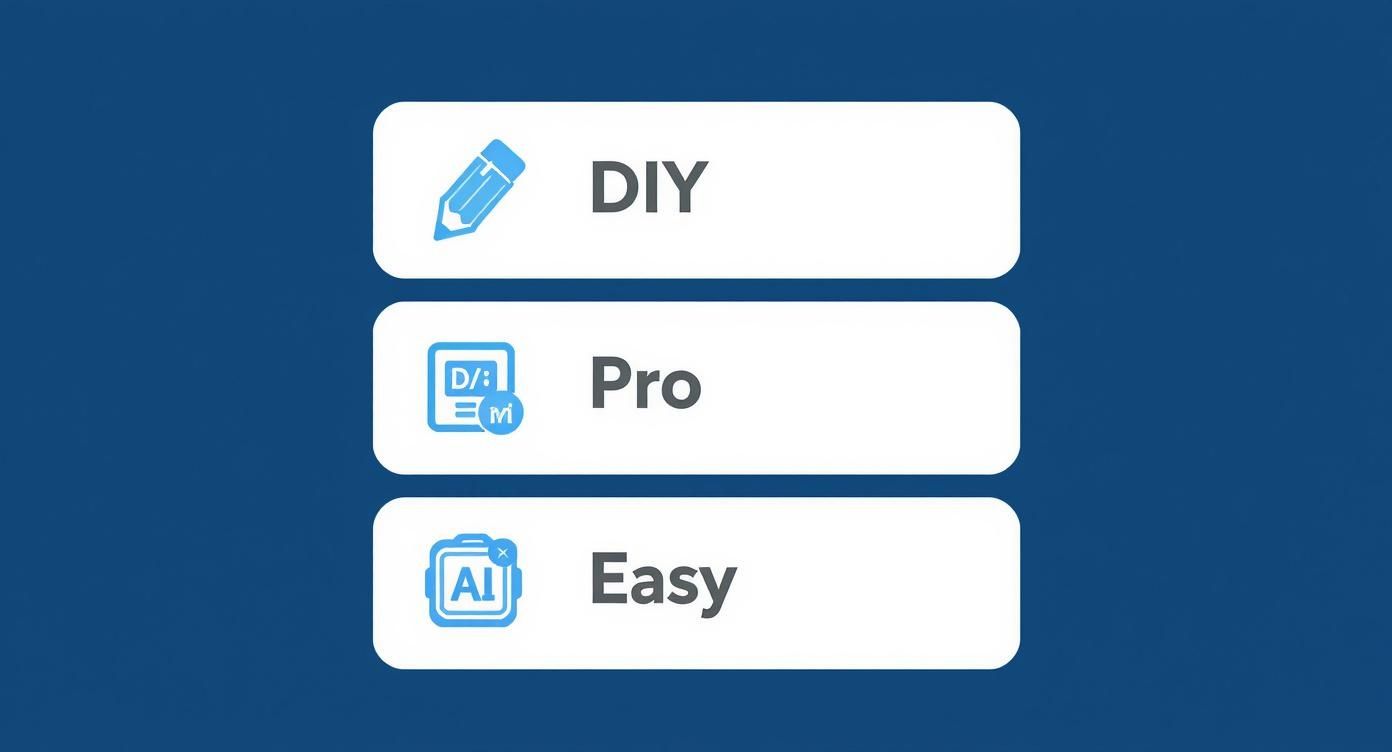
This graphic is a great starting point to figure out if you should go the DIY route, invest in a professional template, or use an app-based solution. It all comes down to your project's specific needs.
Consider the Technical Requirements
Looks aren't everything. The most stunning template in the world is useless if you can't actually use it. Before you fall in love with a design, you need to check under the hood to make sure it works for your process.
Here’s a quick technical checklist to run through:
- Software Compatibility: Does the template require a program you actually own and know how to use? Most templates are built for common tools like Canva, Adobe InDesign, or even Microsoft Word. Don’t buy an InDesign template if you’ve never opened the program.
- Print-Readiness: This is a big one. If a physical book is your goal, the template absolutely must be print-ready. That means it’s set up in CMYK color mode (for printers, not screens), includes proper margins and bleed, and is designed to handle high-resolution images at 300 DPI.
- Licensing Terms: Always read the fine print. Can you use this template for a cookbook you plan to sell? Most paid templates come with a commercial license, but free ones often have restrictions that limit them to personal use only.
- Support and Documentation: Does the creator offer any help? A well-made template usually comes with a guide or instructions to help you customize it without pulling your hair out.
Choosing a template is all about finding that sweet spot between a look you love and the practical function you need. It should make your life easier, not harder.
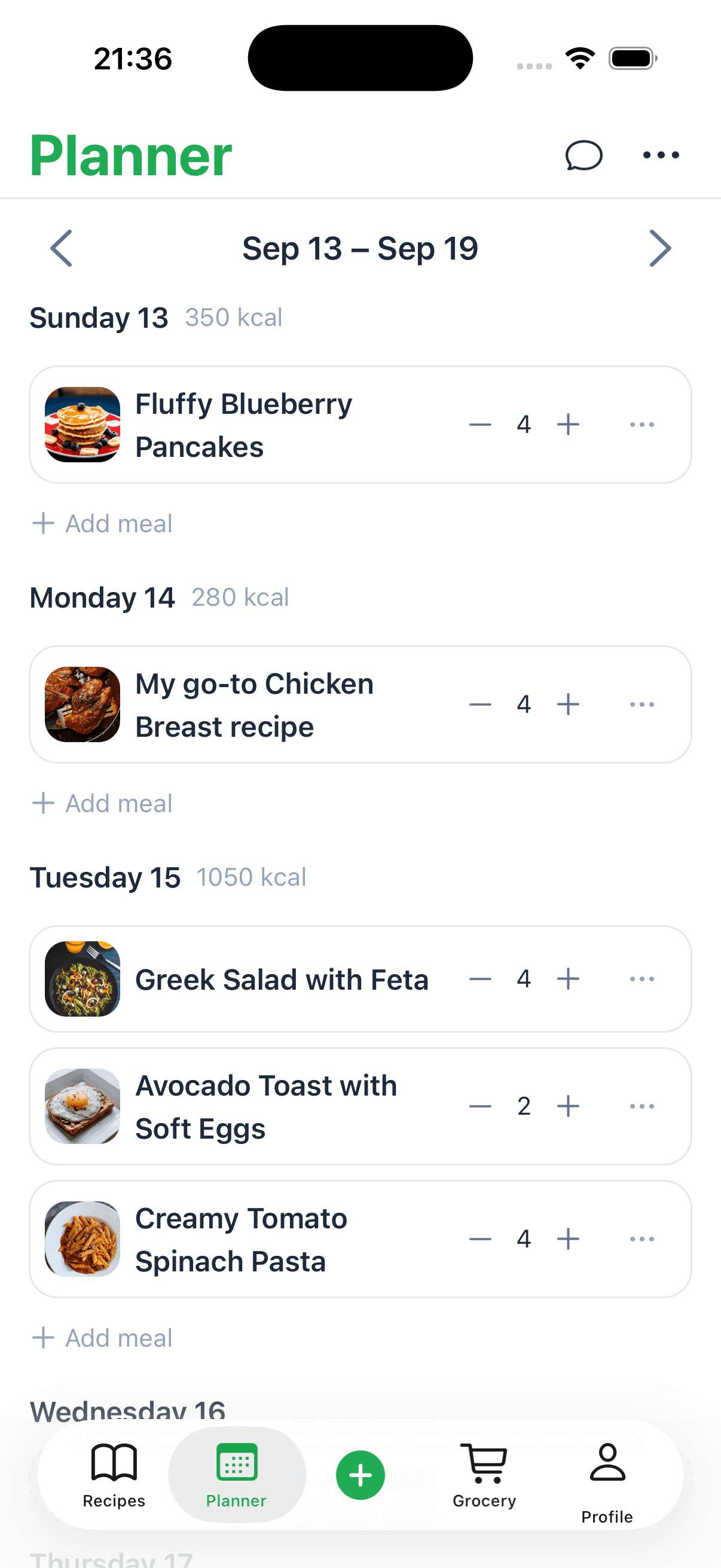
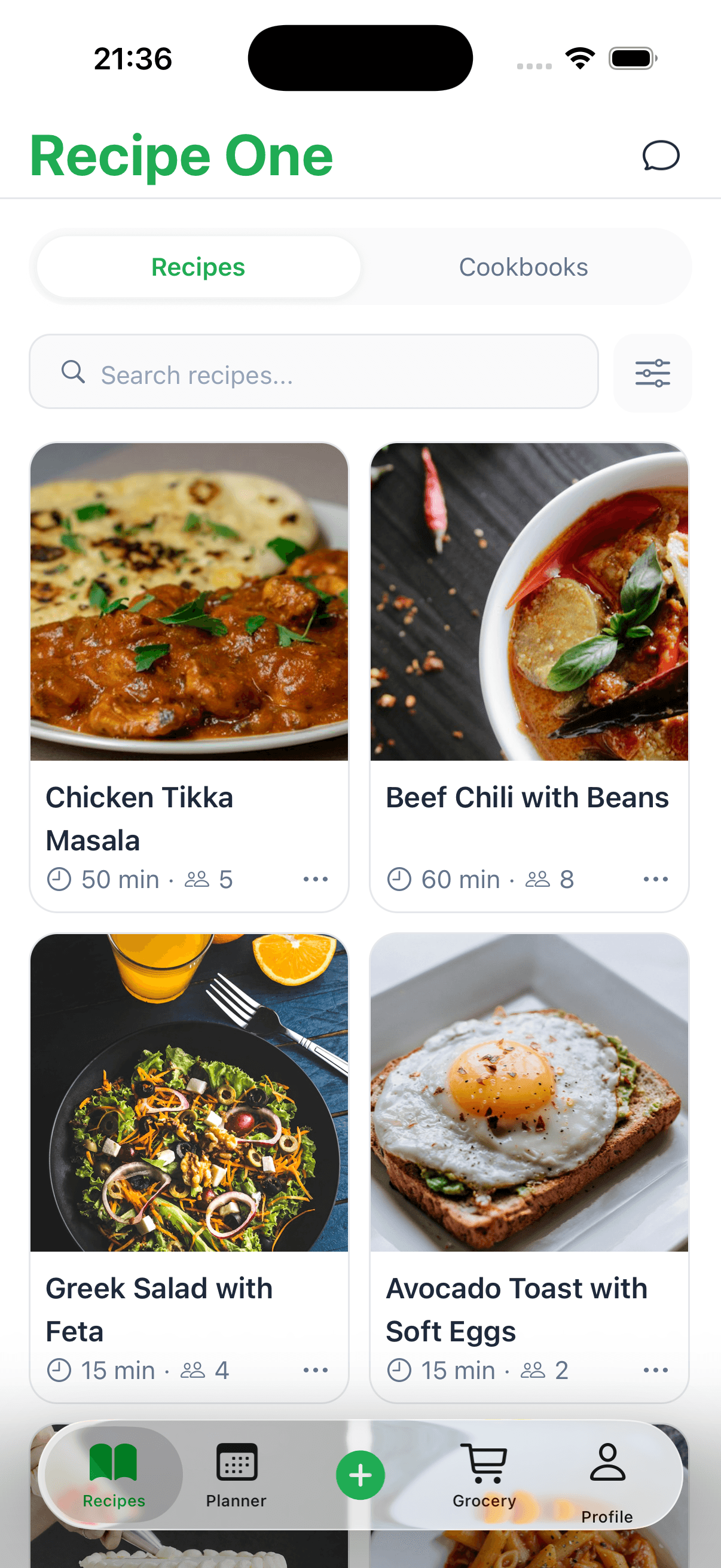
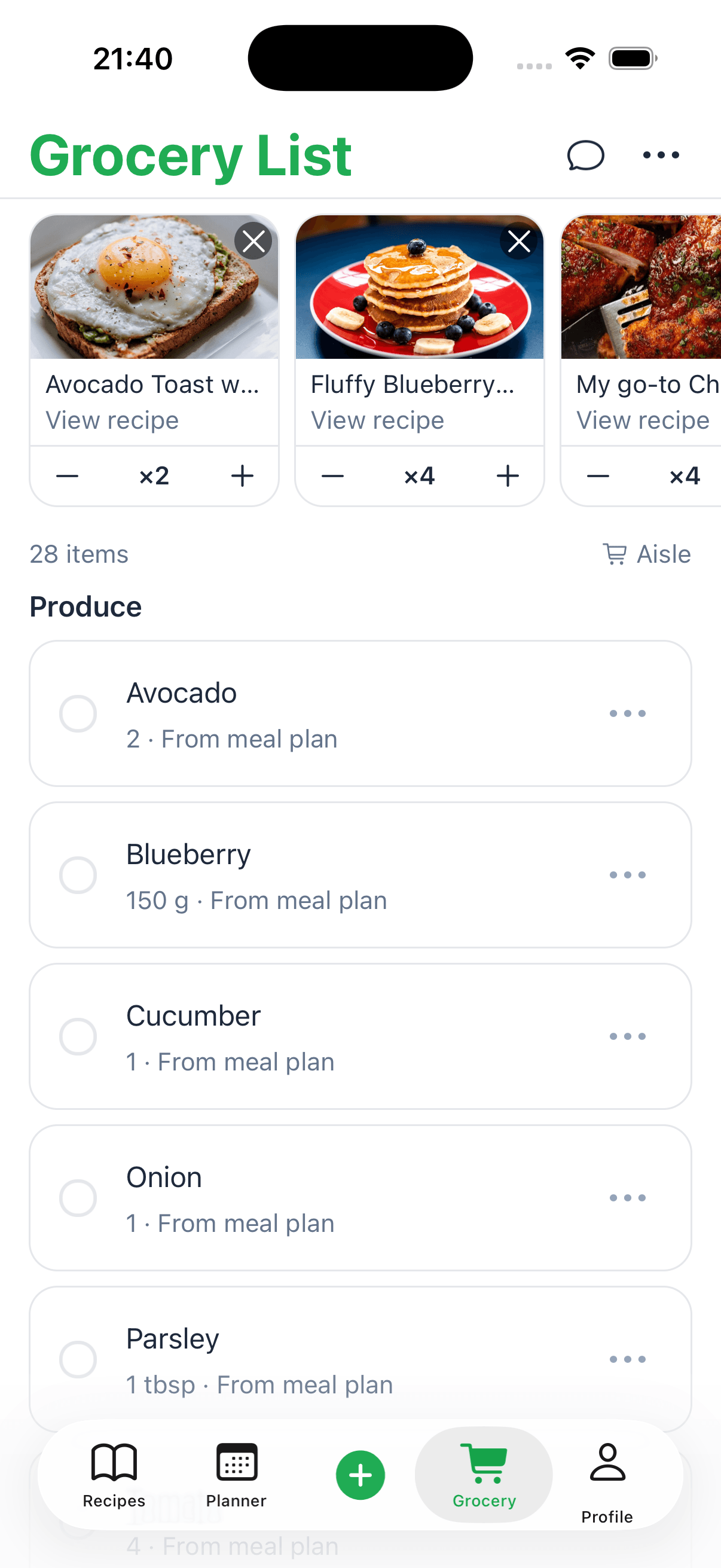
Finally, think about how your recipes are organized before they ever get near a template. I can’t stress this enough: using a digital recipe organizer from the get-go is a game-changer. It makes exporting your perfected recipes into your chosen layout a breeze, saving you countless hours of tedious copy-pasting. Keep everything standardized in one place, and your future self will thank you.
Essential Design Elements for a Clear Layout
A great cookbook is a tool, and like any good tool, it should be a joy to use. The best designs prioritize clarity above all else, making recipes intuitive and easy to follow—even when your hands are covered in flour. This all comes down to thoughtful decisions about typography, structure, and the strategic use of space.
The right fonts can completely change the reader's experience. You need something for your recipe instructions that is incredibly readable, even from a few feet away. Think of fonts like Merriweather, Lora, or Roboto—they are clean, clear, and easy on the eyes. For headings and recipe titles, you can inject a bit more personality with a bold Playfair Display or a friendly Montserrat to set the tone. The goal here is to create a clear visual hierarchy.
Structuring the Perfect Recipe Page
A well-structured recipe page guides the cook's eye naturally from one piece of information to the next. While there’s no single “right” way to do this, every successful layout shares a common principle: consistency. Once you decide on a format, stick with it throughout the book. To get a better handle on what makes a recipe easy to follow, check out our guide on the standard recipes format.
Here are a few proven layout combinations I've seen work really well:
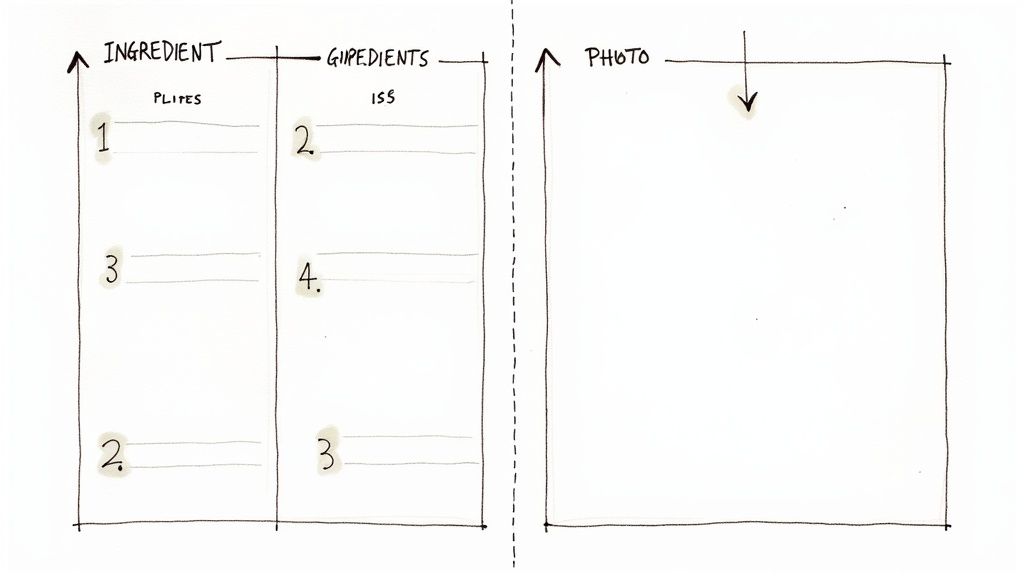
- Classic Two-Column: This is my personal favorite for its scannability. Ingredients are listed in a column on the left, with the step-by-step instructions on the right. It’s familiar and just works.
- Top-Down Layout: The ingredient list sits at the top of the page, followed by the instructions below. This approach is great for simpler recipes or when you want a large, stunning photo to dominate the page.
- Integrated Steps: Some modern cookbooks place small groups of ingredients directly above the step where they’re used. This can be a lifesaver in complex recipes with multiple components, reducing back-and-forth scanning.
Your layout should answer a reader's questions before they even ask them. Key information like prep time, cook time, and servings should be immediately visible, often placed right under the recipe title.
Using Visuals and White Space Effectively
Images do more than just make a cookbook look pretty; they provide crucial context and inspiration. They absolutely need to be sharp and high-quality, especially if you plan to print. It’s worth taking a moment to understand the difference between vector vs raster graphics to ensure your photos and any illustrations look perfectly crisp.
Don't underestimate the power of what's not on the page. White space is just as important as the text and images. It gives your content room to breathe, preventing the page from feeling cluttered and overwhelming. Use it generously to separate the ingredient list from the instructions and to create margins that frame the content beautifully.
Customizing Your Template with a Personal Touch

A great template gives you a solid foundation, but the real magic happens when you make it yours. Your cookbook should feel like a genuine reflection of your kitchen and your story, not just a fill-in-the-blanks project. This is the fun part, where you move beyond simply dropping in text and photos and start infusing the design with your unique personality.
Color is often the easiest place to start. A template's default color scheme might look nice, but does it really capture the spirit of your cooking? If your recipes are bright, zesty, and full of fresh herbs, a palette of greens, yellows, and crisp whites will feel right at home. For a book on decadent desserts, you might lean into rich chocolates, deep reds, and creamy tones. Don't be afraid to play around.
Weaving in Your Personal Narrative
Your stories are what transform a collection of recipes into a cherished keepsake. And these personal touches don't need to be long essays; sometimes, a single sentence is all it takes to build a connection with your reader.
Think about adding short anecdotes or tips that bring a recipe to life. These little details make your cookbook more than just a set of instructions—they make it a conversation. If you're looking for more guidance on this, our post about how to write recipes that resonate is a fantastic resource.
Here are a few simple ways to add personal flair without cluttering your layout:
- A "Why I Love This Recipe" Note: A short, italicized sentence at the top can set the perfect tone. Think, "This was the first dish my grandmother ever taught me to make."
- "Pro Tip" Callouts: Use a small, visually distinct box to share a quick piece of advice, like, "Don't skip chilling the dough—it’s the secret to perfectly chewy cookies."
- Ingredient Substitutions: Offering a simple swap shows you've thought about your reader's needs. A quick note like, "Works great with almond flour for a gluten-free version!" can be incredibly helpful.
The most memorable cookbooks are the ones where you can hear the author's voice on every page. Your personality is the secret ingredient that no one else can replicate.
Creating Essential Non-Recipe Pages
Finally, a truly complete cookbook needs more than just recipes. These "bookend" pages are crucial for setting the stage and giving your reader a great experience. A compelling introduction tells your story and explains the "why" behind the book. An index, on the other hand, is non-negotiable for usability—it lets people quickly find a recipe by ingredient or name.
You might also want to add other useful sections. A glossary of terms, a guide to essential kitchen tools, or even a page with your favorite sources for ingredients can make a world of difference. These thoughtful additions elevate a simple cookbook template into a comprehensive and personal guide that people will return to again and again.
Preparing Your Cookbook for Print and Digital
https://www.youtube.com/embed/bb3wto7XunA
This is it—the final, exhilarating step where your hard work gets ready for your readers' hands. Whether you’re dreaming of a beautiful, hefty book on a coffee table or a handy ebook on a tablet, the technical prep work is what brings it all to life.
These two paths, print and digital, are surprisingly different. Getting them right is the key to a flawless final product, and I'll walk you through exactly what you need to know for both.
Gearing Up for Professional Printing
When you’re creating a physical cookbook, precision is everything. You're not designing for a screen anymore; you're designing for ink on paper. This means getting a few technical details right is non-negotiable if you want a high-quality result.
The biggest hurdle for most people is color. Your computer screen uses an RGB (Red, Green, Blue) model to create colors with light. Professional printers, on the other hand, use CMYK (Cyan, Magenta, Yellow, Key/Black) ink. You must convert your files to CMYK to ensure the colors in your printed book actually match what you designed on screen. Trust me, skipping this step leads to sad, muddy-looking photos.
Beyond color, a few other things are absolutely essential for a print-ready file:
- High-Resolution Images: Your photos need to be at least 300 DPI (dots per inch). Anything less will look blurry or pixelated in print, no matter how sharp it looked on your monitor.
- Bleeds and Margins: A "bleed" is a small safety border of your design that extends beyond the actual trim edge of the page. It's there to prevent a dreaded white sliver if the printer's cutting machine is off by even a millimeter.
- Print-Ready PDF: This is the universal language of printers. A high-quality PDF embeds all your fonts and images into a single, locked-down file. This guarantees that what you send is exactly what gets printed, with no surprise font substitutions or missing pictures.
Optimizing for the Digital Shelf
Creating a digital cookbook is a completely different ballgame. Instead of focusing on physical precision, the goal here is all about the user's experience on a screen. The file needs to be small enough to download quickly, a breeze to navigate, and look fantastic on everything from a tiny phone to a huge desktop monitor.
We're all used to cooking with our phones and tablets now. The recipe app market was valued at a staggering USD 5.8 billion in 2024 and it’s still climbing. This has trained readers to expect clean, convenient, and interactive digital formats. That’s why the best digital cookbook templates feel more like an app than a static document.
A digital cookbook isn't just a PDF of your print book. It should be an interactive experience. Think clickable table of contents, hyperlinks to your website, and layouts that automatically adjust to fit any screen size.
When you export your digital cookbook, you’ll mainly be choosing between these file types:
- PDF: This is best for fixed-layout designs where you want to preserve the exact look and feel of your pages. If your cookbook is highly visual with complex layouts, a PDF is your best bet.
- EPUB: This is the most common ebook format for a reason. It’s "reflowable," which means the text and images can resize and rearrange themselves to fit the reader's device and their preferred font size. It's incredibly user-friendly.
- MOBI: This was the go-to format for Amazon Kindle devices for years. While Amazon is now leaning more heavily on EPUB, MOBI is still worth considering for compatibility with older Kindles.
As you get ready to publish, it’s also smart to learn how to make and sell an ebook that people are excited to buy.
The good news is that a great template will set you up for success in both worlds, and many even come with separate instructions for print and digital exports. For a complete A-to-Z walkthrough, don't forget to check out our full guide on how to create a cookbook for free.
Got Questions About Cookbook Templates? We've Got Answers.
When you're ready to turn your recipe collection into a real cookbook, you're bound to run into a few questions about templates. It happens to everyone. Let's walk through some of the most common ones I hear so you can get past the technical stuff and focus on what really matters—your food.
What Software Do I Actually Need?
This is probably the biggest question people have, and the answer really comes down to the template file you pick. It's so important to check the software requirements before you fall in love with a design. There’s nothing more frustrating than buying a template you can't even open.
Here's a quick look at the usual suspects:
- Adobe InDesign: This is the gold standard for professional designers. If you're planning a complex print run or want total creative control, an InDesign template is your best bet. It’s a beast, but it’s powerful.
- Canva: Incredibly easy to use and entirely web-based. Canva templates are fantastic for beginners or if you're creating a digital-first cookbook or a simple print-on-demand book.
- Microsoft Word or Google Docs: These are great for simple, text-focused cookbooks. You won't get the same graphic design muscle, but they're familiar, accessible, and get the job done for basic layouts.
My advice? Always read the template description carefully. Sticking with software you already know will save you a massive headache.
So, Can I Sell a Cookbook I Make with a Template?
Absolutely! In almost every case, you can. But—and this is a big but—you have to read the fine print. Look for a "Commercial Use" license, which is what designers typically offer. This gives you the green light to sell the cookbook you create.
Just be aware that a commercial license doesn't mean you can turn around and sell the original template file itself. That's a huge no-no. Always double-check the terms to stay on the right side of the law.
Where Can I Find Good Photos for My Cookbook?
Honestly, the best photos are your own. Nothing beats the authenticity of showing your actual cooking. But if you’re not a photographer or just need a few extra shots, there are some great places to find professional-quality images.
For gorgeous free options, I always point people to sites like Unsplash and Pexels. They have huge libraries of food photography that look amazing. If you've got a little money to spend and need something very specific, Adobe Stock and Shutterstock are the go-to professional resources.
Whatever you choose, just make sure every photo is high-resolution. For printing, that means at least 300 DPI to avoid any blurry or pixelated images in your final book.
Ready to stop worrying about templates and start organizing your recipes? Recipe One uses AI to automatically capture and structure your recipes from anywhere online, creating a perfectly organized digital library.
Get started with Recipe One today!