If you're anything like me, your recipes are scattered everywhere. There are browser bookmarks you can never find, screenshots on your phone, food-stained cookbook pages, and that one perfect soup recipe from your grandma scrawled on a napkin. The best way to finally get a handle on all of it is to create a single, searchable digital library.
This isn't about just tidying up; it's about building a personal culinary database that makes cooking what it should be: fun, not frustrating.
Building Your Forever Recipe Library
A great recipe collection is a living thing. It grows and changes with your tastes and experiences. The whole point of getting organized is to build a system that makes it effortless to find what you need, whether you're at the grocery store on your phone or in the kitchen with a tablet.
Think of it as a simple workflow: capture, organize, and access. You find a recipe you love, add it to your system in a consistent way, and then pull it up whenever you need it.
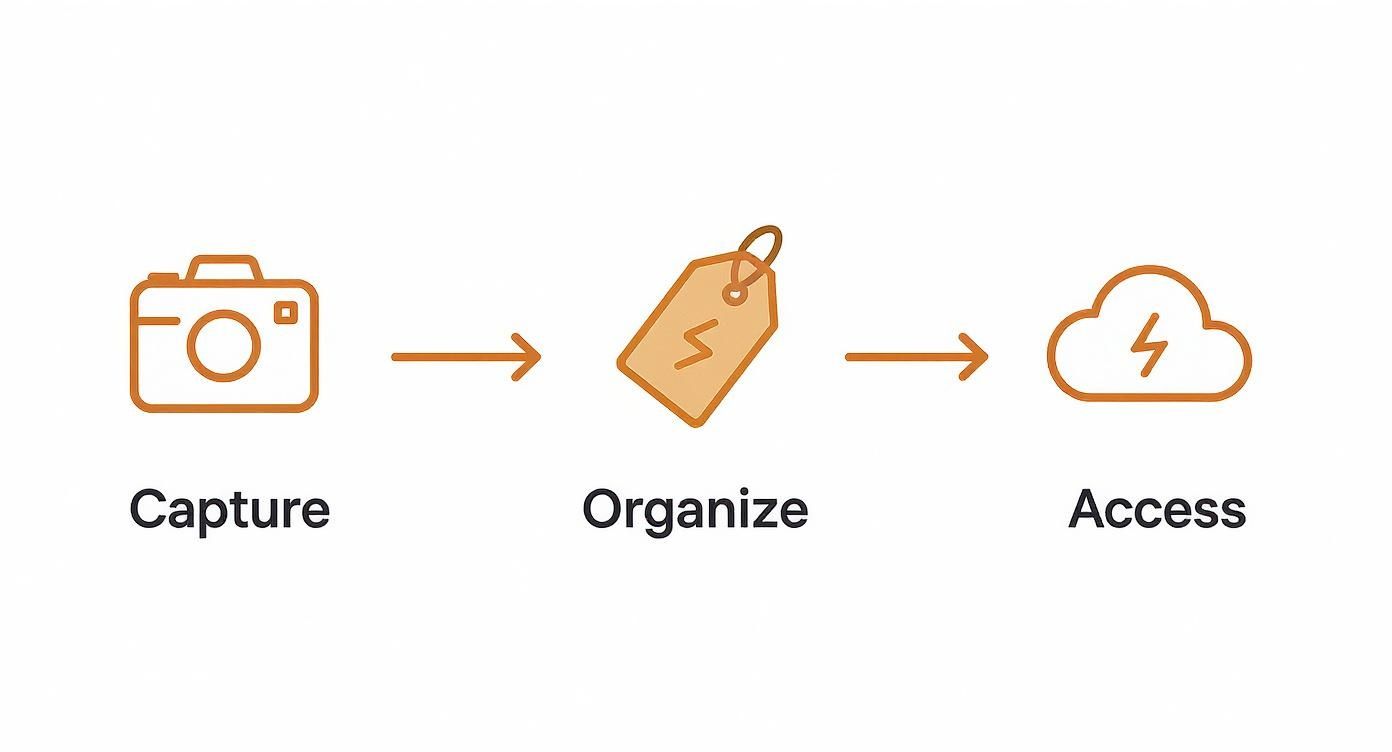
This flow turns all that scattered inspiration into a kitchen resource you can actually rely on.
Why a Digital System Works Best
Going digital isn't just a trend; it's a practical response to how we cook now. We find recipes on Instagram, blogs, and TikTok, not just in dusty old cookbooks. The numbers back this up: 91% of U.S. consumers now look for recipes online, and the market for digital recipe tools is expected to hit over USD 1.7 billion by 2031. A good digital system is practically a must-have for the modern cook.
Some people take this a step further, applying concepts from building a second brain to their recipe collections to create an interconnected archive of their culinary knowledge.
Your recipe library should feel like your own personal, perfectly organized cookbook—one that you can add to, edit, and share with a single click. It’s about creating a single source of truth for all your culinary adventures.
Recipe Storage Methods At a Glance
Let's quickly compare the old-school physical methods with a modern digital approach.
| Feature | Physical Methods (Boxes, Binders) | Digital System (Apps, Cloud) |
|---|---|---|
| Accessibility | Limited to one physical location. | Accessible anywhere on phone, tablet, or PC. |
| Searchability | Slow; manual flipping through pages/cards. | Instant; search by ingredient, name, or tag. |
| Editing & Notes | Messy; requires re-writing or sticky notes. | Easy to update ingredients, steps, and add notes. |
| Sharing | Cumbersome; requires photocopying or re-typing. | Simple; share via link, text, or email. |
| Durability | Prone to spills, stains, and getting lost. | Safe in the cloud; backed up automatically. |
While physical recipe cards have a certain charm, a digital system is just far more practical for everyday life.
Once you’ve built up your digital collection, you can even take the next step. Our guide shows you how to create a cookbook for free, which is a fantastic way to turn your favorite recipes into a beautiful, shareable book for family and friends. It all starts with getting organized.
Getting Every Recipe into One Place, The Easy Way
Let's be real—recipes come at you from everywhere. You've got the faded, handwritten card from Grandma, a screenshot of a killer pasta dish from an Instagram story, and a dozen links saved from your favorite food blogs. The first real step to building a system that actually works is getting all of those different formats into one clean, consistent digital format.
Think of it as creating your own personal cookbook. Once everything is standardized, you can actually find what you're looking for instead of scrolling endlessly through your camera roll for that one photo you know you took.
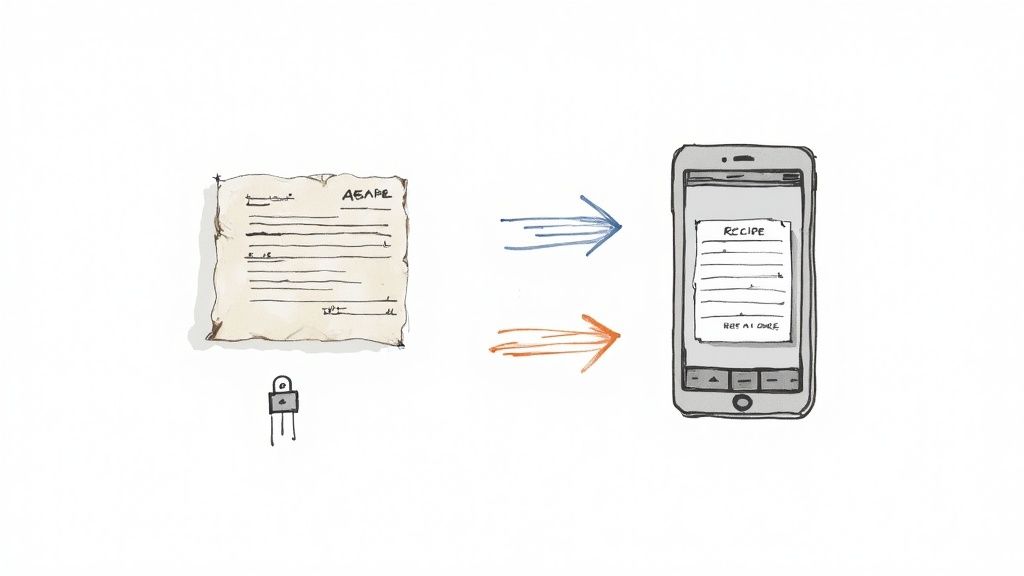
Turning Paper into Pixels
For all those physical recipes—the cards, the magazine clippings, the cookbook pages—your phone is your best friend. Modern recipe apps have a fantastic trick up their sleeve called Optical Character Recognition (OCR), which scans a photo and pulls out the text. It's a game-changer.
- Take a good photo: Get a clear, bright picture of the recipe. Good lighting is key.
- Let OCR do the work: An app like Recipe One can scan that image and instantly pull the ingredients and instructions into a digital format. It saves so much typing.
- Give it a quick once-over: The tech is good, but not flawless. I always take a minute to double-check measurements and cooking times. This is also a great moment to clean up the instructions, and it helps to know how to write recipes clearly.
Grabbing Recipes from the Web
This is where the magic really happens. We’ve all been there—you find a great recipe online, but the page is buried in ads, pop-ups, and a 2,000-word story about the author's trip to Tuscany. A good recipe clipper, usually a browser extension or an in-app feature, cuts through all that noise.
The whole point is to save the actual recipe—ingredients, instructions, and timing—not the clutter. It makes life so much easier when you're in the kitchen with flour on your hands.
It’s no surprise that recipe apps have exploded in popularity. The market was valued at USD 724.4 million and is on track to hit over USD 2,268 million by 2033. And since free apps make up 73.6% of that market, powerful capture tools are now something we can all expect. It just goes to show how important it is for modern cooks to have a simple way to collect all their recipes.
How to Organize Recipes Like a Chef

Alright, you've got your recipes digitized. Now the real magic begins. Let’s be honest, a single folder labeled "Dinners" just isn't going to cut it when you're staring into the fridge, trying to figure out what to make. If you want to find the perfect meal quickly, you need to think less like a file cabinet and more like a chef.
That means using a smart, flexible system of tags and categories. This is where a multi-layered approach makes all the difference. Instead of locking a recipe into one broad category, you can apply several descriptive tags. It's how we actually think about food, right? You're not just looking for a "chicken recipe"; you're looking for a quick weeknight chicken recipe that's also gluten-free.
For instance, your go-to chicken soup recipe could be tagged with:
- Meal Type:
Dinner,Lunch - Key Ingredient:
Chicken - Dietary:
Gluten-Free - Cooking Method:
Stovetop,One-Pot - Vibe/Occasion:
Weeknight,Comfort Food
See the difference? Now you can instantly pull up every recipe that is Comfort Food, Gluten-Free, and uses Chicken. Your collection just went from a messy list to a seriously powerful meal-planning tool. We dive even deeper into this on our guide about how to organize recipes.
Designing Your Personal Tag System
There’s no single "right" way to create your tags. The whole point is to build a structure that feels totally intuitive to you.
Think about the questions you ask yourself when you're deciding what to cook. "What's fast?" "What can I make with these sad-looking carrots?" "What's good for a party?" Those questions are your future tags. Start with a few core categories and let the system grow organically as you add more recipes.
The most effective organization system is one you'll actually use. Keep your tags consistent and don't overcomplicate things. A dozen well-chosen tags are far more useful than a hundred you can't remember.
To get your wheels turning, here’s a simple taxonomy to show how you might tag a few different recipes.
Example Recipe Tagging System
Recipe Name
Meal Type
Cuisine
Key Ingredient
Dietary/Special
Spicy Thai Basil Chicken
Dinner, Lunch
Thai
Chicken
Quick (Under 30)
Weekend Sourdough Pancakes
Breakfast, Brunch
American
-
Weekend Project
Creamy Tomato Soup
Dinner, Lunch
Italian
Tomato
Vegetarian, Gluten-Free
Black Bean Burgers
Dinner, Lunch
American
Beans
Vegan, Make-Ahead
This table just scratches the surface, but you can see how this method gives you incredible flexibility. A good tagging system is what truly separates a basic digital recipe box from a dynamic, searchable cookbook tailored perfectly to your life.
Finding Your Perfect Recipe App
Once you have a game plan for how you want to organize everything, it's time to pick the right digital tool for the job. Honestly, this part is pretty personal. The best app for you really depends on your cooking style and how much time you want to spend on setup.
Your options basically boil down to two camps.
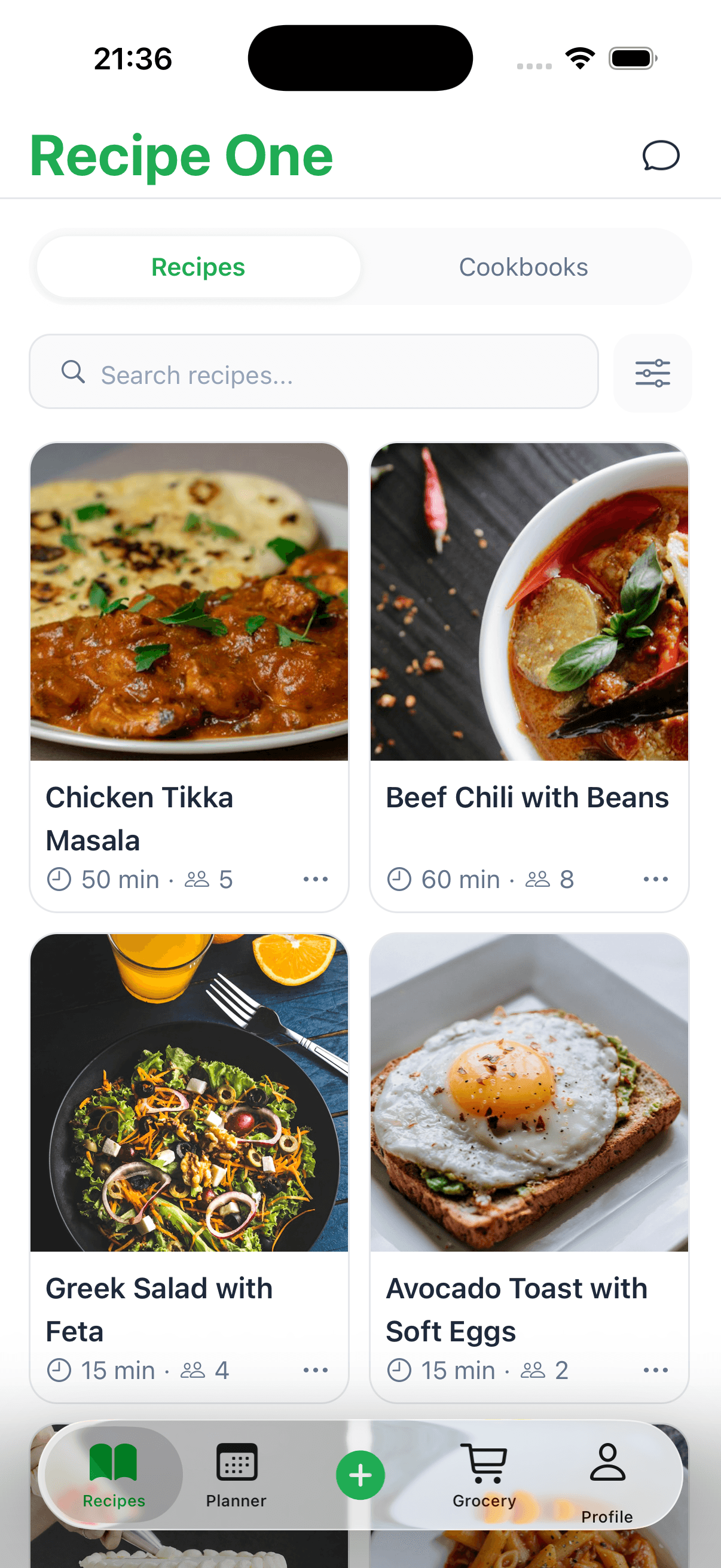
First, you have the dedicated recipe managers. These apps are built from the ground up for home cooks. They come packed with handy features like one-click recipe importers for websites, meal planners, and even grocery list generators that pull ingredients for you. They’re designed to work right out of the box, which is a huge plus if you just want to get up and running without any fuss.
Then there are the versatile note-taking apps—think Notion or Evernote. These are like digital blank canvases. You get total freedom to build your own system exactly how you want it, but that flexibility comes with a trade-off. You'll need to invest the time upfront to design your own templates and figure out a workflow that makes sense for you.
What to Look For in an App
No matter which route you take, a few features are absolutely essential for building a recipe collection you'll actually use. Don't settle for an app that doesn't have these basics covered.
- Syncs Across Your Devices: You need to be able to pull up a recipe on your phone at the grocery store just as easily as on your tablet in the kitchen.
- Good Search and Filtering: What's the point of digitizing if you can't instantly find a recipe? Being able to search by your tags is the whole reason we're doing this.
- Works Offline: Wi-Fi can be spotty. The last thing you want is your recipe disappearing mid-sauté because your internet dropped.
- Lets You Add Photos and Notes: A recipe becomes yours when you can add a photo of how it turned out or a quick note like, "double the garlic next time."
At the end of the day, the best app is the one you’ll actually use. If it feels like a chore to add a new recipe, you’re just not going to keep up with it.
We're also seeing some cool tech pop up in this space. AI is becoming more common, helping with everything from creating a smart grocery list to ordering ingredients directly from online stores. This kind of stuff turns a simple recipe box into a full-blown meal management assistant. Those same trends show up across the recipe organizer app market.
To make the decision a little easier, we've already done a lot of the homework for you. Take a look at our detailed guide on the best recipe manager apps to see a head-to-head comparison and find the perfect fit. If you want a free-to-try shortlist, see the free recipe organizer apps guide.
Keeping Your Recipe Collection Alive
A recipe collection isn't something you just set up and forget about. It's a living, breathing part of your kitchen that gets better the more you use it. Think of it less like a digital filing cabinet and more like a trusted sous chef that learns your tastes over time.
The single best habit you can get into? Tweak your recipes right after you cook them. Seriously, while the flavors are still fresh in your mind.
Maybe that curry needed a little more ginger, or the cookies were a bit too crispy. Just pop open the recipe and add a quick note: "reduce oven temp by 10 degrees" or "double the garlic next time." This is also the perfect moment to slap a star rating on it. If it was a family favorite, give it five stars. If it was a total flop? Don't be afraid to delete it. A library full of recipes you’ll never make again just creates clutter.
From Library to Lifestyle
This is where all your hard work pays off. A well-organized collection isn't just for storing ideas; it's a tool that should actively make your life easier. Start weaving it into your weekly meal planning.
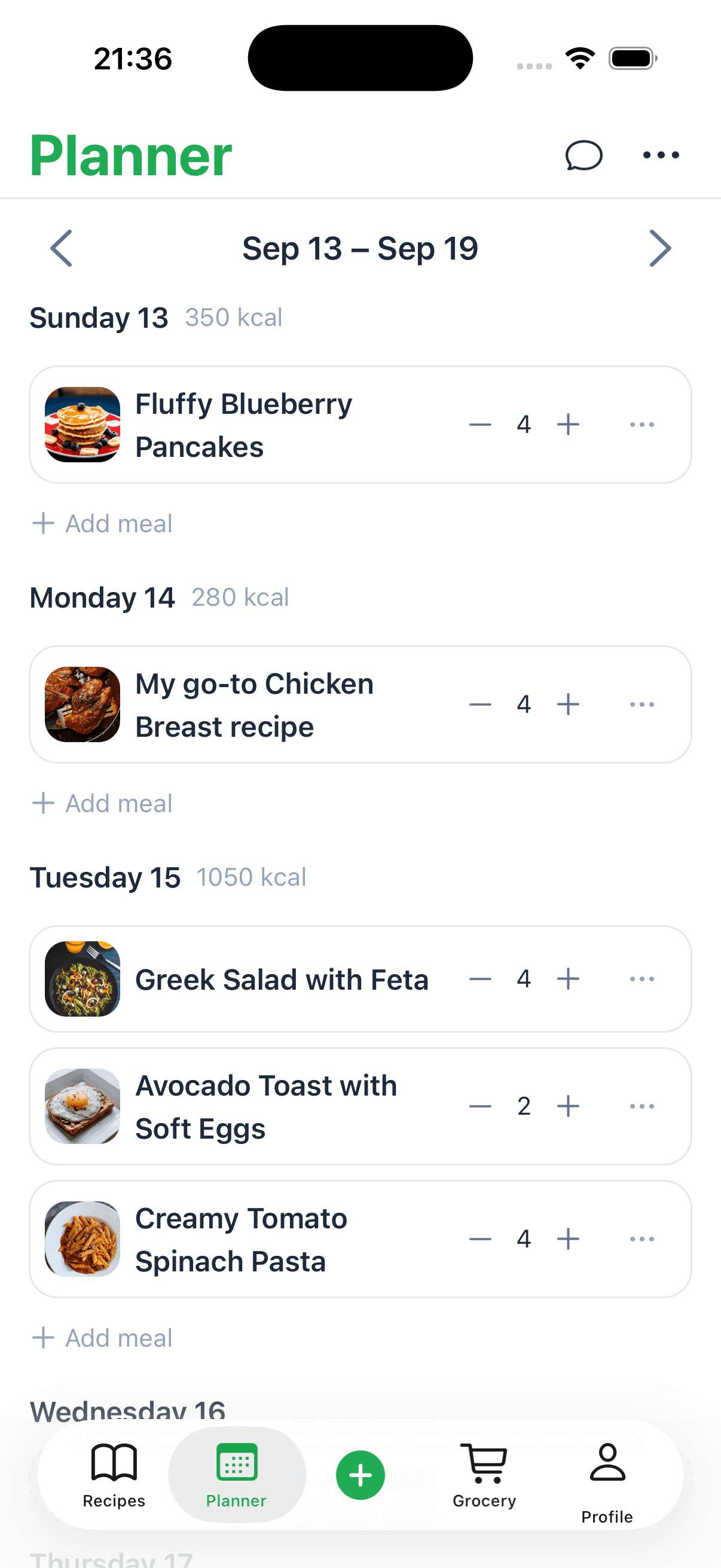
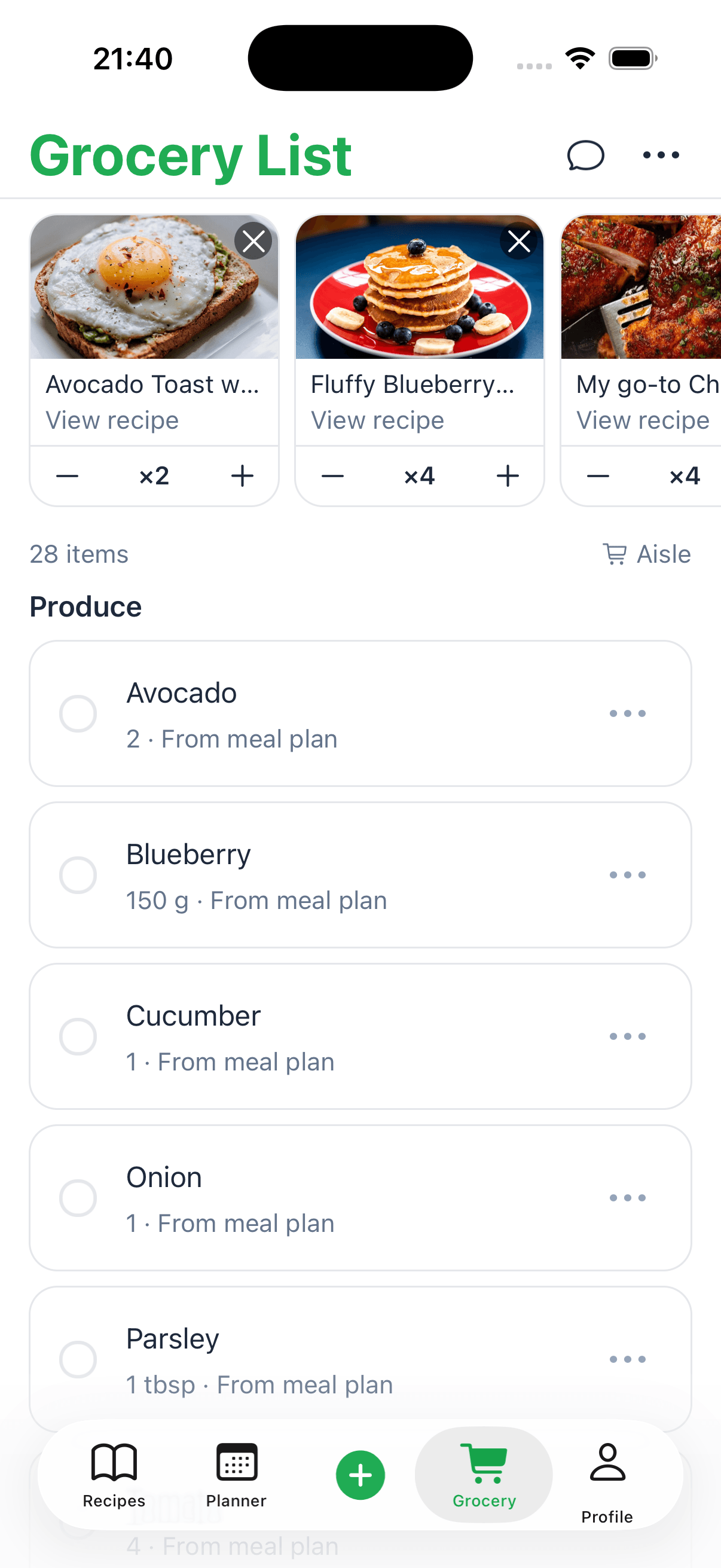
Most modern apps, like Recipe One, are built for this. You can tag a few meals for the week, and the app will instantly generate a shopping list. No more forgetting the cilantro or buying a second jar of paprika you already had.
A well-maintained recipe library does more than just store instructions—it actively simplifies your life, saving you time at the grocery store and answering the daily "what's for dinner?" question.
One last thing: backups. While most cloud-based apps handle this for you, a little redundancy never hurts. Every few months, consider exporting your collection as a PDF or text file. It’s a simple step that gives you complete peace of mind. By making these small habits part of your routine, your recipe library will become an indispensable kitchen partner.
Common Recipe Organization Questions
Even the best-laid plans hit a few snags. When you start building a digital recipe library, a few common questions always seem to come up. Let's tackle some of the most frequent hurdles people face so you can build a system that lasts.
After all, the best way to store your recipes isn't just about picking the right app—it's about creating habits that stick.
What If I Have Hundreds of Physical Recipes?
Staring at a mountain of recipe cards, magazine clippings, and handwritten notes? It’s completely normal to feel overwhelmed. The secret is to not even try to do it all at once.
Start small. Pick out your top 10-20 most-loved recipes—the ones you know by heart but still have to look up. Get just those into your new system. Once that’s done, make it a weekly habit. Set a small goal, like digitizing five new recipes every Sunday morning with your coffee. This batching approach turns a monumental chore into a manageable and even satisfying project.
How Do I Save Recipes from Videos and Social Media?
This is a big one. Recipes on platforms like TikTok or Instagram are notoriously tricky because there's often no simple "save recipe" button. The easiest win is to check the video description or the creator's bio for a link to their blog, where a written version usually lives.
If there's no link, a screenshot is your best friend. From there, you can either manually type the ingredients and steps into your app or use an OCR (Optical Character Recognition) feature to automatically pull the text from the image. I always recommend saving a link back to the original post, just in case you need to re-watch a specific technique.
The real goal here is to get every single recipe into the same clean, consistent format. A little effort upfront to standardize how you input recipes makes your entire collection infinitely more searchable and useful down the road.
For a deeper dive into building a robust taxonomy, our guide on how to categorize recipes lays out a complete framework for creating a system that truly works for you.
Ready to stop searching and start cooking? Recipe One uses AI to automatically capture, format, and organize recipes from anywhere—videos, photos, and websites—in a single click. Build your forever recipe library with Recipe One today.