Have you ever dreamed of compiling your family's most cherished recipes into a beautiful cookbook, but the thought of the cost always stopped you? I get it. For a long time, that kind of project seemed out of reach. But it turns out, you can bring that vision to life without spending a single penny.
Your Dream Cookbook is Closer Than You Think
The idea of creating a cookbook often brings to mind celebrity chefs and big-shot authors with publishing deals. In the past, the costs were a massive barrier—design, editing, and printing could easily run into the thousands.
That whole model has been flipped on its head.
Today, anyone with a collection of recipes and a bit of passion can create something truly special. Thanks to a wave of free, intuitive software and easy-to-use publishing platforms, the only real investment is your time and creativity. This guide will walk you through the whole process, from the initial spark of an idea to sharing your finished cookbook with the world.
The Rise of Free Publishing
The move toward self-publishing has been nothing short of incredible. In 2023, the number of self-published titles with ISBNs jumped by 7.2%, surpassing 2.6 million globally, even as traditional publishing saw a dip. This boom is driven by platforms that hand authors the tools they need to format and distribute their work for free.
For anyone wanting to create a cookbook, this is huge. It completely removes the financial gatekeeping, putting you in the driver's seat. You get to decide the theme, tell the stories behind the food, and control the final look and feel of your book.
The Tools That Make It Happen
Platforms like Canva have been a game-changer, offering gorgeous, ready-to-use templates designed specifically for cookbooks. You can get a professional-looking layout without any design experience.
Here’s a quick peek at what's possible, right out of the box, for free.
As you can see, templates like these handle the heavy lifting of design, freeing you up to focus on what matters most: your recipes and photos.
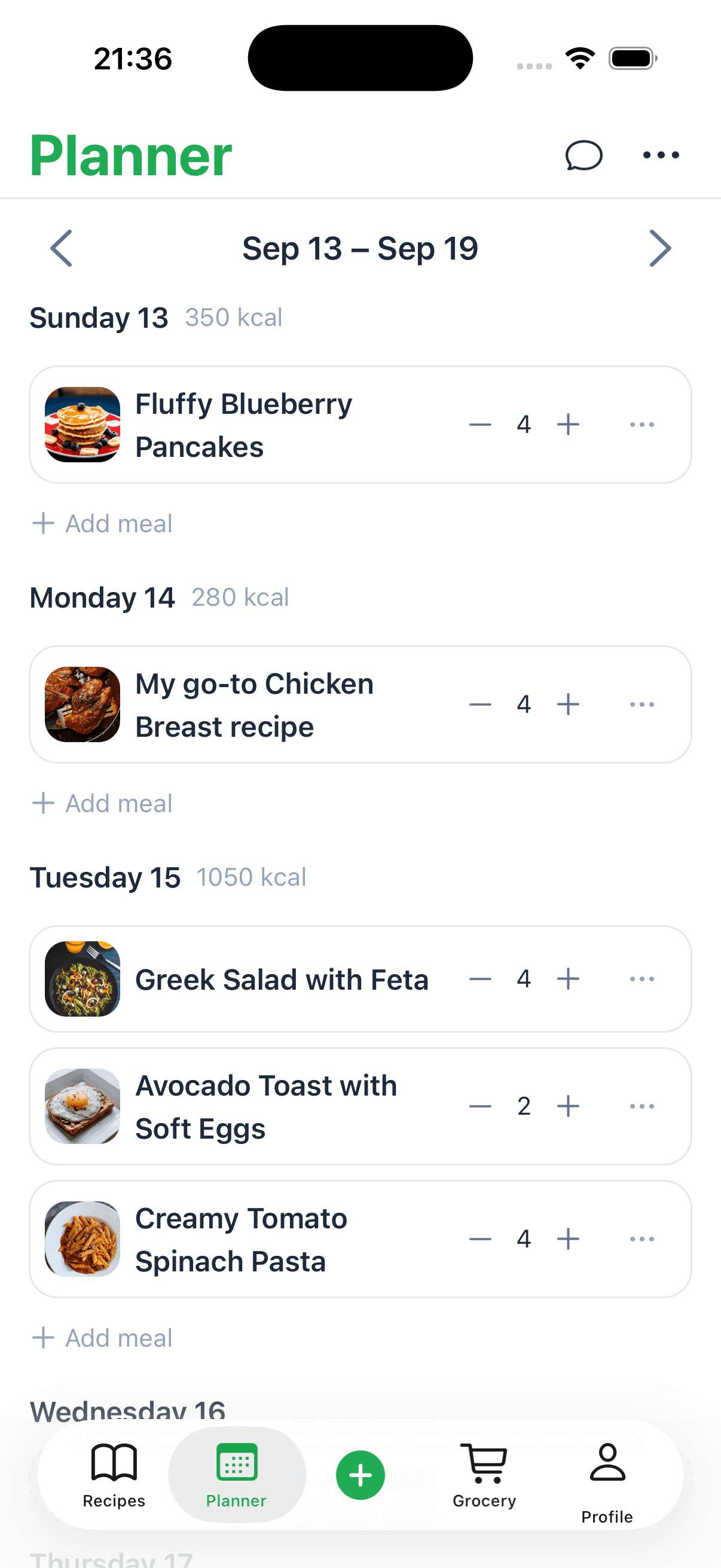
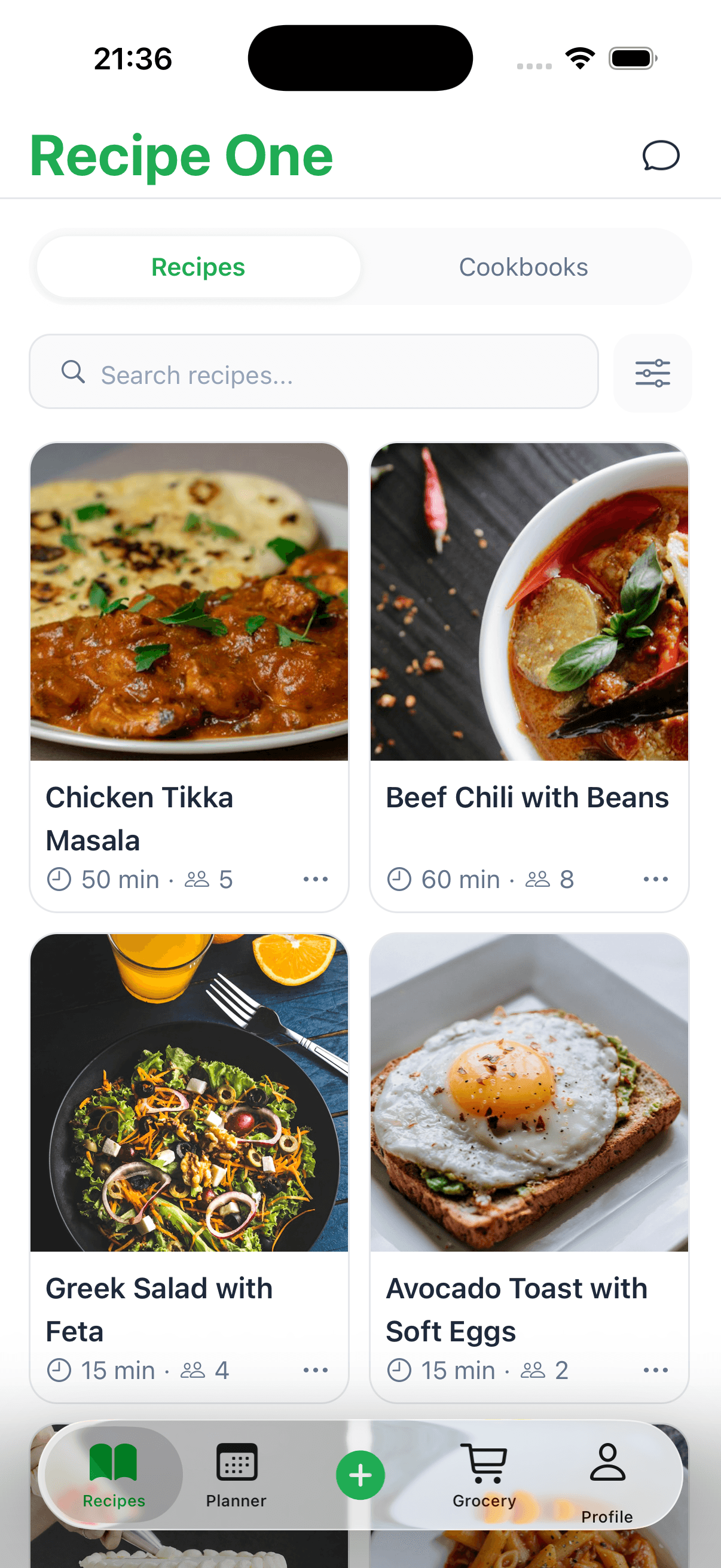
Of course, before you jump into design, you need to get your recipes organized. That’s always the first real step, and using a digital https://www.recipeone.app/blog/recipe-saver can make this part of the process a whole lot smoother.
Building the Foundation of Your Cookbook
Every great cookbook has a soul. It's built around a single, compelling idea that pulls everything together. Before you even touch a design tool or pick a font, you need to nail down your cookbook’s core concept. This theme is your north star—it will guide every choice you make, from the recipes you select to the stories you share.
What's your unique angle? Think about what you're known for. Are you the master of 30-minute weeknight meals? Maybe you've spent years perfecting the art of gluten-free sourdough. Your theme can be anything from "Effortless Vegan Lunches" to "A Love Letter to Grandma's Sunday Dinners."
The best themes come from a place of real passion. A strong theme does more than just organize your recipes; it gives your readers a reason to connect with you and your food. It’s what turns a simple collection of instructions into a treasured kitchen companion.
Once you’ve landed on your big idea, it's time to gather your recipes. This is where the real work begins, and getting organized from the start will save you a world of headaches later. Pull everything into one central spot, whether your recipes are scrawled on stained index cards, saved in a text file, or scattered across browser bookmarks.
Curating and Standardizing Your Recipes
With all your recipes in one place, the next job is to make them consistent. A reader needs to trust that they can follow any recipe in your book and get a great result, every single time. That means standardizing your measurements, instructions, and terminology.
It's a little detail, but it makes a huge difference.
- Pick a Measurement System: Decide if you’re using imperial (cups, ounces) or metric (grams, milliliters) and stick to it. If you want to offer both, decide on a consistent format, like putting the second measurement in parentheses.
- Make Instructions Crystal Clear: Read every step as if you’ve never cooked before. Is "cook until golden brown" specific enough? Probably not. Something like "cook for 5-7 minutes, flipping halfway through, until a deep golden brown" is much better.
- Standardize Your Lingo: Use the same terms for the same actions. If you mean "sauté," don't switch between "fry" and "pan-sear" in different recipes. Consistency builds confidence.
I know this part can feel a bit tedious, but it’s what separates a polished, professional-quality cookbook from a jumbled collection of notes. Setting up a solid system now pays off big time. For a deeper look at this, our guide on how to organize recipes has some really practical tips.
Testing and Refining Every Dish
Finally, a recipe isn't finished until it's been tested—and tested again. This is arguably the most delicious (and most critical) part of the whole process. Cook through every single recipe yourself. Pay close attention to the timings, ingredient amounts, and how clear your instructions really are when you're standing at the stove.
But don't stop there. Enlist some help! Ask friends, family, or a few trusted followers to test a couple of recipes for you. Their feedback is pure gold because they’re coming in with fresh eyes. They’ll spot confusing steps or suggest tweaks you'd never think of. This is how you create a free cookbook that people don't just download, but actually use and fall in love with.
Designing a Beautiful Cookbook with Free Tools
Great recipes deserve a great design. The way your cookbook looks and feels can turn a simple recipe collection into a truly immersive experience for your reader. The good news? You don't need a degree in graphic design or expensive software to create something beautiful.
There are some fantastic free tools out there that make professional-level design accessible to everyone. Platforms like Canva for cookbook design are a game-changer, offering intuitive drag-and-drop interfaces and a ton of gorgeous templates to get you started.
Just look at how simple it is to jump in with a pre-made, professional template.
With just a couple of clicks, you have a solid foundation that you can customize to perfectly match your cookbook's theme and personality.
Choosing Your Layout and Theme
Your first real design decision is picking a layout that captures the vibe of your cookbook. Think about the story you're telling with your food. A book on quick weeknight meals, for example, would probably work best with a clean, minimalist design and bold, easy-to-read fonts. On the other hand, a collection of rustic baking recipes might call for warmer colors, softer textures, and maybe even a handwritten-style font.
When you're browsing through templates, keep these three things in mind:
- Font Readability: This is crucial. Can someone easily read the ingredients list while their hands are covered in flour? Stick to clear, legible fonts for the main body of your recipes.
- Color Palette: Colors set the mood. Warm reds, oranges, and yellows can make food feel hearty and comforting. Cool blues and greens often suggest freshness and health.
- White Space: Don't be afraid of empty space! A cluttered page is hard to read and visually overwhelming. Giving your photos and text room to breathe makes everything feel more polished and approachable.
Customizing Your Cookbook Pages
Once you’ve settled on a template, the real fun begins—making it your own. This is where you swap out the placeholder content for your own stunning food photos, tweak the color scheme to fit your vision, and really let your personality shine through.
Consistency is your best friend here. A great trick is to stick to just one or two fonts for all your recipe titles and a separate, consistent font for the instructions. This small detail creates a cohesive, professional feel that guides your reader smoothly through the entire book.
A well-designed cookbook isn't just pretty—it's functional. The layout should make the cooking process easier, with ingredients clearly listed and instructions broken down into simple, scannable steps.
Comparison of Free Cookbook Design Tools
To help you decide which platform is the best fit for your project, here’s a quick comparison of some of the most popular free tools available for cookbook design.
| Tool | Best For | Key Features | Export Options |
|---|---|---|---|
| Canva | Beginners and quick, template-based design. | Huge library of templates, drag-and-drop editor, stock photos, font pairings. | PDF (for print and web), JPG, PNG. |
| Visme | Creating interactive ebooks with charts and graphs. | Data visualization tools, interactive elements, brand kit storage. | PDF, JPG, PNG, HTML5 (interactive). |
| Marq | Collaborative projects and brand consistency. | Advanced templates, brand asset management, team collaboration features. | PDF, JPG, PNG, INDD (for Adobe). |
| VistaCreate | Social media-friendly designs and animations. | Animated graphics, video editing tools, large library of design objects. | PDF, JPG, PNG, MP4, GIF. |
Each tool has its strengths, but for a straightforward, beautiful cookbook, Canva is often the perfect starting point. The most important thing is to pick one you feel comfortable with and start creating.
Smartphone Food Photography Tips
You absolutely do not need a high-end DSLR camera to take incredible food photos. The camera in your pocket is more than capable of capturing mouth-watering shots if you know a few tricks of the trade.
Mastering the Light
Natural light is a food photographer’s secret weapon. Always try to set up your dish near a window. It's also important to turn off any indoor lights, as they can cast an unnatural yellow or blue tint on your food. Believe it or not, a slightly overcast day is ideal because it gives you soft, diffused light that gets rid of harsh shadows.
Composition is Key
How you arrange the food in the frame makes all the difference. A simple guideline to follow is the "rule of thirds." Imagine a tic-tac-toe grid over your screen and try to place the most interesting part of your dish on one of the intersecting lines instead of dead center.
Don't forget to play with angles! A top-down "flat lay" shot is perfect for things like pizza or a bowl of soup. For something with layers, like a cake or a burger, shooting from a 45-degree angle will help you show off all that delicious detail.
And if you need a little help with the technical side of your recipes, like converting measurements or calculating nutrition, this collection of free cooking tools can be a lifesaver: https://www.recipeone.app/tools.
Writing Content That Connects with Readers
A truly great cookbook is so much more than a collection of instructions. It's filled with stories that bring the food to life. The words you choose are your chance to share your passion, connect with your readers on a personal level, and make them feel like you're right there in the kitchen with them. This is how a simple recipe collection becomes a cherished favorite.
Think of your cookbook's introduction as your opening handshake. It sets the tone for everything that follows. This is your moment to share the "why" behind your project. Why did you choose these recipes? What's the story behind them? A short, personal anecdote here can draw your reader in and get them invested in your culinary world from the very first page.
Crafting Engaging Recipe Headnotes
Beyond the intro, your most powerful tool for connection is the headnote—that little paragraph of text just before each recipe's ingredient list. Honestly, this is where the magic happens. A well-written headnote can turn a basic recipe for "Carrot Soup" into an irresistible story about a dish that warms you from the inside out.
Instead of just describing the final product, use this valuable space to:
- Share a funny story about a kitchen disaster that surprisingly led to a breakthrough.
- Offer a genuinely helpful tip, like the secret to toasting pine nuts perfectly without burning them.
- Explain the origin of a beloved family recipe that’s been passed down for generations.
These personal touches are what give your recipes personality and context. They make your readers feel like they're getting a peek behind the curtain, which is a huge part of creating a free cookbook that people will actually want to use again and again.
Adding the Professional Touches
To give your free cookbook that polished, professional feel, there are a few key elements you shouldn't skip. These simple additions provide clarity and make your book a joy to navigate, signaling to your readers that this is a quality publication.
First up, a clear Table of Contents. This is your reader's roadmap. It lets them jump straight to a specific dish or browse your dessert chapter with ease. An organized structure shows you respect their time.
Don’t underestimate the power of a warm "About the Author" section. This is your space to share a bit about yourself, your cooking philosophy, and what inspires you. A friendly photo and a few paragraphs can build a lasting connection with your audience.
Finally, while it might seem like extra work, a simple index is incredibly useful, especially for a digital cookbook. It lets people search by a specific ingredient, turning your book into a practical tool for those "what do I make with all this zucchini?" moments.
To keep everything perfectly organized before it even hits the page, it’s smart to use a consistent layout. You can learn more about the best practices for a standard recipes format in our detailed guide.
Publishing and Sharing Your Cookbook for Free
You’ve perfected the recipes and nailed the design. Now comes the best part: sharing your cookbook with the world. This is where all that hard work really pays off. Getting your creation into the hands of eager readers has never been easier, and you can do it all without spending a dime.
The rise of self-publishing has been a game-changer for creators. Just look at the numbers. In 2023, independent authors in the US released around 500,000 new works, completely dwarfing the 10,000 new titles from traditional publishers. With annual sales hitting $1.25 billion and the market growing over 260% in the last five years, it’s clear that self-publishing is more than just a trend—it's a movement. This shift creates a direct path for you to connect with an audience hungry for unique culinary ideas.
Choosing Your Publishing Platform
When you’re ready to publish for free, a few platforms stand out. Each offers a simple way to convert your final file into a digital cookbook that anyone can access.
- Amazon Kindle Direct Publishing (KDP): This is the undisputed giant. Publishing through KDP gets your cookbook in front of millions of Kindle readers across the globe.
- Lulu: A great option if you're considering both digital and print. Lulu is well-known for its ebook and print-on-demand services, giving you more flexibility down the road.
- Smashwords: This platform acts as a distributor, sending your ebook to a wide network of retailers like Apple Books, Barnes & Noble, and Kobo.
For most first-timers, Amazon's KDP is the easiest entry point. It’s designed to be user-friendly, and there's a fantastic complete guide to publishing an ebook on Amazon for free that walks you through every detail.
Here’s a peek at what the KDP dashboard looks like. It’s your command center for the whole process.
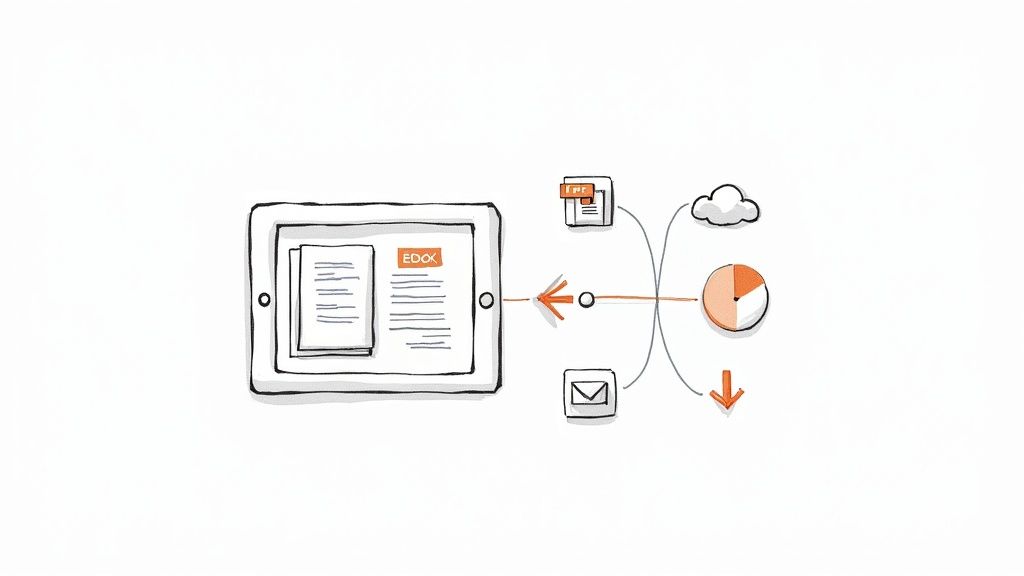
As you can see, the interface is clean and walks you through everything step-by-step, from uploading your manuscript to setting the price (which, in our case, will be free!).
Preparing Your File for Upload
Before hitting "publish," you need to decide on the best file format for your cookbook. The two main options are a downloadable PDF or a reflowable ebook.
PDFs are fantastic for preserving your exact design. Every page looks just as you intended, which is a huge plus for a visually rich cookbook. The only catch is that they can sometimes be tricky to read on smaller phone screens.
Ebooks (EPUB/MOBI) are built to be "reflowable." This means the text and images automatically adjust to fit whatever screen the reader is using. It’s a much better mobile experience, but it can occasionally mess with your carefully planned layouts.
Luckily, you don't have to choose. Many free design tools like Canva let you export your project in both formats, so you can give your readers the choice.
Marketing Your Cookbook for Free
Your cookbook is live—congratulations! Now it’s time to spread the word. You don't need a big marketing budget to make a splash.
- Show it off on social media: Post your most beautiful food photos on Instagram, Pinterest, and Facebook. Add a direct link to the cookbook in your bio and share it in your posts.
- Find your people: Join food-focused Facebook groups or Reddit communities (like r/cooking). Share a couple of your best recipes and let people know they can find more in your new free cookbook.
- Team up with other creators: Reach out to a food blogger or another creator you admire and suggest a collaboration. A simple social media shout-out in exchange for promoting their work can go a long way.
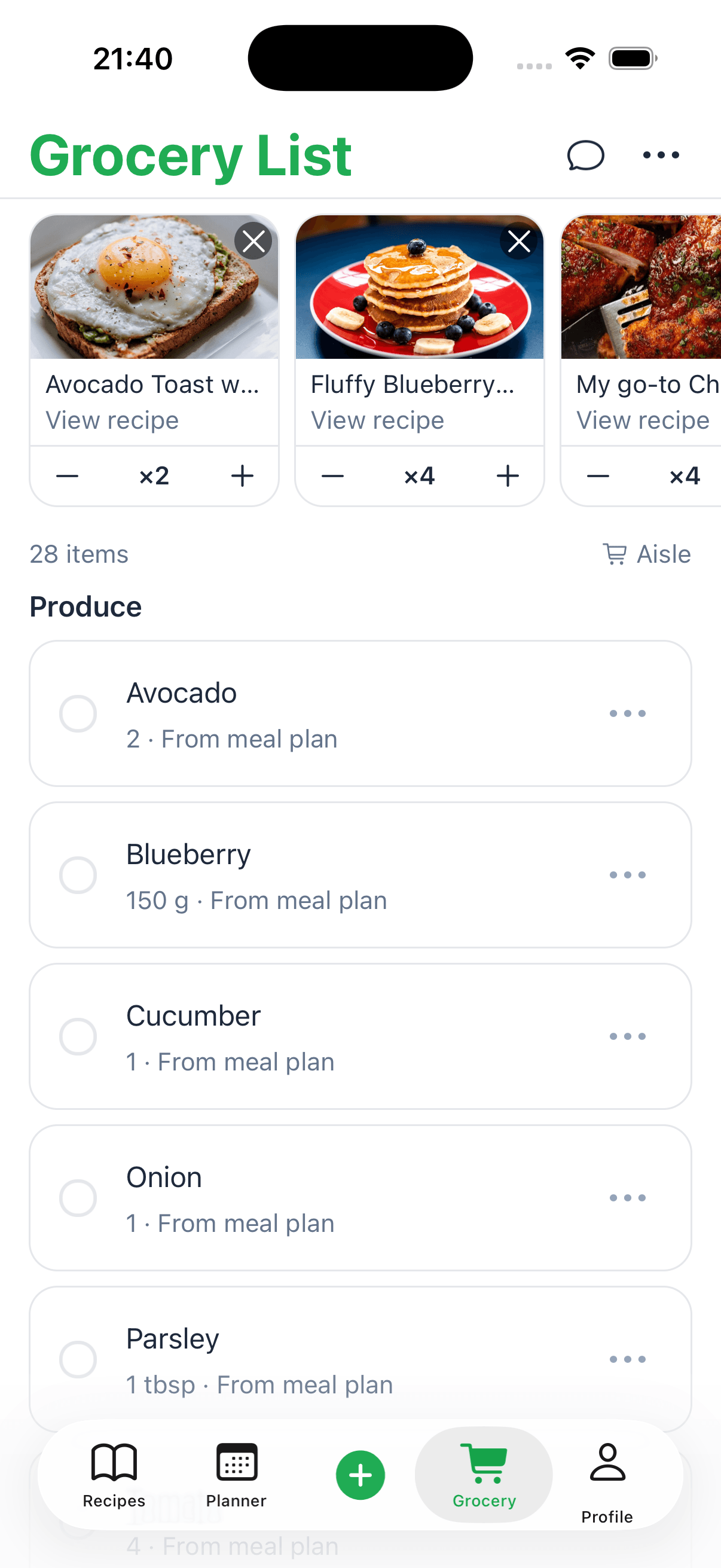
Remember, every single recipe is a piece of marketing content. If you've been organizing your recipes digitally, something like a https://www.recipeone.app/blog/recipe-keeper-app-free can be a great way to quickly pull out a recipe to use as a teaser.
Common Questions About Creating a Free Cookbook
When you start putting a cookbook together, you're bound to run into a few questions. It’s totally normal to wonder about the finer points, from legal stuff to the best way to get your book into people's hands. Let's tackle some of the most common ones so you can keep moving forward.
Can I Use Recipes I Found Online or in Other Cookbooks?
This is the big one, and the answer isn't a simple yes or no. A recipe's ingredient list is just a list of facts, and facts can't be copyrighted. So, feel free to use the same list of ingredients.
The creative part, however—the stories, the step-by-step instructions, the photos—is protected by copyright. You can't just copy and paste someone else's recipe text word for word. To do things right, you need to rewrite the instructions completely in your own voice. Make them yours.
My personal rule of thumb? Always give credit where it's due. If another chef or a food blog sparked your idea, a simple note like "Inspired by..." or "Adapted from..." is a classy move. Readers really appreciate that kind of transparency.
What Is the Best File Format for a Free Cookbook?
The right format really comes down to how you want people to use your cookbook. Each option has its own strengths.
- PDF (Portable Document Format): This is your best bet for locking in your design. If you've spent a ton of time on a beautiful layout with specific photo placements, a PDF makes sure everyone sees it exactly as you intended.
- EPUB (Electronic Publication): This format is "reflowable," which is a fancy way of saying the text and images automatically resize to fit any screen. It makes for a much better reading experience on a phone or an e-reader like a Kindle.
Honestly, for a free cookbook, why not offer both? A PDF is great for anyone who wants to print recipes or view them on a tablet, while an EPUB is perfect for someone reading on the go.
Do I Need an ISBN for My Free Digital Cookbook?
An ISBN (International Standard Book Number) is basically a unique tracking code for your book. You'll definitely need one if you want to get your cookbook onto major platforms like Amazon KDP, Apple Books, or Barnes & Noble.
But here’s the good news: you don't have to buy one. Many of these platforms, including Amazon KDP, will give you a free ISBN when you publish through them. It keeps the whole project completely free and handles the technical side for you.
How Can I Make My Free Cookbook Look Professional?
A pro-looking cookbook comes down to two things: consistency and attention to detail. Focus on getting sharp, high-quality photos, choosing a clean font that’s easy to read, and sticking to a consistent color palette throughout the book.
It's also worth noting that it’s easier than ever to get professional results on your own. Many free cookbook creators are now using tools with built-in AI assistance for things like designing a cover, writing a catchy description, or even fine-tuning marketing copy. It’s a huge time-saver and lets you create something polished without hiring a designer. You can find more details on how tech is changing the game in these self-publishing trends for 2025.