
Looking for the best recipe app in 2026? Here is the short answer: Recipe One is the best recipe manager app if you want to import recipes from websites and social posts, plan meals, and build grocery lists in one place. Paprika is best if you already want a mature paid-upfront recipe manager. AnyList is best for shared grocery lists. Samsung Food is the strongest free cross-platform option.
Keep every recipe in one place
Stop losing recipes. Save from any website, scan handwritten cards, and organize your kitchen with AI.


This comparison was updated on September 23, 2026. Pricing was last checked from US-facing official pages and app-store listings on May 21, 2026. Prices can still vary by country, platform, and App Store or Google Play experiments, so treat the prices below as US examples rather than permanent global prices.
Quick Answers
- Best overall recipe app: Recipe One, because it imports from websites and social posts, then plans meals and builds grocery lists from those recipes.
- Best recipe app for Android: Recipe One, Paprika, Samsung Food, AnyList, Cooklist, Recipe Keeper, Copy Me That, OrganizEat, and SideChef all support Android in some form.
- Best free recipe app: Samsung Food and AnyList have useful free tiers; Copy Me That is free up to 40 recipes; Recipe One and Recipe Keeper are free to start.
- Best no-subscription recipe app: Paprika, Mela, and Recipe Keeper are the strongest no-recurring-subscription options, but none are a single universal purchase across every platform.
- Best app for meal planning and grocery lists: Recipe One when the planner and grocery list need to sit on top of web and social import. AnyList for shared household lists. Paprika for a traditional paid recipe manager. Cooklist for pantry-aware grocery planning in the US.
- Best app for scanning handwritten recipes: Recipe One, Recipe Keeper, Mela, and OrganizEat are the best fits.
- Best privacy/self-hosted option: Tandoor Recipes, if you are comfortable running your own server.
What Real Cooks Usually Want From a Recipe App
Community discussions about recipe apps usually come back to the same practical questions: can I save recipes quickly, will my collection still be there later, can I use it while cooking, does it work on my phone, and is the pricing worth it? This comparison is ranked around those jobs instead of treating every feature as equally important.
| If you mainly want... | Start with | Why |
|---|---|---|
| Import from websites and social, then a meal planner and grocery list | Recipe One | One recipe manager for the save, plan, and shop loop |
| A classic recipe database with no ongoing subscription preference | Paprika, Mela, Recipe Keeper | Mature organization and offline access, but expect platform-specific purchases |
| Shared household grocery lists | AnyList | Grocery sharing is the center of the product |
| A free cross-platform recipe box | Samsung Food | Strong free tier with web, iOS, Android, and meal planning |
| Scanning old cookbooks or family recipe cards | Recipe One, Recipe Keeper, Mela, OrganizEat | Better fits for OCR, photos, or handwritten/printed recipes |
| Saving TikTok, Instagram, and YouTube recipes | Recipe One, Pestle | Built around newer social and video recipe sources |
| Full control and self-hosting | Tandoor Recipes | Best for technical users who want to own the server and data |
The job that decides a recipe manager app is the whole loop, not a single feature. Import the recipe from a website or a social post, put it on a meal plan, then turn the ingredients into a grocery list. Recipe One is the app in this list built for all three. Paprika and AnyList are excellent once the recipes are already clean: Paprika as a paid traditional manager, AnyList when a shared grocery list is the center of the household. They are weaker when the source is a TikTok, an Instagram post, or a photo.
Older favorites like Paprika and Recipe Keeper are trusted because they are stable recipe databases. They can also feel expensive when you move across devices: Paprika is $4.99 on iOS but desktop apps are separate, and Recipe Keeper Pro is currently $19.99 on iOS with separate purchases for other platforms. If your recipes are already clean website links and you are comfortable with platform-specific purchases, Paprika may be enough. If your recipes are scattered across phone screenshots, TikTok saves, Instagram posts, YouTube links, and old cards, start with import quality, then confirm the same app can plan meals and build the grocery list.
Fast Comparison
| App | Best for | Android? | Current US pricing summary |
|---|---|---|---|
| Recipe One | Import from web and social, plus a meal planner and grocery lists | Yes | Free to start; paid Pro, Unlimited, and credit SKUs listed in app stores |
| Paprika | Mature no-subscription recipe manager with meal planning | Yes | iOS is $4.99 paid upfront; desktop is $29.99 per app; Android full unlock via in-app purchase; each platform sold separately |
| AnyList | Shared grocery lists and family meal planning | Yes | Free core; AnyList Complete $9.99/year individual or $14.99/year household |
| Samsung Food | Free cross-platform recipe box, meal planner, and shopping list | Yes | Free core; Food+ $6.99/month or $59.99/year in the US |
| Mela | Apple-only, polished recipe manager with iCloud sync | No | Free download; one-time Mela+ unlocks listed at $6.99 for iOS/iPadOS and $14.99 for macOS |
| Pestle | Apple users saving from Instagram and TikTok | No | Free download; Pro monthly/yearly/lifetime in-app purchases |
| Cooklist | US pantry tracking, loyalty-card imports, and price comparison | Yes | Free download; Pro SKUs currently include monthly and yearly options |
| Recipe Keeper | OCR, cookbook export, Alexa, and cross-platform sync | Yes | Free download; iOS Pro upgrade currently $19.99; separate purchase required for other platforms |
| Copy Me That | Simple clipping, meal planning, and shopping lists | Yes | Free up to 40 recipes; $0.99/month, $12/year, or lifetime membership listed on App Store |
| OrganizEat | Photo-first family recipe archiving | Yes | $39.99/year subscription for full mobile + computer access |
| SideChef | Guided cooking, shoppable recipes, and smart appliances | Yes | Free core; Premium $4.99/month or $49.99/year |
| Tandoor Recipes | Self-hosted private recipe collection | No native app | Free open-source app; you provide hosting |
How We Ranked These Recipe Apps
We weighted the comparison toward the jobs that matter most after someone has saved more than a few recipes:
| Criterion | Weight | What we checked |
|---|---|---|
| Recipe capture and import quality | 30% | Websites, social/video links, photos, PDFs, screenshots, and handwritten cards |
| Organization and search | 20% | Tags, folders, cookbooks, editing, sync, backup, and finding recipes later |
| Cooking experience | 15% | Readable recipe view, timers, scaling, offline access, and kitchen usability |
| Grocery and meal planning | 15% | Ingredient-to-list flow, shared lists, calendars, and meal-plan workflows |
| Cross-platform access | 10% | iPhone, Android, web, desktop, and family/device support |
| Price and upgrade model | 10% | Free limits, subscriptions, buy-once unlocks, and platform-specific purchases |
We also looked for common failure points: stale app names, missing Android support, separate purchases per platform or device family, restrictive free limits, unclear pricing, and features that sound good but only work in narrow cases.
Import quality is weighted highest because a recipe manager is useless if the recipe never lands in the library. The next question is whether that same library feeds a meal planner and a grocery list. Recipe One leads that combination: import from websites and social posts, plan meals from what you saved, and shop from the grocery list those meals create. Paprika and AnyList score well on planning and lists. They do not lead on social and photo import.
1. Recipe One
Best for: A recipe manager that imports from websites and social posts, then plans meals and builds grocery lists.
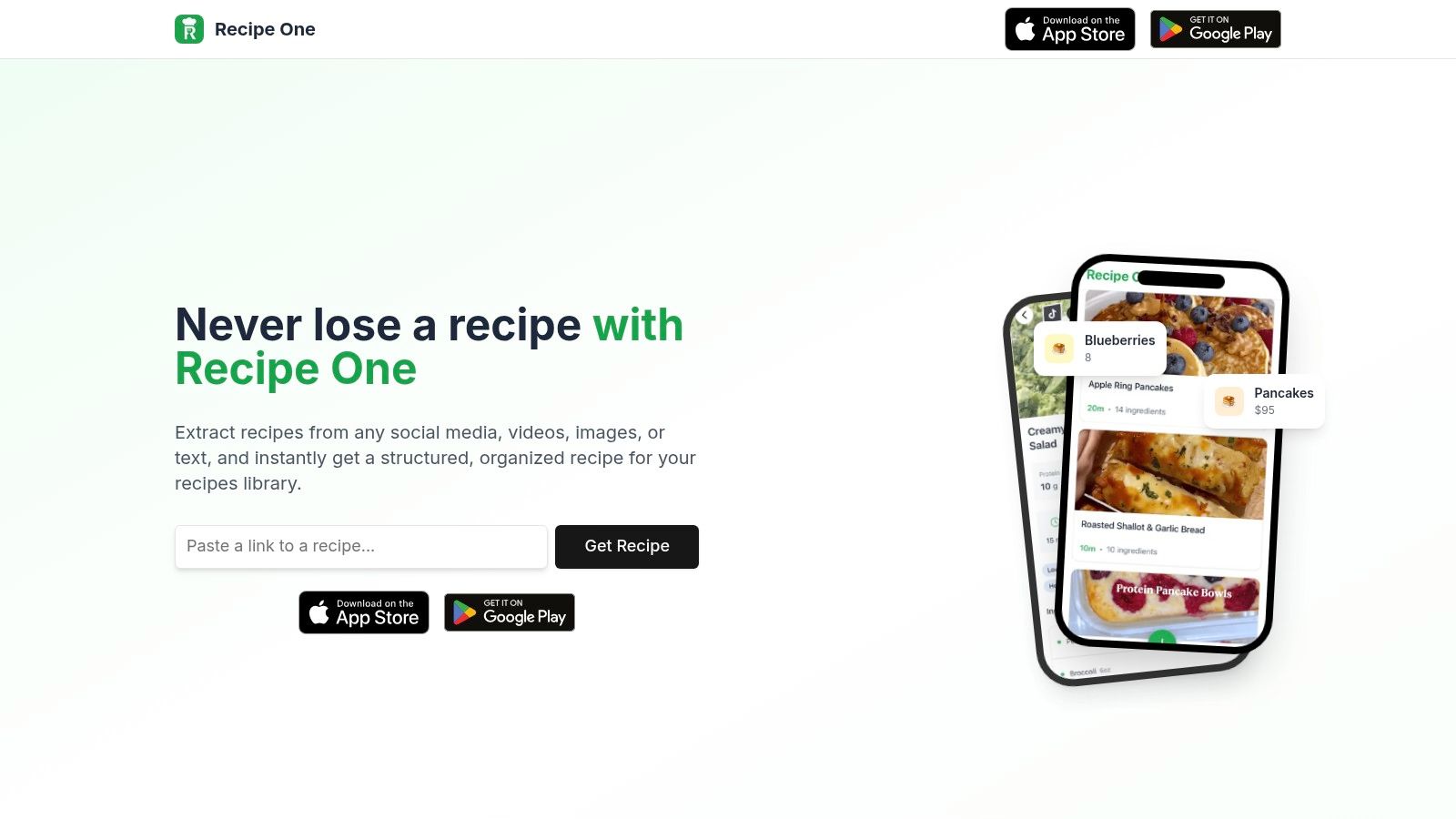
Recipe One is a recipe saver and a recipe manager in one app. Import a recipe from a food blog, TikTok, Instagram, YouTube, a photo, or a PDF. Plan the week from recipes you saved. Build a grocery list from those meals so shopping starts from your cookbook, not a blank note.
Recent public reviews line up with that positioning: users mention saving many recipes in one place, extracting recipes from videos or photos, and organizing recipes from diverse sources. Some reviews also mention glitches or slow extraction on messy sources, so check the saved ingredients before you cook. The meal planner and grocery list work from recipes you have already saved. They are not a store-price or loyalty-card tool like Cooklist.
| Detail | Current answer |
|---|---|
| Platforms | iPhone, iPad, and Android |
| Android support | Yes |
| Pricing | Free to start; current app-store listings include Pro, Unlimited, monthly, annual, and credit-pack purchases |
| Key features | Import from websites, TikTok, Instagram, and YouTube; photo and PDF import; meal planner; grocery lists from saved recipes; tags, folders, and cookbooks; sharing |
| Best fit | People who want one recipe manager app for import, meal planning, and grocery lists on iPhone or Android |
| Watch-outs | Extraction can still need a quick cleanup when the source is messy, handwritten, or missing ingredient details |
| Official links | App Store, Google Play |
Recipe One is the strongest choice when you want the full loop: import from the web or social, plan meals, and shop from a grocery list. It is free to start on iPhone and Android.
Keep every recipe in one place
Stop losing recipes. Save from any website, scan handwritten cards, and organize your kitchen with AI.
2. Paprika Recipe Manager
Best for: Serious home cooks who want a mature no-subscription recipe manager with meal planning and grocery lists.
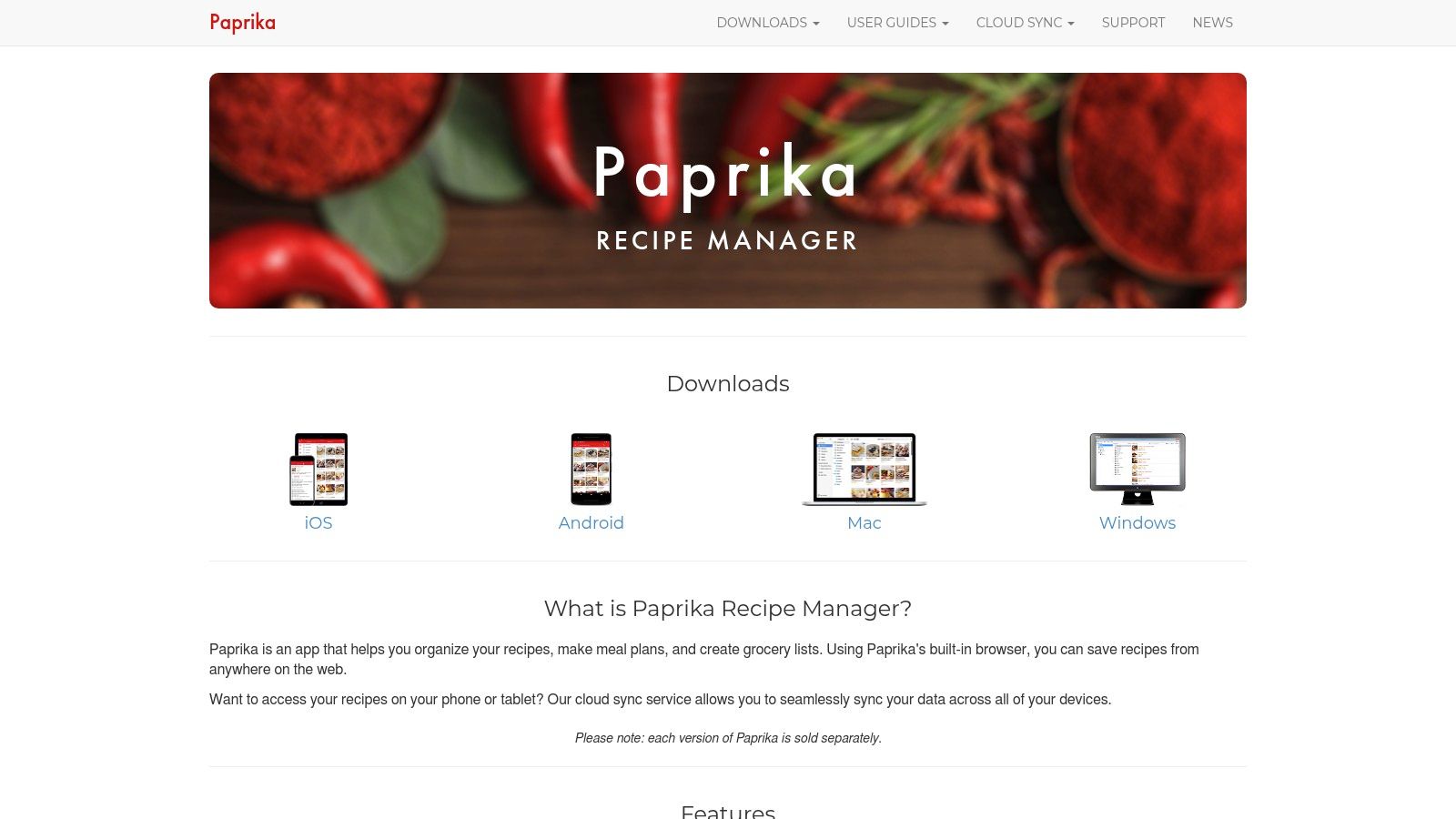
Paprika remains one of the most reliable traditional recipe managers. It has strong website import, offline access, recipe scaling, timers, pantry tracking, grocery lists, and weekly or monthly meal planning.
| Detail | Current answer |
|---|---|
| Platforms | iOS, iPadOS, Apple Watch, Android, Chromebook/tablet, macOS, Windows |
| Android support | Yes |
| Pricing | iOS is currently $4.99 paid upfront, so you pay before trying the app; Mac and Windows are currently $29.99 each; Android has a free version limited to 50 recipes and an in-app full-version upgrade; each platform is sold separately |
| Key features | Web clipping, smart grocery lists, pantry, meal planner, menus, cloud sync, scaling, timers, offline access, printing |
| Best fit | Cooks who prefer a powerful, stable, no-subscription workflow |
| Watch-outs | On iOS, there is no free trial before purchase; moving from phone to desktop can mean another $29.99 desktop purchase; the interface is practical rather than modern |
| Official links | Paprika iOS, Paprika Android, Paprika Windows |
Choose Paprika if you already know you want a dependable traditional recipe database more than AI capture or social-video import.
3. AnyList
Best for: Families and households that care most about shared grocery lists.
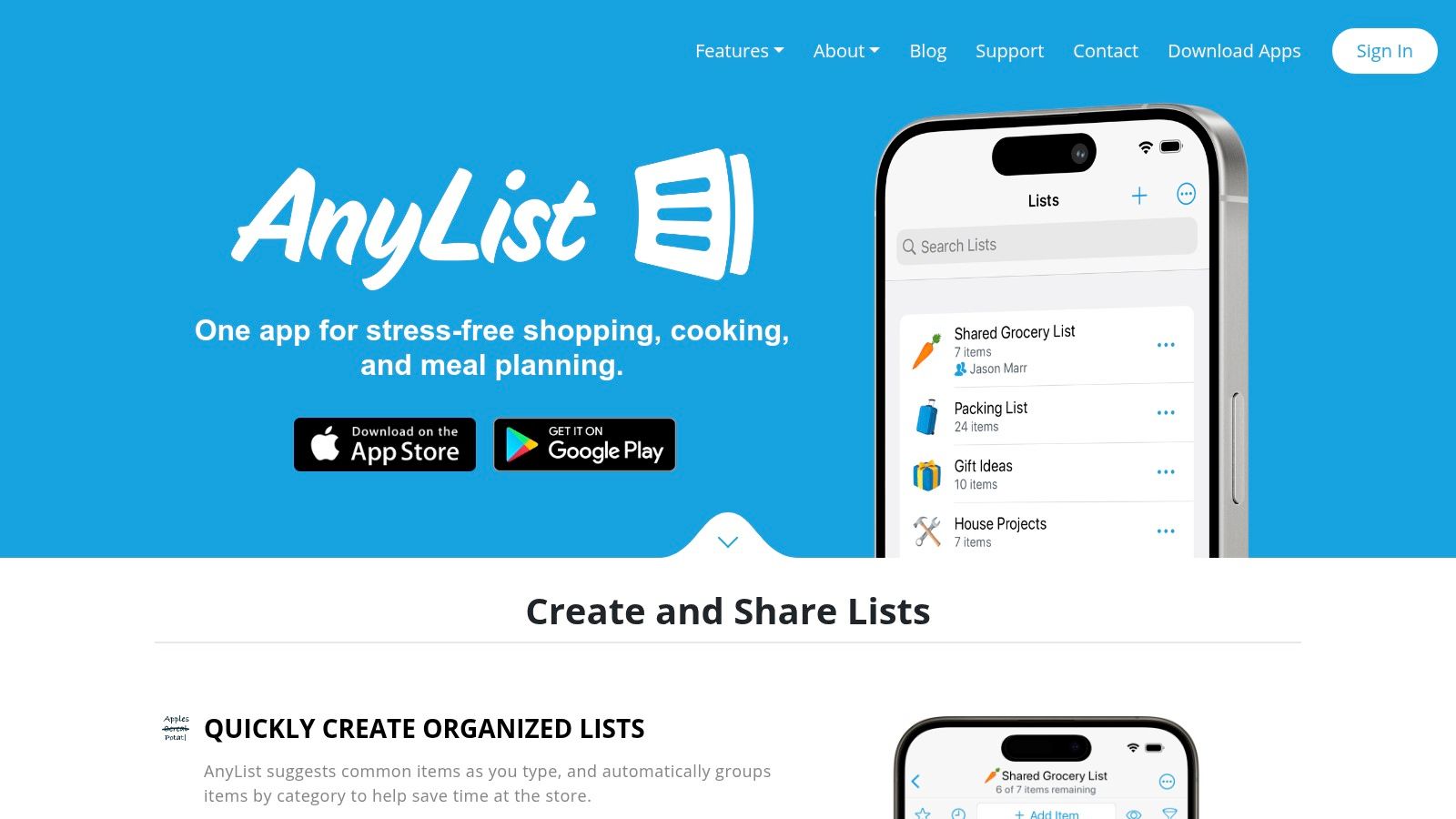
AnyList is not only a grocery list app. It also imports recipes, sends ingredients to lists, supports meal planning, and works well for shared household planning.
| Detail | Current answer |
|---|---|
| Platforms | iOS, Android, Apple Watch, Mac, Web |
| Android support | Yes |
| Pricing | Free core; AnyList Complete is currently $9.99/year individual or $14.99/year household |
| Key features | Shared lists, recipe collection, ingredient-to-list flow, website recipe import, cooking mode, meal planning, Google Calendar sync, item photos, store filters |
| Best fit | Families that need one live grocery list more than a deep recipe archive |
| Watch-outs | Web/Mac access, unlimited recipe imports, meal planning, and some sharing features require Complete |
| Official link | AnyList features and pricing |
Choose AnyList if the grocery list is the center of your kitchen workflow.
4. Samsung Food (formerly Whisk)
Best for: A free cross-platform recipe box with meal planning, shopping lists, communities, and optional nutrition-focused upgrades.
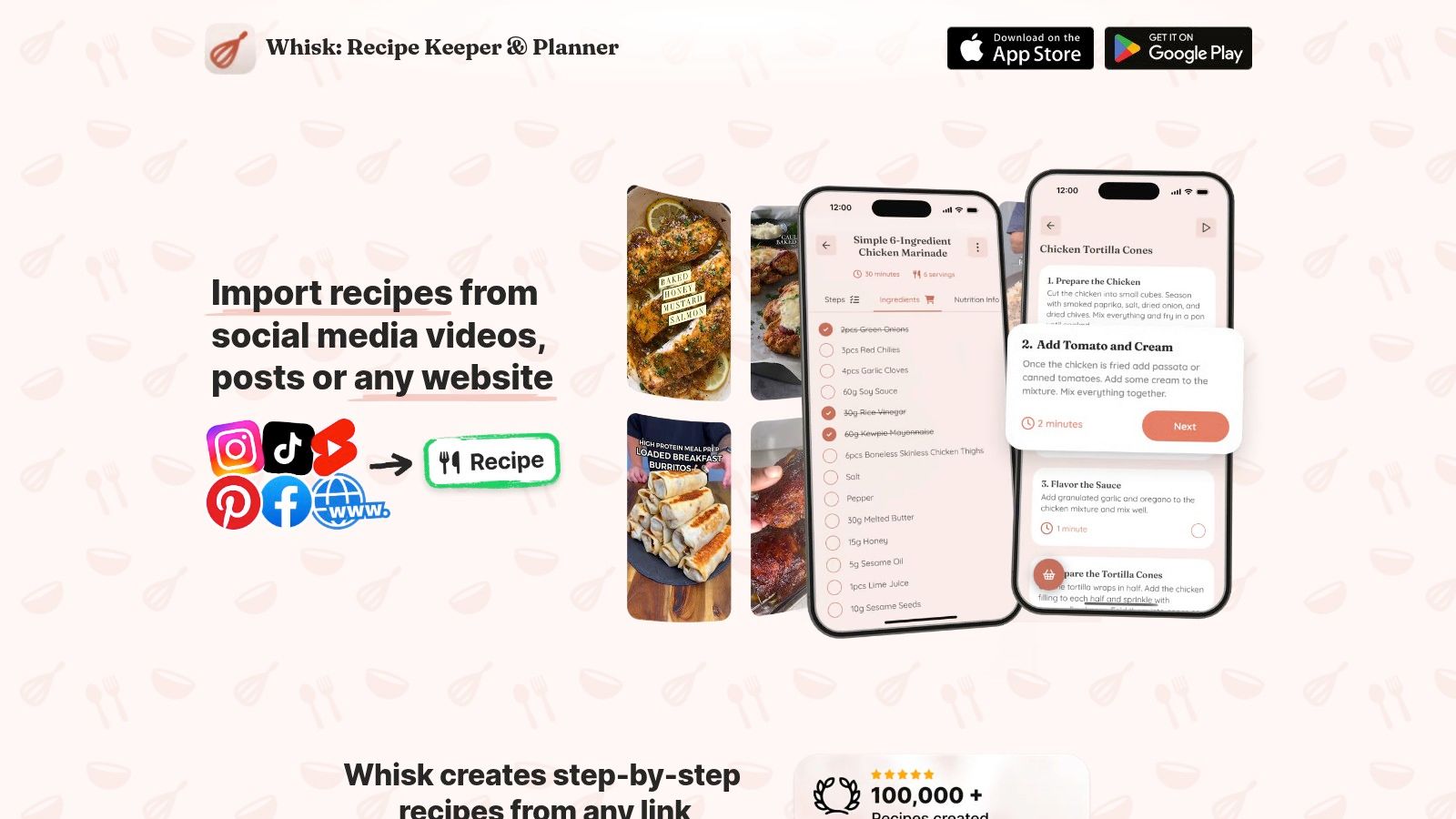
Whisk is now Samsung Food. The old Whisk name and trywhisk.com link should not be used as the main product name anymore.
| Detail | Current answer |
|---|---|
| Platforms | iOS, Android, Web, Chrome extension |
| Android support | Yes |
| Pricing | Free core; Samsung Food+ is currently $6.99/month or $59.99/year in the US, with country differences possible |
| Key features | Save recipes from websites, recipe box, meal planner, shopping lists, communities, nutrition and calorie tools, Chrome extension |
| Food+ features | Tailored meal plans, AI recipe personalization, nutrition goal tracking, automated pantry food list, food-list recipe search, ad-free browsing |
| Best fit | Cooks who want a free, polished, cross-platform recipe and meal-planning app |
| Watch-outs | Some AI and nutrition features are mobile-only and require Food+ |
| Official links | Samsung Food, Samsung Food+ |
Choose Samsung Food if you want the broadest free cross-platform experience and do not need a buy-once model.
5. Mela
Best for: Apple-only users who want a polished, privacy-focused recipe manager.
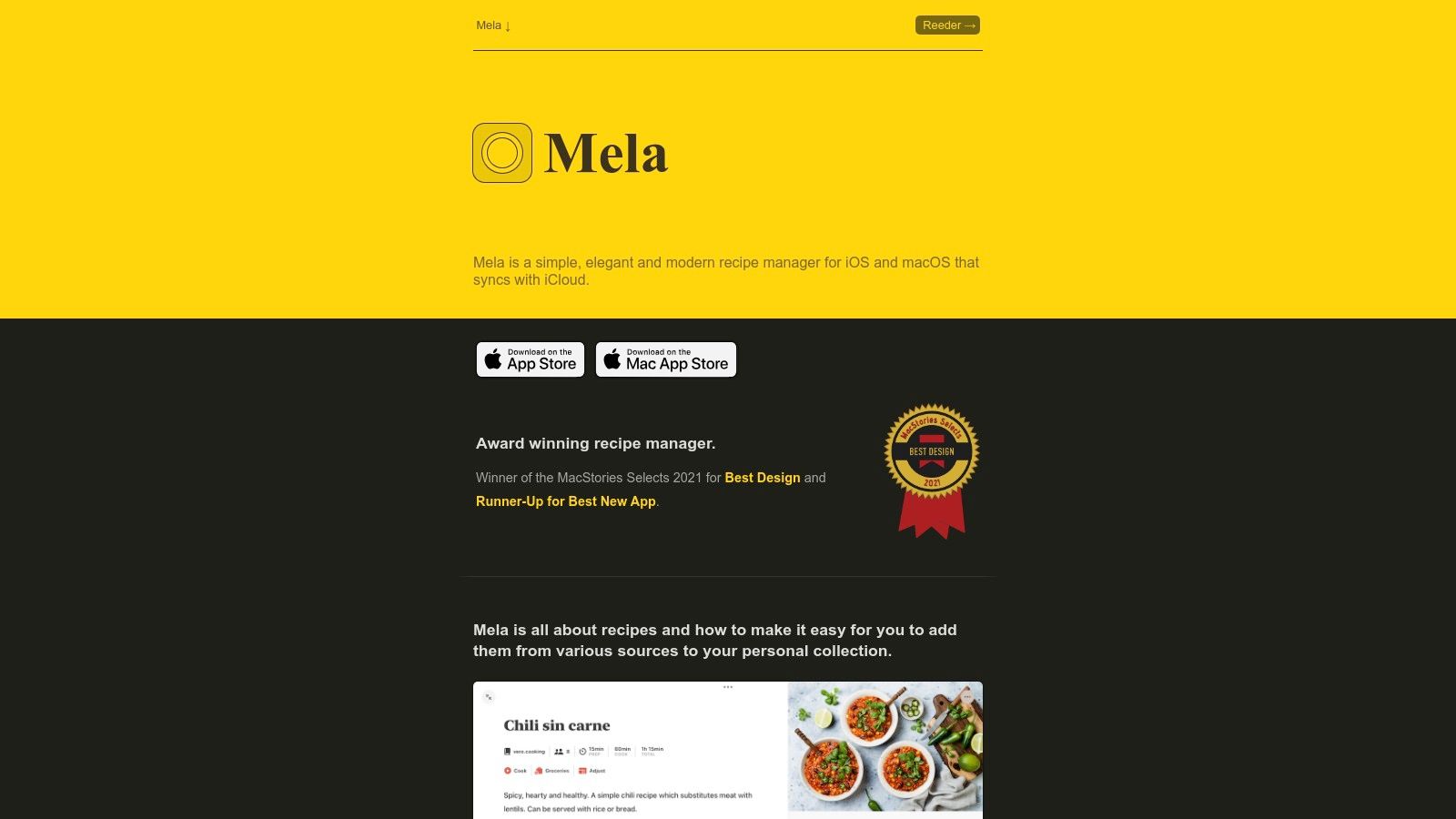
Mela is still one of the best-designed recipe apps for iPhone, iPad, and Mac, but it is not available on Android. It uses iCloud for sync, supports shared recipe collections, and integrates groceries with Apple Reminders.
| Detail | Current answer |
|---|---|
| Platforms | iPhone, iPad, Mac |
| Android support | No |
| Pricing | Free download; current App Store copy says Mela requires a one-time purchase to unlock all features, with Mela+ listed at $6.99 for iOS/iPadOS and $14.99 for macOS |
| Key features | In-app browser with live recipe preview, share extension, recipe scanner/OCR, feeds, cook mode, timers, Reminders grocery list, Calendar meal planning, iCloud sync |
| Best fit | Apple households that value design, privacy, and native Apple integrations |
| Watch-outs | iOS/iPadOS and macOS purchases are separate; "subscription list" in Mela's App Store text refers to recipe blog/feed subscriptions, not a recurring paid app subscription; not useful for Android/Windows households |
| Official links | Mela help, Mela iOS, Mela macOS |
Choose Mela if everyone in your kitchen uses Apple devices.
6. Pestle
Best for: Apple users who save recipes from Instagram, TikTok, and the web.
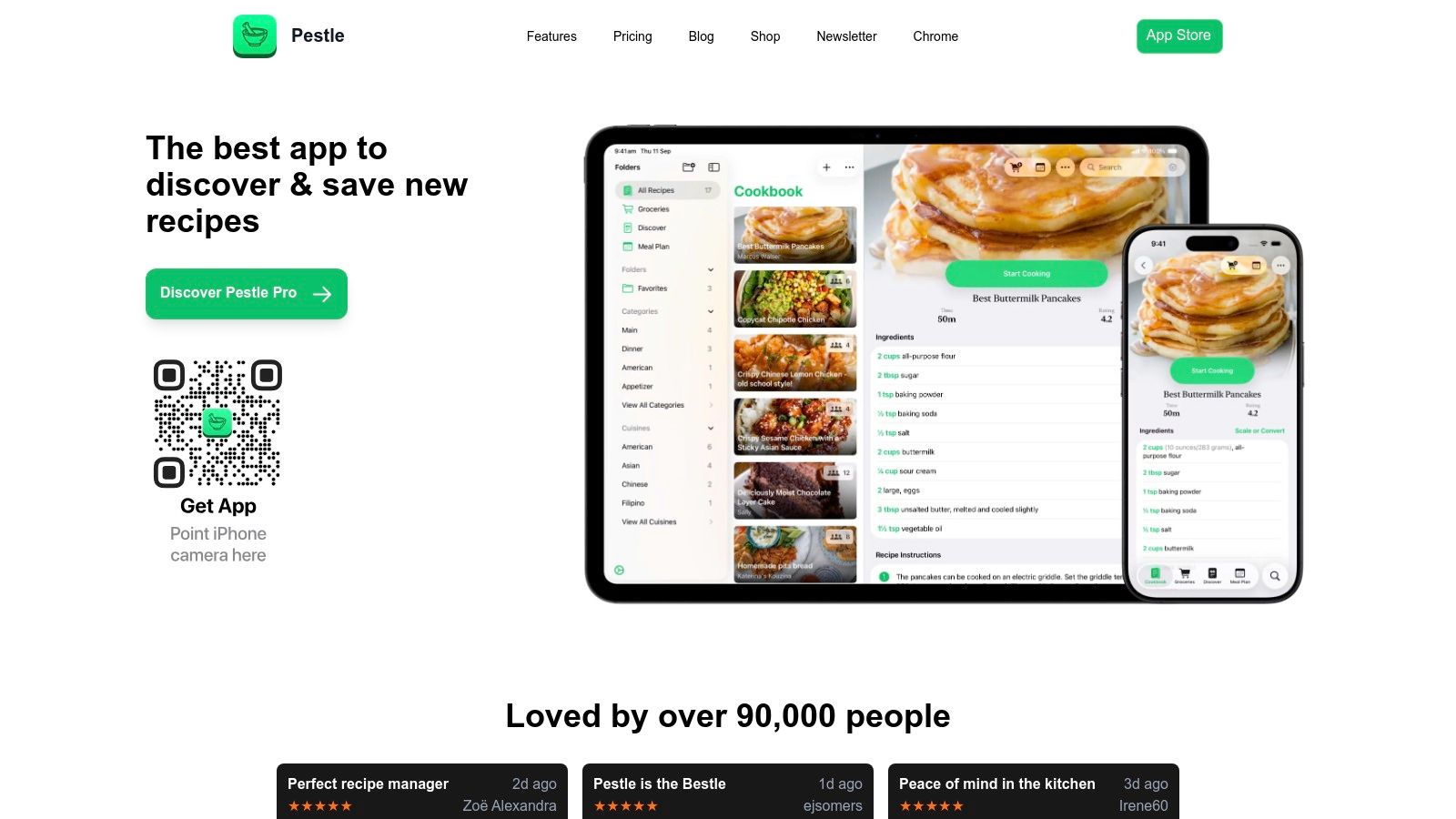
Pestle is focused on modern recipe discovery and guided cooking. It has strong social recipe import, guided cooking, timers, scaling, meal planning, and sharing features.
| Detail | Current answer |
|---|---|
| Platforms | iPhone, iPad, Apple Watch, Apple Vision, Apple Silicon Mac |
| Android support | No |
| Pricing | Free download; current App Store Pro purchases include monthly, yearly, and lifetime SKUs |
| Current Pro examples | Monthly SKUs currently include $2.99 and $3.99; yearly SKUs include $24.99 and $29.99; lifetime SKUs include $39.99 and $49.99 |
| Key features | Instagram/TikTok/web import, guided cooking, hands-free controls, timers, recipe scaling, meal planning, shared libraries |
| Best fit | Apple users who discover recipes on social media |
| Watch-outs | No Android app; App Store marks it as designed for iPad and not verified for macOS |
| Official link | Pestle App Store |
Choose Pestle if you are Apple-only and social-video import matters more than cross-platform support.
7. Cooklist
Best for: US shoppers who want pantry tracking, loyalty-card imports, and grocery price comparison.
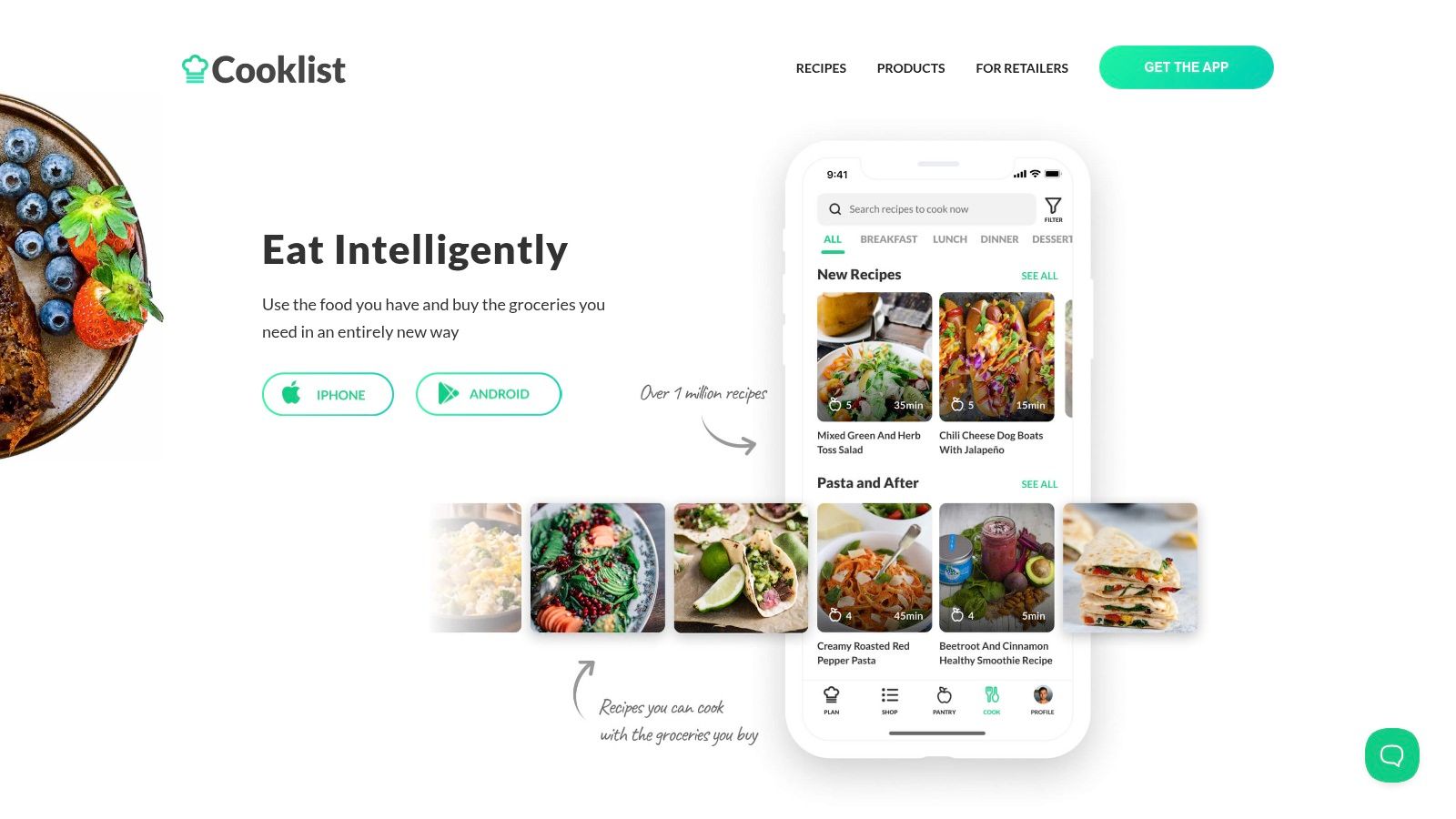
Cooklist is different from most recipe apps because it starts with the food you already bought. It connects to grocery loyalty programs, builds a digital pantry, recommends recipes from what you have, and creates shopping lists from meal plans.
| Detail | Current answer |
|---|---|
| Platforms | iOS, Android |
| Android support | Yes |
| Pricing | Free download; current App Store Pro SKUs include monthly and yearly options, including $5.99-$9.99/month and $49.99-$59.99/year examples |
| Key features | Loyalty-card purchase imports, pantry inventory, barcode scanner, meal planning, recipe matching from pantry items, smart grocery lists, local price and availability comparison |
| Best fit | US households that shop at supported grocery retailers |
| Watch-outs | Most valuable in the US; retailer data quality and store support matter |
| Official links | Cooklist app page, Cooklist App Store |
Choose Cooklist if pantry automation and local grocery prices are more important than a simple recipe archive.
8. Recipe Keeper
Best for: Users who want OCR, meal planning, cookbook export, and broad device support without a subscription.
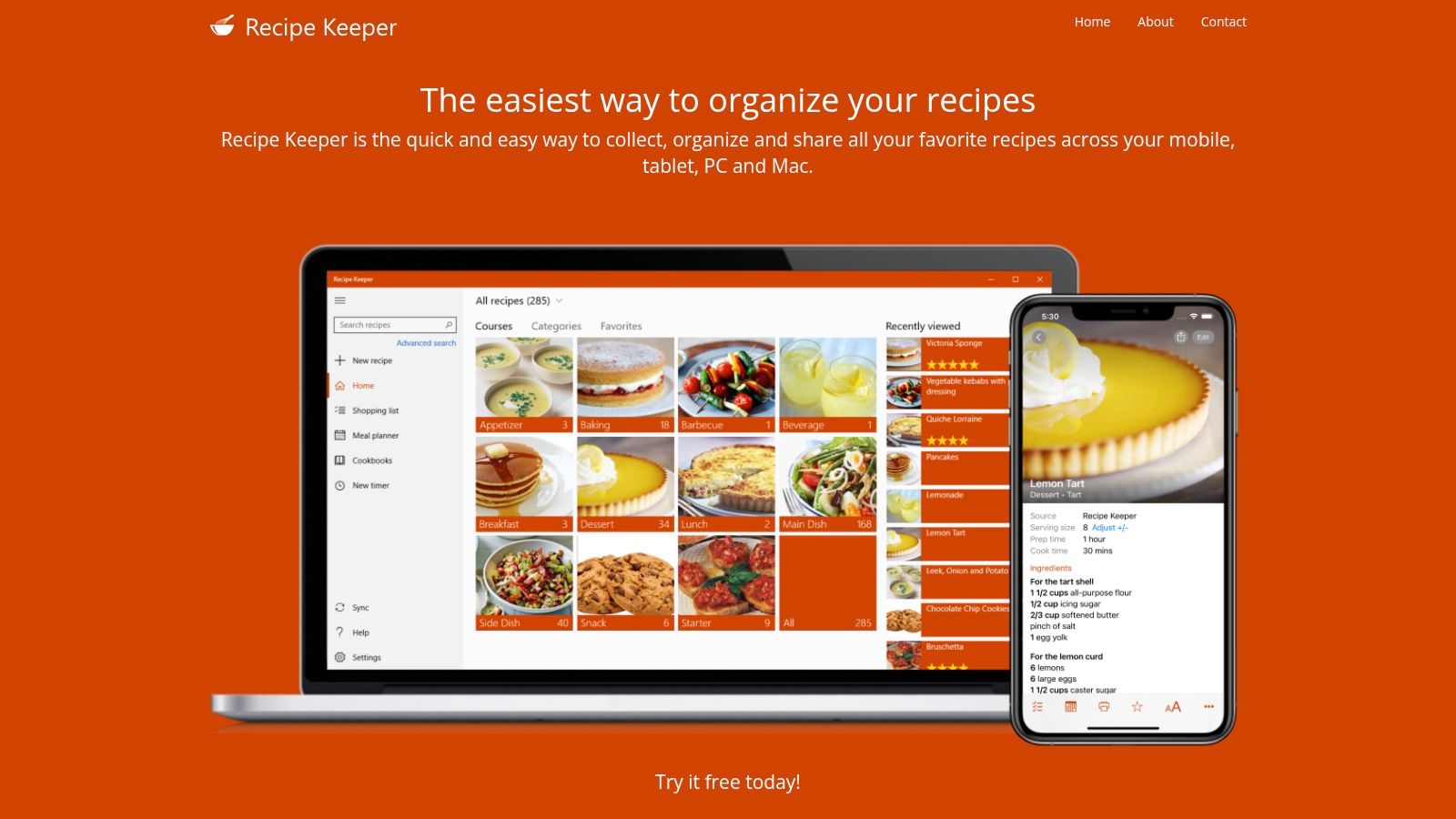
Recipe Keeper is a strong traditional recipe organizer. It supports website imports, OCR from cookbook pages and handwritten recipes, meal planning, shopping lists, sharing, cookbook/PDF export, and Alexa.
| Detail | Current answer |
|---|---|
| Platforms | iPhone, iPad, Android phone/tablet, Windows PC, Mac |
| Android support | Yes |
| Pricing | Free download; current iOS App Store lists Recipe Keeper Pro Upgrade at $19.99; separate purchase required for other platforms |
| Key features | Web import, OCR scanning from photos/PDFs/handwritten recipes, meal planner, shopping list, cookbook/PDF export, recipe sharing, serving scaling, Alexa skill |
| Best fit | Families digitizing old cookbooks, binders, and handwritten recipes |
| Watch-outs | Users who want phone, tablet, and desktop access may dislike paying again on each platform; full functionality requires Pro |
| Official links | Recipe Keeper official site, Recipe Keeper App Store |
Choose Recipe Keeper if you want a classic cross-platform organizer with strong export and print options.
9. Copy Me That
Best for: Simple recipe clipping, basic meal planning, and shopping lists.
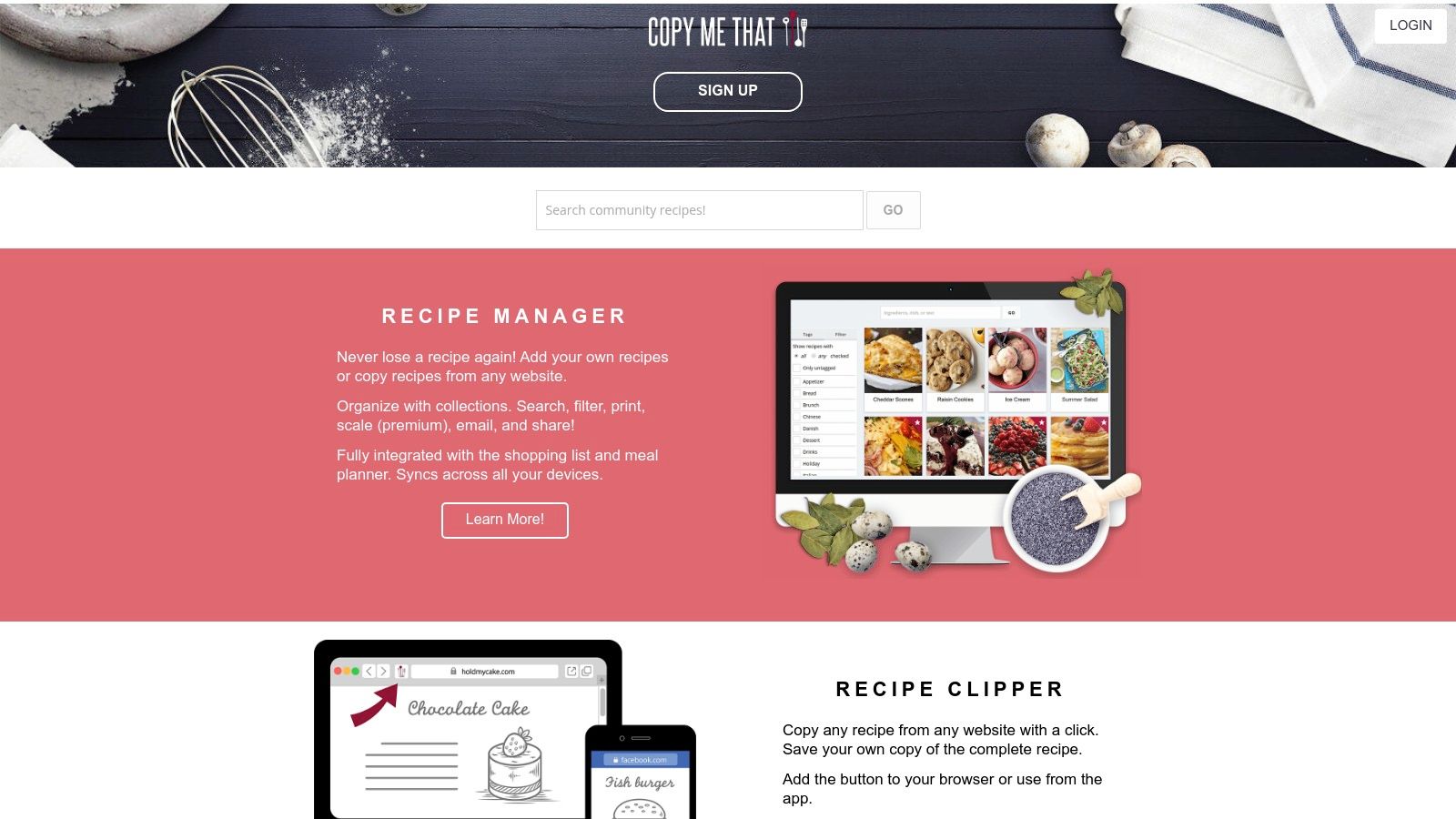
Copy Me That is still active on the App Store, but its website blocked validation during our check. For that reason, the safest source for current public pricing is the App Store listing.
| Detail | Current answer |
|---|---|
| Platforms | iPhone, iPad, Android, Web |
| Android support | Yes |
| Pricing | App Store listing says free up to 40 recipes, then $0.99/month for unlimited recipes; annual and lifetime memberships are also listed |
| Current App Store examples | Membership $0.99, Membership $12.00, Premium membership $0.99, Lifetime membership $65.00 |
| Key features | Website and app clipping, recipe editing, collections, search, meal planner, shopping list, export |
| Best fit | Cooks who want a low-friction clipper without a complex interface |
| Watch-outs | Official website could not be validated from this environment; exact web pricing should be checked before quoting outside App Store context |
| Official link | Copy Me That App Store |
Choose Copy Me That if you want a simple clipper and do not need the most polished interface.
10. OrganizEat
Best for: Photo-first archiving of handwritten recipe cards, cookbook pages, and family recipes.
OrganizEat is less about extracting perfect structured recipes and more about preserving messy real-world recipes quickly. You can save photos, screenshots, typed notes, web recipes, tags, folders, and synced backups.

| Detail | Current answer |
|---|---|
| Platforms | iOS, Android, Web browser computer version |
| Android support | Yes |
| Pricing | Official FAQ lists $39.99/year for the full app subscription; legacy computer-version rules vary |
| Key features | Photo capture, web clipping from JSON-LD pages, free text notes, tags, custom folders, sync, backup, offline access after caching, recipe sharing |
| Best fit | People preserving family recipes, screenshots, and cookbook pages |
| Watch-outs | Full version is a subscription; computer access rules differ for some legacy and Android users |
| Official link | OrganizEat FAQ |
Choose OrganizEat if your recipe collection is visual and personal rather than mostly website URLs.
11. SideChef
Best for: Guided cooking, shoppable recipes, smart appliances, and premium cooking classes.
SideChef is closer to a guided cooking platform than a private recipe vault. It offers step-by-step Smart Recipes, meal planning, grocery shopping, smart-appliance control, and premium culinary content.

| Detail | Current answer |
|---|---|
| Platforms | iOS, Android, Web, home hub devices |
| Android support | Yes |
| Pricing | Free core; SideChef Premium is currently $4.99/month or $49.99/year with a 7-day free trial |
| Key features | Step-by-step recipes, photos/videos, timers, meal planning, shopping lists, AmazonFresh grocery ordering, smart-appliance integrations, premium recipes and cooking classes |
| Best fit | Beginners and shoppers who want guided recipes and grocery integration |
| Watch-outs | Less focused on private recipe archiving than apps like Recipe One, Paprika, or Recipe Keeper |
| Official links | SideChef FAQ, SideChef Premium |
Choose SideChef if you want guided cooking content and grocery integration more than a personal cookbook database.
12. Tandoor Recipes
Best for: Self-hosting, privacy, collaboration, and full control.
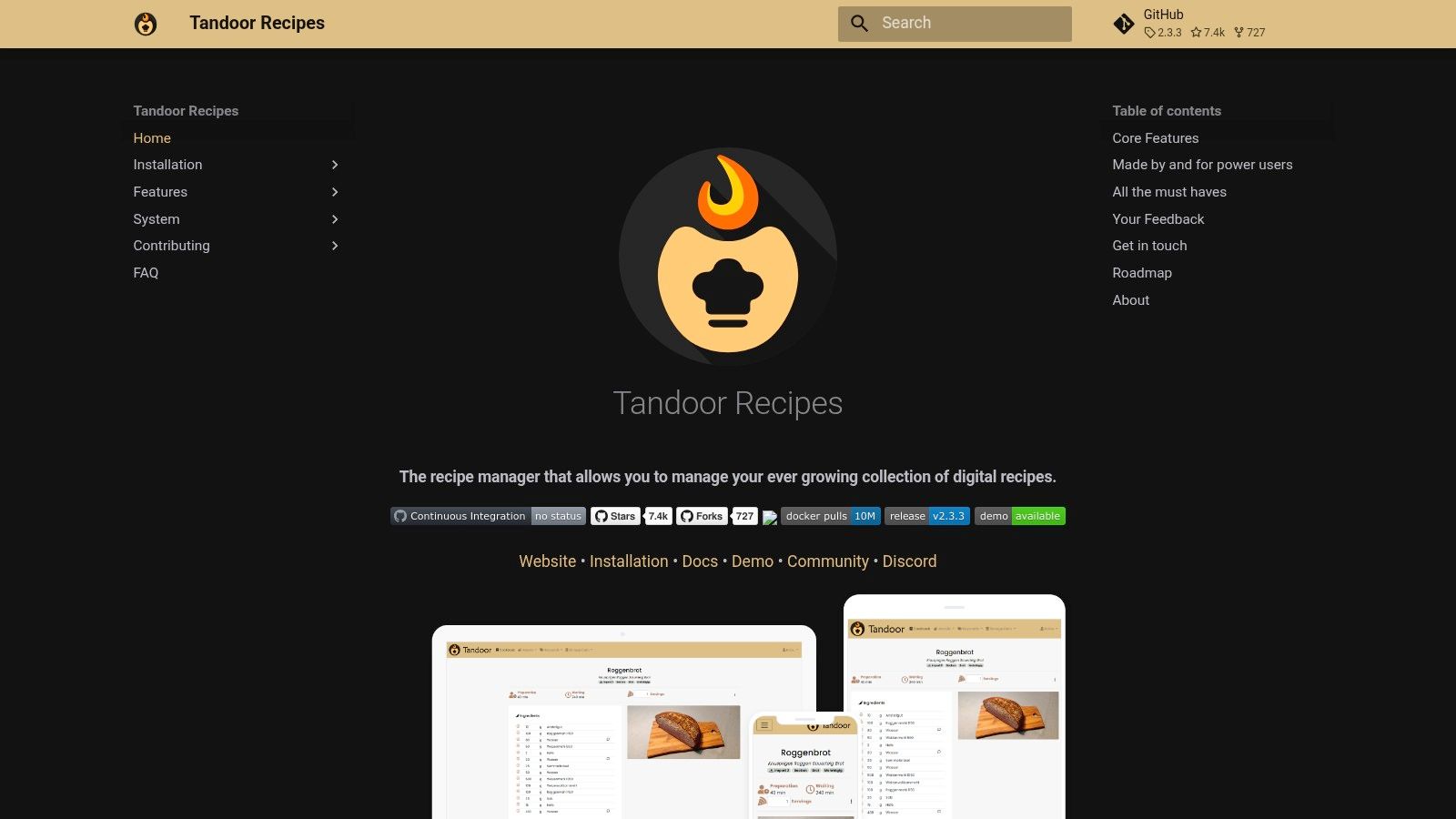
Tandoor Recipes is an open-source, self-hosted web app. It is not a normal App Store or Google Play recipe app, but it belongs in this list because it is one of the strongest options for technical users who want to own their recipe data.
| Detail | Current answer |
|---|---|
| Platforms | Self-hosted web app via Docker, Kubernetes, Unraid, Synology, and other setups |
| Android support | No native Android app; works through a mobile-friendly web interface |
| Pricing | Free open-source software; you provide and maintain hosting |
| Key features | Recipe editor, meal planning, shopping lists, cookbooks, collaboration, tagging, search, import from ld+json or microdata websites, Dropbox/Nextcloud sync |
| Best fit | Technical users and privacy-focused households |
| Watch-outs | Requires setup and maintenance; not designed as a public recipe website |
| Official link | Tandoor docs |
Choose Tandoor if privacy and self-hosting are more important than convenience.
Feature Comparison Table
| App | Android | iPhone/iPad | Web/Desktop | Recipe import | Meal planning | Grocery list | Scan/OCR | Pricing model |
|---|---|---|---|---|---|---|---|---|
| Recipe One | Yes | Yes | No full web app | Websites, social, video, photo, PDF | Yes | Yes | Yes | Free + paid upgrades/credits |
| Paprika | Yes | Yes | Mac/Windows | Websites, bookmarklet, app imports | Yes | Yes | No dedicated OCR focus | Paid upfront on iOS / Android IAP |
| AnyList | Yes | Yes | Web/Mac with Complete | Websites, copy/paste | Complete | Yes | No | Free + annual Complete |
| Samsung Food | Yes | Yes | Web + Chrome extension | Websites and saved recipes | Yes | Yes | No dedicated OCR focus | Free + Food+ subscription |
| Mela | No | Yes | Mac | Websites, share extension, feeds, scan | Calendar | Reminders | Yes | Separate iOS/macOS unlocks |
| Pestle | No | Yes | Apple Silicon Mac support | Websites, Instagram, TikTok, app imports | Yes | Yes | Recipe scanner | Free + Pro subscription/lifetime |
| Cooklist | Yes | Yes | No primary desktop app | Recipes + pantry data | Yes | Yes | Barcode/ingredient scanner | Free + Pro subscription |
| Recipe Keeper | Yes | Yes | Mac/Windows | Websites, app imports | Yes | Yes | Yes | Free + Pro per platform |
| Copy Me That | Yes | Yes | Web | Websites and most apps | Yes | Yes | No dedicated OCR focus | Free up to 40 recipes + membership |
| OrganizEat | Yes | Yes | Web browser version | Photos, screenshots, web clipping | Limited | No deep grocery focus | Photo-first | Annual subscription |
| SideChef | Yes | Yes | Web/home hubs | SideChef recipes and cookbook | Yes | Yes | No | Free + Premium subscription |
| Tandoor | No native app | Mobile web | Self-hosted web | Website import, app imports | Yes | Yes | No dedicated OCR focus | Free open-source + hosting |
Keep every recipe in one place
Stop losing recipes. Save from any website, scan handwritten cards, and organize your kitchen with AI.
FAQ
What is the best recipe app overall?
Recipe One is the best recipe manager app if you want to import recipes from websites, TikTok, Instagram, and YouTube, then plan meals and build grocery lists from what you saved. Paprika is the best alternative if you already want a more traditional paid-upfront recipe manager.
What is the best recipe app for Android?
The best Android options are Recipe One, Paprika, Samsung Food, AnyList, Cooklist, Recipe Keeper, Copy Me That, OrganizEat, and SideChef. Mela and Pestle are Apple-only, and Tandoor is a self-hosted web app rather than a native Android app.
What is the best free recipe app?
Samsung Food has one of the strongest free cross-platform tiers. AnyList is excellent if you mostly need shared grocery lists. Copy Me That is free up to 40 recipes. Recipe One and Recipe Keeper are free to start, with paid upgrades for heavier use.
Which recipe app can save recipes from TikTok or Instagram?
Recipe One and Pestle are the strongest picks for social-video recipe saving. Samsung Food and Copy Me That also support saving from modern web or app sources, but the exact result depends on the source content.
Which recipe app can scan handwritten recipes?
Recipe One, Recipe Keeper, Mela, and OrganizEat are the best fits for handwritten cards, cookbook pages, screenshots, or photo-first recipe capture.
Which recipe app has no subscription?
Paprika, Mela, and Recipe Keeper are the main no-subscription style options, but all three have platform-specific purchase rules. Paprika has no recurring subscription, but on iOS it is a paid-upfront app rather than free to try, and desktop apps are separate $29.99 purchases. Recipe Keeper Pro is currently $19.99 on iOS, with separate purchases required for other platforms. Mela currently describes its unlock as a one-time purchase, with separate iOS/iPadOS and macOS unlocks.
Is Tandoor Recipes good for normal home cooks?
Tandoor is excellent if you are comfortable with Docker, hosting, backups, and basic server maintenance. If you want an app you can install and use immediately, choose Recipe One, Paprika, AnyList, Samsung Food, or Recipe Keeper instead.
Why do prices differ from what I see in the app store?
App prices can change by country, currency, taxes, app-store experiments, discounts, and active in-app purchase SKUs. The prices here were checked from US-facing official pages and app-store listings on May 21, 2026.
Sources Checked
This page was last validated on May 21, 2026 using official product pages, App Store listings, and Google Play listings where available:
- Recipe One App Store and Recipe One Google Play
- Paprika iOS, Paprika Android, and Paprika Windows
- AnyList features and pricing
- Samsung Food and Samsung Food+
- Mela help, Mela iOS, and Mela macOS
- Pestle App Store
- Cooklist official app page and Cooklist App Store
- Recipe Keeper official site and Recipe Keeper App Store
- Copy Me That App Store
- OrganizEat FAQ
- SideChef FAQ and SideChef Premium
- Tandoor Recipes docs


